
Most demo videos don't fail because the idea is weak. They fail in the first ten seconds, and the culprit is usually the audio.
A hissing mic. A room that echoes like a stairwell. A voice reading the script like a hostage statement. Your mockup could be lovely and your problem could be real, and people will still drift off before you reach the good part.
Fixing it costs less than you'd expect. No studio. No voice actor. No wincing your way through your own playback.
Here’s what we’ll cover: how to make a demo video for a product that doesn’t exist yet, how to write a script that sounds natural when spoken loud where AI voices fit in and the little mistakes that make them sound robotic.
Give people something to listen to. Then see if they care.
Why a demo video beats a pitch deck for validation

A deck asks people to imagine. A demo shows them.
Got a new idea? The quickest, cheapest way to test it is a short video. Explain the problem, show the screen people would see, and show the result they’d get. Put the video on a landing page. Send it to ten people who're part of your target market. Then watch what happens. Do they respond? Do they ask about the price? Do they share it with someone?
That is a real signal. A "looks interesting!" from a friend is not.
The problem? Most first-time founders stall at the voiceover. They cannot stand the sound of their voice. They do twelve takes. The neighbour's dog starts barking and the video never ships. Meanwhile the idea just sits there untested.
Do this before you touch any audio
Don't open a single tool yet. Sort these out first:
- One goal for the video. Not "explain everything." Something like "get people on the waitlist."
- A visual. A clickable Figma prototype, a no-code mockup, or even five clean slides.
- A short script. Ninety seconds is plenty for an MVP pitch, and at normal speaking pace that's only around 200 words. Shorter is better.
- One real person in mind. Write to one buyer, not “small businesses.”
Can’t explain the video in one sentence? Then the problem is the idea or the scope, not the audio.
Write the script for the ear, not the eye
Here's the usual mistake. Someone copies a block of text from the landing page. Then they feed that block of text into a voice tool. When it comes out the sound is very similar to a line from a loan agreement.
Words that look fine on a page often sound awful when spoken loud. These rules fix most of it.
- Use contractions. Say "you'll," not "you will."
- One idea per sentence. If you run out of breath, break it up.
- “Send invoices” beats “streamline billing workflows.” Nobody says that second one out loud, not even in meetings.
- Write numbers the way you’d say them: “two hundred,” not “200.” Voice tools can trip over digits, so listen closely.
- Read it out loud first. Your ears will catch what your eyes miss. Take your time.
Then pause on purpose. A single beat of silence after you name the problem lands harder than any adjective.
A quick structure that works
Problem (15 seconds). Who it hurts and how. Then the walkthrough (45 seconds) showing the three or four screens that're important. Then the outcome (15 seconds). Then one clear request. That's it.
Picking a voice that fits your buyer
The voice is part of your brand, whether you chose it or not.
A fintech tool for accountants probably wants calm and measured. A creator app for Gen Z can afford more energy. A B2B tool for operations managers should feel professional and trustworthy. It needs to have a tone. Don’t be pushy. Aim for a chat, not a lecture. Keep it simple and clear, and sound like you know what you’re talking about.
Test two voices, not twenty
Pick two that fit. Generate the same thirty seconds in both. Play them for three people from your target audience and ask which one they would trust with their money. You will be surprised how fast they decide.
Where an AI voice generator fits in
Okay, the script is done. Now for the bit you were dreading.
Honestly, this is the easy bit. You paste your text into an AI voice generator, choose a voice and hit play. That's it. No mic, no booth, no redoing a take because the neighbour upstairs started drilling.
Murf is the one I’d show you. Mainly because you can get fussy about words. You can change the pitch. You can change the speed. You can change the emphasis. You can even change how long a pause lasts. Say the line about pricing comes out weirdly chirpy. Then you fix it. You adjust it until it sounds right. That’s what I like about Murf. It gives you control. You fix that one line and the rest stays put. There's plenty to pick from, too: 200+ voices in 30+ languages and accents, with MP3 and WAV exports. And if your "video" is really a narrated deck, Murf plugs into Canva, and on the Business plan, Google Slides and PowerPoint.
The free plan? Ten minutes of voice generation, ten projects, no card needed. A ninety-second demo won't come close to using it up. The catch is that the free plan doesn't include downloads or commercial rights, so you'll need a paid plan (Creator) to download your voiceover.
There's one thing it can't do, and that's rescue a weak script. The voice says what you give it, word for word. Feed the voice a draft and the voice will give you a muddle, just a very well‑spoken one.
From idea to finished video in one afternoon
Here is a workflow you can steal.
- Morning: Write the script. Read it aloud. Cut ruthlessly.
- Build the visuals. Slides or a prototype walkthrough, nothing fancy.
- Generate the voiceover in two voices. Pick one.
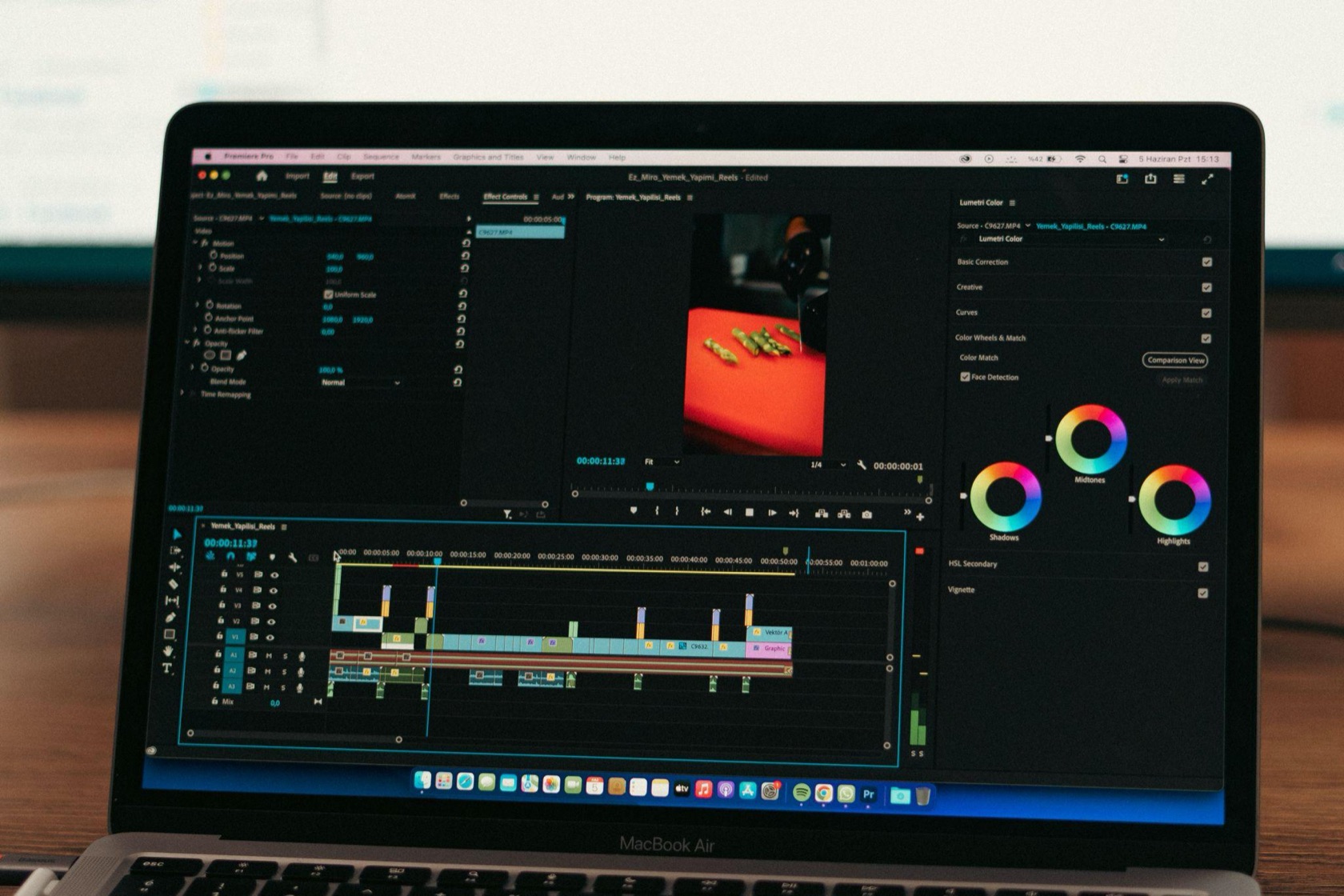
- Place the audio under your visuals, in Canva, PowerPoint or any simple video editor. Align each line of audio with the screen that it belongs to.
- Add captions. Lots of people watch videos with the sound off. Captions also help anyone who’d rather read than listen.
- Watch it once with your eyes. Do this after lunch if you can. Your brain will be clearer.
- Afternoon: Send it to ten humans. Get their feedback.
Done. You now have an asset. You haven’t paid for a single hour of studio time.
Five mistakes that make AI voiceovers sound fake
- Long, comma-heavy sentences. The voice runs out of breath. Break them up into pieces.
- Brand names you never checked. Always listen to the playback. Pay attention to product names and numbers. They often get messed up.
- Zero variation in pace. Slow down for the key claim, speed up for the setup.
- Music that fights the voice. Keep background tracks quiet or skip them.
- Pretending it is a human. If someone asks, tell them. Honesty costs you nothing and builds trust.
Squeeze more out of one recording
A single script can quietly power a lot of your early marketing:
- A landing page hero video
- A narrated version of your investor deck
- A short onboarding clip for your first users
- A translated version for a second market, if your audience speaks more than one language
That last one is underrated. With 30+ languages and accents available in tools like this, testing a new market no longer means hiring a translator and a voice actor before you know there is demand.
One thing to check before you go public: read the licensing terms on your plan. This is especially important if you are using the audio in paid ads. If you ever clone a voice only do it with the person’s clear consent. It’s not just the thing to do. It’s also safer, for you and the person whose voice you’re using.
Go and make the thing
You do not need a microphone. You need a sentence and a finished video.
So write the script tonight. Generate the audio tomorrow. Send it out before you talk yourself into one round of polish. The idea that never gets heard can never get funded.
About the author
Suraj is the founder of SERP Forge, where he works closely with SaaS companies to build authority, rankings, and long-term organic growth. He specializes in scalable SEO, link building, and content marketing systems designed for companies that care about quality, relevance, and risk-free growth. When he’s not working, you’ll usually find him brainstorming ideas, putting thoughts down in his diary, or reading books.

