
Open-Source Draw.io Alternatives for Flowcharts, UML and Architecture Diagrams
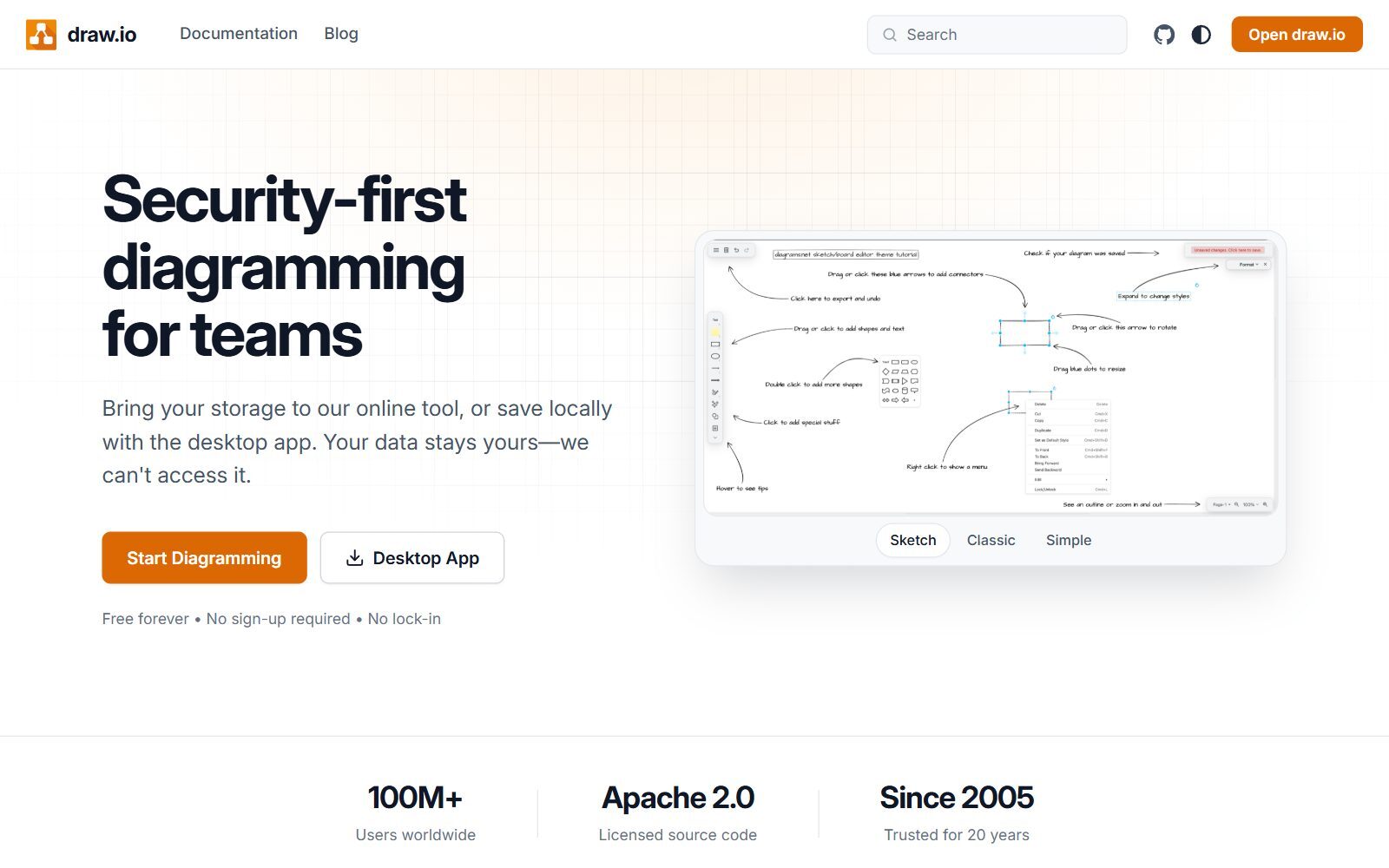
Draw.io (the app that ran as diagrams.net for years) is free, and most people don't realise that it is also open source. So why look for an open-source alternative? Usually for one of three reasons: you want diagrams that live as text next to your code, you want a whiteboard your team can sketch on together, or you need a licence that lets you build the editor into your own product. We checked the licence, the latest release and the platforms of every tool below on its official website or code repository in October 2026, and moved the ones that are not open source or no longer maintained to their own section.
Quick answer: if you just want draw.io without the cloud, use the draw.io desktop app; for quick sketches with a team, use Excalidraw; for diagrams written as code in docs and GitHub, use Mermaid, PlantUML or D2; for UI flows and wireframes, use Penpot or Pencil.
Boost Your SEO by Getting Featured in Our Blogs and get a backlink.
We publish content about startups, education, tech, funding, etc. that ranks well not only in Google but also in Perplexity, ChatGPT, Grok and other AI tools.
👉 Get featured now!
Is Draw.io Open Source?
Yes. The draw.io source code is published under the Apache License 2.0, and the draw.io desktop app is published under the GPL v3 for Windows, macOS and Linux. Version 32.6.1 came out on 23 October 2026, so it is very actively developed. There is one catch: draw.io is open source but not open contribution. Its README says the team does not accept pull requests and develops the project entirely in-house. For most founders that doesn't matter; it only matters if you want to shape the roadmap. Draw.io also says it makes no copyright claim on the diagrams you create.
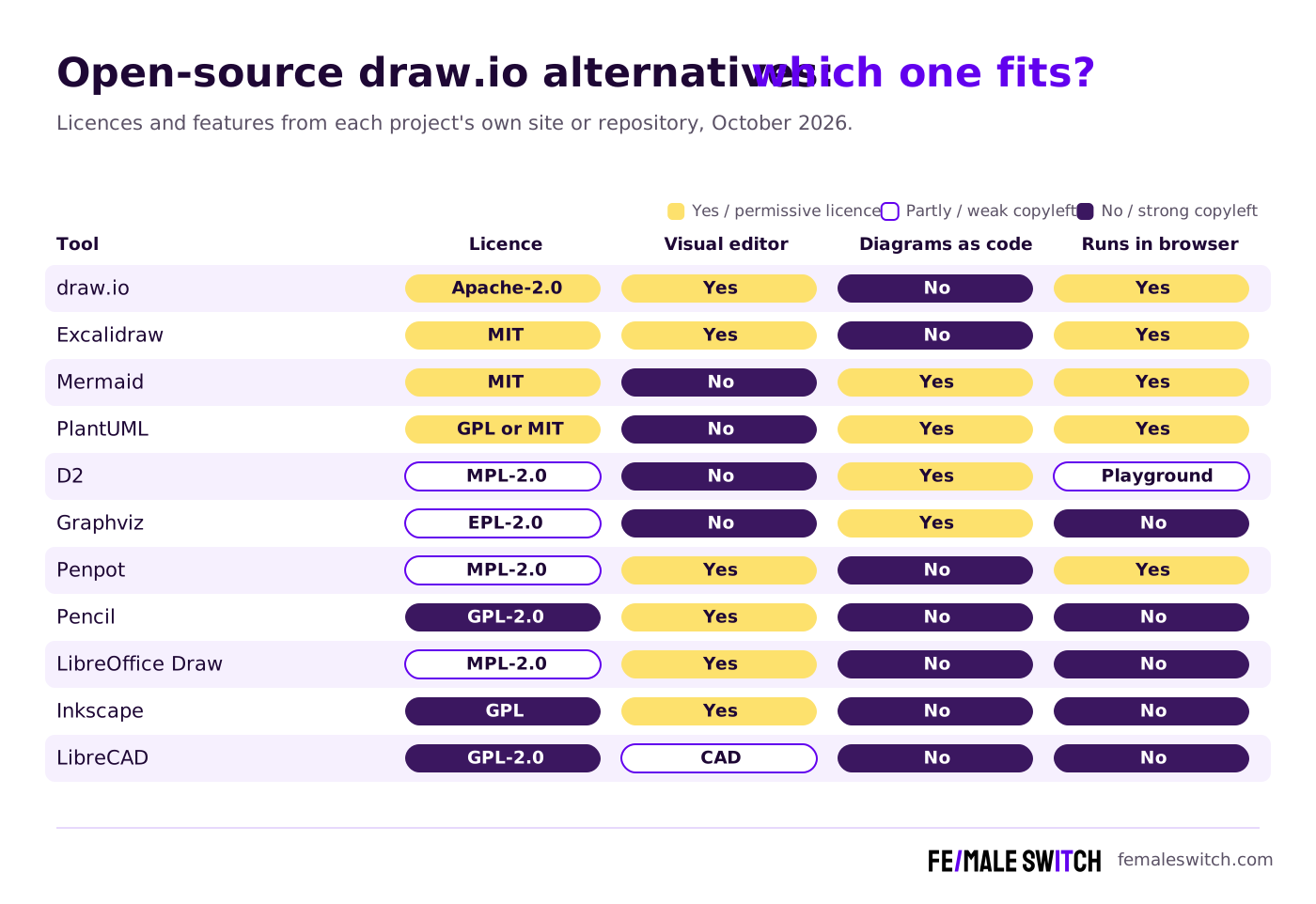
Open-Source Draw.io Alternatives Compared
Sources: each project's official website and GitHub or GitLab repository, checked 26 October 2026.
The 10 Best Open-Source Draw.io Alternatives in 2027
1. Excalidraw: best for quick sketches and team whiteboards
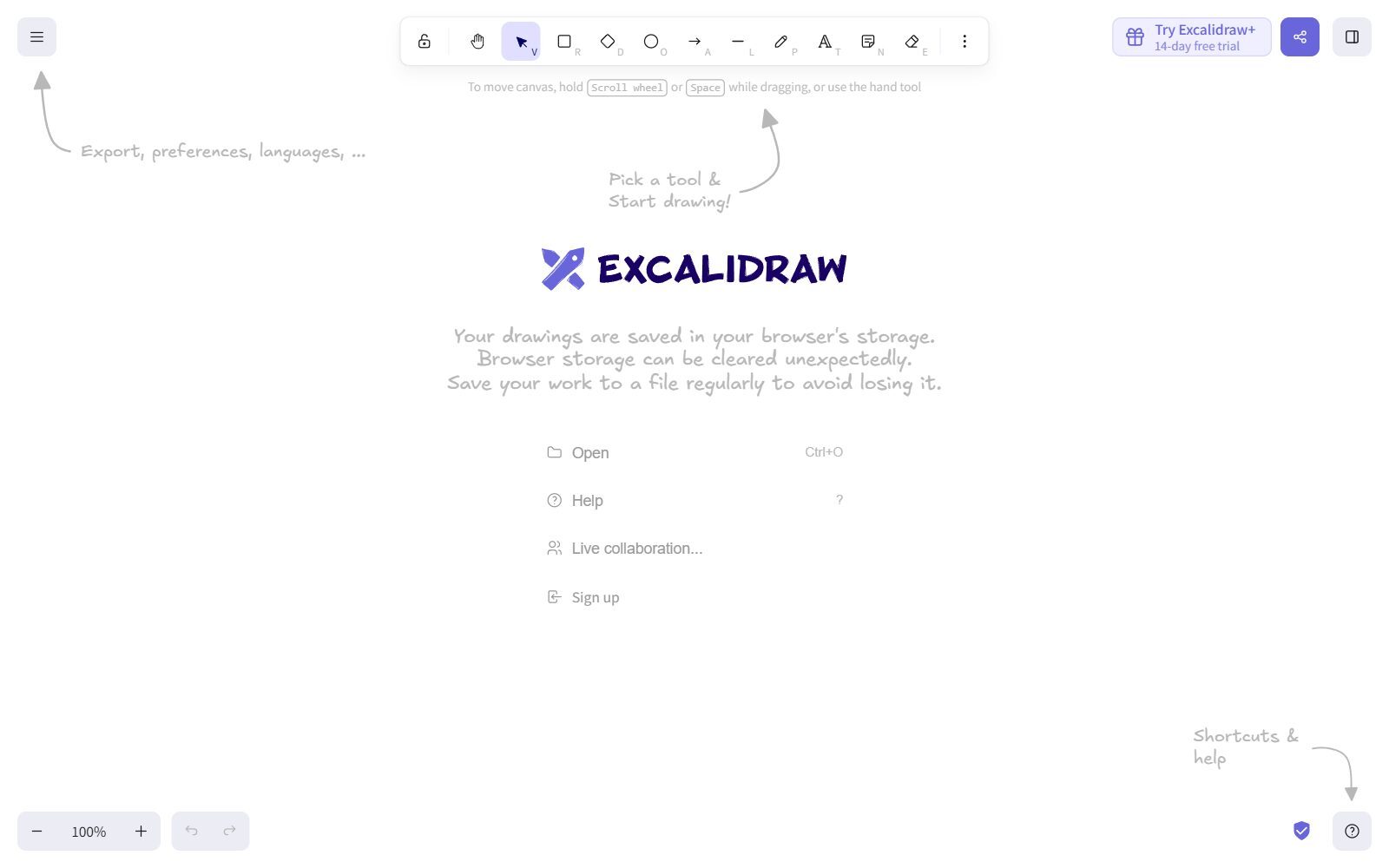
Excalidraw is an open-source virtual whiteboard with a hand-drawn look. Its code is MIT-licensed, so you can use it, change it and build it into your own product. The free web app needs no account, works offline as a progressive web app, saves to your browser, and supports real-time collaboration with end-to-end encryption. If you want cloud storage, unlimited scenes and access management, the hosted Excalidraw+ plan costs $6 per user per month. It is the fastest way to sketch a user flow on a call, but it is not built for large, precise diagrams with hundreds of shapes.
2. Mermaid: diagrams as code that GitHub renders for you
Mermaid turns Markdown-like text into flowcharts, sequence diagrams, Gantt charts, ER diagrams, mind maps, timelines and more. It is MIT-licensed, and version 12.2.0 came out in October 2026. Its biggest advantage is where it already works: GitHub renders Mermaid code blocks in issues, pull requests, wikis and Markdown files, so your diagrams live in version control next to the code they describe. You can try it in the free Mermaid Live Editor without an account. The company behind it also sells a commercial editor; you don't need it to use Mermaid.
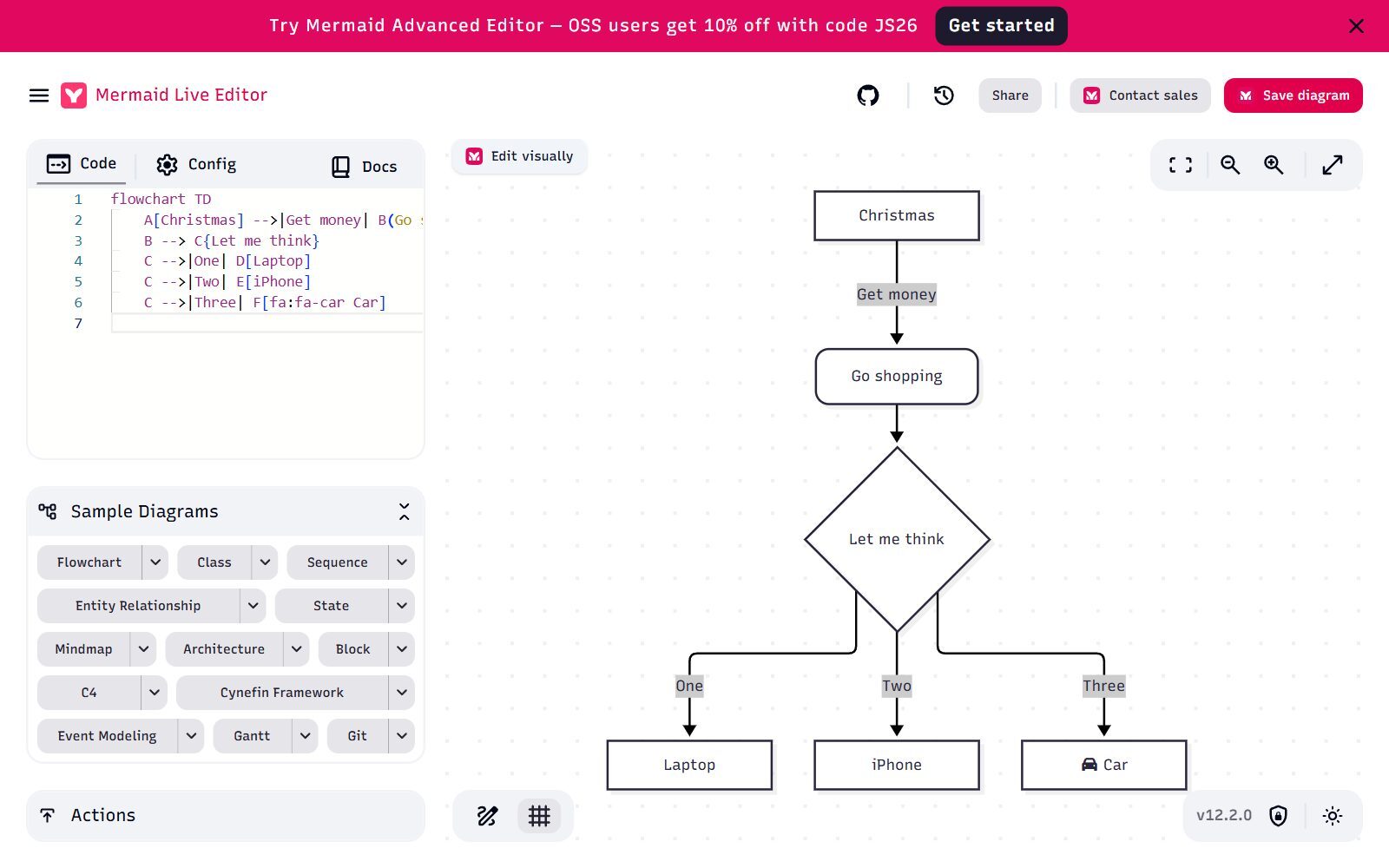
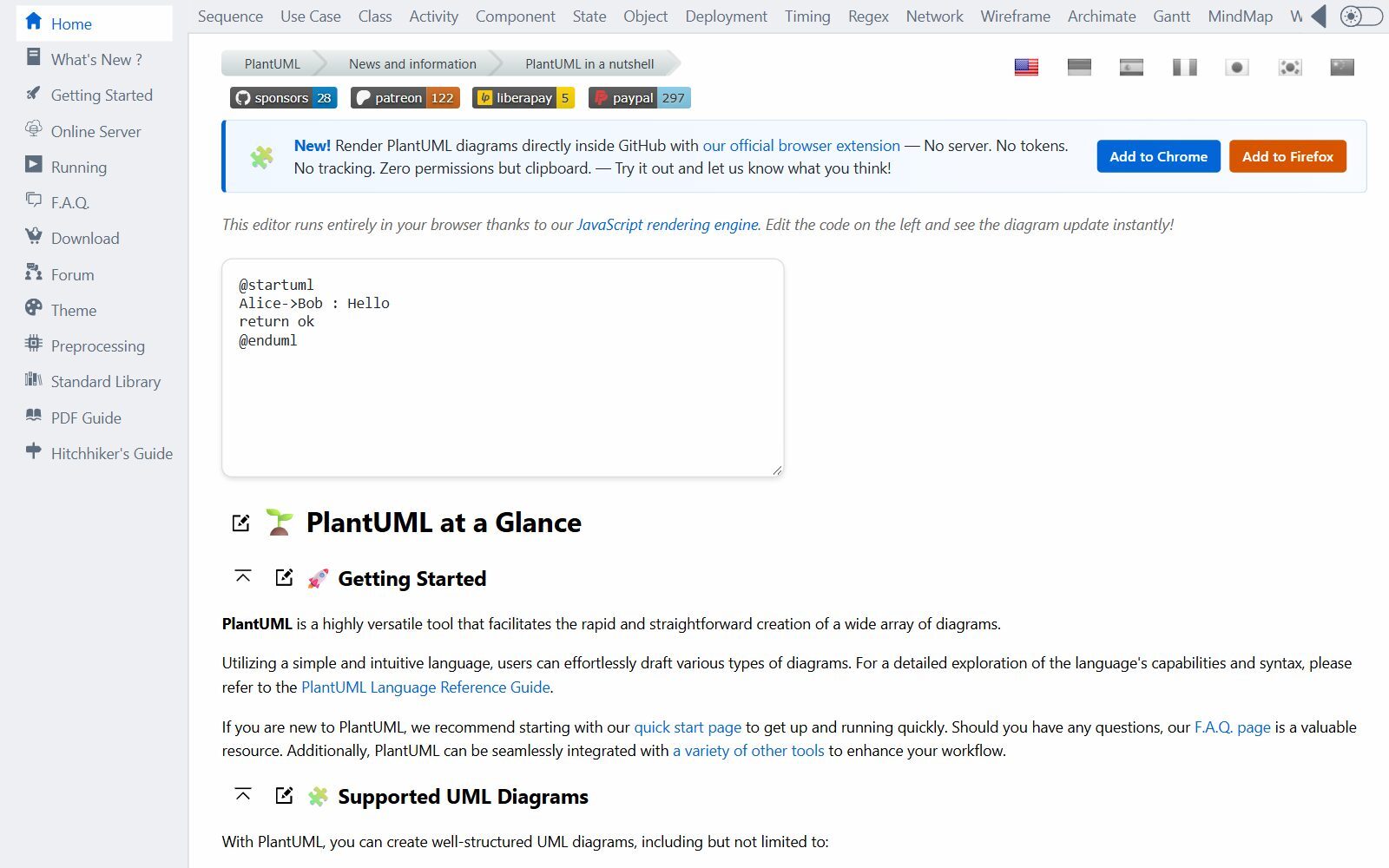
3. PlantUML: the classic tool for UML diagrams as text
PlantUML creates sequence, use case, class, activity, component, state and deployment diagrams, plus Gantt charts, mind maps and wireframes, from plain text. It is unusual in that it is offered under several licences: the full version is GPL, and there are separate builds under the LGPL, Apache, BSD, EPL and MIT licences, which helps if your legal team needs a permissive licence. It runs on Java and uses Graphviz for layout by default, with a built-in Java port of Graphviz as an option. Version 1.2026.9 was released in October 2026.
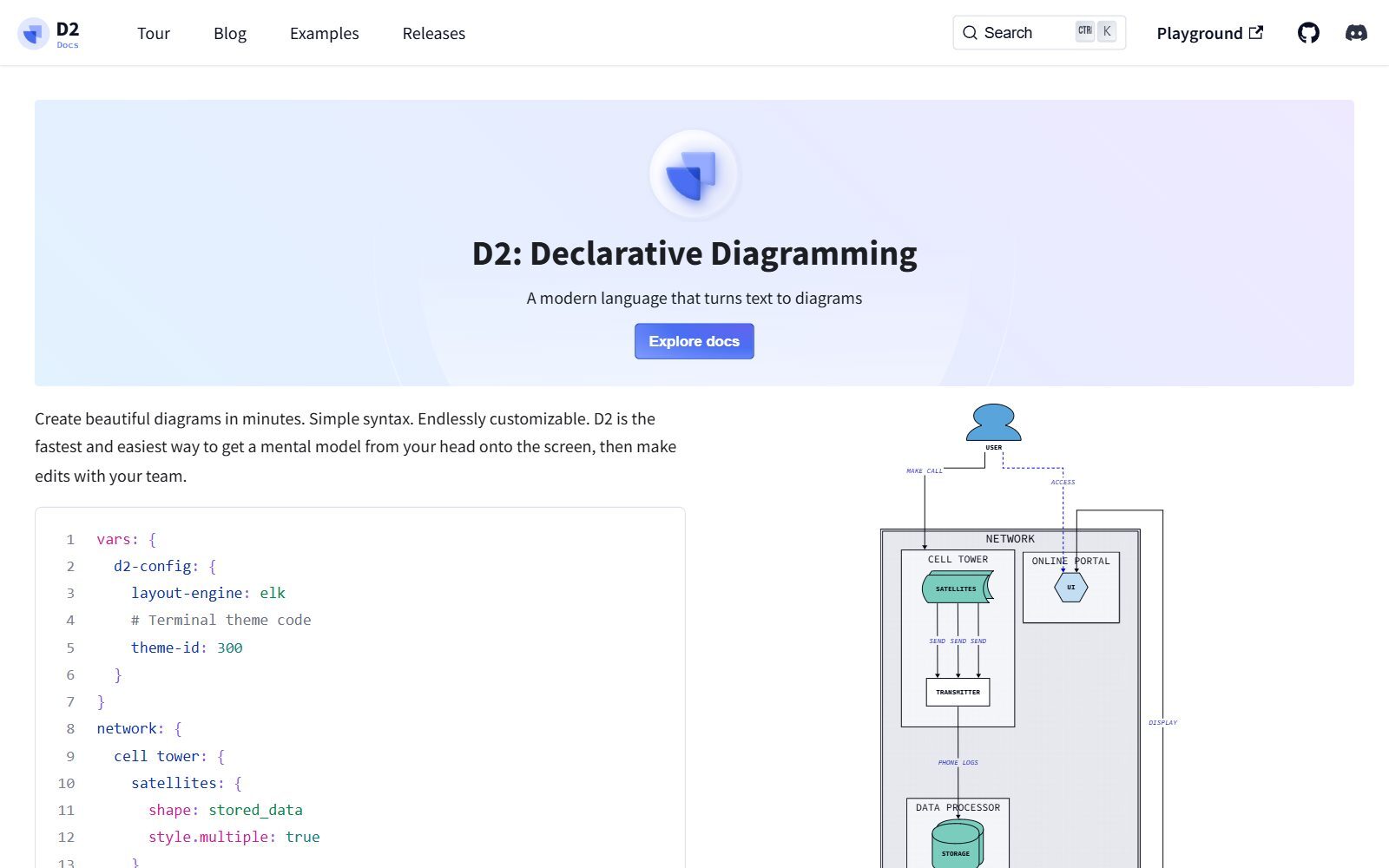
4. D2: modern diagrams as code for software architecture
D2 is a newer diagram language from Terrastruct with a clean syntax, themes, a watch mode that refreshes the diagram as you type, and a fully offline command-line tool for macOS, Linux and Windows. The code is MPL-2.0, version 0.9.0 came out in September 2026, and it bundles three layout engines. Choose it over Mermaid when your diagrams are large system architectures and you care how they look.
5. Graphviz: automatic layout for big graphs
Graphviz is the long-standing open-source engine that draws graphs from the DOT language and arranges the nodes for you. It is licensed under the Eclipse Public License, runs on Windows, macOS and Linux, and released version 16.1.0 in September 2026. You rarely draw in Graphviz by hand; you generate DOT from a script or database to map dependencies, org structures or networks that would take hours to lay out manually.
6. Penpot: open-source design tool for UI flows and wireframes
Penpot is an open-source design and prototyping platform (MPL-2.0) that many teams use as a Figma alternative. For diagramming it covers user flows, wireframes and clickable prototypes. You can self-host it or use the cloud: the Professional plan is $0 per user, and the Unlimited plan costs $7 per editor per month, capped at $175 a month. Version 2.18.5 was released on 26 October 2026.
Validate your startup idea with the unique borrowed authority approach: we publish articles about your product in our blog and you get traffic and testers for your MVP
- Prove Market Demand: See real organic traffic and waitlist conversions
- Unlock High-Potential Keywords: Receive a curated list of top-performing keywords directly from Google Search Console data.
- Estimate Customer Acquisition Cost (CAC): Gain financial foresight with an estimated CAC based on real keyword performance data.
🔗 Start validating your startup now
7. Pencil Project: desktop mockups, back with a new version
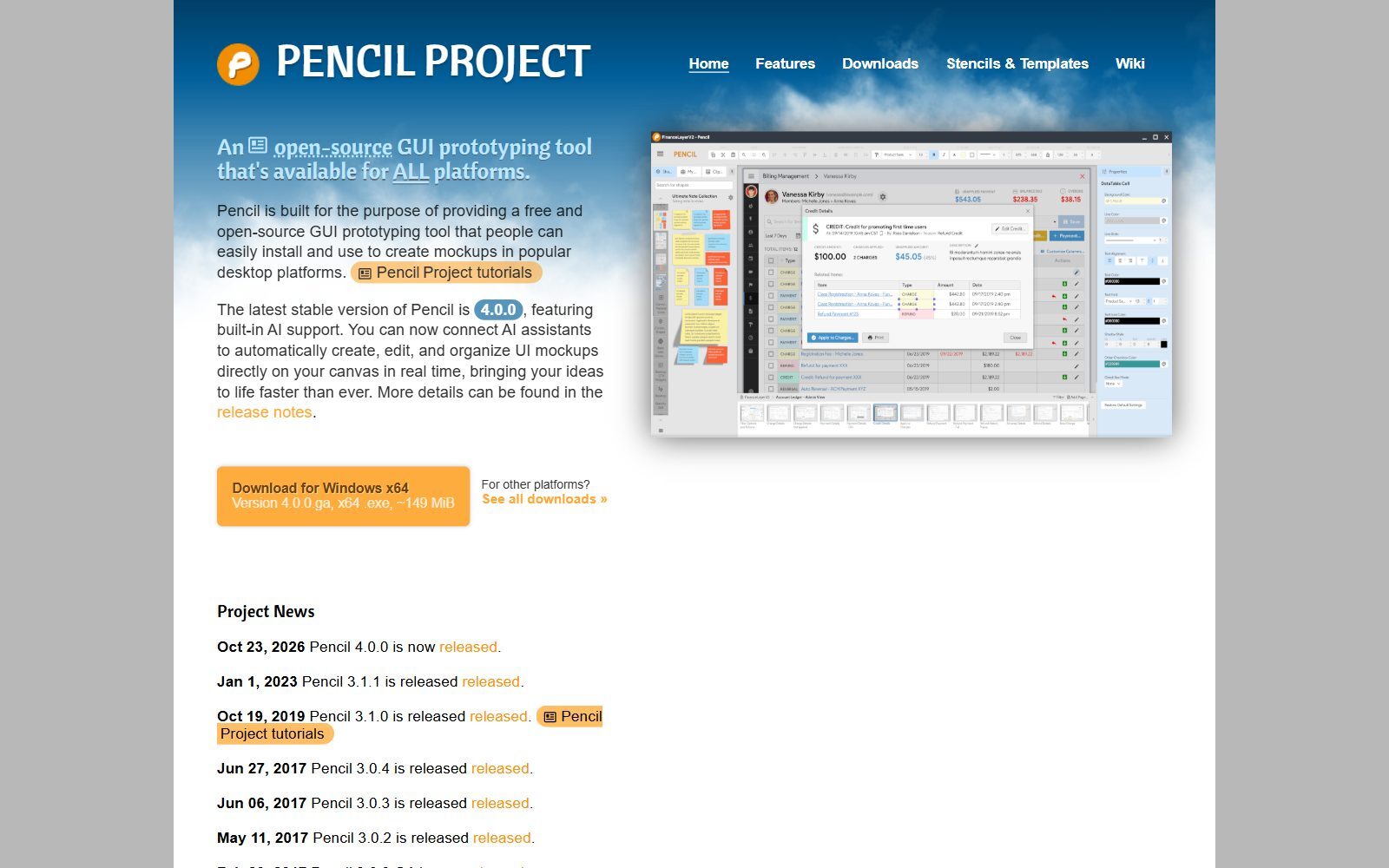
Pencil Project is a free, open-source (GPL-2.0) GUI prototyping tool with built-in shape collections for mockups, flowcharts and simple diagrams. Older lists called it abandoned, because version 3.1.1 dates from January 2023, but version 4.0.0 was released on 23 October 2026 with built-in AI support that lets AI assistants create and edit mockups on the canvas. It installs on Windows, macOS and Linux.
8. LibreOffice Draw: the office-suite option
LibreOffice Draw is the drawing app inside LibreOffice, the free office suite released under the Mozilla Public License 2.0. LibreOffice describes it as a tool for everything from simple diagrams to complex 3D illustrations, and it covers everyday flowcharts and org charts. The latest stable version is LibreOffice 26.8. It is a good choice if your team already uses LibreOffice and needs simple diagrams inside documents.
9. Inkscape: polished vector diagrams
Inkscape is a professional vector graphics editor. Most of its source code is GPL version 2 or later, and its complete binaries are GPL version 3 or later. It is not a dedicated diagram tool, but it is the right choice when a diagram has to look designed: an investor-deck graphic, a product illustration or a printed poster. Version 1.4.4 was tagged in May 2026.
10. LibreCAD: 2D technical drawings and floor plans
LibreCAD is a free, open-source 2D CAD application (GPLv2) for Windows, macOS and Linux. It is the open-source answer when a "diagram" is really a measured drawing: a floor plan, a shop layout or a part outline for laser cutting. Patch release 2.2.1.6 came out in October 2026.
Not Open Source, Changed or No Longer Maintained
Several tools that appear on other lists of open-source draw.io alternatives (including the earlier version of this article) don't qualify:
- yEd Graph Editor: free, even for commercial use, and it runs on Windows, macOS and Linux, but it is not open source. You use it under the yEd Software License Agreement, which, for example, forbids redistributing it or using it in an automated process.
- tldraw: its code is public on GitHub, but under the tldraw licence, not an open-source licence. Production use of the tldraw SDK needs a commercial licence after a 100-day free trial.
- Dia: still listed as open source, but the last stable release on GNOME's download server is 0.97.3 from September 2014. Fine for old files, not a tool to build a workflow on.
- FreeCAD: open source and excellent, but it is a 3D CAD modeller, not a diagram tool. See our list of open-source Blender alternatives instead.
Which Open-Source Draw.io Alternative Should You Choose?
- You like draw.io and only want it offline or self-hosted: the draw.io desktop app, which saves diagrams as local files.
- You brainstorm with a team on calls: Excalidraw.
- You document software in Git: Mermaid for docs and GitHub, PlantUML for detailed UML, D2 for architecture diagrams.
- You generate diagrams from data: Graphviz.
- You design app screens and user flows: Penpot in the browser, Pencil on the desktop.
- You need a licence you can embed in a commercial product: the permissive ones are draw.io's core (Apache-2.0), Excalidraw and Mermaid (MIT), and PlantUML's MIT or Apache builds. GPL tools are fine to use, but have obligations if you distribute modified versions.
Comparing paid tools too? See our guides to all draw.io alternatives, Lucidchart alternatives, Miro alternatives and FigJam alternatives.
How Founders Use Open-Source Diagram Tools
In an early-stage startup, diagrams do real work: a user-journey map for customer interviews, a system diagram for your first developer, a process chart for an investor's due diligence. Open-source tools keep that knowledge in files you own, which matters when the team changes. A simple routine is to sketch in Excalidraw, then move the diagrams you want to keep into Mermaid inside your repository or wiki. Map the customer journey before you build anything; that is step one of our 30-day validation sprint. For the visual side, Penpot appears in our list of Figma alternatives, and our guides to open-source CorelDRAW alternatives, Inkscape alternatives, open-source Canva alternatives and free Canva Pro alternatives cover graphics and marketing images. Building a whole open-source stack? See also open-source Freshdesk alternatives for customer support and the top design tools for startups.
FAQ About Open-Source Draw.io Alternatives
Is draw.io open source?
Yes. Its source code is published under the Apache License 2.0 and its desktop app under the GPL v3. It is not open to outside contributions: the team does not accept pull requests.
Is diagrams.net the same as draw.io?
Yes. It is the same app; the project uses the draw.io name and the drawio.com website, and runs its online editor at app.diagrams.net.
What is the best open-source alternative to draw.io?
For whiteboard-style sketching, Excalidraw. For diagrams as code, Mermaid, PlantUML or D2. For wireframes and UI flows, Penpot.
Which open-source diagram tool works with GitHub?
Mermaid. GitHub renders Mermaid code blocks in issues, pull requests, discussions, wikis and Markdown files without any plugin.
Is yEd open source?
No. yEd is free to use, even commercially, but it is proprietary software used under the yEd Software License Agreement.
Is tldraw open source?
Its code is public, but it uses the tldraw licence rather than an open-source licence, and production use of the SDK needs a commercial licence after a 100-day trial.
Is Dia still maintained?
Dia's last stable release, 0.97.3, dates from September 2014. It still opens old files, but we don't recommend it for new work.
Is Pencil Project abandoned?
No longer. After a long gap since version 3.1.1 in January 2023, Pencil 4.0.0 was released on 23 October 2026 with built-in AI support.
Can I use these tools commercially?
Yes. Open-source licences allow commercial use. Permissive licences (MIT, Apache) have the fewest conditions; GPL tools add obligations only if you distribute modified versions of the software.
How can I get my startup's tool featured in an article like this?
You can publish a guest post in one of the Fe/male Switch startup blogs, which rank in Google and in AI tools like ChatGPT and Perplexity. Get a quality backlink.
About the Author
Violetta Bonenkamp, also known as MeanCEO, is an experienced startup founder with an impressive educational background including an MBA and four other higher education degrees. She has over 20 years of work experience across multiple countries, including 5 years as a solopreneur and serial entrepreneur. Throughout her startup experience she has applied for multiple startup grants at the EU level, in the Netherlands and Malta, and her startups received quite a few of those. She’s been living, studying and working in many countries around the globe and her extensive multicultural experience has influenced her immensely.

