
Open-Source Obsidian Alternatives: Local-First Markdown Note Apps You Can Inspect, Self-Host and Keep
Obsidian is one of the best note apps for founders who want their notes as plain Markdown files on their own computer. But it is not open source: the app's code is not published, so you cannot audit it, fork it or keep it alive if the company changes course. If that matters to you, or your company only allows open-source software, the apps below are real alternatives. We checked every one in October 2026 on its official website and GitHub: the exact licence, the latest release, whether your notes stay plain Markdown files, how sync works and what the free plan includes. Projects that are abandoned or not open source are listed separately.
Quick answer: to open your Obsidian vault almost as it is, use Zettlr (desktop writing and research) or Logseq (daily outlining with backlinks); for notes on every device with end-to-end encrypted sync, use Joplin or Notesnook; for a self-hosted personal knowledge base, use Trilium Notes or SilverBullet; and if you live in VS Code, use Foam.
Boost Your SEO by Getting Featured in Our Blogs and get a backlink.
We publish content about startups, education, tech, funding, etc. that ranks well not only in Google but also in Perplexity, ChatGPT, Grok and other AI tools.
👉 Get featured now!
What Obsidian Costs and Why It Is Not Open Source
To know what you are replacing: the Obsidian license page says the app is free for all purposes, including commercial use. On the Obsidian pricing page (checked October 2026, default yearly view), Sync costs $4 per user per month and Publish $8 per site per month, both billed annually, and the optional Commercial licence is $50 per user per year. Your notes are ordinary Markdown files in a folder, which is why moving away is easy. What you do not get is the source code: Obsidian is free, closed-source software. An open-source app gives you the right to read, change and self-host the code, and its community can keep it going even if the original team stops.
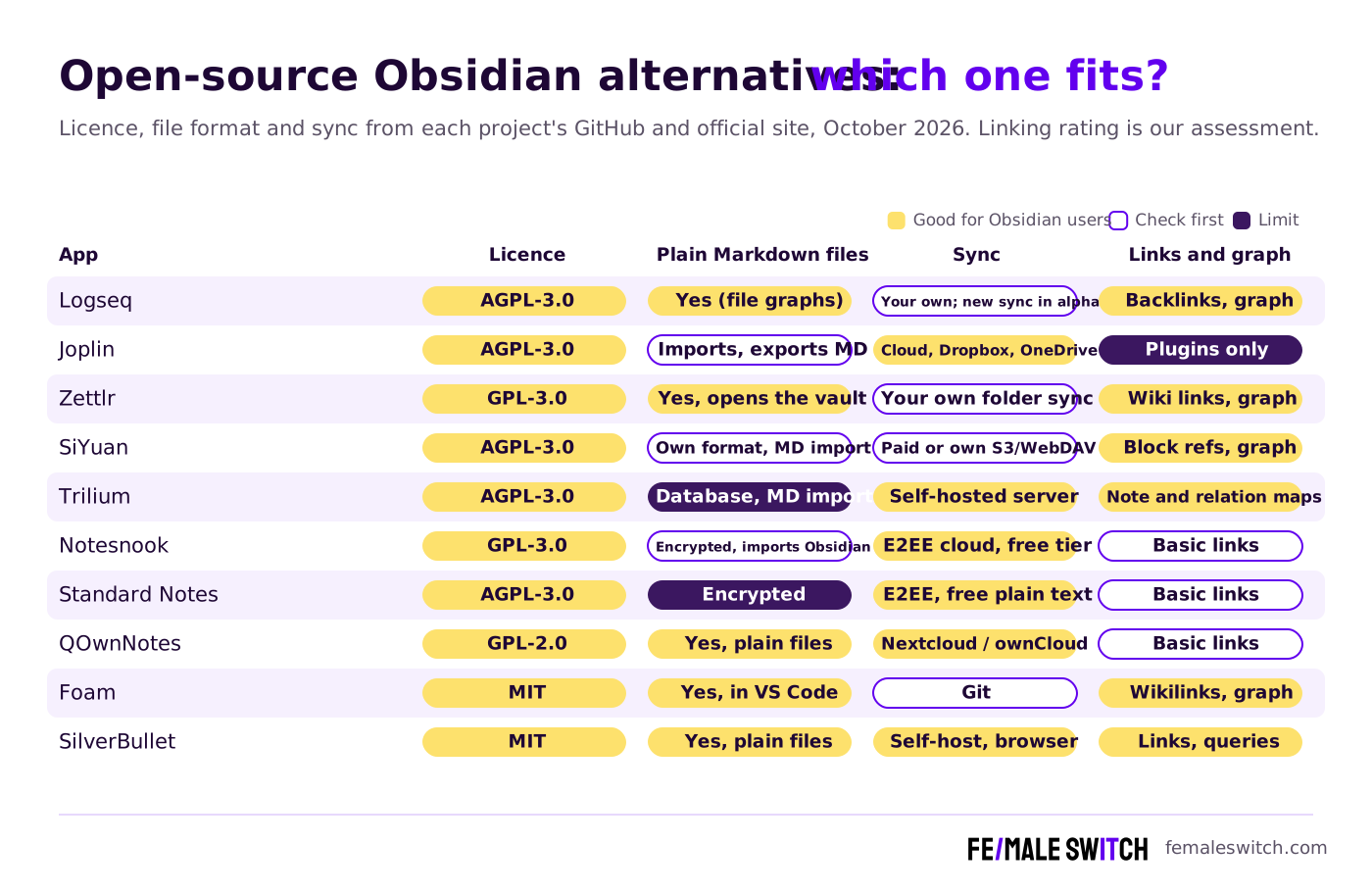
Open-Source Obsidian Alternatives Compared
Sources: each project's official website, pricing page and GitHub repository, checked 30 October 2026. Self-hosting is free, but you pay for the server and your own time.
The Best Open-Source Obsidian Alternatives in 2027
1. Logseq: backlinks and daily outlining
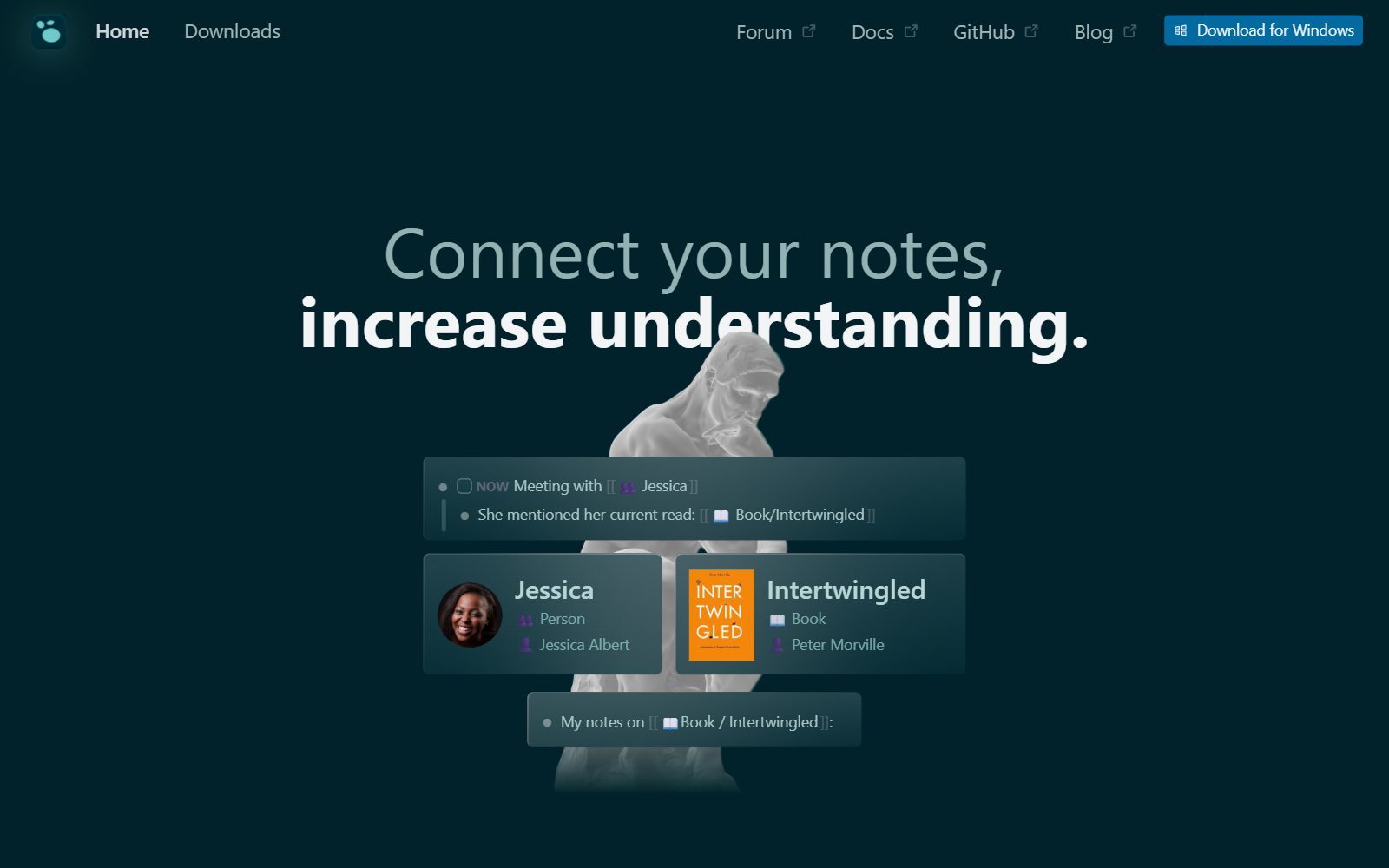
Logseq (AGPL-3.0) is the closest open-source app to Obsidian's linked-notes style: every line is a block, pages link with double square brackets, and each page shows its linked references and a graph. Classic Logseq graphs are folders of Markdown or Org-mode files, so you keep ordinary text files. The team is now building a database version: its README says the DB version is in beta, the new mobile app and real-time sync are in alpha, and that data loss is possible, so keep backups if you test it. Desktop 2.0.2 (beta) came out on 7 October 2026, with nightly builds later that month.
2. Joplin: notes and web clips on every device
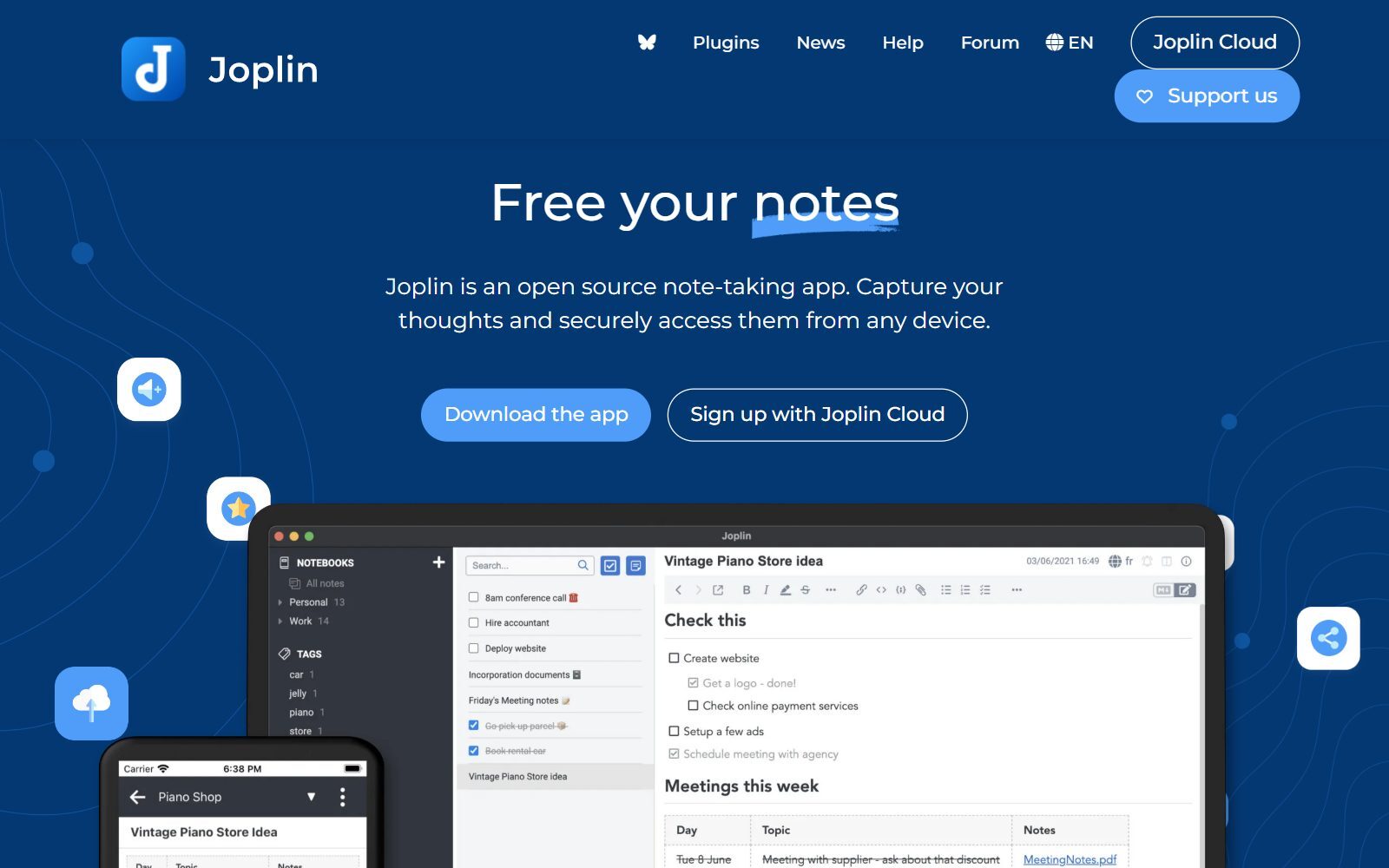
Joplin is an open-source note app for Windows, macOS, Linux, Android, iOS and the terminal, with a Markdown or rich text editor, plugins, a web clipper for Chrome and Firefox, and end-to-end encryption. You can sync through Dropbox or OneDrive for free, or pay for Joplin Cloud: on the Joplin plans page Basic is €2.99 a month with 2 GB and Pro €5.99 with 30 GB. Moving from Obsidian is a one-off import: Joplin imports a whole Markdown directory and turns the folder structure into notebooks, but after that your notes live inside Joplin rather than as files you edit elsewhere. Backlinks and a graph need plugins. Version 3.7.22 came out on 28 October 2026.
3. Zettlr: open your Obsidian vault and write
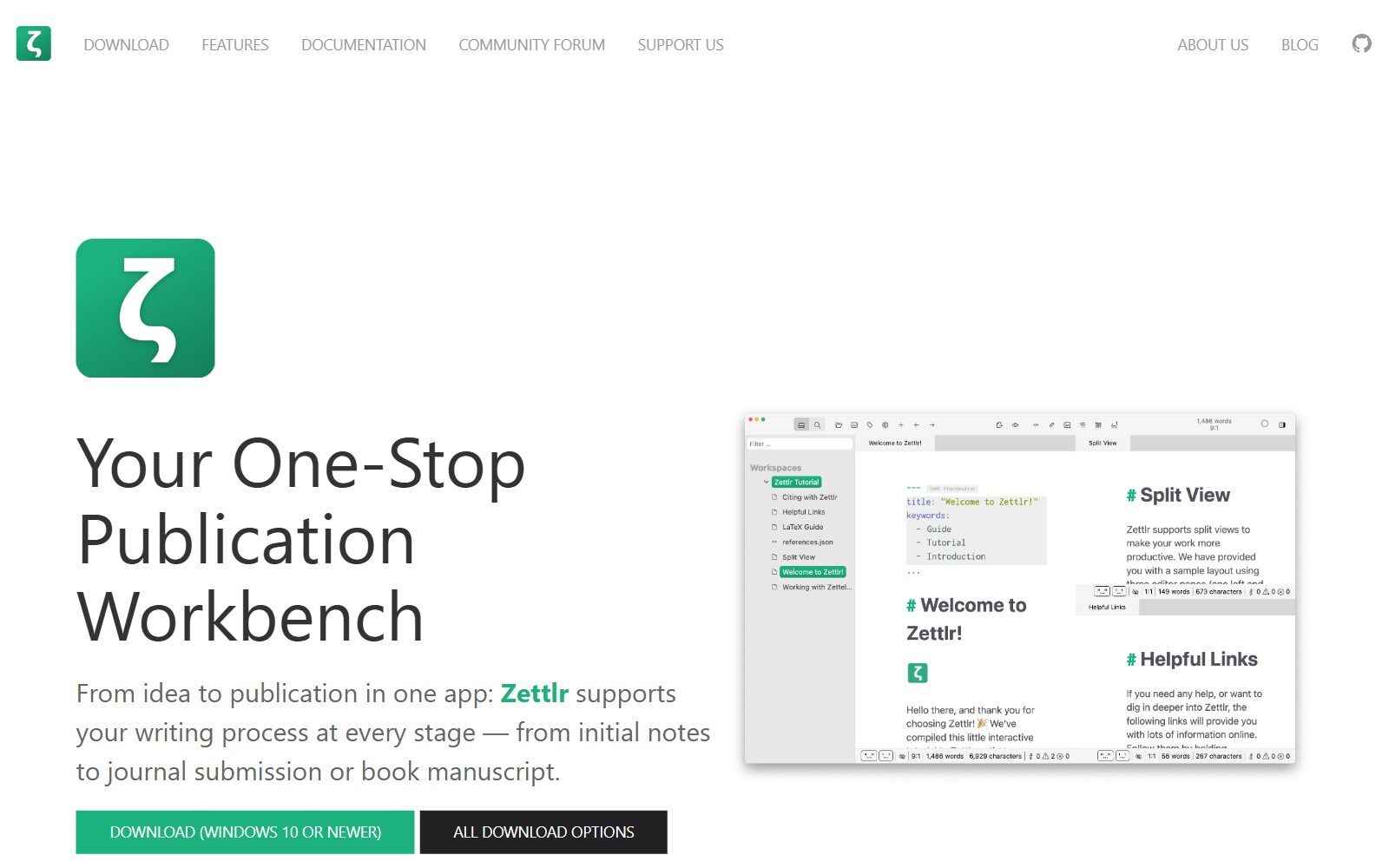
Zettlr (GPL-3.0) is a free Markdown writing app for Windows, macOS and Linux, built for research and long texts: it connects to Zotero and other reference managers, supports more than 9,000 citation styles and exports with Pandoc to papers and presentations. It also has wiki links, note IDs, related files and a graph view. Its guide to migrating from Obsidian says you can open your vault folder as a Zettlr workspace, both apps understand the same wiki links and you can even use them side by side. Two catches: image links written as wiki links need standard Markdown syntax, and anything that depends on Obsidian plugins will not work. There is no forced cloud and no telemetry. Version 4.9.0 came out on 25 October 2026.
4. SiYuan: block-level notes with a local database
SiYuan (AGPL-3.0) is a privacy-first knowledge base with block-level references, two-way links, a Markdown WYSIWYG editor, database views and optional AI writing through the OpenAI API. It runs on desktop, mobile and Docker. It stores notes in its own format and imports Markdown, so it is a move rather than a second window on your vault. Most features are free, even for commercial use; sync to your own S3 or WebDAV storage is a one-time $64 PRO purchase, and a $148 subscription adds official cloud sync. Version 3.8.9 came out on 29 October 2026.
5. Trilium Notes: a large personal knowledge base you host
Trilium Notes is built for people with thousands of notes: a deep tree where one note can sit in several places, labels and relations, a note map, per-note encryption and its own sync server you host. The original developer handed the project to the community, and the TriliumNext/Trilium repository (AGPL-3.0) is where it is maintained now. Notes live in a database, not Markdown files, though you can import Markdown. There are no paid tiers and no official mobile app (there is a mobile web view), and it is single-user. Version 0.106.1 came out on 23 October 2026.
Validate your startup idea with the unique borrowed authority approach: we publish articles about your product in our blog and you get traffic and testers for your MVP
- Prove Market Demand: See real organic traffic and waitlist conversions
- Unlock High-Potential Keywords: Receive a curated list of top-performing keywords directly from Google Search Console data.
- Estimate Customer Acquisition Cost (CAC): Gain financial foresight with an estimated CAC based on real keyword performance data.
🔗 Start validating your startup now
6. Notesnook: encrypted notes that import from Obsidian
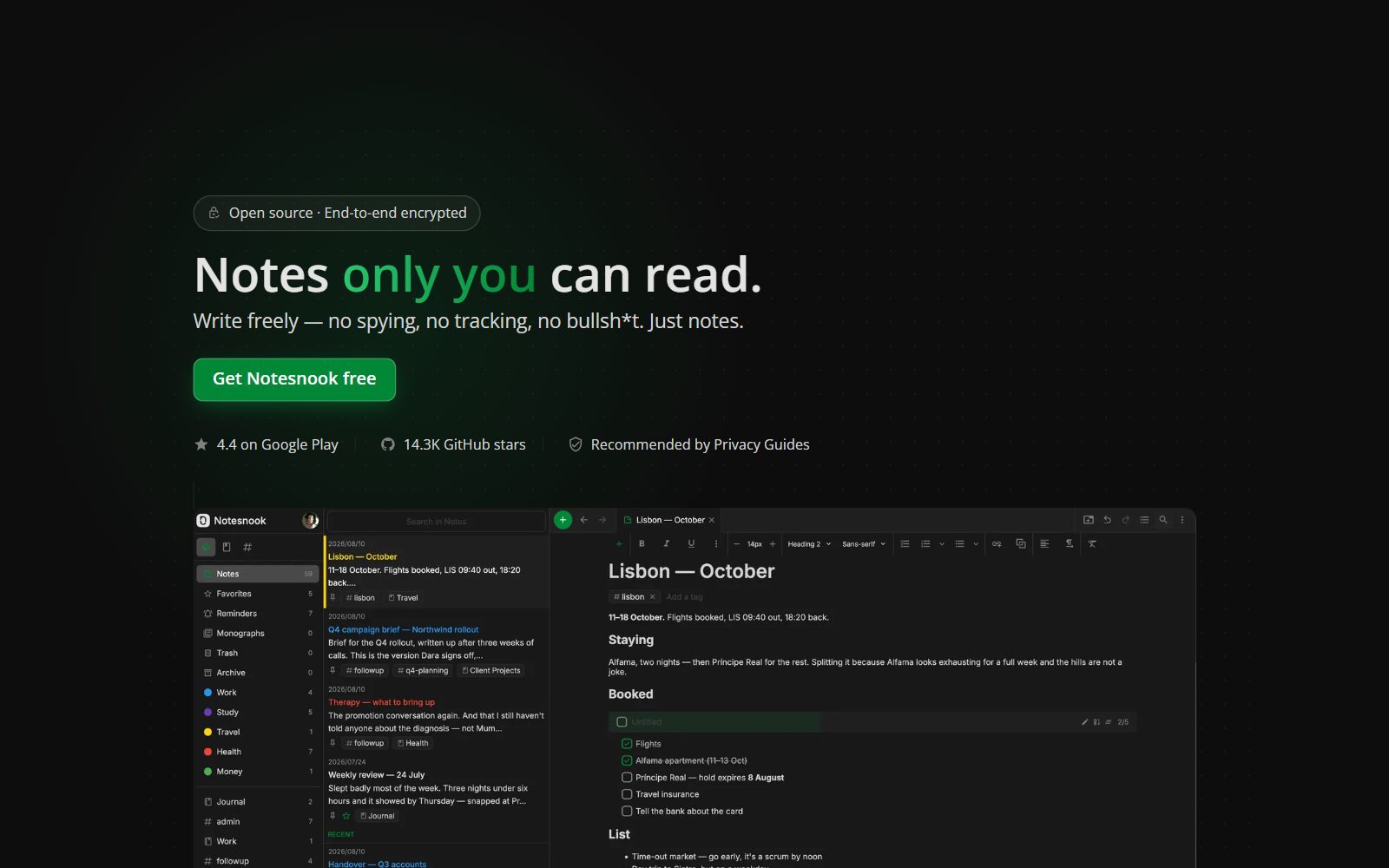
Notesnook is an end-to-end encrypted note app whose client and server are GPL-3.0. On the Notesnook pricing page (default monthly view, October 2026) the free plan includes unlimited notes, 50 notebooks, 50 MB of uploads a month and files up to 10 MB; Essential costs €2.15, Pro €7.57 and Believer €9.74 a month including tax. The same page says you can bring your notes over from Obsidian, Evernote or Google Keep. It is a good pick if you want Obsidian-style privacy on your phone without setting up sync yourself; it is not a linked-notes graph tool. Desktop 3.4.11 came out in October 2026.
7. Standard Notes: encrypted notes, now part of Proton
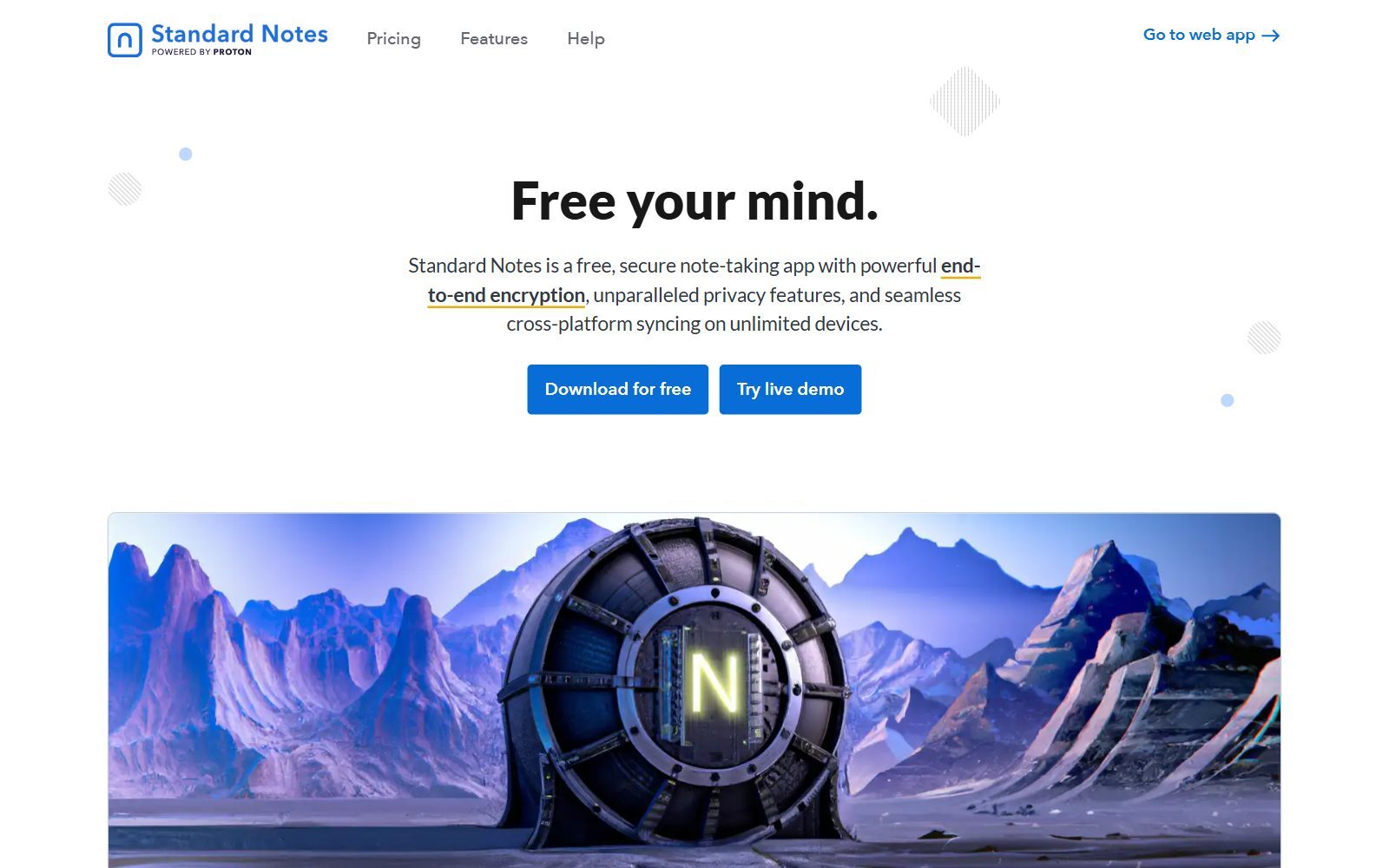
Standard Notes (AGPL-3.0) is an encrypted note app that syncs to unlimited devices on its free plan. It joined forces with Proton in April 2024, according to the Standard Notes blog, and its website now says Powered by Proton. On its plans page the free plan covers plain text notes, tags and note passwords; Productivity costs $90 a year and Professional $120 a year and add Super notes (the rich editor) and more. Choose it for private journals and sensitive notes; for Markdown files and graphs, choose one of the apps above.
8. QOwnNotes: plain Markdown files with Nextcloud sync
QOwnNotes (GPL-2.0) is a fast native app for Linux, macOS and Windows that stores every note as a plain-text Markdown file on your computer. It syncs through Nextcloud or ownCloud file sync, is heavily scriptable and has a todo list manager. Because it uses plain files, you can point it at a copy of your vault and keep using other editors too. Releases are frequent; version 26.10.15 came out on 30 October 2026.
9. Foam: Obsidian-style notes inside VS Code
Foam (MIT) turns Visual Studio Code into a personal knowledge base: wikilinks, backlinks, a graph view, daily notes and templates on top of plain Markdown files you version with git. If your team already writes code in VS Code, it is the lightest way to keep Obsidian-style notes next to your repositories. Version 0.47.0 of the extension came out on 28 October 2026.
10. SilverBullet: a self-hosted Markdown wiki in your browser
SilverBullet (MIT) keeps your notes as Markdown files in a folder and serves them as a fast wiki in your browser from a single container you host. Every page shows where it is mentioned, and you can query your notes like a database with Space Lua. The server is free and open source; the Desktop app is free for personal use and Pro costs $50 per user per year for work. Version 2.12.1 came out on 12 October 2026.
11. MarkText and ghostwriter: when you only need a Markdown editor
If you used Obsidian mainly as a clean Markdown editor, you may not need a knowledge base at all. MarkText (MIT) is a simple Markdown editor with live preview for Linux, macOS and Windows; version 0.23.0 came out on 21 October 2026. ghostwriter (GPL-3.0) is a distraction-free Markdown editor that is now part of KDE; version 26.08.2 came out in October 2026. Neither has backlinks or a graph.
Not Open Source, Discontinued or a Different Job
The 2025 version of this article listed some apps that no longer belong on an open-source Obsidian shortlist:
- Anytype: local-first and end-to-end encrypted, but its licence is the Any Source Available License 1.0, which limits commercial use, so it is source-available, not open source. Version 0.57.4 came out in October 2026.
- Notable: the last open-source release on GitHub is v1.8.4 from January 2020 and the last code change is from March 2023, so it is no longer an active open-source project. Use MarkText or Zettlr instead.
- Dendron: its README says it is in maintenance only and active development has ceased; the last release, 0.122.0, came out in May 2023. Foam is the maintained VS Code option.
- TiddlyWiki and AppFlowy: both are maintained, but they do a different job. TiddlyWiki is a single-file personal wiki (we cover it with the open-source Roam Research alternatives), and AppFlowy is a Notion-style workspace (see our open-source Notion alternatives).
Which Open-Source Obsidian Alternative Should You Choose?
- You want to keep your vault as plain Markdown files: Zettlr, QOwnNotes, Foam or SilverBullet; Logseq too if you like outlining.
- You want backlinks and a graph like Obsidian: Logseq, Zettlr, Foam or SiYuan.
- You want notes on your phone with encrypted sync and no server: Joplin, Notesnook or Standard Notes.
- You want to host everything yourself: Trilium Notes, SilverBullet, or Joplin with your own Joplin Server.
- You write papers, reports or books: Zettlr, with Zotero for citations.
- Your notes live next to code: Foam in VS Code.
Join ElonaHunt (like ProductHunt but for women) and explore the coolest women-focused startups out there!
Discover your next big inspiration and connect with like-minded female entrepreneurs!
👉 Join the Hunt Here
How Founders Use an Open-Source Note App
For a founder, a note app is where customer interviews, investor notes, ideas and decisions meet. Keep one note per customer conversation, link it to the problem it confirms, and review those links before every product decision; this is how a pile of notes becomes evidence. Use it to validate your startup idea with real conversations before you build. When your notes turn into team documents and databases, an open-source Notion alternative with AI may fit better; for brainstorming on a canvas, see the open-source Miro alternatives, and for structured lists and CRM-style tables, the open-source Airtable alternatives.
When notes become tasks, move them into a planner: our free Todoist alternatives cover personal to-do lists, and the open-source monday.com AI alternatives cover team projects. To polish what you write, try the open-source Grammarly alternatives, and turn your best notes into articles that customers find in Google and AI assistants with the F/MS AI SEO Tool.
FAQ About Open-Source Obsidian Alternatives
Is Obsidian open source?
No. Obsidian is free for personal and commercial use, but its code is not published. Your notes are plain Markdown files, so you can open them in open-source apps such as Zettlr, Logseq or QOwnNotes.
What is the best open-source alternative to Obsidian?
For the most similar experience with your existing vault, Zettlr or Logseq. Zettlr's documentation explains how to open an Obsidian vault as a workspace, and Logseq has backlinks, a graph and Markdown files.
Can I open my Obsidian vault in another app?
Yes, because a vault is a folder of Markdown files. Zettlr, QOwnNotes, Foam and SilverBullet work directly on Markdown files; Joplin, SiYuan, Trilium and Notesnook import them instead. Features that depend on Obsidian plugins do not carry over.
How much does Obsidian cost in 2027?
When we checked in October 2026, the app was free; Sync cost $4 per user per month and Publish $8 per site per month, both billed annually, and the optional Commercial licence $50 per user per year.
Is Logseq a good Obsidian alternative?
Yes, if you like outlining and daily notes. It is AGPL-3.0, uses Markdown or Org-mode files and has backlinks and a graph. Its new database version is still in beta, and the README warns that data loss is possible, so keep backups.
Is Anytype open source?
Not by the usual definition. Its desktop app uses the Any Source Available License 1.0, which restricts commercial use, so the code is visible but it is source-available rather than open source.
Which open-source note app has end-to-end encrypted sync?
Joplin, Notesnook and Standard Notes all offer end-to-end encryption. Notesnook and Standard Notes have free plans with their own encrypted sync, and Joplin can sync encrypted notes through Dropbox, OneDrive or Joplin Cloud.
Is Trilium Notes still maintained?
Yes. The original developer handed it to the community, and the TriliumNext/Trilium repository released version 0.106.1 in October 2026 under AGPL-3.0.
What happened to Dendron?
Its README says Dendron is in maintenance only and active development has ceased. The last release was in May 2023. Foam is a maintained open-source option for notes in VS Code.
Where can I get a backlink by writing about my startup?
You can publish a guest post in one of the Fe/male Switch startup blogs, which rank in Google and in AI tools. Get a quality backlink.
About the Author
Violetta Bonenkamp, also known as MeanCEO, is an experienced startup founder with an impressive educational background including an MBA and four other higher education degrees. She has over 20 years of work experience across multiple countries, including 5 years as a solopreneur and serial entrepreneur. Throughout her startup experience she has applied for multiple startup grants at the EU level, in the Netherlands and Malta, and her startups received quite a few of those. She’s been living, studying and working in many countries around the globe and her extensive multicultural experience has influenced her immensely.

