

Free Affinity Publisher Alternatives: What Happened to Affinity Publisher, and the Best Free Layout Tools
Affinity Publisher was the affordable answer to Adobe InDesign: a one-off purchase for books, magazines, brochures and reports. That product no longer exists in its old form. Canva merged Affinity Publisher, Designer and Photo into one app and made it free, and a year later Microsoft retired Microsoft Publisher, the other tool many small teams used for flyers and newsletters. This guide first explains what changed and what is free now, then compares free desktop publishing tools for people who want something else. Every product, free plan and date below was checked on the official pages on 3 November 2026, and tools from the 2025 version of this list that are not layout tools were removed.
Quick answer: the best free Affinity Publisher alternative is now Affinity itself: the all-new Affinity by Canva includes the full page layout tools and is free for individuals with a free Canva account (only the Canva AI tools need a paid Canva plan). If you want open source instead, use Scribus for print work with CMYK and spot colours. VivaDesigner has a permanent Free Edition, LibreOffice Draw handles simple layouts and opens old Publisher files, and Canva Free, Adobe Express or PosterMyWall are quicker for flyers, posters and social graphics from templates.
Boost Your SEO by Getting Featured in Our Blogs and get a backlink.
We publish content about startups, education, tech, funding, etc. that ranks well not only in Google but also in Perplexity, ChatGPT, Grok and other AI tools.
👉 Get featured now!
What Happened to Affinity Publisher?
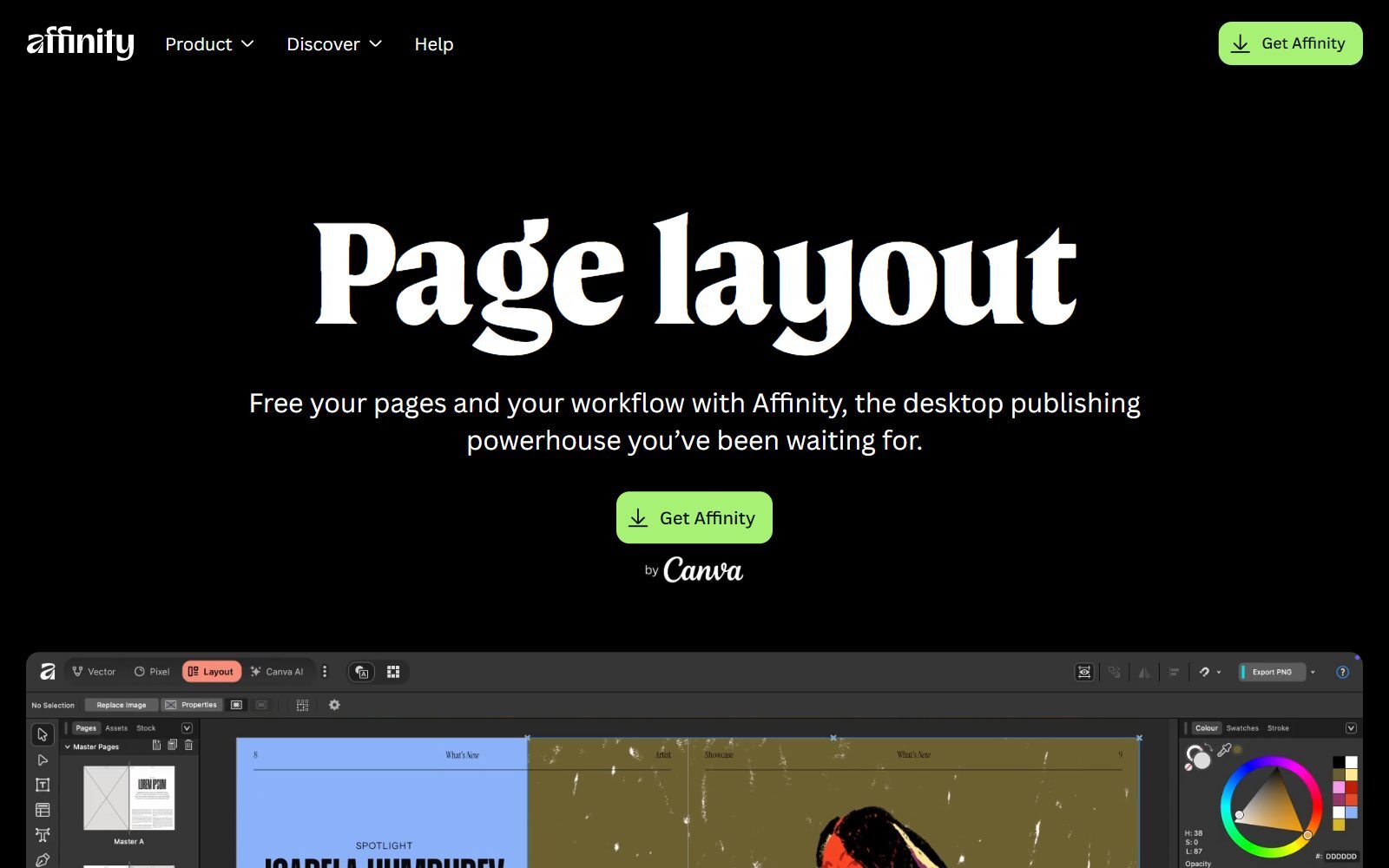
On 29 October 2025, Canva announced the all-new Affinity in its Canva Newsroom post: one professional design app that combines photo editing, vector design and page layout, "now completely free for everyone". Affinity Publisher's job moved into the app's Layout studio. What that means in practice, according to the official Affinity download page and FAQ:
- Free for individuals: every tool in the Pixel, Vector and Layout studios, plus all customization and export features, with no payment needed, and free updates.
- Canva account: you sign in with a Canva account; a free one is enough. Canva's own pricing page lists "Access to Affinity" on the Free plan.
- What is paid: only Canva AI features inside Affinity (such as Generative Fill and Generative Expand), which need a Canva premium plan (Pro, Business, Enterprise or Education).
- Platforms: Windows, macOS and iPadOS. Canva announced Affinity for iPad on 3 November 2026; some desktop features, including Books and Data Merge, are not on iPad at launch.
- Your files: the new app opens V1 and V2 files and imports PSD, AI, IDML and DWG files, but files saved in the new app cannot be opened in V1 or V2.
- Old Affinity Publisher 2 licences: they stay valid and the activation servers stay online, but the Affinity V2 support page says there are no current plans for further feature updates.
The Affinity page layout page lists the tools Publisher users rely on: Smart Master Pages, shared text styles, text that flows across pages, advanced kerning and leading, OpenType and variable fonts, and Data Merge. It names books, magazines, newsletters, brochures and multi-page reports as typical projects.
Microsoft Publisher Has Been Retired Too
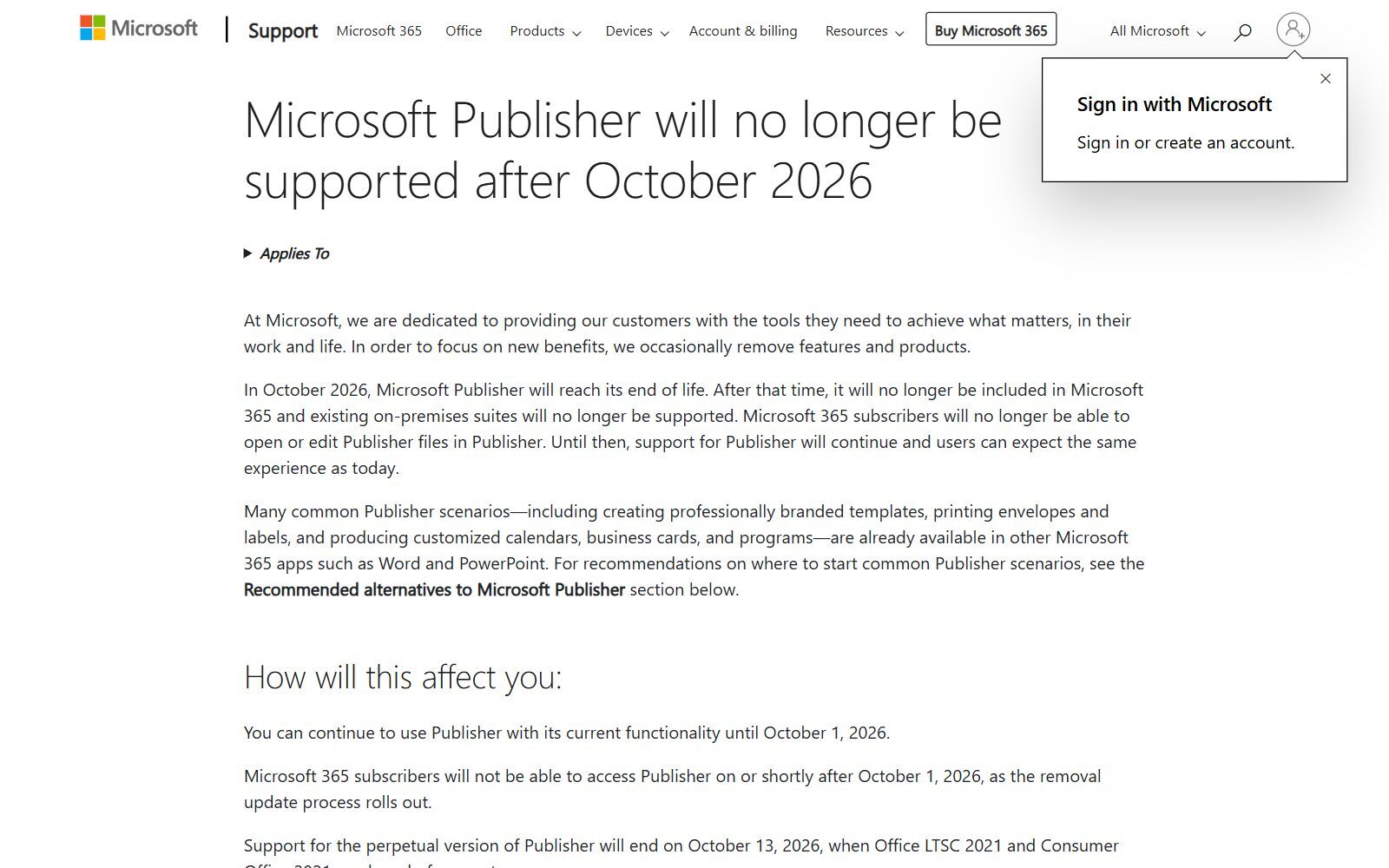
Many people searching for "alternative to Publisher free" mean Microsoft Publisher, and it has reached its end of life. Microsoft's support article Microsoft Publisher will no longer be supported after October 2026 says Microsoft 365 subscribers lose access on or shortly after 1 October 2026, and support for the perpetual version ended on 13 October 2026, when Office LTSC 2021 and Consumer Office 2021 reached end of support. If you own a perpetual licence you can still install and use it, without updates. Microsoft recommends Word and PowerPoint for templates, calendars, business cards and labels, and asks users to convert .pub files to PDF or Word.
For free tools that open old .pub files: the Affinity page for Publisher users says Affinity imports files from Publisher 97 and later and turns them into editable Affinity documents, and LibreOffice reads .pub files through its libmspub library. Check every page after import, as complex layouts may need fixing.
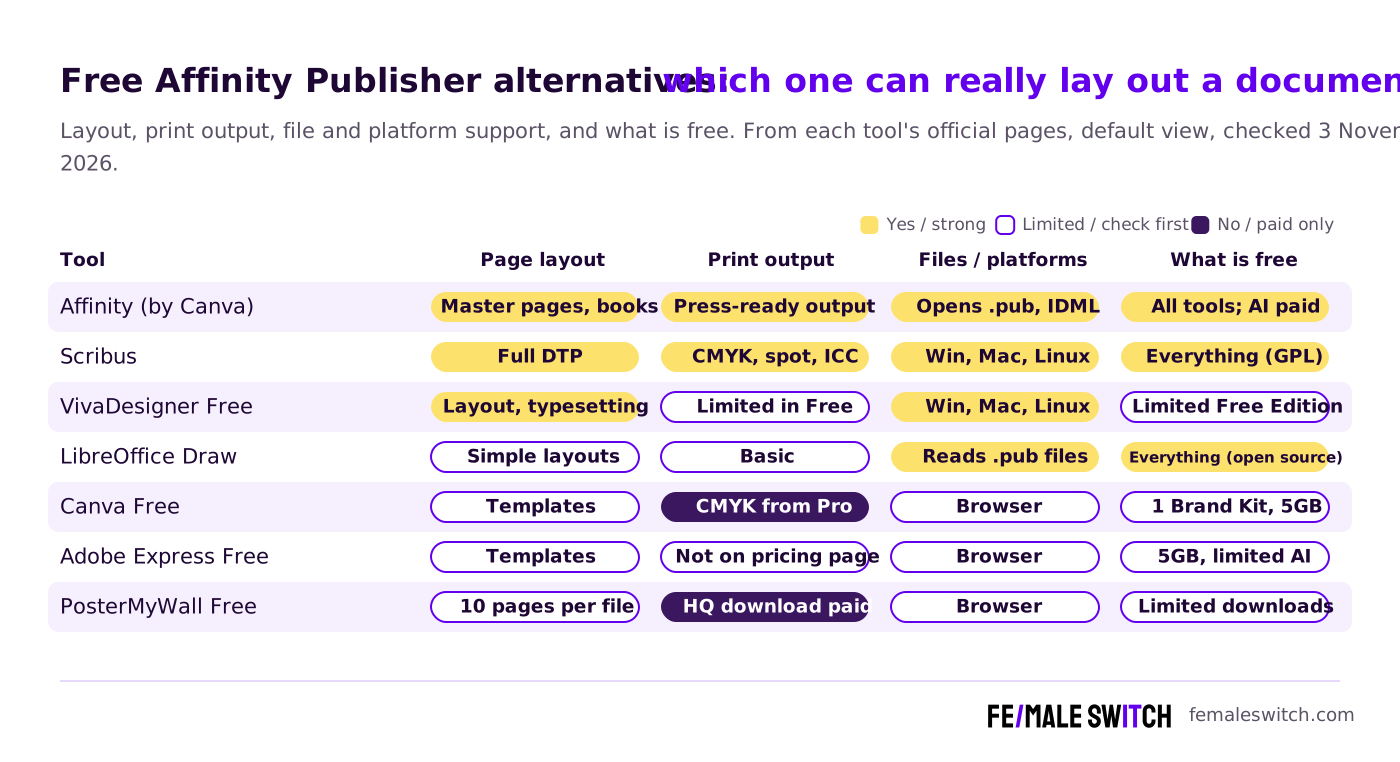
Free Affinity Publisher Alternatives Compared
Sources: each tool's official website and pricing page, default view, checked 3 November 2026. Prices in euros as shown from our location, including VAT where the page says so; they differ by region and billing cycle.
The Best Free Affinity Publisher Alternatives in 2027
1. Affinity by Canva: Publisher's free successor
Affinity is the obvious first choice if you liked Affinity Publisher: the layout tools are the same family, your old .afpub files open, and photo and vector editing now sit in the same document, so you no longer switch to Designer or Photo to fix an image. It also imports InDesign IDML files and Microsoft Publisher files, which makes it a free landing place for both InDesign and Publisher users. The trade-offs: you need a Canva account, the AI tools are paid, and teams that need single sign-on go through Canva Enterprise or Canva Education. If you prefer open-source software for photo work too, see our open-source Affinity Photo alternatives.
2. Scribus: open-source desktop publishing for print
Scribus is the established open-source page layout program. Its SourceForge project page lists the GPLv2 and GPLv3 licences, Windows, macOS and Linux, and professional publishing features: colour separations, CMYK and spot colours, ICC colour management and versatile PDF creation. The project's source code mirror adds right-to-left and bi-directional text, Indic scripts, more than 500 languages and OpenType features. Version 1.6.7 files were posted on SourceForge on 28 October 2026, so it is actively maintained. Scribus looks older than Affinity and has a steeper learning curve, but it is the safest free choice for print-shop PDFs, and nothing in it is locked behind an account.
3. VivaDesigner Free Edition: InDesign-style layout with a free tier
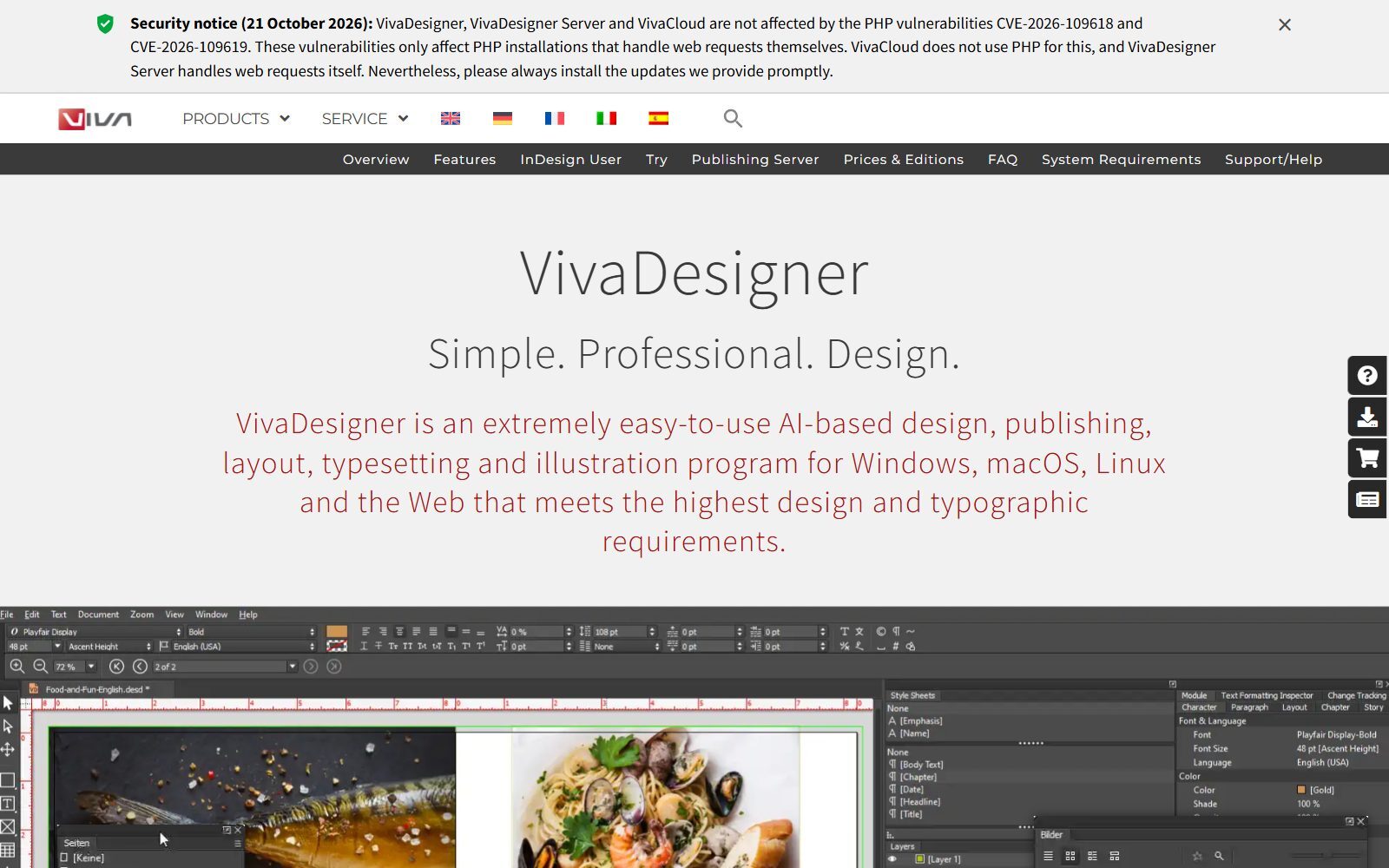
VivaDesigner is a commercial layout, typesetting and publishing program for Windows, macOS, Linux and the web. Its prices and editions page offers VivaDesigner 11 as a lifetime free version: the Free Edition can be used permanently for private and commercial work, with limited functions, and still opens, edits, saves and prints documents from the other editions. If you pick "Free Edition Plus" at start-up, you get the full functions for 30 days, after which it becomes the Free Edition, so you do not lose your documents. It suits people who want a classic InDesign-style workflow without a Canva account.
4. LibreOffice Draw: simple layouts and old Publisher files
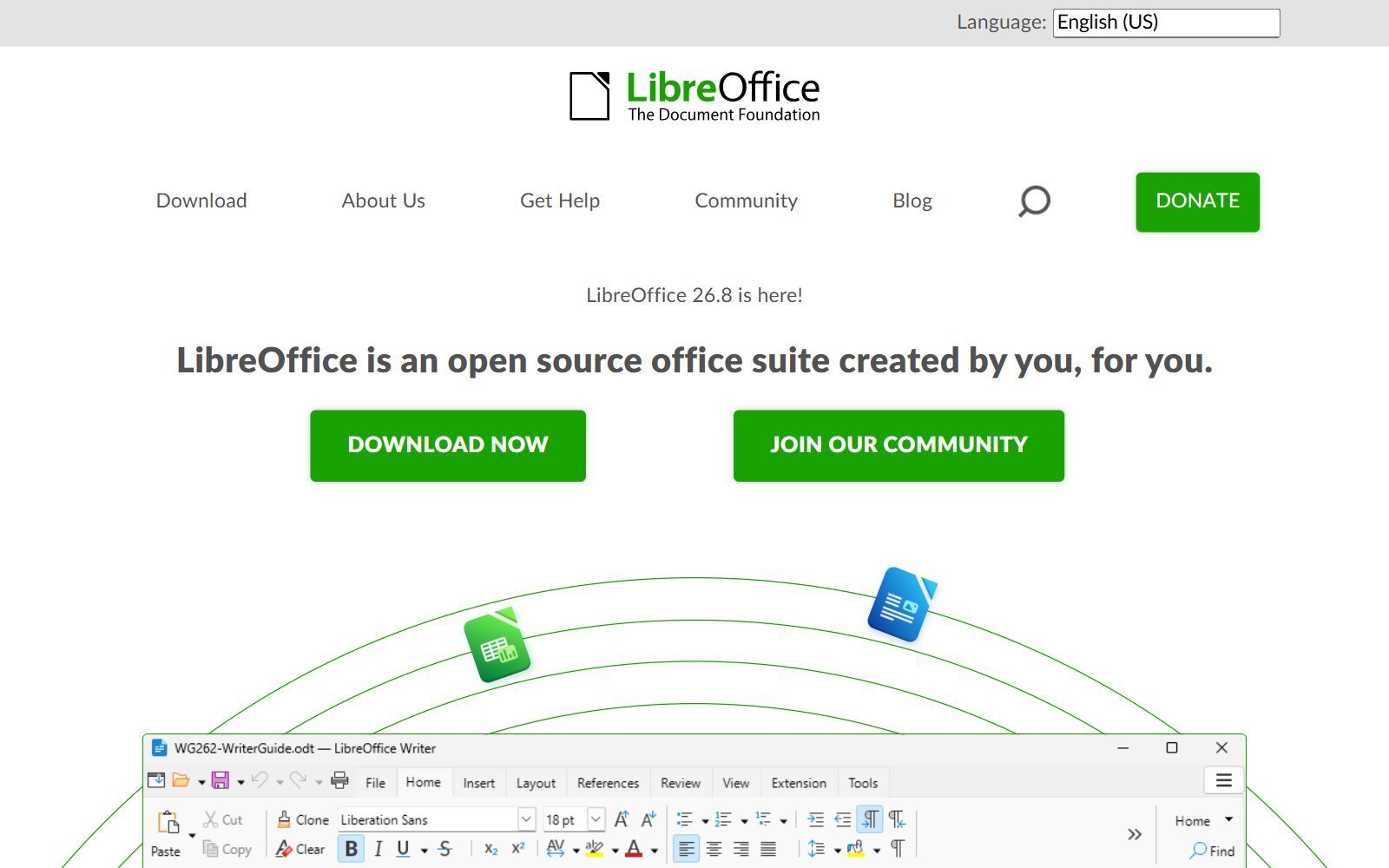
LibreOffice is a free, open-source office suite; Draw is its drawing and layout program, which the project describes as being for "everything from simple diagrams to complex 3D illustrations". It is not a full desktop publishing tool, but it is good enough for one-page flyers, posters and certificates, and it can import Microsoft Publisher files. For longer documents, LibreOffice Writer's page styles do more of the work. The download page offers version 26.8.2 for Windows, macOS and Linux.
5. Canva Free: templates for flyers, social posts and simple documents
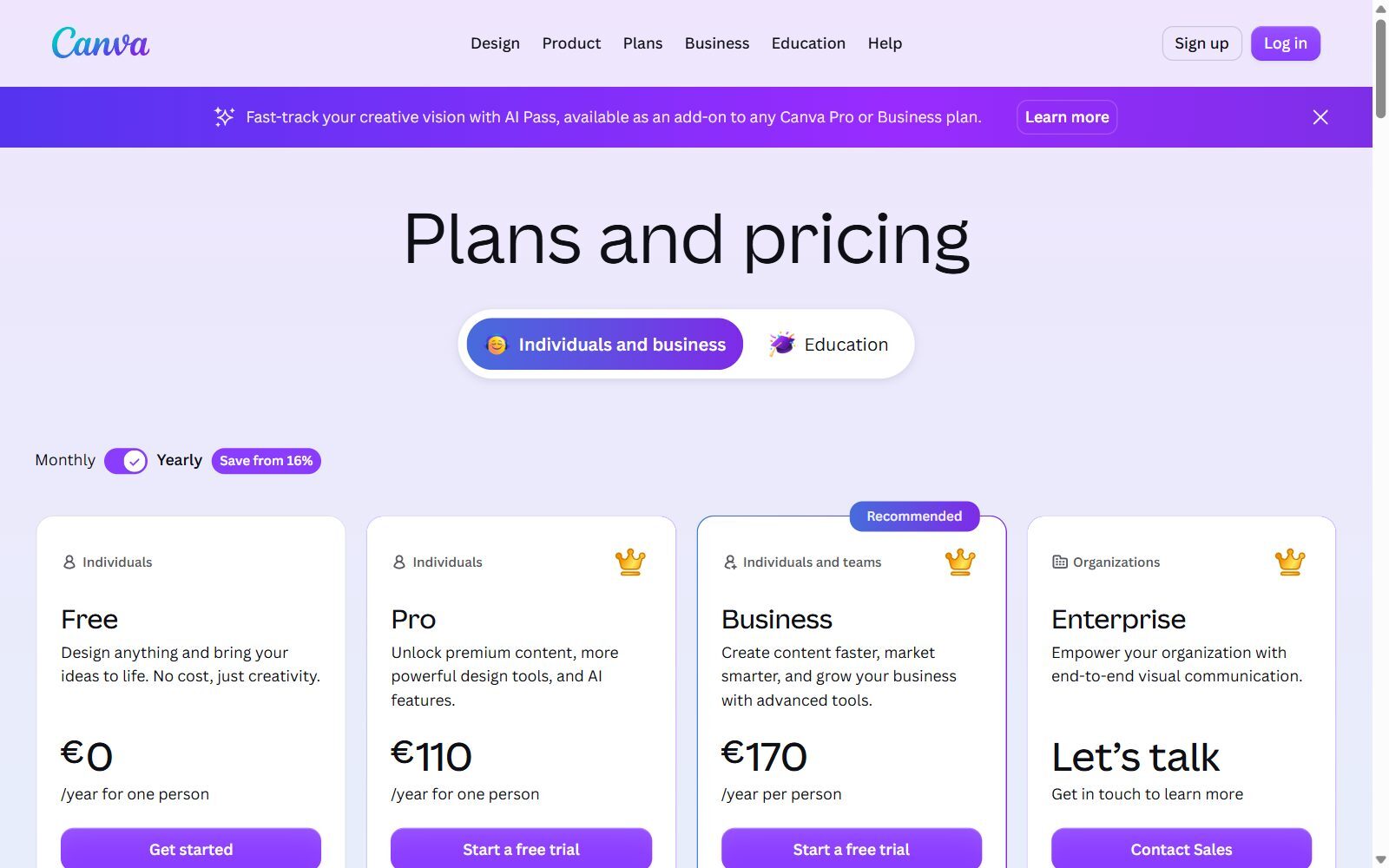
Canva is not a desktop publishing program, but for many founders it replaces one: a flyer, a one-pager or a social post from a template takes minutes. The Canva pricing page lists the Free plan at €0 (euros shown from our location) with more than 1,000 design types, over 1.6 million templates, over 4.7 million photos, videos, graphics and audio files, one Brand Kit with 3 colours, 5GB of storage and access to Affinity. Export as PDF, JPG and PNG is included on Free; print-ready CMYK export starts with Pro, shown at €110 a year for one person. For more options, see our free Canva Pro alternatives.
Validate your startup idea with the unique borrowed authority approach: we publish articles about your product in our blog and you get traffic and testers for your MVP
- Prove Market Demand: See real organic traffic and waitlist conversions
- Unlock High-Potential Keywords: Receive a curated list of top-performing keywords directly from Google Search Console data.
- Estimate Customer Acquisition Cost (CAC): Gain financial foresight with an estimated CAC based on real keyword performance data.
🔗 Start validating your startup now
6. Adobe Express Free: quick designs with Adobe Stock and Adobe Fonts
Adobe Express (formerly Adobe Creative Cloud Express) is Adobe's template app for flyers, social graphics and short videos. The Adobe Express pricing page lists the Free plan at €0 with more than 100,000 templates, over 1 million royalty-free Adobe Stock assets, more than 4,000 Adobe Fonts, 5GB of storage and limited generative AI credits. Premium was shown at €12.29 a month including VAT, billed monthly. It is a template tool rather than a layout program, so use it for single pages; for open-source options see our open-source Adobe Express alternatives.
7. PosterMyWall Free: posters, flyers and event graphics
PosterMyWall focuses on posters, flyers, menus, social posts and event marketing. Its pricing page (in euros from our location) lists a Free plan with more than 4 million templates, unlimited stock assets and free resizing, but with limits on standard image downloads, up to 10 free pages per file, and high-quality downloads paid per design from €5.99. Design with AI, your own fonts and Brand Kits are not on the free plan; Premium was shown at €11 a month and Premium Plus at €28 a month.
Removed or Changed Since the 2025 Version
- Affinity Publisher: no longer sold as a separate app; its layout tools are part of the free Affinity app (see above).
- Microsoft Publisher: retired by Microsoft in October 2026; added here because many readers look for a free replacement.
- GIMP and PhotoDirector: removed. Both are photo editors, not page layout tools. For photo editing, see our free Photoshop alternatives and free Corel Photo-Paint alternatives.
- Figma and Lunacy: removed. Both are UI and web design tools without print layout features; Lunacy's free plan is limited to 10 cloud documents. See our open-source Figma alternatives for that job.
- Edraw.AI: removed. It is a diagram and flowchart tool, not a desktop publishing app.
- Renamed: Adobe Creative Cloud Express is now Adobe Express.
- Added: VivaDesigner, a layout program with a permanent Free Edition. Old "data points" and ratings with no source were dropped.
Which Free Affinity Publisher Alternative Should You Choose?
- You used Affinity Publisher and liked it: download the free Affinity app; your files open and the layout tools are there.
- You want open source and print-shop PDFs: Scribus (CMYK, spot colours, ICC colour management).
- You come from Adobe InDesign: Affinity imports IDML files; VivaDesigner offers a classic InDesign-style workflow with a free tier.
- You have old Microsoft Publisher files: Affinity (Publisher 97 and later) or LibreOffice; check each page after import.
- You only need flyers, posters and social posts: Canva Free, Adobe Express or PosterMyWall.
- You need logos and vector artwork for your layout: see our free CorelDRAW alternatives and free Illustrator alternatives.
How Founders Use Free Layout Tools
Early-stage founders rarely lay out books, but they do make a lot of documents: a one-page summary for investors, a product brochure, a printed flyer for an event, a short report for a grant application or a media kit. A simple free setup: lay out multi-page documents in Affinity or Scribus, make quick social and event graphics in Canva Free, and build exact charts and infographics in a dedicated tool, such as those in our list of free Venngage alternatives. Our guide on how to write a pitch deck shows which slides investors expect, and the same structure works for a printed one-pager.
Once your brochure or report is finished, publish its key points as an article with the F/MS AI SEO Tool so people find it in Google and in AI assistants, not only in a PDF.
Join ElonaHunt (like ProductHunt but for women) and explore the coolest women-focused startups out there!
Discover your next big inspiration and connect with like-minded female entrepreneurs!
👉 Join the Hunt Here
FAQ About Free Affinity Publisher Alternatives
Is Affinity Publisher free now?
Its tools are. On 29 October 2025 Canva launched the all-new Affinity, which combines Publisher, Designer and Photo in one app. It is free for individuals with a free Canva account; only the Canva AI tools inside it need a paid Canva plan.
Can I still use Affinity Publisher 2?
Yes. Affinity V2 licences stay valid and Serif keeps the activation servers online, but there are no current plans for further feature updates. Files saved in the new Affinity cannot be opened in V2.
What is the best free alternative to Affinity Publisher?
The free Affinity app itself, which includes the full Layout studio. If you want open-source software, Scribus is the best free desktop publishing program for print work.
What is a free alternative to Adobe InDesign?
Affinity (free for individuals, imports IDML files), Scribus (open source) and VivaDesigner's Free Edition are the free tools closest to InDesign.
Is there a free alternative to Microsoft Publisher?
Yes. Affinity opens Publisher files from Publisher 97 and later, LibreOffice can read .pub files, and Scribus and Canva Free cover new layouts. Microsoft itself points users to Word and PowerPoint.
When did Microsoft Publisher stop working?
Microsoft 365 subscribers lost access on or shortly after 1 October 2026, and support for the perpetual version ended on 13 October 2026. Perpetual licence owners can still install and use it, without updates.
Does Affinity need a Canva Pro subscription?
No. A free Canva account gives you all the vector, layout and pixel tools. Canva Pro or another premium plan is only needed for the Canva AI features inside Affinity.
Is Scribus really free?
Yes. Scribus is open source under the GPL, free for any use, and runs on Windows, macOS and Linux. Version 1.6.7 files were posted in late October 2026.
Is Canva good for desktop publishing?
For flyers, social posts and short documents from templates, yes. The free plan exports PDF, JPG and PNG, but print-ready CMYK export needs Pro, and long documents are easier in Affinity or Scribus.
Where can I get a backlink by writing about my startup?
You can publish a guest post in one of the Fe/male Switch startup blogs, which rank in Google and in AI tools. Get a quality backlink.
About the Author
Violetta Bonenkamp, also known as MeanCEO, is an experienced startup founder with an impressive educational background including an MBA and four other higher education degrees. She has over 20 years of work experience across multiple countries, including 5 years as a solopreneur and serial entrepreneur. Throughout her startup experience she has applied for multiple startup grants at the EU level, in the Netherlands and Malta, and her startups received quite a few of those. She’s been living, studying and working in many countries around the globe and her extensive multicultural experience has influenced her immensely.

