

Free Photoshop Alternatives for the Browser, Windows and Mac
Photoshop is the industry standard, but a monthly Adobe subscription is hard to justify when you only need to crop product photos, fix a portrait, open a PSD from a designer or make a banner. The good news for 2027: the free options are better than ever. Affinity, once a paid Photoshop rival, is now completely free, Photopea opens and saves PSD files in the browser, and GIMP and Krita keep shipping new releases. We checked every tool below on its official website in October 2026 and noted exactly what the free version holds back, because that is where most "free" editors catch you.
Quick answer: to open and edit PSD files without installing anything, use Photopea; for a full professional desktop editor on Windows or Mac, use Affinity (free with a Canva account); for a completely free and open-source editor on any system, including Linux, use GIMP; for social media graphics, use Canva; for simple edits on Windows, use Paint.NET.
Boost Your SEO by Getting Featured in Our Blogs and get a backlink.
We publish content about startups, education, tech, funding, etc. that ranks well not only in Google but also in Perplexity, ChatGPT, Grok and other AI tools.
👉 Get featured now!
Free Photoshop Alternatives Compared
Sources: each tool's official website and pricing page, checked 26 October 2026. Free plans change; check the terms before you rely on one for client work.
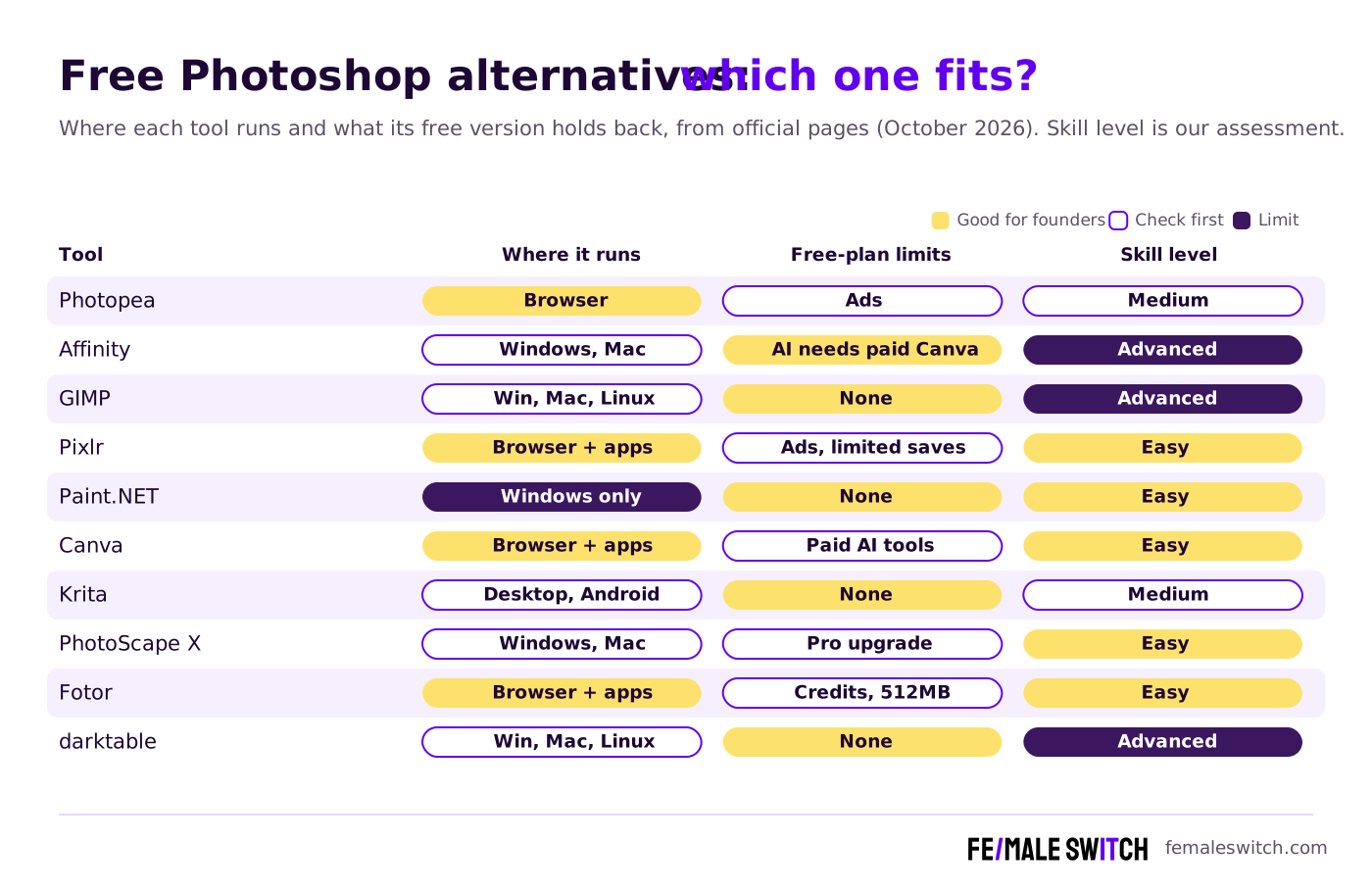
The 10 Best Free Photoshop Alternatives in 2027
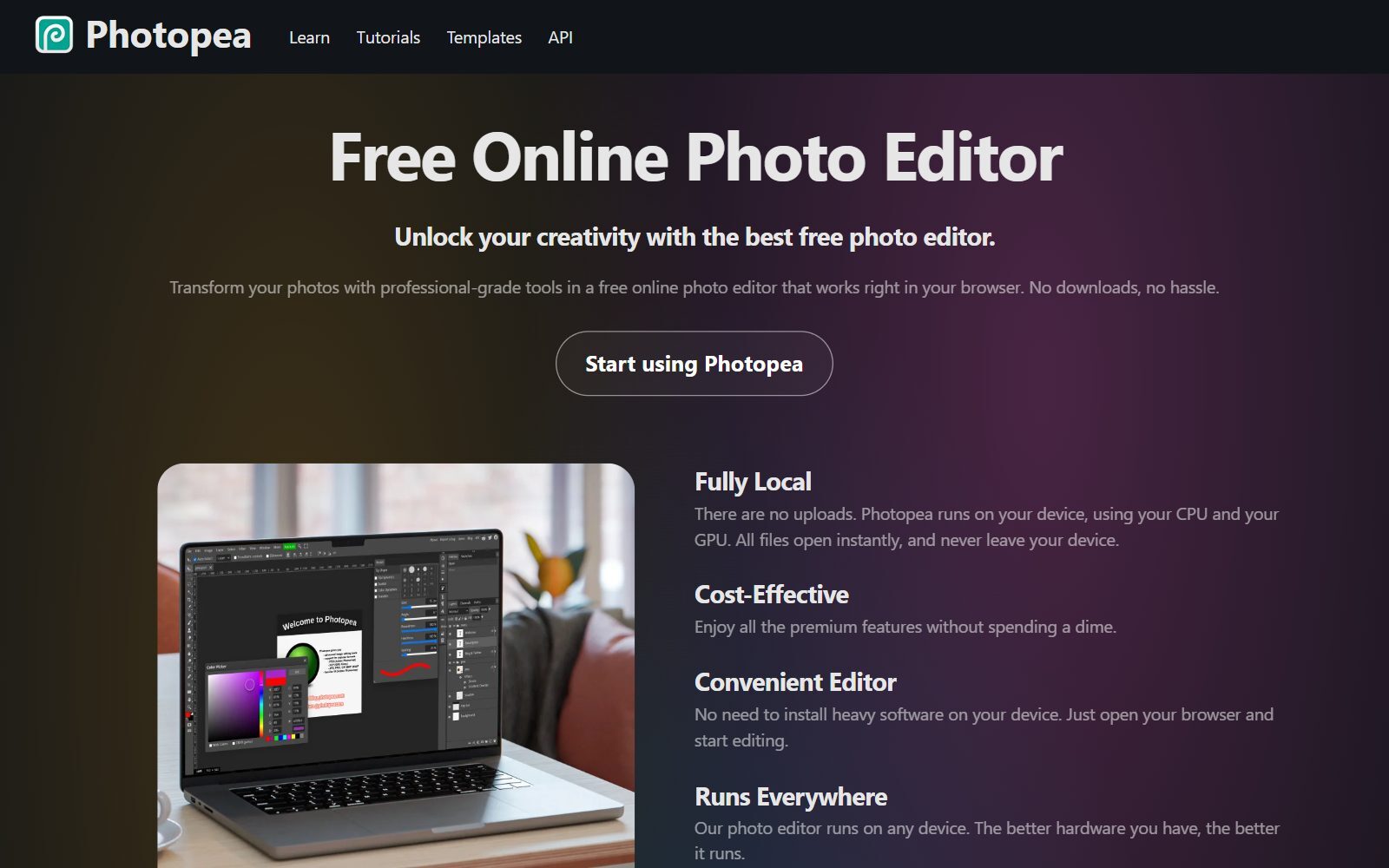
1. Photopea: Photoshop's interface and PSD files in your browser
Photopea is the closest thing to Photoshop you can open in a browser tab. It has layers, masks, layer styles, smart objects, adjustment layers, channels and paths, opens and saves PSD as its main format, and reads about 60 other formats, including AI, SVG, PDF, CDR, Figma files and camera RAW. Everything runs on your own device: files are not uploaded, which matters for client work. It also has AI background removal and generative replace. Free-version limit: the free account shows ads; a Premium account removes them, and teams can share one Premium plan.
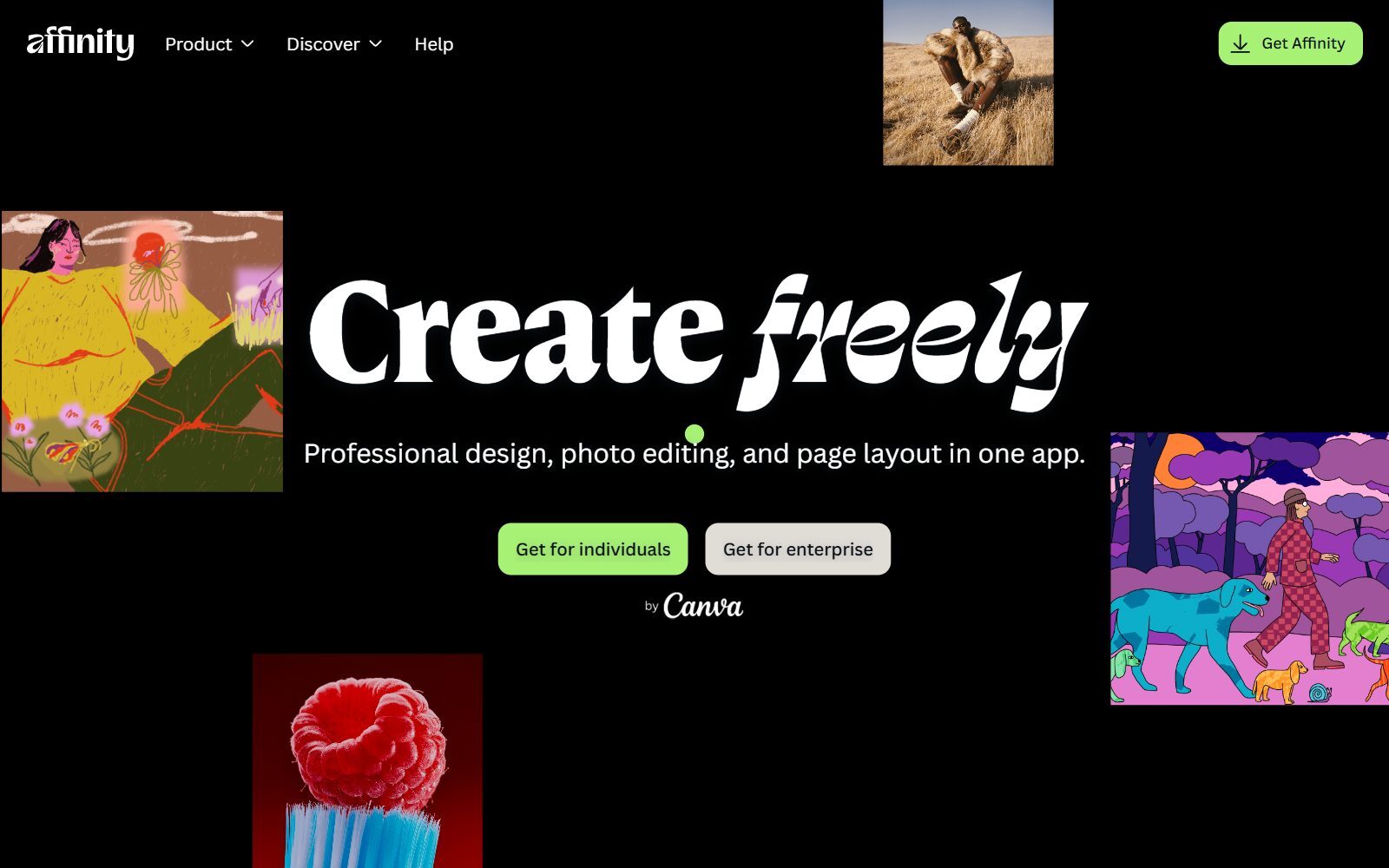
2. Affinity: the former paid Photoshop rival, now free
Affinity is the biggest change since the last version of this list. Canva relaunched it as one app that combines photo editing, vector design and page layout, and made it free for everyone: you sign in with a free Canva account and get every tool in the Pixel, Vector and Layout studios, with free updates. For Photoshop users that means non-destructive adjustments and live filters, full RAW editing, inpainting and healing brushes, frequency separation, HDR and focus merge, panorama stitching, batch processing with macros, and PSD import with layers. Free-version limit: the AI tools (generative fill, background removal, super resolution) need a Canva premium plan. It runs on Windows and macOS; an iPad version is announced but not out yet. A September 2026 update brought more than 60 new features and improvements, including a blend tool and scripting.
3. GIMP: the free, open-source all-rounder
GIMP is the long-standing free answer to Photoshop: a full raster editor for retouching, compositing and design that runs on Windows, macOS and Linux, with no account, ads or paid tier. The 3.x series added non-destructive filters and layers and improved PSD import and export; version 3.2.6 came out in September 2026. The interface and shortcuts differ from Photoshop, so expect a learning curve. Our separate guide to open-source Photoshop alternatives covers GIMP's licence, a Photoshop-style layout patch for it and nine other open-source editors.
4. Pixlr: quick online edits with built-in AI
Pixlr runs in the browser and as desktop and mobile apps. Its two editors are now called Pixlr Editor (the desktop-style editor) and Pixlr Express (quick edits); older lists call them Pixlr E and Pixlr X. Both sit next to AI tools such as background and object removal, generative fill and an image generator. Free-version limit: the free version shows ads and limits saves. Pixlr Plus, from €1.99 a month billed yearly (prices shown in euros from our location), removes ads and gives unlimited saves; Premium, from €7.99 a month billed yearly, adds 1,000 AI credits a month.
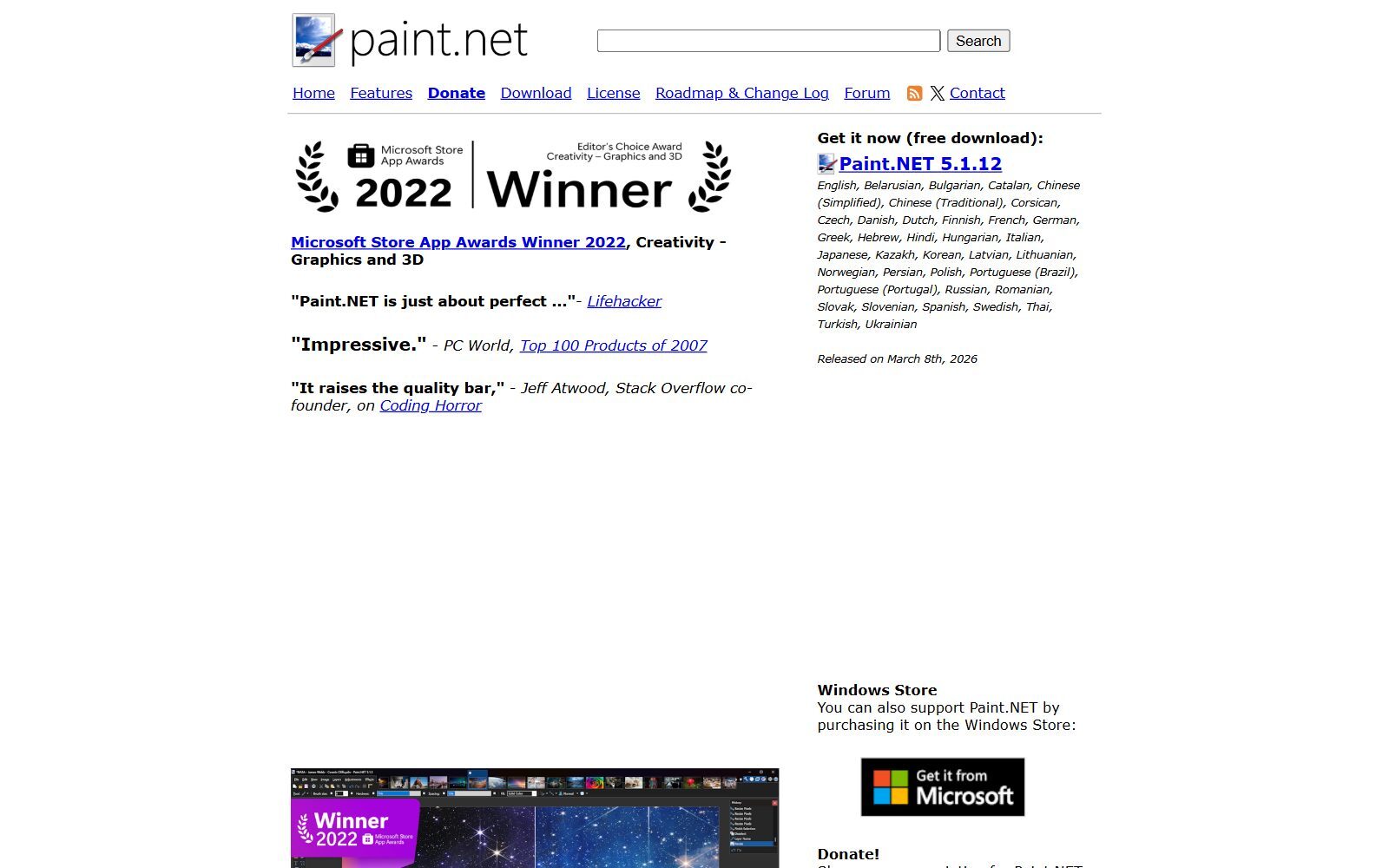
5. Paint.NET: simple and fast on Windows
Paint.NET is a free image editor for Windows with layers, unlimited undo, effects and a large plugin community. Its licence page says the free "Classic" release may be used for business, commercial, school and government work. The paid Microsoft Store version has the same features and only adds automatic updates. Version 5.1.12 came out in March 2026, and a 5.2 beta was in testing in October 2026. It is lighter and easier than GIMP, but it is Windows-only and has fewer advanced retouching tools than GIMP or Affinity.
Validate your startup idea with the unique borrowed authority approach: we publish articles about your product in our blog and you get traffic and testers for your MVP
- Prove Market Demand: See real organic traffic and waitlist conversions
- Unlock High-Potential Keywords: Receive a curated list of top-performing keywords directly from Google Search Console data.
- Estimate Customer Acquisition Cost (CAC): Gain financial foresight with an estimated CAC based on real keyword performance data.
🔗 Start validating your startup now
6. Canva: graphics and quick photo edits for marketing
Canva is not a pixel editor like Photoshop, but for most founders it replaces Photoshop for social posts, ads, thumbnails and pitch visuals. The free plan includes the drag-and-drop editor, 1.6M+ templates, 4.7M+ photos, videos and graphics, one Brand Kit with three colours, 5 GB of cloud storage and access to Affinity. Free-version limit: Background Remover is a paid feature and the free plan allows up to 20 AI uses. Our list of free Canva Pro alternatives shows how to get those paid features for free elsewhere, and Canva vs Photoshop for YouTube thumbnails compares the two for one common job.
7. Krita: free painting and illustration
Krita is a free, open-source painting program licensed under the GNU GPL. It is the better choice than Photoshop's brushes for illustration, concept art, comics and textures, and it can open and save PSD files. It runs on Windows, macOS, Linux and Android tablets (not iPad); version 5.3.4.1 came out in October 2026. For photo retouching, GIMP, Affinity or Photopea are a better fit.
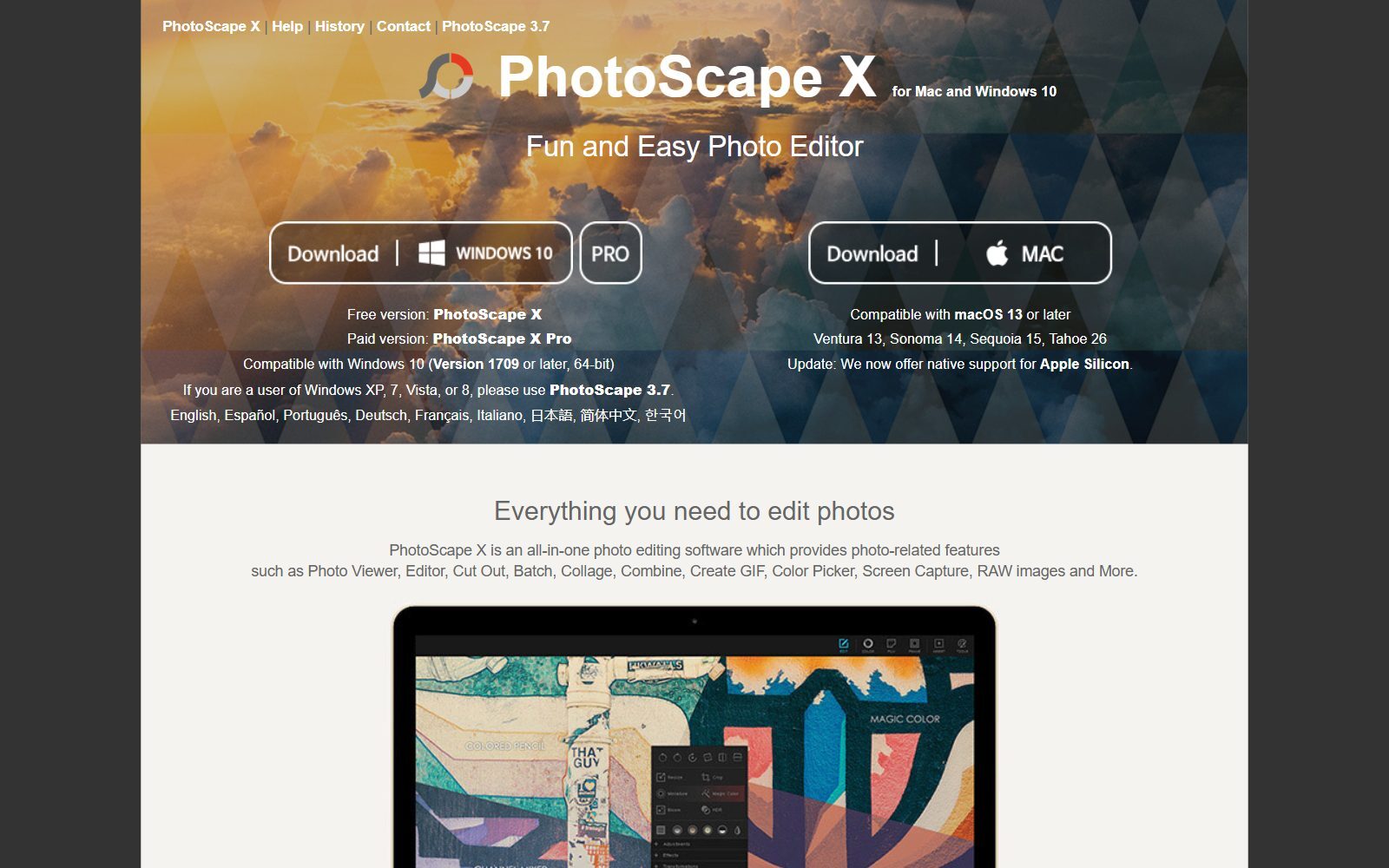
8. PhotoScape X: batch edits, collages and a friendly editor
PhotoScape X is a free all-in-one photo app for Windows 10 (version 1709 or later, 64-bit) and macOS 13 or later. It combines a viewer, editor, cut-out tool, batch editing, collage maker, GIF creator, screen capture and RAW support. Batch editing is the reason to pick it: you can apply the same edits to a whole folder of product photos at once. A paid PhotoScape X Pro version adds more features.
9. Fotor: one-click AI touch-ups online
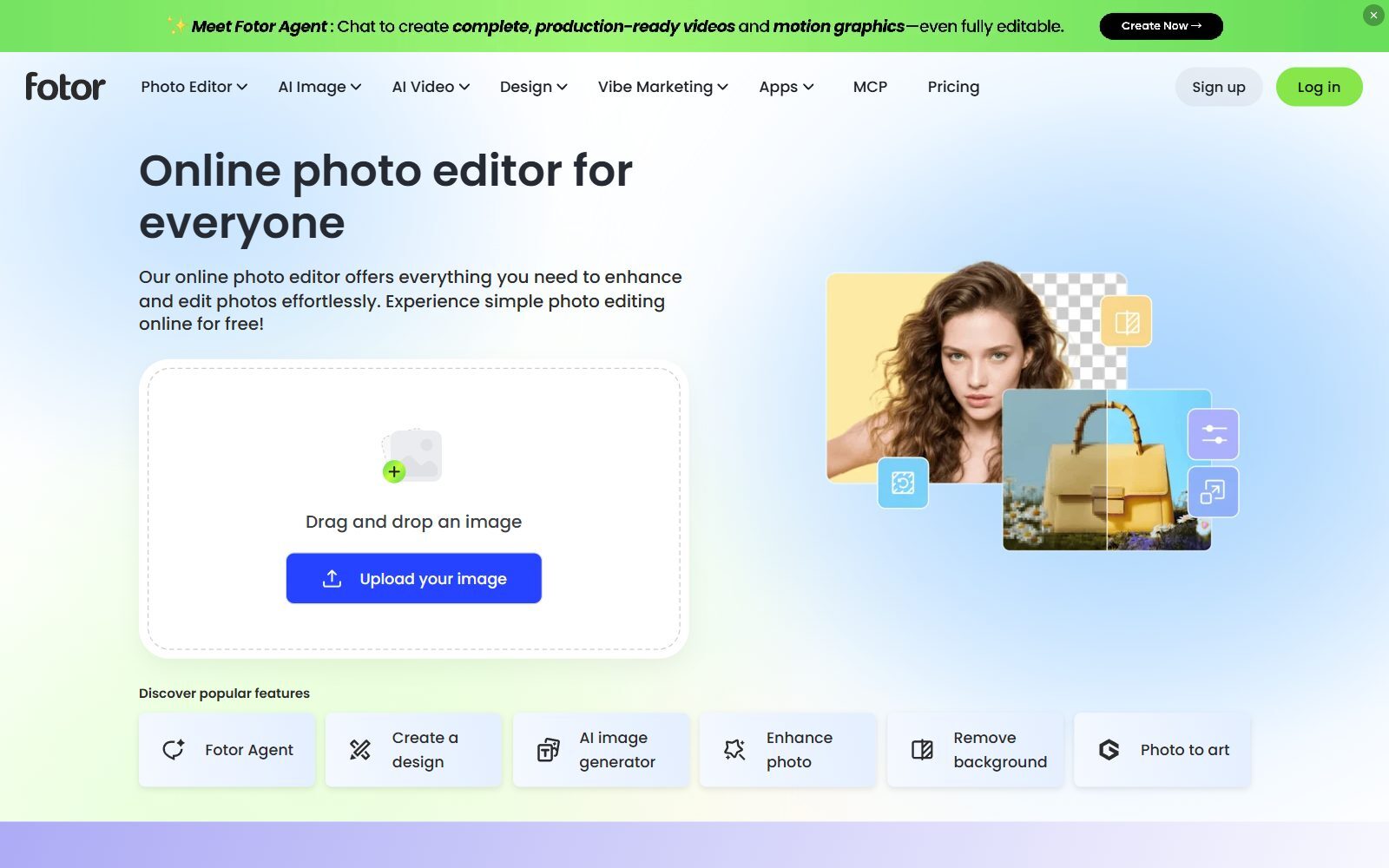
Fotor is a browser editor with apps for Windows, Mac, iOS and Android, built around one-click enhancement, background removal, retouching and AI image generation. Free-version limit: the Basic plan is free forever but comes with limited AI credits, 512 MB of cloud storage and normal-quality JPG, PNG and PDF export; HD export and transparent PNGs need a paid plan. It suits quick touch-ups of headshots and product images more than detailed editing. If you want AI product shots, see our guide to AI virtual product photography.
10. darktable: free RAW developer instead of Lightroom
darktable is for photographers who shoot RAW: an open-source photo workflow app (GPL 3.0) that manages your images in a database and develops them non-destructively, much like Lightroom. It runs on Windows, macOS and Linux, and version 5.6.2 was released in October 2026. Many photographers develop in darktable and then do pixel-level retouching in GIMP.
What Changed Since the Last Version of This List
Several entries in the 2025 version of this article have changed, so older lists are out of date:
- Affinity Photo, once a paid app, has been succeeded by one free Affinity app from Canva that combines photo editing, vector design and page layout; it opens files made in the old Affinity apps.
- Pixlr E and Pixlr X are now called Pixlr Editor and Pixlr Express, and Pixlr's paid plans are built around AI credits.
- Photo Pos Pro is still offered as a free Windows download, but its website shows no current version or release date, so we left it out.
- Krita and darktable stay free, but they are open source, so they also appear in our open-source list.
Which Free Photoshop Alternative Should You Choose?
- A designer sent you a PSD: Photopea opens and saves it in the browser; Affinity and GIMP import PSDs on the desktop.
- You want a professional editor without a subscription: Affinity on Windows or Mac, GIMP on Linux.
- You make social posts, ads and thumbnails: Canva, with Pixlr or Fotor for quick AI edits.
- You edit dozens of product photos at once: PhotoScape X for batch resizing and watermarks.
- You draw rather than retouch: Krita.
- You shoot RAW: darktable, then GIMP or Affinity for retouching.
- You are on a Windows laptop and need simple edits: Paint.NET.
Working on vector logos or print layouts too? See our guides to free Illustrator alternatives and free CorelDRAW alternatives, and for 3D, our list of free Blender alternatives.
How Founders Use Free Photo Editors
For a startup, image editing is mostly about speed: clean product photos for a landing page, a consistent look for social posts, a headshot for a press release, mock-ups for a pre-order page. You rarely need Photoshop for that. A quick product mock-up and a simple landing page are often enough to test demand before you build, which is the idea behind our 30-day validation sprint. If you need visuals you don't have, our guide to free AI image generators without watermarks covers generating them, and the F/MS AI SEO Tool turns a keyword into a full blog article to put those images in.
FAQ About Free Photoshop Alternatives
What is the best free alternative to Photoshop?
For most people it is Affinity on Windows or Mac, which is now completely free with a Canva account, or Photopea if you want to work in the browser. GIMP is the best fully open-source option and the best choice on Linux.
Is there a free Photoshop alternative that opens PSD files?
Yes. Photopea opens and saves PSD files as its main format. Affinity, GIMP and Krita can also import PSD files with layers.
Is Affinity really free now?
Yes. Affinity's own site says every tool in the Pixel, Vector and Layout studios is free with no restrictions. You need a free Canva account to download it, and only the AI tools require a Canva premium plan.
Does Affinity run on iPad or Linux?
Not at the moment. Affinity is available on Windows and macOS; an iPad version is announced. On Linux, use GIMP, Krita or darktable.
What is the best free online photo editor like Photoshop?
Photopea. It looks and works like Photoshop, runs entirely in the browser on your own device, and supports layers, masks and smart objects. The free version shows ads.
Is Pixlr free?
Pixlr has a free version with ads and limited saves. Paid plans start at €1.99 a month billed yearly for Plus, which removes ads and gives unlimited saves.
Can I use Paint.NET for business?
Yes. Paint.NET's licence page says the free Classic release may be used for business, commercial, school and government work.
Is Canva a replacement for Photoshop?
For marketing graphics, yes; for detailed photo retouching, no. Canva's free plan covers templates and basic photo edits, but Background Remover is a paid feature.
How can I remove an image background for free?
Photopea has one-click background removal in its free version. Our guide to online background removal tools compares more options.
What is the best free alternative to Lightroom?
darktable, a free open-source RAW developer for Windows, macOS and Linux. Affinity also includes full RAW editing.
About the Author
Violetta Bonenkamp, also known as MeanCEO, is an experienced startup founder with an impressive educational background including an MBA and four other higher education degrees. She has over 20 years of work experience across multiple countries, including 5 years as a solopreneur and serial entrepreneur. Throughout her startup experience she has applied for multiple startup grants at the EU level, in the Netherlands and Malta, and her startups received quite a few of those. She’s been living, studying and working in many countries around the globe and her extensive multicultural experience has influenced her immensely.

