
Open-Source Figma Alternatives: Free UI Design, Prototyping and Wireframing Tools You Can Self-Host
Figma is the default tool for UI design, but its paid seats add up fast for a small team, your files live only in Figma's cloud, and the free Starter plan gives you limited access. If you want a design tool you can run on your own server, keep client work private, or simply use without a subscription, an open-source Figma alternative is the way to go. We checked every tool below on its GitHub repository and official website in October 2026: the exact licence, the latest release, how you run it and what it is really good for. Abandoned projects and tools that are free but not open source are listed separately, so you know which old recommendations to skip.
Quick answer: for the closest open-source Figma replacement, use Penpot, a browser-based design and prototyping platform with real-time collaboration that you can self-host. To prototype and test with real users, use Quant-UX; for offline mockups, Pencil Project; for quick sketchy wireframes, Excalidraw; and to turn designs into live websites, Plasmic or Webstudio. Looking for free tools that are not open source? See our free Figma alternatives.
Boost Your SEO by Getting Featured in Our Blogs and get a backlink.
We publish content about startups, education, tech, funding, etc. that ranks well not only in Google but also in Perplexity, ChatGPT, Grok and other AI tools.
👉 Get featured now!
What Figma Costs in 2027, and What You Replace
On the Figma pricing page (default view, checked October 2026) the Starter plan is free with limited access, unlimited drafts and up to 500 AI credits a month. On the Professional plan a Full seat is listed at $16 a month, a Dev seat at $12 and a Collab seat at $3; on the Organization plan, billed annually, a Full seat costs $55 a month. Figma has no self-hosted version. The open-source tools below are free to run on your own server: you pay for hosting and your own time instead, and some offer optional paid cloud plans.
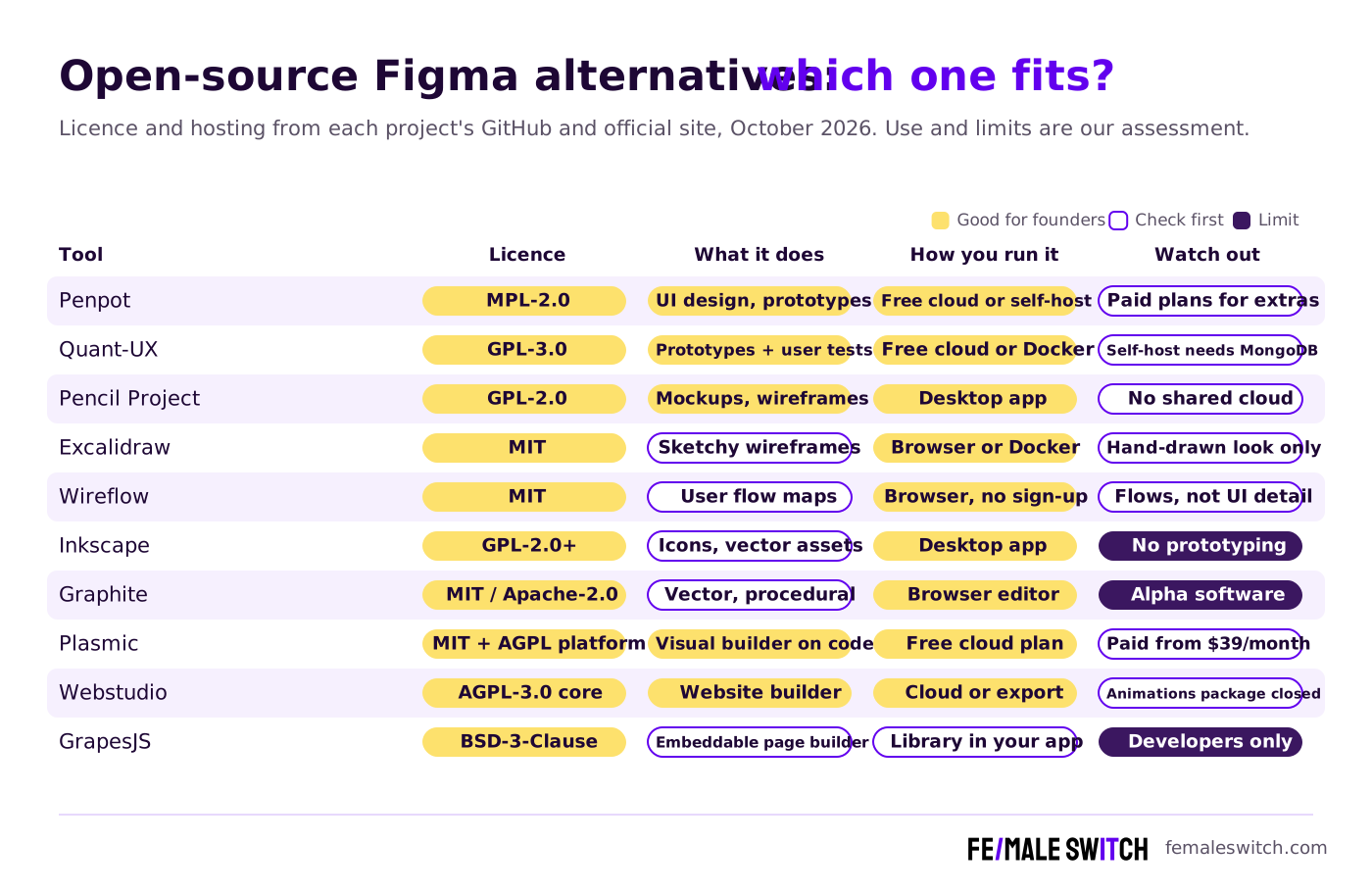
Open-Source Figma Alternatives Compared
Sources: each project's GitHub or GitLab repository (licence file, releases, commits) and official website, checked 28 October 2026. Self-hosting is free, but you pay for the server and your own time.
The Best Open-Source Figma Alternatives in 2027
1. Penpot: the closest open-source Figma replacement
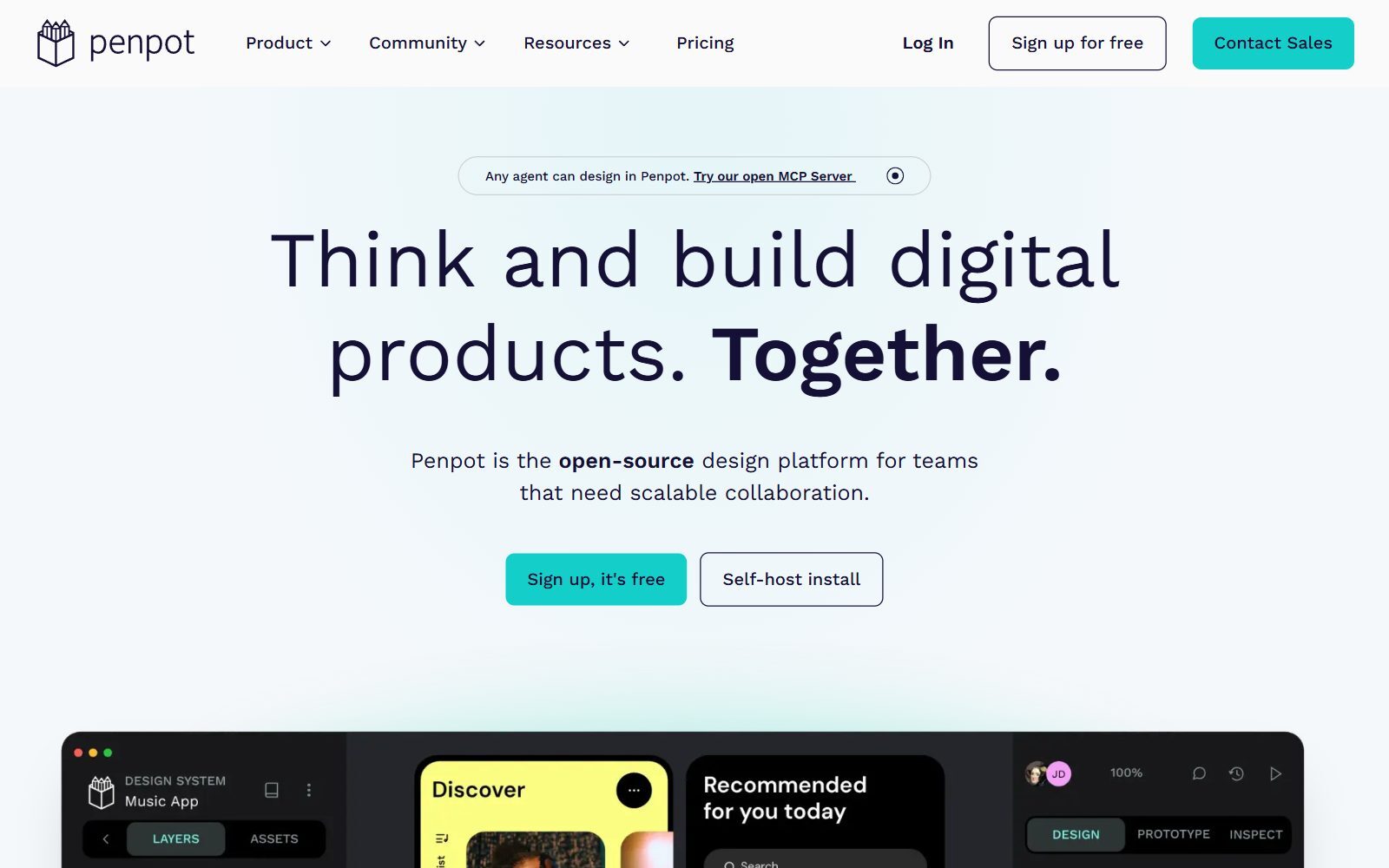
Penpot is an open-source design and prototyping platform that runs in the browser, with real-time collaboration, components, variants, native design tokens and CSS Grid and Flex layouts, so designs behave like real code. Its inspect tab gives developers SVG, CSS and HTML, and an MCP server and plugin system let AI agents and other tools work with your files. The Penpot repository is licensed under MPL-2.0 and explains that you can use the hosted version or self-host it with Docker, Kubernetes or Elestio. On Penpot's pricing page (October 2026) the Professional cloud plan costs $0 and is described as free and fully featured; Unlimited costs $7 per editor per month, capped at $175 a month, and Enterprise $25 per member per month. Version 2.18.5 and a 2.19 release candidate came out in October 2026.
2. Quant-UX: prototype and test with real users
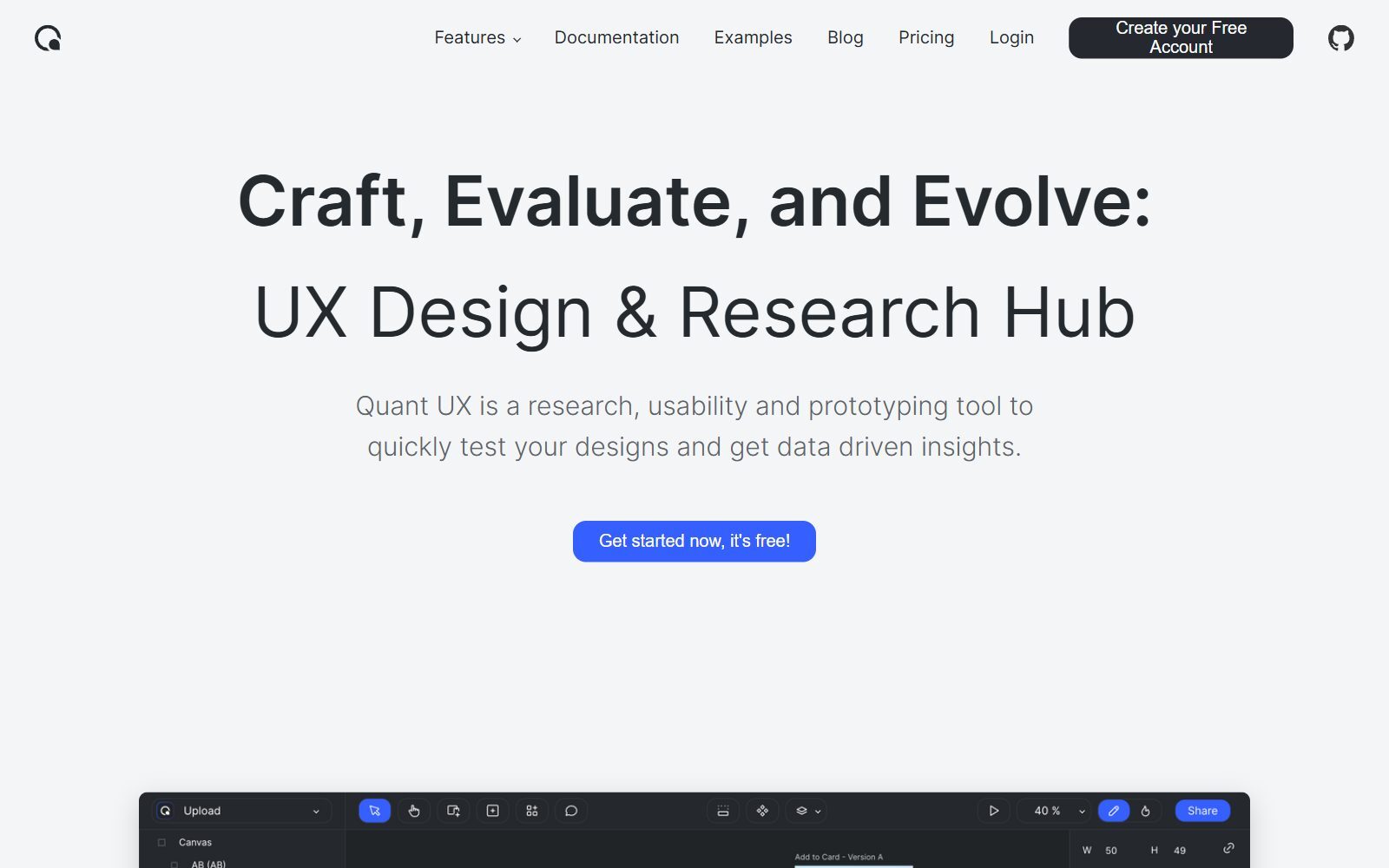
Quant-UX combines a visual prototyping editor with user research: you draw app screens, add working UI widgets, logic flows and animations, then share a link and test the prototype with real people. Every test is recorded, and Quant-UX shows heatmaps, success rates, drop-offs and survey answers, and supports A/B tests and design tokens. Its pricing page lists one free plan with unlimited prototypes, unlimited user tests, real-time collaboration and analytics. The Quant-UX front end is GPL-3.0 and the Java backend uses a permissive licence; self-hosting needs Node.js, Java, MongoDB and a mail server, or the project's docker-compose setup. The code was updated in October 2026.
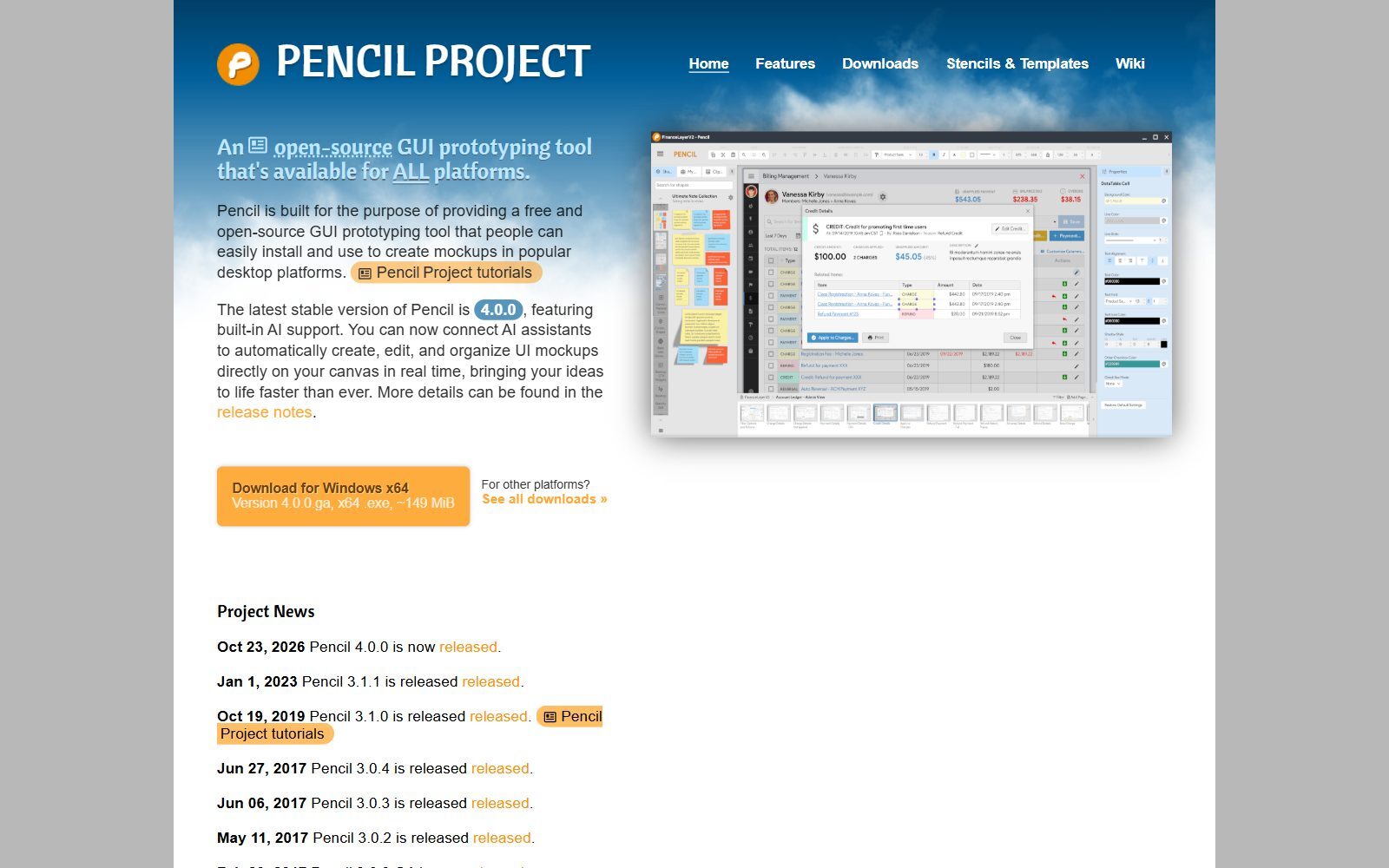
3. Pencil Project: free offline mockups, back with version 4.0
Pencil Project is a desktop GUI prototyping tool for Windows, macOS and Linux, with stencils for web, mobile and desktop interfaces. After a long pause (version 3.1.1 came out on 1 January 2023), Pencil 4.0.0 was released on 23 October 2026 with built-in AI support: you can connect AI assistants that create, edit and organise UI mockups on your canvas. The Pencil repository is GPL-2.0. Pencil works on your own computer, not in a shared cloud, so it suits a founder sketching an app alone more than a team designing together.
4. Excalidraw: quick, sketchy wireframes
Excalidraw is an MIT-licensed whiteboard with a hand-drawn look that many teams use for low-fidelity wireframes: boxes, arrows, text and shared libraries of UI elements, without pixel-perfect detail. On excalidraw.com you can start without an account and invite people to a live session through an end-to-end encrypted link. The free plan includes one saved scene, unlimited collaborators and 10 AI requests a day; Excalidraw+ costs $6 per user per month for unlimited scenes and cloud saving. The Excalidraw repository was updated almost daily in October 2026, and you can self-host it.
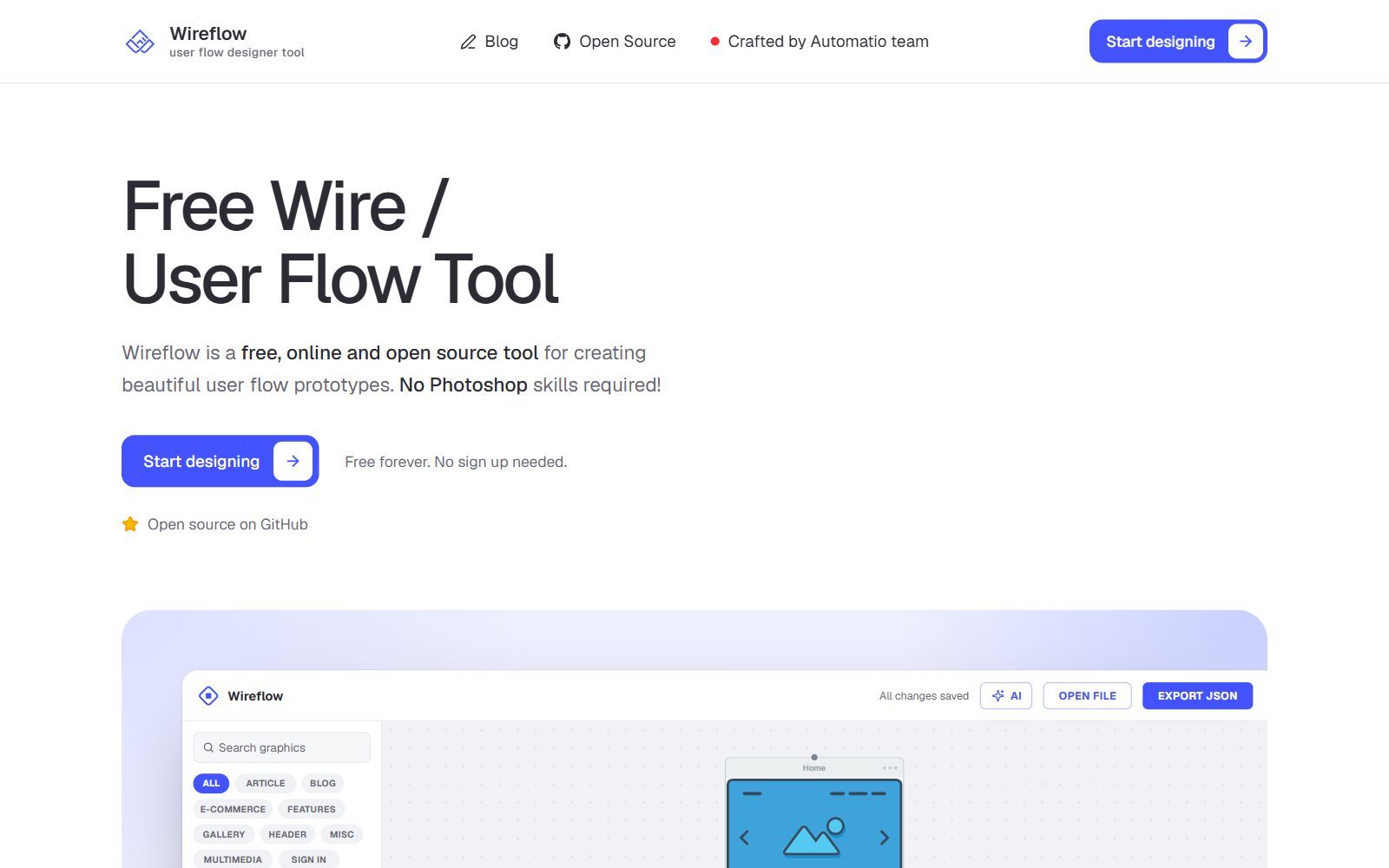
5. Wireflow: free user flow diagrams in the browser
Wireflow maps user flows before you design screens: you drag wireframe screens onto a canvas, connect them with labelled arrows and export a PNG, JPG or JSON file. According to its GitHub README, it has 125 screen templates in 12 categories, needs no account, keeps your diagram in your browser and works offline once loaded; an optional AI assistant runs with your own Anthropic API key. The code is MIT-licensed, and the app was rebuilt and relaunched in October 2026. It shows how screens connect, not how they look, so pair it with Penpot or Pencil.
Validate your startup idea with the unique borrowed authority approach: we publish articles about your product in our blog and you get traffic and testers for your MVP
- Prove Market Demand: See real organic traffic and waitlist conversions
- Unlock High-Potential Keywords: Receive a curated list of top-performing keywords directly from Google Search Console data.
- Estimate Customer Acquisition Cost (CAC): Gain financial foresight with an estimated CAC based on real keyword performance data.
🔗 Start validating your startup now
6. Inkscape: icons, illustrations and SVG assets
Inkscape is the best-known open-source vector editor. It is not a UI prototyping tool, but it covers the Figma work around a product: logos, icons, illustrations and SVG files you later drop into Penpot or your code. Most of its code is GPL-2.0 or later, it runs on Windows, macOS and Linux, and version 1.4.4 was tagged in its GitLab repository in May 2026. If you need a different vector tool, see our open-source Inkscape alternatives and open-source Illustrator alternatives.
7. Graphite: a new open-source vector editor in the browser
Graphite is a free, open-source vector and raster graphics editor that runs in the browser and combines layers with a node-based, non-destructive workflow. Its code is dual-licensed under MIT or Apache-2.0, and the team was committing code daily in October 2026. Graphite calls itself alpha software, so use it for experiments, generative artwork and marketing graphics rather than client deadlines. For simple browser vector tools, compare our free Vectr alternatives.
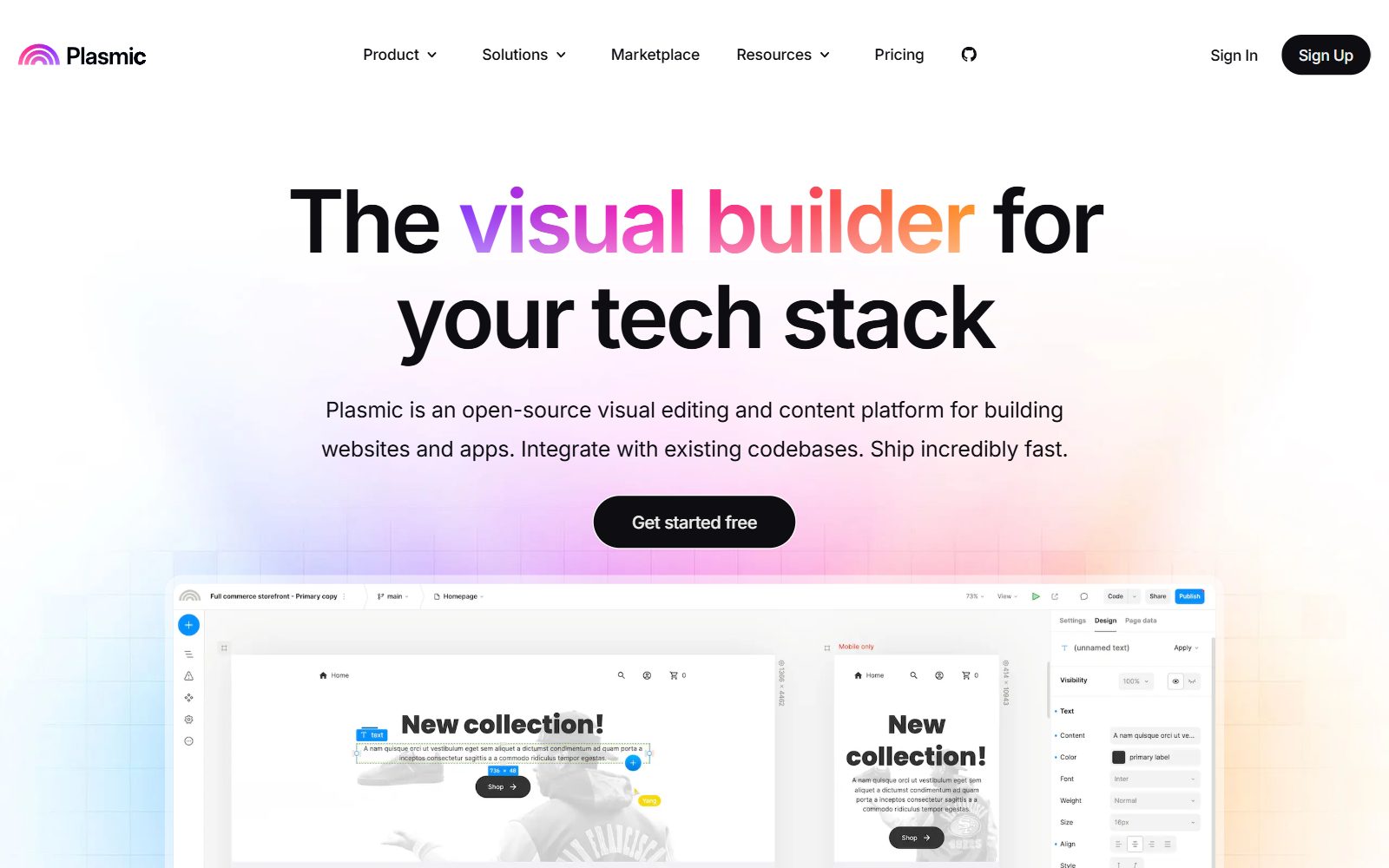
8. Plasmic: a visual builder on top of your codebase
Plasmic is for teams who want to go from design to a live website or app without a separate handoff. You drag and drop your own React components, build pages and internal tools visually, and publish to Plasmic hosting or deploy to your own servers. The Plasmic repository is MIT-licensed, except the platform folder, which is AGPL. On Plasmic's pricing page the Free plan costs $0 with 3 collaborators and unlimited projects, with a Plasmic badge on Plasmic-hosted sites; Starter costs $39 a month billed yearly.
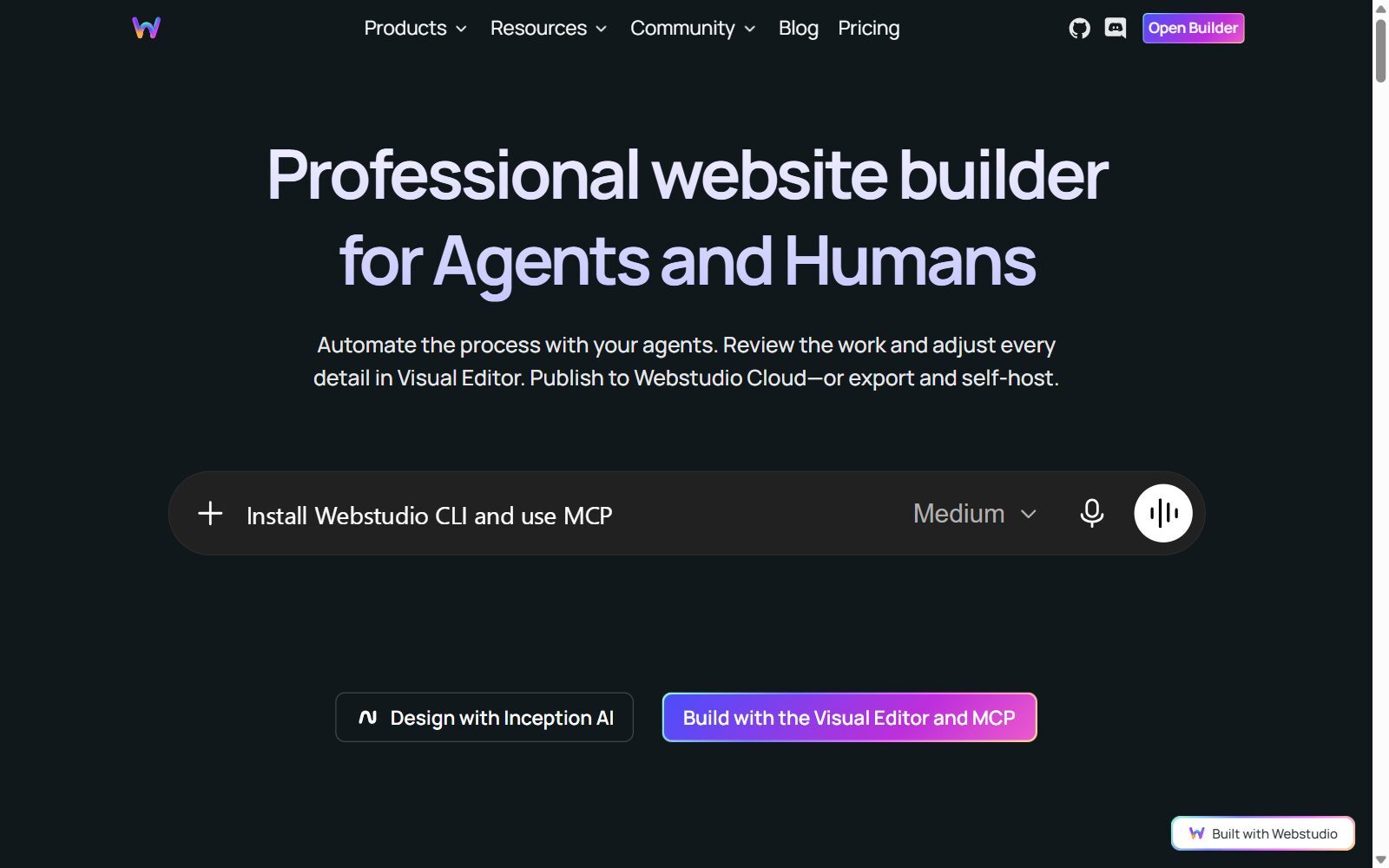
9. Webstudio: an open-source Webflow-style builder
Webstudio is a visual website builder with full CSS control, CMS connections and an MCP server for AI agents. You publish to Webstudio Cloud or export the project and host it yourself. According to the Webstudio repository, the core is AGPL-3.0-or-later, while one optional animation package is proprietary. On Webstudio's pricing page the Free cloud plan includes a wstd.io subdomain and unlimited projects and pages; Pro costs $15 a month billed yearly. Version 0.308.0 came out in October 2026.
10. GrapesJS: a page builder you embed in your own app
GrapesJS is a free, BSD-3-Clause web builder framework for developers: it adds a drag-and-drop editor for web pages, newsletters and templates to your own CMS or SaaS. It is a building block, not a finished design app, so choose it if you are building a product that needs an editor. Version 0.23.8 came out in October 2026. The same team sells a commercial Studio SDK on grapesjs.com.
Open-Source Figma Alternatives That Are Abandoned, Changed or Not Open Source
The 2025 version of this article listed several tools that no longer belong on an open-source Figma shortlist:
- Akira: a promising native Linux UI design app (GPL-3.0), but its last release is an alpha from August 2021, its README still says it is not ready for production, and the repository has seen only two commits since 2023. Linux users can run Penpot in the browser instead.
- Lunacy: a free design app from Icons8 for Windows, macOS and Linux, but it is not open source.
- Origami Studio: a free prototyping app from Meta, but it is not open source either.
- Dessia: an AI platform for CAD engineering design, not a UI design tool, so it was removed.
- Onlook: an Apache-2.0 visual editor for Next.js and Tailwind apps. Its README says the team's next hosted product is in early access through a waitlist; the last tagged release is from July 2025 and the last code change from July 2026.
- Pencil and Wireflow: both looked stalled for years and came back in October 2026, so they stay on the main list. We removed the old claim that Pencil has real-time collaboration: it is a desktop app.
Which Open-Source Figma Alternative Should You Choose?
- You want to replace Figma for UI design and prototypes: Penpot, in the free cloud first, self-hosted once the team grows.
- You want to test a prototype with real users before you build: Quant-UX.
- You design alone and want an offline app: Pencil Project.
- You are still at the idea stage: Excalidraw for rough screens and Wireflow for the user journey.
- You need logos, icons and illustrations: Inkscape, or Graphite for experiments.
- You want the design to become a live site: Webstudio for marketing sites, Plasmic for apps on your own code.
- You are building an editor into your own product: GrapesJS.
Using FigJam or Figma AI rather than Figma Design? See our open-source FigJam alternatives, open-source Figma AI alternatives and the comparison Figma vs Miro.
How Founders Use an Open-Source Design Stack
For an early-stage startup, design work comes in stages. Start with the business on one page using the F/MS Lean Canvas tool, map the user journey in Wireflow or on a shared whiteboard (our open-source Miro alternatives and open-source draw.io alternatives cover those), then design the key screens in Penpot and test them with five to ten real users in Quant-UX before anyone writes code. If you prefer AI to generate the first version, compare the best AI prototyping tools.
When it is time to launch, a landing page builder is often faster than a custom site: see the free Carrd alternatives and Squarespace alternatives, and for internal tools the open-source Retool alternatives. For photos and social visuals, use our open-source Photoshop alternatives and free Canva Pro alternatives. Then turn what you learn into articles with the F/MS AI SEO Tool so customers find you in Google and AI assistants.
Join ElonaHunt (like ProductHunt but for women) and explore the coolest women-focused startups out there!
Discover your next big inspiration and connect with like-minded female entrepreneurs!
👉 Join the Hunt Here
FAQ About Open-Source Figma Alternatives
What is the best open-source alternative to Figma?
Penpot. It is MPL-2.0 licensed, runs in the browser with real-time collaboration, components, design tokens and prototyping, and you can use the free cloud plan or host it yourself.
Is Penpot really free?
Yes. The code is open source, self-hosting is free, and the Professional cloud plan cost $0 when we checked in October 2026. Paid Unlimited and Enterprise plans add extras such as more storage and administration.
Can I self-host a Figma alternative?
Yes. Penpot, Quant-UX and Excalidraw can run on your own server, and Webstudio projects can be exported and hosted yourself. Figma itself has no self-hosted version.
Is there a Figma alternative for Linux?
Yes. Penpot runs in the browser, so it works on Linux as well as Windows and macOS, and Pencil Project and Inkscape have Linux desktop versions. Akira, the native Linux design app, has stalled.
Is Lunacy open source?
No. Lunacy is a free design app from Icons8, but its code is not open source.
Is Akira still being developed?
Not in any meaningful way. Its last release is an alpha from August 2021, and the repository has seen only two commits since 2023.
What is the best open-source tool for wireframes?
Pencil Project for detailed offline mockups, Excalidraw for quick sketchy wireframes with others, and Wireflow for user flow diagrams.
Which open-source tool can test prototypes with users?
Quant-UX. You share a link, testers complete tasks, and you get recordings, heatmaps, success rates and drop-offs, free and with unlimited tests.
How much does Figma cost in 2027?
When we checked in October 2026, the Starter plan was free, a Professional Full seat was listed at $16 a month, and an Organization Full seat at $55 a month billed annually.
Where can I get a backlink by writing about my startup?
You can publish a guest post in one of the Fe/male Switch startup blogs, which rank in Google and in AI tools. Get a quality backlink.
About the Author
Violetta Bonenkamp, also known as MeanCEO, is an experienced startup founder with an impressive educational background including an MBA and four other higher education degrees. She has over 20 years of work experience across multiple countries, including 5 years as a solopreneur and serial entrepreneur. Throughout her startup experience she has applied for multiple startup grants at the EU level, in the Netherlands and Malta, and her startups received quite a few of those. She’s been living, studying and working in many countries around the globe and her extensive multicultural experience has influenced her immensely.

