
Free Draw.io Alternatives: Which Free Diagram Tool Fits Which Job
Draw.io is already free, so a free alternative has to earn its place: a desktop app that lays out a big graph for you, a whiteboard your team enjoys, diagrams you write as text, or a tool your clients already use. The catch is that most "free" diagram tools are free plans with limits: three documents, a shape cap, a monthly object allowance, no export or non-commercial use only. We read the free plan of every tool below on its official pricing page or website in October 2026, so you know where each one stops before you put your work in it. Paid prices are in our guide to draw.io alternatives, and licences in our guide to open-source draw.io alternatives.
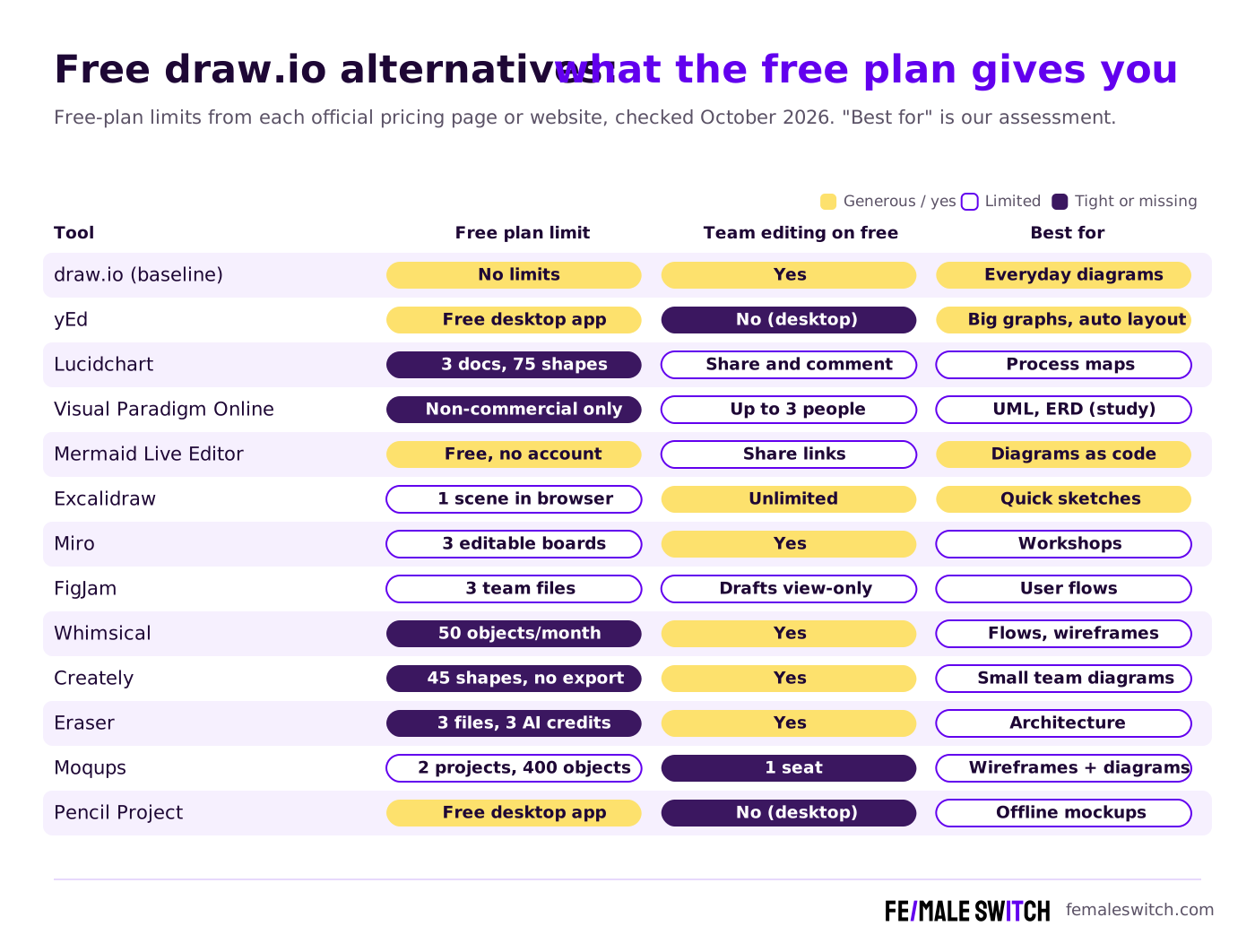
Quick answer: for free with no limits, stay with draw.io or use yEd (free desktop app, also for commercial use) and the Mermaid Live Editor (diagrams as code, no account). For sketching with a team, Excalidraw is free with unlimited collaborators. Miro, FigJam and Lucidchart have useful free plans, but each keeps only about 3 boards, files or documents editable. Visual Paradigm Online is free only for non-commercial use, and Creately's free plan has no image or PDF export.
Boost Your SEO by Getting Featured in Our Blogs and get a backlink.
We publish content about startups, education, tech, funding, etc. that ranks well not only in Google but also in Perplexity, ChatGPT, Grok and other AI tools.
👉 Get featured now!
Draw.io or Diagrams.net: What Is It Called in 2027?
The 2025 title of this article said "now Diagrams.net". That is out of date. The official website, drawio.com, calls the product draw.io, and the companies behind it are draw.io Ltd and draw.io AG. Only the free online editor still runs at app.diagrams.net. The site describes draw.io as "free forever", with no sign-up, no paywalls, real-time collaboration with shared cursors and your diagrams stored wherever you want, in your own cloud storage or on your computer with the desktop app. That is the bar: a free alternative is only worth switching to if it does something draw.io doesn't.
Free Draw.io Alternatives Compared
Sources: each tool's official pricing page or website, default view, checked 29 October 2026. Free plans change often; check the limit before you move important work.
The Best Free Draw.io Alternatives in 2027
1. yEd: free desktop app for big diagrams with automatic layout
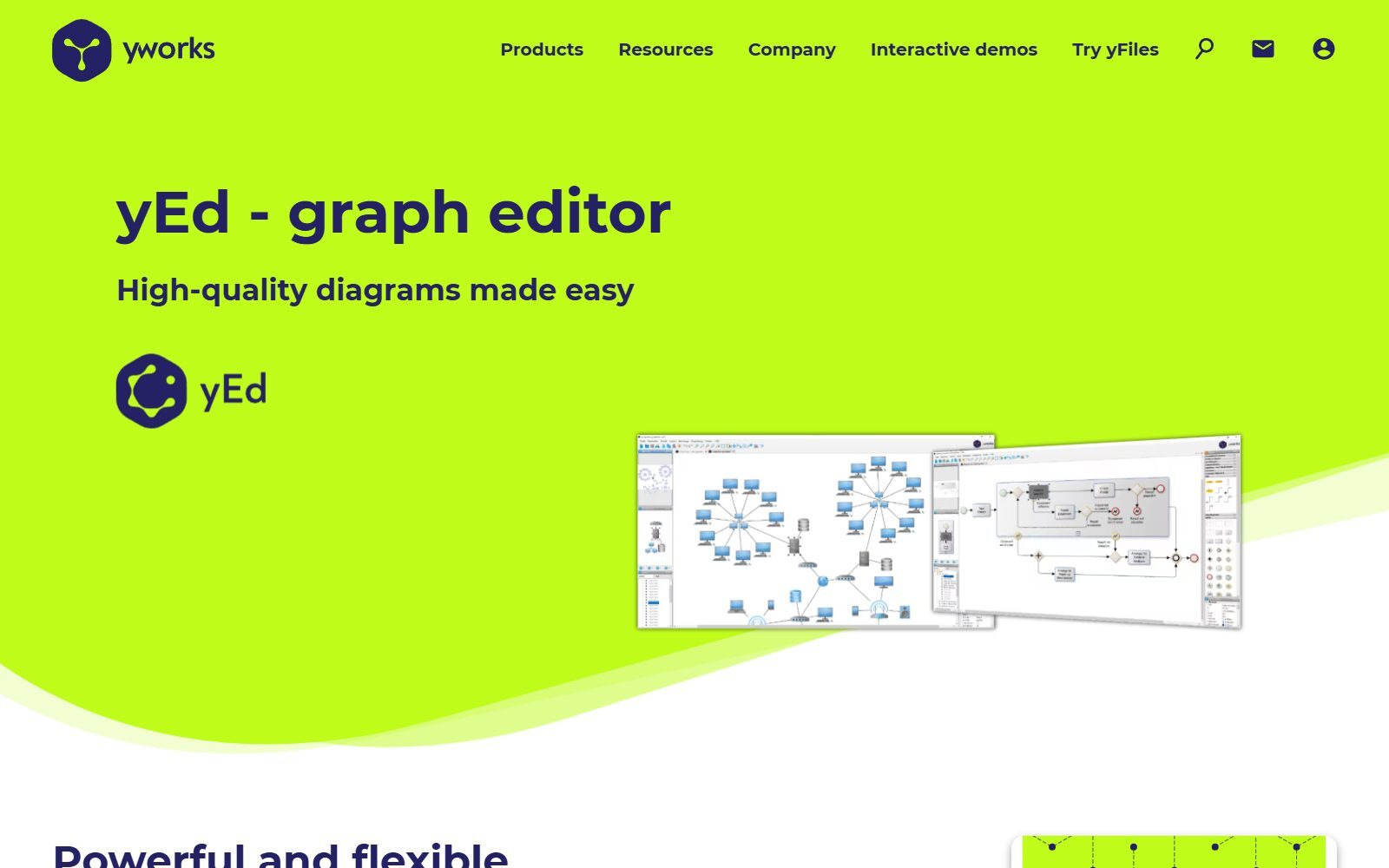
yEd Graph Editor from yWorks is the closest thing to draw.io without limits. Its FAQ says the use of yEd is free of charge, also in a commercial environment, under the yEd Software License Agreement, which forbids redistributing it or using it in an automated process. It runs on Windows, macOS and Linux (it is a Java application), and the current version is 3.25.1. Its strength is automatic layout: import an Excel sheet of people or systems and yEd arranges hundreds of nodes into an org chart, a network map or a flowchart for you. It exports PNG, JPG, SVG and PDF. yWorks also offers yEd Live, a browser version. It is free software, not open source, and there is no live co-editing.
2. Lucidchart Free: three documents for classic process diagrams
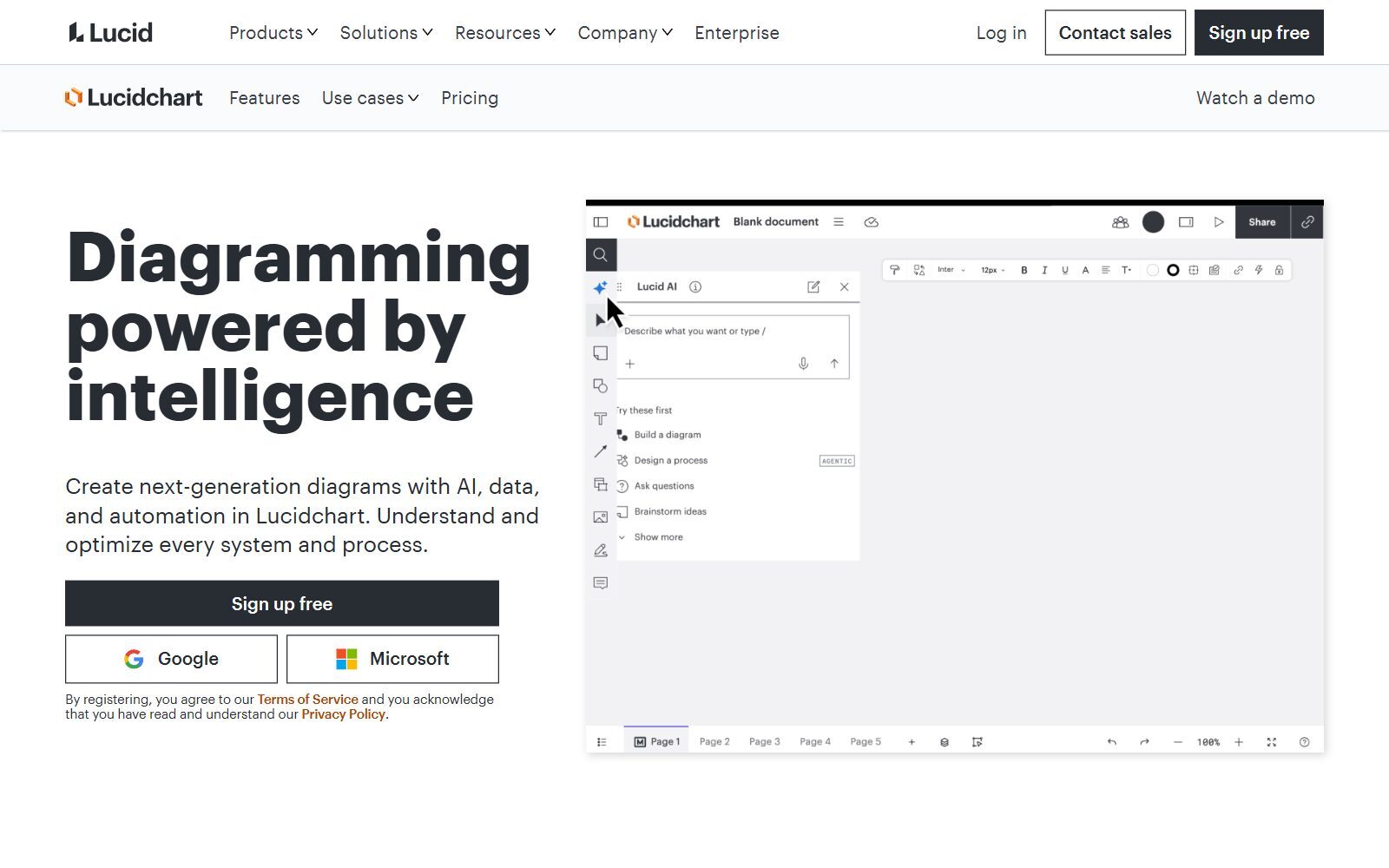
Lucidchart is the polished option for flowcharts, process maps and org charts. Its free plan needs no credit card and includes 3 editable documents, 75 shapes per document, 100 templates, basic data linking, presentation mode, commenting and Lucid AI. Seventy-five shapes is enough for a customer journey or a sign-up flow, not for a full system map. Individual costs €9 a month billed annually (the page showed us euros), with unlimited documents and shapes. Use the free plan when a client or partner shares a Lucidchart file with you; for your own large diagrams, draw.io or yEd are free without a cap.
3. Visual Paradigm Online Free: UML and ERD, but only for non-commercial use
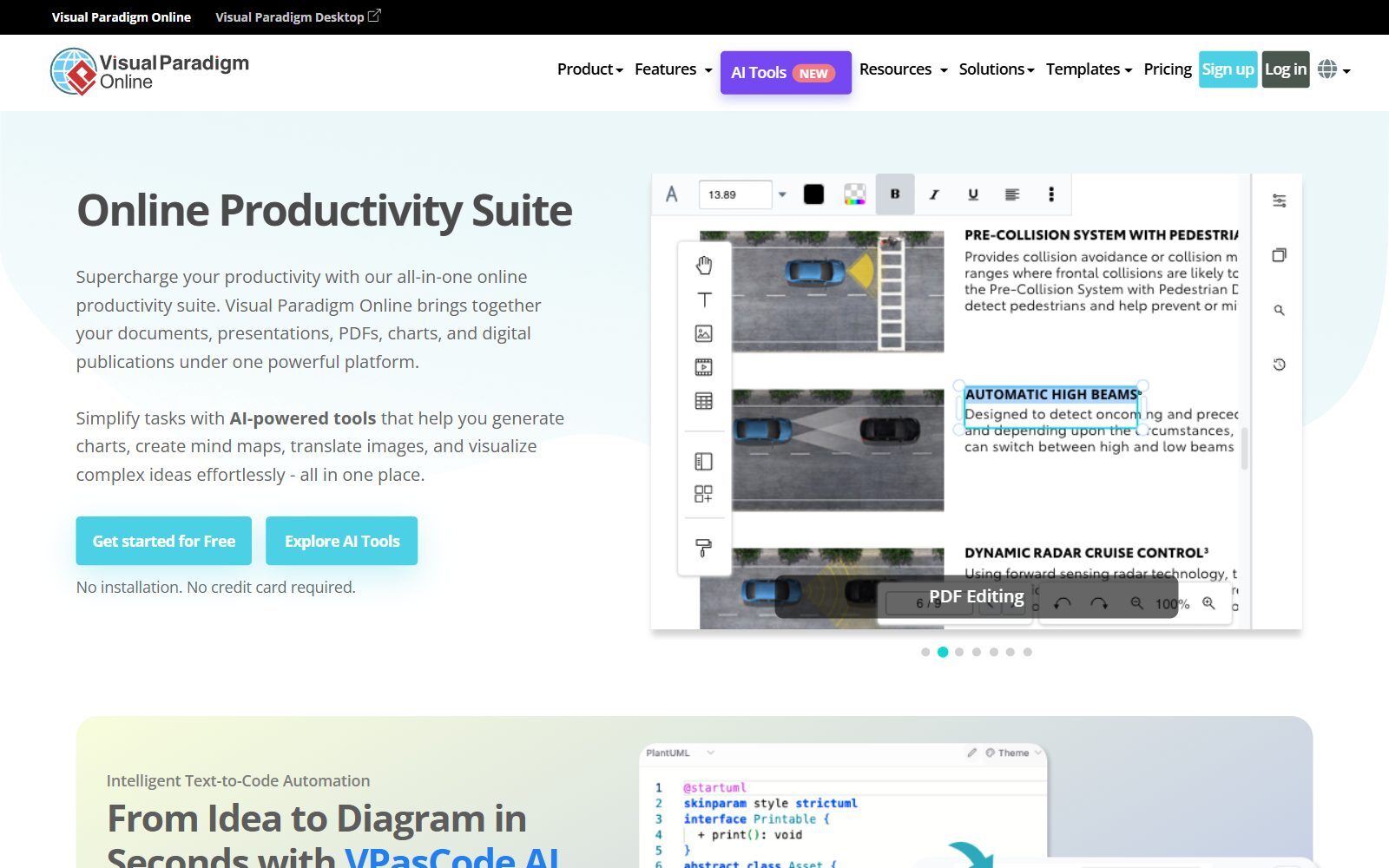
Visual Paradigm Online has a generous free plan on paper: unlimited diagrams and shapes, multi-page diagrams and JPG, PNG, SVG and PDF export, with UML, ERD and org chart tools in the browser. Two limits matter for founders. The free plan is for "strictly non-commercial use", and its pricing page says the Free Edition adds a watermark to exports. Real-time collaboration on the free plan is limited to 3 participants. It is a good choice for students, courses and personal projects; for your startup's work, choose a paid plan or another free tool.
4. Mermaid Live Editor: free diagrams as code, no account
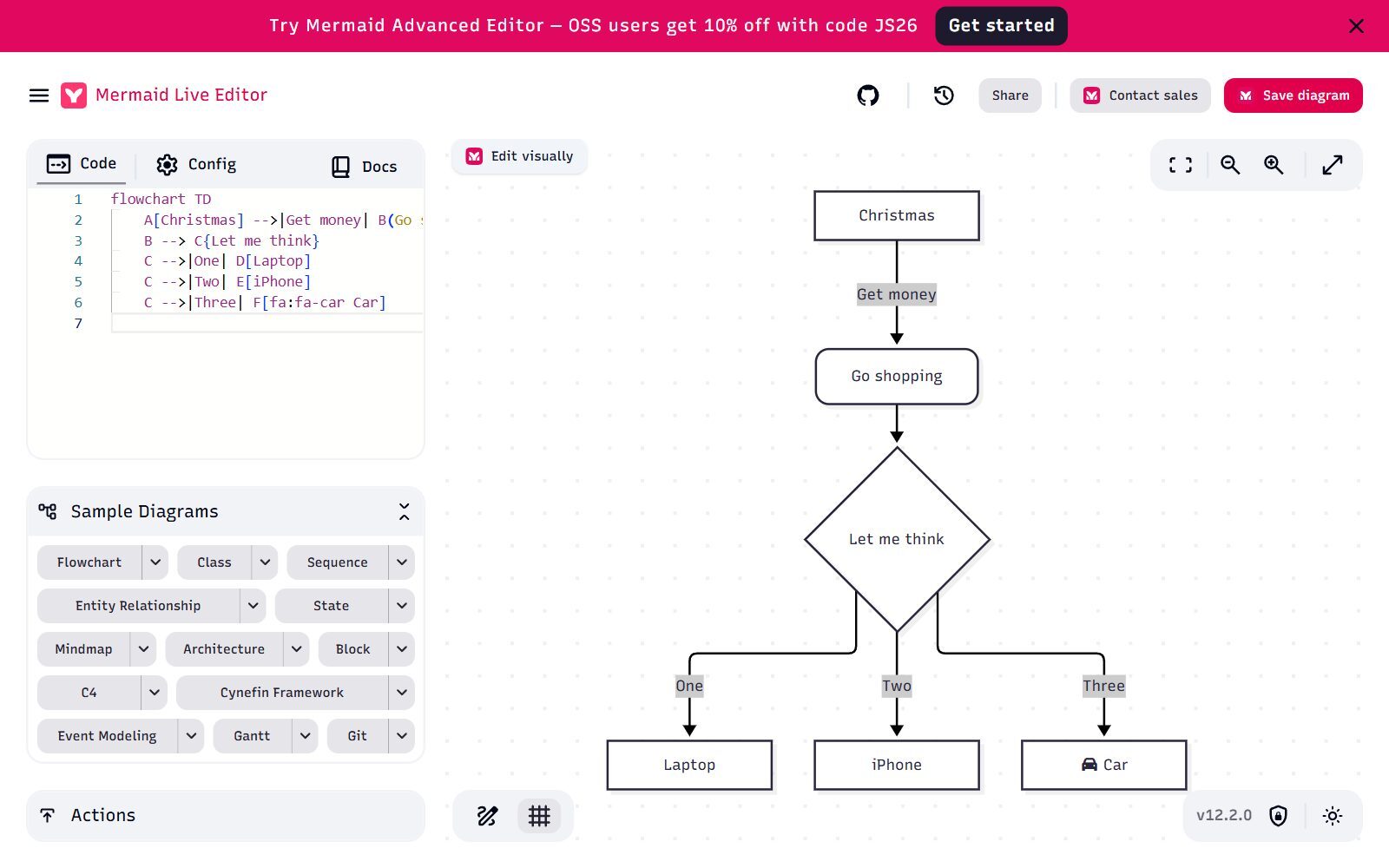
The Mermaid Live Editor turns a few lines of text into flowcharts, sequence, class, ER, state, Gantt, mind map and architecture diagrams. You can use it without an account, save the result as SVG and share a view link or an edit link. The editor showed Mermaid version 12.2.0 when we checked. Because GitHub renders Mermaid code in Markdown, your diagrams can live next to your code and change with it. The company behind Mermaid renamed its commercial product: mermaidchart.com now redirects to mermaid.ai, whose free Basic plan has a small number of saved diagrams (the pricing page says 3 in one place and up to 6 in another), a limited diagram size and 15 AI credits. The page also says the core Mermaid syntax is always free and open source; Plus costs $10 per user a month billed annually.
5. Excalidraw: free whiteboard sketches with unlimited collaborators
Excalidraw gives you its full editor for free: unlimited collaborators, end-to-end encryption in your browser, one infinite scene and 10 generative AI requests a day. It is the quickest way to sketch a user flow on a call, and its hand-drawn look tells everyone the idea is still open. It is not built for precise diagrams with hundreds of shapes. Excalidraw+ adds cloud saving and unlimited scenes for $6 per user a month, with a 14-day trial.
6. Miro Free: workshops, with three editable boards
Miro is a whiteboard first and a diagram tool second, which is why teams use it for retros, brainstorming and customer-journey workshops. The free plan has unlimited boards and unlimited members, but only the 3 most recent boards stay editable. It includes 7,000+ templates and 250+ integrations. Starter costs $8 per member a month billed yearly. Our guide to free Miro alternatives compares the free whiteboards in detail.
Validate your startup idea with the unique borrowed authority approach: we publish articles about your product in our blog and you get traffic and testers for your MVP
- Prove Market Demand: See real organic traffic and waitlist conversions
- Unlock High-Potential Keywords: Receive a curated list of top-performing keywords directly from Google Search Console data.
- Estimate Customer Acquisition Cost (CAC): Gain financial foresight with an estimated CAC based on real keyword performance data.
🔗 Start validating your startup now
7. FigJam: free user flows if your team designs in Figma
FigJam is Figma's whiteboard for flowcharts, user flows and brainstorming. On Figma's free Starter plan, the Starter plan overview allows 3 FigJam files in your team folder, plus unlimited drafts; drafts can only be shared with view access, and version history covers 30 days. When you need more, a Collab seat costs $3 a month on the Professional plan and covers FigJam, Figma Slides, Buzz and Specs.
8. Whimsical Free: fast flows and wireframes, small monthly allowance
Whimsical is built for product teams: flowcharts, mind maps, wireframes and docs in one fast editor. The free plan has unlimited members and guests, but only 50 board objects and 50 doc blocks a month, watermarked exports, 7 days of version history and 10 AI credits per member. Treat it as a trial; Pro costs $10 per editor a month billed annually and removes the limits.
9. Creately Free: real-time collaboration, 45 shapes, no export
Creately lets you draw every diagram type on an infinite canvas and collaborate in real time on its free plan, with up to 45 shapes per diagram. Its plan table marks PNG, JPEG, PDF and SVG export as paid features, so free diagrams stay inside Creately. Pro adds unlimited shapes, exports, private links and one connected data source.
10. Eraser Free: three files for architecture diagrams
Eraser is made for engineering teams: diagram-as-code, AI that drafts architecture and cloud diagrams, and real-time collaboration on every plan. The free plan gives you 3 files, 3 AI credits and 7 days of version history. That is enough to try it on one system diagram; the next step, Business, costs $45 per member a month billed yearly, so most founders stay with Mermaid or draw.io for free.
11. Moqups Free: wireframes and diagrams for one person
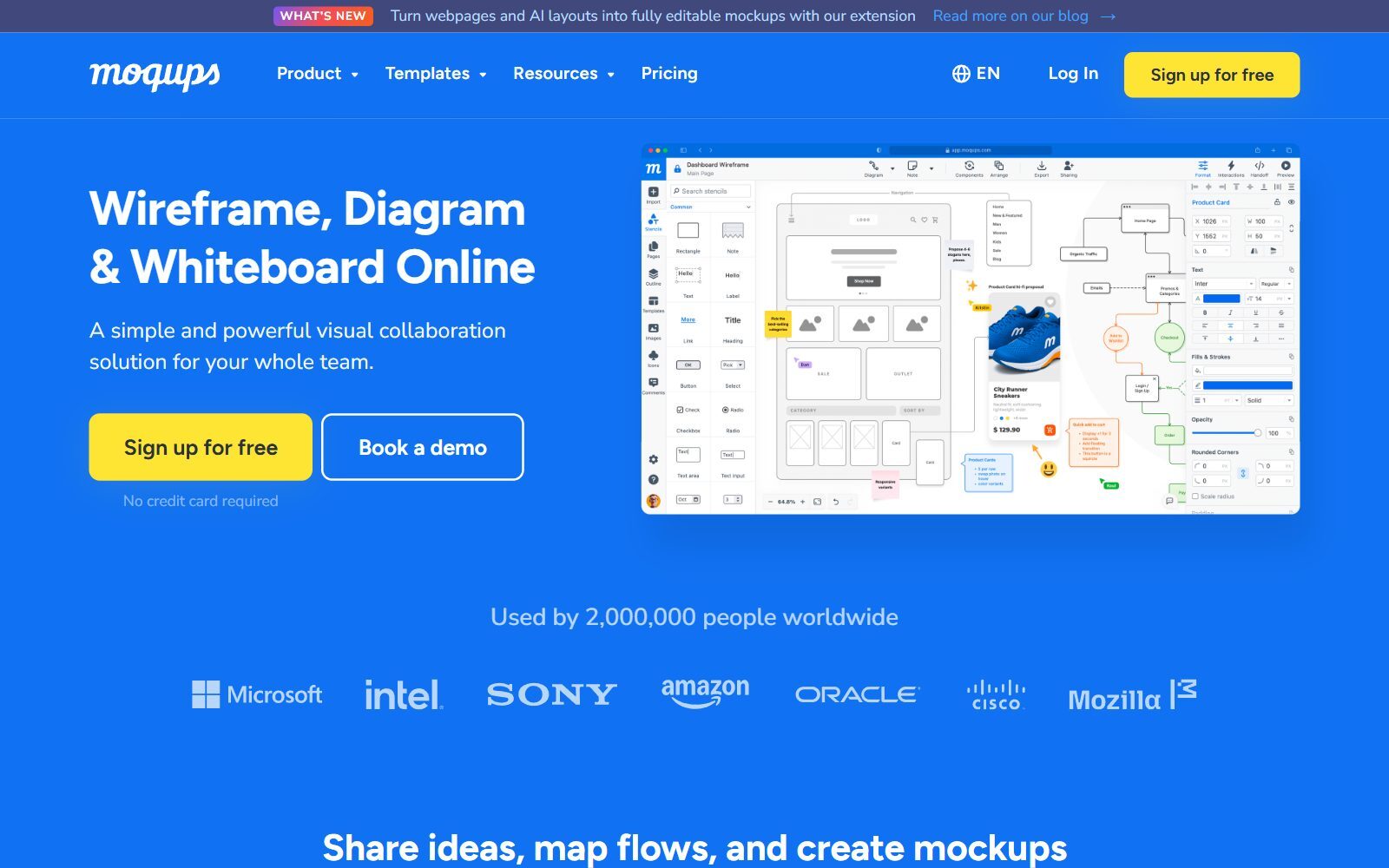
Moqups combines wireframes, mockups, diagrams and prototypes in one browser app. The free plan is for one seat with 2 projects, 400 objects per project and 150+ templates, and needs no credit card. Live collaboration is listed under the Business plan, so the free plan suits a solo founder who sketches screens and the flow between them. Starter showed €7 a month billed annually when we checked, a discounted price shown to us in euros.
12. Pencil Project: free offline mockups and simple flowcharts
Pencil Project is a free, open-source GUI prototyping tool for Windows, macOS and Linux with built-in shapes for mockups, flowcharts and simple diagrams. Older lists called it abandoned, but version 4.0.0 came out on 23 October 2026. Everything works offline and there are no plan limits; there is also no team editing.
What Changed Since the 2025 Version of This List
- Draw.io is the official name again; diagrams.net is only the address of the online editor.
- Microsoft Visio has no free version. Visio in Microsoft 365 is included in Microsoft 365 commercial plans and needs a work or school account; personal Microsoft accounts are not supported. Visio Plan 1 costs $5 per user a month, paid yearly. We removed it from this free list.
- EdrawMax was left out: its official pricing page focuses on paid and lifetime plans and does not show clear free-plan limits.
- Mermaid Chart is now sold as Mermaid at mermaid.ai; the open-source Mermaid Live Editor is still free.
- Pencil Project is active again with version 4.0.0.
- New in the list: Excalidraw, FigJam, Whimsical and Eraser, each with its free limits.
Which Free Draw.io Alternative Should You Choose?
- You want no limits at all: draw.io itself, yEd on the desktop, or the Mermaid Live Editor.
- You map a big org chart, network or dependency graph: yEd, for its automatic layout.
- You keep diagrams next to your code: Mermaid, or try Eraser's free files for architecture diagrams. Our list of open-source PlantUML alternatives covers more diagrams-as-code tools.
- You sketch with your team on calls: Excalidraw, free with unlimited collaborators.
- You run workshops: Miro, or FigJam if your team already uses Figma.
- You draw app screens and the flows between them: Moqups or Whimsical in the browser, Pencil offline; for design tools see open-source Figma alternatives and open-source InVision alternatives.
- You only need to edit a file someone sent you: Lucidchart's free plan for Lucidchart files.
- You are a student or diagram for a course: Visual Paradigm Online's free plan.
Looking for a specific replacement? See our lists of free Lucidchart alternatives, free FigJam alternatives, Whimsical alternatives, open-source Visio alternatives and open-source Miro alternatives.
How Founders Use Free Diagram Tools
You rarely need a paid diagram tool before your first customers. A setup that costs nothing: draw.io or yEd for flowcharts and system diagrams, Excalidraw for sketching on calls, and Mermaid for diagrams that live in your docs. Use them for work that moves the startup forward: map the customer journey before you build anything, which is step one of our 30-day validation sprint, sketch your model with these business model diagrams for startups and fill in a free Lean Canvas. For the visual side of your startup, see the top design tools for startups and our list of free Canva Pro alternatives. When your diagrams explain your product well, turn them into articles with the F/MS AI SEO Tool so customers find you in Google and AI assistants.
Join ElonaHunt (like ProductHunt but for women) and explore the coolest women-focused startups out there!
Discover your next big inspiration and connect with like-minded female entrepreneurs!
👉 Join the Hunt Here
FAQ About Free Draw.io Alternatives
Is draw.io still free in 2027?
Yes. Its official website describes draw.io as free forever, with no sign-up, no paywalls and real-time collaboration. The online editor runs at app.diagrams.net.
Is draw.io now called diagrams.net?
No. The official name is draw.io again, at drawio.com. Diagrams.net is only the domain of the free online editor, app.diagrams.net.
What is the best free alternative to draw.io?
For a free tool with no plan limits, yEd (desktop) and the Mermaid Live Editor (diagrams as code). For sketching with a team, Excalidraw. Online tools such as Miro, FigJam and Lucidchart are free only up to about 3 editable boards, files or documents.
Is yEd free for commercial use?
Yes. yWorks says yEd is free of charge, also in a commercial environment, under its software licence. You may not redistribute it or use it in an automated process. It is free software, not open source.
What are the limits of Lucidchart's free plan?
When we checked in October 2026: 3 editable documents, 75 shapes per document and 100 templates, with commenting, presentation mode and Lucid AI. No credit card is needed.
Can I use Visual Paradigm Online for free for my business?
No. Its free plan is for strictly non-commercial use, adds a watermark to exports and limits real-time collaboration to 3 participants.
Is there a free version of Microsoft Visio?
No. Visio in Microsoft 365 is included in Microsoft 365 commercial plans and needs a work or school account. Visio Plan 1 costs $5 per user a month, paid yearly, and there is a free trial.
Which free diagram tool works offline?
yEd, Pencil Project and the draw.io desktop app all run on Windows, macOS and Linux without an internet connection.
Are there open-source alternatives to draw.io?
Yes. Draw.io itself is open source, and Excalidraw, Mermaid, PlantUML, D2 and Penpot are too. Our guide to open-source draw.io alternatives checks their licences.
How can I get my startup's tool featured in an article like this?
You can publish a guest post in one of the Fe/male Switch startup blogs, which rank in Google and in AI tools like ChatGPT and Perplexity. Get a quality backlink.
About the Author
Violetta Bonenkamp, also known as MeanCEO, is an experienced startup founder with an impressive educational background including an MBA and four other higher education degrees. She has over 20 years of work experience across multiple countries, including 5 years as a solopreneur and serial entrepreneur. Throughout her startup experience she has applied for multiple startup grants at the EU level, in the Netherlands and Malta, and her startups received quite a few of those. She’s been living, studying and working in many countries around the globe and her extensive multicultural experience has influenced her immensely.

