
Free Miro Alternatives: Online Whiteboards With a Real Free Plan
Miro's free plan is a good way to start, but it stops at three editable boards. As soon as a startup runs a fourth workshop, retro or customer journey map, the oldest board becomes read-only or the team has to pay per member. The good news is that several online whiteboards have free plans that are as generous or more. We checked the free plan of every tool below on its official pricing page in October 2026: how many boards you can edit, who can collaborate, what is missing and what the first paid plan costs. Tools that are discontinued or no longer free are listed separately at the end. If you would rather host a whiteboard on your own server, see our open-source Miro alternatives.
Quick answer: for an unlimited free whiteboard with no board cap, use Excalidraw or Canva Whiteboards; for product and design teams, use FigJam; for workshops close to the Miro experience, use Lucidspark or Mural; for whiteboards inside your meetings or task manager, use Zoom Whiteboard or ClickUp; and for teaching or tutoring, use WooWhiteboard.
Boost Your SEO by Getting Featured in Our Blogs and get a backlink.
We publish content about startups, education, tech, funding, etc. that ranks well not only in Google but also in Perplexity, ChatGPT, Grok and other AI tools.
👉 Get featured now!
What Miro's Free Plan Includes in 2027
To know what you are replacing: the Miro pricing page (checked October 2026) lists the Free plan with 3 editable boards, unlimited team members, thousands of templates and 250+ integrations. You can create more boards, but only the three most recent stay editable. Starter costs $8 and Business $20 per member per month, billed yearly. Every tool below is compared against that three-board limit.
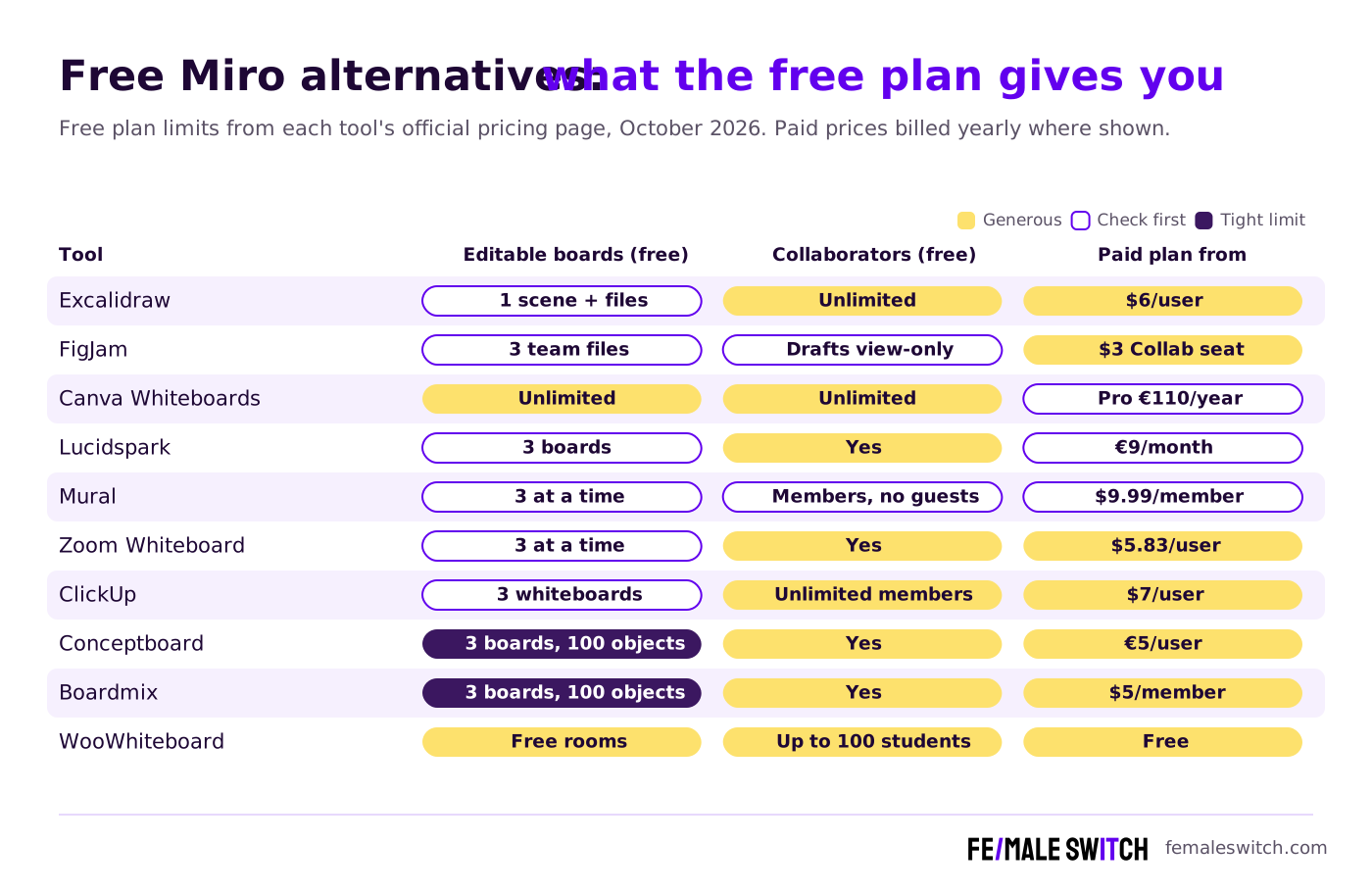
Free Miro Alternatives Compared
Sources: each tool's official pricing page, checked 27 October 2026. Lucid and Canva showed us prices in euros; your currency may differ. Free plans change, so check the limits before you move a team.
The 10 Best Free Miro Alternatives in 2027
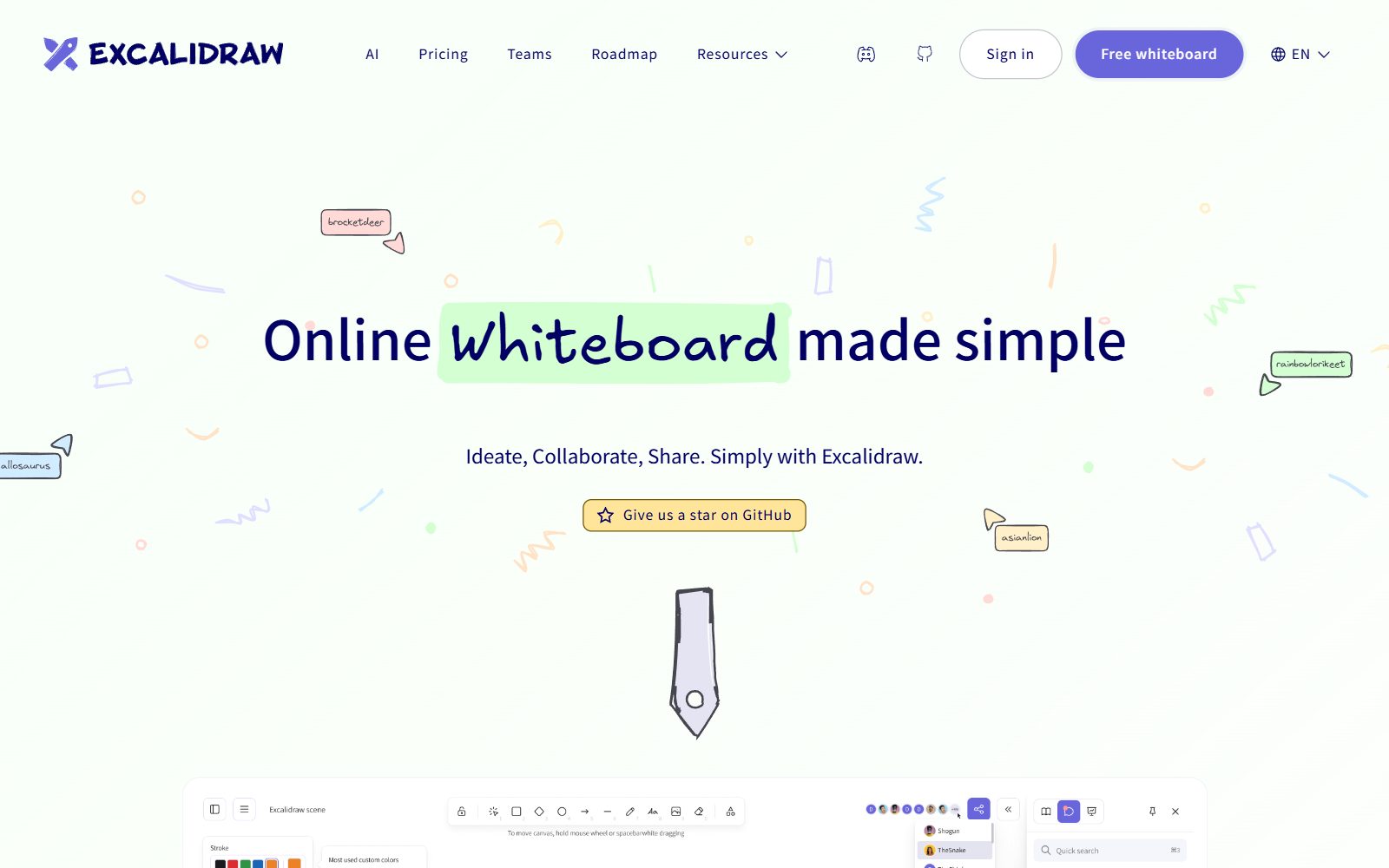
1. Excalidraw: the free whiteboard with no board limit
Excalidraw is a hand-drawn style whiteboard that opens in the browser. Its pricing page calls the free version "Free forever": the full editor, unlimited collaborators in a shared session, end-to-end encryption in your browser and open-source code. The limits are that the free tier lists one infinite scene (you can save more scenes as files) and generative AI is capped at 10 requests a day. Excalidraw+ adds cloud workspaces for $6 per user per month after a 14-day trial. Because the code is open source, you can also host it yourself; we cover that in the open-source Miro alternatives list.
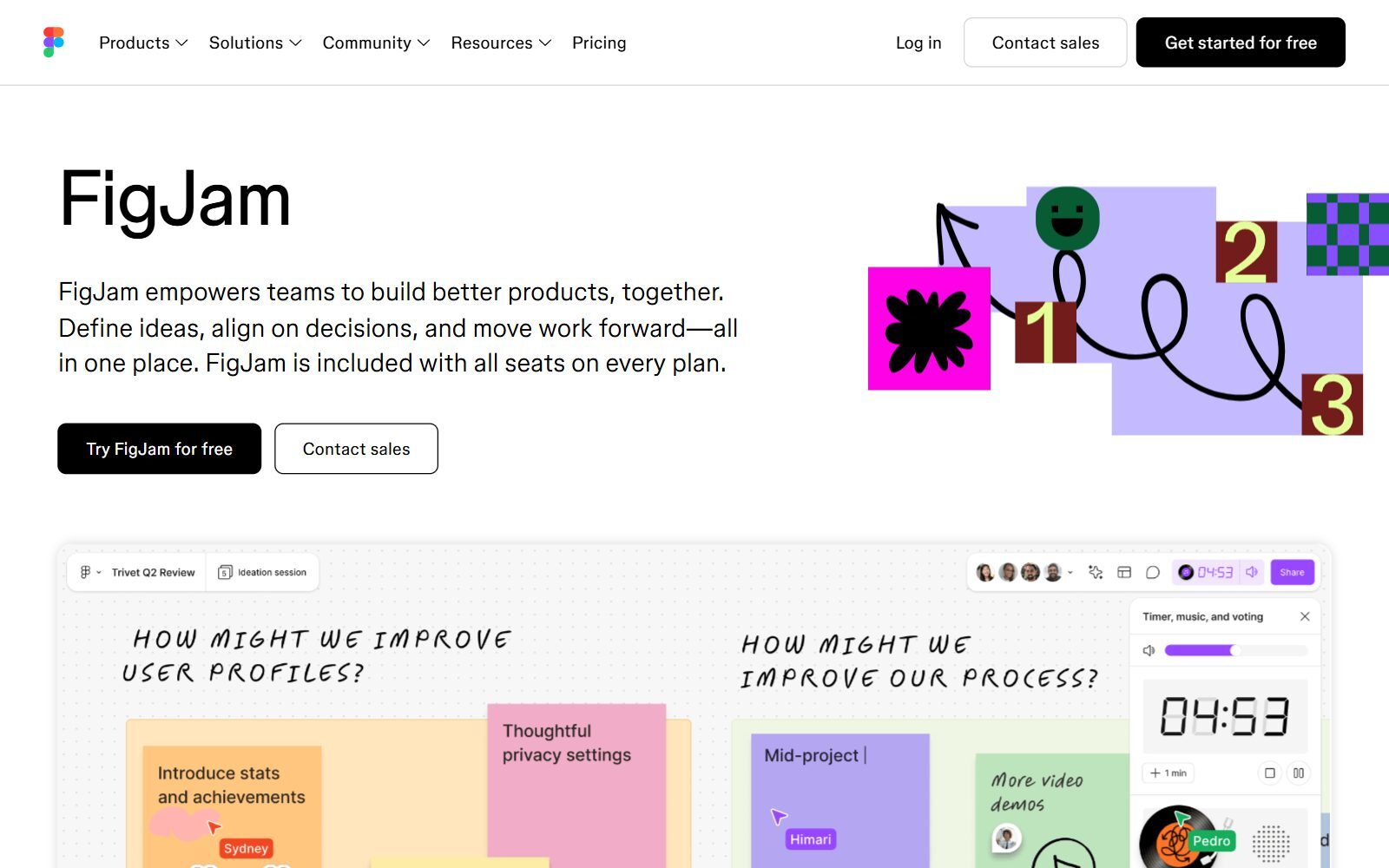
2. FigJam: best free whiteboard for product and design teams
FigJam is Figma's whiteboard, and Figma says it is included with all seats on every plan. It has more than 300 ready-made templates, stamps and emotes, and audio and live chat for sessions. According to Figma's Starter plan overview, the free plan gives a team one folder with up to 3 FigJam files, plus unlimited drafts. The catch: you can only share drafts with view access, so real co-editing happens in those three team files. Version history covers 30 days. The cheapest upgrade is a Collab seat at $3 a month, which includes full FigJam access.
3. Canva Whiteboards: unlimited free whiteboards for marketing teams
Canva Whiteboards lives inside Canva and is marketed as a free online whiteboard where you can create infinite whiteboards. The editor has templates, a Draw tool, sticky notes you can sort, a timer and AI summaries of a board. The Canva Free plan includes more than 1.6 million templates, 5 GB of cloud storage and up to 20 AI uses; Canva Pro costs €110 a year for one person. Choose it if your team already designs in Canva; for complex diagrams, a dedicated tool is stronger.
4. Lucidspark: the closest free match to Miro's workshop tools
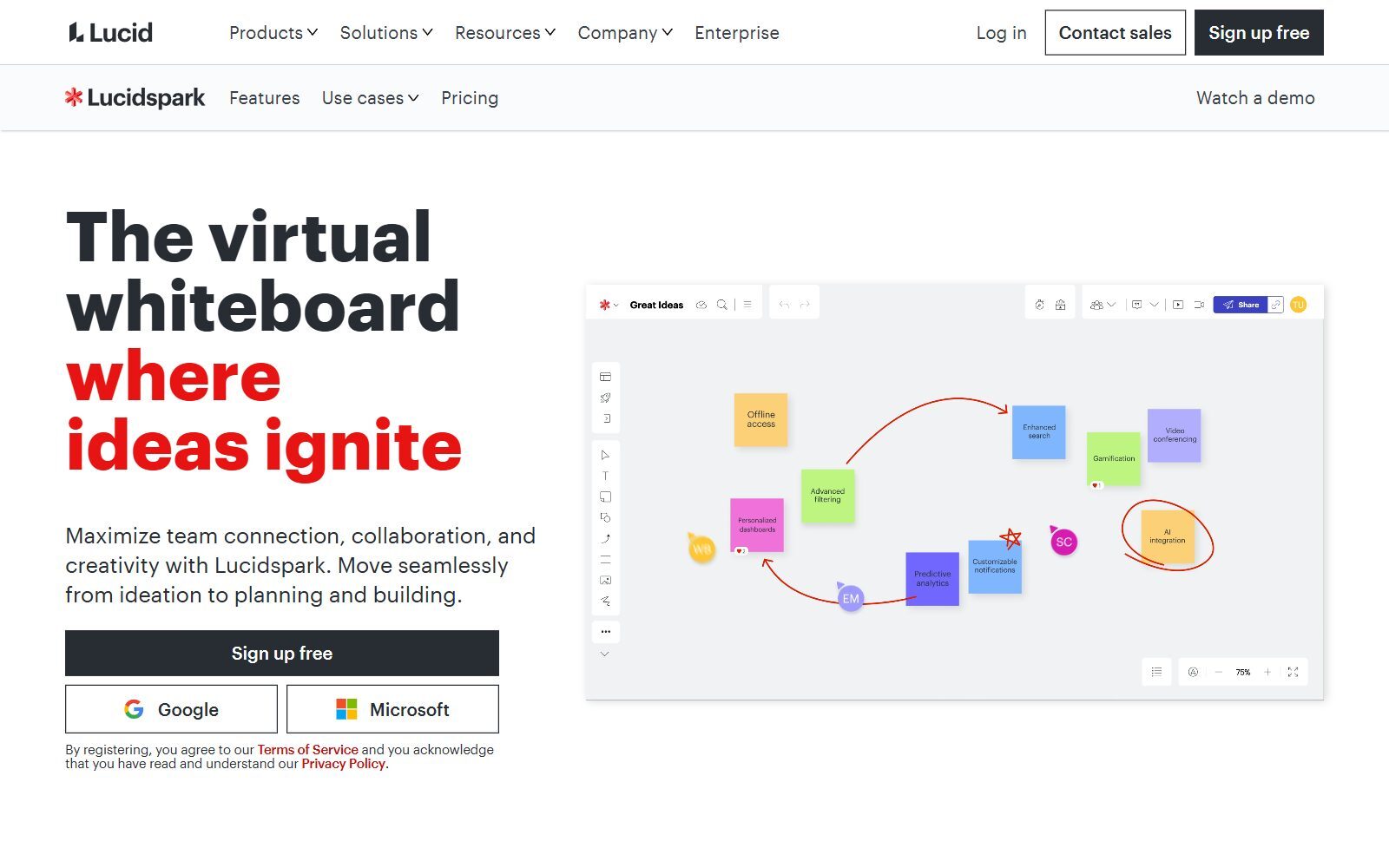
Lucidspark is Lucid's virtual whiteboard (Lucidchart is its diagramming sister). On the Lucidspark pricing page, the Free plan includes 3 editable boards with unlimited shapes per board, freehand drawing, emoji reactions, commenting, basic Visual Activities, presentation mode and Lucid AI, which Lucid says may move to a paid model later. Voting, timers and facilitator tools start on the Team plan. Individual, with unlimited editable boards, costs €9 a month billed annually. Like Miro, it is a three-board plan, but with no cap on shapes inside a board.
5. Mural: free facilitated workshops
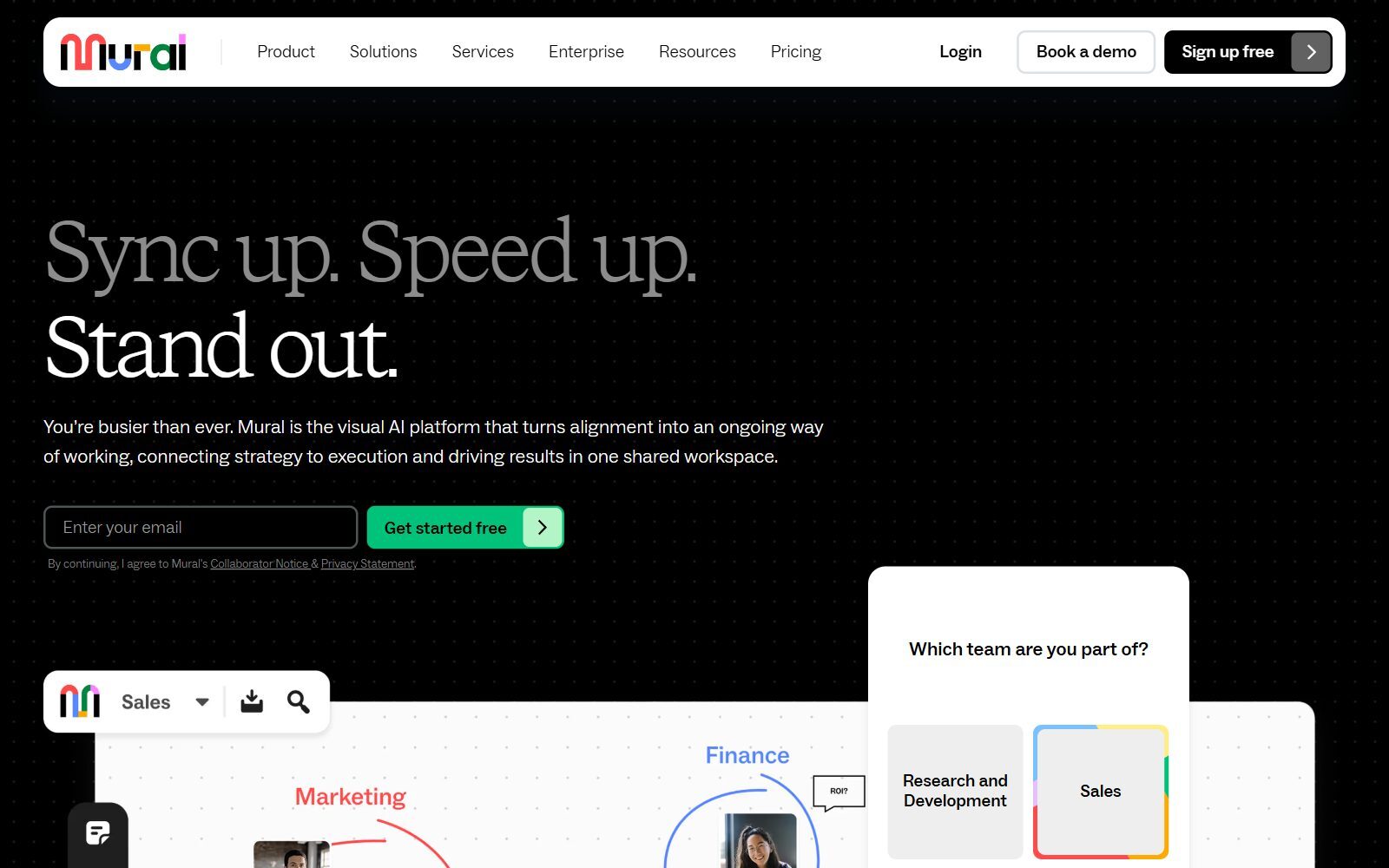
Mural is built for facilitated sessions. On the Mural pricing page, the Free plan includes unlimited murals with 3 editable at a time, unlimited members, unlimited view-only visitors, open rooms and one workspace. Guests and private rooms need a paid plan. Team+ costs $9.99 per member per month billed annually, or $12 monthly. It suits a team that runs a few workshops at a time and archives the rest.
Validate your startup idea with the unique borrowed authority approach: we publish articles about your product in our blog and you get traffic and testers for your MVP
- Prove Market Demand: See real organic traffic and waitlist conversions
- Unlock High-Potential Keywords: Receive a curated list of top-performing keywords directly from Google Search Console data.
- Estimate Customer Acquisition Cost (CAC): Gain financial foresight with an estimated CAC based on real keyword performance data.
🔗 Start validating your startup now
6. Zoom Whiteboard: free whiteboards inside your meetings
Zoom Whiteboard is included in the free Zoom Workplace Basic plan with 3 concurrently editable whiteboards, next to meetings of up to 40 minutes and 100 participants. Its advantage is that the board opens inside the call, so nobody has to switch tools. Unlimited editable boards cost $5.83 per user per month billed annually, or $7 monthly.
7. ClickUp Whiteboards: turn sticky notes into tasks
ClickUp is a project management tool with whiteboards built in. Its Free Forever plan includes 3 whiteboards, 60 MB of storage and unlimited free plan members, and items on a whiteboard can become tasks in the same workspace. The cheapest paid plan we saw was $7 per user per month billed yearly ($10 monthly). Pick it when the whiteboard is the start of a plan rather than a standalone workshop.
8. Conceptboard: GDPR-focused whiteboard from Germany
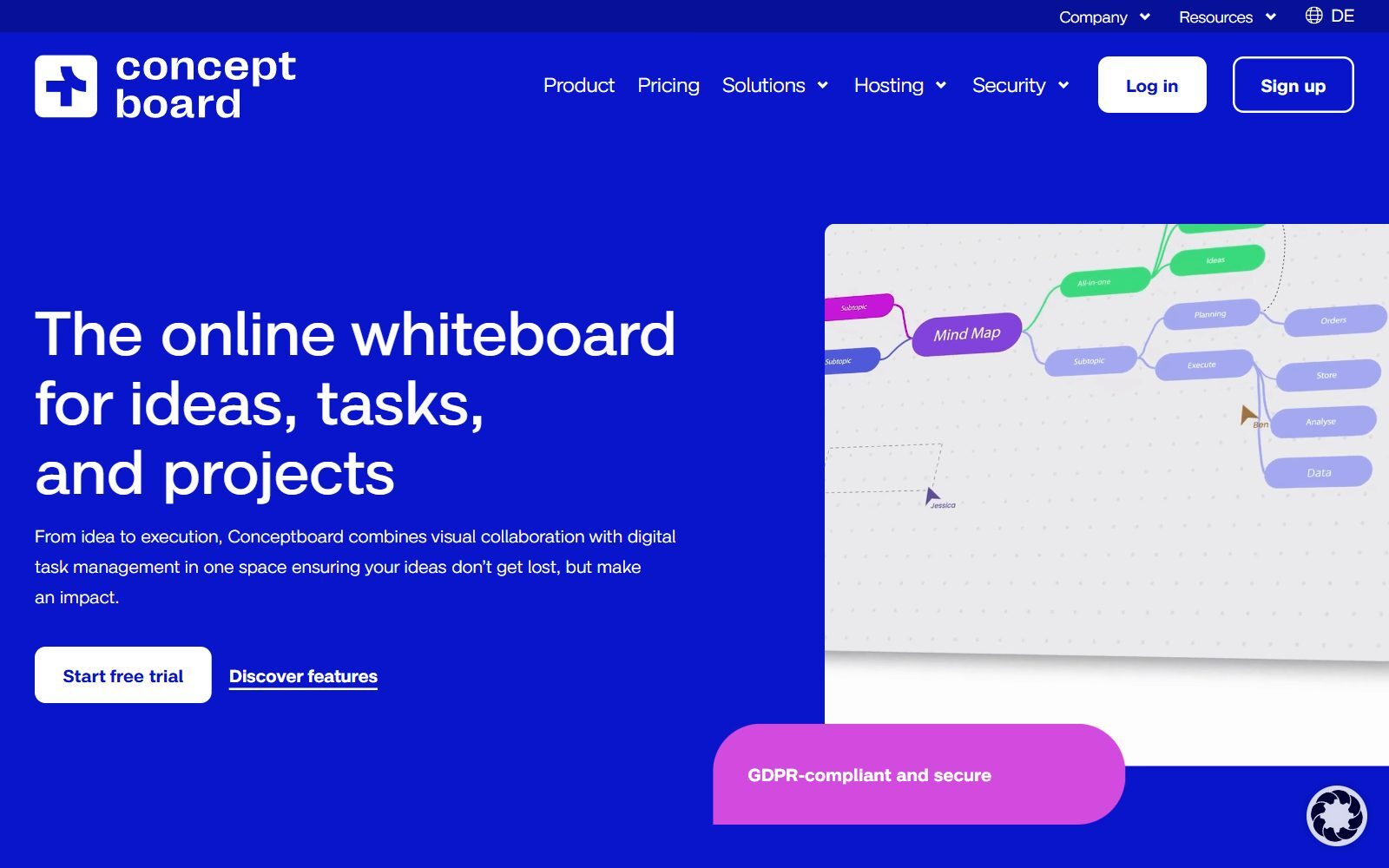
Conceptboard combines a whiteboard with task management and describes itself as GDPR-compliant and secure. Its pricing page lists a Free plan with 3 boards you can work on in parallel, 100 objects per board, 250 MB of storage and uploads of up to 10 MB. The Starter plan costs €5 per user per month after a 30-day trial. The 100-object cap is tight for big workshops, so treat the free plan as a test drive.
9. Boardmix: a Miro look-alike that imports Miro boards
Boardmix looks and works much like Miro and offers an "Import from Miro" option on its homepage. On its Boardmix pricing page, the Free plan includes one team workspace, 3 editable boards, 100 objects per board, 1 GB of storage and 10 version history records; AI features sit in separate AI plans. Starter costs $5 per member per month billed annually ($12 monthly) and removes the board and object limits, and Boardmix also sells a one-time lifetime plan from $99 per seat.

10. WooWhiteboard: free whiteboard for tutoring and teaching
WooWhiteboard is a simple shared whiteboard that you start in the browser and invite others into. Its homepage says it is all free and combines a whiteboard, a text editor, a code editor and video, and that it works for 1-on-1 tutoring or teaching up to 100 students at once. It is not a full Miro replacement for business workshops, but it is a good free choice for coaching sessions, teaching and quick drawing.
Miro Alternatives That Are Discontinued or No Longer Free
The 2025 version of this article included tools that have since shut down or changed their free terms:
- Google Jamboard: discontinued. Google's Jamboard help page says it reached its end of life on 1 October 2024, and existing Jams were converted to PDF files in Google Drive in 2025. You can no longer create or edit Jams.
- Microsoft Whiteboard: no longer a free option for personal accounts. Microsoft retired the standalone Whiteboard apps for Windows, iOS and Android on 16 October 2026, and according to Microsoft's Message Center notice MC1441775, personal Microsoft accounts lost the ability to create or edit whiteboards on 25 September 2026. It still works in Teams and on the web for work or school accounts, so it only makes sense if your company already pays for Microsoft 365.
- Whimsical: still has a free plan, but it now caps creation at 50 board objects per month, adds a watermark to exports and keeps 7 days of version history. That makes it an evaluation plan rather than a free Miro replacement; Pro costs $10 per editor per month billed annually.
- Lucidchart: replaced on this list by Lucidspark, Lucid's own whiteboard. For diagram tools, see our free Lucidchart alternatives.
Which Free Miro Alternative Should You Choose?
- You do not want any board limit: Excalidraw for sketches and diagrams, Canva Whiteboards for visual brainstorms.
- Your team designs products in Figma: FigJam, and keep active boards inside the three team files.
- You run structured workshops: Lucidspark (unlimited shapes on 3 boards) or Mural (unlimited members, 3 editable murals).
- You want the board inside your meeting or project tool: Zoom Whiteboard or ClickUp.
- You are moving boards out of Miro: Boardmix imports them, but its free plan stops at 100 objects per board.
- You teach, coach or mentor: WooWhiteboard.
- You want to host the whiteboard yourself: see the open-source Miro alternatives list.
Looking at the AI side or at other visual tools? See our lists of free Miro AI alternatives, free FigJam alternatives, free Mural AI alternatives, draw.io alternatives and open-source draw.io alternatives. For a closer look at the original, read our Miro review.
Join ElonaHunt (like ProductHunt but for women) and explore the coolest women-focused startups out there!
Discover your next big inspiration and connect with like-minded female entrepreneurs!
👉 Join the Hunt Here
How Founders Use a Free Whiteboard
For an early-stage startup, a whiteboard is where the business takes shape before anyone writes code. Map your business model first: our Lean Canvas tool does it for free, and our comparison of free vs paid business model canvas tools shows when a whiteboard is enough. Then use one board per experiment: customer interviews, the user journey, the landing page wireframe and the launch plan. When the ideas turn into tasks, move them into a task board; we compare open-source Trello alternatives with AI, open-source Notion alternatives with AI and free ClickUp AI alternatives. For visuals and pitch slides on a budget, see our free Canva Pro alternatives, and turn what you learn into articles with the F/MS AI SEO Tool so customers find you in Google and AI assistants.
FAQ About Free Miro Alternatives
Is Miro still free in 2027?
Yes. When we checked in October 2026, Miro's Free plan included 3 editable boards and unlimited team members. You can keep more boards, but only the three most recent stay editable; Starter costs $8 per member per month billed yearly.
What is the best free alternative to Miro?
For no board limit at all, Excalidraw and Canva Whiteboards. For a workshop tool that feels closest to Miro, Lucidspark or Mural, which both give you three editable boards for free.
Which free whiteboard has unlimited boards?
Canva Whiteboards lets you create unlimited whiteboards on Canva Free, and Excalidraw is free forever with unlimited collaborators (one infinite scene, with more saved as files).
Is FigJam free?
Yes, on Figma's free Starter plan, with up to 3 FigJam files in the team folder and unlimited drafts. Drafts can only be shared with view access, so co-editing happens in the three team files. A Collab seat costs $3 a month.
Is Google Jamboard still available?
No. Google says Jamboard reached its end of life on 1 October 2024, and existing Jams were converted to PDF files in Google Drive. Excalidraw, FigJam or Canva Whiteboards are free replacements.
Can I still use Microsoft Whiteboard for free?
Not with a personal Microsoft account. According to Microsoft's Message Center notice MC1441775, personal accounts can no longer create or edit whiteboards, and the standalone apps retired on 16 October 2026. It still works for work or school Microsoft 365 accounts in Teams and on the web.
Which free Miro alternative is best for workshops with clients?
Mural's free plan has no guests, so clients join as view-only visitors. Excalidraw is the simplest for live client sessions because anyone with the link can draw with you, and Zoom Whiteboard works inside the call.
Can I move my Miro boards to a free tool?
Boardmix offers an Import from Miro option, but its free plan is limited to 3 editable boards with 100 objects each, so large boards may need the $5 Starter plan.
Is there a self-hosted free Miro alternative?
Yes. Excalidraw is open source, and our list of open-source Miro alternatives covers whiteboards you can run on your own server.
Where can I get a backlink by writing about my startup?
You can publish a guest post in one of the Fe/male Switch startup blogs, which rank in Google and in AI tools. Get a quality backlink.
About the Author
Violetta Bonenkamp, also known as MeanCEO, is an experienced startup founder with an impressive educational background including an MBA and four other higher education degrees. She has over 20 years of work experience across multiple countries, including 5 years as a solopreneur and serial entrepreneur. Throughout her startup experience she has applied for multiple startup grants at the EU level, in the Netherlands and Malta, and her startups received quite a few of those. She’s been living, studying and working in many countries around the globe and her extensive multicultural experience has influenced her immensely.

