
Free Rive Alternatives: What Each Free Animation Tool Really Lets You Export
Rive is free to start, but its free exports play a Rive splash screen. That is why many founders and designers look for a free Rive alternative: they want an animated logo, an onboarding loop, a Lottie file for the app or a short product video, without a logo or watermark on it. The trouble is that "free" means very different things. Some hosted tools let you design for free but stop you at the export button; others export, but with a watermark, a low resolution or a cap of a few files; and the free desktop apps export anything, but none of them builds interactive state machines like Rive. We checked every free plan below on the tool's own pricing page, and every free app on its official site or documentation, on 1 November 2026, and we note exactly what you can export without paying.
Quick answer: for free Lottie files with interactivity, use LottieFiles Lottie Creator (five free exports) or make Lottie files without limits in Glaxnimate or Synfig Studio. For free professional motion design with no restrictions, use Cavalry (free for individuals with a Canva account). For hand-drawn or painted animation exported as MP4 or GIF, use Pencil2D, Krita or OpenToonz, and for 2D inside 3D, Blender. Jitter, Spline and SVGator have useful free plans for trying things out, but their free exports carry a watermark or logo, or are static only.
Boost Your SEO by Getting Featured in Our Blogs and get a backlink.
We publish content about startups, education, tech, funding, etc. that ranks well not only in Google but also in Perplexity, ChatGPT, Grok and other AI tools.
👉 Get featured now!
What Rive's Free Plan Lets You Export in 2027
Rive builds interactive graphics for apps, games and websites: you design and animate in the Rive Editor, add logic with state machines, and ship one .riv file that open-source runtimes play with no royalties or runtime fees. On the Rive pricing page (default view, checked 1 November 2026), the Free plan costs $0 and includes the Rive Editor, a CLI and an AI agent "with limits", unlimited personal files, 3 collaborative files, 1 project and imported assets of up to 10 MB each. The key line for this article: you can "export .riv files with a splash screen". The plan comparison also lists MP4, GIF, PNG sequence and WebM exports and hosted share links, but the default view does not make clear which of them the Free plan includes, so test your export before you plan around it. The splash screen goes away on Cadet, at $9 per seat per month for up to 3 seats, which also unlocks unlimited files.
So a free Rive alternative has to answer one question first: do you need an interactive file (states that react to taps, hover or data), or just a clean animation (Lottie, SVG, GIF or video) with no branding on it? For interactive work and paid tools, our Rive alternatives guide goes deeper. If you need every part to be open source, see open-source Rive alternatives.
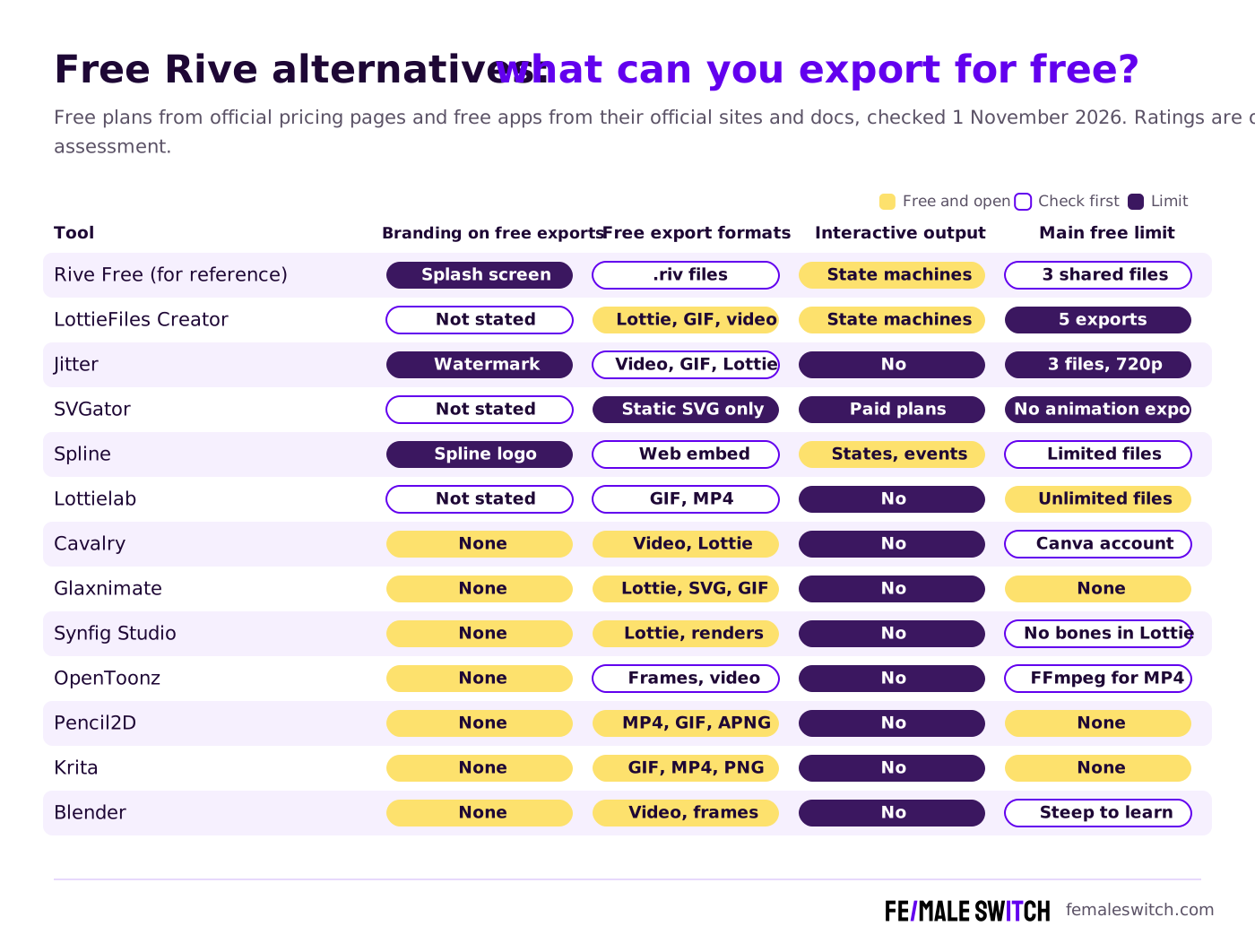
Free Rive Alternatives Compared: Exports, Watermarks and Caps
Sources: each tool's official pricing page (default view), website and documentation, checked 1 November 2026. Free plans change often, so check the export before you promise a client a file.
Free Plans of Online Animation Tools
These tools run in the browser or need an account. They are the fastest way to get a polished animation, but read each free plan's export rules first.
1. LottieFiles Lottie Creator: free Lottie and dotLottie, five exports
Lottie Creator is LottieFiles' browser animation tool. It creates and exports Lottie or dotLottie files with AI tools, plus state machines and Motion Tokens in dotLottie, so it is the closest free tool to Rive's interactive files. Its FAQ says you can create as many files as you like, but free users can only export five animations; upgrading unlocks unlimited exports. Export formats are Lottie JSON, dotLottie, optimised Lottie, GIF, MP4, MOV and WebM. Five exports are enough for an app's loading animation, an empty state and a success screen, but not for an ongoing content stream. Our LottieFiles alternatives guide compares its paid plans with other Lottie tools.
2. Jitter: free video, GIF and Lottie exports with a watermark
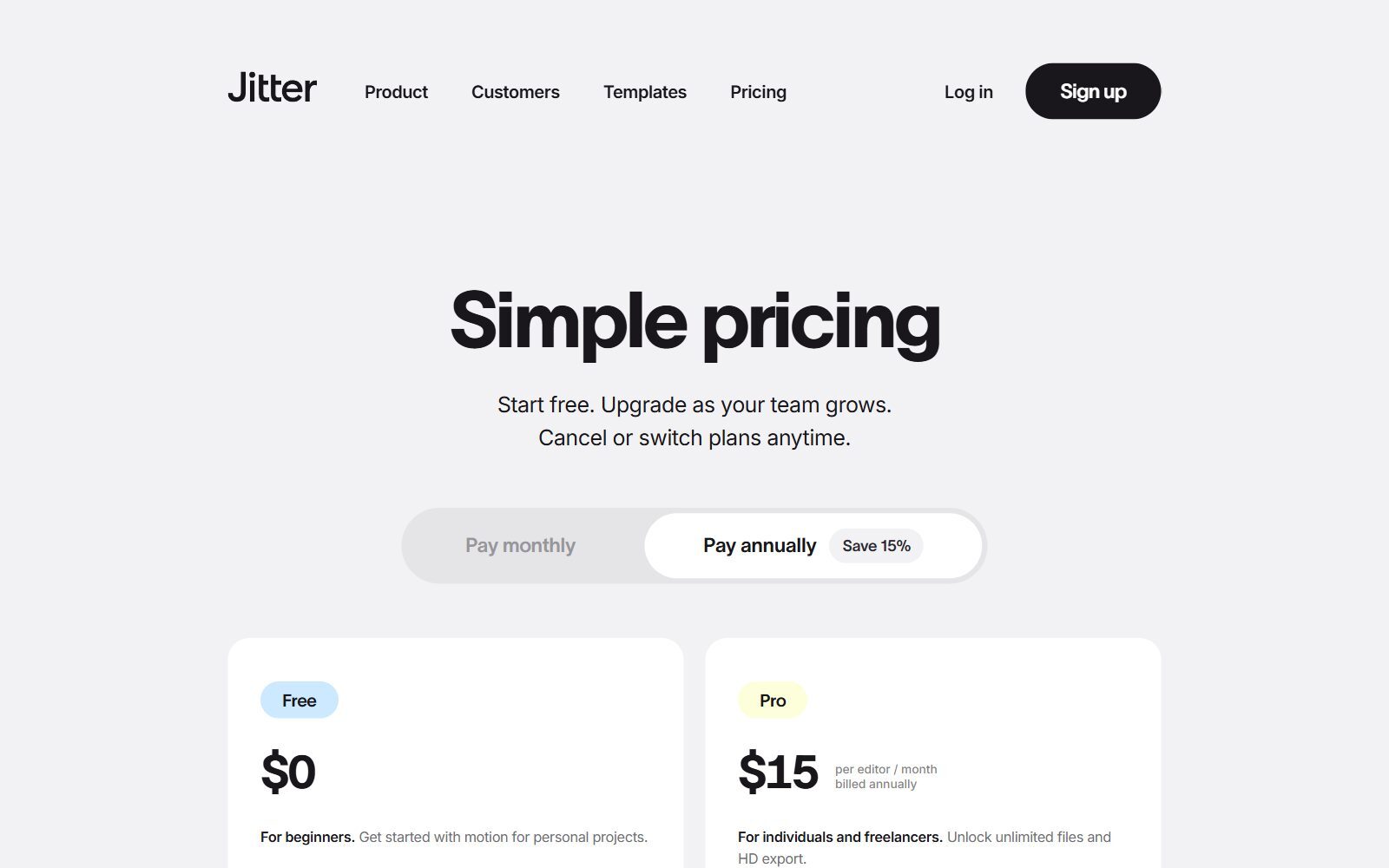
Jitter is a browser motion design tool with Figma import and templates, made for product videos, social posts and UI animations. Its Free plan includes 3 workspace files, unlimited drafts and exports to video, GIF and Lottie at 720p and 30fps, with a 20MB upload limit; the pricing FAQ says you upgrade to remove the Jitter watermark. Pro costs $15 per editor per month billed annually and adds unlimited files, 1080p at 60fps, ProRes and WebM, without the watermark. Jitter has no state machine, so it replaces Rive only for linear animations.
3. SVGator: free to design, static SVG on export
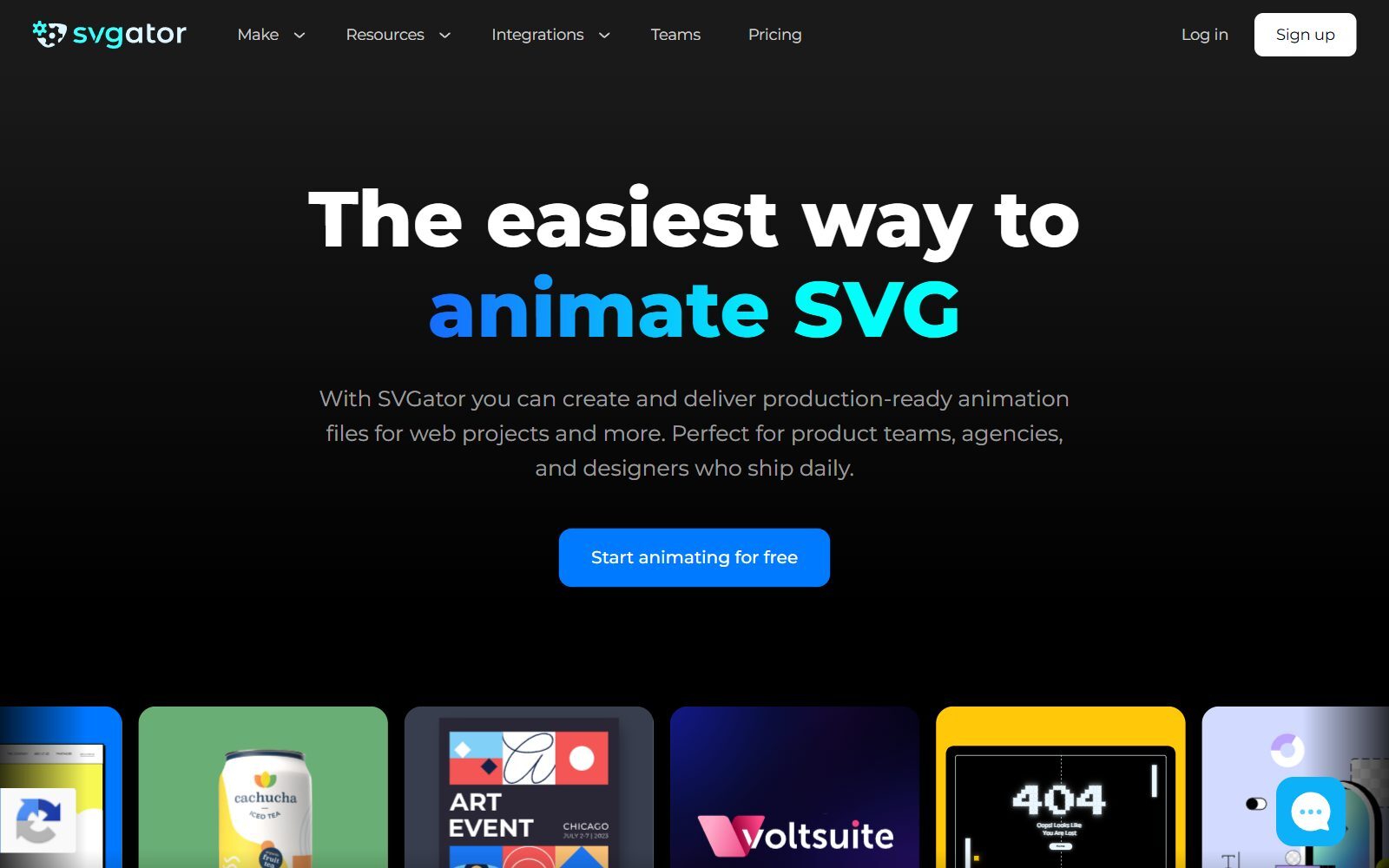
SVGator is a no-code animator for SVG, with hover and click presets for interactive icons. Its free plan is generous for learning but not for shipping: the pricing FAQ says you can export unlimited static SVG files, while "animated exports need a paid plan". Animated SVG, Lottie, React Native and Flutter exports start on Starter at $20 a month billed yearly, and video and GIF on Pro at $24. Team costs $27 per seat a month with at least 3 seats.
4. Spline: free interactive 3D with a Spline logo
Spline is a browser design tool for interactive 3D and 2D scenes with states, events and physics, which makes it the free plan here that comes closest to Rive's interactivity. The Free plan gives you limited personal files and Spline templates, and you can publish your scenes, but web exports carry a Spline logo. Hobby, at $12 per seat a month billed yearly ($15 monthly), removes the logo from web exports and unlocks unlimited files; video export, Apple and Android exports without the logo, USDZ and STL are on Pro at $25. Paid plans also add monthly AI credits.
5. Lottielab: unlimited files, GIF and MP4 for free
Lottielab is a browser animation tool for product teams. Its Free plan, aimed at hobbyists and students, includes unlimited files, Lottie and SVG upload, Figma import and export to GIF and MP4. Lottie export, HD and 4K video, Lottie hosting with a CDN and file size optimisation are on Pro. So Lottielab is free for GIFs and videos, but not for the Lottie files an app needs.
6. Cavalry: professional motion design, free for individuals
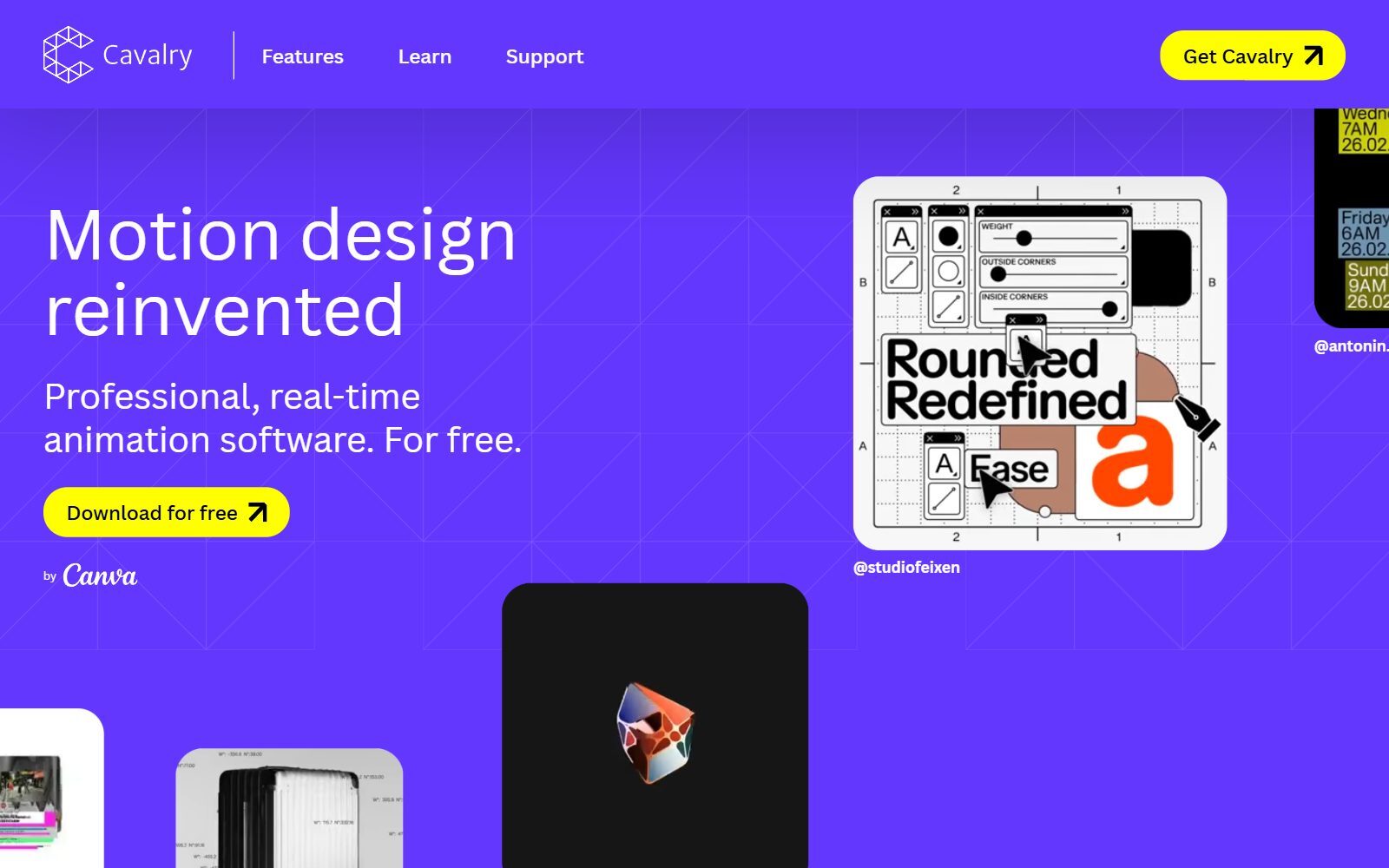
Cavalry is professional 2D animation software for Mac and Windows with procedural rigs, data-driven sequences and Lottie export. Since Canva took it over, it is free for individuals, and its FAQ says you can use it "as much as you want, with no restrictions"; you sign in with a Canva account. Students and schools get it through Canva Education. It is built for motion designers rendering videos and Lottie files, not for runtime state machines, so it replaces Rive's animation tools rather than its interactive engine.
Validate your startup idea with the unique borrowed authority approach: we publish articles about your product in our blog and you get traffic and testers for your MVP
- Prove Market Demand: See real organic traffic and waitlist conversions
- Unlock High-Potential Keywords: Receive a curated list of top-performing keywords directly from Google Search Console data.
- Estimate Customer Acquisition Cost (CAC): Gain financial foresight with an estimated CAC based on real keyword performance data.
🔗 Start validating your startup now
Free Desktop Animation Apps With No Export Limits
These apps are free and open source: no watermark, no file cap and no account. You give up hosting, collaboration and interactivity, but whatever you render is yours. We cover their licences and release history in our open-source Rive alternatives; here we focus on what they export.
7. Glaxnimate: free Lottie and animated SVG files
Glaxnimate is an open-source vector animation and motion design app from KDE for Linux, Windows and Mac. It makes animations for the web: Lottie, animated GIF and WebP, and animated SVG. Version 0.6.0, the first stable release made as part of KDE, came out on 3 March 2026. For a founder, this is the simplest free way to make a Lottie loader or an animated logo with no watermark and no export cap.
8. Synfig Studio: free vector animation with a Lottie exporter
Synfig Studio is a free 2D vector animation app for Windows, Linux and macOS, licensed under GNU GPL v3, with bones for character rigs and more than 50 layer types. Version 1.5.5 was announced on 22 March 2026. Since version 1.4.0, its Lottie exporter (Plugins, then Export to Lottie) saves a Lottie JSON file plus an HTML preview, which the manual says is also used for Telegram's animated stickers. The manual lists the limits: bone animation is not exported yet, and some layers are exported frame by frame, which can make files heavy.
9. OpenToonz: studio-grade 2D animation, free for commercial work
OpenToonz is based on Toonz, the software Studio Ghibli customised for production. It can be used free of charge for commercial and non-commercial projects, and its source code is under the New BSD licence; it runs on Windows and macOS. It renders image sequences out of the box, but its documentation says you need to install FFmpeg to render MP4 or WebM (and GIF on a Mac). Use it for character animation and short films, not for app graphics.
10. Pencil2D: the easiest free app for hand-drawn animation
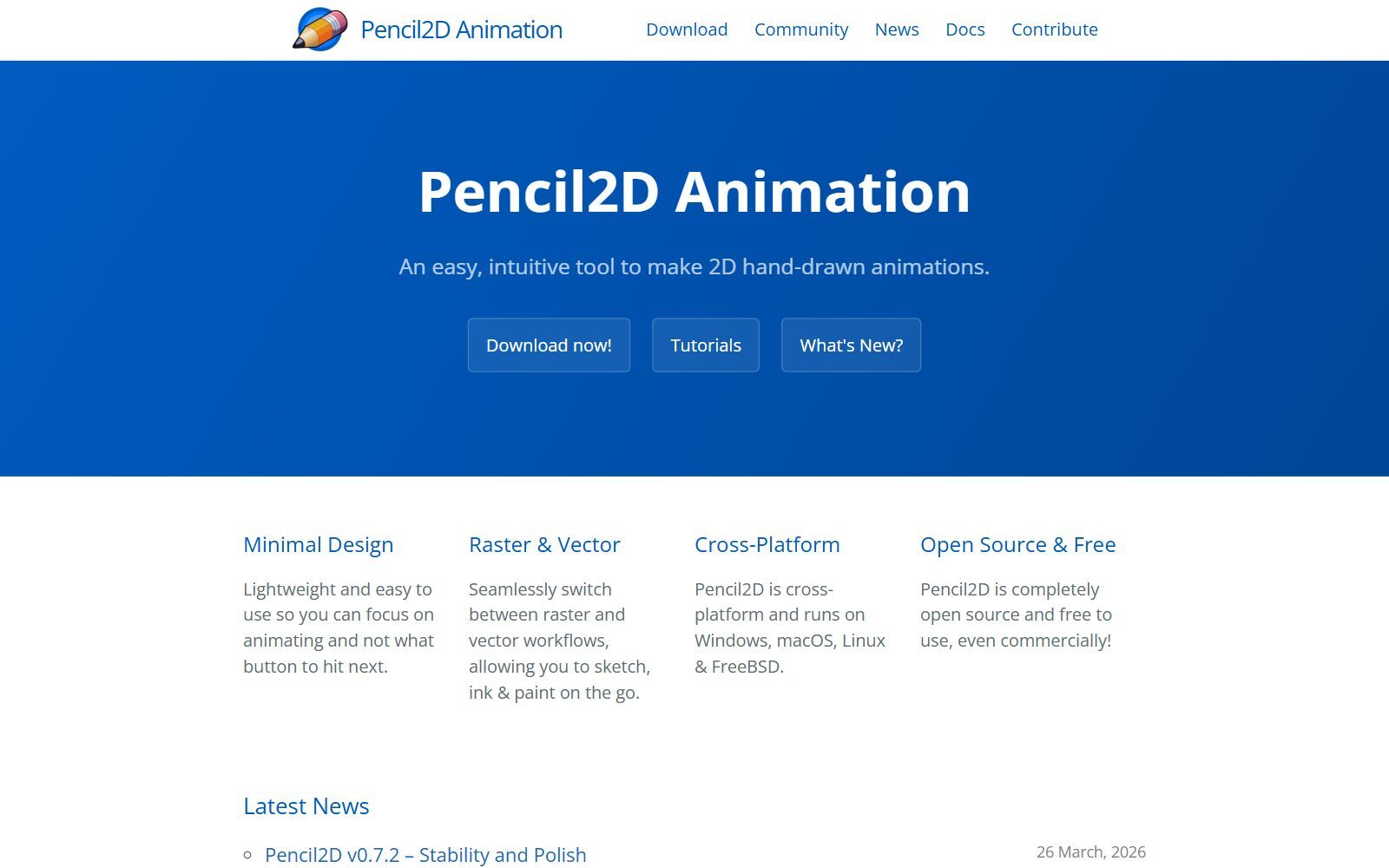
Pencil2D is a lightweight app for 2D hand-drawn animation that switches between raster and vector drawing. It runs on Windows, macOS, Linux and FreeBSD and, in its own words, is free to use even commercially. Its release notes list movie export to MP4 and GIF, animated PNG and WebM, and version 0.7.2 came out on 26 March 2026. It is a good first tool for frame-by-frame loops and sketches, but it has no bones, no Lottie export and no interactivity.
11. Krita: painted frame-by-frame animation, exported as GIF or video
Krita is a free and open-source painting program with animation tools. Its Render Animation documentation says it renders to GIF, MP4, MKV and other video files, or to PNG image sequences, and since Krita 5.2 you no longer strictly need to set up FFmpeg yourself. Krita 5.3.4 and 6.0.4 were released on 15 September 2026. Pick it for painted intros and social clips. More painting apps are in our free Procreate alternatives and open-source Krita alternatives.
12. Blender Grease Pencil: free 2D animation inside 3D scenes
Blender is free and open source, and its Grease Pencil tools let you draw and animate in 2D inside a 3D viewport. The current long-term support release is 5.2.3. According to the Blender manual, it renders video into MPEG-4, Matroska, WebM and AVI containers, and it can also save every frame as an image. It is the most powerful free option here, and the slowest to learn. Our free Blender alternatives list lighter 3D tools.
Free Explainer Video Makers: Watermarks Included
Our 2025 list also included two online explainer video makers. They make cartoon-style videos, not animation files for apps or websites, and their free plans are tight:
- Powtoon: the Free plan exports 720p videos of up to 3 minutes with a Powtoon watermark, and commercial rights come only with paid plans. Lite, at $15 a month billed yearly, removes the watermark for 5 exports a month and adds 1080p MP4.
- Animaker: the free plan allows 3 video downloads a month with an Animaker watermark, no GIF downloads and no commercial rights; paid plans remove the watermark, and a 7-day trial unlocks the paid features.
Join ElonaHunt (like ProductHunt but for women) and explore the coolest women-focused startups out there!
Discover your next big inspiration and connect with like-minded female entrepreneurs!
👉 Join the Hunt Here
What Changed Since Our 2025 List
- Motionity removed: the free web-based editor's code repository has not changed since September 2022, and it only exports video and GIF, so we no longer recommend it.
- Powtoon and Animaker moved: both still have free plans, but with watermarks and no commercial rights, so they are now in the short explainer video section above.
- SVGator clarified: its free plan exports static SVG only; every animated export needs a paid plan.
- New: LottieFiles Lottie Creator, Spline, Lottielab, Cavalry (now free for individuals through Canva) and Glaxnimate.
- Kept: OpenToonz, Pencil2D, Synfig Studio, Krita, Blender and Jitter, with their export options checked again.
Which Free Rive Alternative Should You Choose?
- You need an interactive animation file without a splash screen: LottieFiles Lottie Creator for up to five exports, or Spline for 3D if you accept the logo; otherwise Rive's Cadet plan at $9 per seat is the cheapest way to keep Rive.
- You need Lottie files with no cap: Glaxnimate for simple vector work, Synfig Studio for characters, or Cavalry for professional motion design.
- You need a GIF or MP4 for social media or a landing page: Lottielab, Cavalry, or Jitter if a watermark is fine.
- You need animated icons on a website: SVGator to design, but plan for Starter to export them.
- You draw by hand: Pencil2D to start, Krita for painted work, OpenToonz for studio-style production.
- Your animation mixes 2D and 3D: Blender with Grease Pencil, or Spline for the web.
- You need a cartoon explainer video: Powtoon or Animaker, knowing the free versions carry a watermark.
How Founders Use Free Animation Tools
For an early-stage startup, one well-placed animation does more than ten: a hero loop that shows the product, an onboarding step that explains a feature, a success screen that rewards a sign-up. Make it with a free tool, export it without branding, test it on a slow phone and check whether sign-ups change; our free landing page analyzer guide helps you review the page around it. Design the static screens first in one of the open-source Figma alternatives or the free Adobe XD alternatives, draw icons and characters with the free Illustrator alternatives, and make quick social graphics with the free Canva Pro alternatives. When design and content work grows into a project, a free project tool from our free Flow alternatives keeps it on track, and the F/MS AI SEO Tool helps you write the articles that bring visitors to your animated pages.
FAQ About Free Rive Alternatives
Is Rive free?
Rive has a Free plan at $0 with the Rive Editor, unlimited personal files and 3 collaborative files, but exported .riv files play a Rive splash screen. The Cadet plan removes it for $9 per seat per month, and Rive's runtimes are open source with no royalties or runtime fees.
What is the best free alternative to Rive?
For interactive Lottie files, LottieFiles Lottie Creator, which gives free users five exports. For unlimited free Lottie files, Glaxnimate or Synfig Studio. For professional motion design with no restrictions, Cavalry, which is free for individuals with a Canva account.
Which free animation tools export without a watermark?
The desktop apps Glaxnimate, Synfig Studio, OpenToonz, Pencil2D, Krita and Blender have no watermark and no export cap, and Cavalry's FAQ says it is free with no restrictions. Jitter's free exports carry a watermark, and Spline puts a logo on free web exports.
Can I export Lottie files for free?
Yes. Glaxnimate and Synfig Studio export Lottie for free without limits, Cavalry includes Lottie export, and Lottie Creator allows five free exports. Jitter exports Lottie on its free plan with a watermark, while Lottielab and SVGator keep Lottie export for paid plans.
Does SVGator have a free plan?
Yes, but it only exports static SVG files. Animated SVG, Lottie, React Native and Flutter exports start on Starter at $20 a month billed yearly, and video and GIF exports on Pro at $24.
What does Jitter's free plan include?
Three workspace files, unlimited drafts and video, GIF and Lottie exports at 720p and 30fps with a Jitter watermark. Pro costs $15 per editor per month billed annually and removes the watermark.
Is there a free tool with state machines like Rive?
LottieFiles Lottie Creator builds state machines in dotLottie files, with five free exports. Spline's editor has states and events for interactive 3D scenes; on its free plan, web exports carry a Spline logo. The free desktop apps make linear animations only.
Which free app is best for beginners?
Pencil2D for hand-drawn animation and Glaxnimate for simple vector and Lottie animation. Both are free, light and quick to learn. Blender and OpenToonz are powerful but take much longer to learn.
Is Motionity still a good free option?
We no longer recommend it. Its code repository has not changed since September 2022, and it exports video and GIF only. Glaxnimate or Lottielab's free plan are better choices for quick web animations.
Where can I get a backlink by writing about my startup?
You can publish a guest post in one of the Fe/male Switch startup blogs, which rank in Google and in AI tools. Get a quality backlink.
About the Author
Violetta Bonenkamp, also known as MeanCEO, is an experienced startup founder with an impressive educational background including an MBA and four other higher education degrees. She has over 20 years of work experience across multiple countries, including 5 years as a solopreneur and serial entrepreneur. Throughout her startup experience she has applied for multiple startup grants at the EU level, in the Netherlands and Malta, and her startups received quite a few of those. She’s been living, studying and working in many countries around the globe and her extensive multicultural experience has influenced her immensely.

