
Free Vectr Alternatives: Simple Vector Editors That Still Cost Nothing
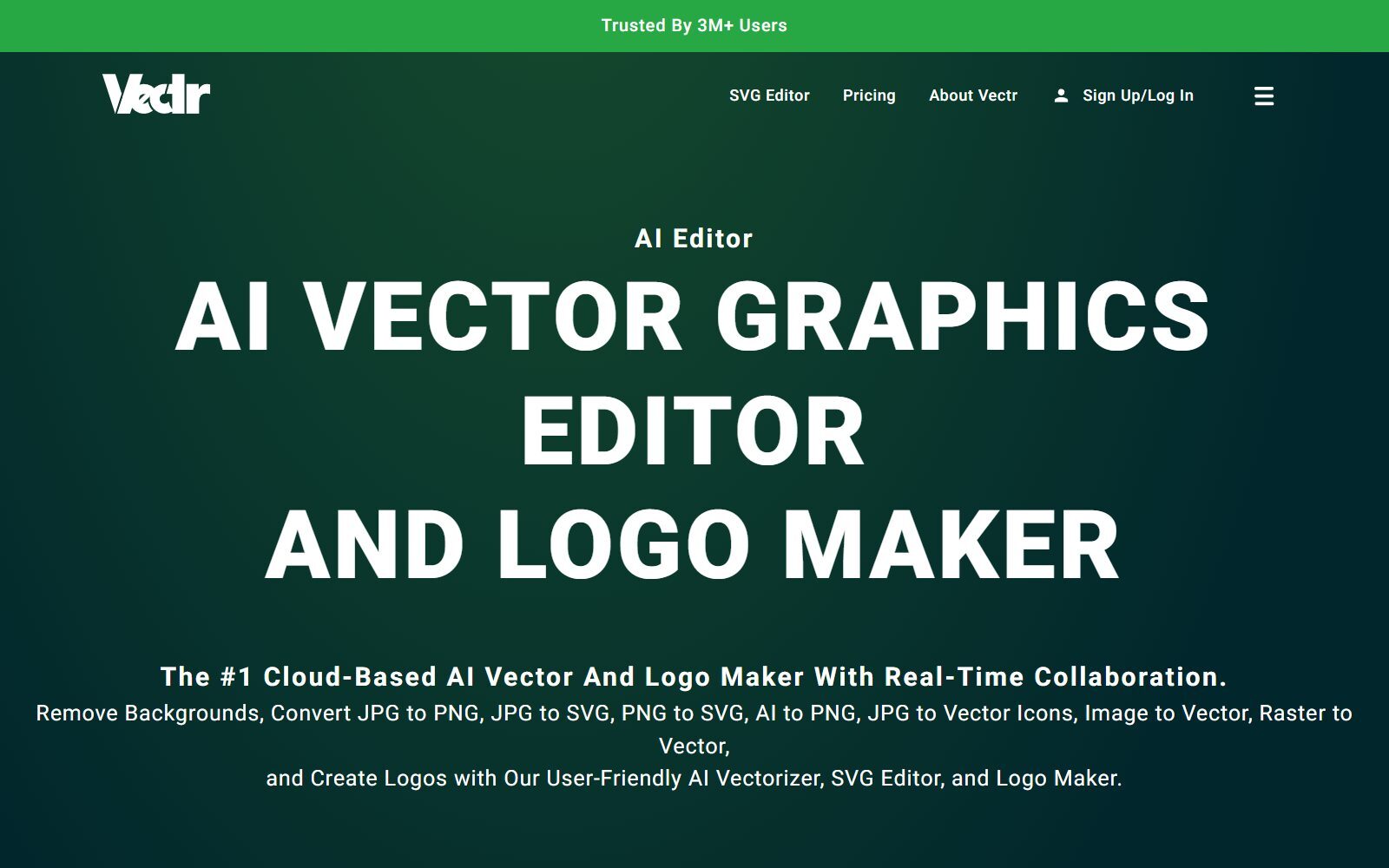
Vectr was loved for one reason: it was a simple, free vector editor that opened in the browser, so anyone could draw a logo, an icon or a social graphic without learning Illustrator. That free Vectr is gone. The site still runs, but it now calls itself an AI vector editor and logo maker and says it has moved to a paid-only model. If you came to Vectr for quick, simple vector work, the tools below give you the same thing for free. We checked each one on its official website or code repository in October 2026: where it runs, what the free version really allows and which file formats it handles.
Quick answer: for the closest match to the old, simple Vectr, open SVG-Edit in your browser (free, open source, no account); for design work with a team, use Penpot or Figma's free Starter plan; to open AI, PDF or EPS files in the browser for free, use Photopea; and when you outgrow browser tools, move to Inkscape or Affinity, both free on the desktop.
Boost Your SEO by Getting Featured in Our Blogs and get a backlink.
We publish content about startups, education, tech, funding, etc. that ranks well not only in Google but also in Perplexity, ChatGPT, Grok and other AI tools.
👉 Get featured now!
Is Vectr Still Free in 2027?
No. When we checked Vectr in October 2026, the site was online and run by Pixlr Pte Ltd, but its own FAQ answers the question "Is Vectr still free to use?" by saying that it previously offered a free version and has transitioned to a paid-only model. The homepage now presents Vectr as an AI vector graphics editor and logo maker, with an AI vectorizer, text to vector, a background remover and other AI tools.
On the Vectr pricing page, the yearly Plus plan was shown at $1.99 a month and Premium at $4.99 a month, both labelled as a limited one-time offer at half the regular price, plus taxes. Plus includes 1 GB of storage and 600 AI credits a year, Premium 5 GB and 2,400 credits, and both export SVG, PNG, JPG and Vectr's own format. Vectr's FAQ adds that you need credits to open EPS, AI, PDF and SVGZ files. That is cheap, but it is no longer free, which is why people search for an alternative.
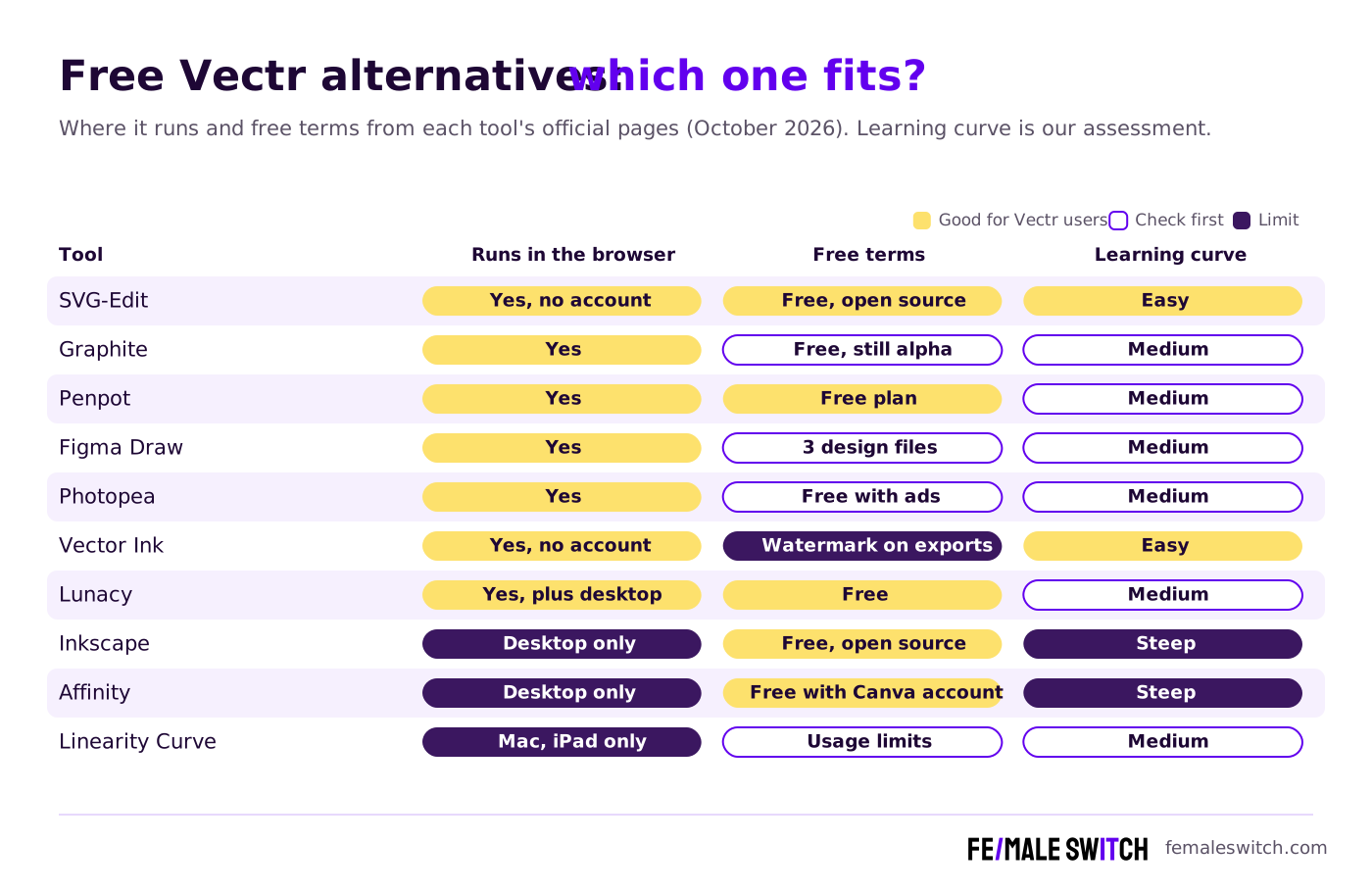
Free Vectr Alternatives Compared
Sources: each tool's official website, pricing page, help centre or code repository, checked 26 to 28 October 2026. Free plans change; check the terms before you use a tool for paid work.
The 10 Best Free Vectr Alternatives in 2027
1. SVG-Edit: the closest thing to the old, simple Vectr
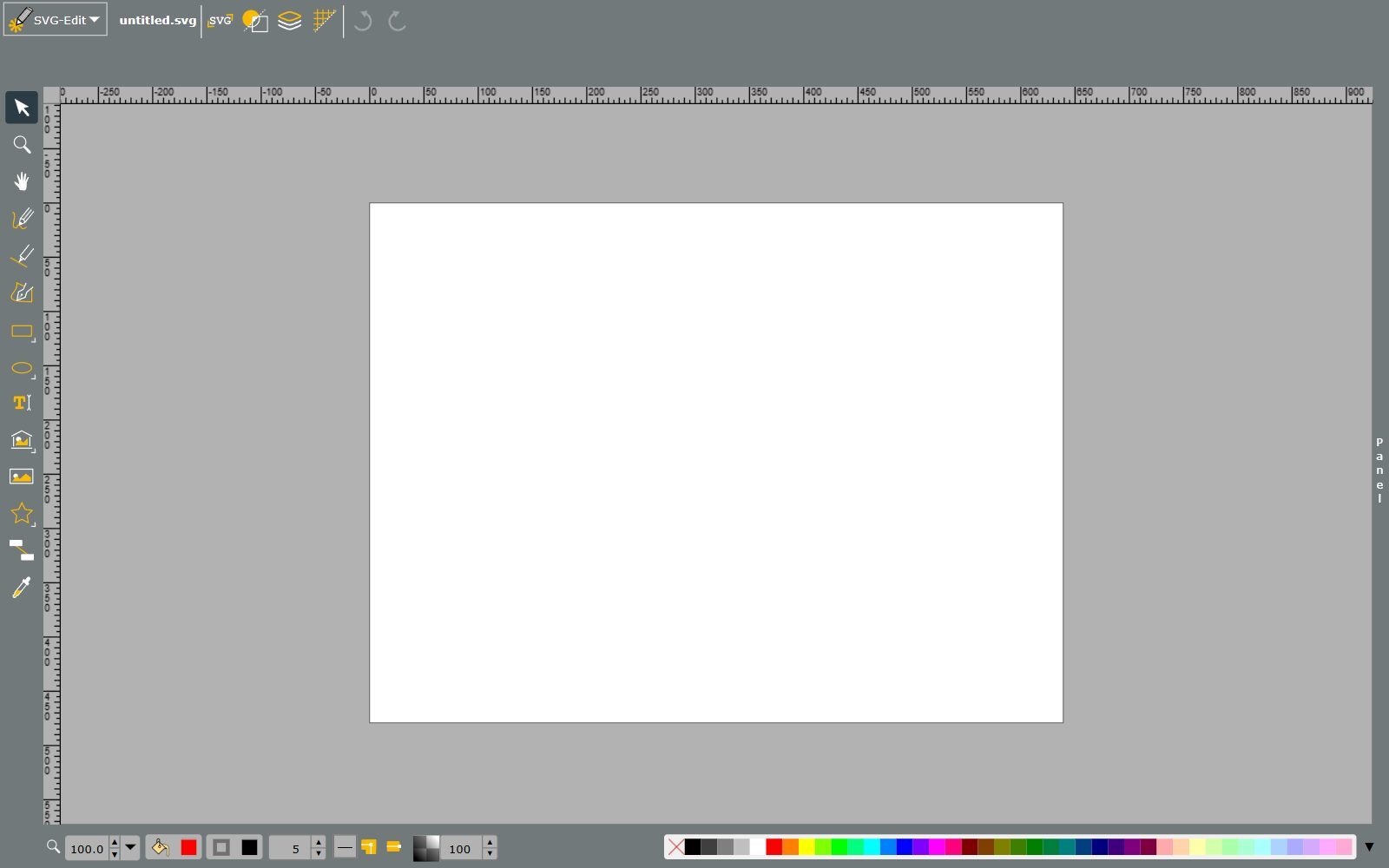
SVG-Edit is a free, open-source SVG editor (MIT licence) that runs in any modern browser. Open the online demo and you get a blank canvas with the tools Vectr users know: select, pen and freehand drawing, rectangles, ellipses, stars and other shapes, text, images, layers and a colour palette. There is no account, no AI and no credits; you open an SVG, draw or edit, and save SVG again. It is also maintained: version 7.4.2 was released on 11 July 2026, the first GitHub release since 7.3.3 in December 2023. Because it is MIT-licensed, a startup can host its own copy or build the editor into its web app.
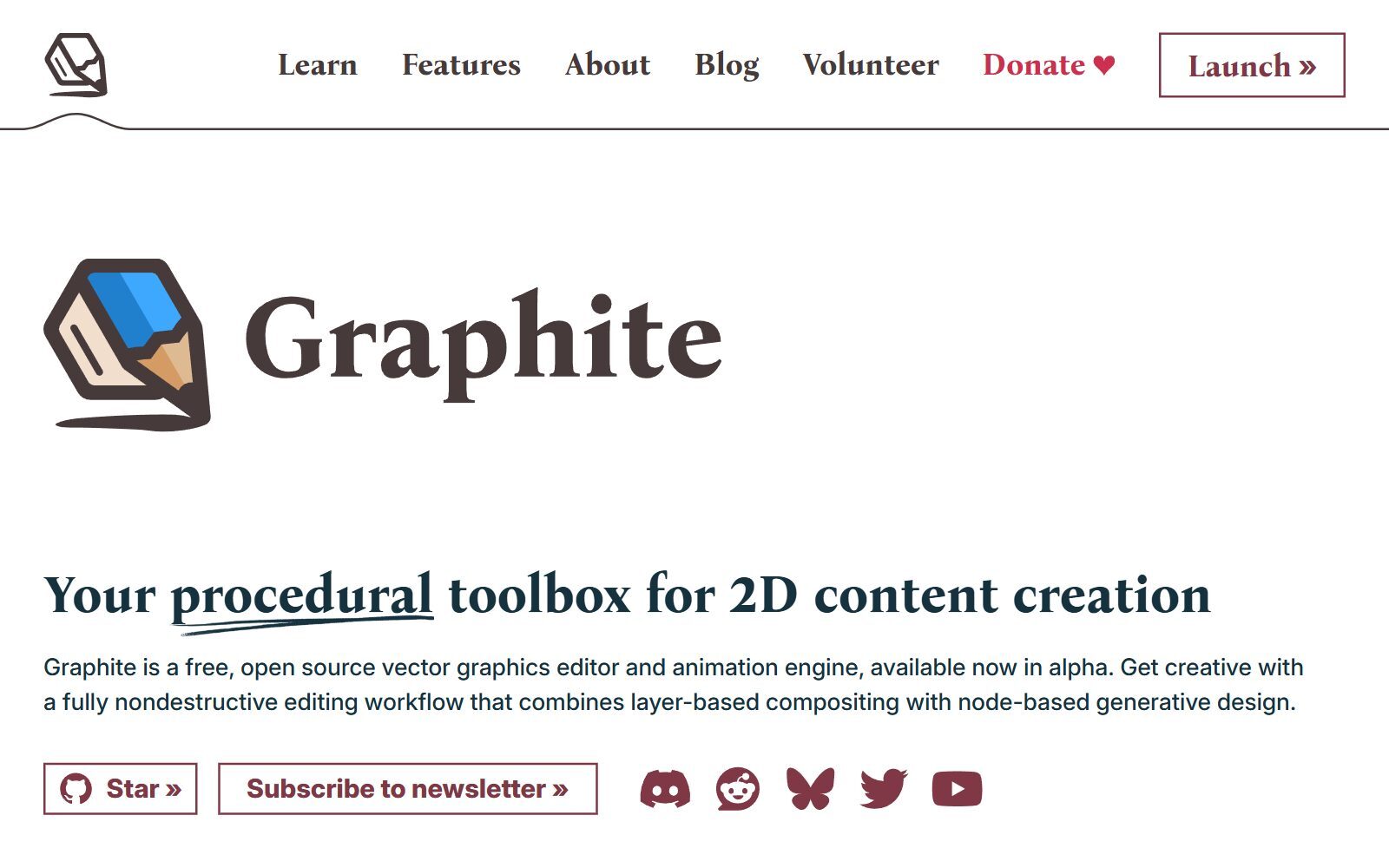
2. Graphite: free vector art with nodes, in the browser
Graphite is a free, open-source vector graphics editor and animation engine (Apache-2.0). The web app runs locally in your browser, and desktop apps for Windows, Mac and Linux are in a release-candidate stage. It combines layers with a node graph, so shapes, patterns and effects stay editable instead of being baked in, and it imports SVG files and images and exports SVG, PNG and JPG. Its latest stable build is from the Alpha 4 release series (July 2026), so it is a great free playground for logos and generative patterns, but not yet a safe choice for client deadlines.
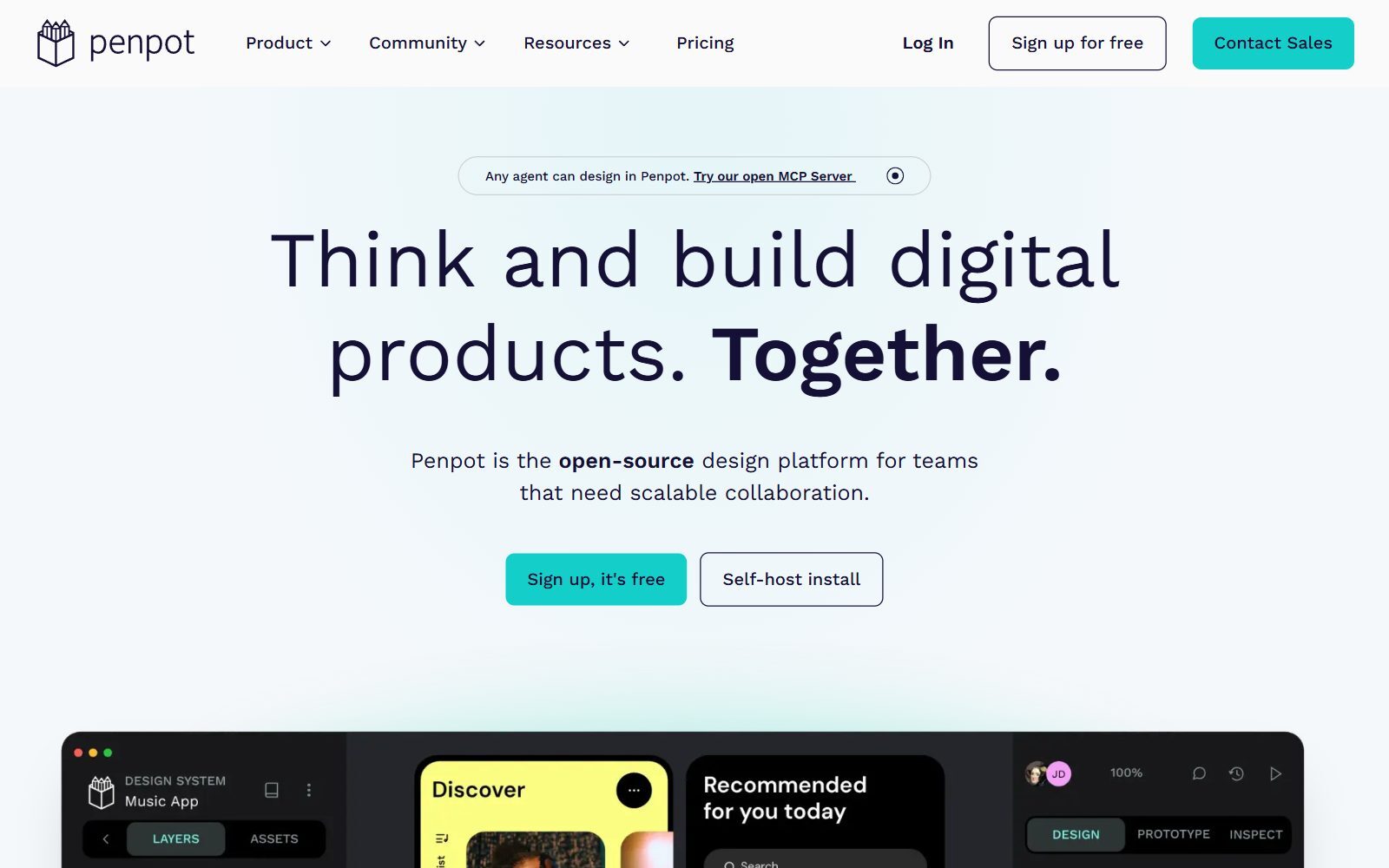
3. Penpot: free design in the browser, alone or with a team
Penpot is an open-source design platform (MPL-2.0) that runs in the browser, with real-time collaboration like Vectr's sharing, or on your own server. It is built on SVG, so vector editing and boolean operations feel natural, and it exports PNG, JPEG, WebP, SVG and PDF. Its Professional plan costs $0; the Unlimited plan costs $7 per editor a month, capped at $175. Penpot is very active: version 2.18.5 and a 2.19.0 release candidate came out on 26 October 2026. Use it for icons, simple logos, social graphics and app screens.
4. Figma with Figma Draw: free vector tools for icons and app graphics
Figma runs in the browser and as a desktop app, and its free Starter plan includes Figma Draw: vector brushes, advanced strokes, a shape builder and multi-edit for paths. According to Figma's help centre, Starter is limited to 3 Figma Design files in the team folder (drafts are unlimited) and 30 days of version history. You can copy or export shapes as SVG and PNG. Figma does not open .ai files, so it suits new work rather than editing files people send you.
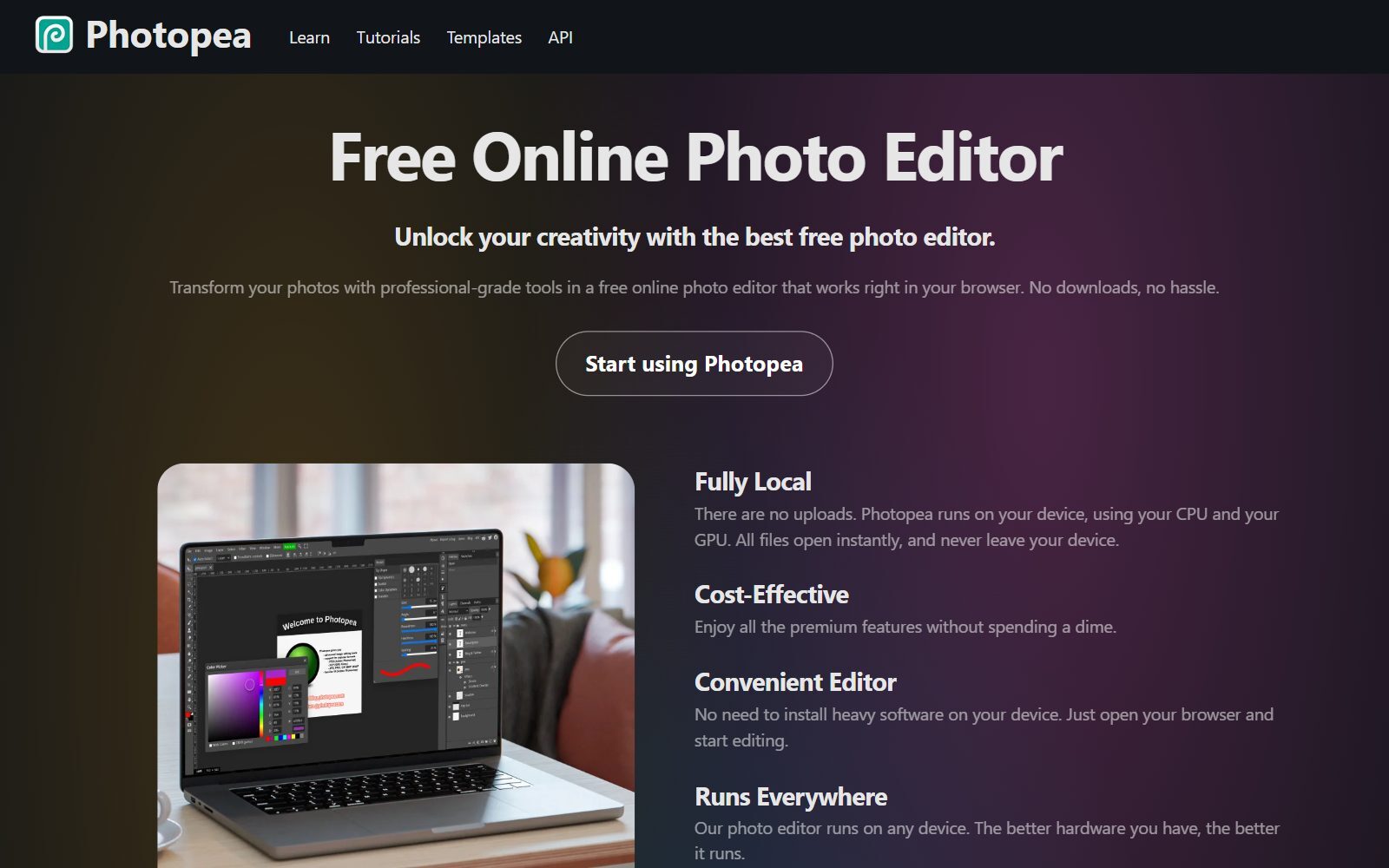
5. Photopea: open AI, PDF, EPS and SVG files in the browser
Photopea is a free online editor that looks like Photoshop but also handles vectors: paths, vector masks and shape layers, plus a Vectorize Bitmap command that traces a logo from a JPG or PNG. It opens SVG, PDF, AI, EPS, CDR, Figma and many other formats, and exports SVG and PDF, which makes it the free answer to Vectr charging credits for opening AI, EPS and PDF files. Photopea runs on your device, so files are not uploaded. It is free with ads, and a paid Premium account removes them. It is pixel-first, so for drawing from scratch a vector-first tool above is easier.
Validate your startup idea with the unique borrowed authority approach: we publish articles about your product in our blog and you get traffic and testers for your MVP
- Prove Market Demand: See real organic traffic and waitlist conversions
- Unlock High-Potential Keywords: Receive a curated list of top-performing keywords directly from Google Search Console data.
- Estimate Customer Acquisition Cost (CAC): Gain financial foresight with an estimated CAC based on real keyword performance data.
🔗 Start validating your startup now
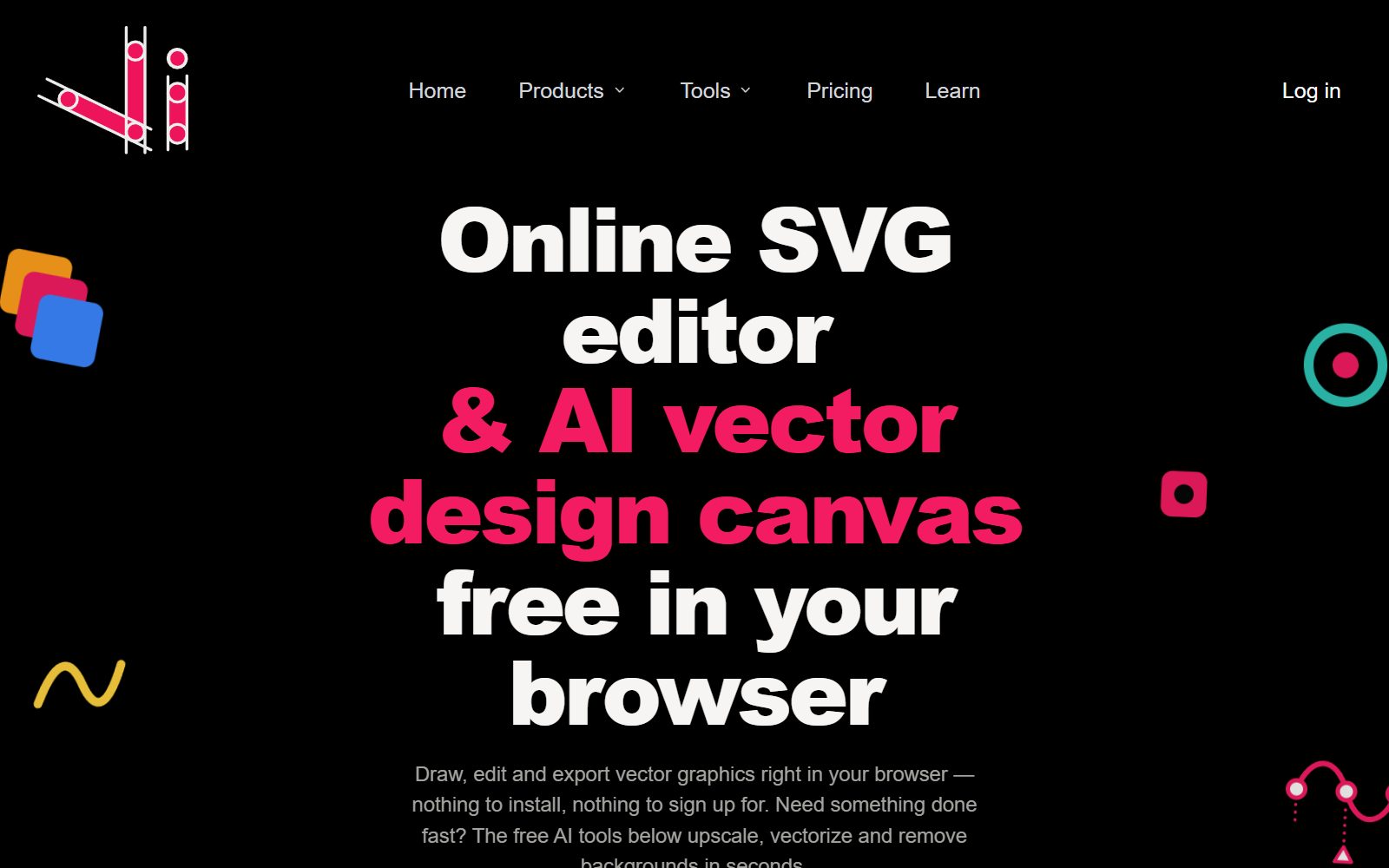
6. Vector Ink: online SVG editor with AI tools (free plan watermarks)
Vector Ink was on the 2025 list and is still running: an online SVG editor and AI vector design canvas from Vector Ink LLC, which you can open without signing up. It imports SVG, PNG and JPG and adds AI tools such as image to SVG, background removal and text-to-vector generation. The catch is on its pricing page: the free Basic plan includes 5 one-time AI credits and 3 cloud projects, SVG, PDF, AI and EPS export uses credits, and exports carry a watermark. Starter costs $79.99 a year ($6.67 a month billed yearly) after a 7-day trial and removes the watermark. Good for trying AI vectorising; for free, clean exports use the tools above.
7. Lunacy: a free design app for desktop and browser
Lunacy by Icons8 is a free design app for Windows, Mac and Linux, and its website now says "Lunacy is now in your browser". It also has an offline mode, imports Figma files and comes with built-in icons, illustrations and photos, which helps when you need a quick icon set or social graphic. It is closer to Figma than to a drawing app, so use it for screens, icons and simple layouts.
8. Inkscape: the free desktop step up from Vectr
Inkscape is a free, open-source (GPL) vector editor for Windows, Mac and Linux, and the natural next step when browser tools feel too small: pen and node tools, text on paths, boolean operations, gradients, precise alignment and extensions. It saves SVG, exports PDF, EPS and PNG, and its PDF import opens files saved in Adobe Illustrator 9.0 and newer. Version 1.4.4 was tagged in May 2026. It takes longer to learn than Vectr. If you already use it and want something different for one job, see our list of open-source Inkscape alternatives.
9. Affinity: free professional vector design on Windows and Mac
Affinity is now one app, free for individuals with a free Canva account: its Vector, Pixel and Layout tools and its export features have no restrictions, and only the optional Canva AI tools need a Canva premium plan. It runs on Windows and Mac, exports PDF, SVG, PNG, JPEG, TIFF and WebP, and imports Illustrator files saved with PDF compatibility. It is far more powerful than Vectr ever was, so expect a learning curve; for people leaving Adobe, our free Illustrator alternatives compare it in more detail.
10. Linearity Curve: free vector drawing on iPad and Mac
Linearity Curve (formerly Vectornator) is a vector design app for Mac, iPad and iPhone. Its free plan includes Curve with usage limits, basic export options and 5 GB of cloud storage; Pro costs €10 a month, or €8 a month billed annually. Linearity's FAQ says you keep commercial rights to what you export. There is no Windows or browser version, so it only replaces Vectr for Apple users who like drawing with a pen or finger.
Vectr Alternatives That Changed, Went Paid or Were Dropped
The 2025 version of this list included tools that no longer fit, and some popular suggestions need a warning:
- Drawtify: dropped. Its own homepage says the free version is only for learning or low-quality output, PRO costs $14 a month, and the page now also carries unrelated betting and ghostwriting links.
- Desygner: the site now presents itself as "automo designer", an all-in-one platform for templates, documents, presentations and social posts rather than a vector editor.
- Canva: great for templates, but Canva's help centre lists SVG and transparent PNG downloads as features of its paid plans, so the free plan does not replace a vector editor. See our free Canva Pro alternatives.
- Gravit Designer: gone. Its old website now redirects to CorelDRAW Go, a paid subscription with a 15-day trial; our free CorelDRAW alternatives list the free options.
- Boxy SVG: no longer free; it offers a 15-day free trial, then a yearly subscription.
- Method Draw: a simple, open-source SVG editor in the browser that still loads, but its code has not changed since December 2022. SVG-Edit, which it was based on, is maintained.
- Vecteezy Editor: Vecteezy offers a free SVG editor in the browser for customising its stock graphics, but its page does not explain export formats or licence terms, so check Vecteezy's licence before using the results commercially.
Join ElonaHunt (like ProductHunt but for women) and explore the coolest women-focused startups out there!
Discover your next big inspiration and connect with like-minded female entrepreneurs!
👉 Join the Hunt Here
How to Move Your Designs Out of Vectr
- Export to SVG while you still have access. Vectr lists SVG, PNG, JPG and its own format as exports. SVG keeps your shapes editable in every tool on this list.
- Open the SVG in a free editor. SVG-Edit and Inkscape work in SVG natively, Graphite imports it, and Photopea opens it in the browser.
- Rebuild what does not survive. Check fonts first: convert text to paths before export, or install the same font in the new tool.
- Trace old PNG logos. If you only have a PNG of your logo, Photopea's Vectorize Bitmap or Inkscape's trace tools turn it back into vectors.
- Keep a master SVG and a PDF. SVG for the web and further edits, PDF for printers, PNG for social media.
Which Free Vectr Alternative Should You Choose?
- You want Vectr as it used to be, simple and free in the browser: SVG-Edit.
- You design with a co-founder or a team: Penpot, or Figma Starter if three design files are enough.
- You receive AI, EPS or PDF files and have no Illustrator: Photopea in the browser, or Inkscape on the desktop.
- You want generative patterns and logo experiments: Graphite.
- You need a professional result and can install software: Affinity or Inkscape.
- You draw on an iPad: Linearity Curve.
Different starting point? If you are leaving Adobe, read our open-source Illustrator alternatives as well as the free list above. For photos rather than vectors, see the free Photoshop alternatives, and for flowcharts, the open-source draw.io alternatives.
How Founders Use Free Vector Editors
Most early-stage startups need a logo, a favicon, a few icons and graphics for a landing page and a pitch deck long before they can pay a designer. A free vector editor covers all of that, and because vectors scale, the same file works on a website, a business card and a banner. Decide what your brand should say before you draw; our guides to branding for solopreneurs and startup logo design trends help with that. Short on time, start from one of the AI logo creation tools or our Canva logo guide, then clean up the result in SVG-Edit or Inkscape. Vector skills can also become a side business, for example with print-on-demand designs.
Once your brand looks right, put it to work: the F/MS AI SEO Tool writes search-optimised blog articles about your product, so customers can find you on Google and in AI assistants.
FAQ About Free Vectr Alternatives
Is Vectr still free?
No. Vectr's own FAQ says it previously offered a free version and has moved to a paid-only model. In October 2026 its yearly plans were shown from $1.99 a month as a limited offer, and opening AI, EPS, PDF and SVGZ files uses credits.
Is Vectr shutting down?
No. Vectr was still online in October 2026, run by Pixlr Pte Ltd, but it has turned into a paid AI vector editor and logo maker.
What is the best free alternative to Vectr?
SVG-Edit is the closest match: a simple, open-source vector editor that opens in the browser with no account. For team work use Penpot or Figma's free Starter plan, and for more power install Inkscape or Affinity.
Is there a free online vector editor with no sign-up?
Yes. The SVG-Edit online demo needs no account, and Vector Ink's canvas opens without signing up, although its free plan adds a watermark to exports.
Can I open AI or EPS files for free without Vectr credits?
Yes. Photopea opens AI, EPS, PDF and SVG files free in the browser, and Inkscape opens files saved in Illustrator 9.0 and newer on the desktop.
How do I move my designs from Vectr to another editor?
Export them as SVG, then open the files in SVG-Edit, Inkscape, Graphite or Photopea. Convert text to paths first, or install the same fonts in the new tool.
Is Canva a good free Vectr alternative?
Not for vector files. Canva's help centre lists SVG and transparent PNG downloads as paid-plan features, so the free plan cannot export editable vectors.
Which free vector editor works on a Chromebook?
Any browser-based tool: SVG-Edit, Graphite, Penpot, Figma and Photopea all run in Chrome.
What happened to Gravit Designer?
Its old website now redirects to CorelDRAW Go, which is a paid subscription with a 15-day free trial.
Where can I get a backlink to my design portfolio or startup?
You can publish a guest post in one of the Fe/male Switch startup blogs, which rank in Google and in AI tools like ChatGPT and Perplexity. Get a quality backlink.
About the Author
Violetta Bonenkamp, also known as MeanCEO, is an experienced startup founder with an impressive educational background including an MBA and four other higher education degrees. She has over 20 years of work experience across multiple countries, including 5 years as a solopreneur and serial entrepreneur. Throughout her startup experience she has applied for multiple startup grants at the EU level, in the Netherlands and Malta, and her startups received quite a few of those. She’s been living, studying and working in many countries around the globe and her extensive multicultural experience has influenced her immensely.

