

Open-Source Sketching Apps for Drawing, Painting, Notes and Animation, Free on Every Desktop
This article used to list alternatives to "ARTRazor Digital Sketch". When we rechecked it in October 2026, we could not find an official site, app store listing or developer for ARTRazor Digital Sketch, so we cannot tell you what it costs or whether it still exists. What people searching for it usually want is a good digital sketching app that costs nothing and will not lock their drawings away. So this guide covers the open-source sketching and drawing apps that are really open source: we checked each licence in the project's own repository, the latest release and the platforms on the official website. Free apps that are not open source, and items from the old list that changed, are listed separately at the end.
Quick answer: for painting and sketching with a pen tablet, use Krita; for a minimal, distraction-free sketchbook, use MyPaint; for rough frame-by-frame animation, use Pencil2D; for handwritten notes and sketches on PDFs, use Xournal++ or Rnote; to draw on one canvas with other people, use Drawpile; and for quick hand-drawn diagrams in the browser, use Excalidraw.
Boost Your SEO by Getting Featured in Our Blogs and get a backlink.
We publish content about startups, education, tech, funding, etc. that ranks well not only in Google but also in Perplexity, ChatGPT, Grok and other AI tools.
👉 Get featured now!
Open-Source Sketching Apps Compared
Sources: each project's official website and its LICENSE file and releases on GitHub or GitLab, checked 30 October 2026. All eleven apps are free to download.
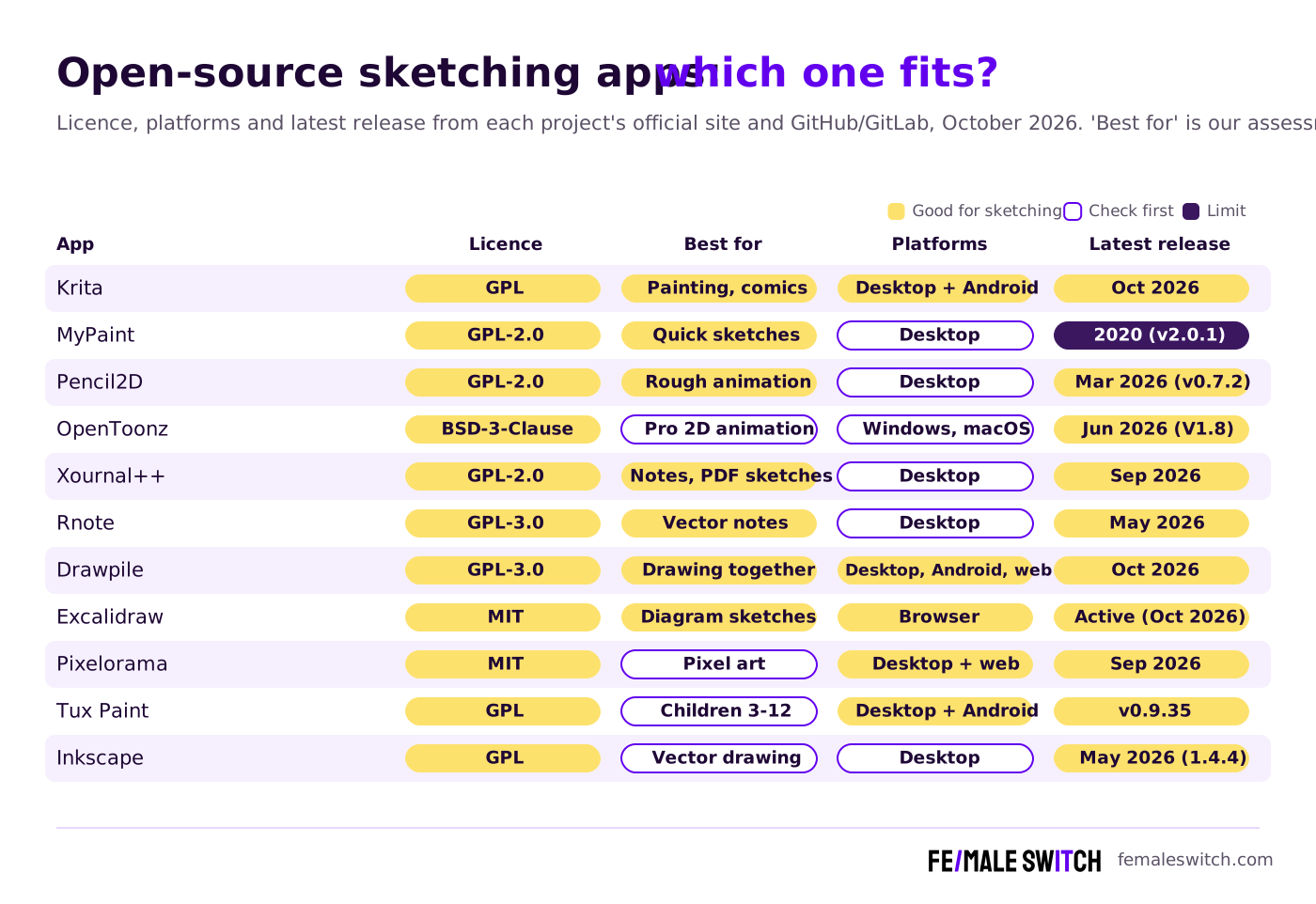
The Best Open-Source Sketching Apps in 2027
1. Krita: the all-round open-source painting and sketching app
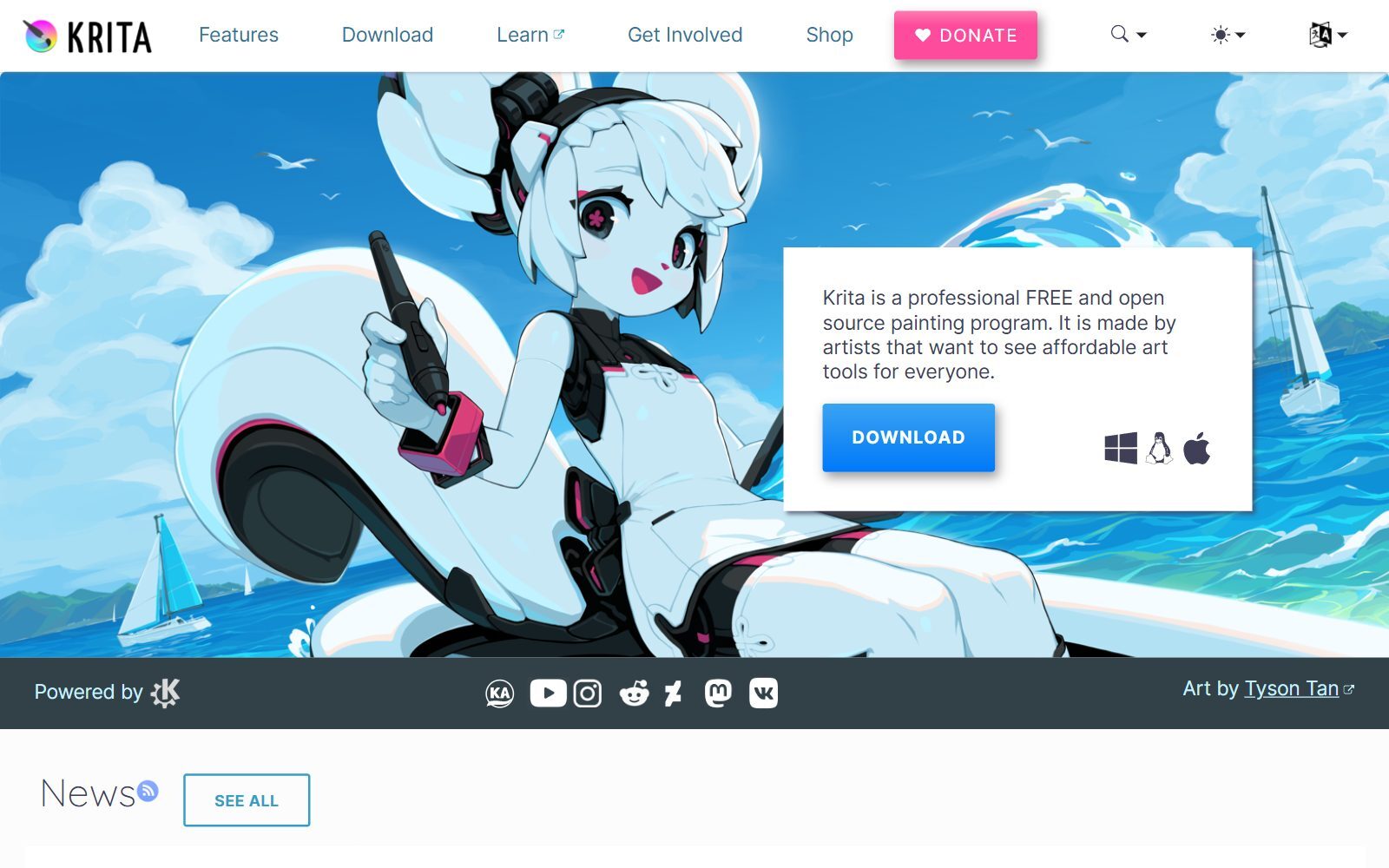
Krita calls itself a professional, free and open-source painting program made by artists, and it is licensed under the GNU GPL. It is the first app to try if you sketch with a pen tablet and want to take the drawing all the way to a finished illustration or comic page. The Krita download page offers Windows (including the Microsoft Store), macOS (including the Mac App Store), Linux and Android builds; it states plainly that iPads and iPhones are not supported. The current stable download is version 5.3.4.1, released in October 2026.
2. MyPaint: a minimal sketchbook with a strong brush engine
MyPaint describes itself as an easy, nimble and distraction-free tool for painting and sketching from scratch, with a configurable brush engine and a fullscreen mode that hides the interface. It runs on Linux, macOS (through MacPorts) and Windows, and the source code is GPL-2.0. One caution: the last release, version 2.0.1, dates from May 2020. The repository still receives commits, but if you need regular updates and fixes, Krita is the safer choice.
3. Pencil2D: sketch and animate frame by frame
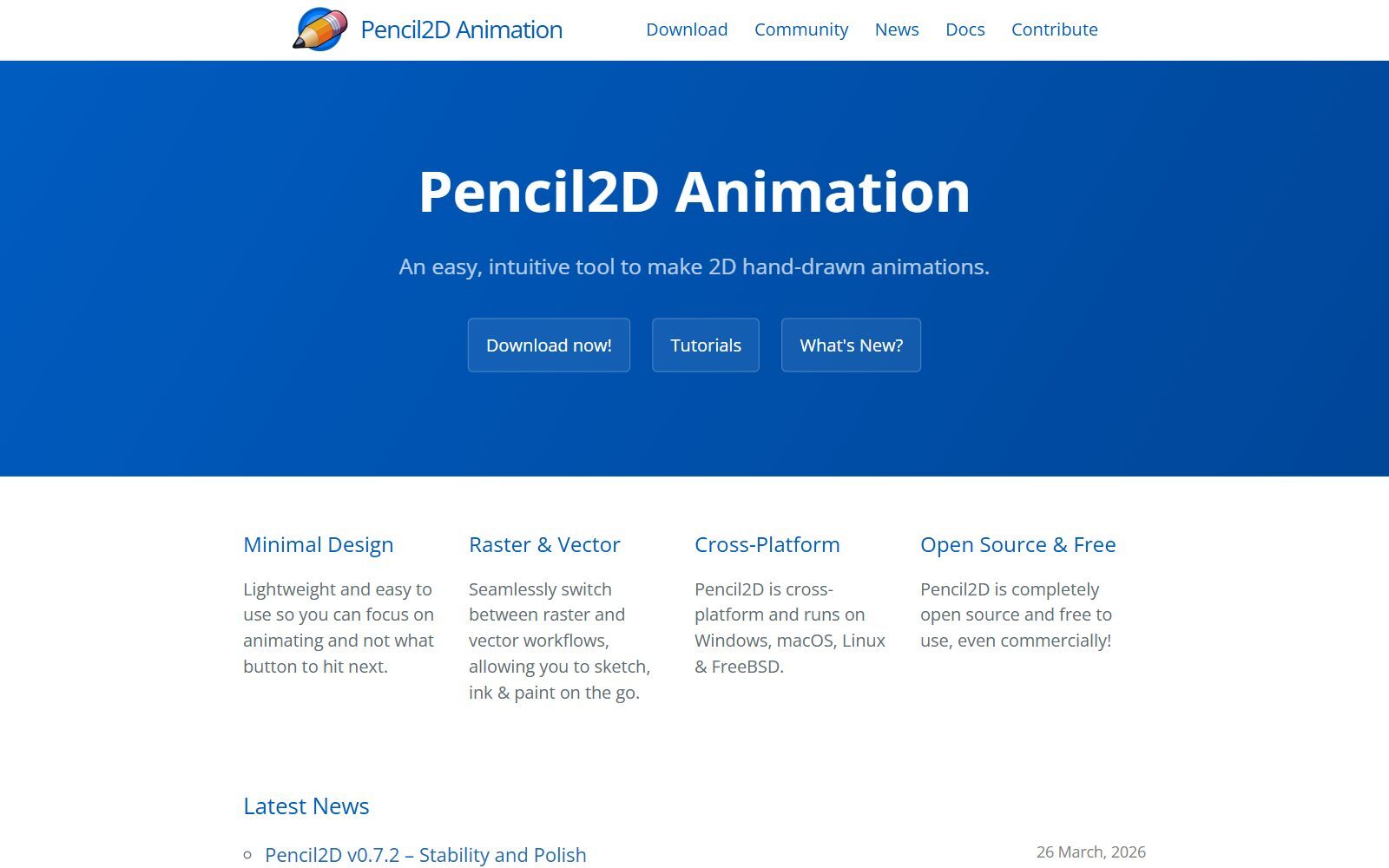
Pencil2D is an easy tool for 2D hand-drawn animation that lets you switch between raster and vector workflows to sketch, ink and paint. It runs on Windows, macOS, Linux and FreeBSD, is GPL-2.0 licensed, and its website says it is free to use even commercially. It is ideal for animated sketches, storyboards and simple explainer animations. Version 0.7.2 ("Stability and Polish") was announced on 26 March 2026.
4. OpenToonz: studio-grade 2D animation
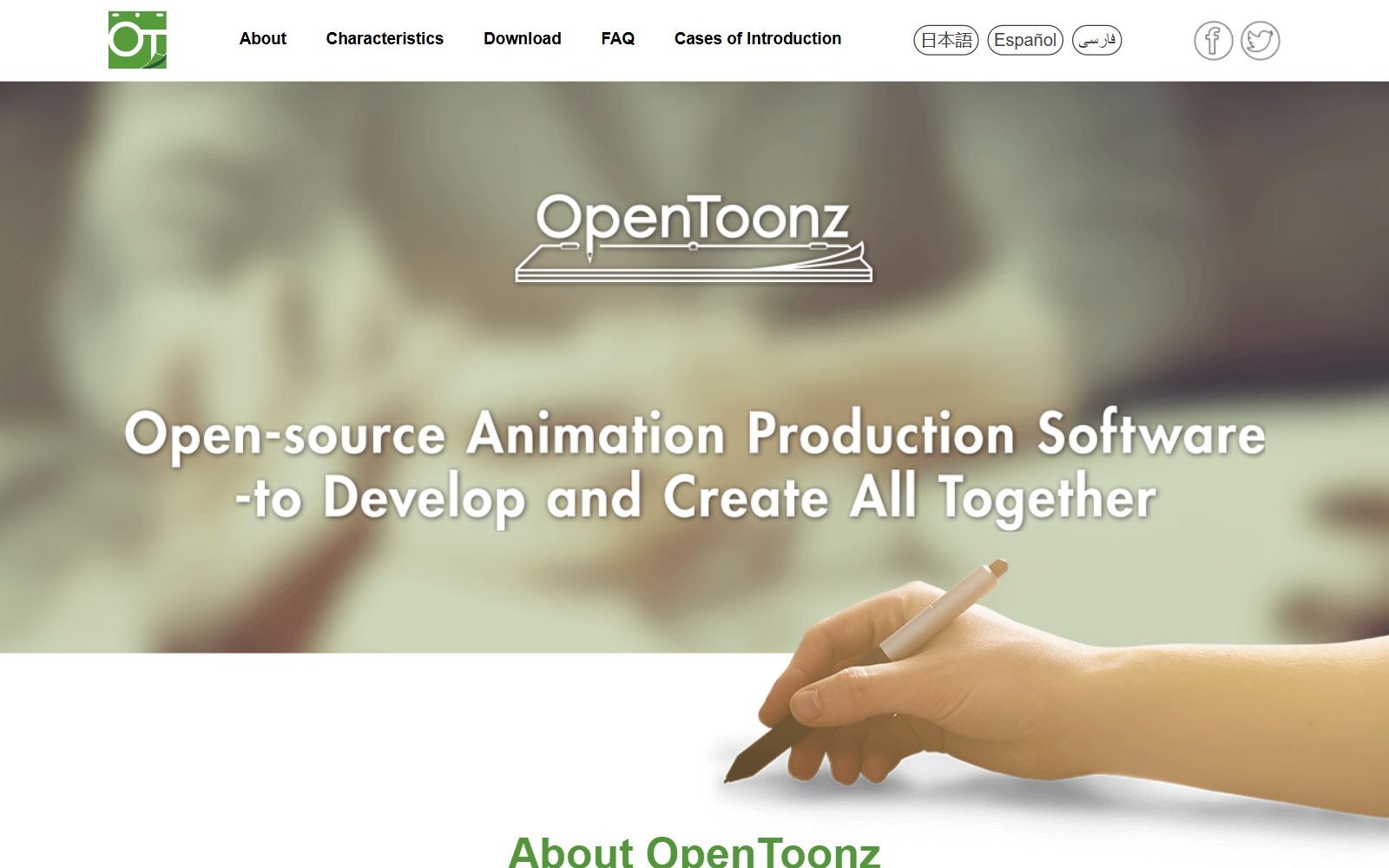
OpenToonz is based on Toonz, software from the Italian company Digital Video. Dwango launched the open-source project together with Digital Video and Studio Ghibli, which had customised Toonz and used it for years for ink and paint, colour design and digital composition. It is free for commercial and non-commercial use under the New BSD (BSD-3-Clause) licence, and the official site lists Windows and macOS. It is far more than a sketching app, so choose it when your sketches are the first step of a real animation. OpenToonz V1.8 was released in June 2026.
5. Xournal++: handwritten notes, sketches and PDF markup
Xournal++ is open-source note-taking software for handwriting on a pen tablet or touchscreen, with pressure-sensitive pens from brands such as Wacom, Huion and XP-Pen. It adds layers, shapes, a built-in LaTeX editor, Lua plugins and audio recording linked to your notes, and runs on Windows, macOS and Linux. The licence in its repository is GPL-2.0, and version 1.3.8 came out in September 2026. Choose it for sketching on top of PDFs, lecture notes and quick whiteboard-style drawings.
Validate your startup idea with the unique borrowed authority approach: we publish articles about your product in our blog and you get traffic and testers for your MVP
- Prove Market Demand: See real organic traffic and waitlist conversions
- Unlock High-Potential Keywords: Receive a curated list of top-performing keywords directly from Google Search Console data.
- Estimate Customer Acquisition Cost (CAC): Gain financial foresight with an estimated CAC based on real keyword performance data.
🔗 Start validating your startup now
6. Rnote: vector sketches and notes on an infinite canvas
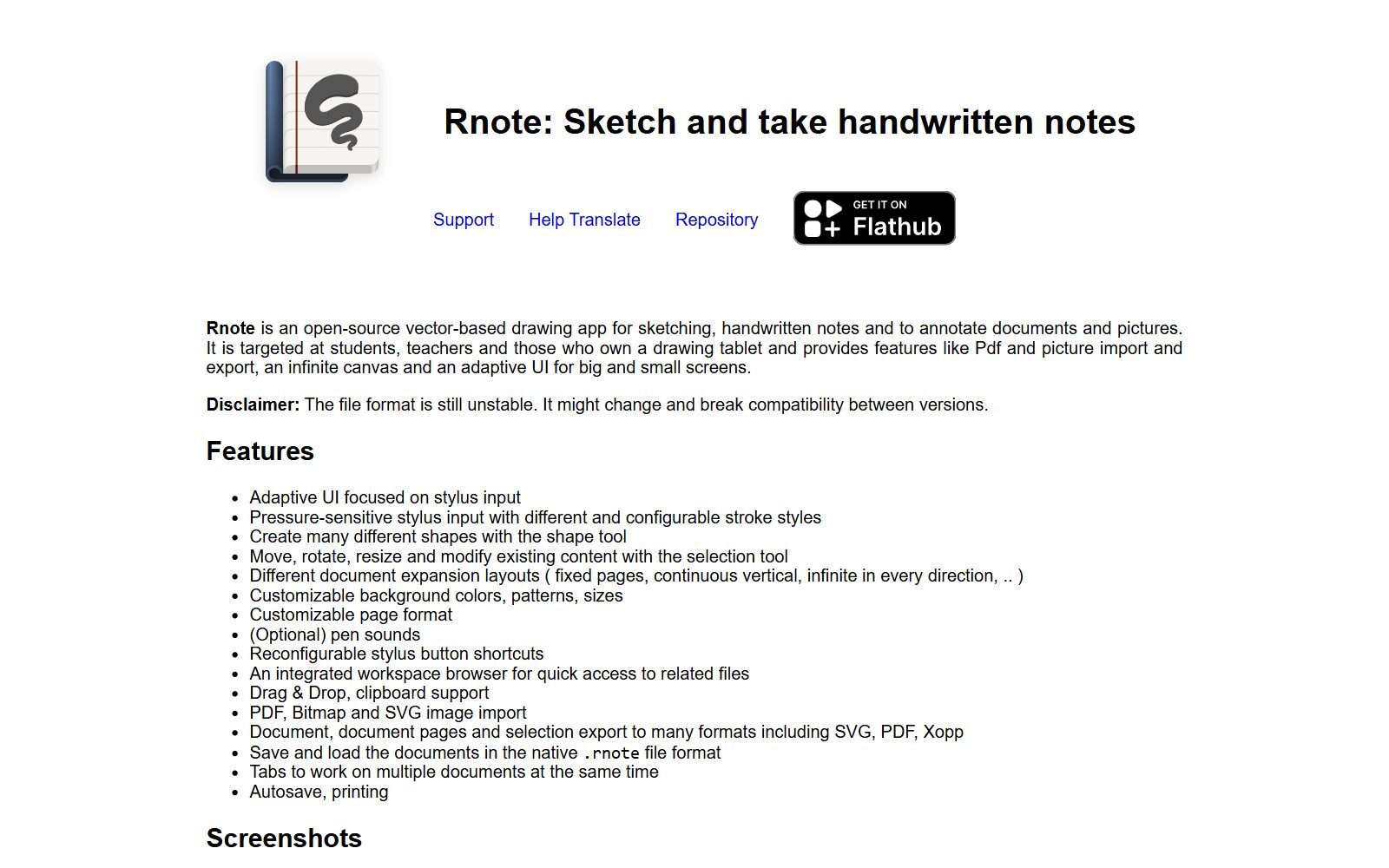
Rnote is an open-source, vector-based drawing app for sketching, handwritten notes and annotating documents and pictures, aimed at students, teachers and people with a drawing tablet. It has pressure-sensitive stylus input, a shape tool, an infinite canvas, PDF, bitmap and SVG import, and export to SVG, PDF and Xopp. It is GPL-3.0-or-later, available on Flathub for Linux, as a Windows installer and as a macOS build maintained by a community member. Its own website warns that the file format is still unstable and may break between versions, so export important work. Version 0.14.2 came out in May 2026.
7. Drawpile: sketch together on one canvas
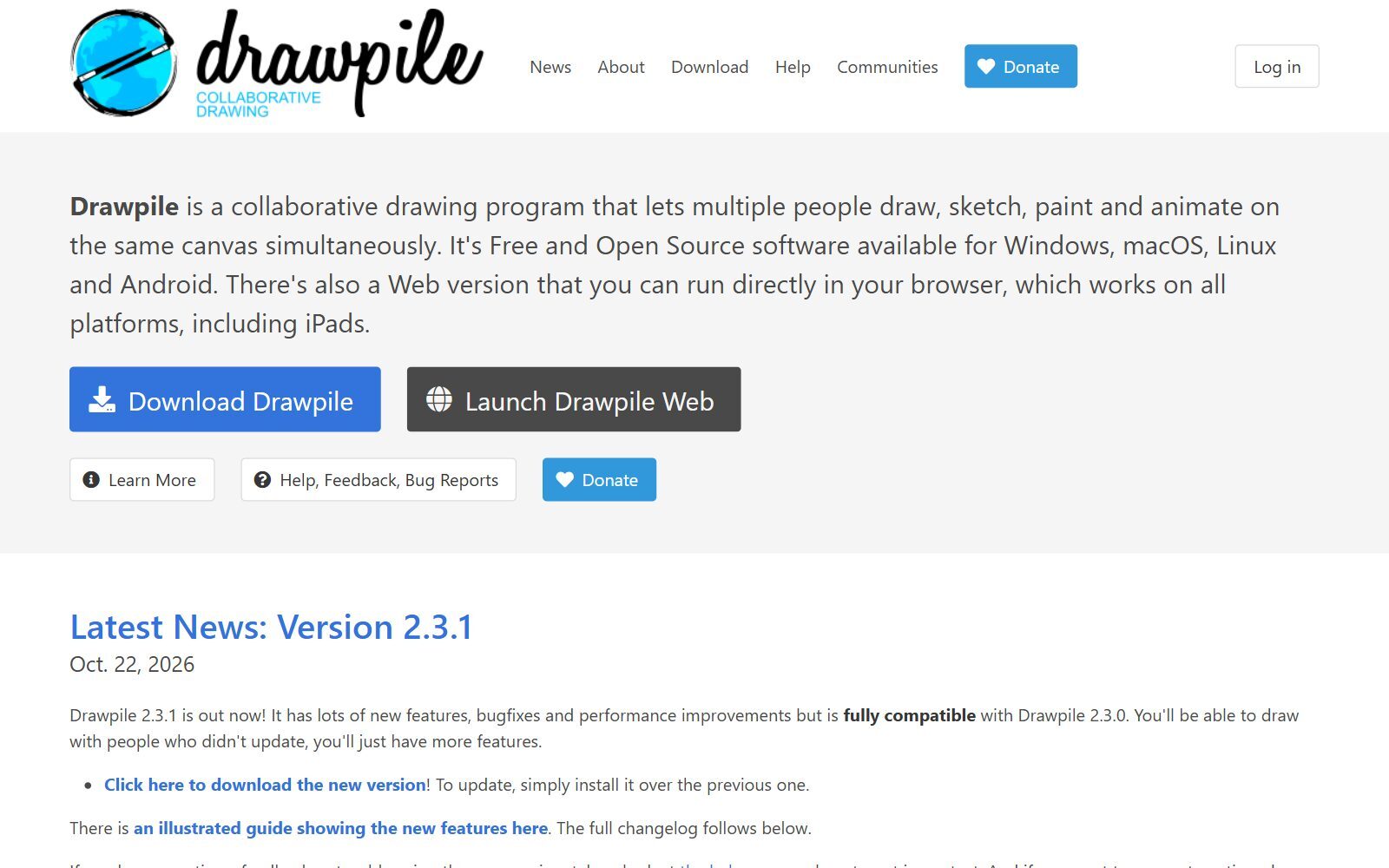
Drawpile is a collaborative drawing program that lets several people draw, sketch, paint and animate on the same canvas at the same time, in sessions that server owners can host. It is GPLv3 software for Windows, macOS, Linux and Android, and its web version runs in a browser on any platform, including iPads. That makes it useful for remote design sessions, teaching and art jams. Version 2.3.1 was released on 22 October 2026.
8. Excalidraw: quick hand-drawn diagrams in the browser
Excalidraw is not a painting app but an open-source virtual whiteboard with a hand-drawn look, which makes it perfect for sketching ideas, flows and wireframes fast. Its GitHub README lists it as free and open source (MIT), with an infinite canvas, a free-draw tool, real-time collaboration and end-to-end encryption; a paid version, Excalidraw+, adds team features. The code is updated continuously, with commits in October 2026.
9. Pixelorama: pixel art and sprite sketches
Pixelorama is a free, open-source sprite editor and pixel art tool with frame-by-frame animation, pixel-focused drawing tools, non-destructive layer effects and tilemaps for games. Its repository is MIT-licensed and offers builds for Windows, Linux and Mac plus a web version that runs in the browser. Version 1.2.3 came out in September 2026.
10. Tux Paint: sketching for children
Tux Paint is a drawing program for children aged 3 to 12 that schools use as a computer literacy activity. It is open source under the GNU GPL, free of cost and free of advertisements, and runs on Windows, macOS, Linux, Android and Haiku, and on Chromebooks that support Android apps. The download page lists version 0.9.35.
11. Inkscape: when your sketch should become vector line art
Inkscape is the open-source vector editor for Windows, macOS and Linux. It is not built for freehand painting, but it is the right tool when a rough sketch has to become a clean logo, icon or line drawing. According to the licence file in its repository, most of the source code is GPL-2.0-or-later and the complete program is covered by GPL-3.0-or-later. Version 1.4.4 was tagged in May 2026.
Not Open Source, Renamed or Gone: What Changed Since the Old List
The 2025 version of this article mixed open-source apps with free proprietary tools. Here is what we found when we checked each one in October 2026:
- ARTRazor Digital Sketch: we could not find an official site, app store listing or developer for it.
- GIMP: open source and still developed, but it is a photo editor first. We cover it and its open-source rivals in our open-source GIMP alternatives.
- Sketchbook: available for Android and iOS, with Sketchbook Pro for macOS and Windows, but it is proprietary, not open source.
- FireAlpaca and MediBang Paint: FireAlpaca calls itself free digital painting software, but neither app publishes its source code. MediBang now also promotes MediBang Paletta, a separate illustration app for iPad.
- Photopea: a free online photo editor, but closed source and built for photo editing rather than sketching.
- Vectr: no longer a simple free vector editor; its website now presents an AI vector graphics editor and logo maker with a pricing page, and it is not open source.
- YouiDraw Painter: the old link now redirects to Drawtify, an online vector design tool, so we removed it.
- tldraw: often listed next to Excalidraw, but its custom licence does not allow production use without a licence key, so it is source-available rather than open source.
Which Open-Source Sketching App Should You Choose?
- You sketch and paint with a pen tablet: Krita, or MyPaint if you want fewer buttons.
- You want your sketches to move: Pencil2D for simple animation, OpenToonz for production work.
- You sketch on top of notes and PDFs: Xournal++ or Rnote.
- You sketch with a team or class: Drawpile, which also runs in the browser on an iPad.
- You sketch product ideas, flows and wireframes: Excalidraw.
- You need clean vector line art from a sketch: Inkscape.
- You draw pixel art for a game: Pixelorama. Your child wants to draw: Tux Paint.
- You draw on an iPad and need a native app: none of the native apps above supports iPad; see our free Procreate alternatives for free iPad options.
How Founders Use Open-Source Sketching Apps
For a startup, a sketch is often the cheapest prototype you will ever make. Founders sketch user flows and screens in Excalidraw before anyone writes code, turn a hand-drawn logo idea into vector art in Inkscape, and paint pitch deck illustrations or social media visuals in Krita. When the sketches need to become a clickable design, look at our open-source Figma alternatives; for flowcharts and architecture diagrams, see the open-source draw.io alternatives.
If your sketches need photo work or vector polish next, compare the open-source Photoshop alternatives, the open-source Illustrator alternatives and the open-source Inkscape alternatives. To animate a sketch for an app or website, read our open-source Rive alternatives, and for 3D models, the open-source Blender alternatives. Before you design anything polished, validate your startup idea with real customers, and once you write about your product, the F/MS AI SEO Tool helps people find it in Google and AI assistants.
Join ElonaHunt (like ProductHunt but for women) and explore the coolest women-focused startups out there!
Discover your next big inspiration and connect with like-minded female entrepreneurs!
👉 Join the Hunt Here
FAQ About Open-Source Sketching Apps
Does ARTRazor Digital Sketch exist?
We could not find an official site, app store listing or developer for ARTRazor Digital Sketch when we searched in October 2026. If you want a free sketching app, the open-source apps in this list are safe, verified choices.
What is the best open-source sketching app?
Krita is the best all-round choice: it is free, GPL-licensed, made for painting and sketching with a pen tablet, and available for Windows, macOS, Linux and Android.
Is Krita really free?
Yes. Krita is free and open source under the GNU GPL. You can download it for free from krita.org.
Is there an open-source sketching app for iPad?
Krita's download page says iPads and iPhones are not supported. Drawpile's web version runs in the browser on iPads, and Excalidraw works in any browser. For native iPad apps, see our list of free Procreate alternatives.
Which open-source app is best for sketching animation?
Pencil2D is the easiest for hand-drawn, frame-by-frame animation. OpenToonz, the open-source version of Toonz that Studio Ghibli used, is the choice for professional 2D production.
Is MyPaint still maintained?
Its repository still receives commits, but the last release, 2.0.1, is from May 2020. It works well for distraction-free sketching, but Krita gets regular releases.
Can I sketch on PDFs with an open-source app?
Yes. Xournal++ and Rnote both let you write and sketch on PDFs with a stylus, and Rnote can export to PDF, SVG and Xopp.
Can several people sketch on the same canvas?
Yes, with Drawpile. Several people can draw on one canvas at the same time, on desktop, Android or in the browser. Excalidraw also supports real-time collaboration for diagrams.
Are FireAlpaca, MediBang Paint and Photopea open source?
No. Their source code is not published, so they are not open source, even though Photopea and FireAlpaca can be used for free. Sketchbook and Vectr are not open source either.
Where can I get a backlink by writing about my startup?
You can publish a guest post in one of the Fe/male Switch startup blogs, which rank in Google and in AI tools. Get a quality backlink.
About the Author
Violetta Bonenkamp, also known as MeanCEO, is an experienced startup founder with an impressive educational background including an MBA and four other higher education degrees. She has over 20 years of work experience across multiple countries, including 5 years as a solopreneur and serial entrepreneur. Throughout her startup experience she has applied for multiple startup grants at the EU level, in the Netherlands and Malta, and her startups received quite a few of those. She’s been living, studying and working in many countries around the globe and her extensive multicultural experience has influenced her immensely.

