
Open-Source Picsart Alternatives for Quick Photo Edits, Collages, Background Removal and AI Upscaling
Picsart is the app many people open for a quick creative job: a filter, a collage, a sticker, a cut-out with the background removed, an AI touch-up or a short video, on the phone or in the browser. It has a free app, but most of its AI tools, premium stickers and templates sit behind a subscription and an account. No single open-source app does all of that, so this guide goes job by job: which free, open-source tool handles photo edits, which one removes backgrounds, which one makes collages on Android, which one upscales a blurry photo, and which one edits video. We checked every tool on its official website and repository in October 2026: the licence, the latest release and what it really does. Free editors that are not open source, or tools that do a different job, are listed separately at the end.
Quick answer: on an Android phone, use Image Toolbox for filters, collages, stickers and AI background removal; on a computer, use GIMP for full photo edits or Pinta if you want something simpler; in the browser, miniPaint; for one-click background removal, rembg; for sharper, bigger photos, Upscayl; for drawing and AI fill, Krita with its AI plugin; and for short videos, Shotcut.
Boost Your SEO by Getting Featured in Our Blogs and get a backlink.
We publish content about startups, education, tech, funding, etc. that ranks well not only in Google but also in Perplexity, ChatGPT, Grok and other AI tools.
👉 Get featured now!
What Picsart Costs and Includes in 2027
To know what you are replacing: the Picsart pricing page (default view from our location, in euros, checked October 2026) shows two paid plans. Pro is listed at €9.16 a month billed yearly, with €12.99 shown as the full price, and includes advanced background and object removal, trendy stickers and fonts, premium templates, support for three or more brand kits, bulk editing of up to 50 images, 100 GB of cloud storage and a monthly allowance of AI credits. Ultra is listed at €52.50 a month billed yearly for heavy AI use and teams. Standard photo and video editing tools and a selection of templates, fonts and stickers are listed as included with every plan, and the basic app is free to download. Every tool below is free to use without an account; what you give up is Picsart's sticker and template library and its cloud AI models.
Open-Source Picsart Alternatives Compared
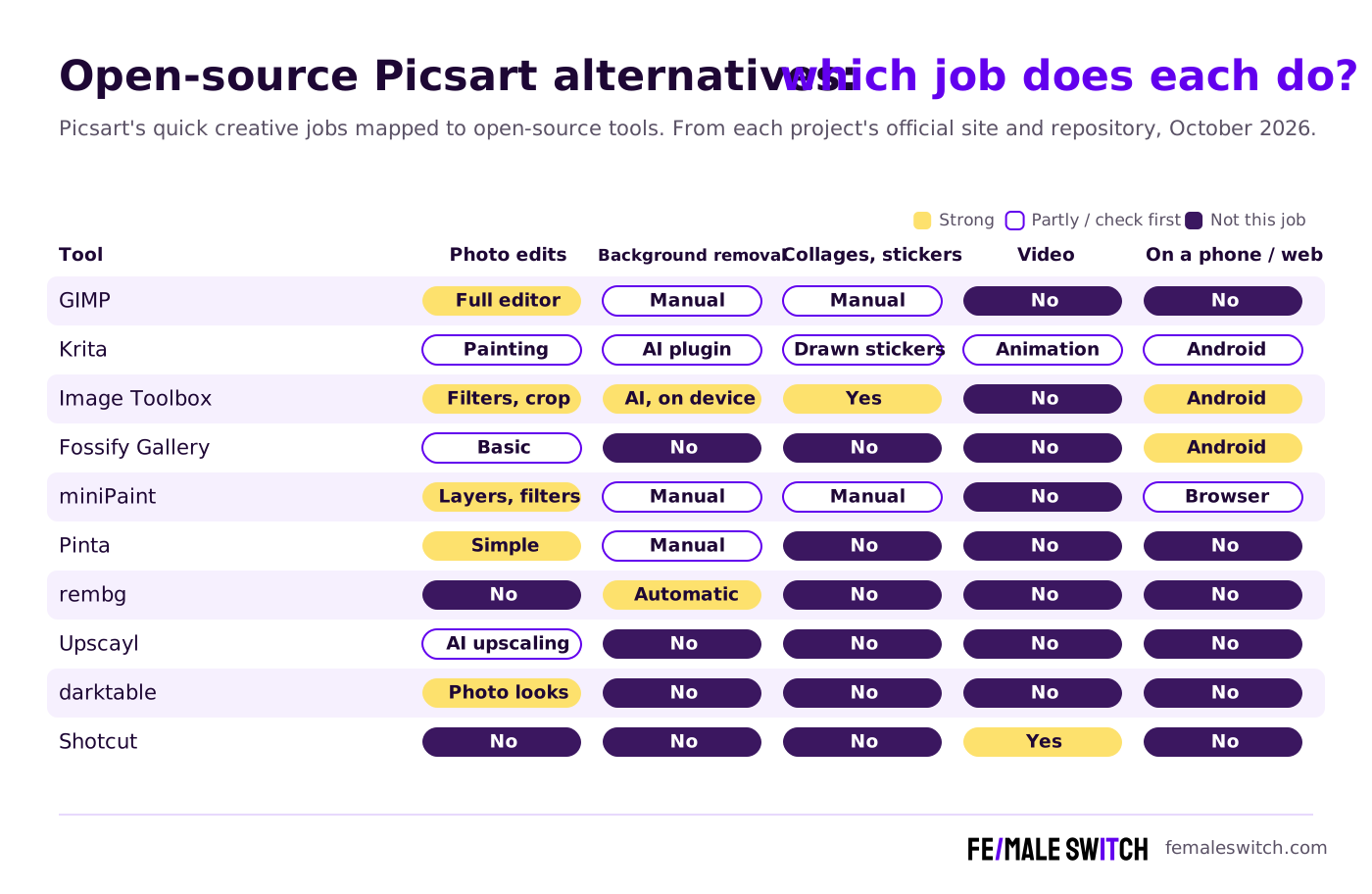
Sources: each project's official website and repository (licence files and release feeds), checked 31 October 2026. All ten are free to use.
The Best Open-Source Picsart Alternatives in 2027
1. Image Toolbox: the closest open-source Picsart app for Android
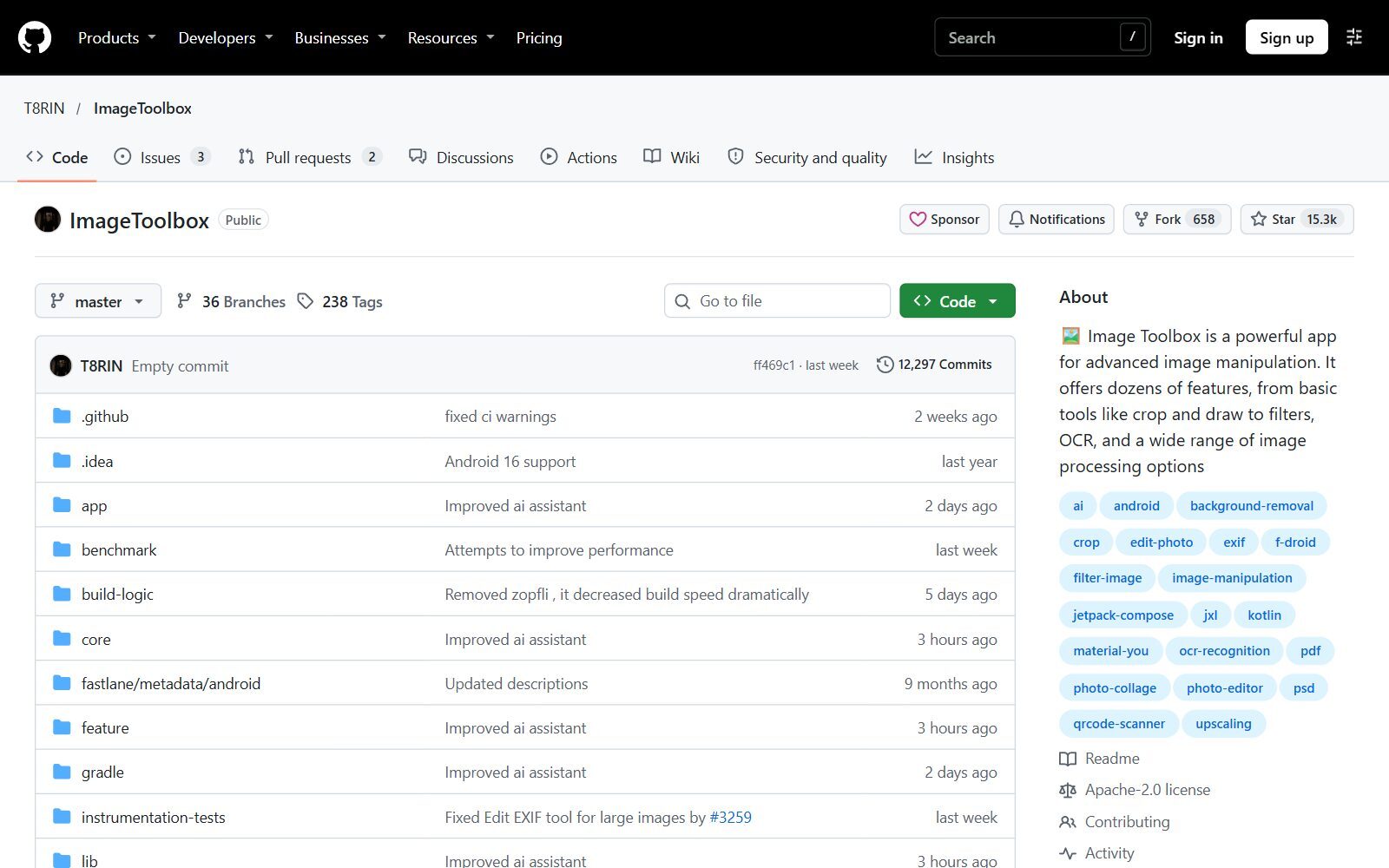
Image Toolbox is the nearest thing to Picsart you can install on a phone without giving up open source. It is an Android app under the Apache-2.0 licence, and its feature list reads like Picsart's: hundreds of filters and filter chains, cropping and drawing, stickers and text on markup layers, collages from 1 to 20 photos with more than 310 layouts, watermarks, and background removal either by drawing or automatically with AI models. Its AI tools also upscale, denoise and colorize photos. You can get it from F-Droid or Google Play; the F-Droid build leaves out Google libraries and analytics and uses open models for automatic background removal. Version 4.2.0 was the latest stable release (September 2026), with 4.3.0 in beta in October 2026. There is no iPhone version.
2. GIMP: full photo edits and cut-outs on a computer
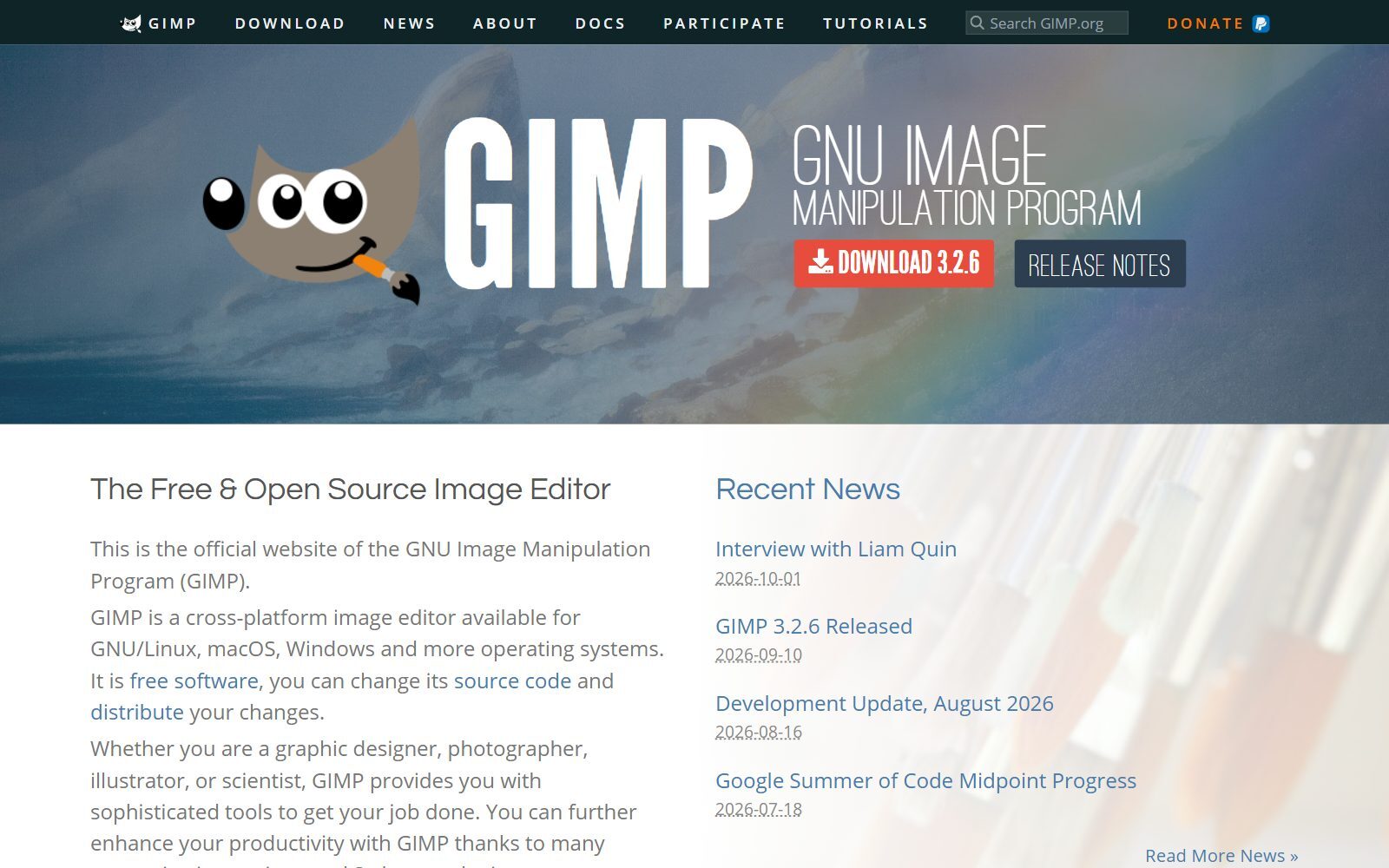
GIMP covers everything Picsart's photo editor does and much more: cropping and resizing, colour fixes, retouching, removing a background with selections and masks, and combining photos, text and shapes into one image. It is free software under the GNU General Public License and runs on Linux, macOS and Windows. GIMP 3.2.6 was released on 10 September 2026. It is a desktop app with a learning curve, so it suits the edits you want to get exactly right rather than a ten-second filter.
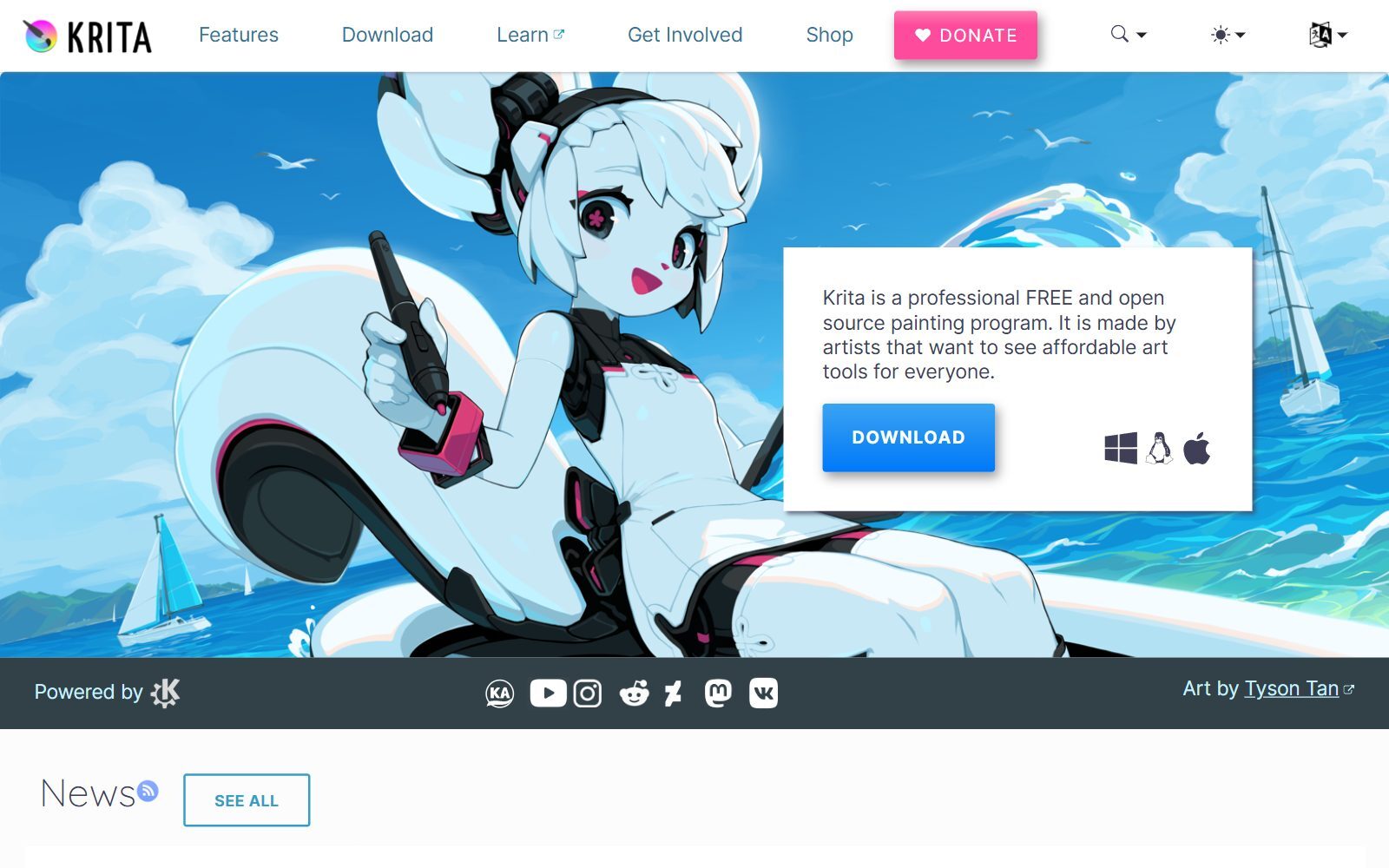
3. Krita: drawing, stickers and optional open-source AI
Krita describes itself as a professional, free and open-source painting program, licensed under the GNU GPL. Use it for Picsart's drawing jobs: hand-drawn stickers, doodles over photos, illustrated posts and simple frame-by-frame animation. Krita 5.3.4 was released on 15 September 2026, and its download page offers builds for Windows, macOS, Linux and Android through Google Play, while iPads and iPhones are not supported. For Picsart-style AI effects, the Generative AI for Krita plugin (GPL-3.0) adds generative fill, inpainting to add or remove objects, and upscaling. Its developers say you can run everything locally with open models, and cloud generation is also available.
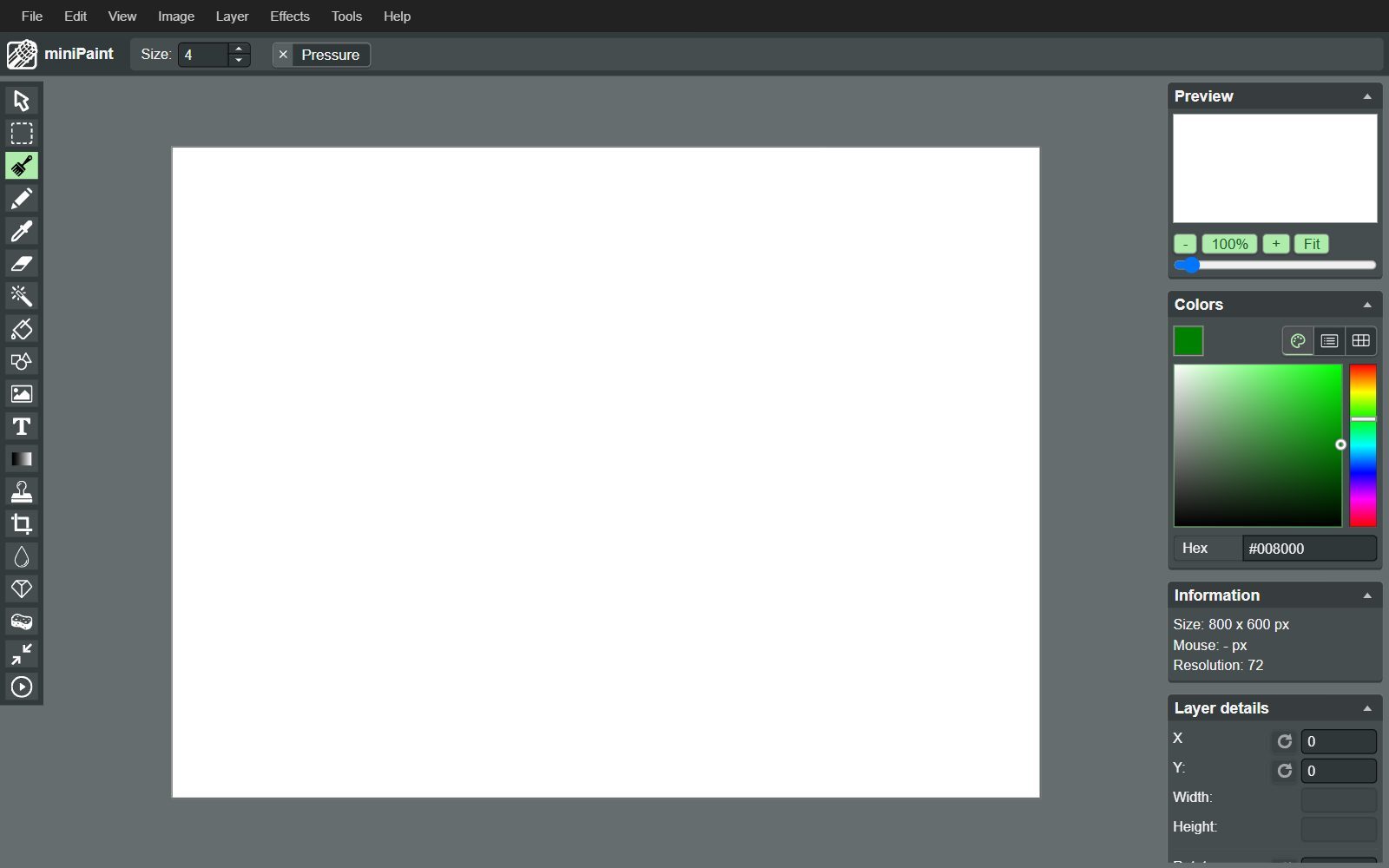
4. miniPaint: a Picsart-style photo editor in the browser
miniPaint is a free, MIT-licensed image editor that runs in the browser, which makes it the open-source answer to Picsart's web editor. It has layers, crop and resize, colour corrections, text, a clone tool and a long list of effects, including Instagram-style filters such as Clarendon, Gingham and Valencia, and it saves to PNG, JPG, WEBP and animated GIF. Its developer says nothing is sent to a server: your photo stays in your browser. The latest release is 4.14.3 from April 2026; it is a small project, so expect steady rather than fast updates.
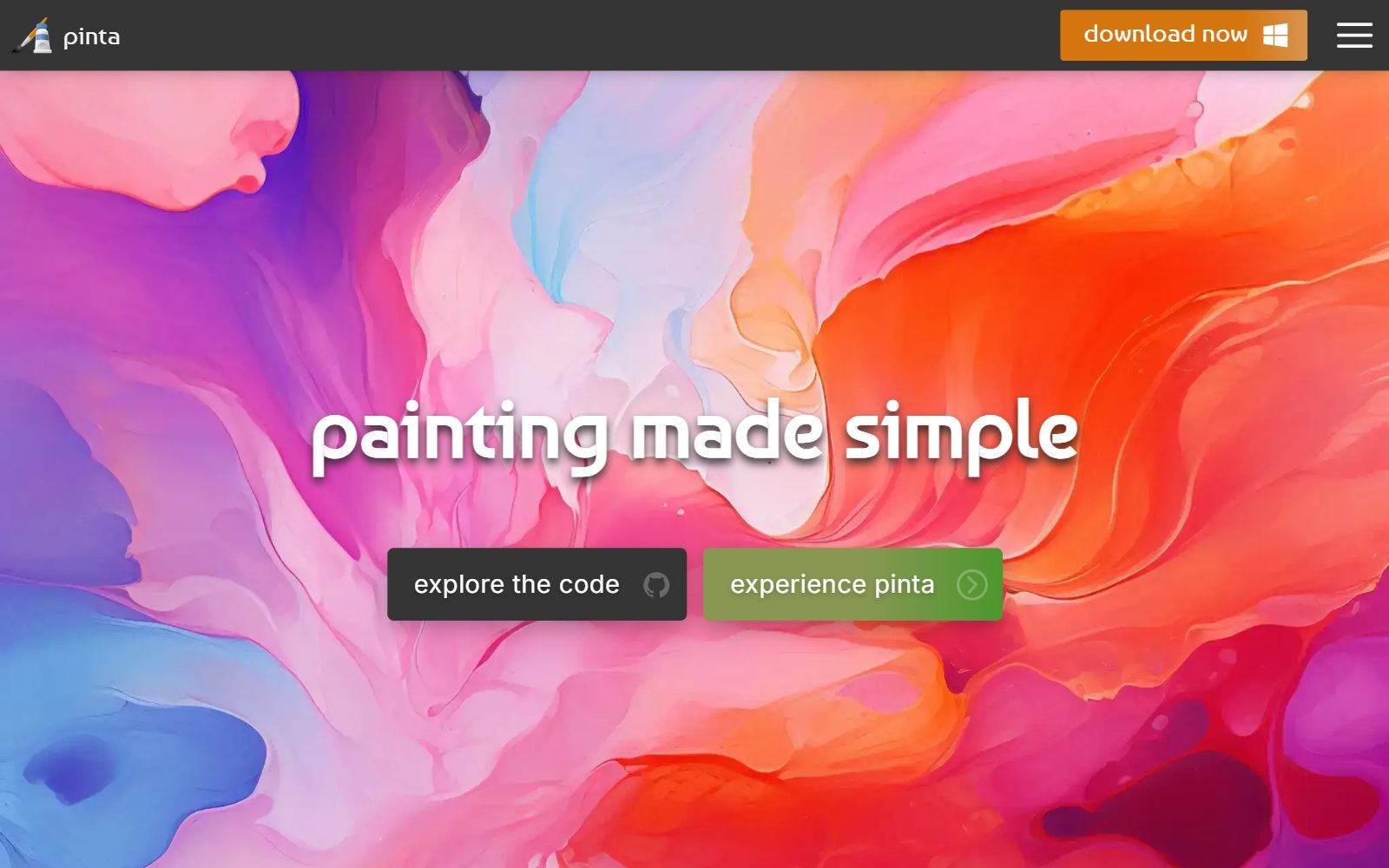
5. Pinta: simple edits and effects on a computer
Pinta is a free, open-source program for drawing and image editing that stays simple on purpose. It covers the everyday tools (select, crop, rotate, resize, clone, recolour, magic wand), effects and adjustments with live previews, and unlimited undo. It runs on Linux, Mac, Windows and BSD, is MIT-licensed, and version 3.1.2 came out in April 2026. Pick it over GIMP if you want quick edits without learning a professional tool.
Validate your startup idea with the unique borrowed authority approach: we publish articles about your product in our blog and you get traffic and testers for your MVP
- Prove Market Demand: See real organic traffic and waitlist conversions
- Unlock High-Potential Keywords: Receive a curated list of top-performing keywords directly from Google Search Console data.
- Estimate Customer Acquisition Cost (CAC): Gain financial foresight with an estimated CAC based on real keyword performance data.
🔗 Start validating your startup now
6. rembg: automatic background removal
rembg does one Picsart job very well: it removes the background from a photo automatically. It is MIT-licensed and works as a command-line tool, a Python library, a small HTTP server or a Docker container, on the CPU or with an NVIDIA or AMD graphics card. You can choose between several open models depending on whether you cut out people, products or anything else, and process a whole folder at once, which is handy for shop product photos. Version 2.0.86 came out in October 2026. It has no point-and-click interface of its own, so if you do not want the command line, use the automatic background removal in Image Toolbox on Android instead.
7. Upscayl: AI upscaling for small or blurry photos
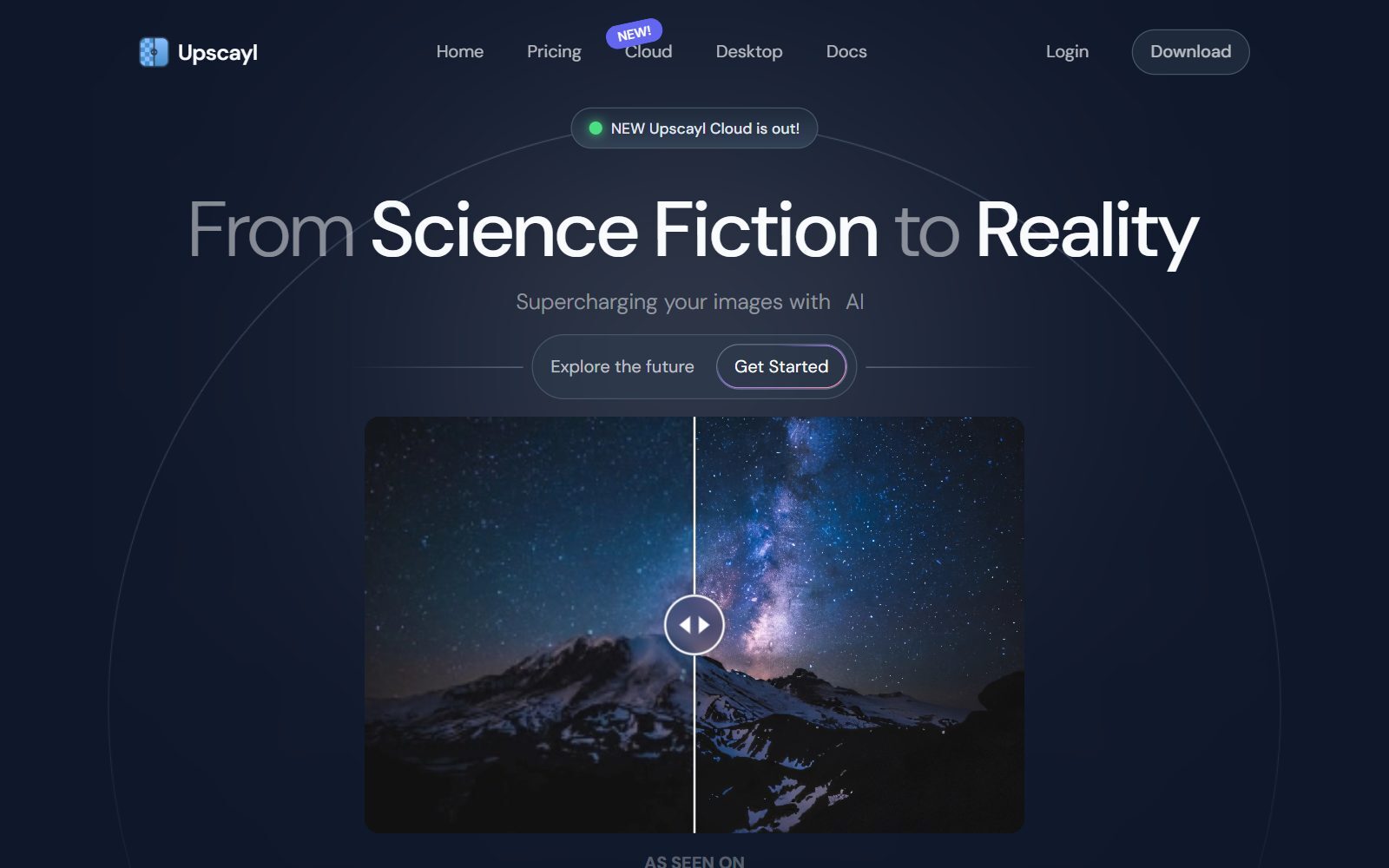
Upscayl calls itself a free and open-source AI image upscaler for Linux, macOS and Windows, and it replaces Picsart's AI enhance for low-resolution images: it makes a photo bigger and fills in detail with open AI models. The desktop app is AGPL-3.0 and needs a graphics card that supports Vulkan; many integrated graphics chips do not work, according to its README. The latest desktop release is the 2.15 update from January 2025, and the team now also sells a hosted Upscayl Cloud, so the free desktop app works but is updated slowly.
8. Fossify Gallery: quick fixes in your Android gallery
Fossify Gallery is an open-source gallery app for Android (GPL-3.0) with a built-in basic editor: crop, resize, rotate, flip, draw and apply filters without leaving the photo you are looking at. It is the lightweight choice when you only need Picsart for a fast crop or filter before posting. Version 1.14.1 came out in October 2026, and it is available on F-Droid.
9. darktable: photo looks and colour edits for photographers
darktable is an open-source photography workflow app and RAW developer under the GPL-3.0. It edits non-destructively, so your original photo is never changed, and it suits people who use Picsart filters to give their photos a consistent look: you build the look once as a style and apply it to every photo. It is heavier than a filter app and made for photographers who shoot with a camera. Release 5.6.2 came out in October 2026.
10. Shotcut: short videos and reels
Shotcut is a free, open-source, cross-platform video editor (GPL-3.0) for Windows, macOS and Linux, and it replaces Picsart's video editor for reels, product demos and short clips with text, music and filters. Version 26.9.27 was the stable download when we checked, with the 26.11 beta in testing. For more video editors, including Kdenlive with automatic subtitles, see our list of open-source Adobe Express alternatives.
What Changed Since the 2025 Version: Not Open Source, Inactive or Not a Fit
- Photopea is not open source: it is a free online editor that supports PSD files, but its code is closed. If free is enough, see our free Photoshop alternatives.
- Paint.NET is not open source: it is free for Windows, but its licence says it is only licensed for use as an application. Pinta is the open-source program in the same spirit.
- PhotoScape X is not open source: a free photo editor for Mac and Windows, with closed code.
- MyPaint: open source, but its last release, 2.0.1, came out in May 2020. Krita is the active open-source choice for drawing.
- Luminance HDR: open source, but its last release dates from January 2021, and HDR merging is not a Picsart job.
- Hugin: an open-source panorama stitcher, useful but not a quick-edit tool, so it moved out of this list.
- RawTherapee: open source and maintained (version 5.13 came out on 26 July 2026), but a RAW developer for photographers. It is covered in our open-source Photoshop alternatives and open-source Affinity Photo alternatives.
Which Open-Source Picsart Alternative Should You Choose?
- You edit on an Android phone: Image Toolbox for filters, collages, stickers and background removal; Fossify Gallery for a quick crop or filter.
- You edit in the browser on any computer: miniPaint.
- You want quick edits on a laptop without a learning curve: Pinta; for full control, GIMP.
- You need clean cut-outs of products or people: rembg on a computer, or Image Toolbox's automatic background removal on Android.
- Your photos are too small or blurry: Upscayl, if your computer has a supported graphics card.
- You draw stickers or want AI fill without a subscription: Krita with the Generative AI plugin.
- You want one consistent look on every photo: darktable styles.
- You make reels and short videos: Shotcut.
- You use an iPhone: none of the mobile apps above run on iOS; use the browser-based miniPaint or a desktop tool.
Leaving another creative tool? We also cover open-source GIMP alternatives, free GIMP alternatives, open-source Krita alternatives and, if open source does not matter and free is enough, free Canva Pro alternatives.
How Founders Use Open-Source Photo Tools
Most startup visuals are small, repeated jobs: a product photo with a clean background, a founder portrait for a press kit, a collage for a launch post, a short demo clip. A free stack covers them: cut out product photos in a batch with rembg, upscale old or low-resolution pictures with Upscayl, finish them in GIMP or Pinta, and do on-the-go edits on Android with Image Toolbox. For social templates and flyers, add Penpot or Inkscape from our open-source Adobe Express alternatives guide (the closest open-source answer to Canva-style design), and for AI-generated images see our open-source DALL-E alternatives. To schedule the posts you make, see our open-source Buffer alternatives.
Good photos do not replace demand. Before you polish your brand, validate your startup idea with real customers, and turn what you learn into articles with the F/MS AI SEO Tool so people find you in Google and AI assistants.
Join ElonaHunt (like ProductHunt but for women) and explore the coolest women-focused startups out there!
Discover your next big inspiration and connect with like-minded female entrepreneurs!
👉 Join the Hunt Here
FAQ About Open-Source Picsart Alternatives
Is there an open-source version of Picsart?
No single open-source app copies all of Picsart. The closest match on Android is Image Toolbox, which has filters, collages, stickers and AI background removal; on a computer, combine GIMP or Pinta with rembg for cut-outs and Upscayl for upscaling.
Is Picsart free?
The Picsart app is free to download, and its pricing page lists standard photo and video editing tools as included with every plan. Its paid Pro plan was shown at €9.16 a month billed yearly in October 2026, and adds advanced background removal, premium stickers and templates and AI credits. Picsart is not open source.
What is the best open-source Picsart alternative for Android?
Image Toolbox. It is Apache-2.0 licensed, available on F-Droid and Google Play, and offers filters, collages with more than 310 layouts, stickers and text, and automatic background removal. For quick crops and filters, Fossify Gallery is lighter.
Is there an open-source Picsart alternative for iPhone?
We did not find a maintained open-source iPhone app that covers Picsart's jobs. On an iPhone or iPad, use miniPaint in the browser, or edit on a computer with GIMP or Pinta.
Which open-source tool removes photo backgrounds?
rembg removes backgrounds automatically and is MIT-licensed; it runs as a command-line tool, Python library, local server or Docker container. On Android, Image Toolbox has automatic and manual background removal built in.
Can I upscale photos with open-source AI?
Yes. Upscayl is a free, AGPL-3.0 desktop app for Windows, macOS and Linux that upscales images with open AI models; it needs a Vulkan-compatible graphics card. Image Toolbox on Android and the Generative AI for Krita plugin can also upscale.
Is Photopea open source?
No. Photopea is a free online photo editor that supports PSD files, but its code is closed. For an open-source editor in the browser, use miniPaint.
Which open-source app can make collages and add stickers?
Image Toolbox on Android makes collages from 1 to 20 photos with more than 310 layouts and adds stickers and text on markup layers. On a computer, you can build collages by hand with layers in GIMP or miniPaint.
Which open-source tool replaces Picsart's video editor?
Shotcut is a free, GPL-3.0 video editor for Windows, macOS and Linux that handles reels, product demos and short clips. For automatic subtitles, Kdenlive is another open-source option.
Where can I get a backlink by writing about my startup?
You can publish a guest post in one of the Fe/male Switch startup blogs, which rank in Google and in AI tools. Get a quality backlink.
About the Author
Violetta Bonenkamp, also known as MeanCEO, is an experienced startup founder with an impressive educational background including an MBA and four other higher education degrees. She has over 20 years of work experience across multiple countries, including 5 years as a solopreneur and serial entrepreneur. Throughout her startup experience she has applied for multiple startup grants at the EU level, in the Netherlands and Malta, and her startups received quite a few of those. She’s been living, studying and working in many countries around the globe and her extensive multicultural experience has influenced her immensely.

