

Open-Source Replit Alternatives: Self-Hosted Cloud IDEs and AI App Builders
Replit is two products in one: a browser workspace where you write and run code, and Replit Agent, which, in Replit's own words, turns your ideas into apps, designs, slides and more from plain language. Both run on Replit's servers and are billed by Replit. If you would rather own the stack, open-source projects now cover each half: AI app builders that create a full-stack app from a prompt with your own API key, and cloud IDEs you host on your own server or laptop. The 2025 version of this article mixed in closed tools such as Cursor, Codeium and IntelliCode; this one lists only projects with an open-source licence on their repository. We checked every licence, latest release and status on GitHub and the official sites on 12 November 2026.
Quick answer: to replace Replit Agent, use bolt.diy (MIT, in the browser) or Dyad (Apache-2.0, a desktop app); for an agent that works on an existing repository, use OpenHands or Cline. To replace the Replit workspace, run code-server on a small Linux server, choose Coder or Eclipse Che for a whole team, try the Theia IDE for an AI-native IDE, and use JupyterLab for Python and data work.
Boost Your SEO by Getting Featured in Our Blogs and get a backlink.
We publish content about startups, education, tech, funding, etc. that ranks well not only in Google but also in Perplexity, ChatGPT, Grok and other AI tools.
👉 Get featured now!
What Replit Offers in 2027
On Replit's pricing page (default view, yearly billing selected, US dollars, checked November 2026) Core costs $18 a month billed annually and is aimed at personal projects and simple apps, Pro costs $90 a month billed annually for commercial builds with up to 15 collaborators and $100 in credits, and Enterprise has custom pricing. Monthly billing shows $20 and $100. Core includes $20 towards more powerful AI models and Pro $100, and Replit's docs describe publishing your app to the web in a few clicks. With open-source tools the software is free, and you pay instead for the AI model you connect and the server you run it on.
Open-Source Replit Alternatives Compared
Sources: each project's GitHub repository (licence file and latest release) and official site, checked 12 November 2026.
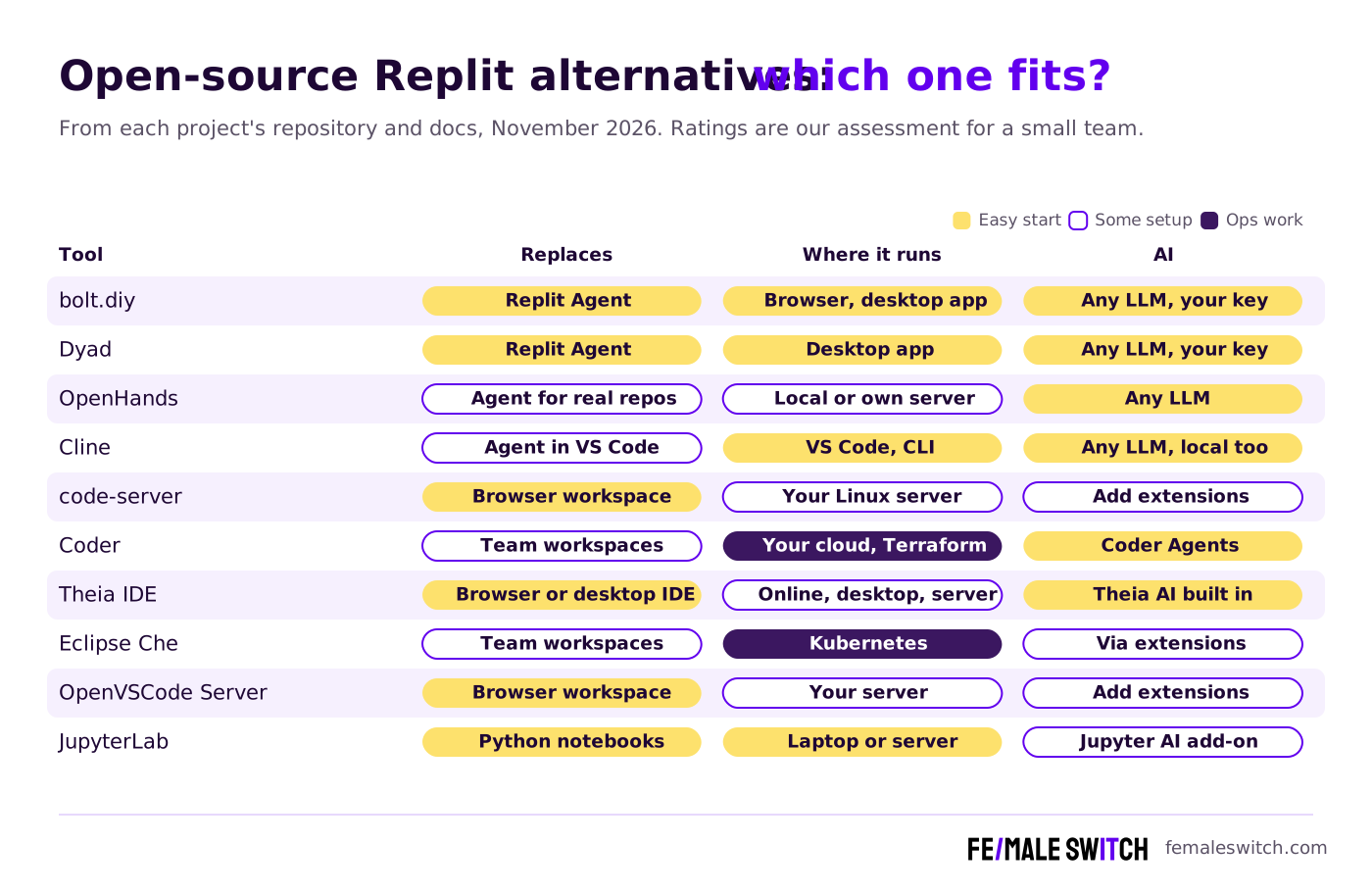
Replit Agent or Replit Workspace: Which Half Do You Need?
- You want to describe an app and get it built: that is Replit Agent. bolt.diy and Dyad do the same with the AI model of your choice, and the code stays with you.
- You want an agent on an existing codebase: OpenHands and Cline read, edit and run code in your repository, with your approval.
- You want to code from any device: that is the Replit workspace. code-server, OpenVSCode Server and the Theia IDE give you a full IDE in the browser on a machine you control.
- You run a team: Coder and Eclipse Che create a ready-made workspace for each developer from a template, on your own infrastructure.
- What you lose: Replit includes hosting and deployment. With open-source tools you choose and pay for your own host, and someone has to keep the server updated.
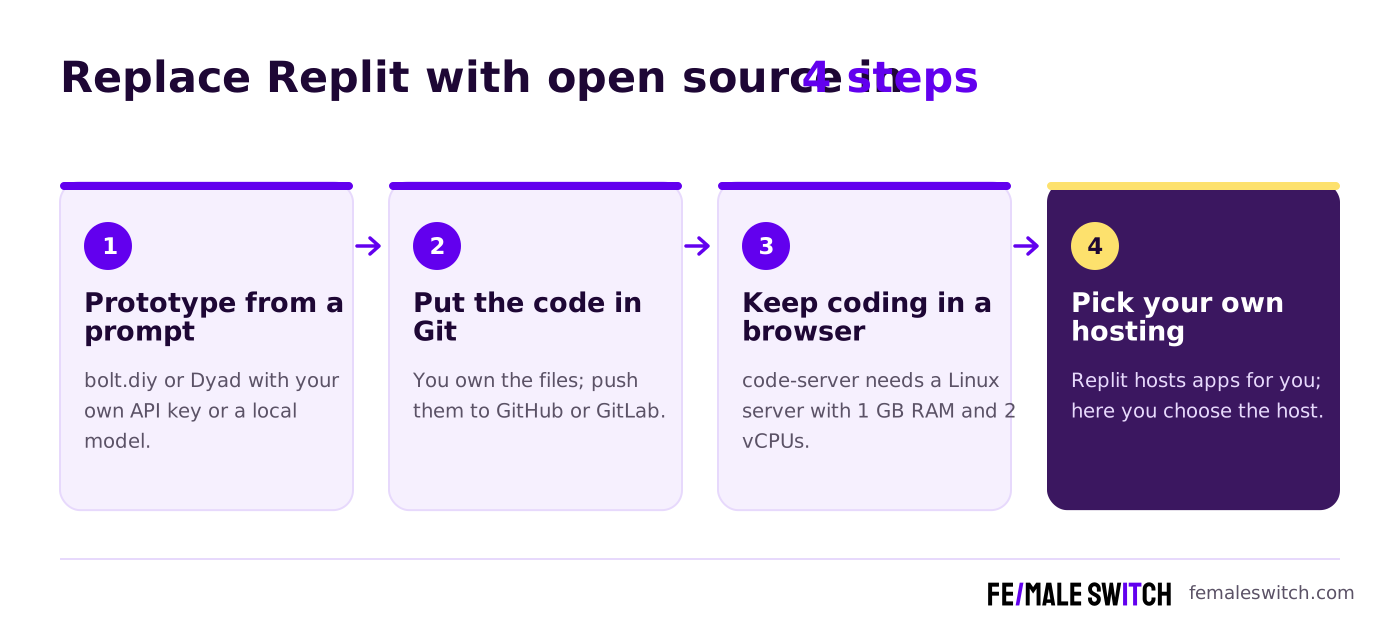
The 10 Best Open-Source Replit Alternatives in 2027
1. bolt.diy: the open-source Replit Agent in your browser
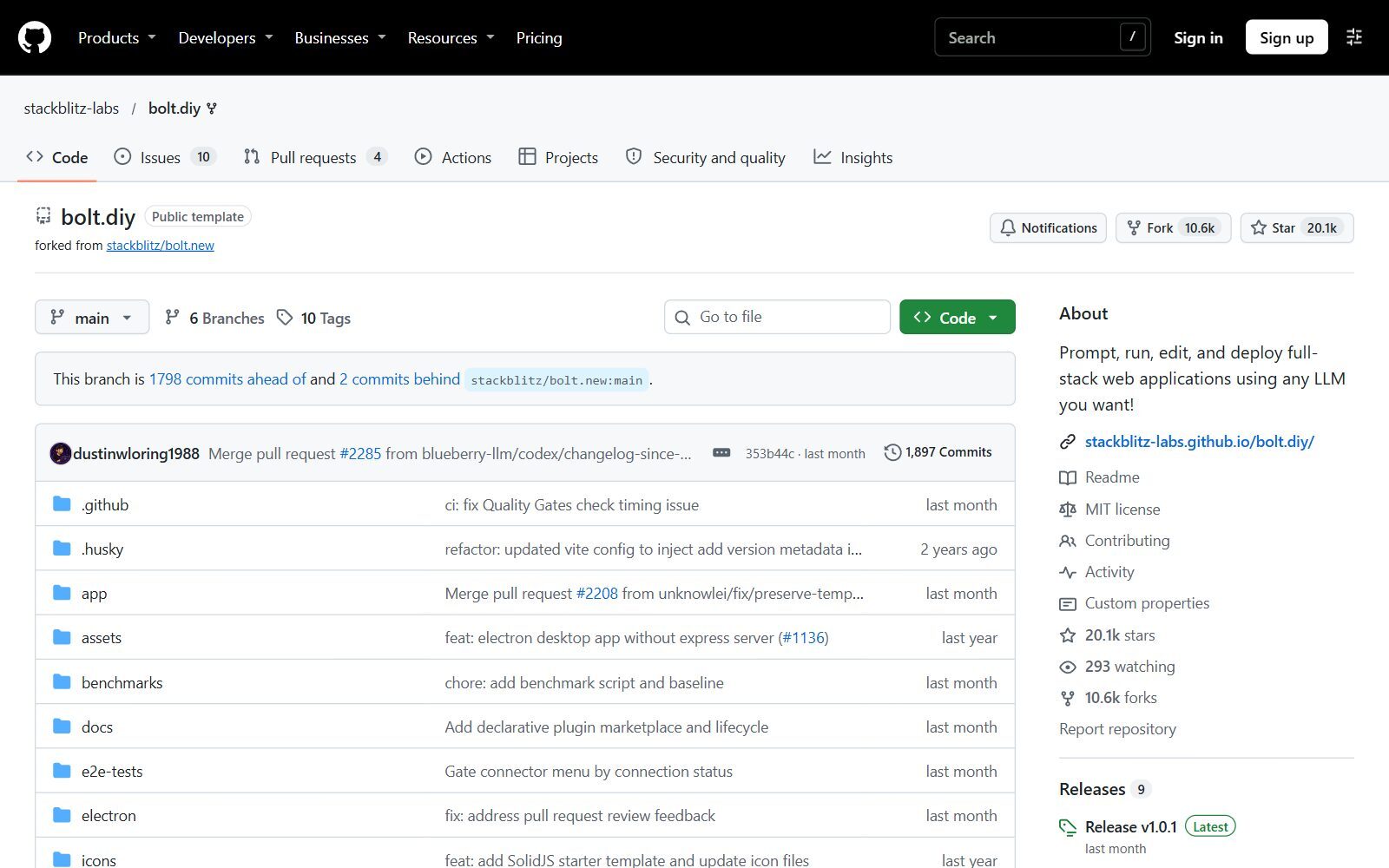
bolt.diy is the MIT-licensed, community-run version of StackBlitz's Bolt. Its README describes it as an AI developer workspace that builds full-stack web applications in the browser and lets you pick the model for every prompt, with 22+ providers including OpenAI, Anthropic, Gemini, Groq, DeepSeek and local models through Ollama or LM Studio. You run it yourself with Node.js and pnpm or Docker at localhost, or download the desktop app for Windows, macOS or Linux. Release v1.0.1 came out in October 2026. It is the closest open-source match for Replit Agent's prompt-to-app flow.
2. Dyad: a local AI app builder on your desktop
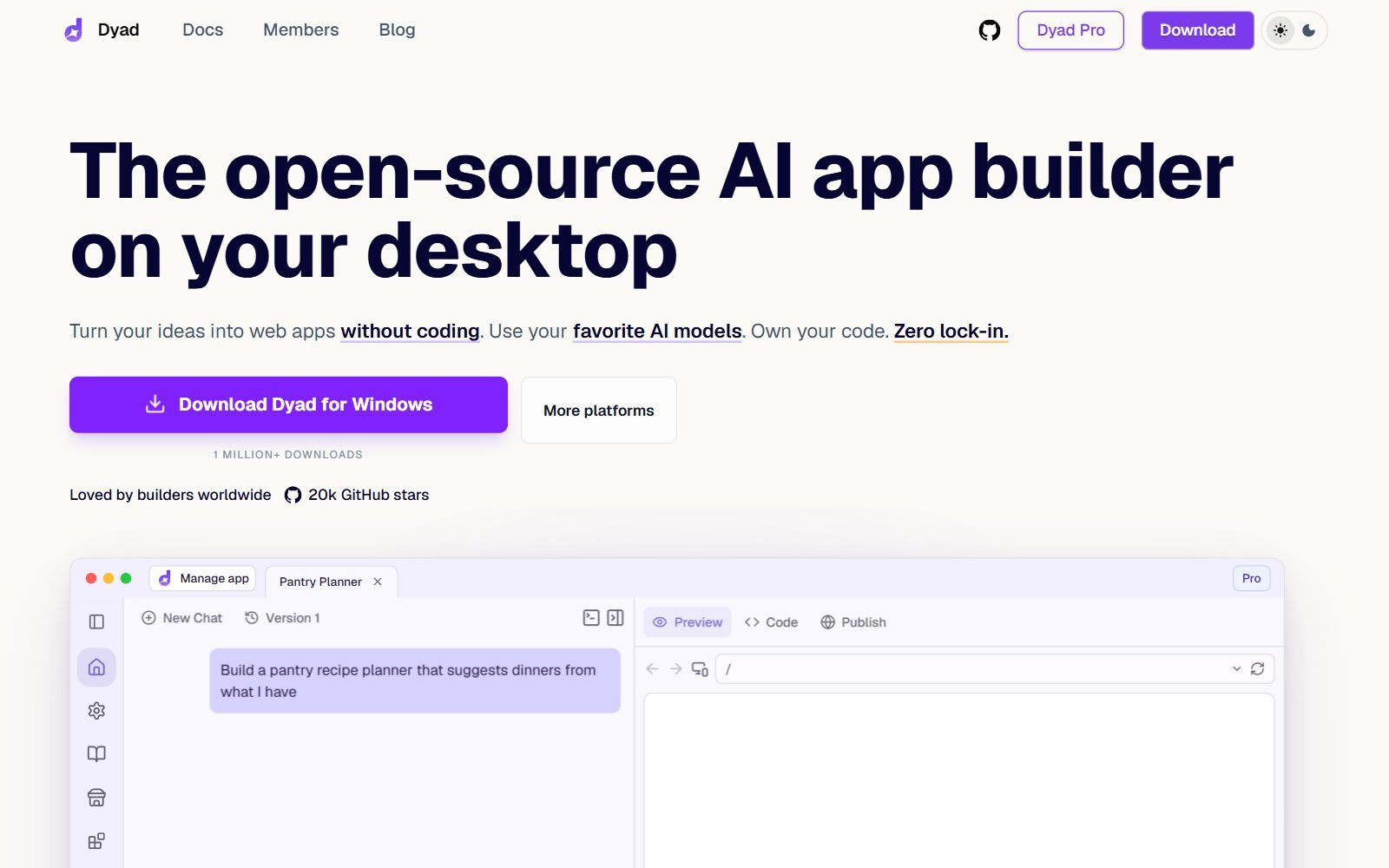
Dyad calls itself the free, local, open-source AI app builder: you describe a web app, Dyad builds it, and you see a live preview next to the chat. It runs on macOS, Windows and Linux with no sign-up, uses your own AI API keys, and the code stays on your machine. Licensing detail: the code outside the src/pro folder is Apache-2.0, while the Pro folder is under the Functional Source License, which is not an open-source licence. Version 1.23.0 came out on 9 November 2026.
3. OpenHands: an open platform for coding agents
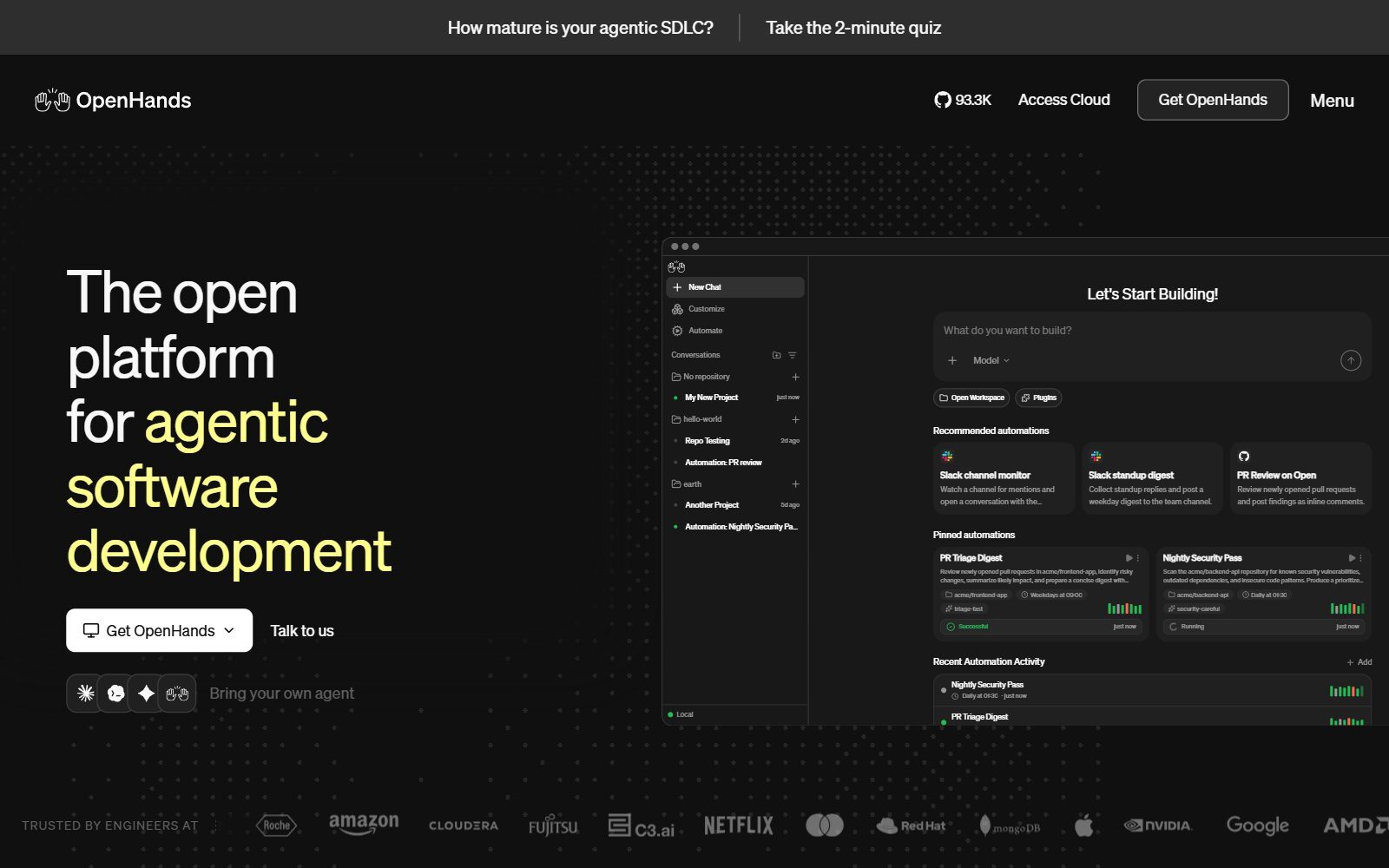
OpenHands (MIT) runs AI coding agents that write code, run commands and open pull requests in your repositories, plus scheduled automations such as pull-request reviews. You run it locally or on your own server, ideally with each conversation in its own Docker container, and connect any LLM, including local models. OpenHands Cloud is the paid hosted version. It is very active: v1.40.0 was released on 12 November 2026.
4. Cline: an open-source coding agent for VS Code
Cline (Apache-2.0) brings agent-style coding into VS Code and the terminal. In Plan mode it explores your code and proposes a strategy, in Act mode it carries it out, and by default each file edit and command needs your approval. You choose the model: a cloud provider with your own key or a local model through Ollama or LM Studio. Pair it with code-server below and you get an agent inside a browser IDE you host yourself. We compare Cline with other coding agents in our open-source GitHub Copilot alternatives.
Validate your startup idea with the unique borrowed authority approach: we publish articles about your product in our blog and you get traffic and testers for your MVP
- Prove Market Demand: See real organic traffic and waitlist conversions
- Unlock High-Potential Keywords: Receive a curated list of top-performing keywords directly from Google Search Console data.
- Estimate Customer Acquisition Cost (CAC): Gain financial foresight with an estimated CAC based on real keyword performance data.
🔗 Start validating your startup now
5. code-server: VS Code in the browser on your own server
code-server (MIT, by Coder) runs VS Code on any machine and lets you use it in the browser, which is the simplest way to get a Replit-like workspace you own. Its README lists the minimum: a Linux machine with WebSockets enabled, 1 GB of RAM and 2 vCPUs, and an install script does most of the setup. Heavy work such as builds and tests runs on the server, so you can code from a laptop or tablet. Version 4.145.2 came out in November 2026.
6. Coder: cloud workspaces and AI agents for a whole team
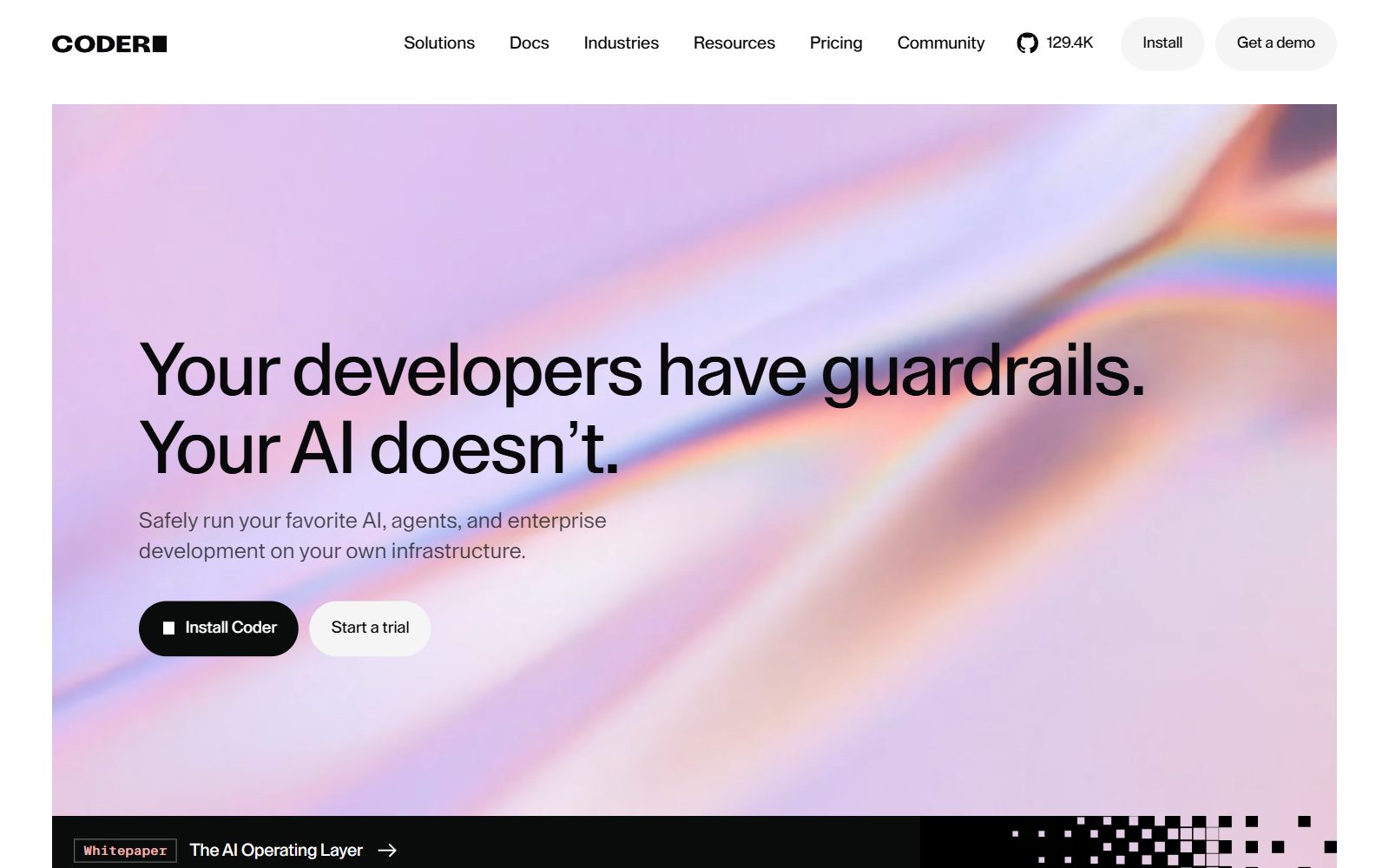
Coder is a self-hosted platform for cloud development environments and AI coding agents. Workspaces are defined in Terraform (VMs, Kubernetes pods or Docker containers), reached through a WireGuard tunnel and shut down automatically when idle to save costs. Coder Agents run a coding agent on your infrastructure with any model, without putting LLM keys in workspaces. The code is AGPL-3.0, except an enterprise folder under its own licence, and Premium features are paid. It is more work to set up than Replit, but it suits a startup that needs a governed environment for several developers. Version 2.38.7 came out on 10 November 2026.
7. Eclipse Theia IDE: an AI-native IDE for cloud and desktop
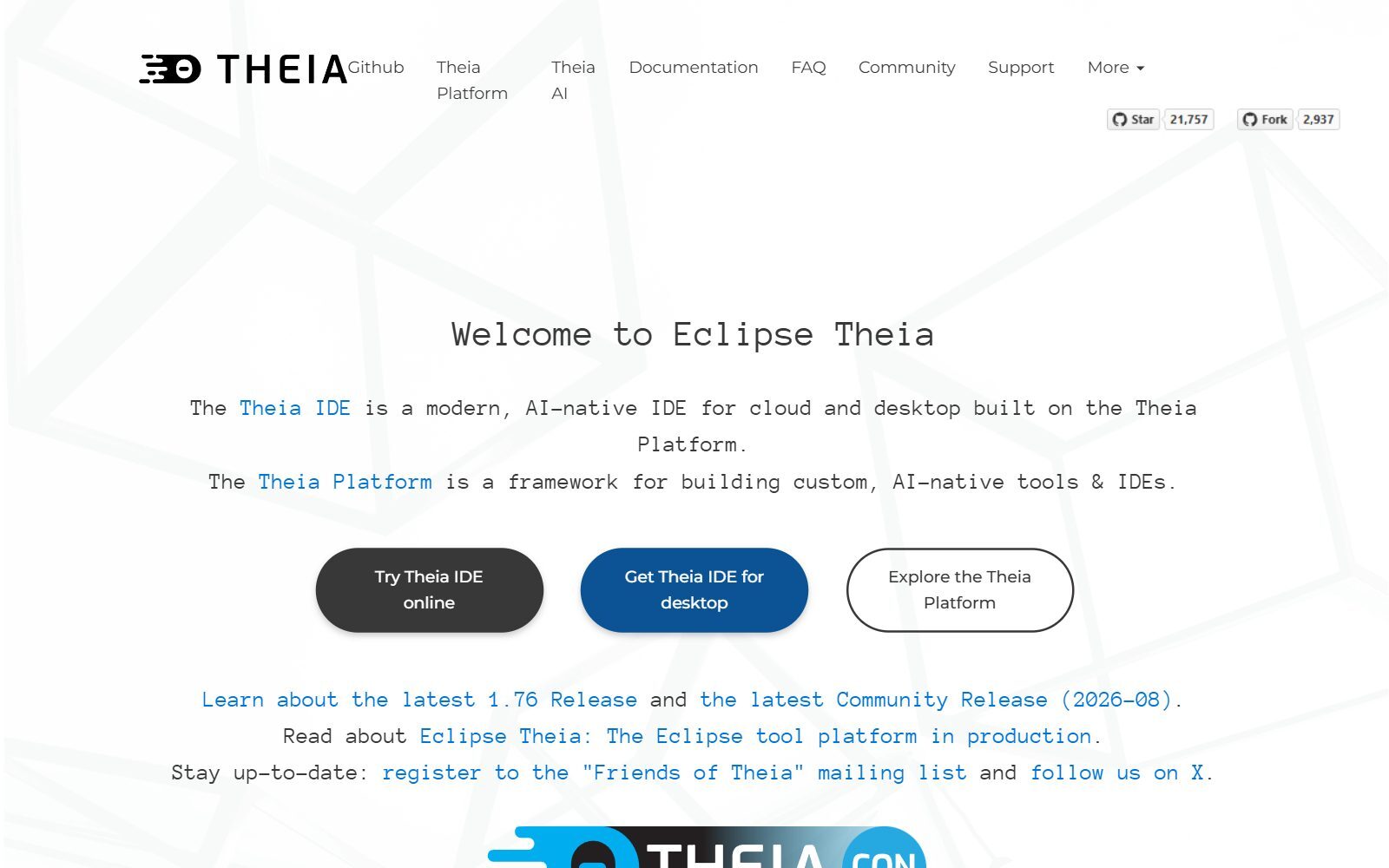
Eclipse Theia (EPL-2.0) is both the Theia IDE, which its site calls a modern, AI-native IDE for cloud and desktop, and the Theia Platform, a framework for building your own tools and IDEs. You can try the Theia IDE online, install it on the desktop or host it on a server, and it supports VS Code extensions. Theia AI adds AI features to the IDE and to tools built on it. The project is run at the Eclipse Foundation; Theia 1.77.0 was released on 5 November 2026.
8. Eclipse Che: Kubernetes-native workspaces
Eclipse Che (EPL-2.0) gives enterprise teams cloud development environments on Kubernetes: each workspace runs in containers with the dependencies, runtimes, project code and a web IDE. You open any Git repository as a workspace from a link, and a devfile.yaml in the repository defines the tools and commands. It needs a Kubernetes cluster, so it fits a startup that already runs one. Release 7.124.0 came out in October 2026.
9. OpenVSCode Server: plain VS Code for the browser
OpenVSCode Server (MIT) is a VS Code build that runs on a remote machine and is used through a browser, from the team behind Gitpod (now Ona). It stays close to upstream VS Code and is a good base if you build your own hosted workspace. Updates have slowed: the latest release, v1.109.5, dates from February 2026, so code-server is the safer pick for most small teams.
10. JupyterLab: notebooks for Python and data work
JupyterLab (BSD-3-Clause) is the open-source choice if you used Replit for Python scripts, data analysis or teaching. It runs notebooks, a code editor and terminals in the browser, on your laptop or a shared server (JupyterHub serves it to many users). The Jupyter AI extension, also BSD-3-Clause (v3.2.0, September 2026), adds an AI chat assistant to JupyterLab. JupyterLab 4.6.6 came out in November 2026.
Replit Alternatives That Changed, Stopped or Are Not Open Source
Several tools from the 2025 version of this list, and from other lists you may find, are no longer a good open-source choice:
- Gitpod: renamed Ona. Its GitHub README says the open-source Gitpod Classic is no longer recommended and that Gitpod Classic pay-as-you-go was sunset on 15 October 2025. Ona is a hosted product.
- Daytona: its repository is no longer maintained; the README says core development moved to a private codebase in June 2026.
- DevPod: MPL-2.0, but its latest release, v0.6.15, dates from March 2025.
- Continue: its repository is read-only and no longer actively maintained after a final 2.0.0 release.
- Aider: still Apache-2.0, but its last tagged release is from August 2025 (latest commit May 2026).
- PearAI: its website returns an error and its repository was last updated in May 2025.
- Codeium: never open source; codeium.com now redirects to Devin Desktop on devin.ai.
- Cursor and Sourcegraph Cody: closed source. Sourcegraph's docs now say Cody is supported on Sourcegraph Enterprise.
- Microsoft IntelliCode: closed source, and according to Visual Studio Magazine its VS Code extensions were deprecated in late 2025 in favour of GitHub Copilot.
- Dify: uses a modified Apache-2.0 licence with extra conditions (for example on multi-tenant use), so it is not OSI open source. Composio (MIT) connects AI agents to other apps and is not a Replit replacement. Code Llama is an AI model, not a tool you install.
Which Open-Source Replit Alternative Should You Choose?
- Non-technical founder building a first prototype: Dyad (desktop, no server needed) or bolt.diy.
- Developer who wants Replit's workspace on a small server of their own: code-server, plus Cline for AI help.
- Team of several developers: Coder, or Eclipse Che if you already run Kubernetes.
- You want an IDE with AI built in that you can also customise: the Theia IDE.
- Agents that fix issues and review pull requests: OpenHands.
- Python, data and teaching: JupyterLab with Jupyter AI.
Comparing paid and free tools too? See our lists of Replit AI alternatives, free Replit AI alternatives, GitHub Copilot alternatives and free Tabnine alternatives. For open-source chat assistants and local models, see open-source ChatGPT alternatives.
How Founders Use Open-Source Replit Alternatives
For most startups the goal is speed to a first version: a prototype to show customers, an internal tool or a landing page with a working backend. Our guides on building an AI MVP on a budget and no-code MVP development show where an AI app builder fits, and the rise of vibe coding explains how non-developers now build software with AI. For a wider view of paid tools, see the best AI coding tools for entrepreneurs.
If you would rather build internal tools without much code, compare open-source Retool alternatives, open-source Mendix alternatives, open-source OutSystems alternatives, open-source AppSheet alternatives and free Bubble alternatives. To connect your apps, see open-source Zapier alternatives; for data notebooks at scale, open-source Databricks alternatives; and for the CRM behind your product, our sibling guide to open-source HubSpot alternatives. Why open source can pay off for a small team is covered in open-source strategies for women founders.
Join ElonaHunt (like ProductHunt but for women) and explore the coolest women-focused startups out there!
Discover your next big inspiration and connect with like-minded female entrepreneurs!
👉 Join the Hunt Here
FAQ About Open-Source Replit Alternatives
Is there an open-source version of Replit?
Not one project that does everything. bolt.diy (MIT) and Dyad (Apache-2.0) replace Replit Agent's prompt-to-app builder, and code-server (MIT), the Theia IDE (EPL-2.0) or Coder (AGPL-3.0) replace the browser workspace.
What is the best open-source alternative to Replit Agent?
bolt.diy if you want it in the browser and self-hosted, Dyad if you want a desktop app with no server. Both let you use your own API keys or a local model.
Can I self-host a Replit-like IDE?
Yes. code-server runs VS Code in the browser on a Linux machine with 1 GB of RAM and 2 vCPUs, according to its README. For teams, Coder and Eclipse Che create workspaces from templates on your own infrastructure.
How much does Replit cost in 2027?
Replit's pricing page (default view, checked November 2026) shows Core at $18 a month and Pro at $90 a month, both billed annually, and custom Enterprise pricing. Monthly billing shows $20 and $100.
Are open-source Replit alternatives free?
The software is free. You pay for the AI model you connect (per token with your own API key, or only hardware with a local model) and for any server or hosting you use.
Is Gitpod still open source?
Gitpod has been renamed Ona. Its GitHub README says the open-source Gitpod Classic is no longer recommended, and Gitpod Classic pay-as-you-go was sunset on 15 October 2025.
Is Cursor open source?
No. Cursor is a closed-source editor. For an open-source editor with AI, use the Theia IDE, or VS Code through code-server with an agent such as Cline.
Is Codeium open source?
No. Codeium was never open source, and codeium.com now redirects to Devin Desktop on devin.ai.
Can I use Replit alternatives with local AI models?
Yes. bolt.diy and Cline support Ollama and LM Studio, OpenHands works with local models, and Dyad lets you choose your models. Local models need strong hardware and usually give weaker results than top cloud models.
How can I get my startup featured on Fe/male Switch?
We publish articles about startups and products and link to them. See our guest posts and backlinks page.
About the Author
Violetta Bonenkamp, also known as MeanCEO, is an experienced startup founder with an impressive educational background including an MBA and four other higher education degrees. She has over 20 years of work experience across multiple countries, including 5 years as a solopreneur and serial entrepreneur. Throughout her startup experience she has applied for multiple startup grants at the EU level, in the Netherlands and Malta, and her startups received quite a few of those. She’s been living, studying and working in many countries around the globe and her extensive multicultural experience has influenced her immensely.

