
Open-Source Scribe Alternatives: Free Step-by-Step Guide Makers You Can Run Yourself
Scribe records your clicks and turns them into a step-by-step guide with screenshots: handy for SOPs, onboarding docs and customer how-tos. Its free plan only captures in the browser and cannot export, and every Pro seat adds up. A quick note on the name: in this article, "Scribe AI" means Scribe, the process documentation tool (formerly scribehow.com, which now redirects to scribe.com) and its AI features. It is not about AI scribes that write meeting minutes or medical notes from audio; those are a different kind of tool. We checked every project below on its GitHub repository and official website in October 2026: the licence, the latest release, whether it really captures steps automatically, and what it exports. Abandoned and closed tools from the old list are covered separately.
Quick answer: for the closest open-source match to Scribe in the browser, use Mimik; for desktop apps on Windows or Linux, use StepForge; for annotated screenshots you number yourself, use ShareX (Windows) or Flameshot (Windows, macOS, Linux); and to publish the finished guides as a self-hosted knowledge base, use BookStack or Wiki.js. Want free hosted tools instead of open source? See our free Scribe alternatives.
Boost Your SEO by Getting Featured in Our Blogs and get a backlink.
We publish content about startups, education, tech, funding, etc. that ranks well not only in Google but also in Perplexity, ChatGPT, Grok and other AI tools.
👉 Get featured now!
What Scribe Costs in 2027, and What You Replace
On the Scribe pricing page (checked October 2026) the Basic plan is free, but it captures only in the browser and shares guides by link or embed; desktop and mobile app capture, company branding, screenshot redaction and export to PDF, HTML, Markdown and Word start with Pro. Pro Personal is listed at $25 to $35 and Pro Team at $13 to $17 per seat per month, depending on monthly or yearly billing, and Pro Team starts at 5 seats; Enterprise is quoted. Scribe now also sells AI features such as Optimize, which finds and improves workflows. The open-source tools below cover the core job, turning clicks into a guide, for free; you give up Scribe's polish, team analytics and support.
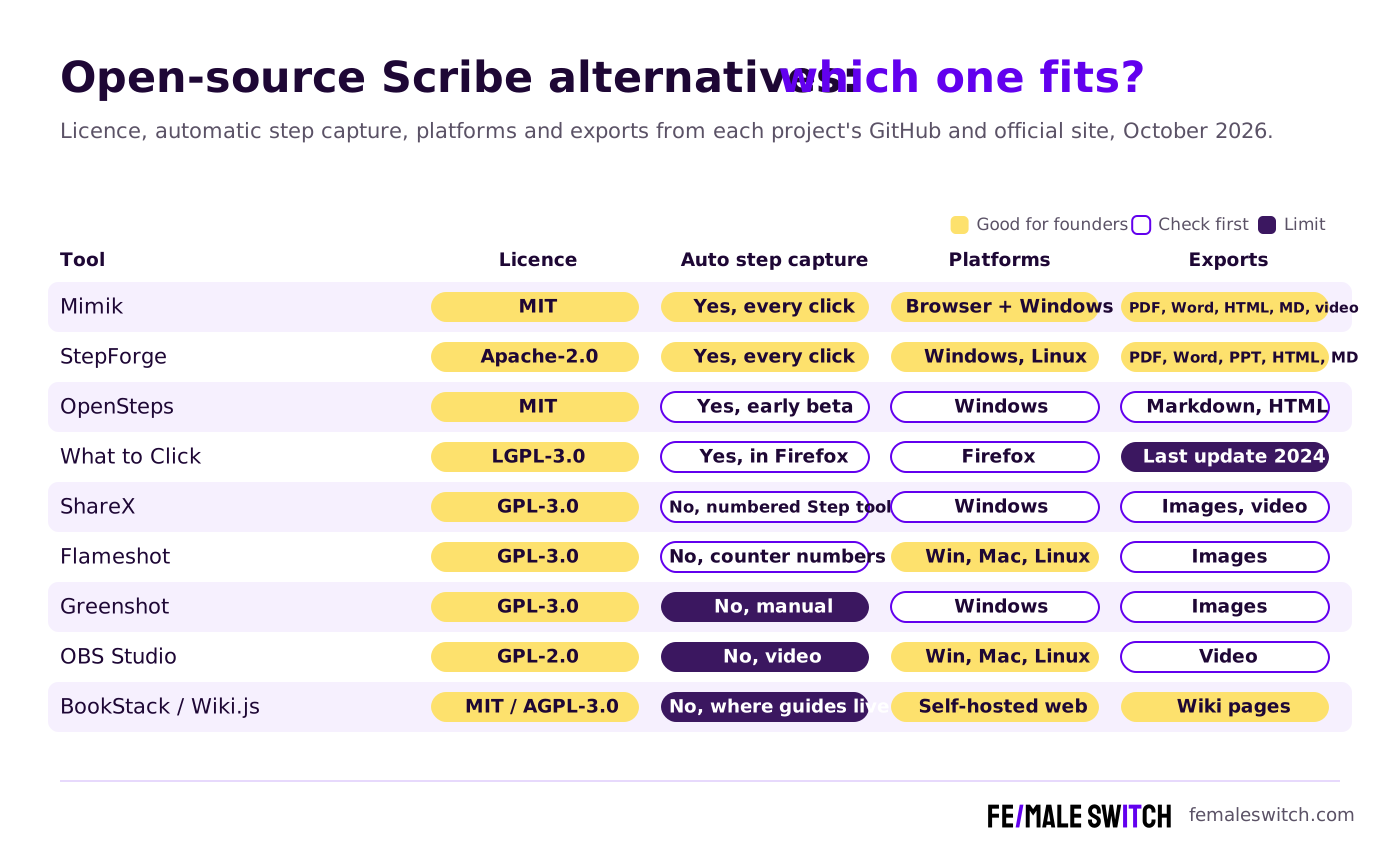
Open-Source Scribe Alternatives Compared
Sources: each project's GitHub repository (licence, releases, README) and official website, checked 28 October 2026. Open source means free to use; you pay only for your own time and any server.
The Best Open-Source Scribe Alternatives in 2027
1. Mimik: the closest open-source Scribe in your browser
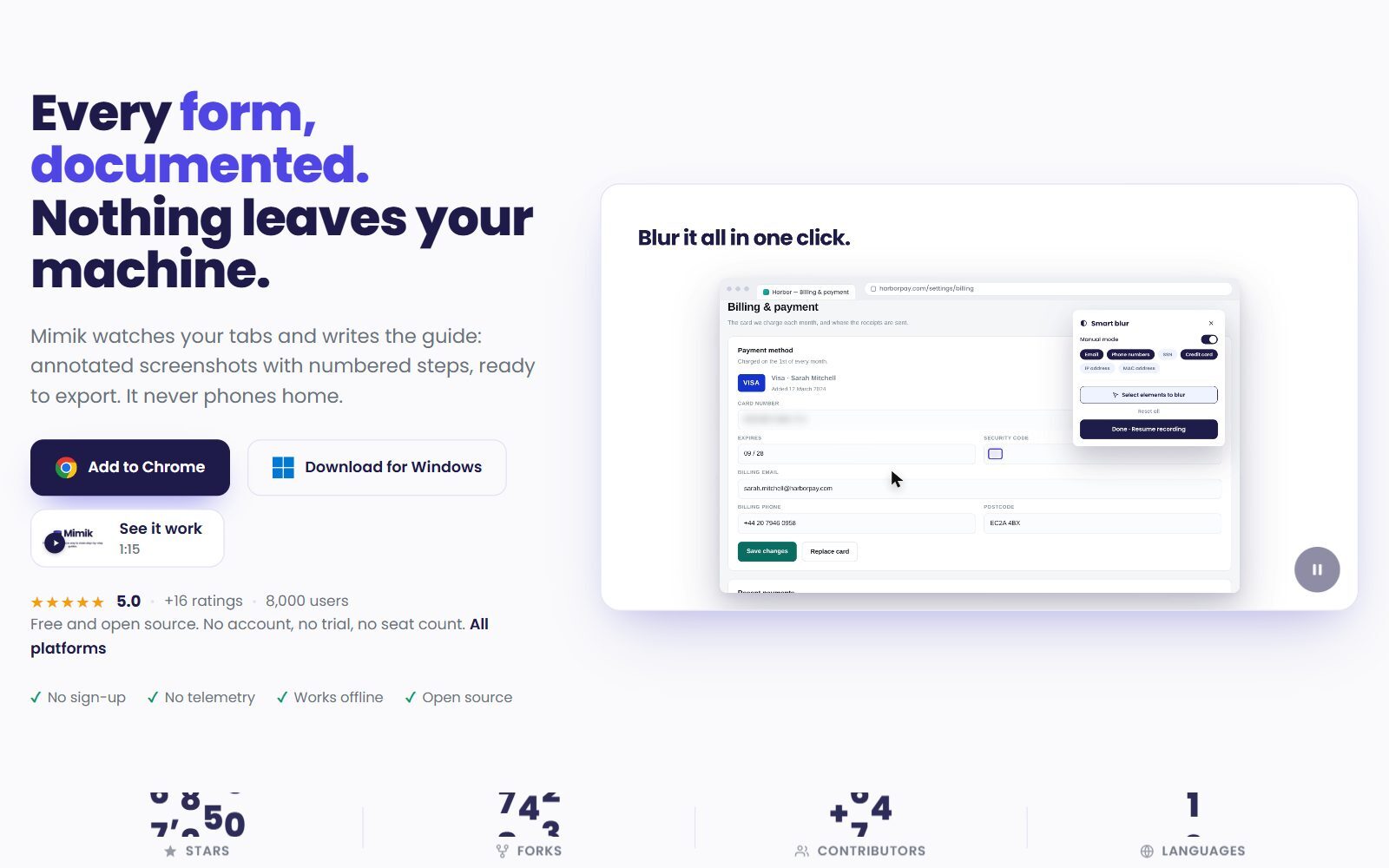
Mimik is an MIT-licensed browser extension for Chrome, Firefox and Edge that records your clicks, typing and page changes and turns them into a step-by-step guide with annotated screenshots; its site also offers a Windows download. According to the Mimik README, guides stay on your device, with no account, no backend and no telemetry. You export to PDF, Word, HTML, Markdown, GIF or an MP4 video, and a Guide Me mode replays a guide on the live page by highlighting the next button to click. AI is optional: with your own OpenAI or Anthropic key it writes step descriptions from page text rather than screenshots, and a smart blur mode hides emails, phone numbers and card numbers while you record. Extension v1.4.1 came out in October 2026.
2. StepForge: Scribe-style guides for desktop apps on Windows and Linux
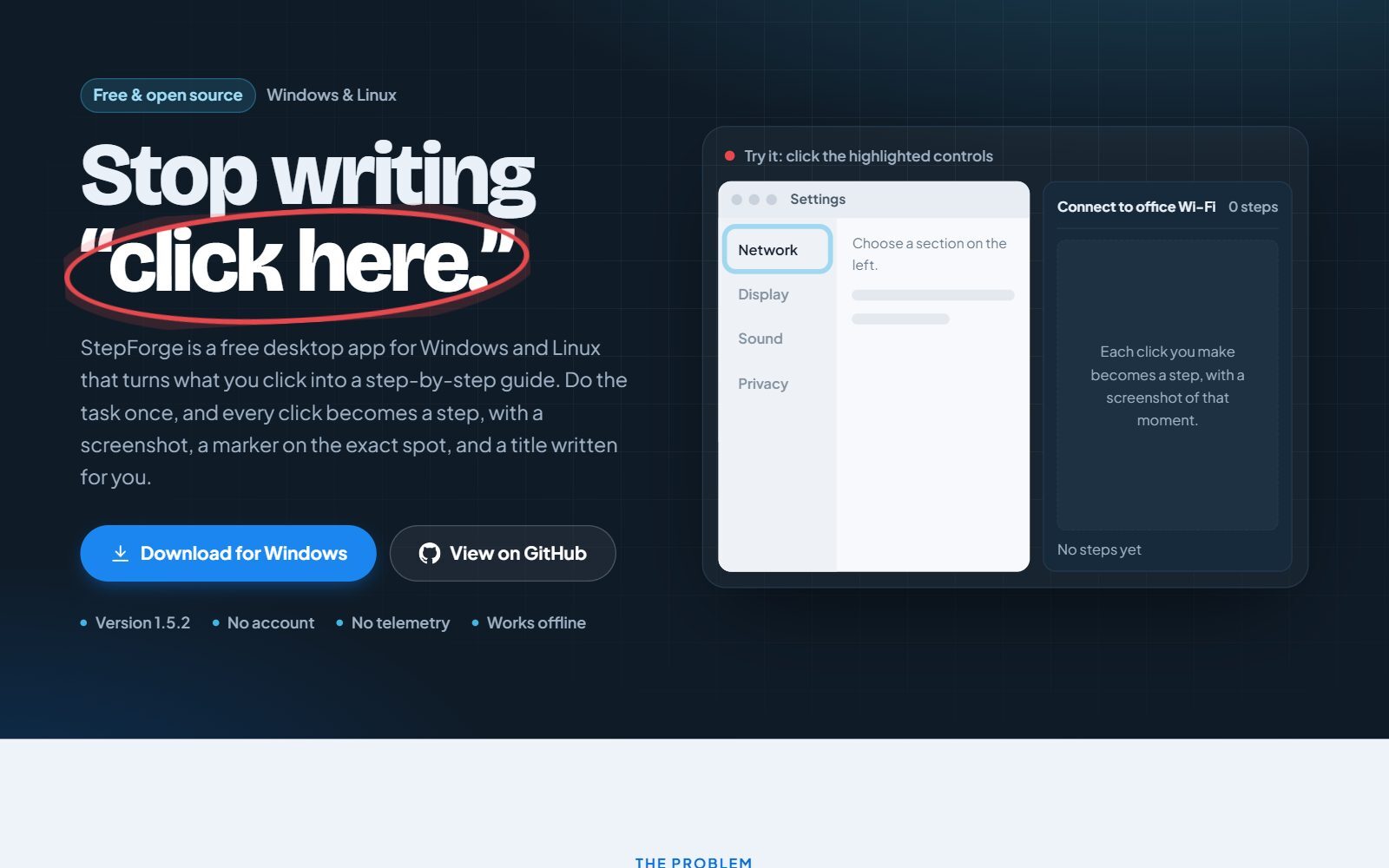
StepForge is a free desktop app under the Apache 2.0 licence that records a task on Windows 10/11 or Linux: every click becomes a step with a screenshot, a marker on the exact spot and a title written by local OCR. The StepForge README lists a three-pane editor with annotations and blur, a scan for emails, card numbers and API keys before you publish, and exports to PDF, Word, PowerPoint, Markdown, HTML and GIF, plus beta exports to Confluence and Wiki.js. Everything works offline without an account, and an optional local AI model through Ollama can write the guide text. It is a young project with a small community, so test it on your own workflows first. Version 1.5.2 came out in October 2026.
3. OpenSteps: an open-source Steps Recorder for Windows
OpenSteps (MIT) records clicks in any Windows app with screenshots and click highlights, lets you rename, reorder, crop, redact and annotate the steps, and exports a Markdown or HTML guide with an images folder. It runs locally with no account and no telemetry. Its own README calls it an early Windows beta: the first release, 0.1.0, came out in June 2026, the app is not code-signed yet, and you should review every screenshot before sharing.
4. What to Click: a small Firefox add-on
What to Click is a free Firefox add-on under the LGPL-3.0 licence: you press record, click through a web app, and it builds step-by-step documentation from your clicks. It does the job for quick internal how-tos, but its last update, version 1.12.6, is from August 2024, so treat it as a lightweight option rather than a long-term tool.
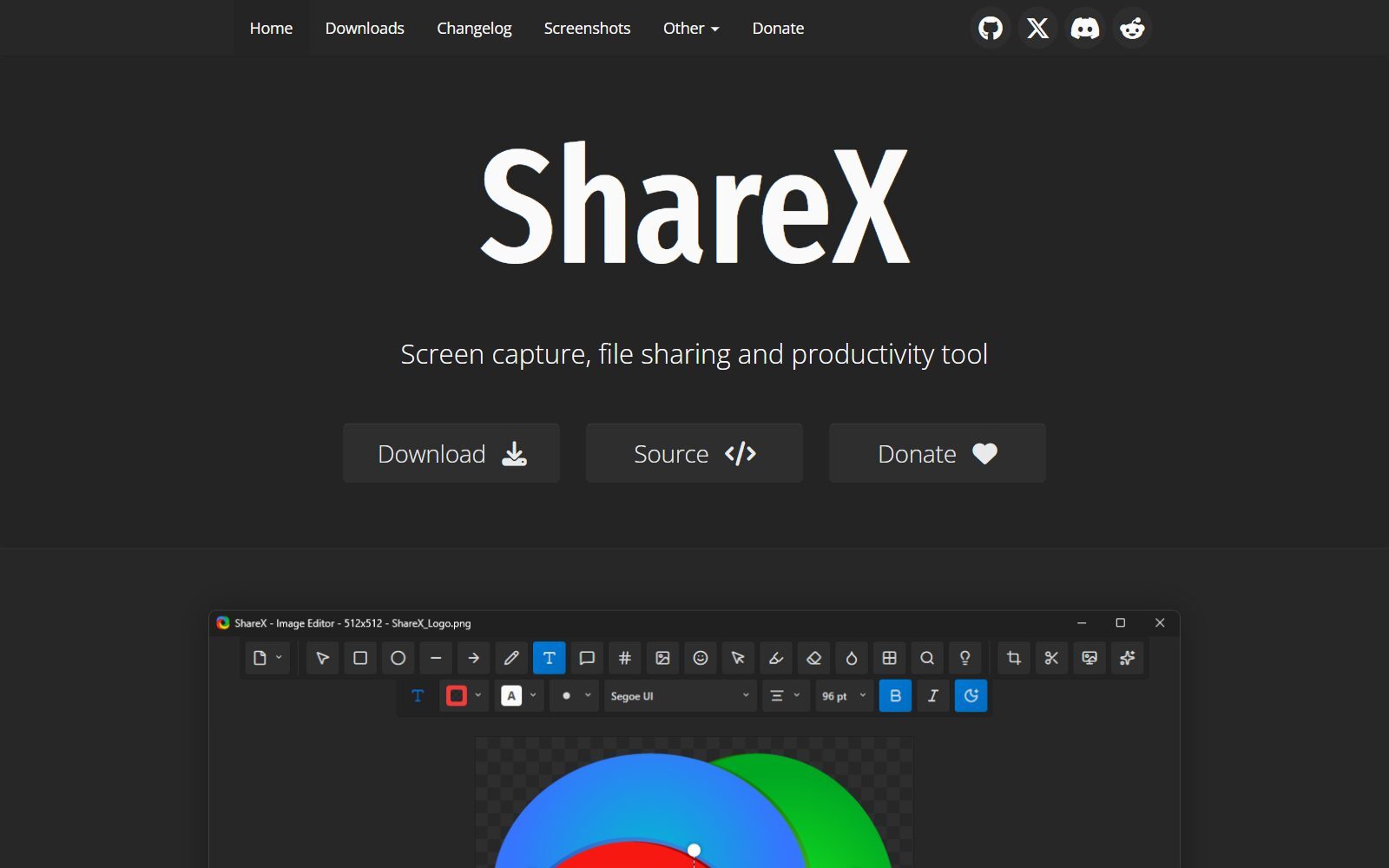
5. ShareX: annotated screenshots with numbered steps on Windows
ShareX is a free, open-source (GPL-3.0) screenshot and screen recording tool for Windows. It does not write the guide for you, but its editor has a numbered Step tool, arrows, text, blur and pixelate, so you can mark up each screenshot in seconds and paste it into your doc or wiki. It also records the screen to video or GIF and can upload captures to many destinations. Version 22.0.0 came out on 20 October 2026.
Validate your startup idea with the unique borrowed authority approach: we publish articles about your product in our blog and you get traffic and testers for your MVP
- Prove Market Demand: See real organic traffic and waitlist conversions
- Unlock High-Potential Keywords: Receive a curated list of top-performing keywords directly from Google Search Console data.
- Estimate Customer Acquisition Cost (CAC): Gain financial foresight with an estimated CAC based on real keyword performance data.
🔗 Start validating your startup now
6. Flameshot: the cross-platform screenshot editor
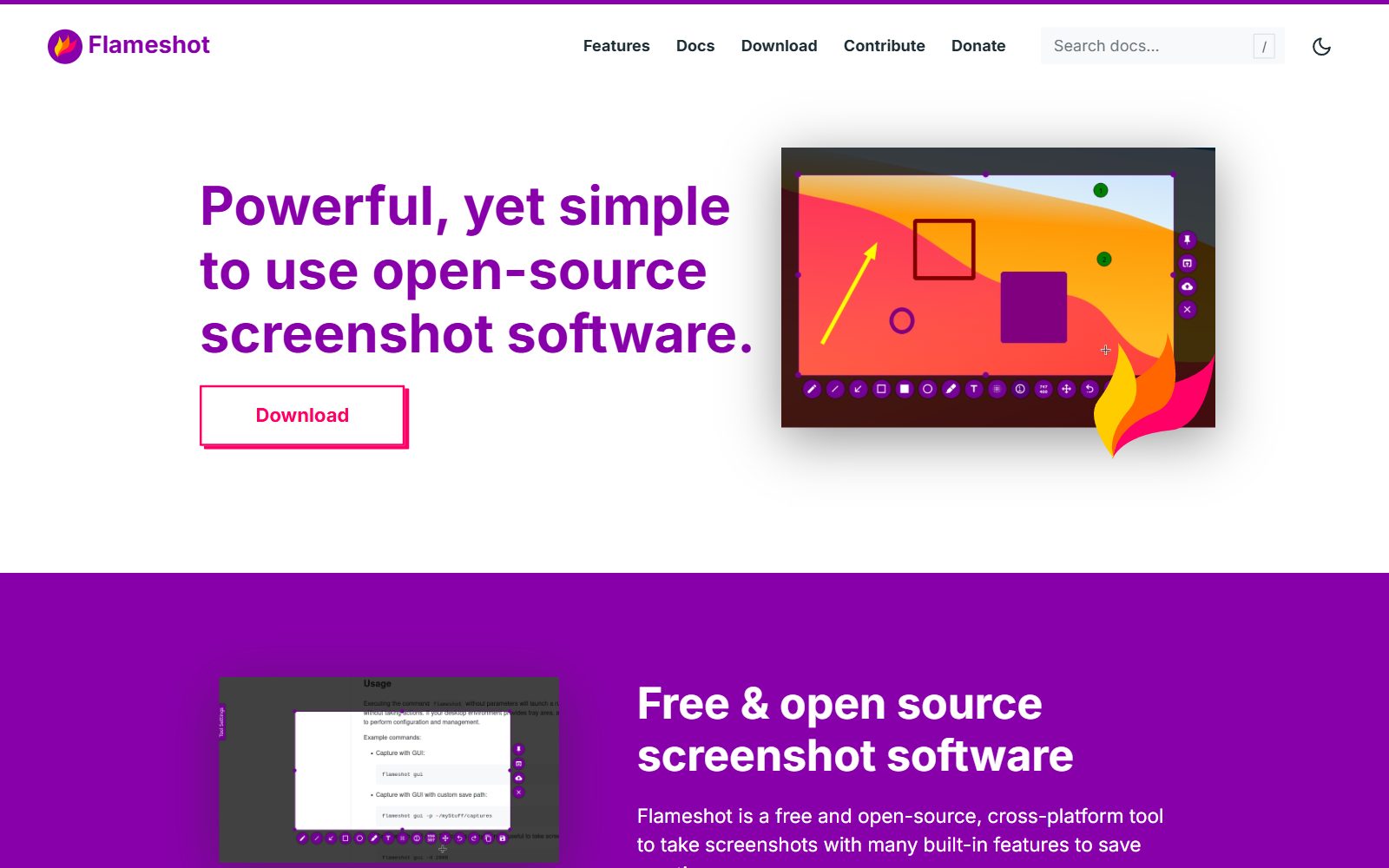
Flameshot is a free, open-source (GPL-3.0) screenshot tool for Windows, macOS and Linux. You select an area and annotate it in place with arrows, boxes, text, blur and an incrementing counter number, which is exactly what manual step-by-step guides need. Version 14.0.0 came out in June 2026, and a version 15 beta followed in September 2026. Pick it if your team works across operating systems.
7. Greenshot: simple screenshots for Windows teams
Greenshot is a free, open-source (GPL-3.0) screenshot tool for Windows that lets you annotate, highlight or obscure parts of a capture before you save or share it. It is lighter than ShareX, which some teams prefer for non-technical colleagues. Release 1.3.328 came out in October 2026.
8. OBS Studio: when a video explains it better
Some processes are easier to show than to write. OBS Studio is free and open-source (GPL-2.0) software for screen recording and live streaming on Windows, macOS and Linux, with scenes that combine your screen, webcam and microphone. Use it for longer walkthroughs and training videos, and pair it with written steps for quick reference. Version 33.0.0 came out in October 2026. For more screen video options, see our open-source Loom alternatives.
9. BookStack and Wiki.js: where your guides live
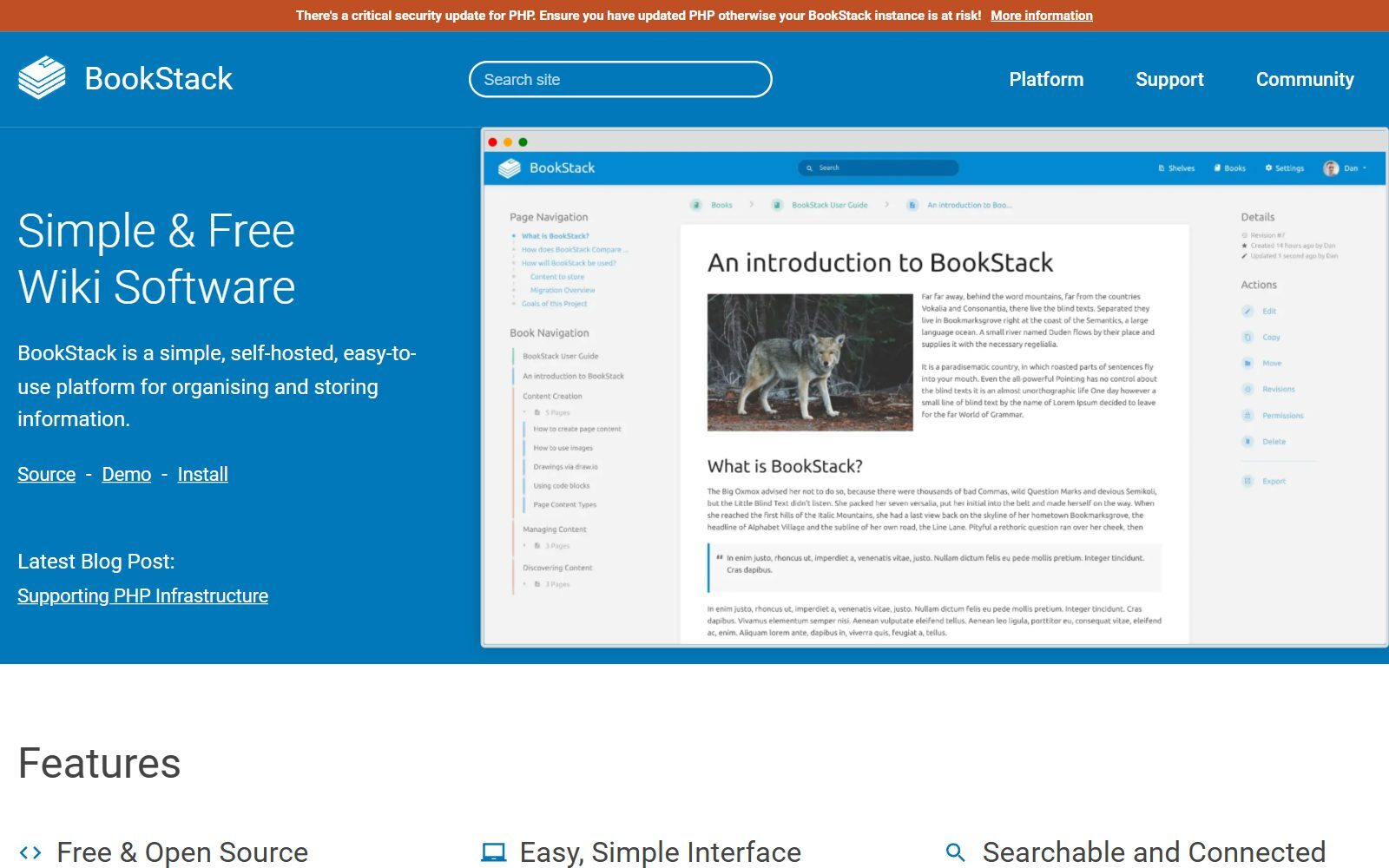
Scribe is also a library: guides sit in one place, searchable and shareable. To keep that part open source, publish your exported guides in a self-hosted wiki. BookStack is a simple, free and open-source (MIT) wiki that organises content into shelves, books, chapters and pages; development has moved to Codeberg, and v26.09.2 is the latest release. Wiki.js (AGPL-3.0) is a Node.js wiki with Markdown and visual editors and many login options; version 2 is the stable release, while version 3 is still in beta. StepForge can even export straight to Wiki.js (in beta).
Tools From the Old List That Are Discontinued, Not Open Source or Not a Fit
The 2025 version of this article mixed step recorders with general documentation and video tools. Here is what changed:
- GitBook: a commercial, hosted documentation platform, not an open-source Scribe alternative. Only the frontend that renders GitBook sites is open source (GPL-3.0).
- Read the Docs and Docusaurus: good open-source tools for developer documentation (Read the Docs hosting is free for open-source projects; Docusaurus is an MIT static site generator), but neither captures steps. Use them only if your guides are for a software product.
- SimpleScreenRecorder and RecordMyDesktop: Linux-only video recorders. SimpleScreenRecorder's last release, 0.4.4, came out in May 2021; RecordMyDesktop's last release came out in March 2021 and its last code change in May 2023. OBS Studio is the maintained choice.
- Windows Steps Recorder: the free "PSR" tool built into Windows was never open source, and Microsoft has shown a deprecation banner in it since the February 2024 Windows 11 update. Microsoft points users to Snipping Tool, Xbox Game Bar and Clipchamp; OpenSteps and StepForge are the open-source replacements.
- xsr (X Steps Recorder): an MIT-licensed Linux clone of Steps Recorder, but its only release is from July 2017 and the last code change from January 2018.
Which Open-Source Scribe Alternative Should You Choose?
- Your processes happen in web apps (CRM, admin panels, SaaS tools): Mimik.
- You document desktop software on Windows or Linux: StepForge, or OpenSteps if you only need Markdown and HTML.
- You prefer to write the steps yourself with clean screenshots: ShareX on Windows, Flameshot on any system, Greenshot for the simplest setup.
- A video explains the process better: OBS Studio.
- You need a searchable library of SOPs for the team: BookStack or Wiki.js, filled with guides from any tool above.
- You need team analytics, auto-redaction of sensitive data, SSO and support: open-source tools are thinner here; compare paid options in our Scribe alternatives list.
How Founders Use Step-by-Step Guides
In an early-stage startup, the founder is often the only person who knows how things are done. Recording a guide the first time you do a task (invoicing, publishing a blog post, onboarding a client) turns that knowledge into an SOP that a freelancer, an intern or your first hire can follow. Keep the guides next to your notes and wiki: our open-source Notion AI alternatives and open-source Roam Research alternatives cover that side, and the documentation tools for startups list helps you pick a home for them.
For a remote team, short guides cut down on calls: see our remote team management practices and the collaboration tools for remote startups. Product guides also double as customer onboarding; these onboarding gamification ideas show how to keep new users moving. Want a narrated tutorial without recording your own voice? Our open-source voice cloning tools list covers text-to-speech you can run yourself. Once your process is documented, automate the repetitive parts with open-source Zapier alternatives, and turn your best how-tos into articles with the F/MS AI SEO Tool so customers find you in Google and AI assistants.
Join ElonaHunt (like ProductHunt but for women) and explore the coolest women-focused startups out there!
Discover your next big inspiration and connect with like-minded female entrepreneurs!
👉 Join the Hunt Here
FAQ About Open-Source Scribe Alternatives
Is there an open-source alternative to Scribe?
Yes. Mimik (MIT) is the closest match for web apps: a browser extension that turns your clicks into a step-by-step guide with annotated screenshots. StepForge (Apache 2.0) does the same for desktop apps on Windows and Linux.
Is "Scribe AI" the same as an AI meeting scribe?
No. In this article Scribe AI means Scribe (scribe.com, formerly scribehow.com), which records clicks into how-to guides, and its AI features. AI meeting or medical scribes transcribe audio into notes and are a different category.
Is Scribe free?
Scribe has a free Basic plan that captures steps in the browser and shares guides by link. Desktop capture, branding, redaction and PDF, HTML, Markdown or Word export need a paid Pro plan, as listed on Scribe's pricing page in October 2026.
How much does Scribe cost in 2027?
When we checked in October 2026, Pro Personal was listed at $25 to $35 and Pro Team at $13 to $17 per seat per month depending on billing, with a 5-seat minimum for Pro Team. Enterprise pricing is quoted.
Can I export guides to PDF or Word for free?
Yes, with Mimik (PDF, Word, HTML, Markdown) or StepForge (PDF, Word, PowerPoint, Markdown, HTML). Both are free and open source.
Which open-source Scribe alternative works offline?
StepForge records, edits and exports offline, and Mimik keeps all guides on your device with no account. OpenSteps also runs locally.
Is there an open-source replacement for Windows Steps Recorder?
Yes. Microsoft has marked Steps Recorder as deprecated since early 2024. OpenSteps (MIT) is built as an open-source Steps Recorder for Windows, and StepForge covers Windows and Linux.
Do these tools hide passwords and personal data?
Partly. Mimik has a smart blur mode for emails, phone numbers and card numbers, and StepForge scans for sensitive data before you publish. Always review screenshots yourself before sharing.
Where should I store my step-by-step guides?
In a shared wiki. BookStack (MIT) and Wiki.js (AGPL-3.0) are free, self-hosted and searchable, and StepForge can export to Wiki.js.
Where can I get a backlink by writing about my startup?
You can publish a guest post in one of the Fe/male Switch startup blogs, which rank in Google and in AI tools. Get a quality backlink.
About the Author
Violetta Bonenkamp, also known as MeanCEO, is an experienced startup founder with an impressive educational background including an MBA and four other higher education degrees. She has over 20 years of work experience across multiple countries, including 5 years as a solopreneur and serial entrepreneur. Throughout her startup experience she has applied for multiple startup grants at the EU level, in the Netherlands and Malta, and her startups received quite a few of those. She’s been living, studying and working in many countries around the globe and her extensive multicultural experience has influenced her immensely.

