

Free Evernote AI Alternatives: Note Apps With AI You Can Use for Free
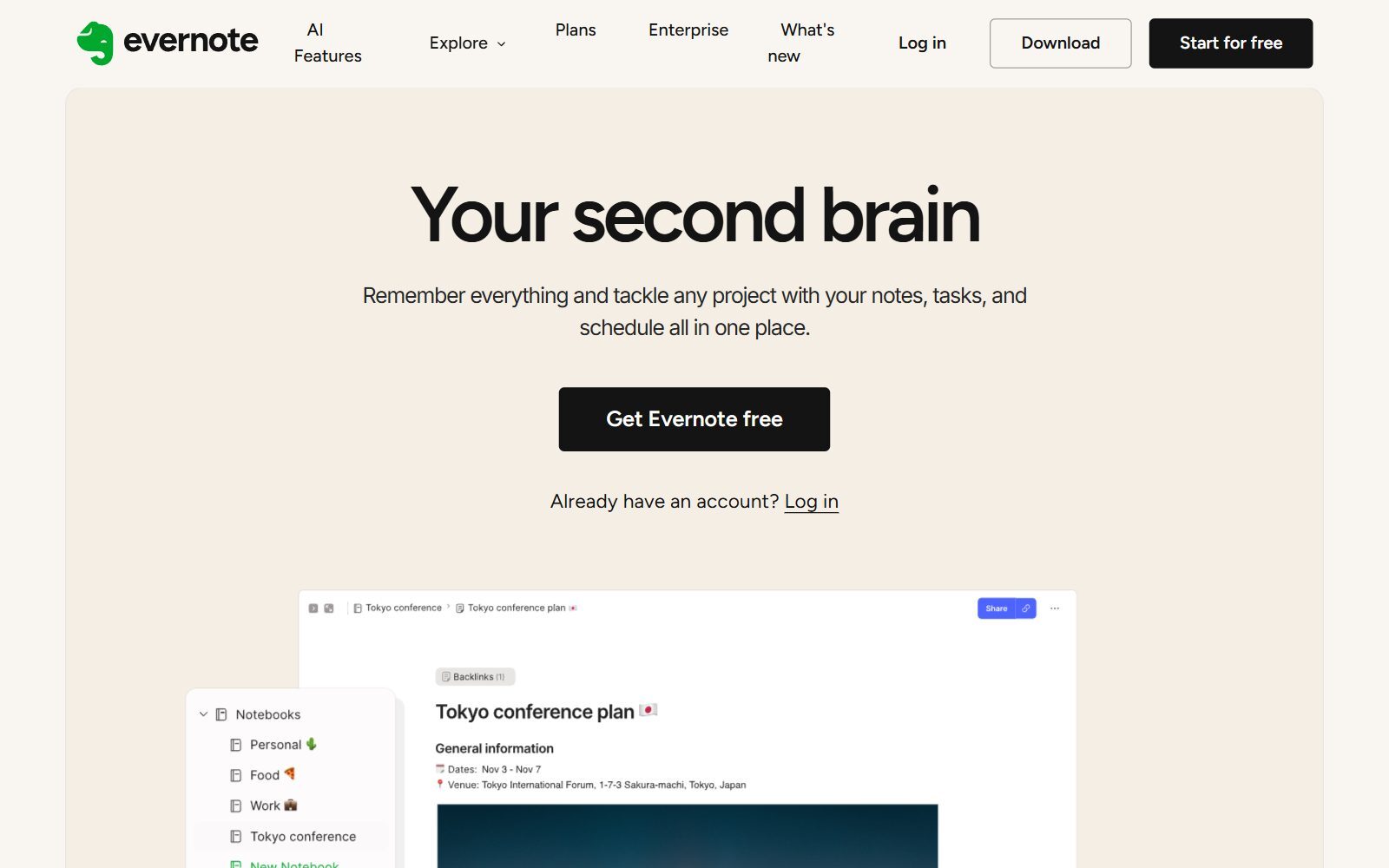
Evernote now has its own AI: an AI Assistant that chats with your notes, Semantic Search, AI meeting transcripts and AI editing. The surprise is that these features are listed on Evernote's Free plan too. The catch is the Free plan itself: 50 notes, one notebook and sync on one device. If you are a founder with hundreds of notes, that is not enough, and the paid plans are where Evernote expects you to go. This guide lists free note apps that come with AI, or with a free tier that includes some AI, and says exactly how much AI each free plan gives. We checked every plan on the official pricing or help page in November 2026.
Quick answer: for a full workspace with a taste of AI, use Notion Free (Notion AI as a limited trial); for an AI-first notes app, Mem or Saner.AI (small monthly AI allowances); for unlimited free notes where you bring your own AI, Obsidian or Joplin with AI plugins; and if you already pay for Microsoft 365, Google AI or own a recent Apple device, use the AI built into OneNote, Google Keep or Apple Notes.
Boost Your SEO by Getting Featured in Our Blogs and get a backlink.
We publish content about startups, education, tech, funding, etc. that ranks well not only in Google but also in Perplexity, ChatGPT, Grok and other AI tools.
👉 Get featured now!
What Evernote AI Is in 2027 and What the Free Plan Includes
Evernote is run by Bending Spoons (its website footer reads Bending Spoons US Inc.). Its AI features page describes three main tools: the AI Assistant, which searches, organizes and enriches your notes from a chat and was developed in collaboration with OpenAI; Semantic Search, which finds notes from a plain-language description; and AI Meeting Notes, which records, transcribes and summarizes meetings. The page says these three are available to all Evernote users, and that monthly and per-chat usage limits apply to the AI Assistant.
The Evernote plan comparison lists AI Assistant, Semantic Search, AI Transcribe, AI Edit (write, summarize, tidy and translate) and AI Cleanup (mobile only) on every plan, Free included. Connecting Evernote to outside AI tools such as Claude and ChatGPT through MCP starts on the Starter plan. The limits that matter are elsewhere: the Free plan allows 50 notes, 1 notebook, 20 tags, 200 attachments, sync on 1 device and 1 GB of storage, while Starter raises that to 1,000 notes, 20 notebooks and 3 devices. Paid plans come with a 7-day free trial; prices were not shown in the page content when we checked, so we leave them out.
Free Evernote AI Alternatives Compared
Sources: each app's official pricing page, help page or App Store listing, default view, checked 9 November 2026. Prices change by country and over time.
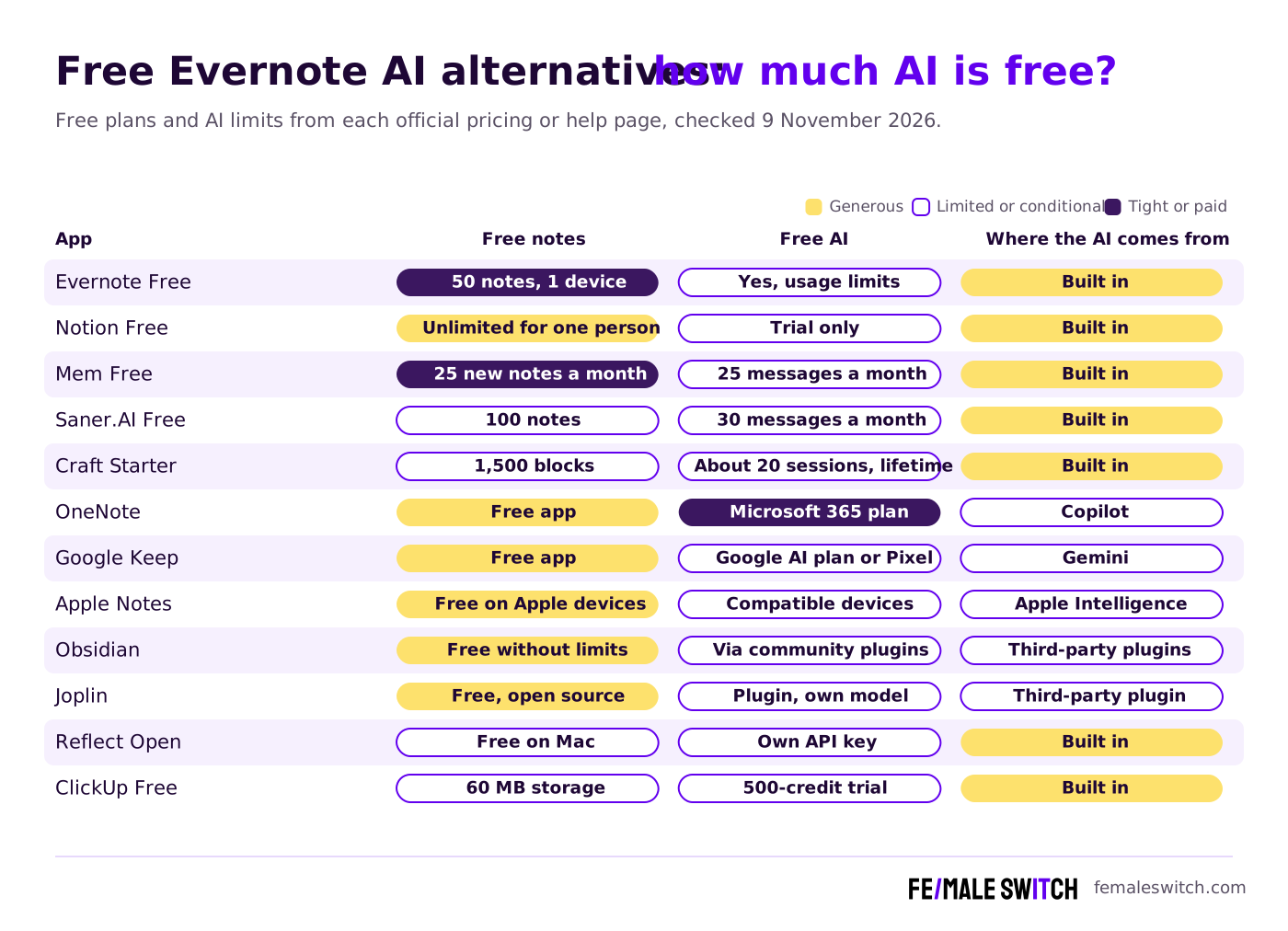
The Best Free Evernote AI Alternatives in 2027
1. Notion Free: unlimited notes for one person, AI as a trial
The Notion pricing page shows the Free plan at €0 in the default view from our location, with a trial of Notion AI for generating docs and autofilling databases. If you use a Free workspace alone you can add as many pages and blocks as you like; workspaces with several members get a limited number of blocks, and uploads are capped at 5 MB per file. Plus costs €9.50 per seat a month and still lists Notion AI as a limited trial; full Notion AI is part of Business at €19.50 per seat a month. So Notion Free is a strong Evernote replacement for notes, but not for daily AI use. For self-hosted options, see our open-source Notion AI alternatives.
2. Mem: an AI-first notes app with a small free tier
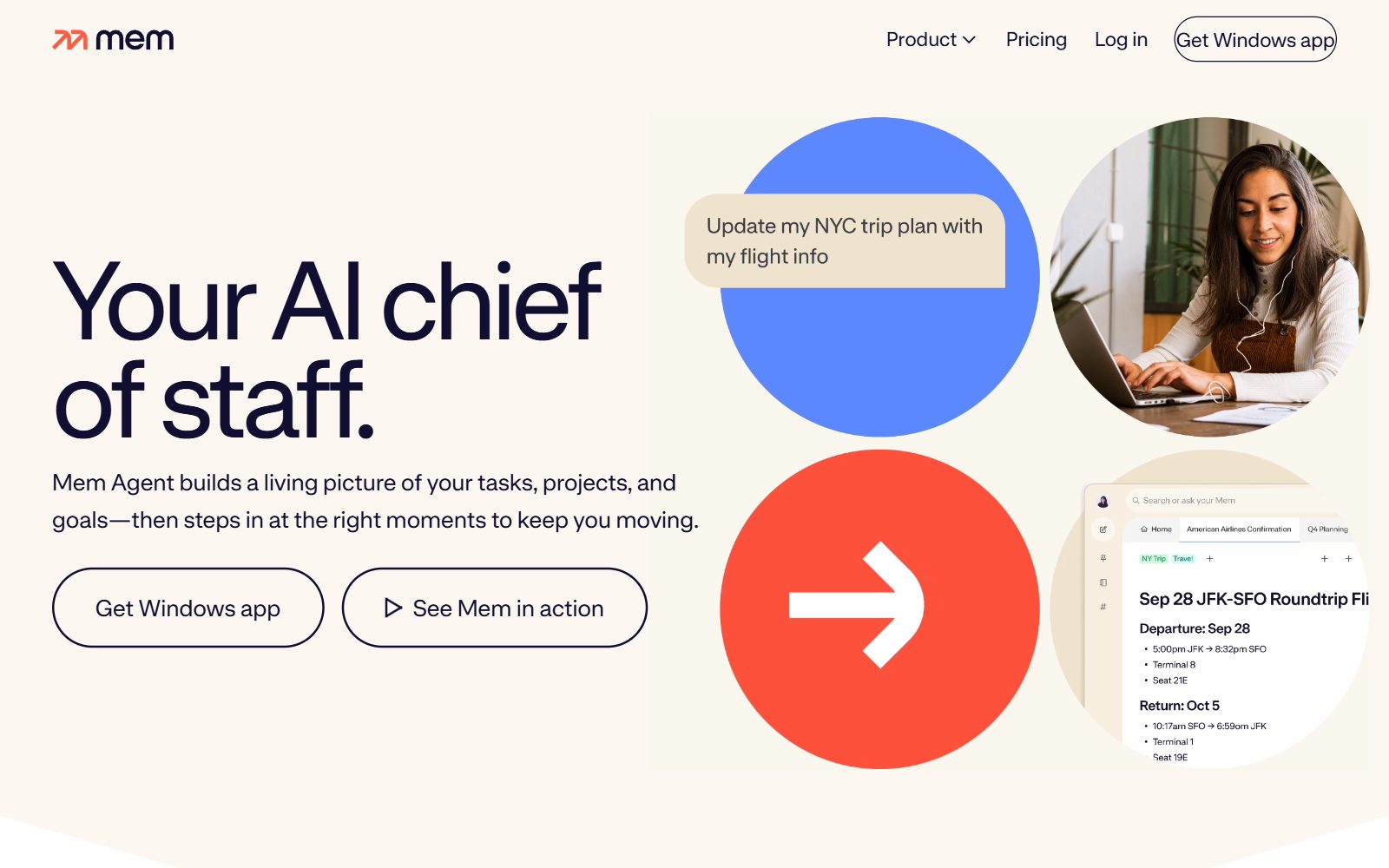
Mem now calls itself an AI chief of staff: Mem Agent organizes notes, meetings and ideas and tracks tasks and projects it finds in them. Its free plan includes 25 messages to Mem and 25 new notes a month, task and project tracking for up to 25 notes, and 3 hours of Voice Mode for capturing meetings. The first paid tier costs $9 a month. Mem is the closest match to Evernote's AI Assistant, but 25 new notes a month is tight for heavy note-takers.
3. Saner.AI: notes, email and tasks with an AI assistant
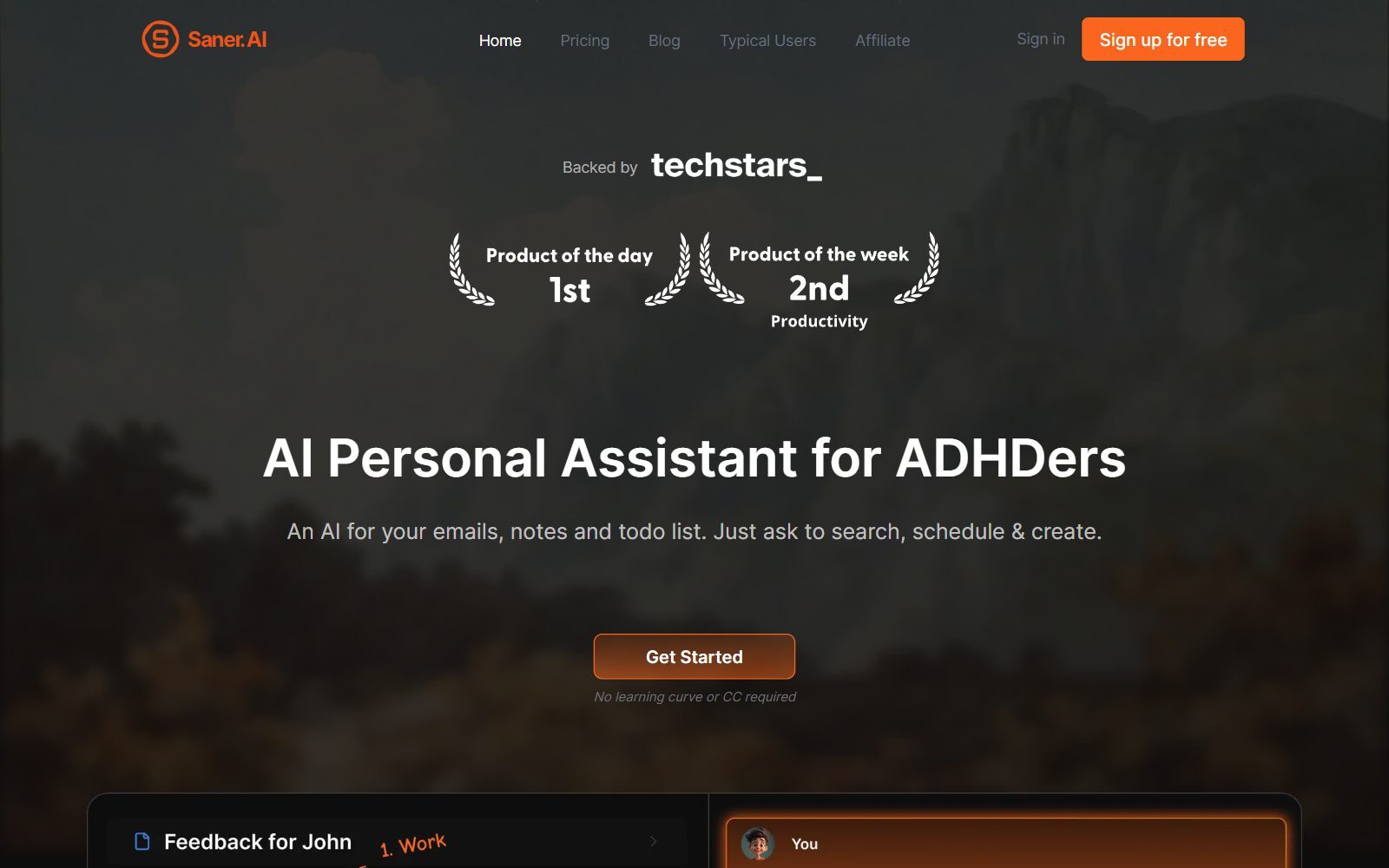
Saner.AI is an AI personal assistant for notes, emails and to-do lists. Its Free plan costs $0 and includes 30 AI messages and 30 AI requests a month, 100 notes, 100 MB of storage, PDFs up to 1 MB, the task system, a Chrome extension, a mobile app and sync from Google Drive, email, Slack and calendar. Starter costs $8 a month and Standard $16 a month. Outside models such as GPT, Claude or Gemini are paid separately or used with your own API key.
4. Craft Starter: polished docs with a few AI sessions
Craft is a well-designed docs and notes app. Its free Starter plan includes 1,500 blocks in total, one personal space and AI with its Core and Fast models, but only about 20 AI sessions over the lifetime of the account. Plus costs €6.40 a month billed yearly (€8.00 shown struck through) and adds unlimited blocks, 10 personal spaces, the Max AI model and roughly 250 to 500 AI sessions a year. If Craft's limits are too tight, compare our free Craft alternatives.
5. Microsoft OneNote: free notebooks, Copilot with Microsoft 365
OneNote is free: its App Store listing says it is free on iPhone and many other devices, and it runs on Windows, Mac and the web. The AI part is not free. Microsoft's Copilot FAQ says Microsoft 365 Personal, Family and Premium include AI credits that can be used in OneNote, Word, Excel, PowerPoint, Outlook and other apps, and that in Family and Premium only the subscription owner gets the AI features. Choose OneNote if you already pay for Microsoft 365; otherwise it is a free notebook without AI.
6. Google Keep: free quick notes, Gemini lists with a Google AI plan
Google Keep is free for quick notes, lists and reminders. Its help page on Gemini in Keep says you can create lists with Gemini ("Help me create a list") with a Google AI plan, and on Pixel devices within Gemini usage limits. Keep is a good place for shopping lists and ideas, but it is not a full Evernote replacement for long documents.
7. Apple Notes: free, with Apple Intelligence on recent devices
Apple Notes comes free on iPhone, iPad and Mac. On compatible devices, Apple Intelligence adds features such as Image Wand, which turns rough sketches into images right in Notes, and proofreading as you type. Apple lists the compatible models on that page, including the iPhone 16 family and later. Apple also says some server-side features have daily usage limits and that expanded access will be available for a fee in the future. Apple Notes is a fine free choice for Apple-only founders; it does not run on Windows or Android.
Validate your startup idea with the unique borrowed authority approach: we publish articles about your product in our blog and you get traffic and testers for your MVP
- Prove Market Demand: See real organic traffic and waitlist conversions
- Unlock High-Potential Keywords: Receive a curated list of top-performing keywords directly from Google Search Console data.
- Estimate Customer Acquisition Cost (CAC): Gain financial foresight with an estimated CAC based on real keyword performance data.
🔗 Start validating your startup now
8. Obsidian: free without limits, AI through community plugins
Obsidian is free without limits and needs no sign-up; your notes stay as Markdown files on your device. A commercial licence is optional, and Sync and Publish are paid add-ons. Obsidian itself does not sell an AI plan, but its community plugin directory lists more than 10,000 plugins, including Smart Connections, which finds related notes with a local embedding model and no API key, and Copilot, which runs AI agents inside your vault. These are third-party plugins, not Obsidian features: check what each one sends to which AI provider before using it with client notes. Want a fully open-source app instead? Read our open-source Obsidian alternatives.
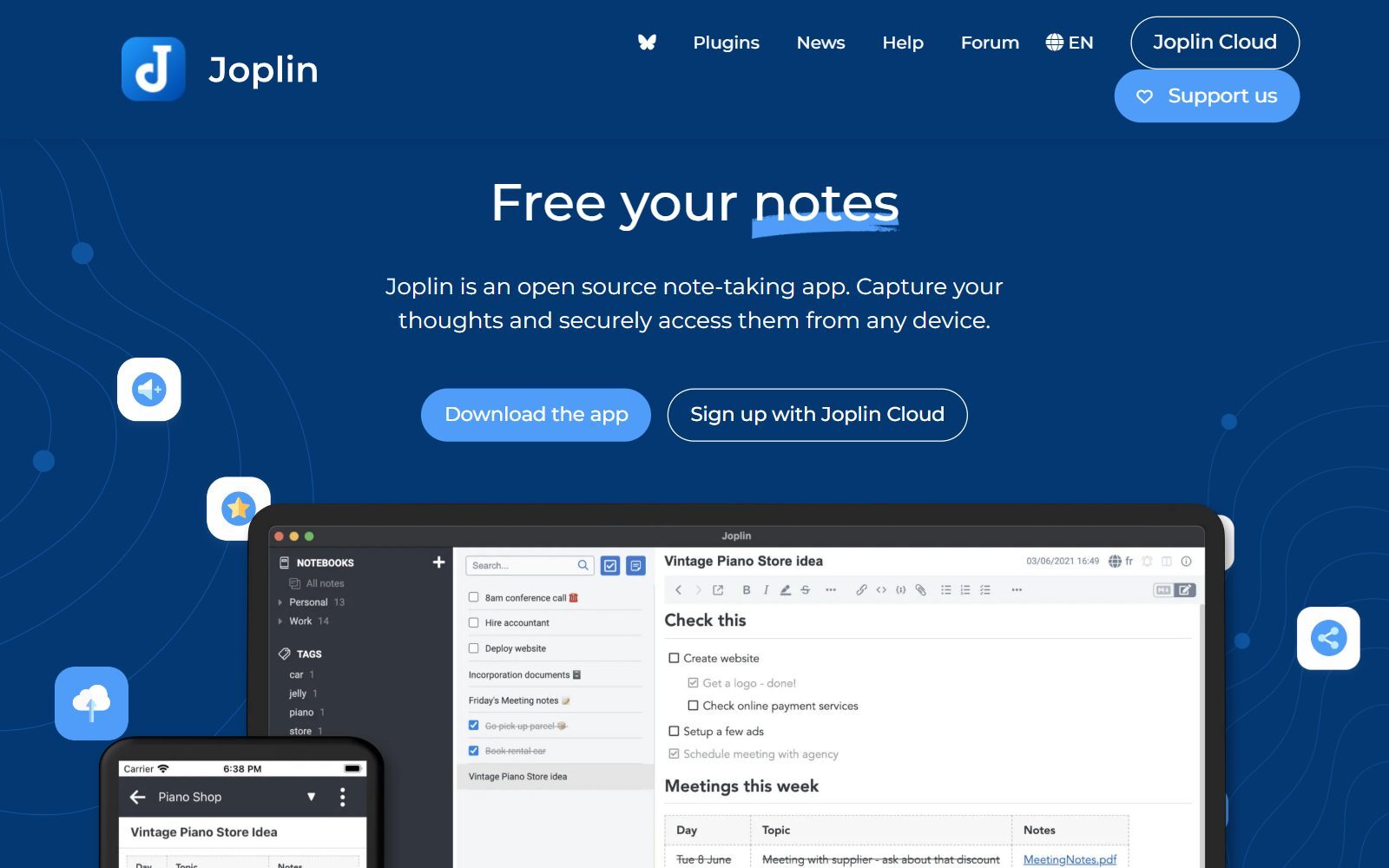
9. Joplin: open source, with an AI plugin
Joplin is an open-source note-taking app for Windows, macOS, Linux, Android and iOS with end-to-end encryption, a web clipper and sync through Joplin Cloud, Dropbox or OneDrive. Version 3.7.22 was released on 28 October 2026. Joplin has no built-in AI, but the third-party Jarvis plugin adds related-notes search, chat with your notes and auto-tags, using models such as GPT, Claude, Gemini or a local model through Ollama; it was last updated on 5 September 2026. Joplin also imports Evernote ENEX exports, which makes the move easier.
10. Reflect Open: free on Mac, AI with your own key
Reflect is now Reflect Open, an open-source note-taking app with daily notes, backlinks and local Markdown files. It is free on Mac and a paid subscription on iPhone and iPad. Its AI assistant works with your own API key, so requests go straight to your AI provider and you pay that provider separately. Version 0.17.0 came out on 4 November 2026; the older Reflect Classic is still available for existing users.
11. ClickUp Free Forever: notes inside a project tool
If your notes are really project notes, ClickUp can replace Evernote and your task app at once. Its Free Forever plan includes collaborative docs, 60 MB of storage and a trial of ClickUp Brain² with 500 credits; regular AI use needs a paid plan. We compare ClickUp's AI with other project tools in free ClickUp AI alternatives.
Join ElonaHunt (like ProductHunt but for women) and explore the coolest women-focused startups out there!
Discover your next big inspiration and connect with like-minded female entrepreneurs!
👉 Join the Hunt Here
Free Note Apps Where AI Is Paid or Missing
- Capacities: the Capacities Basic plan is free forever with unlimited spaces, objects and blocks, sync and offline use, but the AI assistant is part of Pro at $9.99 a month.
- Heptabase: no free plan; Pro costs $8.99 a month and includes 100 AI credits a month.
- Simplenote: Simplenote is completely free, including apps, backups, syncing and sharing, but it has no AI features.
- Bear: Bear has a free version for Apple devices and Bear Pro at $2.99 a month or $29.99 a year after a 7-day trial; its plan list shows no AI features.
What Changed Since the 2025 Version of This List
- Evernote moved its AI features onto every plan, including Free, but kept the 50-note and one-device limits.
- Apple Notes now gets Apple Intelligence features on compatible devices.
- Reflect became Reflect Open, and Mem is now Mem Agent with a small free tier; both are new to this list, as are Saner.AI and Craft.
- Capacities, Simplenote and Bear moved to the section above because their free versions have no AI.
Which Free Evernote AI Alternative Should You Choose?
- You want one workspace for notes, docs and wikis: Notion Free, and accept that AI is a trial.
- You want an AI assistant that reads your notes: Mem or Saner.AI, within their monthly limits.
- You want unlimited free notes and control over your data: Obsidian or Joplin, with an AI plugin and your own model.
- You already pay for Microsoft 365 or Google AI, or own a recent Apple device: use OneNote, Google Keep or Apple Notes with the AI you already have.
- Your notes are mostly project notes: ClickUp Free Forever, or one of our free Todoist alternatives for tasks.
- You prefer open source only: our open-source Notion alternatives and open-source Evernote AI alternatives.
How Founders Use AI Note Apps
A founder's notes are a mix of meeting notes, investor calls, customer interviews, ideas and to-dos. A free stack that works: one notes app with search (Notion, Obsidian or Joplin), an AI that can summarize and find connections (a plugin or a small free AI allowance), and a task tool for follow-ups. Record customer interviews, let the AI summarize them, and tag each note with the problem it describes so patterns show up after ten calls. For linked notes and a knowledge graph, see our Roam Research alternatives and open-source Roam Research alternatives; for short summaries of long documents, try our free executive summary generators and Briefly alternatives.
If you want a general AI chat that you can run yourself, compare open-source ChatGPT alternatives. For team planning, see open-source ClickUp AI alternatives and free Asana alternatives. Once your research notes turn into content, the F/MS AI SEO Tool helps you write blog articles that bring visitors to your startup.
FAQ About Free Evernote AI Alternatives
Is Evernote AI free?
Partly. Evernote's plan comparison lists AI Assistant, Semantic Search, AI Transcribe, AI Edit and AI Cleanup on the Free plan, and its AI page says usage limits apply to the AI Assistant. But the Free plan only allows 50 notes, 1 notebook and sync on 1 device.
Who owns Evernote?
Evernote is run by Bending Spoons; its website footer reads Bending Spoons US Inc.
What is the best free alternative to Evernote AI?
Notion Free for a full workspace (with a limited Notion AI trial), Mem or Saner.AI for an AI-first notes app with a small free allowance, and Obsidian or Joplin with AI plugins for unlimited free notes.
Does Notion's free plan include AI?
Only as a trial. Notion's pricing page lists a limited trial of Notion AI on the Free and Plus plans; full Notion AI comes with Business.
Is Copilot in OneNote free?
No. OneNote is free, but Copilot uses AI credits included in Microsoft 365 Personal, Family and Premium subscriptions.
Can I use AI in Google Keep for free?
Google's help page says you can create lists with Gemini in Keep with a Google AI plan, and on Pixel devices within Gemini usage limits.
Does Obsidian have AI?
Not built in. Third-party community plugins such as Smart Connections and Copilot add AI features. Obsidian itself is free without limits.
Which free note app works best with my own AI model?
Joplin with the Jarvis plugin supports local models through Ollama, Obsidian has community plugins, and Reflect Open on Mac uses your own API key.
Can I move my notes from Evernote to Joplin?
Yes. Joplin's import help says it imports Evernote ENEX export files, and Joplin is free and open source.
Where can I get a backlink for my productivity startup?
You can publish a guest post in one of the Fe/male Switch startup blogs, which rank in Google and in AI tools. Get a quality backlink.
About the Author
Violetta Bonenkamp, also known as MeanCEO, is an experienced startup founder with an impressive educational background including an MBA and four other higher education degrees. She has over 20 years of work experience across multiple countries, including 5 years as a solopreneur and serial entrepreneur. Throughout her startup experience she has applied for multiple startup grants at the EU level, in the Netherlands and Malta, and her startups received quite a few of those. She’s been living, studying and working in many countries around the globe and her extensive multicultural experience has influenced her immensely.

