

Open-Source ClickUp AI Alternatives: All-in-One Workspaces With AI You Can Host Yourself
ClickUp sells itself as one workspace for everything: tasks, docs, chat, whiteboards, time tracking and goals, with its Brain² AI on top that answers questions, takes notes in meetings and runs AI agents. That convenience has a price: your tasks, docs and conversations all live in ClickUp's cloud, and AI use is counted in credits. If you would rather own your workspace, keep client and investor data on your own server and decide which AI model reads it, an open-source tool is the alternative. No single open-source project copies all of ClickUp, so we checked in October 2026 what each one really covers: the licence, the latest release, whether it combines tasks with docs and chat, and whether its AI is built in, paid, or something you connect yourself. Tools that are abandoned or not open source are listed separately at the end. If you only need tasks, boards, Gantt charts and time tracking without the AI layer, see our open-source ClickUp alternatives for project management.
Quick answer: for the closest open-source match to ClickUp with AI, use Plane (projects, wiki, Plane AI and agents; AI on paid plans or the self-hosted Commercial Edition); for one app with tasks, docs, chat and video calls, use Huly, knowing its AI is not out yet; if your team already uses Nextcloud, combine Nextcloud Deck and Talk with Nextcloud Assistant on a local model; for founders who want AI status reports, use Leantime; and for bigger projects with an MCP server for your own AI, use OpenProject.
Boost Your SEO by Getting Featured in Our Blogs and get a backlink.
We publish content about startups, education, tech, funding, etc. that ranks well not only in Google but also in Perplexity, ChatGPT, Grok and other AI tools.
👉 Get featured now!
What ClickUp AI Includes in 2027 and What It Costs
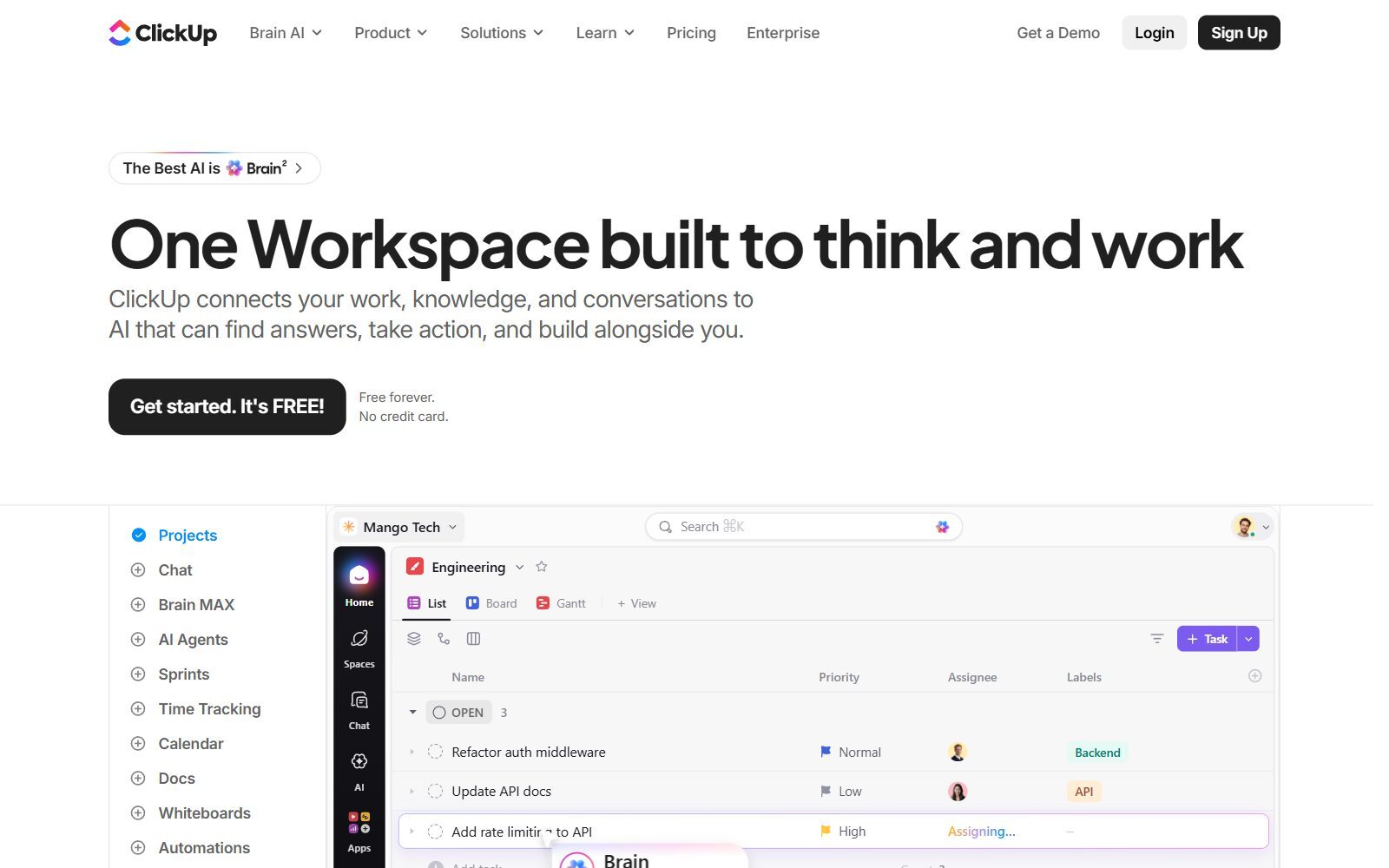
To know what you are replacing: ClickUp's homepage calls it one workspace that connects your work, knowledge and conversations to AI, with projects, chat, docs, whiteboards, sprints, time tracking and AI agents in one app. On the ClickUp pricing page (default view, checked October 2026, prices in US dollars billed yearly), every plan includes ClickUp Brain², but with very different amounts of AI. Free Forever gets a Brain² trial and 500 AI credits per workspace. Core showed $9 per user per month (marked down from a regular $12) with 1,000 credits per user a month and a trial of the premium AI models. Business showed $17 (regular $25) with premium models, unlimited standard models and 1,500 credits per user. Enterprise is custom-priced with 3,000 credits and an unlimited AI Notetaker, and Max costs $100 per user (regular $120) with 10,000 credits, MCP connections and unlimited AI fields, notetaker and Autopilot Agents. Credits are pooled across the workspace, and extra AI Super Credits cost $10 per 10,000.
The credits pay for Super Agents and Ambient Agents that do work on their own, AI fields, the AI Notetaker, image generation and Enterprise Search across connected apps. ClickUp also limits how often outside AI tools may call it through MCP: 100 calls a day on Free, 300 on Core and 1,000 on Business. Every tool below can be self-hosted for free; you pay for the server, the AI model and your own time instead.
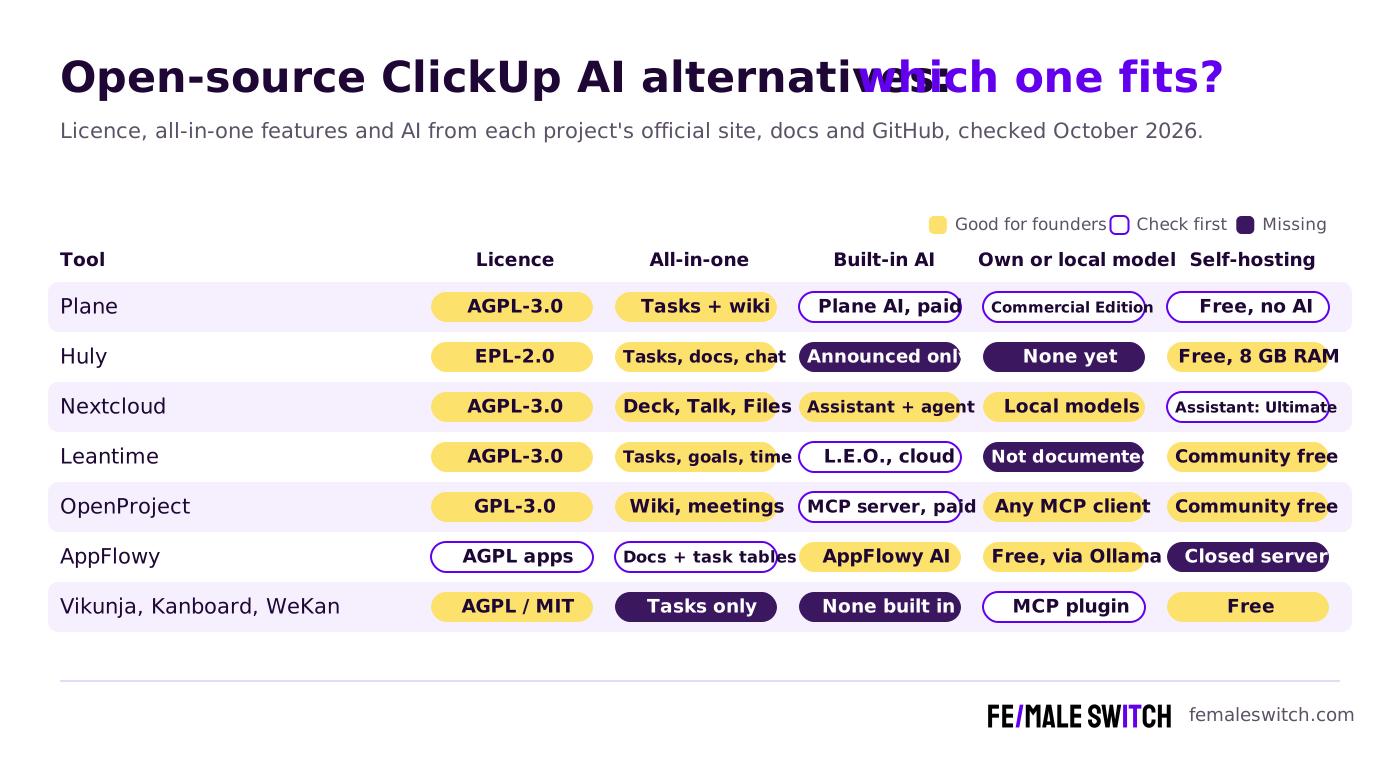
Open-Source ClickUp AI Alternatives Compared
Sources: each project's official website, pricing page, documentation and GitHub repository, checked October 2026. Self-hosting is free, but you pay for the server, the AI model and your own time.
The Best Open-Source ClickUp AI Alternatives in 2027
1. Plane: projects, wiki and AI agents in one workspace
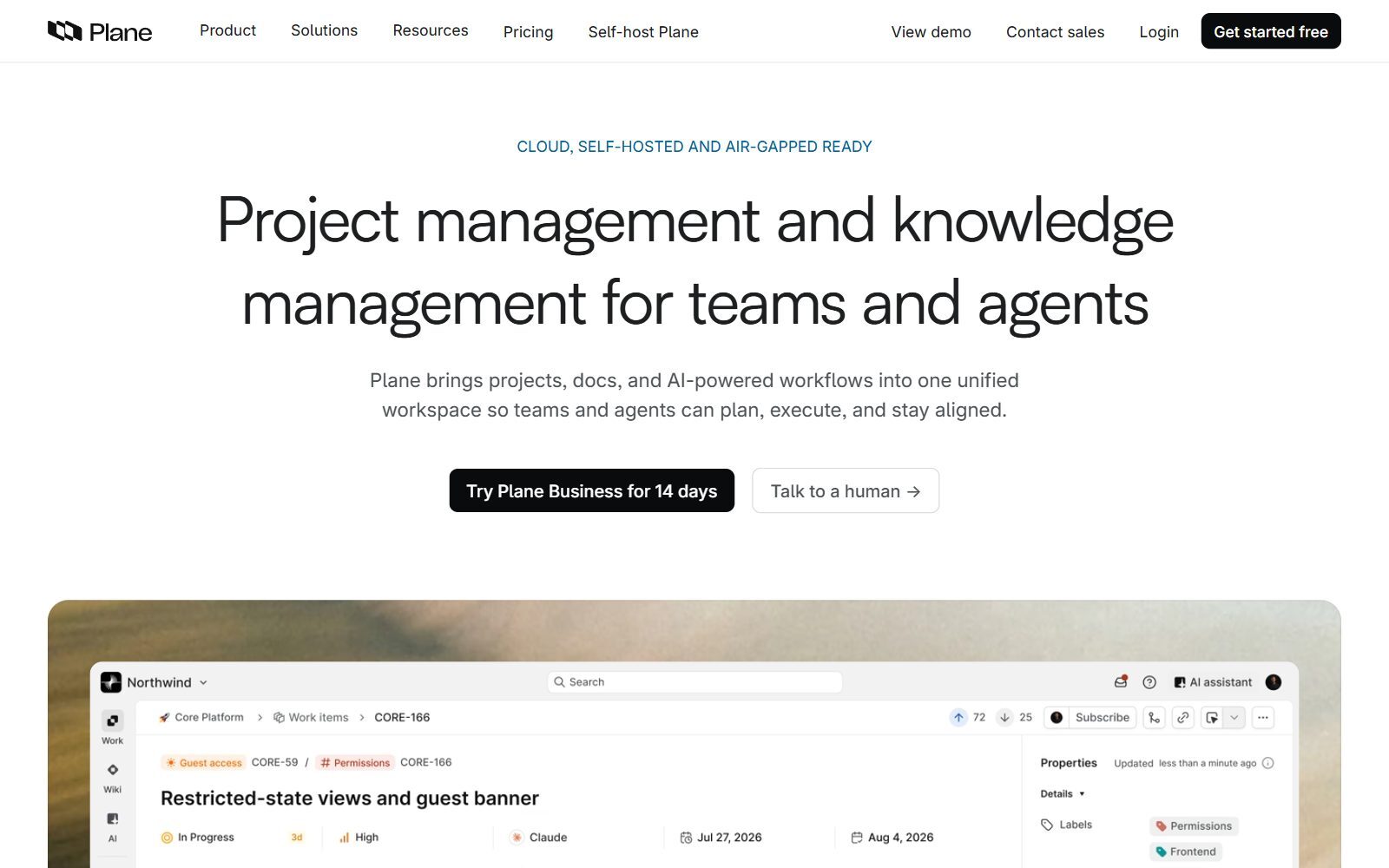
Plane describes itself as project management and knowledge management for teams and agents, and its code is AGPL-3.0. It brings work items, docs and AI workflows into one workspace: Board, List, Gantt and Spreadsheet views, a wiki for specs and company knowledge, and real-time dashboards for velocity, workload and blockers. That is the ClickUp idea of tasks and docs side by side, without chat. Plane AI answers questions from your workspace with sources and asks for approval before it acts; built-in agents triage requests, assign owners, track blockers and post updates, and a native MCP server lets outside AI tools manage work in Plane. On the Plane pricing page the Free plan has no AI credits, no agents and no wiki (Pages are included), Pro costs $6 per seat per month billed yearly ($8 monthly) with 500 AI credits per seat, and Business costs $13 ($15 monthly) with 1,000 credits. AI credits are cloud only. If you self-host the Commercial Edition, Plane AI works with OpenAI, Anthropic or Baseten keys plus one custom OpenAI-compatible model such as Ollama, although Plane warns that a custom model needs at least 1 trillion parameters for every feature to work reliably. Version 1.4.3 came out in October 2026.
2. Huly: tasks, docs, chat and video in one open-source app
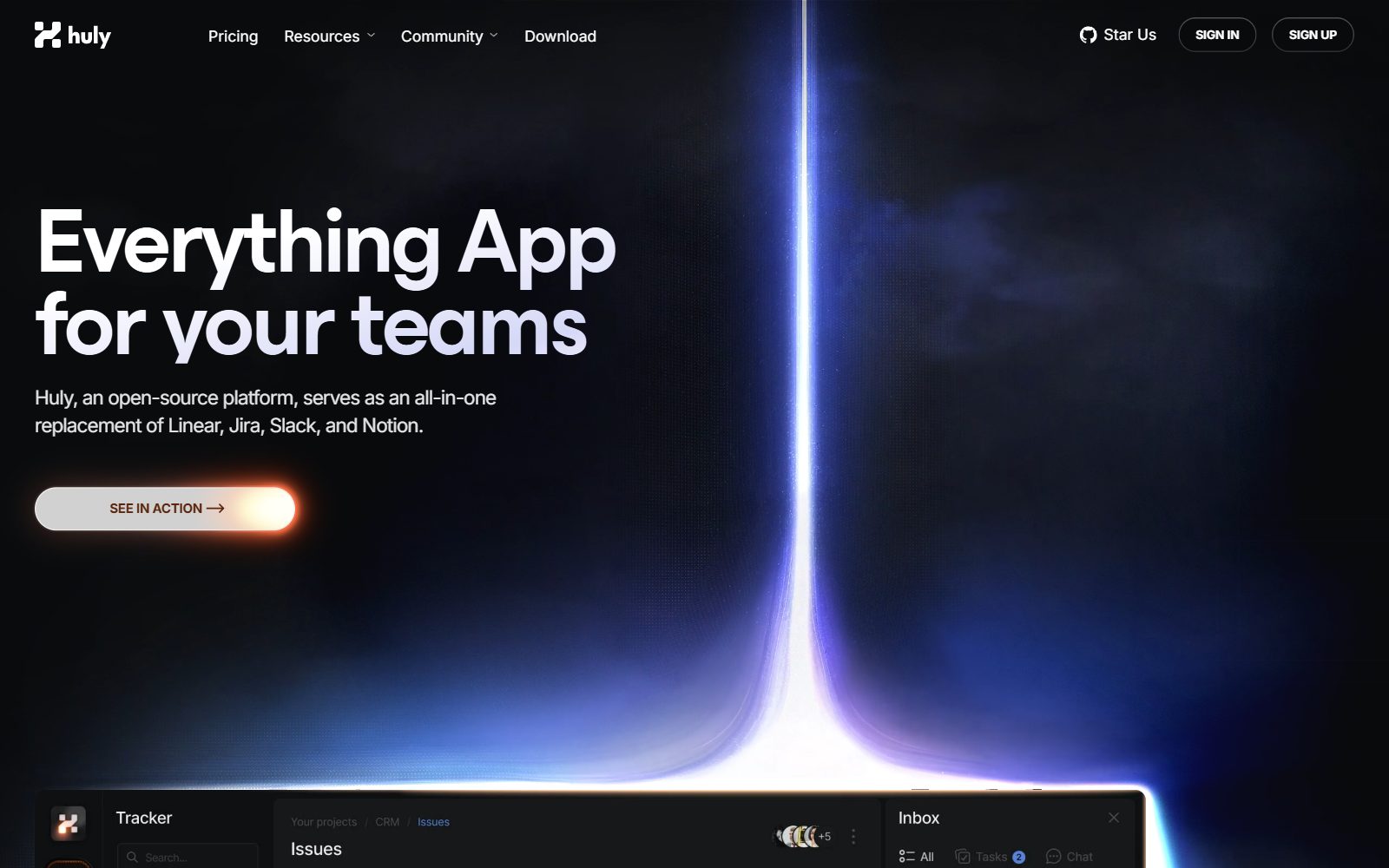
Huly calls itself the Everything App for your teams and an all-in-one replacement of Linear, Jira, Slack and Notion, which makes it the open-source tool closest to ClickUp's promise. Its source code is under the Eclipse Public License 2.0. It combines an issue tracker with two-way GitHub sync, a team planner with time-blocking, collaborative documents, direct and group chat, and a virtual office for audio and video calls. For AI, its homepage only says that Huly AI is coming soon as a second brain for your team, so do not choose it for AI today. You can self-host it with Docker; the self-hosting guide says it needs at least 2 vCPUs and 8 GB of RAM. The code was still being updated at the end of October 2026.
3. Nextcloud with Deck, Talk and Assistant: a self-hosted workspace with a local AI agent
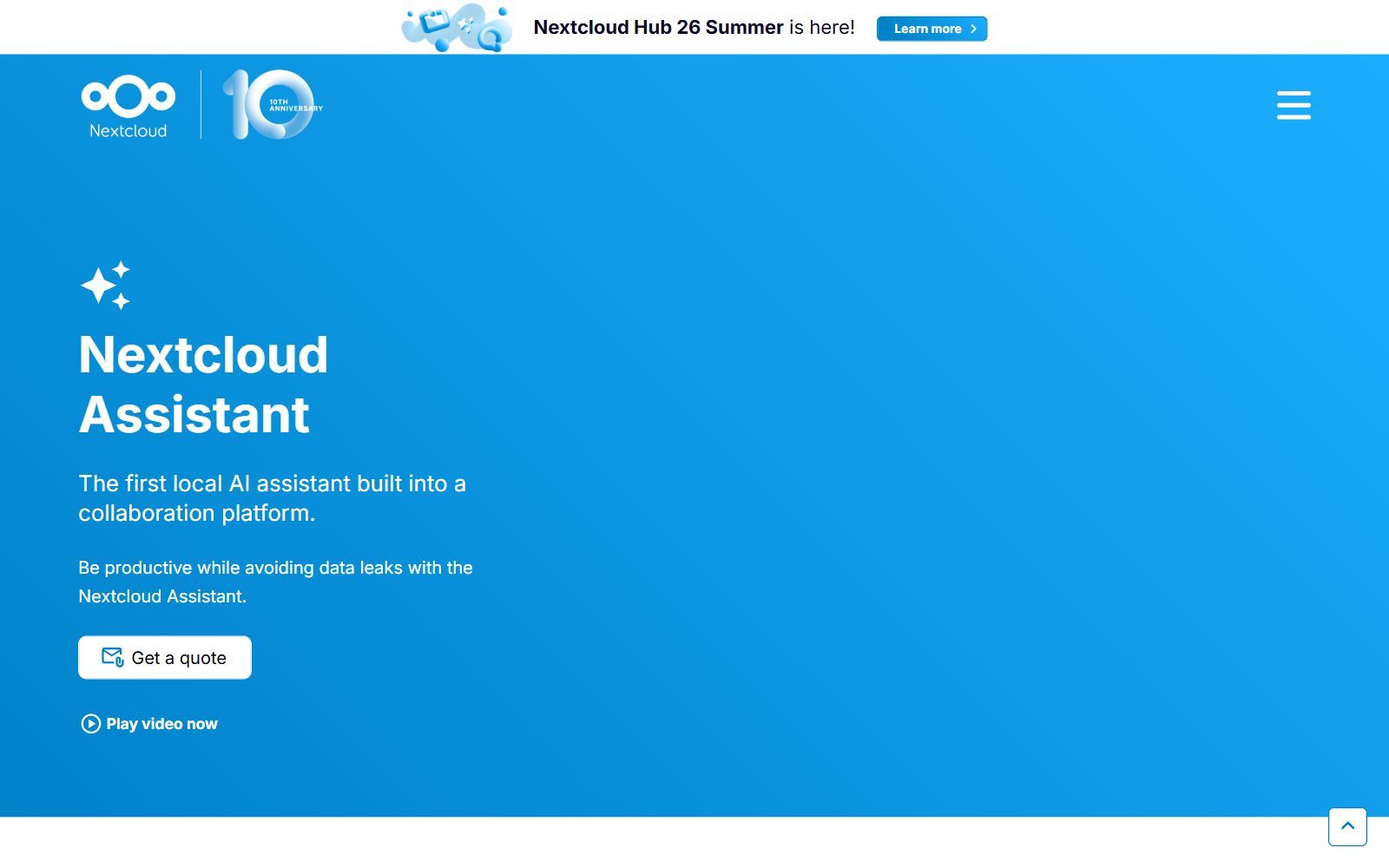
If your team already keeps files in Nextcloud, you can rebuild most of ClickUp inside it: Nextcloud Deck (AGPL-3.0-or-later) for task boards, Talk for chat and calls, and Files for documents. The AI piece is Nextcloud Assistant, which Nextcloud calls the first local AI assistant built into a collaboration platform. It summarises Talk chats and calls, suggests email replies, answers questions about your files, and its agent can act in other apps; the Context Agent documentation lists Deck tools to list your boards and cards and add a card from a plain-language request. Several local language models are supported, so the data can stay on your server, or you can connect cloud providers such as OpenAI. Nextcloud itself is free to self-host; Nextcloud's business customers get the Assistant through the Ultimate subscription. Deck 1.19.1 came out in October 2026.
4. Leantime: AI status reports for founders who are not project managers
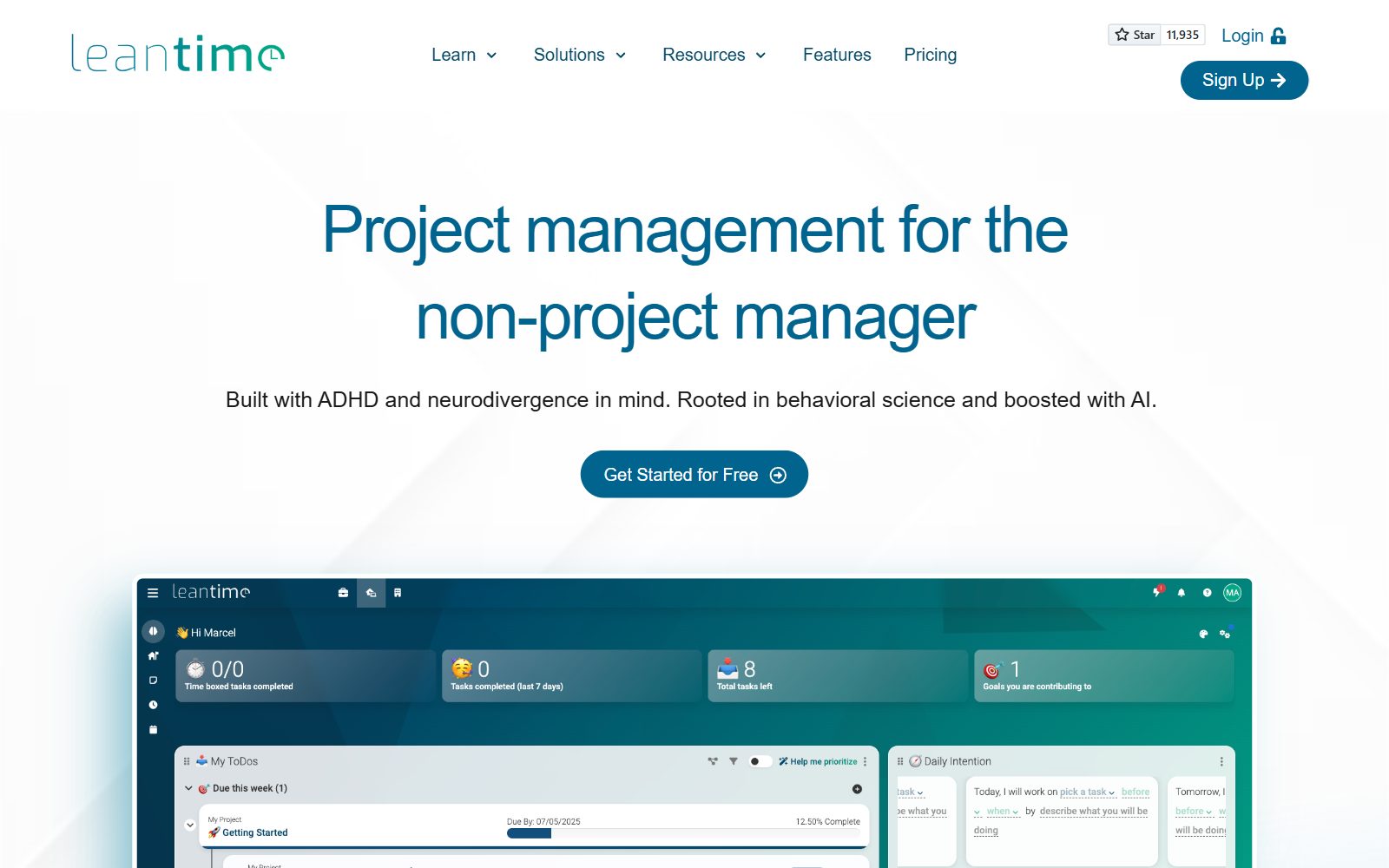
Leantime is an AGPL-3.0 project manager for the non-project manager, built with ADHD and neurodivergence in mind. Like ClickUp, it puts more than tasks in one place: kanban, Gantt, table, list and calendar views, goals and milestones, timesheets, wikis and a Lean or Business Model Canvas. Its AI, called L.E.O., collects status updates from the team, compiles status reports, helps you prioritise and writes "Story Time" introductions to upcoming work, and there is an AI Coach. On the Leantime pricing page the cloud plan costs $8 per user per month billed yearly ($10 monthly) with 500 AI credits a month and a 14-day trial; the free cloud tier has been removed. The open-source Community Edition is free to self-host, and advanced features come as plugins. Version 3.13.2 came out at the end of October 2026.
Validate your startup idea with the unique borrowed authority approach: we publish articles about your product in our blog and you get traffic and testers for your MVP
- Prove Market Demand: See real organic traffic and waitlist conversions
- Unlock High-Potential Keywords: Receive a curated list of top-performing keywords directly from Google Search Console data.
- Estimate Customer Acquisition Cost (CAC): Gain financial foresight with an estimated CAC based on real keyword performance data.
🔗 Start validating your startup now
5. OpenProject: projects, wiki, meetings and time tracking, with an MCP server
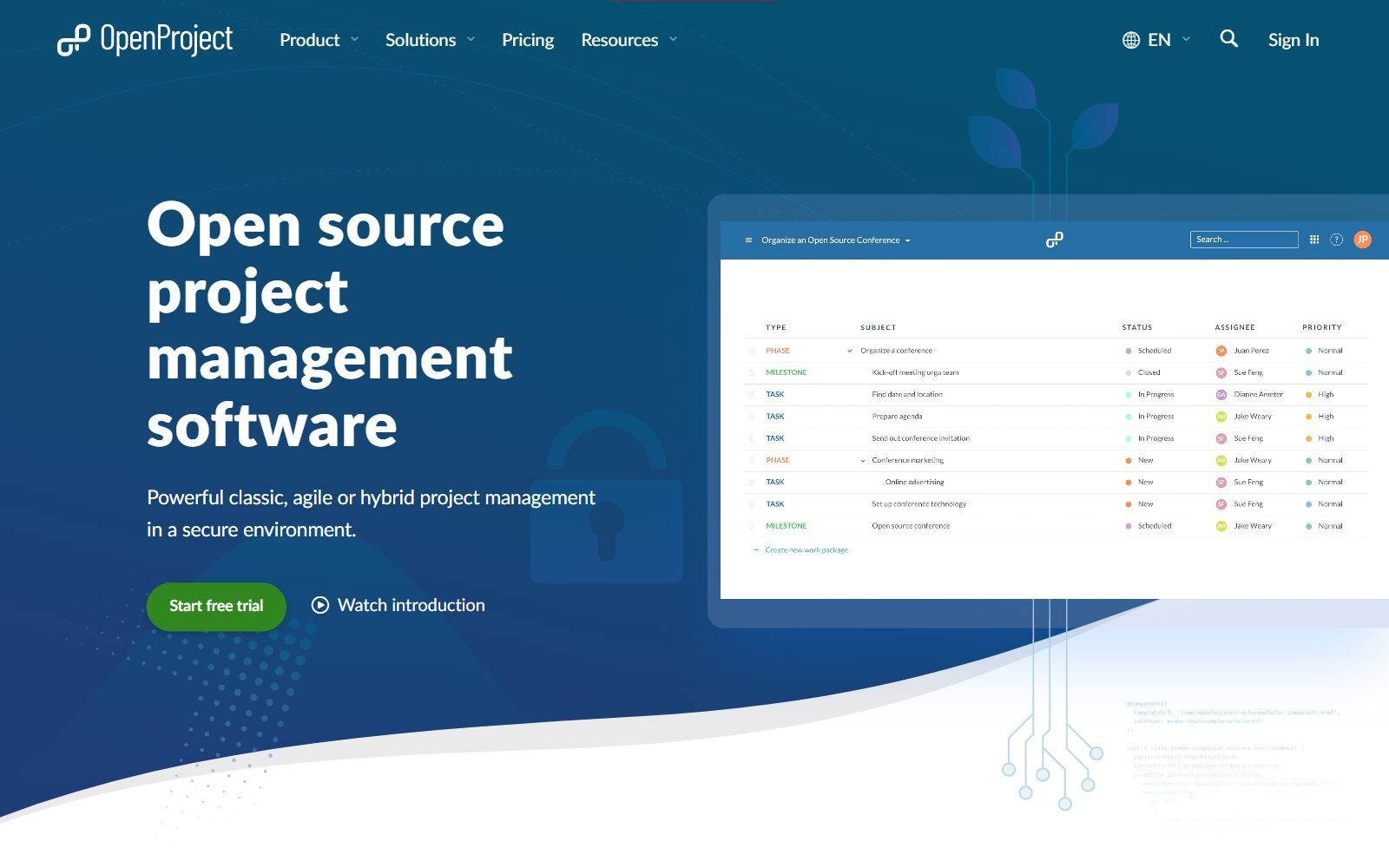
OpenProject is GPL-3.0 project management software for classic, agile and hybrid projects. It covers the structured side of ClickUp: work packages, Gantt charts, boards, a wiki, meetings and time and cost tracking. Instead of its own chat assistant, OpenProject lets you connect the AI you choose: its AI page explains that the MCP server lets AI assistants create and update work packages, add comments and manage relations, but not delete work packages, and only with the connected user's permissions. You can connect commercial assistants, open-source clients or self-hosted language models. AI text creation, semantic search and reporting support are in development, without dates. According to the OpenProject 17.2 release notes, the MCP server is an Enterprise add-on in the Professional plan and higher, while the Community edition stays free. Version 17.9.6 came out in October 2026.
6. AppFlowy: docs and task databases with free local AI
AppFlowy is an AI workspace whose desktop and mobile apps are AGPL-3.0. It covers ClickUp Docs and simple task lists: pages and wikis next to databases with board views for to-dos. Its standout feature is AppFlowy Local AI: since April 2025 it is free and runs open-source models through Ollama on your own computer for AI chat and writing help, so nothing goes to an AI provider. On the AppFlowy pricing page Pro costs $12 per member per month billed yearly ($16 monthly), and the cloud AI features are a limited trial on the free plan. One caveat for teams: the open-source AppFlowy Cloud server was archived in September 2026, and self-hosting now uses a closed-source commercial server. Version 0.14.11 came out in October 2026.
7. Vikunja, Kanboard, WeKan and Taiga: open-source task tools without built-in AI
Vikunja (AGPL-3.0-or-later) is a to-do and project app with list, Gantt, table and kanban views, Kanboard (MIT) is a minimal kanban board that runs on ordinary PHP hosting, WeKan (MIT) is a Trello-like board and Taiga (MPL-2.0) is built for Scrum and Kanban teams. All four are maintained: Vikunja released 2.7.1, Kanboard 1.2.57 and WeKan 12.75 in October 2026, and Taiga 6.10.2 in July 2026. None of their official sites mention built-in AI, and none has ClickUp's docs and chat. Kanboard's official plugin directory lists a community MCP plugin with 26 tools for assistants such as Claude or Cursor. If a board with AI is all you need, our guide to open-source Trello AI alternatives goes deeper.
Join ElonaHunt (like ProductHunt but for women) and explore the coolest women-focused startups out there!
Discover your next big inspiration and connect with like-minded female entrepreneurs!
👉 Join the Hunt Here
ClickUp AI Alternatives That Are Discontinued, Changed or Not Open Source
The 2025 version of this article listed tools that no longer belong on an open-source ClickUp AI shortlist:
- Focalboard: its GitHub README says the standalone repository is currently not maintained, and focalboard.com did not load when we checked. Boards lives on as a plugin for Mattermost, a team chat tool. Use Plane or Vikunja instead.
- Plexo: the AI-powered project tool from Minsky has had no code change on GitHub since February 2024. Plane is the maintained choice for AI-assisted planning.
- tillywork: its official GitHub repository no longer exists and its website did not load when we checked, so we removed it.
- NocoBase: a no-code platform with AI employees, but its licence is Apache-2.0 plus extra terms that forbid removing NocoBase branding and offering it to the public as a no-code or AI SaaS, so it is not strictly open source. It builds apps rather than a ClickUp-style workspace; see our open-source Airtable AI alternatives for database tools.
- Nextcloud Deck: still maintained, and now part of the Nextcloud section above, because its AI comes from Nextcloud Assistant.
Which Open-Source ClickUp AI Alternative Should You Choose?
- You want the closest replacement, AI agents included: Plane, on Pro or the self-hosted Commercial Edition.
- You want tasks, docs, chat and calls in one app: Huly, and add AI from another tool until Huly AI ships.
- You want AI that never leaves your server: Nextcloud with Deck, Talk and Nextcloud Assistant on a local model.
- You are a solo founder who hates status meetings: Leantime for AI status reports and prioritisation.
- You run bigger projects with Gantt charts and want your own AI client: OpenProject with its MCP server.
- You mostly used ClickUp Docs: AppFlowy with free Local AI.
- You just need a light task board: Vikunja, Kanboard or WeKan, and connect AI later.
Comparing other options too? See our lists of free ClickUp AI alternatives, paid ClickUp AI alternatives and free ClickUp alternatives, plus open-source monday.com AI alternatives, open-source Asana alternatives and open-source Wrike alternatives. Still choosing a hosted tool? Read ClickUp vs monday.com and ClickUp vs Notion.
How Founders Use an Open-Source ClickUp Replacement
For an early-stage startup, an all-in-one workspace is where the plan, the documents and the team talk meet, and AI helps most with the boring parts: turning meeting notes into tasks, summarising long threads and writing the weekly update for your team or investors. Start small: one project tied to your current goal, one page of company knowledge and one place to talk, and let the AI draft rather than decide. If customer or investor data sits in your workspace, a self-hosted tool with a local model keeps it on your own server. You do not need one tool for everything: many founders pair a task tool with a separate wiki and chat. For the wiki side, see open-source Notion AI alternatives, open-source Notion alternatives and open-source Coda AI alternatives; for chat, our open-source Slack alternatives; and to connect your tools without ClickUp's automations, the open-source Zapier alternatives. For personal to-dos, see our free Todoist alternatives.
Our project management tools for startups list, the guide to project management for remote teams and AI tools for female founders' productivity cover the basics, and mean.ceo describes an essential startup tool stack. Before you build anything, validate your startup idea with real customers, and turn what you learn into articles with the F/MS AI SEO Tool so people find you in Google and AI assistants.
FAQ About Open-Source ClickUp AI Alternatives
What is ClickUp AI?
ClickUp's AI is called Brain². It answers questions about your workspace, writes and edits, takes meeting notes, fills AI fields, generates images and runs Super Agents and Ambient Agents. Every plan includes it, but usage is counted in AI credits that differ by plan.
How much does ClickUp AI cost in 2027?
When we checked in October 2026, ClickUp Core showed $9 per user per month billed yearly with 1,000 AI credits per user a month, Business $17 with 1,500 credits and premium models, and Max $100 with 10,000 credits. Extra credits cost $10 per 10,000, and the Free plan gets a Brain² trial with 500 credits per workspace.
What is the best open-source alternative to ClickUp with AI?
Plane is the closest match: projects, a wiki, dashboards, Plane AI and built-in agents. Its AI needs a paid cloud plan or the self-hosted Commercial Edition; the free self-hosted edition has no AI.
Is there an open-source all-in-one app like ClickUp?
Huly is the closest: it combines an issue tracker, team planner, documents, chat and video calls in one EPL-2.0 app. Its AI has been announced but is not available yet.
Is there an open-source ClickUp alternative with free AI?
Yes, if you run the model yourself. AppFlowy's Local AI has been free since April 2025 and runs through Ollama on your computer, and Nextcloud Assistant can use local language models on your own server.
Can I use a local LLM with open-source project management?
Yes. Nextcloud Assistant and AppFlowy support local models, Plane's self-hosted Commercial Edition accepts one OpenAI-compatible model such as Ollama, and OpenProject's MCP server lets you connect self-hosted language models through an MCP client.
Does Huly have AI?
Not yet. Huly's homepage says Huly AI is coming soon, but there is no built-in AI today. If AI matters now, choose Plane, Nextcloud with Nextcloud Assistant or Leantime.
Is Focalboard still maintained?
The standalone Focalboard app is not: its GitHub README says the repository is currently not maintained. Boards continues as a plugin for Mattermost.
Is Leantime free?
The open-source Community Edition is free to self-host under AGPLv3. Leantime's cloud costs $8 per user per month billed yearly and includes the AI features and 500 AI credits a month; there is no free cloud tier.
Where can I get a backlink by writing about my startup?
You can publish a guest post in one of the Fe/male Switch startup blogs, which rank in Google and in AI tools. Get a quality backlink.
About the Author
Violetta Bonenkamp, also known as MeanCEO, is an experienced startup founder with an impressive educational background including an MBA and four other higher education degrees. She has over 20 years of work experience across multiple countries, including 5 years as a solopreneur and serial entrepreneur. Throughout her startup experience she has applied for multiple startup grants at the EU level, in the Netherlands and Malta, and her startups received quite a few of those. She’s been living, studying and working in many countries around the globe and her extensive multicultural experience has influenced her immensely.

