

Free Picsart Alternatives for Social Content on Your Phone or in the Browser
Picsart is the app many founders open to make a quick Instagram post, a story, a product cut-out or a short reel. The app is free to download, but its premium stickers, templates and most AI tools sit behind a subscription. This guide lists free apps that do the same jobs on a phone or in the browser: design templates, photo edits, background removal and short video. Not all of them are open source; they are simply free to use, and we say what each free plan really includes. We checked every free plan on the official pricing page or app store listing in November 2026. If you want open-source tools only, read our open-source Picsart alternatives instead.
Quick answer: for social media posts and templates, use Canva Free or Adobe Express Free; for reels with captions, CapCut; for photo edits with no ads or watermarks, Snapseed; for product photos with a clean background, Photoroom (250 free exports a month); and for Photoshop-style work in the browser, Photopea.
Boost Your SEO by Getting Featured in Our Blogs and get a backlink.
We publish content about startups, education, tech, funding, etc. that ranks well not only in Google but also in Perplexity, ChatGPT, Grok and other AI tools.
👉 Get featured now!
What Picsart Costs and What Stays Free in 2027
The Picsart pricing page (default view from our location, in euros, checked November 2026) shows two paid plans: Pro at €9.16 a month billed yearly, with €12.99 shown struck through, and Ultra at €52.50 a month billed yearly for heavy AI use and teams. Listed as included with every plan: standard photo and video editing tools, custom dimensions, a selection of customizable templates, and a selection of fonts, stickers and shapes. The Picsart app on the App Store is a free download, and its listing names Picsart Plus for premium content, templates and extra retouch features, and Picsart Pro for more AI tools, team seats and storage. So the free version covers basic edits, while background removal at scale, premium stickers and most AI generations cost money.
Free Picsart Alternatives Compared
Sources: each app's official pricing page and its App Store or Google Play listing, default view, checked 2 November 2026. Prices change by country and over time.
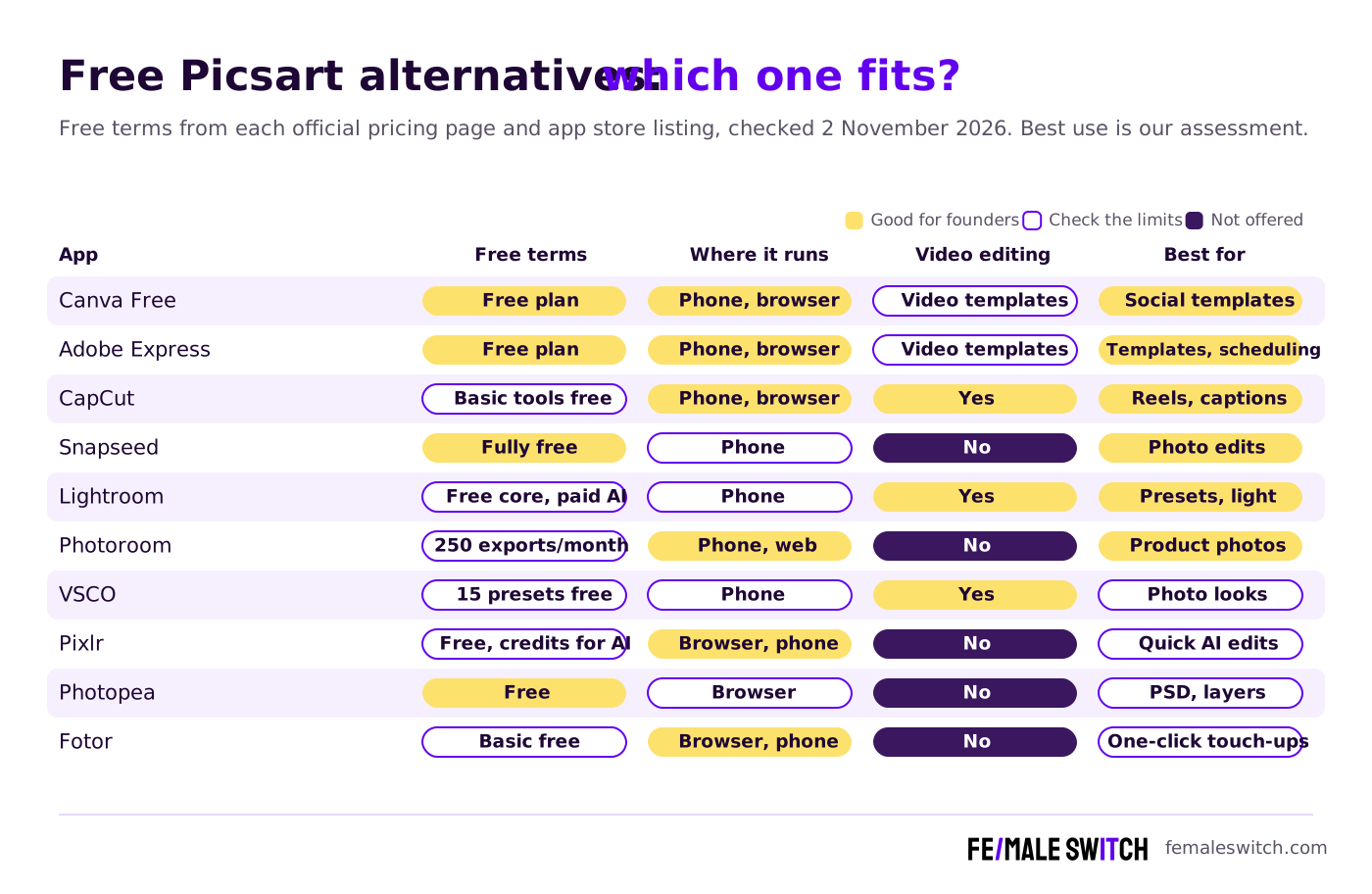
The 10 Best Free Picsart Alternatives in 2027
1. Canva Free: social posts and templates
For most founders, Canva is the most direct replacement for Picsart's templates and design tools. Its pricing page lists the free plan as an easy drag-and-drop editor with 1,000+ design types, 1.6 million+ templates, 4.7 million+ photos, videos, graphics and audio files, one Brand Kit limited to three colours, access to Affinity, 5 GB of cloud storage and limited AI use. It works in the browser and in apps for iPhone and Android. The catch for Picsart users: the background remover, one-click resize and social scheduling are Canva Pro features. To get those for free, see our free Canva Pro alternatives.
2. Adobe Express Free: templates, stock and basic scheduling
Adobe Express has one of the most generous free plans for social content: 100,000+ static and video templates, more than 1 million royalty-free Adobe Stock photos, videos, music tracks and design elements, 4,000+ Adobe Fonts, 5 GB of storage, limited generative AI credits, and planning and scheduling posts to one account per social network. It runs in the browser and as a phone app. Premium unlocks more AI credits and brand tools, with a 30-day free trial. If you prefer open-source design tools, compare our open-source Adobe Express alternatives.
3. CapCut: free reels with auto captions
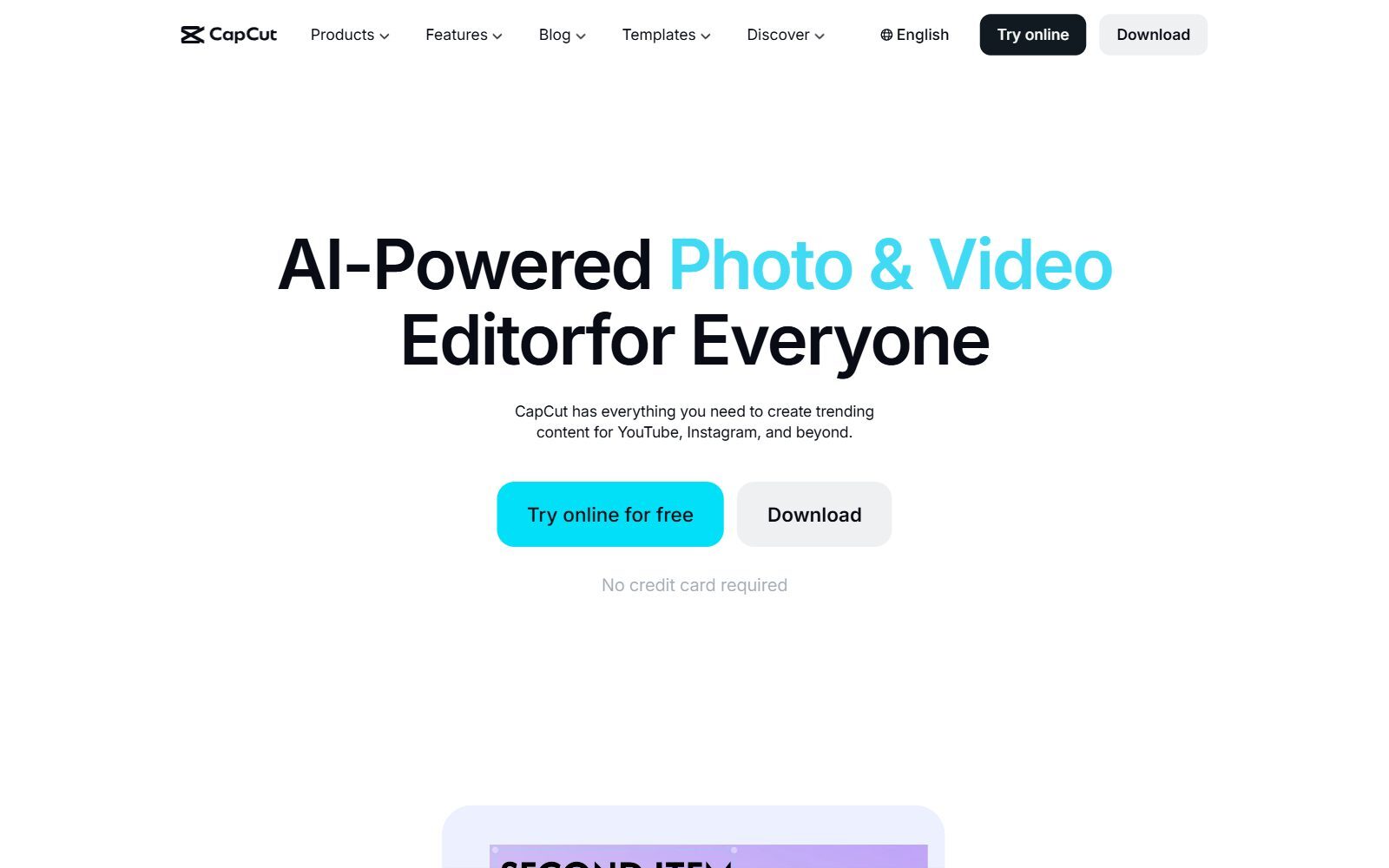
CapCut replaces Picsart's video side. Its pricing page shows a Free plan at €0 with free templates and basic editing tools, while Pro costs €34.99 a month or €349 a year in the default view from our location and adds 650 monthly AI credits, premium templates and 1 TB of storage. The CapCut App Store listing describes trimming and splitting clips, speed curves, keyframes, chroma key, auto captions, text-to-speech, background removal and 4K 60fps export. CapCut is published by Bytedance Pte. Ltd., part of the group behind TikTok. When we checked, the app was listed on the US App Store (version 19.9.0, 27 October 2026) and on Google Play, and it also runs in the browser and on desktop. If your company has rules about where customer content is stored, read CapCut's privacy policy before uploading client footage.
4. Snapseed: Google's free photo editor with no strings attached
Snapseed is Google's photo editor for iPhone and Android, and it is the cleanest free deal on this list. Its App Store listing promises 30+ pro tools and filters with no subscriptions, purchases, ads or watermarks, plus film-style filters, smart masking that isolates a subject or background with one tap, batch editing and a built-in camera. Version 4.1.7 came out on 20 October 2026, and the Android version was updated in October 2026 too. It has no templates or stickers, so pair it with Canva Free when you need text and layouts.
5. Lightroom mobile: free presets and light fixes
Adobe's Lightroom mobile page says you can use Lightroom on mobile for free, with presets and basic editing tools. That covers the edits that make product and team photos look consistent: exposure, colour, presets you can reuse and batch edits. Upgrading to Premium unlocks Generative Remove, Lens Blur, Adaptive Presets and more; the Lightroom plan was listed at US$11.99 a month (annual plan, billed monthly) when we checked. Choose it if you want one look across your whole Instagram grid.
Validate your startup idea with the unique borrowed authority approach: we publish articles about your product in our blog and you get traffic and testers for your MVP
- Prove Market Demand: See real organic traffic and waitlist conversions
- Unlock High-Potential Keywords: Receive a curated list of top-performing keywords directly from Google Search Console data.
- Estimate Customer Acquisition Cost (CAC): Gain financial foresight with an estimated CAC based on real keyword performance data.
🔗 Start validating your startup now
6. Photoroom: free background removal for product photos
Photoroom is built for sellers: it removes and replaces backgrounds, batch edits product photos and exports images sized for Shopify, Amazon, Etsy, Instagram and other marketplaces. Its own FAQ says the Free plan includes 250 exports a month when using Background Remover, Retouch and Templates, with limited access to AI features. The Pro plan on the Photoroom pricing page adds 8,000 AI credits and 1,000 exports a month, with a free trial. It runs in the browser and on iPhone and Android. For other ways to cut out images, see our guide to an online background removal tool.
7. VSCO: free presets and collages
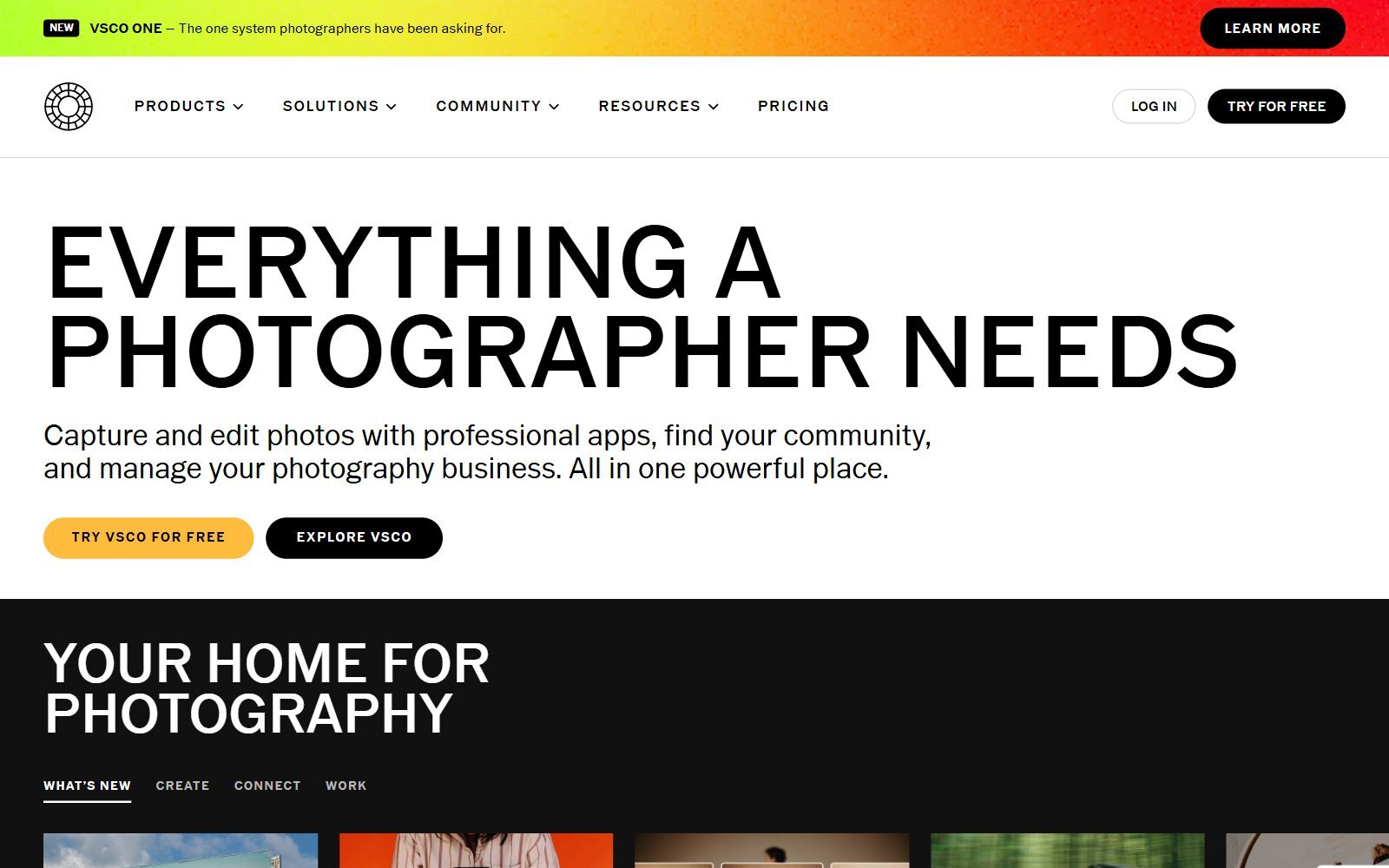
VSCO suits founders whose brand depends on a recognisable photo style. Its free Starter plan lets you edit with 15 popular presets, save one recipe (a saved look you can reapply), use the Collage Maker and share work with the VSCO community. Pro costs $4.99 a month billed yearly or $12.99 billed monthly, each with a free 7-day trial, and adds AI editing, unlimited saved recipes and more presets. The free version is enough to keep a consistent look; the AI tools are a paid feature.
8. Pixlr Express: quick AI edits in the browser
Pixlr Express calls itself a free, modern AI-powered photo editor. It works in the browser with crop, cutout, filters, retouch, text and a collage maker, and its AI tools (remove background, remove object, generative fill and expand, sticker maker) are charged in credits. The Pixlr pricing page sells the Plus plan at €2.49 a month (€1.99 a month billed yearly) as ad-free with unlimited saves, so expect ads and save limits on the free version. Pixlr also has apps for iPhone and Android.
9. Photopea: Photoshop-style editing for free in the browser
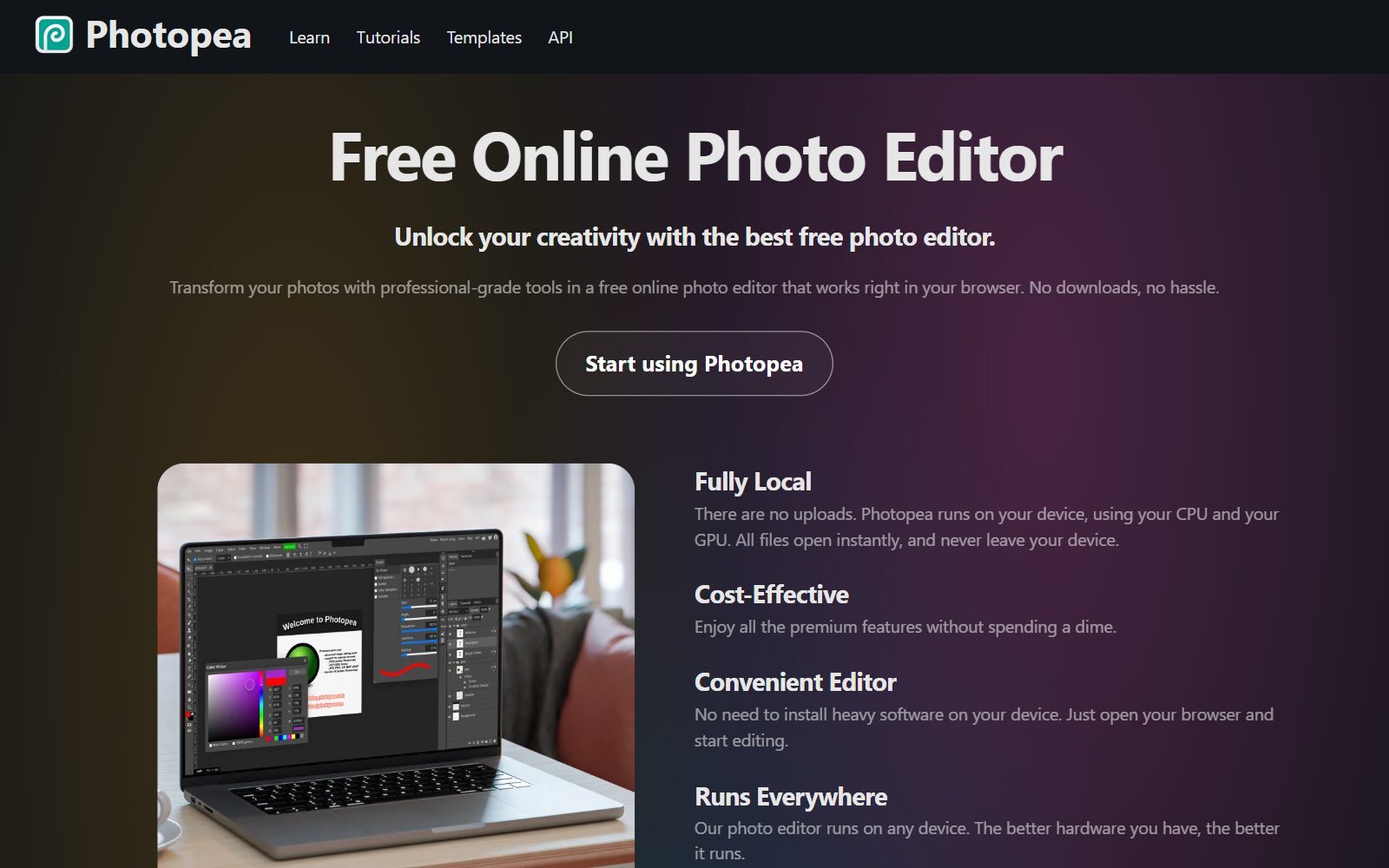
Photopea is a free online photo editor with layers, masks, adjustment layers, filters and vector tools. It fully supports Photoshop's PSD format for opening and saving, opens RAW photos and dozens of other formats, and offers one-click background removal and AI fill from a text description. Photopea runs on your own device, so files are not uploaded. It is the right choice when Picsart is too simple, for example when a designer sends you a PSD file. For more desktop-class options, read our free Photoshop alternatives.
10. Fotor: one-click touch-ups and simple designs
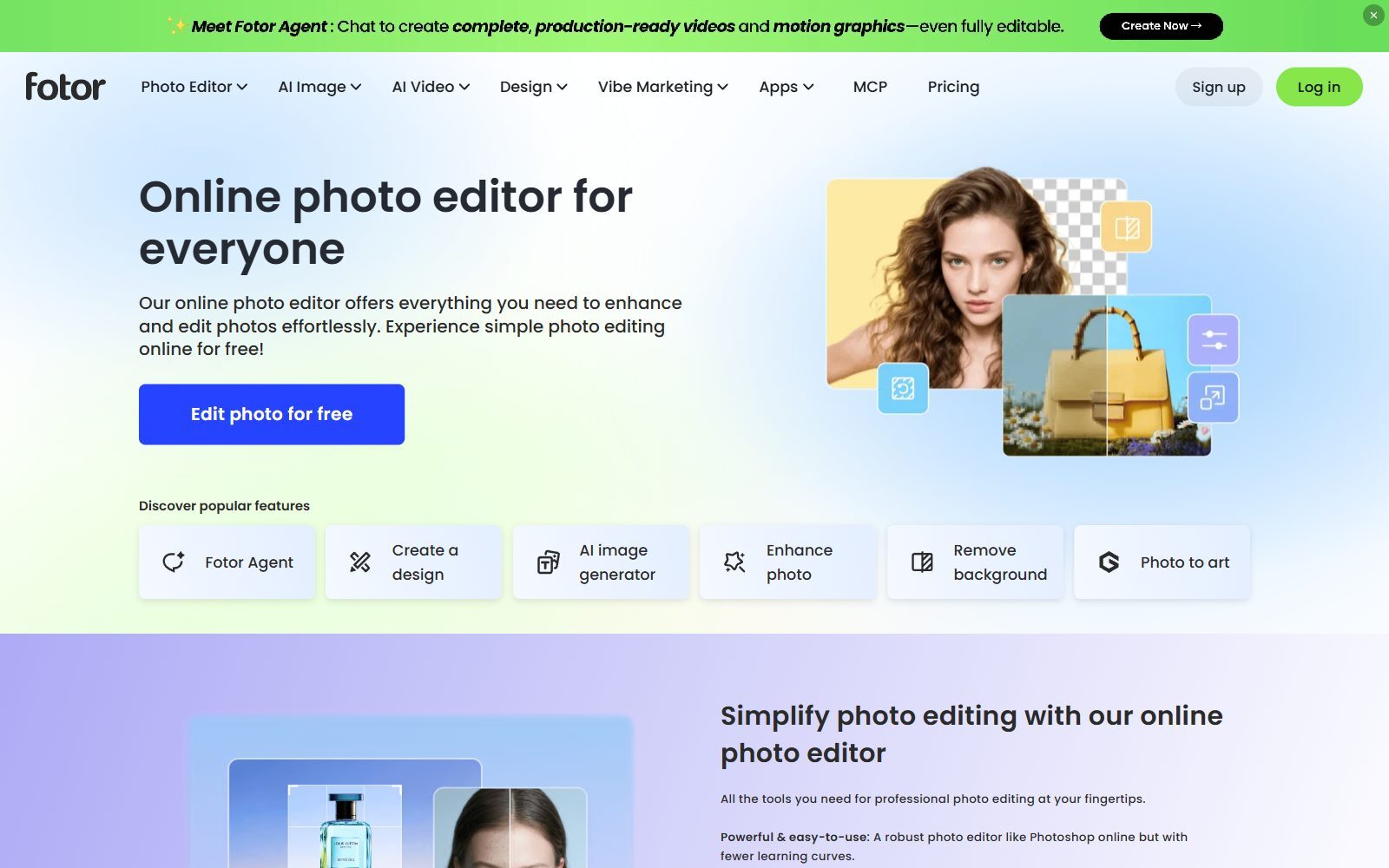
Fotor combines a photo editor, AI image tools and design templates in the browser and in phone apps. Its Basic plan is free forever, with limited free credits for AI tools, 512 MB of cloud storage and normal JPG, PNG and PDF export; Pro and Pro+ add credits and storage. Use it for quick fixes such as enhancing a photo or removing a background when you do not want to learn an editor.
Join ElonaHunt (like ProductHunt but for women) and explore the coolest women-focused startups out there!
Discover your next big inspiration and connect with like-minded female entrepreneurs!
👉 Join the Hunt Here
What Changed Since the 2025 Version of This List
The earlier list mixed free apps with open-source desktop programs and included a few apps that have changed:
- GIMP and Krita: both are still free and actively developed, but they are open-source desktop programs, not phone apps. They are covered in our open-source Picsart alternatives guide (linked above) and in our free GIMP alternatives.
- Adobe Photoshop Express: the Microsoft Store link in the old article now shows the app as Adobe Express Photos (formerly Photoshop Express). For phone edits, Lightroom mobile and Adobe Express are the Adobe apps to try.
- PhotoScape X: still a free photo editor, but for Mac and Windows only, so it is in our free Photoshop alternatives rather than this phone-first list.
- Polish (AI Photo Editor): the Google Play page linked in the old article now returns Not Found, so we removed it.
Which Free Picsart Alternative Should You Choose?
- You post on Instagram and LinkedIn every week: Canva Free or Adobe Express Free for templates; Adobe Express if you also want free scheduling.
- You make reels and TikToks: CapCut for captions and effects.
- You sell physical products: Photoroom for clean product cut-outs, within 250 free exports a month.
- You only need better photos: Snapseed, fully free; Lightroom mobile or VSCO if you want reusable presets.
- You work on a laptop: Photopea for detailed edits, Pixlr or Fotor for quick ones.
- You want no account and open-source code: our open-source Canva AI alternatives and open-source Photoshop alternatives.
How Founders Use Free Photo and Design Apps
A startup rarely needs a designer for daily social posts. A simple free stack is enough: one template app (Canva or Adobe Express), one photo editor (Snapseed or Lightroom mobile) and one video app (CapCut). Set your brand colours and fonts once, save three or four templates for posts, stories and banners, and batch your content for the week. If you sell products, try AI virtual product photography before paying for a studio, and if you need illustrations, see our free AI image generators without a watermark.
For scheduling beyond Adobe Express, compare free Hootsuite alternatives. Making YouTube videos? Read Canva vs Photoshop for YouTube thumbnails. Editing on a desktop and prefer open source? See our open-source Affinity Photo alternatives. Once your visuals are ready, the F/MS AI SEO Tool writes the blog articles that bring visitors to them.
FAQ About Free Picsart Alternatives
Is Picsart free?
The Picsart app is free to download, and its pricing page lists standard photo and video editing tools and a selection of templates, fonts and stickers as included with every plan. Premium stickers, templates and most AI tools need Pro or Ultra; Pro was €9.16 a month billed yearly in the default view from our location in November 2026.
What is the best free alternative to Picsart?
For social media templates, Canva Free or Adobe Express Free. For photo edits on the phone, Snapseed, which has no subscriptions, ads or watermarks. For short videos, CapCut.
Which free app removes backgrounds like Picsart?
Photoroom's Free plan includes 250 exports a month with its Background Remover. Photopea also removes backgrounds for free in the browser. In Canva, the background remover is a Pro feature.
Is Snapseed really free?
Yes. Google's App Store listing says Snapseed has 30+ tools and filters with no subscriptions, purchases, ads or watermarks.
Is CapCut free to use?
CapCut's pricing page shows a Free plan at €0 with free templates and basic editing tools. AI credits, premium templates and extra storage are in Pro, listed at €34.99 a month or €349 a year from our location.
Who owns CapCut?
CapCut is published by Bytedance Pte. Ltd., according to its App Store listing. ByteDance is the group behind TikTok.
Is Lightroom mobile free?
Yes. Adobe says you can use Lightroom on mobile for free with presets and basic editing tools. Generative Remove, Lens Blur and Adaptive Presets need Premium.
What can you do with VSCO for free?
VSCO's free Starter plan includes 15 presets, one saved recipe, the Collage Maker and the community. Pro costs $4.99 a month billed yearly, with a 7-day free trial.
Are there open-source alternatives to Picsart?
Yes, for example Image Toolbox on Android, GIMP, Krita and rembg. We compare them in our open-source Picsart alternatives guide.
Where can I get a backlink for my design or content startup?
You can publish a guest post in one of the Fe/male Switch startup blogs, which rank in Google and in AI tools. Get a quality backlink.
About the Author
Violetta Bonenkamp, also known as MeanCEO, is an experienced startup founder with an impressive educational background including an MBA and four other higher education degrees. She has over 20 years of work experience across multiple countries, including 5 years as a solopreneur and serial entrepreneur. Throughout her startup experience she has applied for multiple startup grants at the EU level, in the Netherlands and Malta, and her startups received quite a few of those. She’s been living, studying and working in many countries around the globe and her extensive multicultural experience has influenced her immensely.

