

Open-Source Adobe Firefly Alternatives: Free AI Image Apps and Open-Weight Models a Startup Can Use for Marketing Images
Adobe Firefly's biggest selling point for businesses is not image quality, it is the promise that its own models are safe for commercial use. So when founders look for an open-source alternative, the real question is: which free tools let me publish the images in ads, on my website and on social media without a licence problem? This guide answers that. It covers the open-source apps that run image models on your own computer (ComfyUI, InvokeAI, Krita AI Diffusion and SD.Next) and, separately, the models themselves, because the app's licence and the model's licence are two different things. Many popular image models are "open weights" (you can download them) without being open source, and some forbid commercial use outright. We checked every licence and release on the official repository or model card on 23 November 2026.
Quick answer: for marketing images, run ComfyUI (most flexible) or InvokeAI (easiest canvas, Apache 2.0) on your own computer with a model under the Apache 2.0 licence, such as FLUX.2 [klein] 4B (runs on a GPU with about 13 GB of memory) or FLUX.1 [schnell], whose model cards allow commercial use. Designers who already paint in Krita can add Krita AI Diffusion. Avoid the FLUX [dev] models for business work unless you buy a licence, and note that Stable Diffusion 3.5 is free for commercial use only while your company makes under US$1 million a year. Firefly stays the simpler choice if you want Adobe's commercial-use promise and no hardware: Firefly Standard is US$9.99 a month on Adobe's US plans page.
Boost Your SEO by Getting Featured in Our Blogs and get a backlink.
We publish content about startups, education, tech, funding, etc. that ranks well not only in Google but also in Perplexity, ChatGPT, Grok and other AI tools.
👉 Get featured now!
Adobe Firefly in 2027: What You Would Be Replacing
Adobe Firefly is now, in Adobe's words, "an AI-powered creative studio that helps you create and edit images, videos, audio, and vector graphics", on the web and as an iOS and Android app, with Firefly Boards for moodboards. Besides Adobe's own models it offers partner models such as GPT Image, Gemini with Nano Banana, FLUX, Runway, Kling AI, Luma AI, Topaz Astra and ElevenLabs. Adobe states that its Firefly models are commercially safe because they are trained on "licensed content from Adobe Stock and public domain content where copyright has expired", that they never train on what you create or upload, and that outputs carry Content Credentials showing AI was used.
- Commercial use: the Firefly plans page says outputs from Adobe Firefly models can be used for commercial purposes, and that eligible enterprise customers can get IP indemnification for select outputs.
- The catch with partner models: for images made with partner models, Adobe says you are responsible for deciding whether the content is appropriate for your project. Adobe's promise covers Adobe's models only.
- Free plan: Firefly Free gives limited free daily generations for images and video and limited access to top models.
- Paid plans (regular US prices, tax not stated): Standard US$9.99 a month with 2,000 monthly generative credits; Pro US$19.99 a month with 4,000; Pro Plus US$49.99 a month with 10,000. Credits reset each month and do not roll over. Pro and Pro Plus showed a limited-time discount for the first six months that was set to end on 6 December; we quote the regular prices. Prices differ by country.
What open source changes: no credits, no subscription and no upload of your product photos to a cloud service. What you give up: Adobe's indemnity for enterprise customers, the ready-made app and the need for nothing more than a browser. You need a decent graphics card (or a paid cloud GPU) and you have to check licences yourself.
Open-Source Firefly Alternatives at a Glance
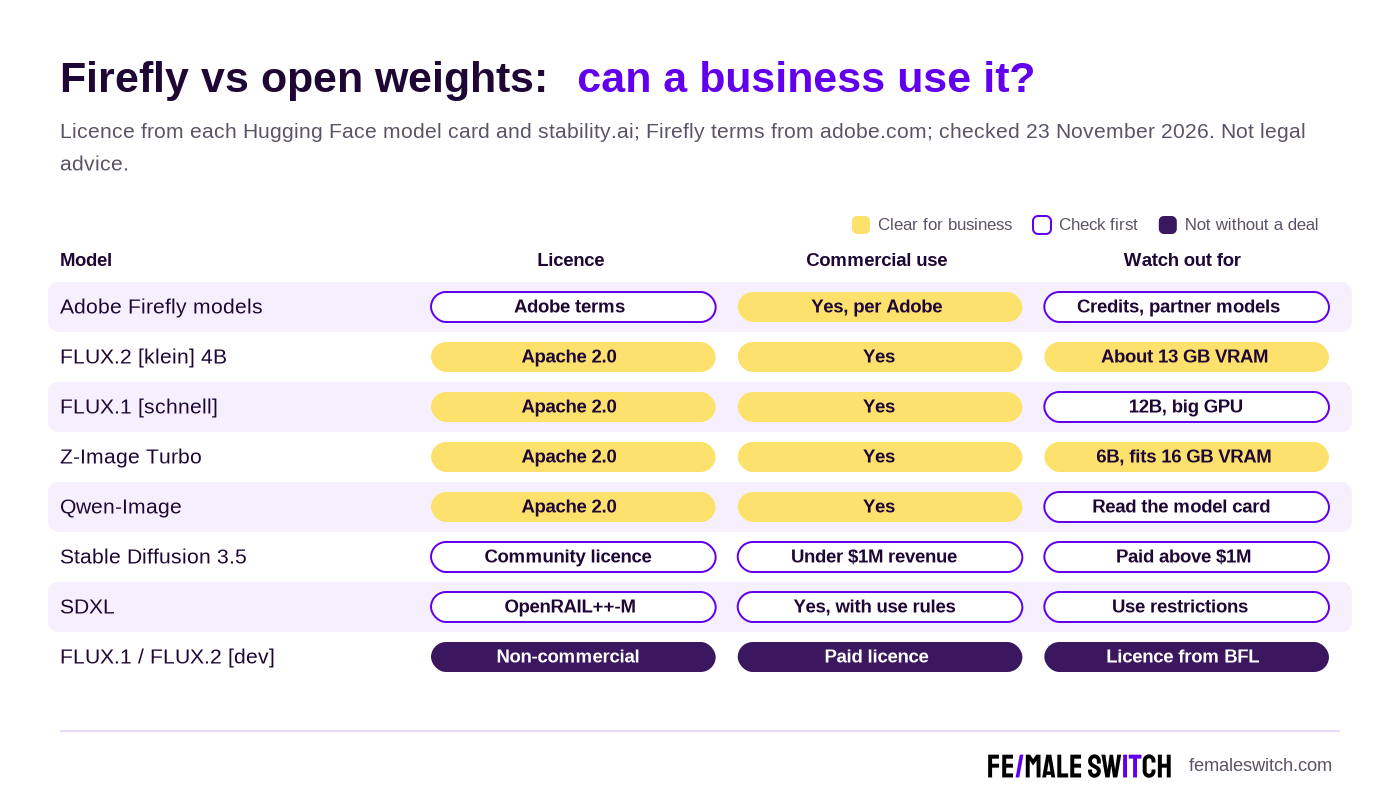
Sources: each project's GitHub repository (LICENSE file and releases), invoke.ai, comfy.org, interstice.cloud and adobe.com, checked 23 November 2026.
The Open-Source Apps
1. ComfyUI: the most flexible, if you like nodes
ComfyUI builds image generation as a graph of nodes: load a model, add a prompt, a reference image or a ControlNet, and wire them together. It looks technical, but saved workflows can be reused with one click, and new open models (FLUX.2, Z-Image, Qwen-Image and others) usually work in ComfyUI first. It is GPL-3.0 licensed and very active: version 0.46.0 came out on 18 November 2026. Comfy offers a Desktop download and Comfy Cloud, which runs ComfyUI workflows on cloud GPUs; the Comfy Cloud pricing page gives new users 5 free runs, after which a paid plan is needed. The GPL covers the software; it does not decide what you may do with the images. That depends on the model you load.
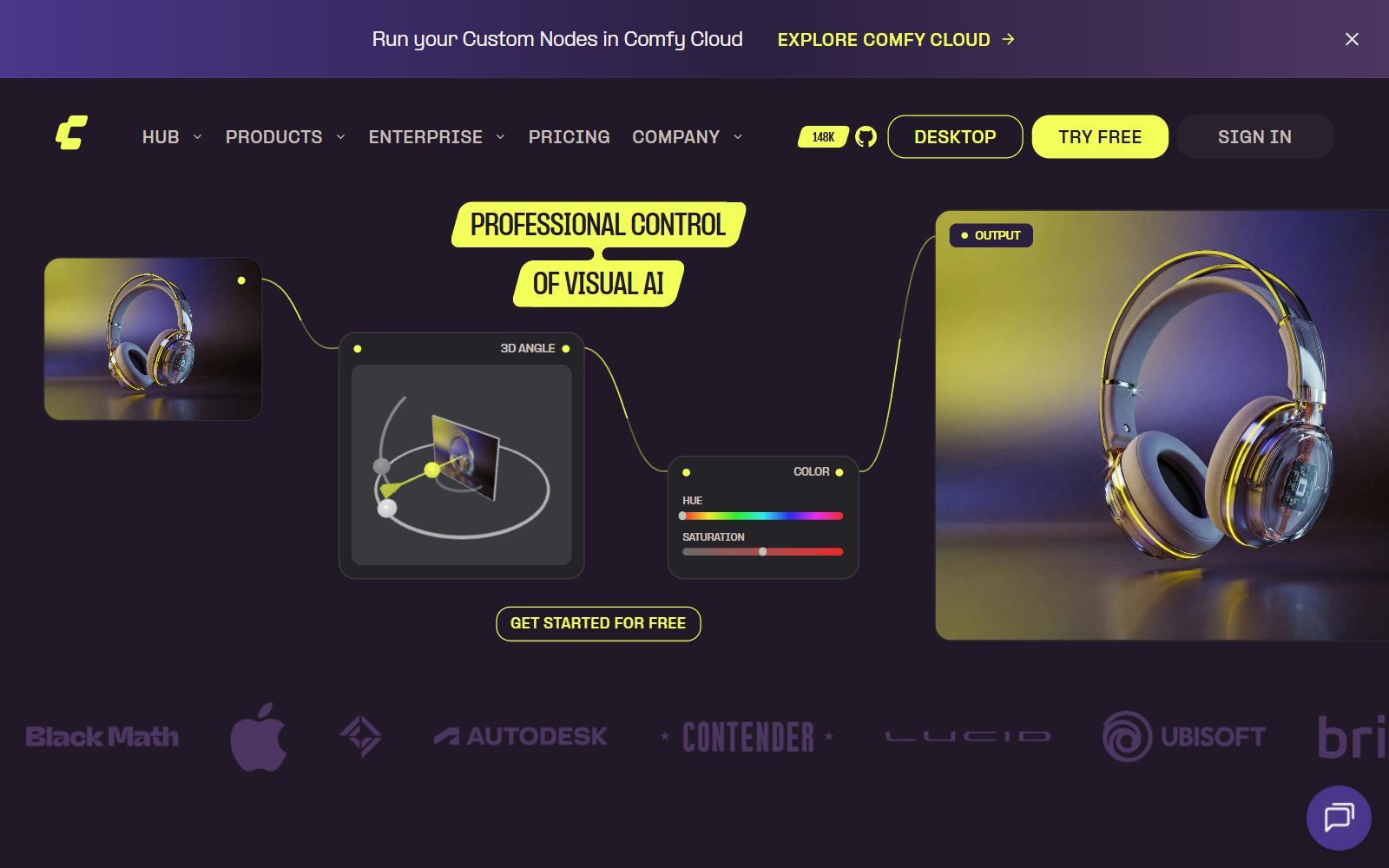
Best for: a founder or designer who wants repeatable workflows, such as the same product shot in ten backgrounds, and is willing to learn the node editor.
2. InvokeAI: the closest feel to a design app
InvokeAI describes itself as "a free and open-source creative engine for AI-powered image generation", self-hosted and Apache 2.0 licensed, and its README calls the licence commercially friendly. Its unified canvas works with layers, so you can paint, sketch, inpaint and extend an image much as you would in an editor, and node workflows are there when you need them. It supports Flux, SDXL and SD 1.5 models, runs 100% locally and installs with a launcher for Windows, macOS and Linux. The repository is active: v6.14.4 was released on 3 November 2026 and a v7 beta followed on 20 November 2026. invoke.ai now presents Invoke as a community-driven open-source project that accepts sponsors, and the old invoke.com company address no longer shows a product site, so plan on the self-hosted app rather than a paid Invoke cloud service.
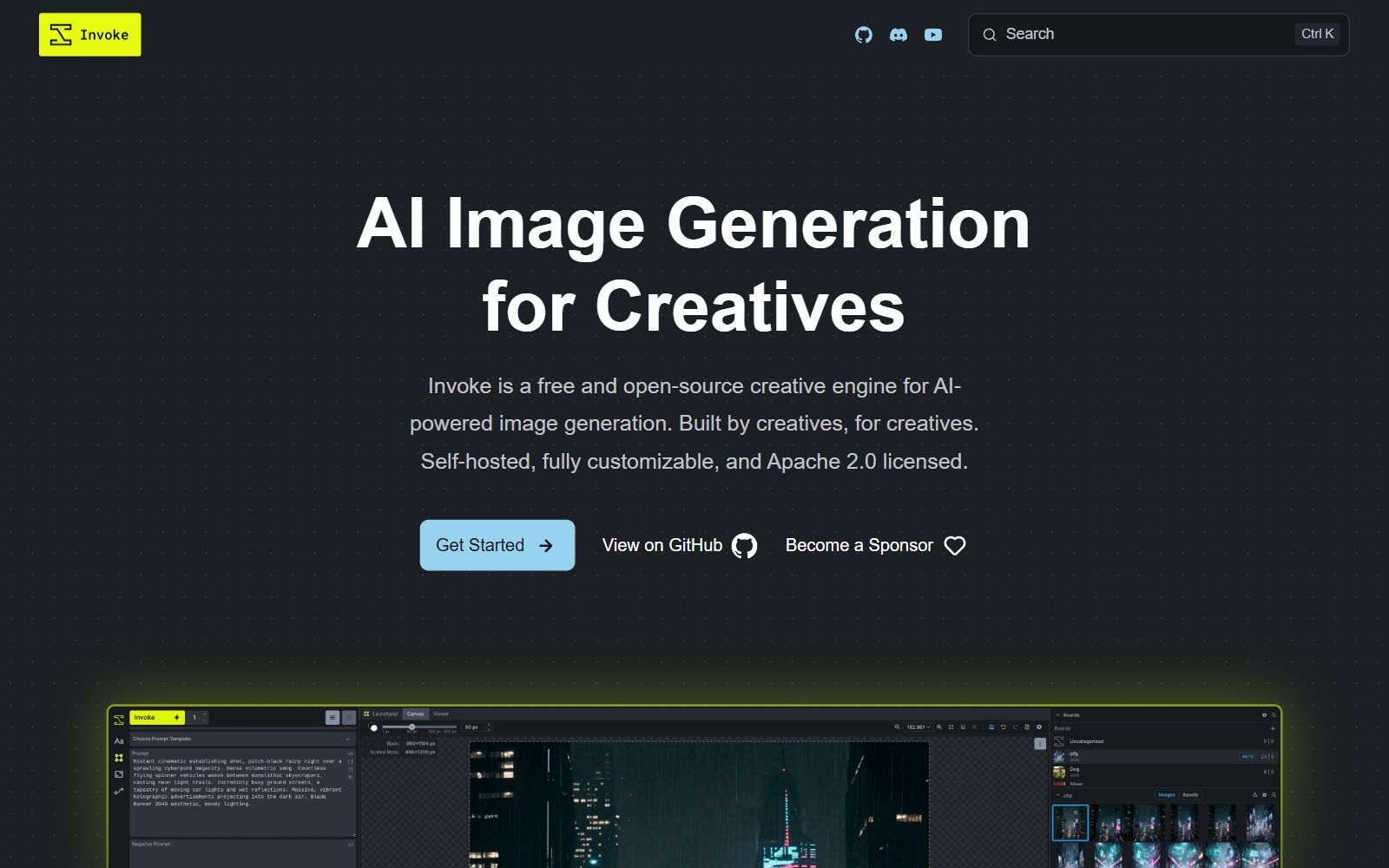
Best for: teams who want a Firefly-like canvas on their own machine with the most permissive app licence in this list.
Validate your startup idea with the unique borrowed authority approach: we publish articles about your product in our blog and you get traffic and testers for your MVP
- Prove Market Demand: See real organic traffic and waitlist conversions
- Unlock High-Potential Keywords: Receive a curated list of top-performing keywords directly from Google Search Console data.
- Estimate Customer Acquisition Cost (CAC): Gain financial foresight with an estimated CAC based on real keyword performance data.
🔗 Start validating your startup now
3. Krita AI Diffusion: generative fill inside a painting app
Krita AI Diffusion is an open-source (GPL-3.0) plugin that brings generation into Krita, the free painting program. Its focus is control rather than one-shot prompts: inpainting and generative fill on selections, expanding images, live painting where the AI follows your sketch in real time, upscaling to 4K and beyond, regions with their own prompts, ControlNet and reference images. It supports Flux 2, Z-Image and Stable Diffusion 1.5 and XL models. Locally it recommends an NVIDIA card with at least 6 GB of memory (AMD, Intel and Apple Silicon also work); without a GPU you can use Interstice.cloud, the developer's online generation service. Version 1.53.0 came out in August 2026 and a 1.54.0 pre-release in October 2026.
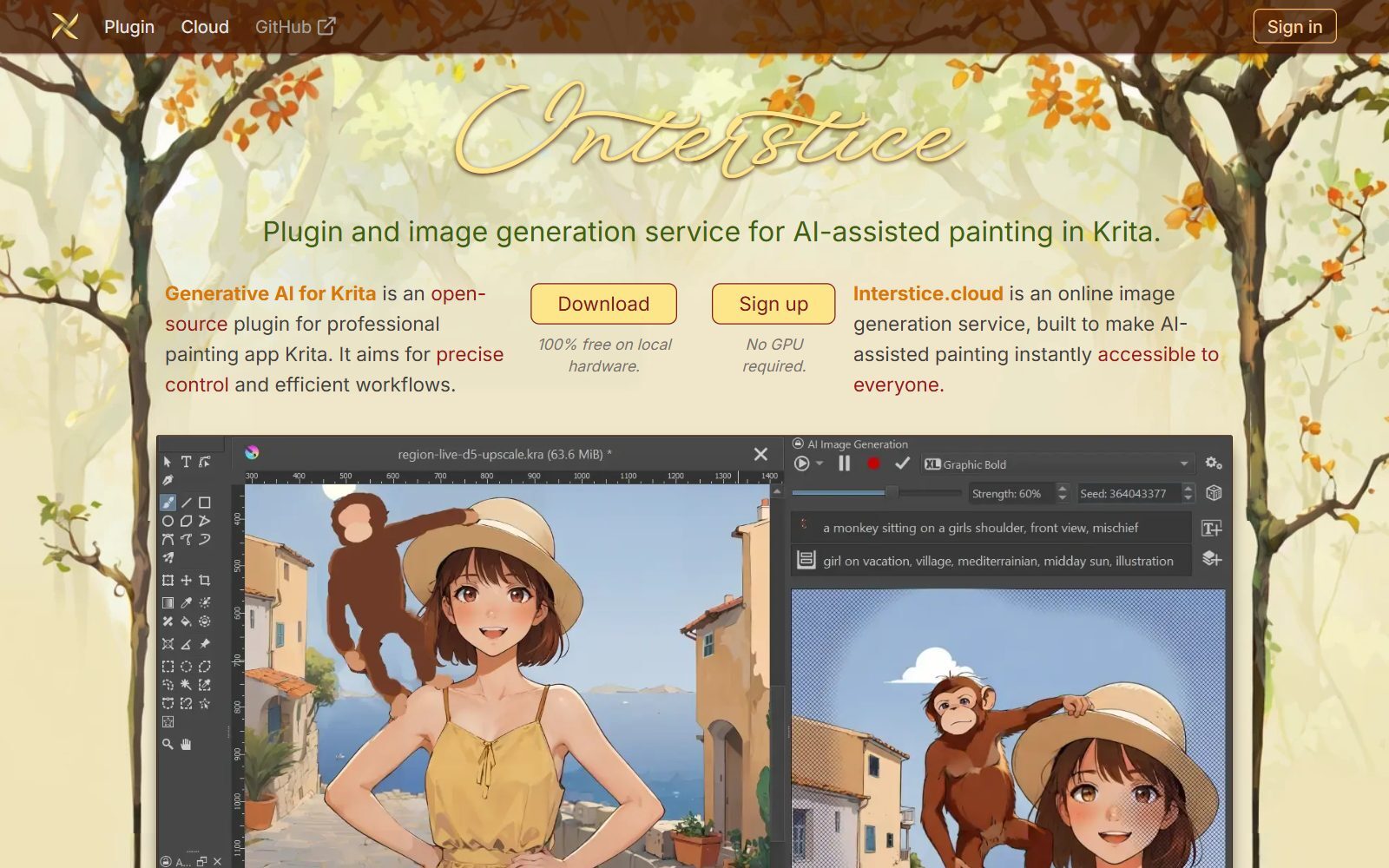
Best for: illustrators and designers who want Photoshop-style generative fill in an open-source editor. For more open painting apps, see our open-source Krita alternatives.
4. SD.Next: one interface for many models and GPUs
SD.Next is an Apache 2.0 web interface for generating and editing images and video with a wide range of models. It is the option to try if you have an AMD, Intel or Apple Silicon machine, as it supports all of them (and CPU), with memory-saving quantisation for smaller GPUs. It is maintained: the changelog's latest update is dated 29 October 2026.
Best for: people with non-NVIDIA hardware who want a classic form-based interface rather than nodes.
Open-Weight Models: Open Weights Is Not Always Open Source
The apps above are only the engine. The images come from a model, and each model has its own licence, set by the company that trained it. "Open weights" means you can download the model files; it does not mean you may use them for business. Licences fall into three groups:
Clear for business: Apache 2.0 models
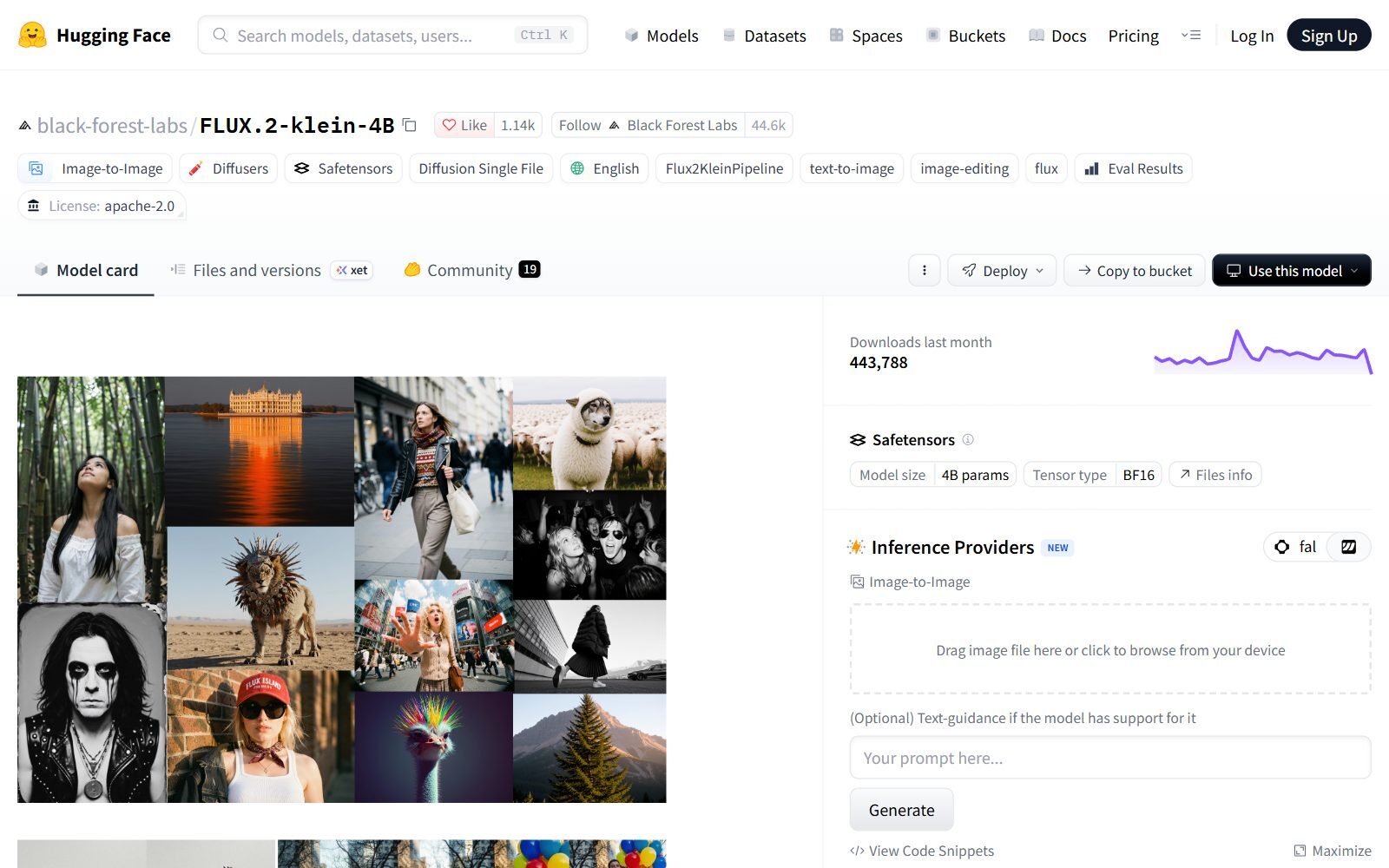
FLUX.2 [klein] 4B from Black Forest Labs is the easiest pick for a startup: its model card says it is fully open under Apache 2.0, that the open weights are available for commercial use, and that it runs on consumer GPUs with about 13 GB of memory (an RTX 3090 or 4070). It generates and edits images, including from several reference images. Its bigger sibling, FLUX.2 [klein] 9B, is under a non-commercial licence, so check the exact model name before you download. FLUX.1 [schnell] is an older 12-billion-parameter model that makes images in 1 to 4 steps; its card says that under Apache 2.0 it can be used for personal, scientific and commercial purposes (you need a Hugging Face login and to accept the access conditions). Z-Image Turbo and Qwen-Image are also tagged Apache 2.0 on their model cards; our open-source DALL-E alternatives guide compares these models in more detail.
Check first: community and responsible-AI licences
Stable Diffusion 3.5 Large and Medium are under the Stability AI Community License: free for research, non-commercial and commercial use for individuals and organisations with less than US$1 million in annual revenue; above that you need an Enterprise licence. That works for most early startups, but put a reminder in your calendar for the year you cross the threshold. SDXL uses the CreativeML Open RAIL++-M licence, which allows commercial use but lists uses you must not make of the model. Neither is open source in the OSI sense; both are open weights with conditions.
Not for business without a deal: FLUX [dev]
FLUX.1 [dev] and FLUX.2 [dev] are among the best-known open-weight models, and they are the trap. The FLUX.1 [dev] licence allows the model to be used only for non-commercial purposes, which it defines to exclude anything connected to business operations or employment (testing and evaluation by companies is allowed). It does say you may use the outputs for any purpose, including commercial ones, but running the model to make your company's marketing images is a business use of the model itself, so Black Forest Labs asks for a commercial licence. Many community fine-tunes and LoRAs are built on [dev] models and inherit this restriction.
Discontinued or Changed: What We Removed From the Old List
- Fooocus: still GPL-3.0 and still works, but its README says it is in limited long-term support with bug fixes only, it is built on SDXL alone, and the last release (v2.5.5) is from August 2024. Fine for SDXL; not where new models arrive.
- AUTOMATIC1111 Stable Diffusion web UI: AGPL-3.0, once the default choice. Its last release, v1.10.1, is from February 2025 and its main branch has not changed since July 2024. The Forge fork has not been updated since July 2025. Use ComfyUI, InvokeAI or SD.Next instead.
- Not open source, removed: YouCam AI Pro, Wombo Dream, Leonardo AI and PhotoScape X are proprietary apps with free tiers. For free hosted generators, see free Stable Diffusion alternatives and free Playground AI alternatives.
- Open source, but not image generators: GIMP, Darktable, RawTherapee, Hugin with Enfuse and Luminance HDR are photo editing, RAW and panorama/HDR tools. They are useful for finishing AI images, not for making them; see open-source Photoshop alternatives and open-source GIMP alternatives.
- Stable Diffusion: the old list called it open source. Today's Stable Diffusion 3.5 models are open weights under Stability AI's Community License, as explained above.
Which One Should You Choose?
- You want Firefly's convenience and Adobe's commercial-use promise: stay with Firefly, use Adobe's own models for client work, and treat partner-model images as your own responsibility.
- You have a gaming PC or a Mac with Apple Silicon and want the least friction: InvokeAI with FLUX.2 [klein] 4B.
- You need repeatable product shots or batch variations: ComfyUI with saved workflows.
- You are a designer who paints and retouches: Krita with Krita AI Diffusion.
- You have an AMD or Intel GPU: SD.Next.
- You have no GPU at all: a cloud option (Comfy Cloud, Interstice.cloud) or a hosted generator from free Canva AI alternatives; check each service's commercial-use terms.
How Founders Use Open-Source Image Tools for Marketing
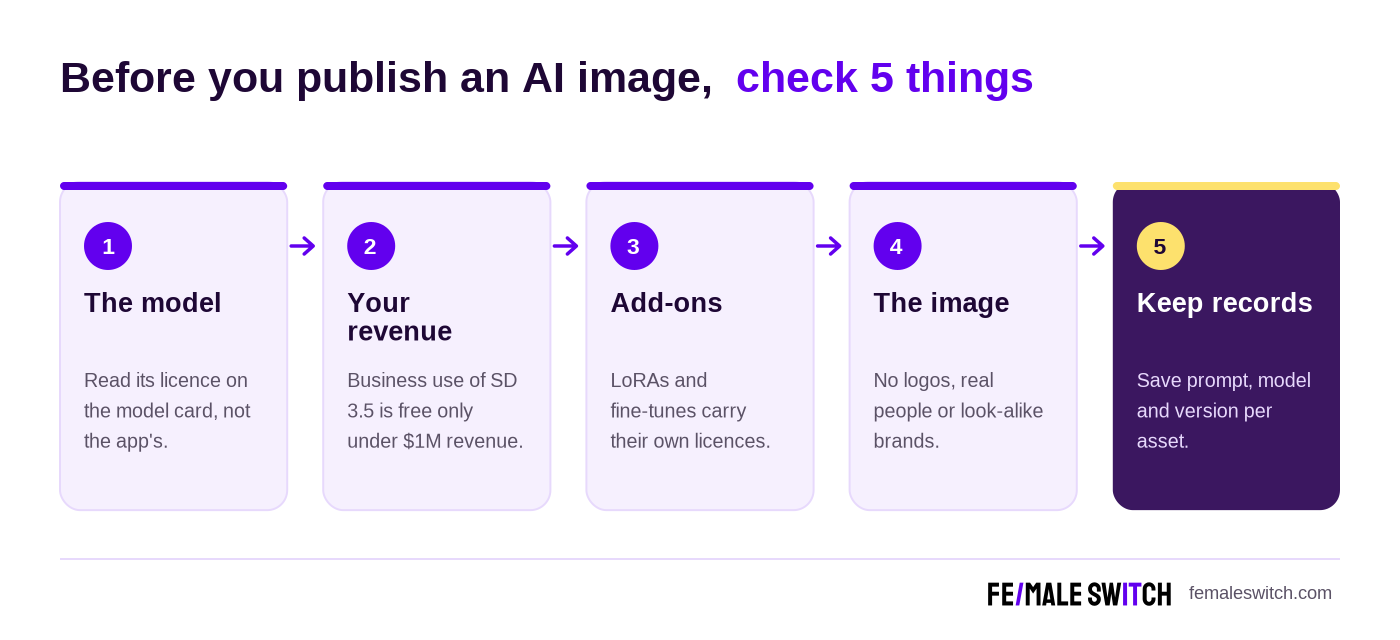
- Pick one Apache 2.0 model and stick to it. A single, clearly licensed model keeps your licence check simple and your brand look consistent.
- Build templates for repeat jobs. Product shots, blog covers and social formats as saved ComfyUI or InvokeAI workflows. For layouts and text on images, combine them with the tools in open-source Canva alternatives, open-source Canva AI alternatives and open-source Adobe Express alternatives.
- Finish in an editor. Fix hands, text and edges in Krita or GIMP; our free Photoshop alternatives list covers the options.
- Write the words with the same discipline. If you self-host image models, you can self-host copywriting too: see open-source Jasper alternatives and open-source ChatGPT alternatives.
- Label and log. Note the model, version and prompt for every published image, and disclose AI use where the law or the platform requires it.
Want a starting point with no hardware? Our open-source Playground AI alternatives and free Canva Pro alternatives guides cover browser-based design tools as well.
Join ElonaHunt (like ProductHunt but for women) and explore the coolest women-focused startups out there!
Discover your next big inspiration and connect with like-minded female entrepreneurs!
👉 Join the Hunt Here
FAQ: Open-Source Adobe Firefly Alternatives
Is there an open-source version of Adobe Firefly?
No. Firefly is a proprietary Adobe service. The closest open-source equivalents are apps such as InvokeAI (Apache 2.0) and ComfyUI (GPL-3.0) that run open-weight image models on your own computer, plus the Krita AI Diffusion plugin for generative fill inside Krita.
Can I use images from open-source AI tools commercially?
It depends on the model, not the app. Models under Apache 2.0, such as FLUX.2 [klein] 4B and FLUX.1 [schnell], allow commercial use according to their model cards. Stable Diffusion 3.5 is free for commercial use under US$1 million annual revenue. FLUX [dev] models are licensed for non-commercial use only.
What is the difference between open weights and open source?
Open weights means the model files can be downloaded. Open source means the licence also allows use, study, change and sharing for any purpose. Many image models are open weights with conditions, such as revenue caps, non-commercial clauses or lists of banned uses.
Is Adobe Firefly safe for commercial use?
Adobe says outputs from Adobe Firefly models can be used for commercial purposes and that eligible enterprise customers can get IP indemnification for select outputs. For partner models inside Firefly, Adobe says you are responsible for deciding whether the content is appropriate for your project.
How much does Adobe Firefly cost?
On 23 November 2026 Adobe's US plans page showed Firefly Free with limited daily generations, Standard at US$9.99 a month (2,000 credits), and Pro and Pro Plus at regular prices of US$19.99 and US$49.99 a month (4,000 and 10,000 credits). A limited-time discount on Pro and Pro Plus was shown; prices vary by country.
What hardware do I need to replace Firefly locally?
FLUX.2 [klein] 4B needs about 13 GB of graphics memory, such as an RTX 3090 or 4070. Krita AI Diffusion recommends an NVIDIA card with at least 6 GB for smaller models. Without a GPU, use a cloud service such as Comfy Cloud or Interstice.cloud.
Is AUTOMATIC1111 still a good choice?
Not for new setups. Its last release is from February 2025 and its main branch has not changed since July 2024. ComfyUI, InvokeAI and SD.Next are actively maintained and support current models.
Is InvokeAI still maintained?
Yes. The repository released v6.14.4 on 3 November 2026 and a v7 beta on 20 November 2026, and invoke.ai describes it as free, open source and actively developed by its community under Apache 2.0.
Are GIMP and Darktable Firefly alternatives?
Only for editing. GIMP, Darktable and RawTherapee are open-source photo editors; they do not generate images from text. Use them, or Krita, to finish images made with an AI model.
How is this guide different from your DALL-E and Stable Diffusion lists?
This one focuses on replacing Firefly for business images and on what each licence lets a company do. Our open-source DALL-E alternatives guide compares open-weight models in detail, and the free Stable Diffusion alternatives guide covers free browser generators.
About the Author
Violetta Bonenkamp, also known as MeanCEO, is an experienced startup founder with an impressive educational background including an MBA and four other higher education degrees. She has over 20 years of work experience across multiple countries, including 5 years as a solopreneur and serial entrepreneur. Throughout her startup experience she has applied for multiple startup grants at the EU level, in the Netherlands and Malta, and her startups received quite a few of those. She’s been living, studying and working in many countries around the globe and her extensive multicultural experience has influenced her immensely.

