

Free Gravit Designer Alternatives: Vector Design Tools After Gravit and Corel Vector
Gravit Designer was a popular free vector editor that ran in the browser and on the desktop. Corel bought it, renamed the paid version Corel Vector, and then retired it, so anyone still looking for Gravit Designer today ends up on a different, paid product. Below is what happened, how to rescue old files, and the free vector design tools that replace Gravit best, from desktop editors to browser apps. We checked every tool and free plan on its official website or repository on 17 November 2026.
Quick answer: for a free desktop vector editor, use Inkscape (fully free and open source) or Affinity by Canva (free with a Canva account). For Gravit's browser-and-cloud style, use Penpot (free plan with no limits, open source) or Graphite (free, open source, still in alpha). Figma and Lunacy have useful free plans, and SVG-Edit or Photopea handle quick SVG edits without an account.
Boost Your SEO by Getting Featured in Our Blogs and get a backlink.
We publish content about startups, education, tech, funding, etc. that ranks well not only in Google but also in Perplexity, ChatGPT, Grok and other AI tools.
👉 Get featured now!
What Happened to Gravit Designer?
Corel acquired Gravit Designer and later sold its paid edition as Corel Vector. According to the retirement notice that Corel posted on gravit.io, Corel Vector, formerly Gravit Designer Pro, was retired on 31 August 2025. In a September 2025 reply in the CorelDRAW Go Community, the Corel side confirmed that Corel Vector has been discontinued and that the .gvdesign format only opens in Gravit Designer or Corel Vector; no other Corel product, including CorelDRAW Go, can open it. Users had been told to export their designs to SVG or PDF before the shutdown.
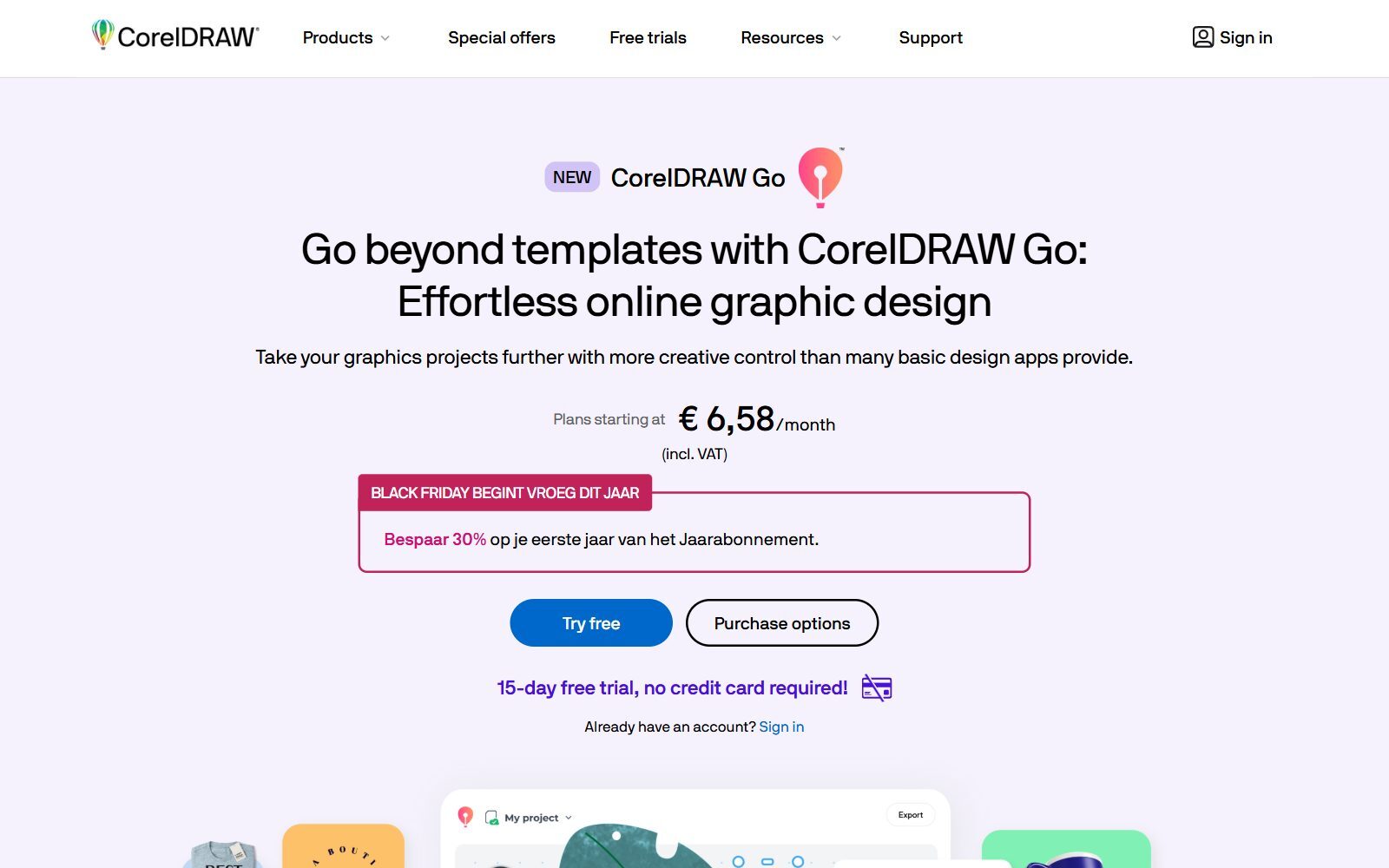
Today, Gravit's old addresses (designer.io and gravit.io) redirect to CorelDRAW Go, a browser-based design app with a 15-day free trial and then a monthly or yearly subscription. It opens SVG, PDF, Illustrator and CDR files and includes AI credits, but it is not free. If you have SVG or PDF exports of your old Gravit work, every tool below can open them.
Free Gravit Designer Alternatives Compared
Sources: each tool's official website, pricing page, help centre or code repository, default view, checked 17 November 2026. Prices in USD as shown there.
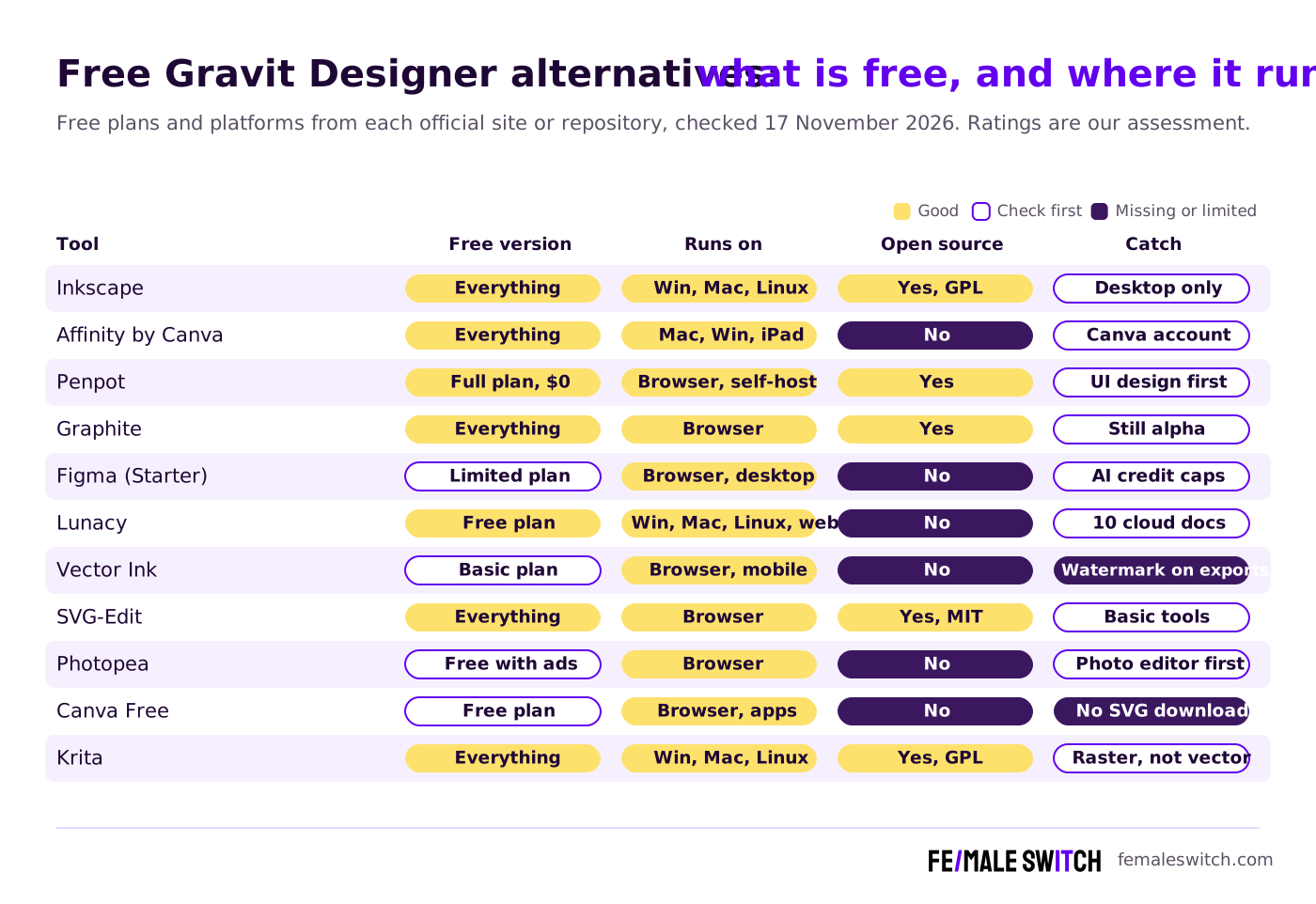
The Best Free Gravit Designer Alternatives in 2027
1. Inkscape: the full free vector editor on desktop
Inkscape is a free and open-source vector graphics editor (GPL) for Windows, macOS and Linux. It uses SVG as its main format and handles logos, icons, illustrations, print layouts and laser-cutting paths. Version 1.4.4 was tagged on 5 May 2026. It has more tools than Gravit ever had, but also a steeper learning curve, and it does not run in the browser. If Inkscape is not right for you, see our free Inkscape alternatives and open-source Inkscape alternatives.
2. Affinity by Canva: professional vector tools at no cost
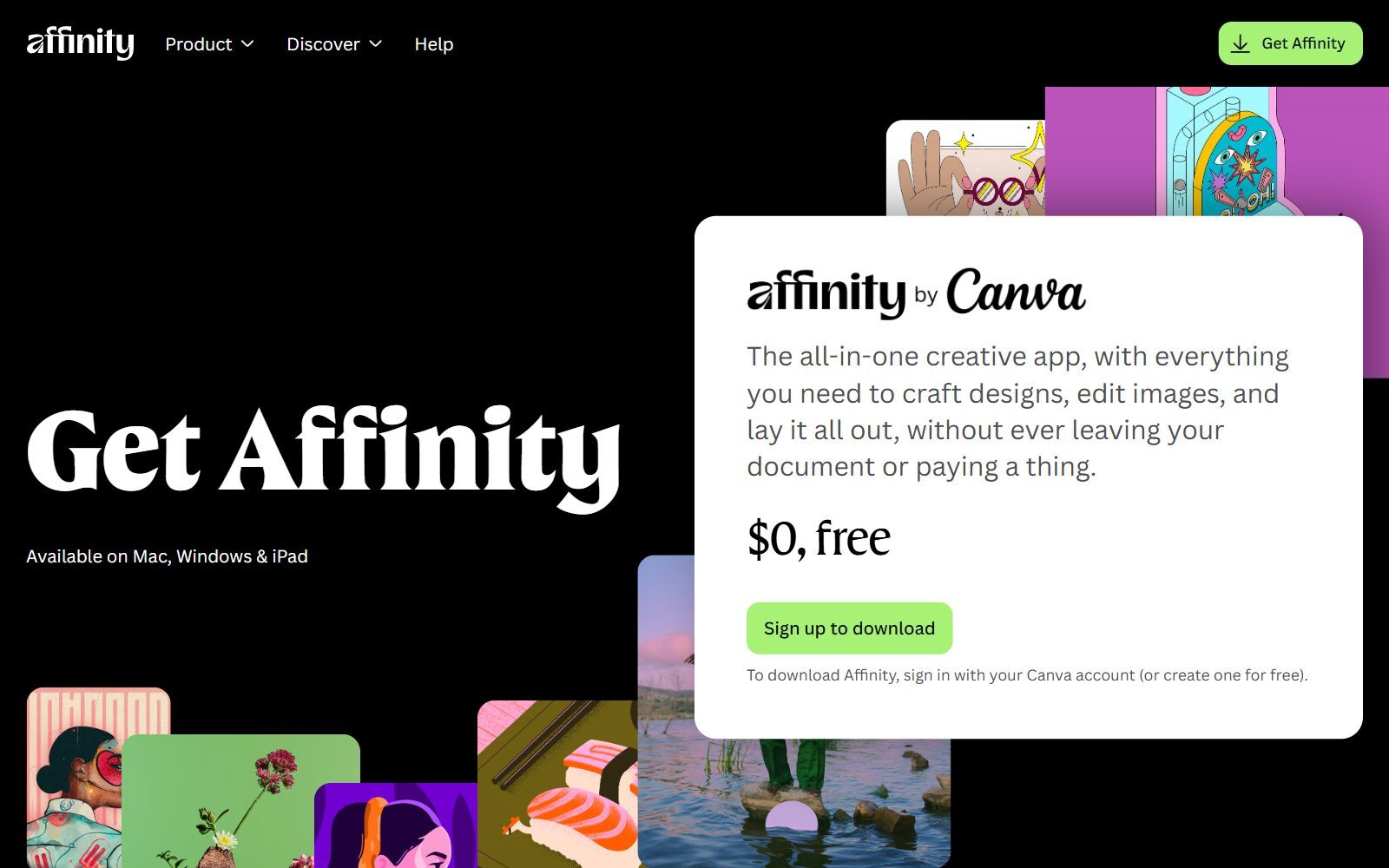
Affinity is now one free app from Canva that combines vector design, photo editing and page layout. Its download page says it is available on Mac, Windows and iPad for $0; you sign in with a Canva account (or create one for free) to download it. Canva's AI tools inside Affinity need a Canva premium plan, but every design tool is free. For Gravit Designer Pro users who wanted a polished, professional interface, this is the closest free match. Read more in our free Affinity Designer alternatives.
3. Penpot: free browser design, open source
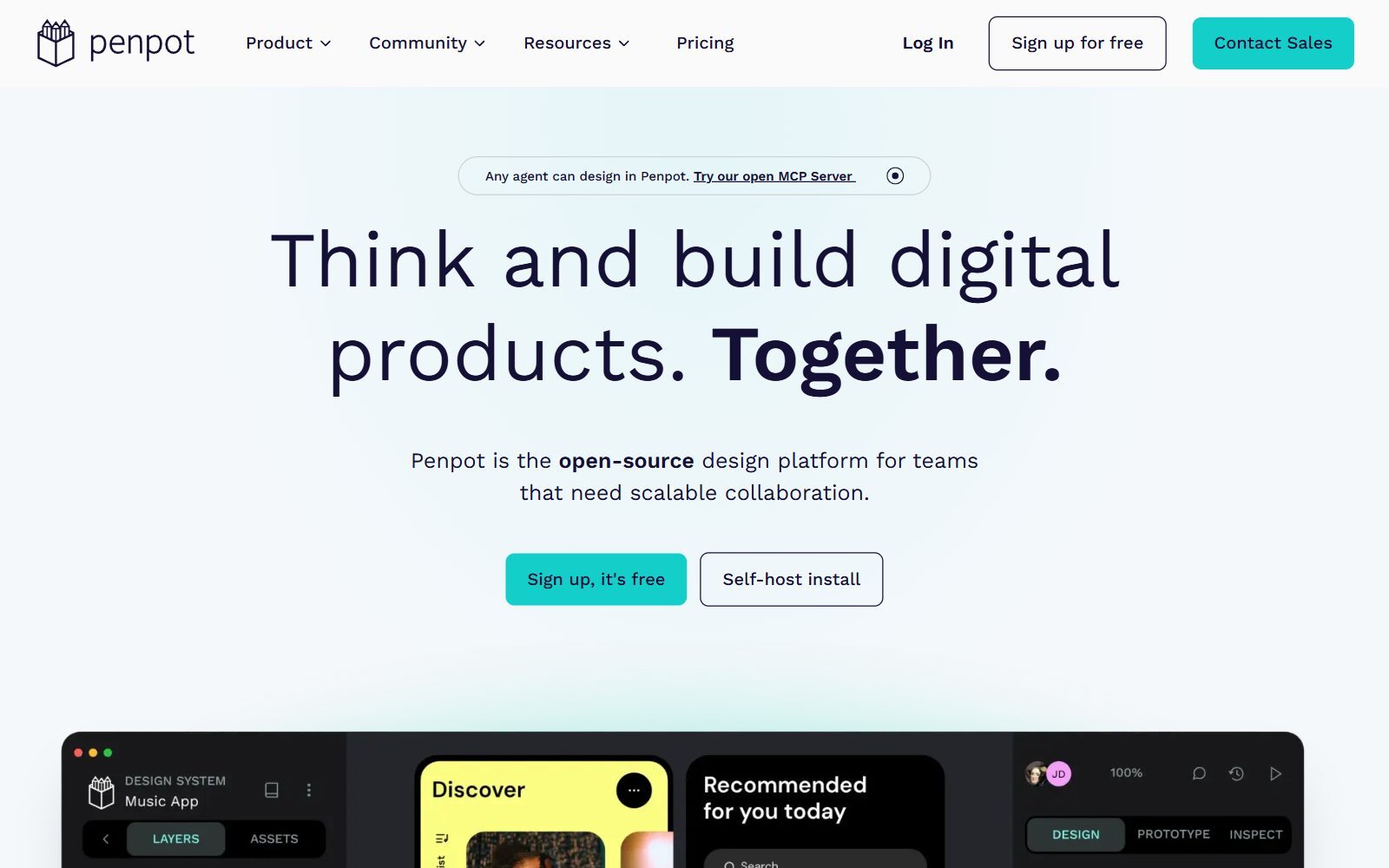
Penpot is an open-source design platform that runs in the browser, like Gravit did, and you can also host it on your own server. Its pricing page lists a Professional plan at $0 per user per month, described as free and fully featured with no limits and no missing tools; the paid Unlimited plan ($7 per editor per month, capped at $175 a month) adds extra space and longer history. Penpot is built mainly for interface and product design, but its vector tools, components and SVG export work well for icons and simple illustrations. See also our open-source Figma alternatives.
4. Graphite: a free, open-source vector editor in the browser
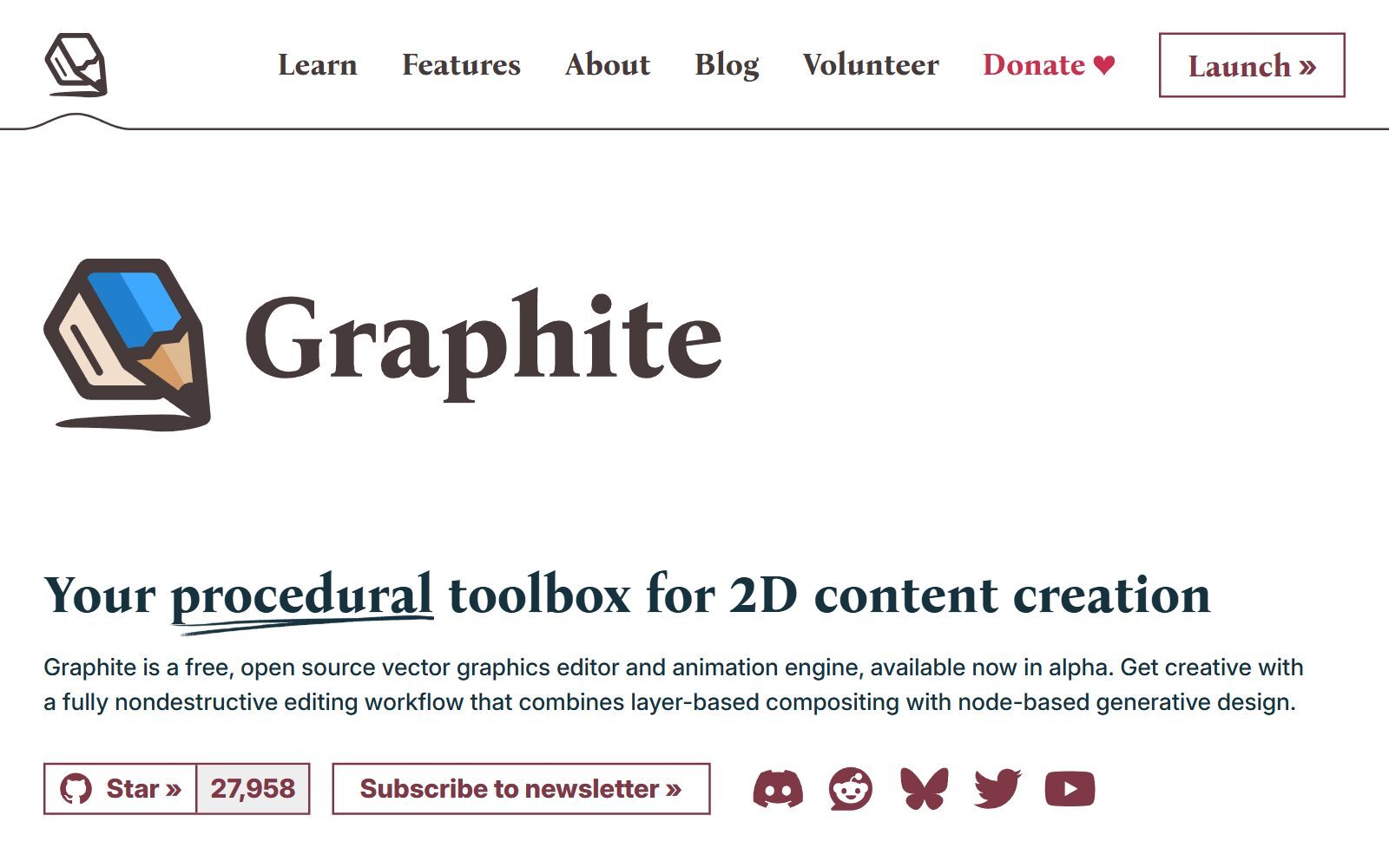
Graphite describes itself as a free, open-source vector graphics editor and animation engine, available now in alpha. It combines layers with node-based, nondestructive editing, so you can change shapes, patterns and effects at any time. The project is very active (new code in November 2026), but it is still alpha software: good for experiments and procedural art, not yet a safe home for client deadlines.
5. Figma: a free Starter plan for UI and vector drawing
Figma's Starter plan is free and gives limited access to Figma's products, including Figma Design and Figma Draw for vector illustration. The pricing page lists unlimited drafts, UI kits and templates, and 150 AI credits a day up to 500 a month. Figma runs in the browser and as a desktop app. It is the standard for app and website design; for free vector work outside Figma, compare our free Figma AI alternatives.
6. Lunacy: free design software for desktop and browser
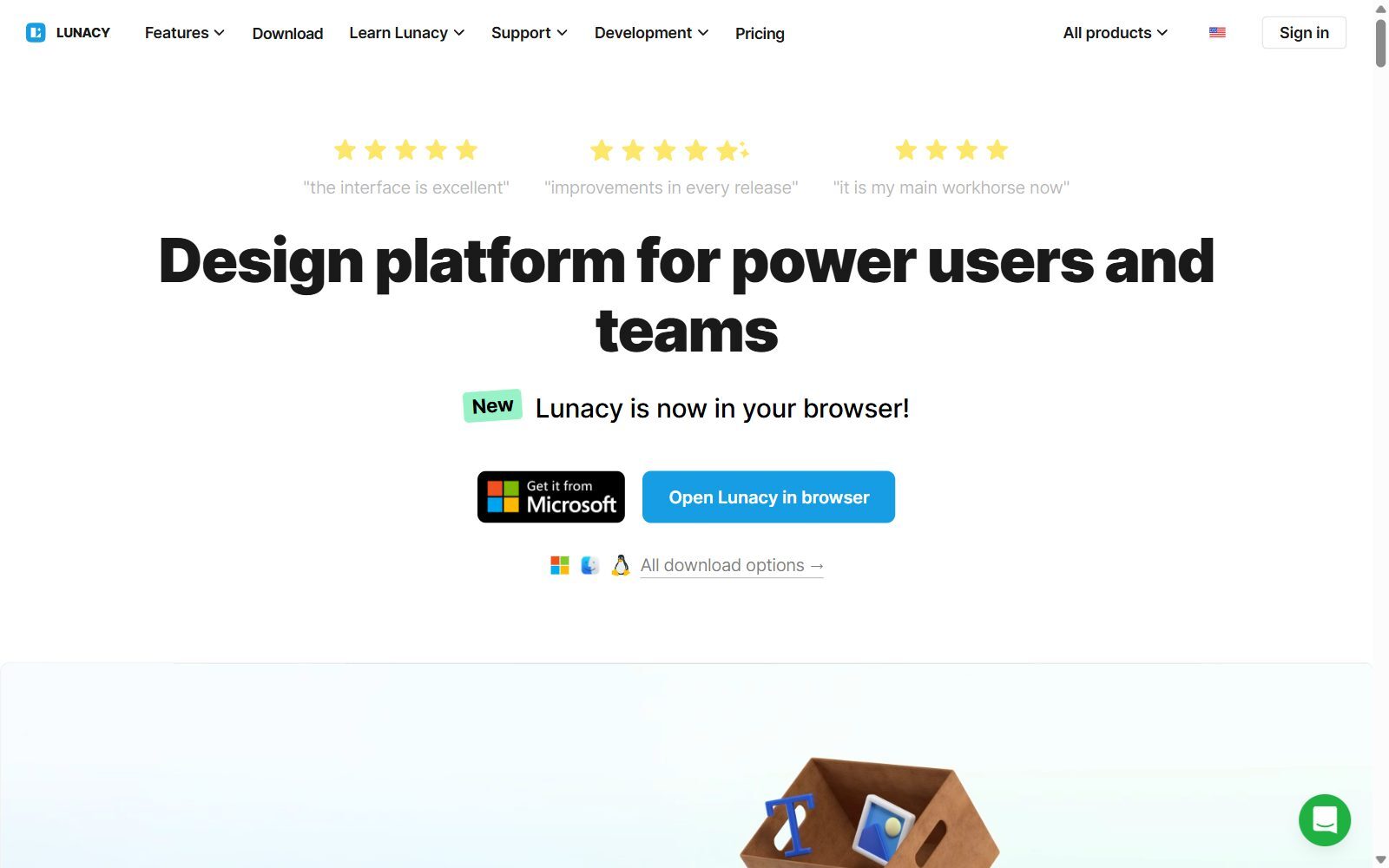
Lunacy from Icons8 is a graphic design app for Windows, macOS and Linux that now also runs in the browser. The free plan, according to its pricing page, includes low-resolution Icons8 icons, illustrations and photos, 10 cloud documents and 30-day version history, but no AI tools, and you must link to Icons8 when you use its assets. It works offline, which suits people who liked Gravit's desktop app.
Validate your startup idea with the unique borrowed authority approach: we publish articles about your product in our blog and you get traffic and testers for your MVP
- Prove Market Demand: See real organic traffic and waitlist conversions
- Unlock High-Potential Keywords: Receive a curated list of top-performing keywords directly from Google Search Console data.
- Estimate Customer Acquisition Cost (CAC): Gain financial foresight with an estimated CAC based on real keyword performance data.
🔗 Start validating your startup now
7. Vector Ink: a quick online SVG editor
Vector Ink offers an online SVG editor and vector canvas that you can open without signing up, plus mobile apps for iOS and Android. Its free Basic plan includes 5 one-time AI credits and 3 cloud projects, but exports carry a watermark and SVG, PDF, AI and EPS exports use credits, according to its pricing page. Use it to try an idea quickly; for watermark-free free exports, choose Inkscape, Penpot or SVG-Edit.
8. SVG-Edit: open-source SVG editing in any browser
SVG-Edit is a free, open-source (MIT) SVG editor that runs in the browser. It covers shapes, paths, text and layers, and saves clean SVG. Version 7.4.2 was released on 11 July 2026. It is basic compared with Gravit, but perfect for quick fixes to icons and web graphics without installing anything.
9. Photopea: open almost any design file in the browser
Photopea is a free online editor that runs on your own device, so files are not uploaded. It is a photo editor first, but it opens SVG, PDF, AI, EPS, CDR, Figma files and more, and it has path and shape tools. The free account shows ads; a Premium account removes them. It is handy for opening files from clients who use Illustrator or CorelDRAW. More options in our free Photoshop alternatives.
10. Canva Free: templates rather than vector drawing
Canva has a free plan with templates for social posts, presentations and flyers, which covers much of what founders once made in Gravit. It is not a vector editor, though, and Canva's help centre says transparent PNG and SVG downloads are only on paid plans (Pro, Teams, Education and Nonprofits). See our free Canva Pro alternatives if you need those features free.
11. Krita: free painting, if you also illustrate
Krita is a free, open-source painting program for Windows, macOS, Linux and Android (version 5.3.4.1 was released on 7 October 2026). It is mainly a raster tool with basic vector layers, so it does not replace Gravit for logos, but many designers paint in Krita and finish vectors in Inkscape. Compare our free Krita alternatives and the sibling list of free Sketchbook alternatives for drawing apps.
Removed or Changed Since the Old List
- Gravit Designer / Corel Vector: retired (31 August 2025, according to Corel's retirement notice); its addresses now lead to the paid CorelDRAW Go. Old .gvdesign files cannot be opened by other Corel products.
- Vectr: Vectr's pricing page now shows only paid Plus and Premium plans, so it is no longer a free tool. See our free Vectr alternatives.
- Method Draw: its code repository has had no new commits since December 2022, so we no longer recommend it; SVG-Edit covers the same job.
- YouiDraw: its address now redirects to Drawtify, whose homepage carries unrelated online-casino text; we removed it.
- sK1: still open source (GPL-3.0), but its main repository was last updated in November 2025; Inkscape is the safer free choice for print work.
- Synfig Studio: a free, open-source 2D animation program (version 1.5.5 in 2026), not a Gravit-style design tool, so it is no longer in the list.
- Boxy SVG: we could not confirm a free plan on its official site, so it is not listed.
Which Free Gravit Designer Alternative Should You Choose?
- You want the most complete free vector editor: Inkscape.
- You liked Gravit Designer Pro's polished interface: Affinity by Canva.
- You want to keep working in the browser: Penpot, or Graphite if you like node-based design.
- You design apps and websites: Figma Starter or Penpot.
- You need offline work on Linux, Windows or Mac: Inkscape, Lunacy or Affinity (no Linux for Affinity).
- You only fix an SVG now and then: SVG-Edit or Photopea.
- You make social posts from templates: Canva Free.
Need more options? Read our free Illustrator alternatives, free CorelDRAW alternatives, open-source Illustrator alternatives and open-source CorelDRAW alternatives by job. If you are ready to pay, compare Illustrator alternatives and CorelDRAW alternatives.
Join ElonaHunt (like ProductHunt but for women) and explore the coolest women-focused startups out there!
Discover your next big inspiration and connect with like-minded female entrepreneurs!
👉 Join the Hunt Here
How Founders Use Free Vector Design Tools
Early-stage founders rarely have a designer on the team. Free vector tools cover the first logo, icons for the app, social media graphics, slides for the pitch deck and print files for stickers or event banners. A practical set: Inkscape or Affinity for the logo and print files, Penpot or Figma for the product screens, and Canva for quick social posts. Always keep the master files in an open format (SVG or PDF), so you never lose work again when a tool shuts down, as Gravit users did. For 3D mockups, see our free Blender alternatives. Once the visuals are ready, validate your startup idea with real testers, and use the F/MS AI SEO Tool to write articles that bring your landing page to people searching Google and AI assistants.
FAQ About Free Gravit Designer Alternatives
Is Gravit Designer still available?
No. Gravit Designer became Corel Vector, which Corel retired on 31 August 2025, according to its retirement notice. Gravit's old websites now redirect to CorelDRAW Go.
Is CorelDRAW Go free?
No. CorelDRAW Go has a 15-day free trial without a credit card, then a monthly or yearly subscription.
Can I still open my .gvdesign files?
Not with current Corel products. Corel says .gvdesign only opens in Gravit Designer or Corel Vector, and CorelDRAW Go cannot open it. If you exported SVG or PDF copies, open them in Inkscape, Affinity, Penpot or Photopea.
What is the best free alternative to Gravit Designer?
Inkscape for a full free desktop editor, Affinity by Canva for a professional interface at no cost, and Penpot for free design in the browser.
Is there a free online vector editor like Gravit?
Yes. Penpot, Graphite, SVG-Edit and Figma's Starter plan all run in the browser for free. Vector Ink is free to try, but its Basic plan adds a watermark to exports.
Is Affinity Designer free now?
Yes. Affinity is now one free app by Canva for Mac, Windows and iPad. You need a free Canva account to download it; only Canva's AI tools need a paid Canva plan.
Is Vectr still free?
No. Vectr's pricing page now shows only paid Plus and Premium plans.
Which free Gravit alternative works on Linux?
Inkscape and Lunacy have Linux versions, and Penpot, Graphite and SVG-Edit run in any modern browser on Linux.
Where can I get a backlink by writing about my startup?
You can publish a guest post in one of the Fe/male Switch startup blogs, which rank in Google and in AI tools. Get a quality backlink.
About the Author
Violetta Bonenkamp, also known as MeanCEO, is an experienced startup founder with an impressive educational background including an MBA and four other higher education degrees. She has over 20 years of work experience across multiple countries, including 5 years as a solopreneur and serial entrepreneur. Throughout her startup experience she has applied for multiple startup grants at the EU level, in the Netherlands and Malta, and her startups received quite a few of those. She’s been living, studying and working in many countries around the globe and her extensive multicultural experience has influenced her immensely.

