

Free Figma AI Alternatives: AI UI Design Tools With a Real Free Plan, and What Figma's Own Free AI Includes
Figma AI is now built into every Figma plan, but on the free Starter plan it runs on a small daily allowance of AI credits, and the AI image tools and Dev Mode are paid. If you are a founder sketching an app, a landing page or a pitch prototype, you may get further with a tool whose free plan is built around AI generation. We checked each tool below on its own pricing page in November 2026: what the AI actually makes, how much of it you get for free, what you can export without paying, and where the free plan stops. Tools that shut down, were renamed or have no free plan any more are listed separately.
Quick answer: for free AI-generated app screens you can paste into Figma, try Google Stitch; for AI mockups in a simple editor, Uizard (3 generations a month free); for a live website, Framer (500 AI credits a month free) or Relume; for working app code, v0, Lovable or Bolt; and for a full design tool that stays free, Penpot with your own AI agent connected. Need more AI, handoff and team seats? Our Figma AI alternatives for teams compares the paid plans.
Boost Your SEO by Getting Featured in Our Blogs and get a backlink.
We publish content about startups, education, tech, funding, etc. that ranks well not only in Google but also in Perplexity, ChatGPT, Grok and other AI tools.
👉 Get featured now!
What Figma AI Gives You for Free in 2027
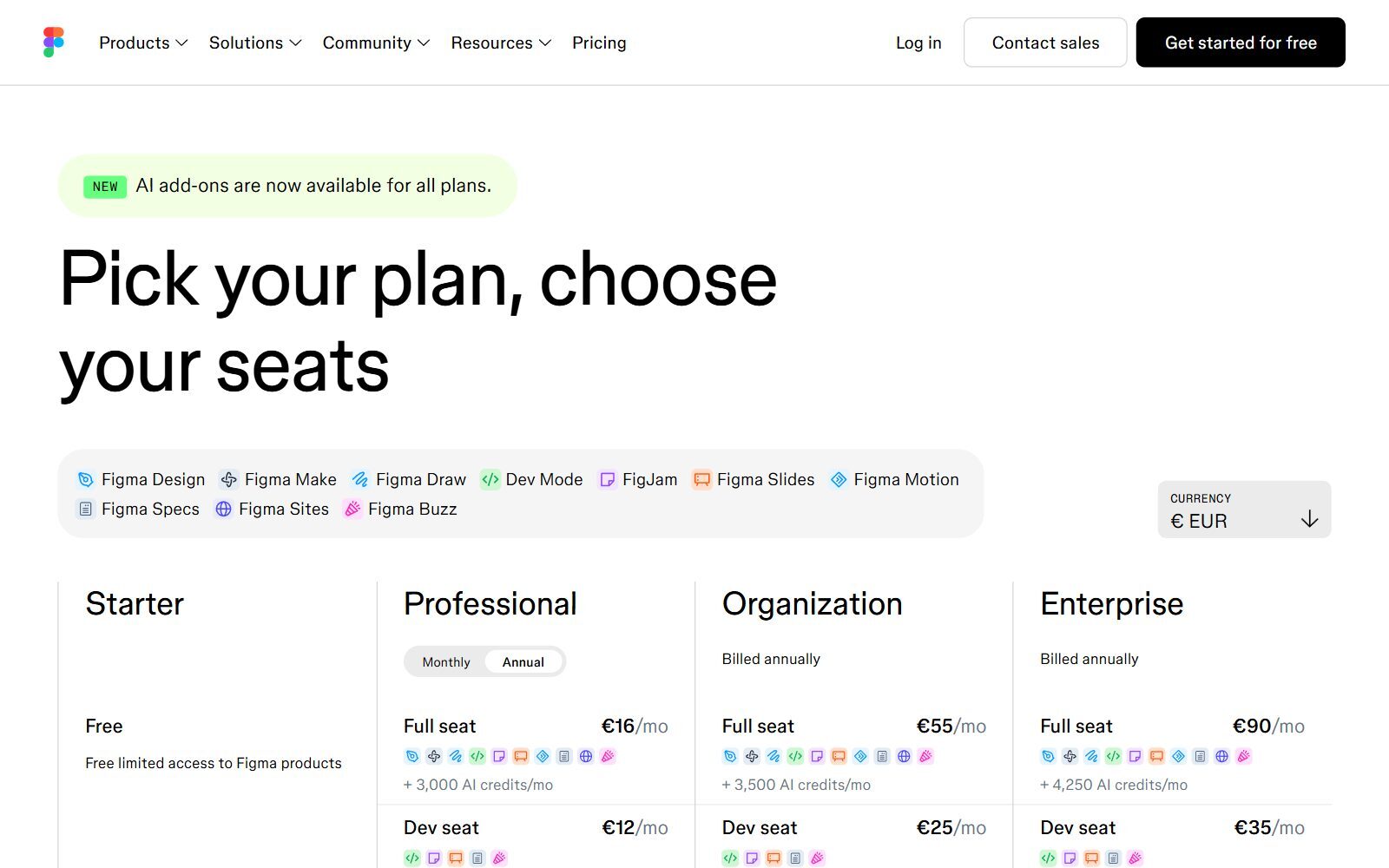
According to Figma's Starter plan overview, the free Starter plan includes Figma Design, FigJam, Figma Slides, Figma Draw, Figma Sites, Figma Buzz and Figma Make, but not Dev Mode. Your team gets one folder with 3 Figma Design or Sites files (plus 3 FigJam and 3 Slides files) and unlimited drafts, 30 days of version history and no AI image tools. Figma Make, the prompt-to-app tool, has no file limit on Starter; your use is limited by your AI credits.
The Figma pricing page (prices in USD, checked 13 November 2026) gives Starter 150 AI credits a day, up to 500 a month, and 20 Figma MCP server tool calls a month. Figma's credits guide says AI search and layer renaming are free, while Figma Make and the Figma agent use a varying number of credits per request. The old First Draft feature is now part of the Figma agent, which Starter users can use in their drafts; some agent features, such as web search, need a paid plan. If you outgrow that, a Professional Full seat costs $16 a month on annual billing with 3,000 AI credits a month (the page shows the same figures in euros from Europe).
Free Figma AI Alternatives Compared
Sources: each vendor's own pricing or plan page, default view, checked 13 November 2026. Prices in USD unless shown otherwise; free limits change often, so check the page before you commit.
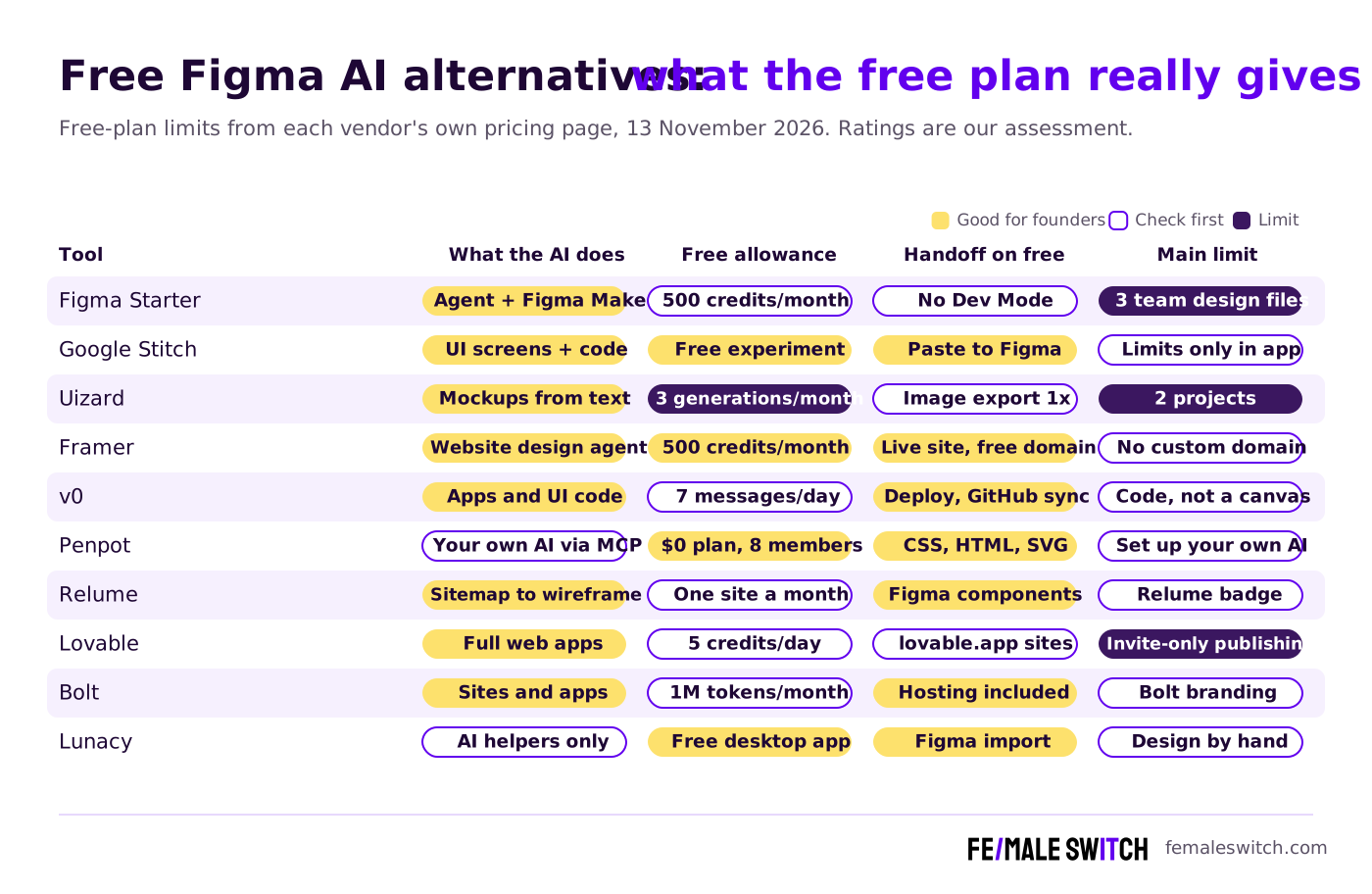
The Best Free Figma AI Alternatives in 2027
1. Google Stitch: free AI app screens you can paste into Figma
Google introduced Stitch on 20 May 2025 as an experiment from Google Labs. According to the Google Developers Blog, you describe an app in plain English or upload a sketch, screenshot or wireframe, and Stitch generates UI designs and front-end code; you can paste the result into Figma. On 10 December 2025 Google brought Gemini 3 to Stitch and added Prototypes, which link screens into a clickable flow. Stitch has no public pricing page; usage limits are shown inside the app after you sign in with a Google account. The old Galileo AI domain, usegalileo.ai, now redirects to Stitch.
2. Uizard: AI mockups for non-designers
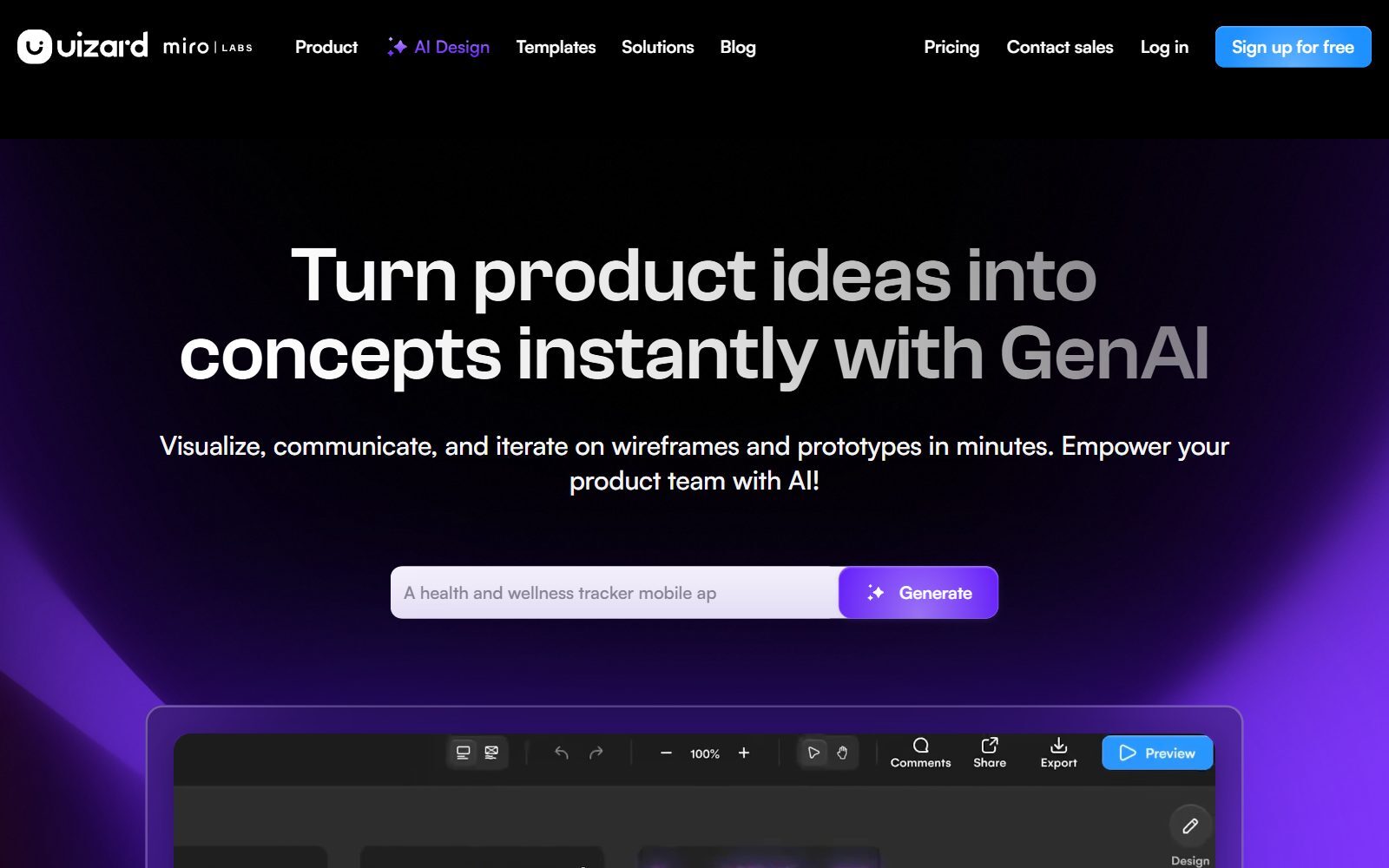
Uizard turns a text prompt, a hand-drawn wireframe or a screenshot into editable app and web mockups, and its logo now carries "miro LABS". On Uizard's pricing page the Free plan costs $0 with 3 AI generations a month on the older Autodesigner 1.5 engine, 2 projects of up to 5 screens each, 10 templates and image or PDF export at 1x resolution; viewers and commenters are free. Pro costs $12 a month billed annually and adds 500 generations, Autodesigner 2.0 and React and CSS handoff. Three generations is enough to test the idea of an app, not to design one.
3. Framer: a free AI website you can publish
Framer calls itself a pro website builder with a design agent: you prompt a site, then edit it on a design canvas and publish it. On Framer's pricing page (yearly billing shown) the Free plan includes 500 AI credits a month, a free Framer domain, 1 GB of bandwidth and the MCP server; a custom domain starts with Basic at $10 a month. For a landing page that has to go live this week, Framer's free plan goes further than Figma Sites, which cannot publish on Starter. For open-source website builders, see our open-source Framer alternatives.
4. v0: free app UI from a chat
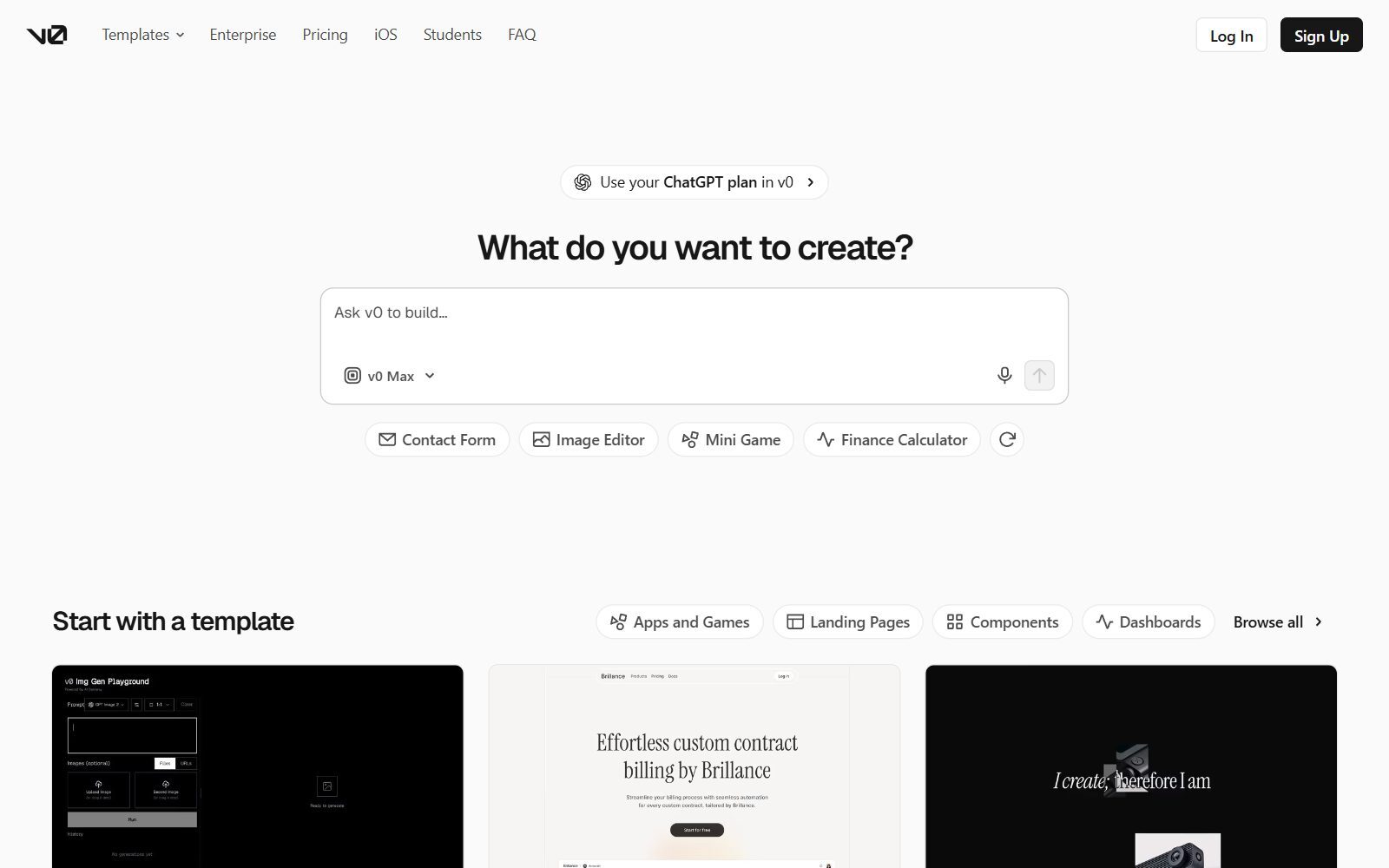
v0 by Vercel generates working web interfaces and apps from a prompt, so you get code rather than a design file. On v0's pricing page the Free plan costs $0 a month and includes deploying apps to Vercel, visual edits in Design Mode and GitHub sync, with a limit of 7 messages a day. Plus costs $30 per user a month with $30 of monthly credits. v0 suits a founder who wants a clickable front end to show investors or testers, and can live with a few prompts a day.
5. Penpot: a free design tool that works with your own AI
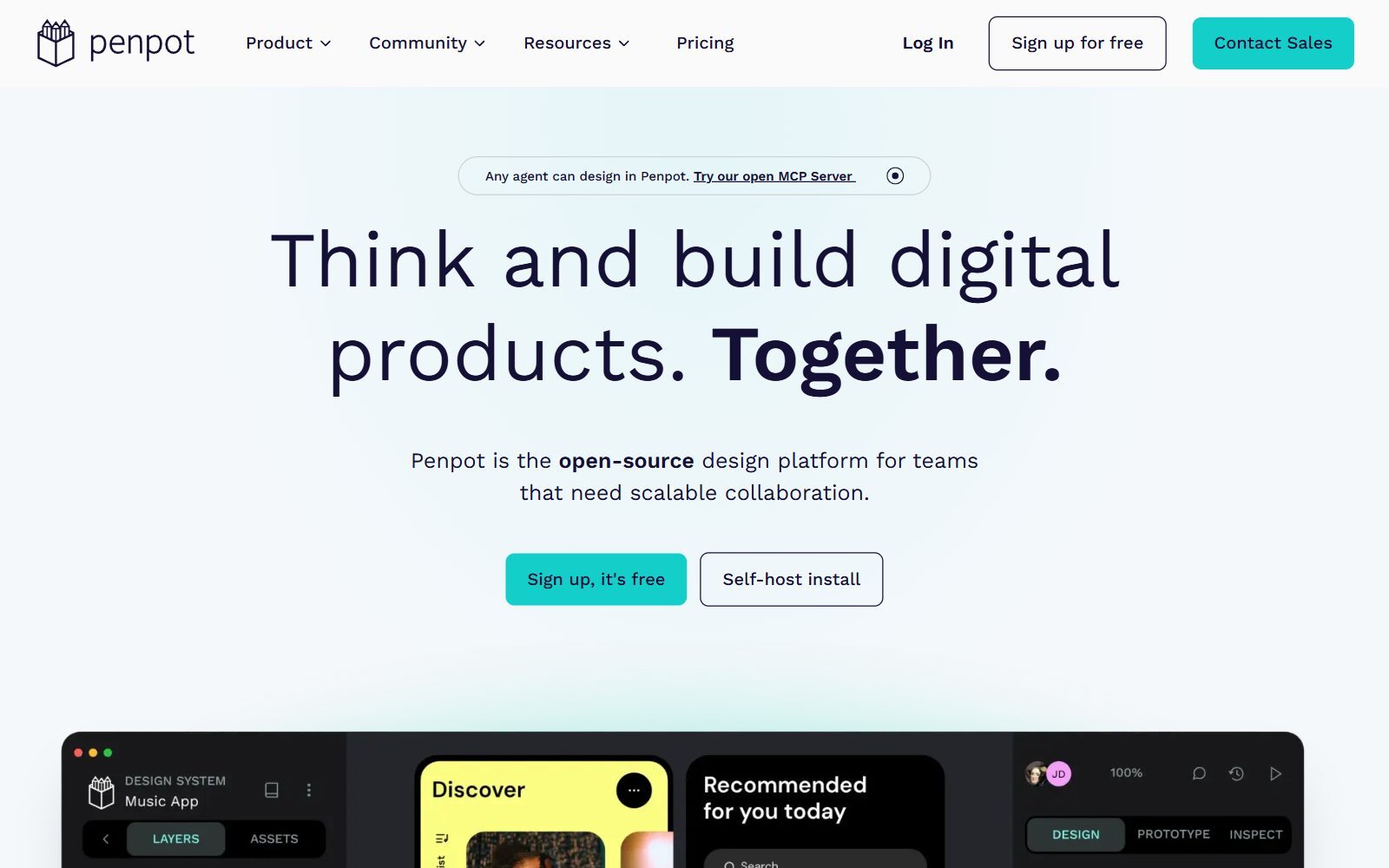
Penpot is the open-source design platform closest to Figma. Its AI approach is open: the homepage invites you to connect any agent, any LLM and any AI tooling, and its open MCP server lets the AI agent you choose read and edit your Penpot files. On Penpot's pricing page the Professional cloud plan costs $0 and is described as free and fully featured, with up to 8 team members, unlimited viewers and up to 10 GB of storage; Unlimited costs $7 per editor a month, capped at $175. You can also self-host it. See our open-source Figma alternatives and open-source Figma AI alternatives for more self-hosted options.
Validate your startup idea with the unique borrowed authority approach: we publish articles about your product in our blog and you get traffic and testers for your MVP
- Prove Market Demand: See real organic traffic and waitlist conversions
- Unlock High-Potential Keywords: Receive a curated list of top-performing keywords directly from Google Search Console data.
- Estimate Customer Acquisition Cost (CAC): Gain financial foresight with an estimated CAC based on real keyword performance data.
🔗 Start validating your startup now
6. Relume: AI sitemaps and wireframes for marketing sites
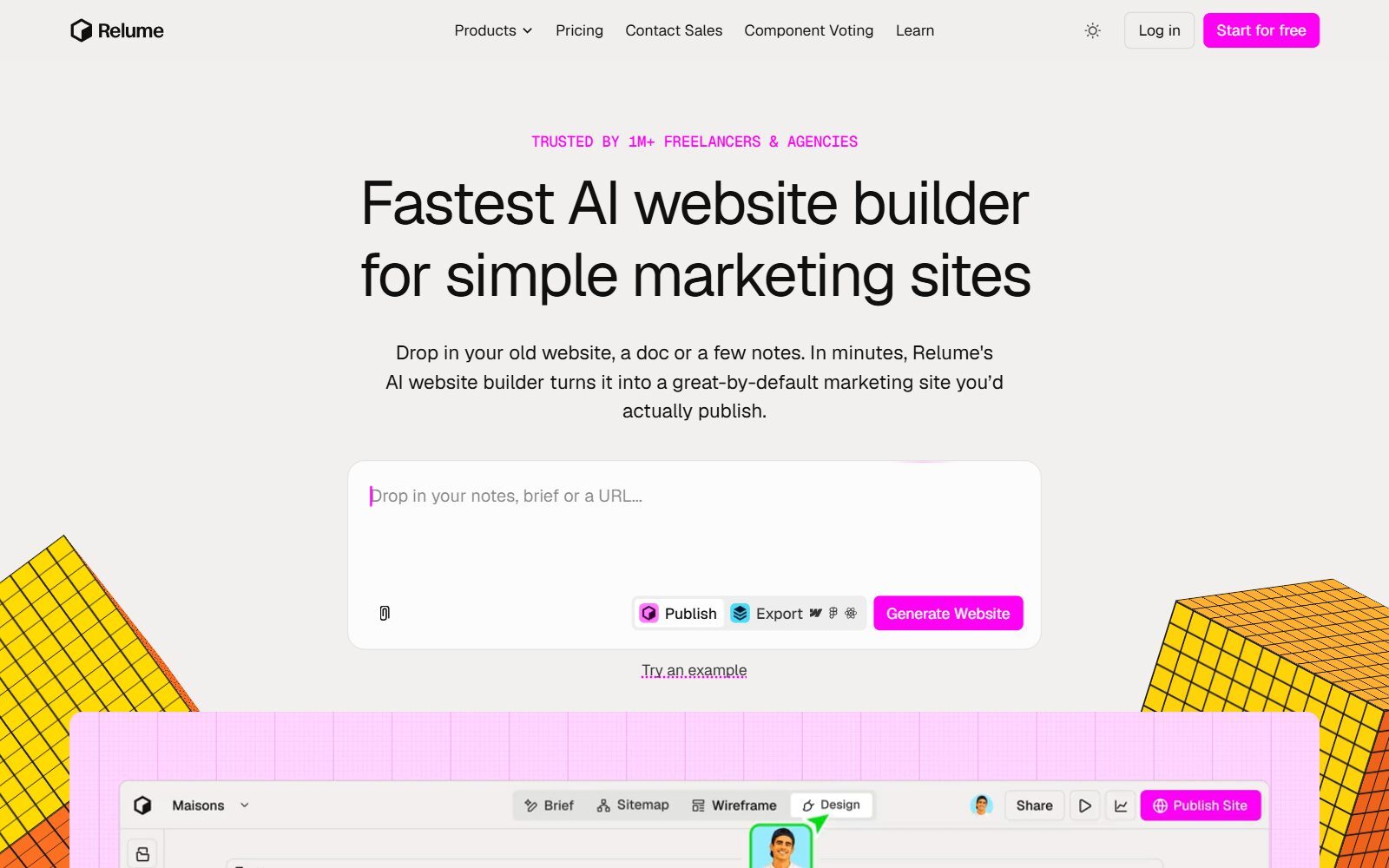
Relume starts where many website projects start: you drop in notes, a brief or an old URL, and its AI writes the sitemap, wireframes and designs. Relume's pricing page says the Free plan, with no card needed, includes enough monthly AI usage to build a full website, free hosting on a relumesite.ai address, 20 form submissions a month and 7 days of analytics, with the Relume badge shown. Free users can copy more than 1,000 Figma components but only 30 Webflow or React components. The Pro AI workspace starts at $24 a month.
7. Lovable: a free app builder with daily credits
Lovable builds full web apps, including login and data, from a chat. Its pricing page FAQ says the Free plan gives 5 build credits a day, up to 30 a month, plus 20 Cloud credits a month; the plan also lists unlimited collaborators, 5 lovable.app domains and invite-only publishing. From our European location the page showed Pro at EUR 25 a month with 100 monthly credits. In the FAQ's own example, changing a button colour costs 0.50 credits, so the free plan is enough to try a small prototype.
8. Bolt: free prompt-to-app with hosting
Bolt generates websites and apps in the browser and hosts them for you. On Bolt's pricing page the Free plan costs $0 with a 300K-token daily limit, 1M tokens a month, public and private projects, hosting and Bolt branding on your sites. Pro costs $25 a month billed monthly, removes the branding and starts at 10M tokens a month. Like v0 and Lovable, it gives you code, not a design canvas.
9. Magic Patterns: AI prototypes for product teams
Magic Patterns turns product ideas into clickable prototypes from a prompt. Its pricing page lists a Free plan at $0 with free monthly credits, without giving the number, and its FAQ says the free tier is limited. Previews carry a watermark until you pay; exports to Figma, GitHub and MCP start with Starter, $17 per seat a month billed annually.
10. Lunacy: a free desktop design app with AI helpers
Lunacy from Icons8 is a free UI design app for Windows, macOS and Linux, now also in the browser, with auto layout, Figma import, real-time collaboration, components, prototyping and an offline mode. Its AI does not design screens for you; it helps with the routine work: an image upscaler, a background remover, a placeholder text generator and an avatar generator, plus built-in icons and illustrations. It is the right pick if you want to design by hand, for free, on your own computer.
Free Figma AI Alternatives That Shut Down, Changed or Are No Longer Free
The 2025 version of this article and other lists still name tools that no longer fit a free Figma AI shortlist:
- Galileo AI: its domain, usegalileo.ai, now redirects to Google Stitch (item 1).
- Creatie: the creatie.ai domain is listed for sale, so the AI design tool is gone.
- Motiff: its website says "Motiff has been discontinued."
- Visily: its website and pricing page now redirect to the app's login screen, so we could not check its free plan and left it out.
- Sketch: has no free plan, only a 30-day free trial, so it moved to our paid Figma AI alternatives.
- Canva, Adobe Express and VistaCreate: good for social posts and marketing graphics, not app screens. Canva's pricing page gives the free plan "limited access" to its Standard and Premium AI tools. See our free Canva AI alternatives.
- Inkscape and GIMP: free and open source, but vector and photo editors without AI UI generation.
- Pixso: shows a free plan and AI design features, but its pricing page did not show plan limits or prices in the default view, so we could not compare it.
Which Free Figma AI Alternative Should You Choose?
- You already design in Figma: stay on Starter, use the daily credits for Figma Make, and add Stitch for extra screen ideas you paste in.
- You are not a designer and need mockups: Uizard or Stitch.
- You need a live landing page: Framer, or Relume if you want a sitemap and wireframes first.
- You want a working front end or app: v0, Lovable or Bolt.
- You want a full design tool that stays free: Penpot, with your own AI agent, or Lunacy on the desktop.
- You need a prototype to test with users: Magic Patterns, then the user-testing tools in our Marvel alternatives.
How Founders Use Free AI Design Tools
Free AI generators are best at the start, when you still need to find out whether anyone wants your product. Put the business on one page with the F/MS Lean Canvas tool, sketch the main user flow on a whiteboard (our free Whimsical alternatives and open-source wireframe tools cover that), then generate two or three versions of the key screens in Stitch or Uizard and show them to five potential customers before you build anything. If you want AI to write the app as well, compare the best AI prototyping tools, the AI app builders for startups and our open-source Replit alternatives.
Leaving Adobe XD or InVision? See the free Adobe XD alternatives and InVision alternatives. For whiteboards, compare Figma vs Miro and the open-source FigJam alternatives; for non-AI tools, our free Figma alternatives. When the site is ready, the free Squarespace alternatives and free Carrd alternatives help you host it, and the F/MS AI SEO Tool helps you write the articles that bring visitors from Google and AI assistants.
Join ElonaHunt (like ProductHunt but for women) and explore the coolest women-focused startups out there!
Discover your next big inspiration and connect with like-minded female entrepreneurs!
👉 Join the Hunt Here
FAQ About Free Figma AI Alternatives
Is Figma AI free?
Partly. The free Starter plan includes 150 AI credits a day, up to 500 a month, which you can use for Figma Make and the Figma agent. AI image tools and Dev Mode need a paid plan, and paid seats come with more credits.
Is Figma Make free?
Yes, within limits. Figma's help centre says there is no file limit for Figma Make on the Starter plan, but your use is limited by your monthly AI credit allowance.
What happened to Figma First Draft?
Figma folded First Draft into its design agent. Starter users can chat with the agent and let it edit their draft files; some features, such as web search, need a paid plan.
What is the best free AI alternative to Figma?
For AI-generated app screens, Google Stitch, because it is free and pastes into Figma. For a complete free design tool, Penpot, which works with your own AI agent through its MCP server.
Is Google Stitch free?
Google presents Stitch as a free experiment from Google Labs and publishes no paid plan. Usage limits are shown inside the app after you sign in.
What happened to Galileo AI?
Its domain, usegalileo.ai, now redirects to Google Stitch, a Google Labs AI design tool launched in May 2025.
How many free AI generations does Uizard give?
Three a month on the Free plan, with 2 projects of up to 5 screens each. Pro, at $12 a month billed annually, gives 500.
Which free AI tool can publish a website?
Framer's free plan publishes on a Framer domain with 500 AI credits a month, and Relume's free plan hosts on a relumesite.ai address. Bolt and Lovable can also host what they build.
Is Sketch free?
No. Sketch offers a 30-day free trial, then a subscription or a one-time Mac-only licence. It is covered in our paid Figma AI alternatives.
Where can I get a backlink by writing about my startup?
You can publish a guest post in one of the Fe/male Switch startup blogs, which rank in Google and in AI tools. Get a quality backlink.
About the Author
Violetta Bonenkamp, also known as MeanCEO, is an experienced startup founder with an impressive educational background including an MBA and four other higher education degrees. She has over 20 years of work experience across multiple countries, including 5 years as a solopreneur and serial entrepreneur. Throughout her startup experience she has applied for multiple startup grants at the EU level, in the Netherlands and Malta, and her startups received quite a few of those. She’s been living, studying and working in many countries around the globe and her extensive multicultural experience has influenced her immensely.

