
Free PaintShop Pro Alternatives for Windows, Mac, Linux and the Browser
Most people who use PaintShop Pro chose it for two reasons: it runs on Windows, and you pay once instead of renting software every month. If you are now looking for a free replacement, you probably have a third concern as well: years of .pspimage files with layers that you still want to open. We checked every tool below on its official website (and, for file support, in its source code or format list) in October 2026, with three questions in mind: is it really free, where does it run, and can it open your PaintShop Pro files? If you are ready to pay for a replacement, our PaintShop Pro alternatives guide compares paid, one-time-purchase and Mac editors.
Quick answer: for a full professional editor on Windows or Mac at no cost, use Affinity (free with a Canva account); to open .pspimage files with their layers, use GIMP; for simple, fast edits on Windows, use Paint.NET with its free PSP plugin; to convert a whole archive of PaintShop Pro files, use XnView MP; and for RAW photos, use darktable.
Boost Your SEO by Getting Featured in Our Blogs and get a backlink.
We publish content about startups, education, tech, funding, etc. that ranks well not only in Google but also in Perplexity, ChatGPT, Grok and other AI tools.
👉 Get featured now!
What PaintShop Pro Costs in 2027, and What You Are Replacing
The newest version on the official PaintShop Pro website is still PaintShop Pro 2023, with an Ultimate edition that adds extra creative software. It remains subscription-free: the site says "buy it once, it's yours forever". When we checked in October 2026, the page showed €69.99 for PaintShop Pro 2023 and €89.99 for the Ultimate edition, including VAT (prices shown to us in euros; they can differ in your country). It runs only on 64-bit Windows 11 and Windows 10, there is a 30-day free trial and a 30-day money-back guarantee, and it supports RAW files from more than 800 camera models. Useful for switching: PaintShop Pro can export your work as PSD, which most of the editors below can open.
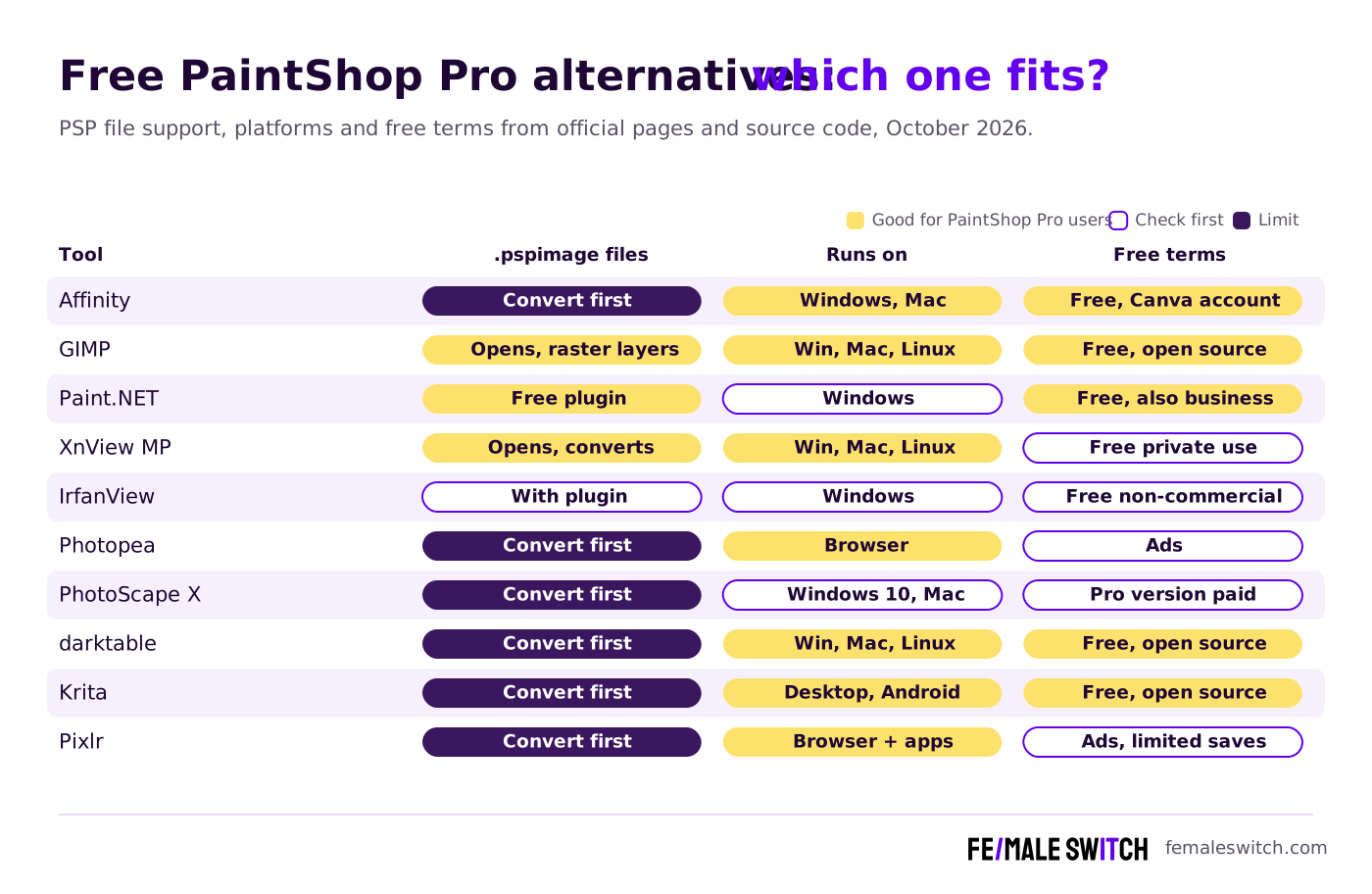
Free PaintShop Pro Alternatives Compared
Sources: each tool's official website, format list or source code, and paintshoppro.com, checked 26 and 27 October 2026.
The 10 Best Free PaintShop Pro Alternatives in 2027
1. Affinity: the closest match to PaintShop Pro's buy-once spirit, now free
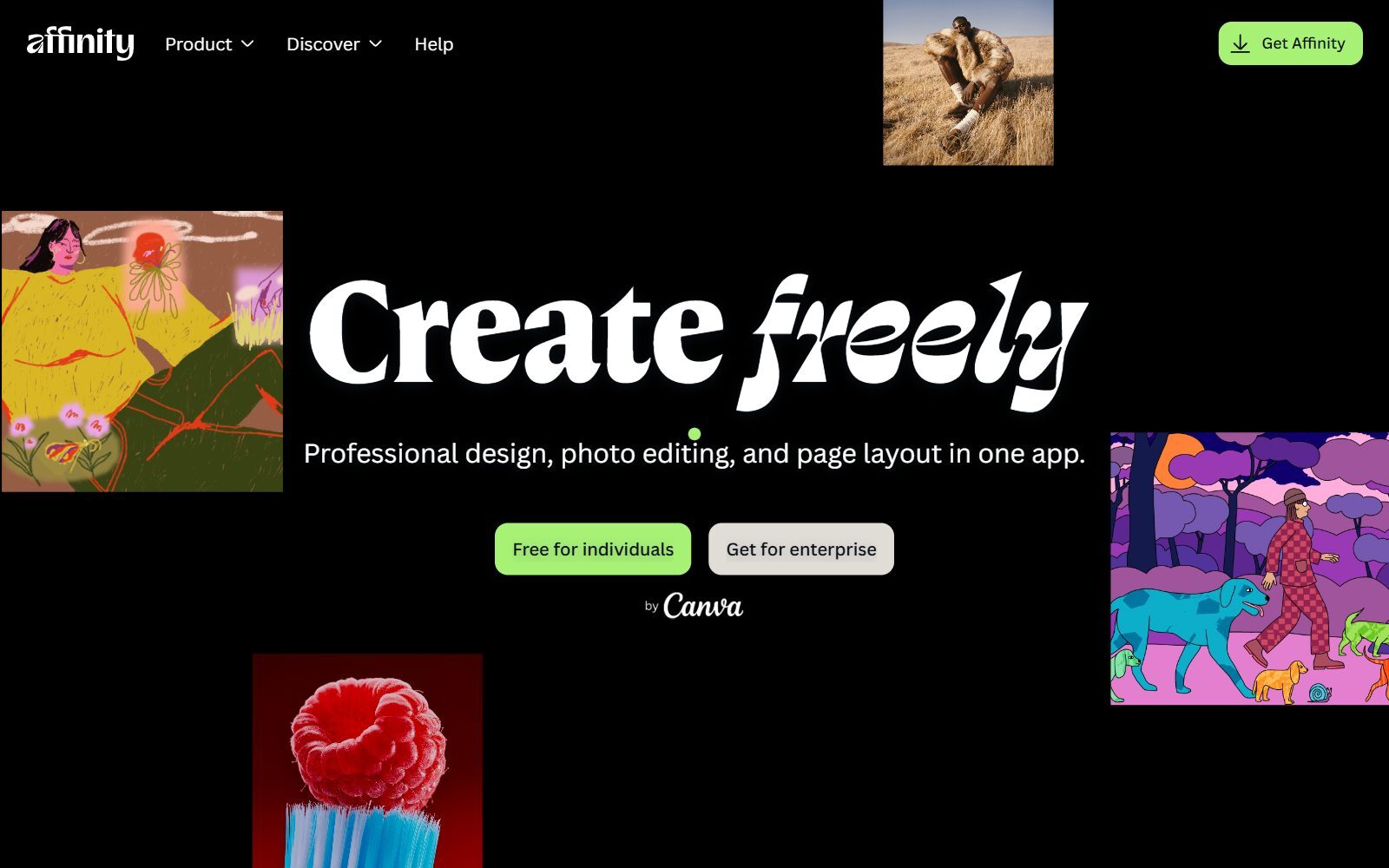
Affinity used to be the paid, no-subscription rival that many PaintShop Pro users moved to. Canva relaunched it as one app that combines photo editing, vector design and page layout, and its download page says every tool is free with a free Canva account, with free updates. For PaintShop Pro users that means layers and non-destructive adjustments, full RAW editing, healing and inpainting brushes, HDR and panorama merges, batch processing with macros and PSD import. Limits: the AI tools such as generative fill need a Canva premium plan; it runs on Windows and macOS, with an iPad version announced. Affinity does not open .pspimage files, so export your projects from PaintShop Pro as PSD before you switch.
2. GIMP: opens your .pspimage files, free on every system
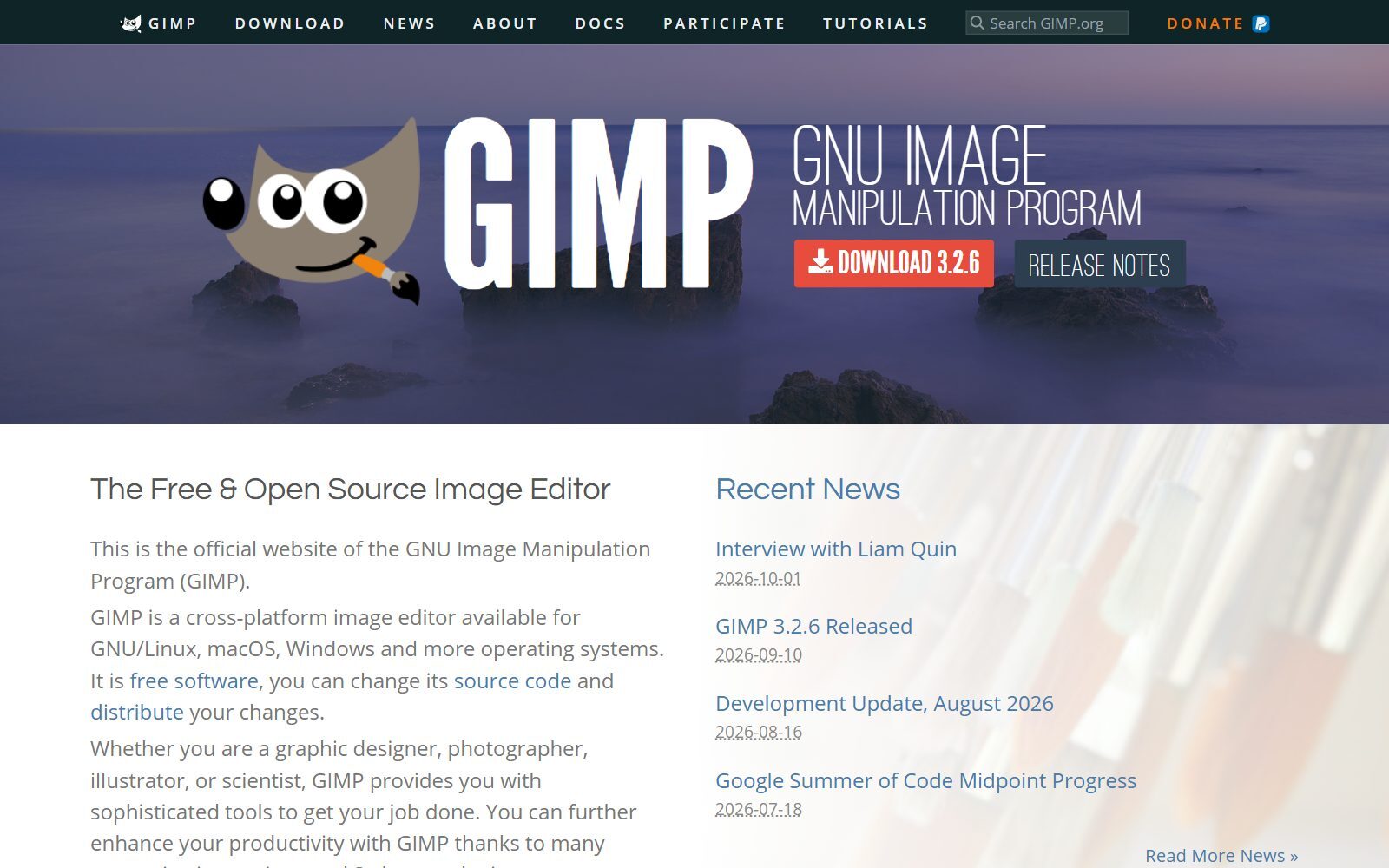
GIMP is the free, open-source all-rounder for Windows, macOS and Linux, with layers, masks, selections, retouching and non-destructive filters in the 3.x series. It is also the best free way to open old PaintShop Pro work: GIMP's built-in PSP plug-in loads .psp, .pspimage and picture tube files, including raster layers. Its own description says vector layers are not handled and saving back to PSP is not implemented, so text and shapes made as vectors will be missing, and you save your edits as XCF, PSD or TIFF. The latest release, GIMP 3.2.6, came out on 10 September 2026. If the interface feels unfamiliar, our guide to open-source Photoshop alternatives explains the PhotoGIMP layout patch.
3. Paint.NET: the lightweight Windows editor, with a PSP plugin
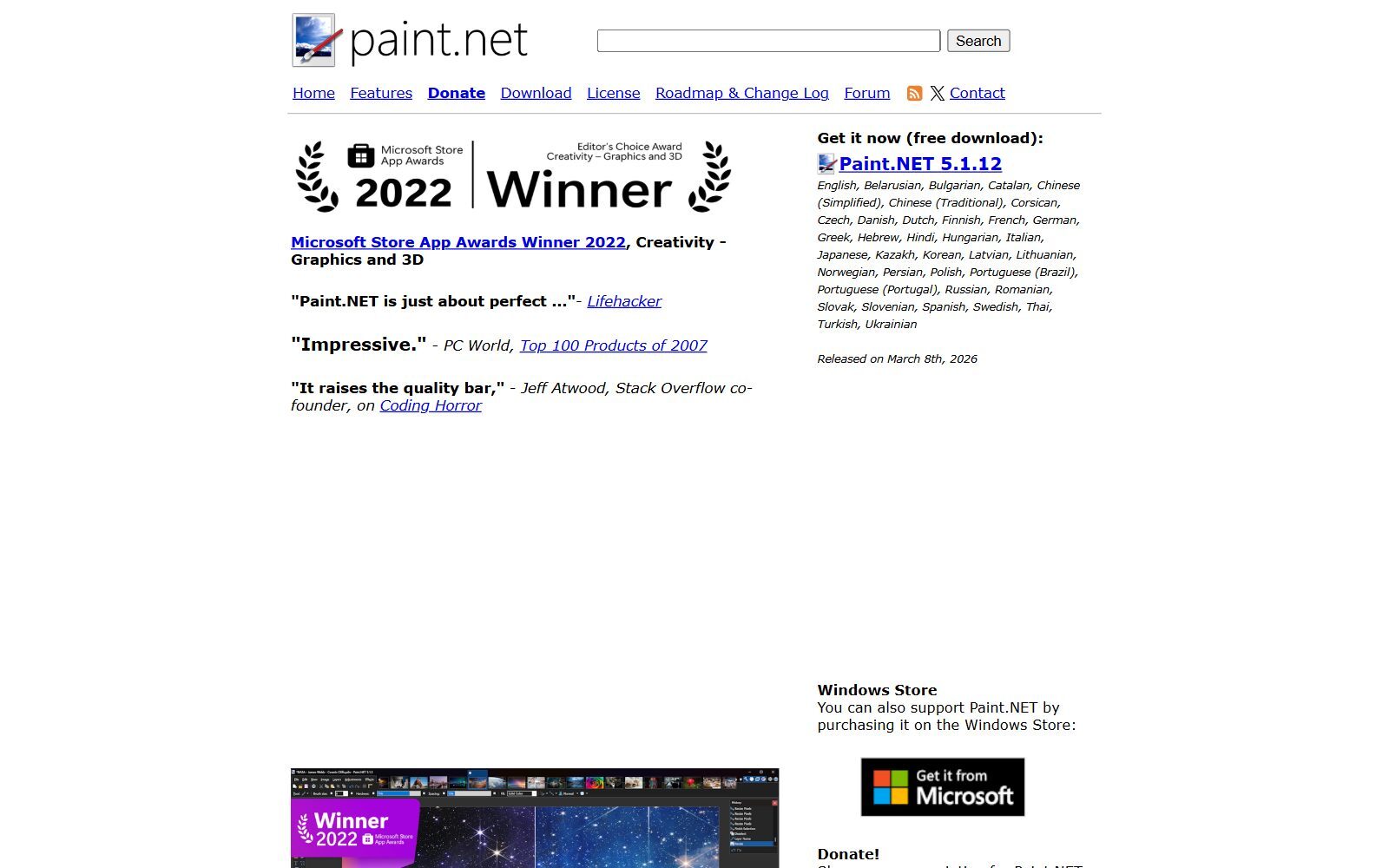
Paint.NET is the natural pick if you liked PaintShop Pro because it was quick and Windows-native. It has layers, unlimited undo, effects and a large plugin community, and its licence lets you use the free Classic release for business work too. Version 5.1.12 was released on 8 March 2026. To open your PaintShop Pro files, add the free Paint Shop Pro FileType plugin, which loads and saves PSP images; it is made by an independent developer and its code was last updated in July 2024. Paint.NET is simpler than PaintShop Pro: expect fewer retouching and RAW tools.
4. XnView MP: view and batch-convert a whole PaintShop Pro archive
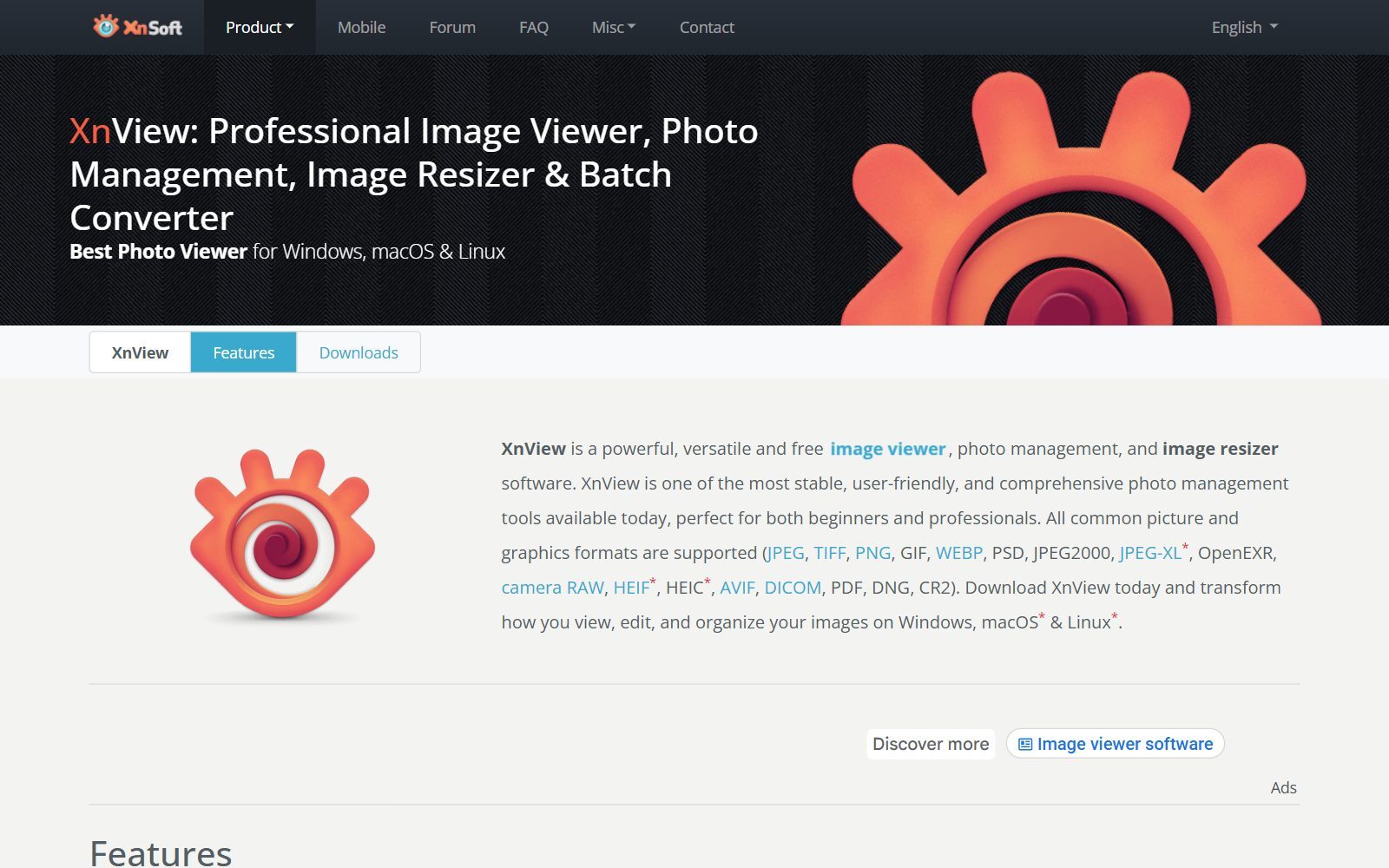
XnView MP is not a full editor but a photo viewer, organiser, resizer and batch converter that supports more than 500 formats. Its format list includes PaintShop Pro images (.psp and .pspimage) as well as picture tubes, masks and frames, so you can browse an old archive and batch-convert whole folders to PNG, TIFF or JPG. It runs on Windows, macOS and Linux; version 1.12.2 is current. Free terms: it is freeware for private and educational use, including non-profits; a company licence costs €29.
5. IrfanView: a tiny Windows viewer that reads PSP files
IrfanView is a fast, compact image viewer for Windows (XP up to Windows 11) with basic editing, slideshows and batch processing. Its supported formats page lists PSP files for reading once you add its FORMATS plugin from the plugins page. Version 4.76 is current, and it is freeware for non-commercial use, so businesses need a licence.
Validate your startup idea with the unique borrowed authority approach: we publish articles about your product in our blog and you get traffic and testers for your MVP
- Prove Market Demand: See real organic traffic and waitlist conversions
- Unlock High-Potential Keywords: Receive a curated list of top-performing keywords directly from Google Search Console data.
- Estimate Customer Acquisition Cost (CAC): Gain financial foresight with an estimated CAC based on real keyword performance data.
🔗 Start validating your startup now
6. Photopea: a layered editor in the browser
Photopea runs in a browser tab on any computer, Chromebooks included, and works with layers, masks, adjustment layers and smart objects. It opens and saves PSD as its main format and reads dozens of others, including Paint.NET (PDN), CorelDRAW (CDR) and camera RAW files, but PSP is not on its list, so open your PaintShop Pro work there as an exported PSD. Files are processed on your own device. Free terms: the free version shows ads; a Premium account removes them.
7. PhotoScape X: batch edits and collages on Windows 10 and Mac
PhotoScape X is a friendly all-in-one photo app for Windows 10 (version 1709 or later, 64-bit) and macOS 13 or later, with a viewer, editor, cut-out tool, batch editing, collage maker, GIF creator, screen capture and RAW support. It suits PaintShop Pro users who mainly fix holiday or product photos and apply the same edits to a whole folder. The free version is limited; PhotoScape X Pro is paid, and the site offers a time-unlimited free trial of Pro.
8. darktable: a free replacement for PaintShop Pro's RAW Lab
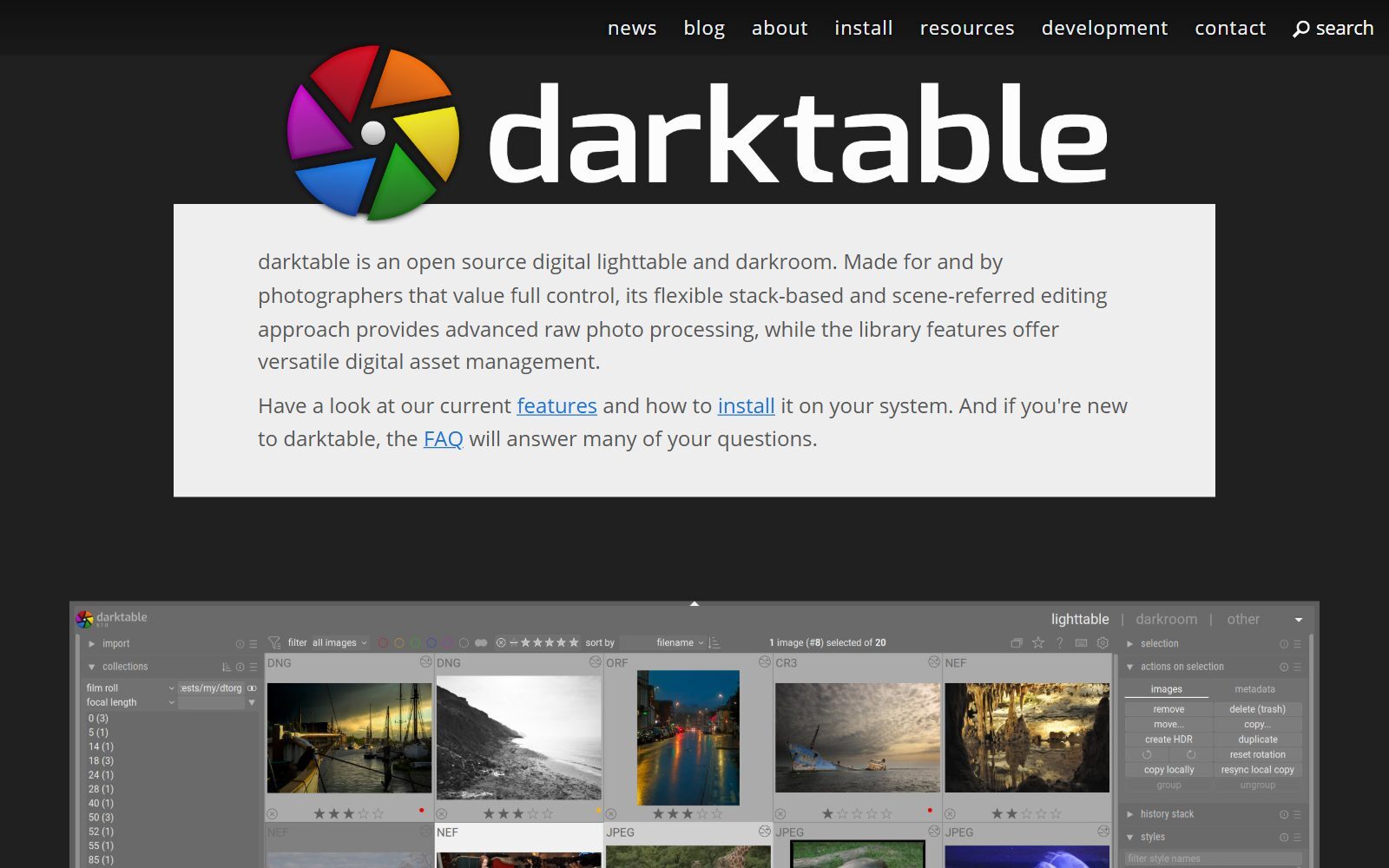
darktable is an open-source (GPL 3.0) RAW developer and photo library, the free counterpart to Lightroom and to the RAW tools in PaintShop Pro. It develops RAW files non-destructively, with masks for local edits, and keeps your photos in a searchable database. Version 5.6.2 came out on 4 October 2026 for Windows, macOS and Linux. Develop your photos in darktable, then do pixel retouching in Affinity or GIMP.
9. Krita: free painting and illustration
Krita is a free, open-source painting program for Windows, macOS, Linux and Android tablets. If you used PaintShop Pro's brushes and picture tubes for scrapbooking, cards or digital art, Krita is the stronger drawing tool; it opens and saves PSD files. Version 5.3.4.1 is the current release. For photo retouching, Affinity or GIMP fit better.
10. Pixlr: quick online edits with AI tools
Pixlr runs in the browser and as desktop and mobile apps. Its two editors are now called Pixlr Editor (the desktop-style editor) and Pixlr Express (quick edits), next to AI tools such as background removal and generative fill. Free terms: the free version shows ads and limits saves; Pixlr Plus, from €1.99 a month billed yearly, removes them. It is handy on a borrowed computer, but it does not open .pspimage files.
How to Move Your PaintShop Pro Files
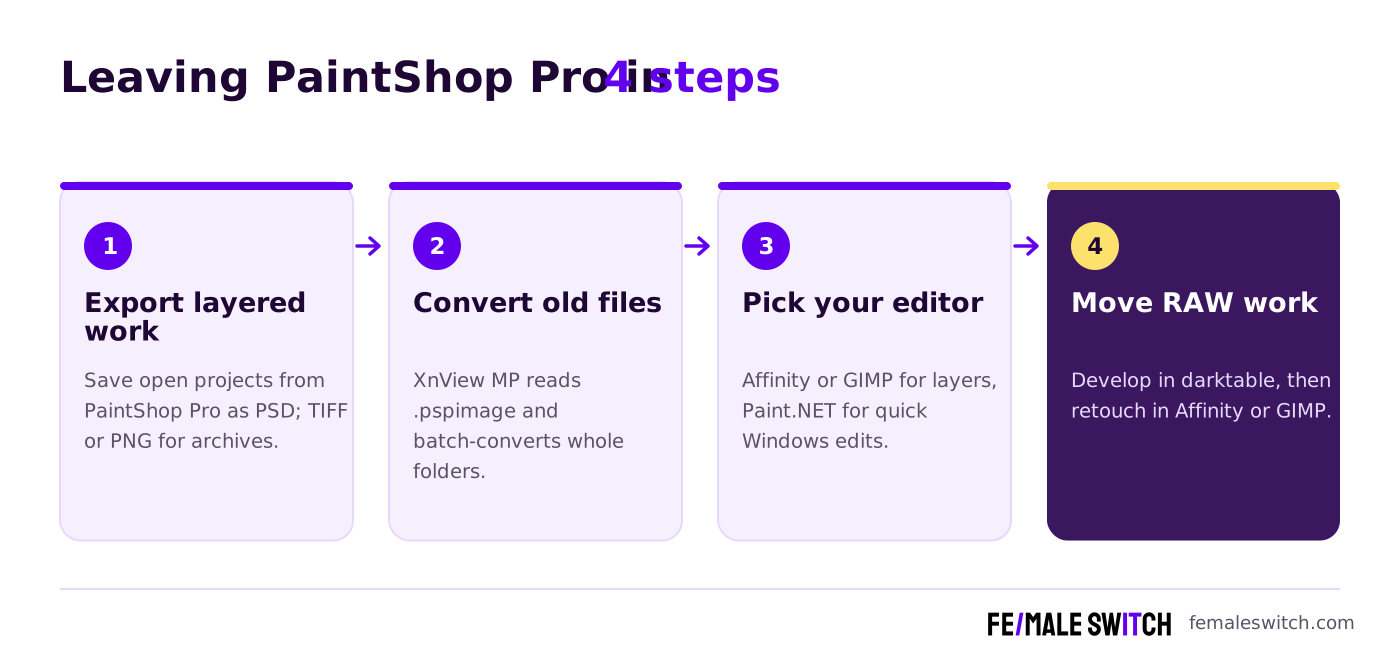
If PaintShop Pro still runs on your PC, use it once more before you uninstall: it exports PSD, TIFF and PNG, so save your open projects as PSD to keep the layers. For an archive of old .pspimage files, XnView MP's batch converter turns whole folders into PNG or TIFF in one go, and GIMP opens individual files with their raster layers when you need to edit them. Vector text and shapes do not survive the trip into GIMP, so flatten or export them from PaintShop Pro if they matter.
Tools Changed or Removed Since the Last Version
The 2025 version of this article listed some tools that have changed or do not replace PaintShop Pro well:
- Adobe Photoshop Express is now listed in the Microsoft Store as "Adobe Express Photos (formerly Photoshop Express)". It is a basic free photo app, not a layered editor, so we left it out.
- MyEdit, from CyberLink, is an online AI image and audio tool: you get free daily credits, and some downloads need a paid plan. It does not replace a desktop editor.
- Fotor is an online AI touch-up tool with limited free credits and storage; our free Photoshop alternatives list covers it with other online editors.
- Canva is a template design tool rather than a photo editor; its free plan now includes access to Affinity. Our list of free Canva Pro alternatives covers that category.
- Pixlr E and Pixlr X are now called Pixlr Editor and Pixlr Express.
Which Free PaintShop Pro Alternative Should You Choose?
- You want the same depth as PaintShop Pro without paying: Affinity on Windows or Mac.
- You need to open old .pspimage files with layers: GIMP, or Paint.NET with the PSP plugin.
- You have thousands of PSP files to convert or browse: XnView MP (private use) or IrfanView with plugins (non-commercial).
- You mainly make quick fixes on a Windows laptop: Paint.NET.
- You shoot RAW: darktable, then Affinity or GIMP for retouching.
- You edit batches of product or holiday photos: PhotoScape X.
- You draw, scrapbook or make cards: Krita.
- You are on a Chromebook or borrowed computer: Photopea or Pixlr.
- You moved to Mac or Linux: Affinity (Mac), GIMP, darktable and Krita (both).
PaintShop Pro is part of the Corel family; if you also design logos, signs or print layouts, see our free CorelDRAW alternatives (with tools that open old .cdr files) and free Illustrator alternatives. If the licence matters to you, our open-source Illustrator alternatives list checks every project's licence.
Join ElonaHunt (like ProductHunt but for women) and explore the coolest women-focused startups out there!
Discover your next big inspiration and connect with like-minded female entrepreneurs!
👉 Join the Hunt Here
How Founders Use Free Photo Editors
For a small business, photo editing is about speed and consistency: clean product photos for a shop or landing page, a headshot for a press release, the same look on every social post. A free editor plus a fixed routine (same crop sizes, same export settings, a batch action for watermarks) covers most of it. To cut out products, our guide to online background removal tools compares the options, and AI virtual product photography shows how to create product scenes without a studio. For thumbnails and social visuals, see Canva vs Photoshop for YouTube thumbnails, and if you need images you don't have, try one of the free AI image generators without watermarks.
A quick product mock-up and a simple landing page are often enough to test demand before you build, which is the idea behind our 30-day validation sprint. Free tools can replace other paid subscriptions too: see our free Hootsuite alternatives for social media scheduling and open-source Zendesk alternatives for customer support. When your visuals are ready, the F/MS AI SEO Tool turns a keyword into a blog article to put them in.
FAQ About Free PaintShop Pro Alternatives
What is the best free alternative to PaintShop Pro?
For most people it is Affinity, which is now free on Windows and macOS with a Canva account and covers layers, RAW editing, retouching and batch processing. GIMP is the best fully open-source option and the best free tool for opening old .pspimage files.
How can I open a .pspimage file without PaintShop Pro?
GIMP opens .pspimage files with their raster layers, Paint.NET opens them with the free Paint Shop Pro FileType plugin, and XnView MP and IrfanView (with its FORMATS plugin) can view and convert them. Vector layers are not imported by GIMP.
Can GIMP save files in PaintShop Pro format?
No. GIMP's PSP plug-in only loads PSP files; saving in that format is not implemented. Save your work as XCF, PSD or TIFF instead.
Is PaintShop Pro still sold as a one-time purchase?
Yes. When we checked paintshoppro.com in October 2026, PaintShop Pro 2023 and PaintShop Pro 2023 Ultimate were sold subscription-free, with a 30-day free trial and a 30-day money-back guarantee.
Is there a new version of PaintShop Pro?
The newest version on the official website in October 2026 was still PaintShop Pro 2023.
Does PaintShop Pro run on Mac?
No. PaintShop Pro needs 64-bit Windows 11 or Windows 10. On a Mac, use Affinity, GIMP, darktable, Krita or PhotoScape X instead.
Is Paint.NET free for business use?
Yes. Paint.NET's licence allows the free Classic release to be used for business, commercial, school and government work. The paid Microsoft Store version only adds automatic updates.
Is XnView MP free?
XnView MP is freeware for private and educational use, including non-profit organisations. Companies need a licence, which costs €29 for one user.
What is a free alternative to PaintShop Pro's RAW tools?
darktable, a free open-source RAW developer for Windows, macOS and Linux. Affinity also includes full RAW editing, and PhotoScape X opens RAW files.
Where can I get a backlink by writing about my startup?
You can publish a guest post in one of the Fe/male Switch startup blogs, which rank in Google and in AI tools. Get a quality backlink.
About the Author
Violetta Bonenkamp, also known as MeanCEO, is an experienced startup founder with an impressive educational background including an MBA and four other higher education degrees. She has over 20 years of work experience across multiple countries, including 5 years as a solopreneur and serial entrepreneur. Throughout her startup experience she has applied for multiple startup grants at the EU level, in the Netherlands and Malta, and her startups received quite a few of those. She’s been living, studying and working in many countries around the globe and her extensive multicultural experience has influenced her immensely.

