
PaintShop Pro Alternatives: Paid, One-Time-Purchase and Mac Photo Editors Compared
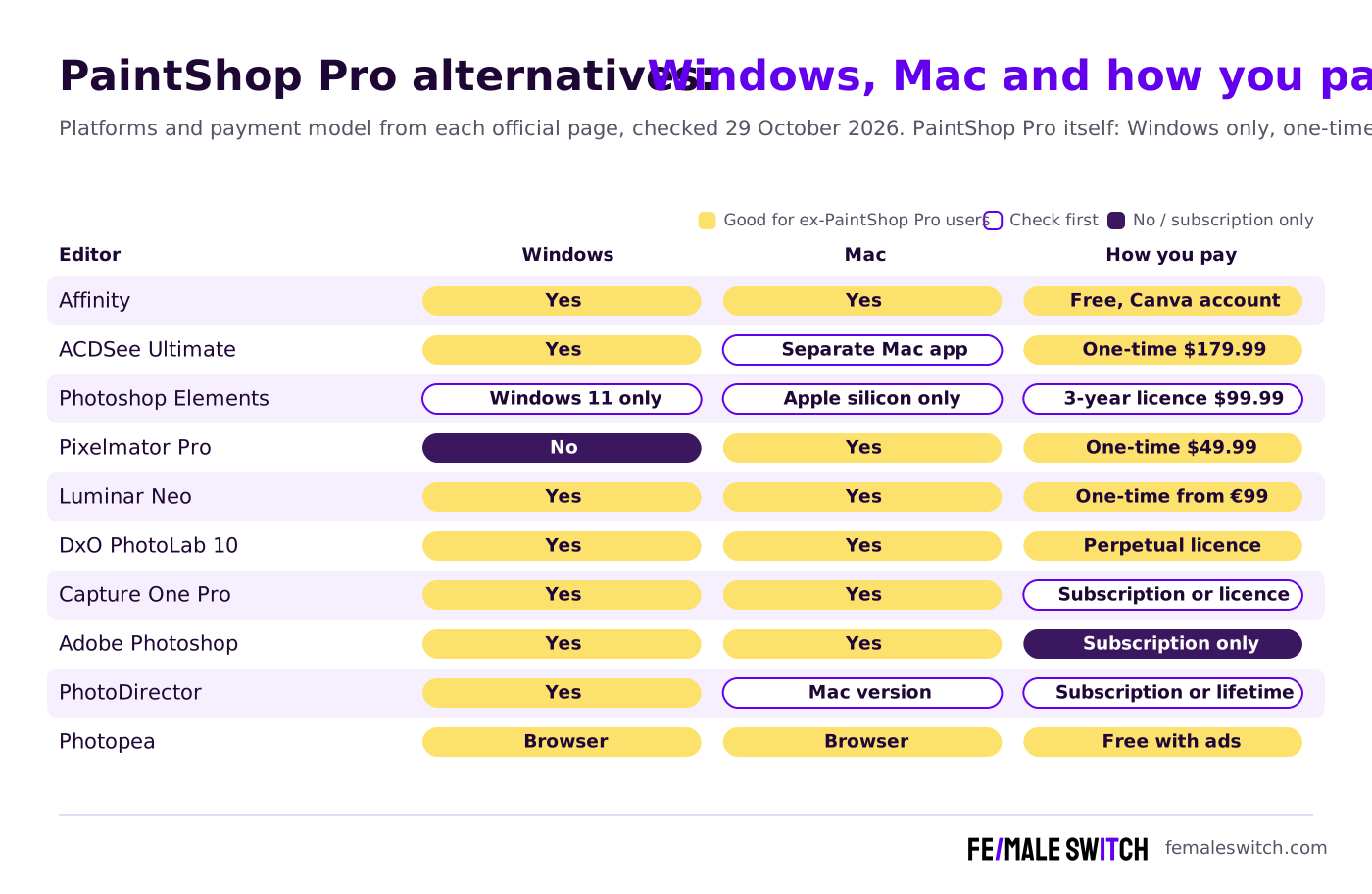
PaintShop Pro has two traits its users tend to love: you buy it once instead of renting it, and it is a full layered photo editor for Windows. Those same traits are why people look for an alternative. The newest version is still PaintShop Pro 2023, it never came to the Mac, and many users want an editor that keeps getting new features without moving to a subscription. We checked every editor below on its official website on 29 October 2026, with three questions: does it run on Windows, on Mac or both, how do you pay for it, and what does it cost today?
Quick answer: the closest no-subscription replacement is Affinity, now free on Windows and Mac with a Canva account. If you want to stay with a paid one-time licence on Windows, choose ACDSee Photo Studio Ultimate; on a Mac, Pixelmator Pro costs $49.99 once. Photographers who mostly develop RAW files should look at DxO PhotoLab (perpetual licence) or Luminar Neo, and Adobe Photoshop remains the industry standard if a subscription is fine for you. Looking only for free tools? See our separate list of free PaintShop Pro alternatives, which also explains how to open old .pspimage files.
Boost Your SEO by Getting Featured in Our Blogs and get a backlink.
We publish content about startups, education, tech, funding, etc. that ranks well not only in Google but also in Perplexity, ChatGPT, Grok and other AI tools.
👉 Get featured now!
PaintShop Pro in 2027: What You Are Replacing
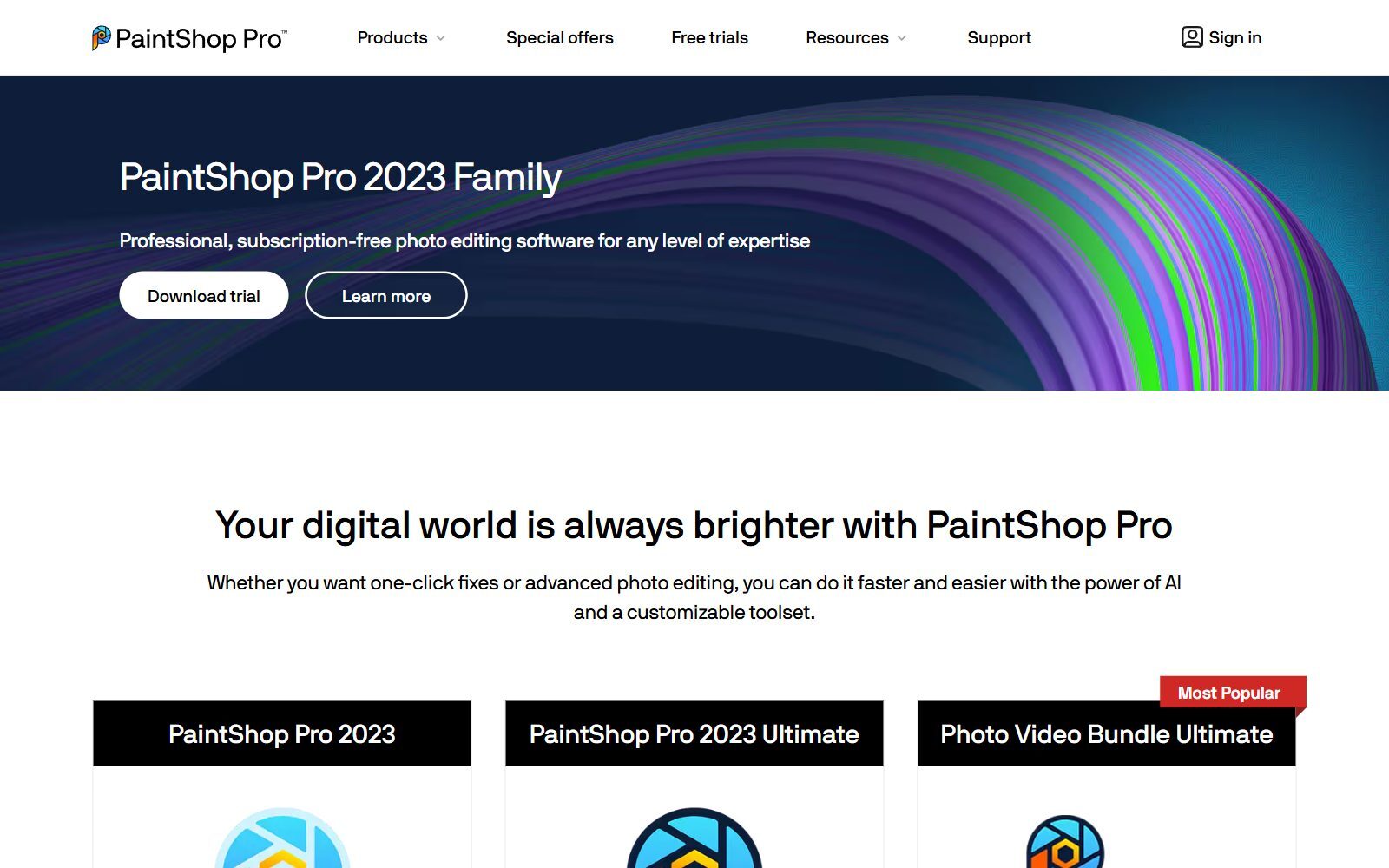
The official PaintShop Pro website still sells the "PaintShop Pro 2023 Family" as professional, subscription-free photo editing: "Buy it once, it's yours forever." On 29 October 2026 the page showed us €69.99 for PaintShop Pro 2023, €89.99 for PaintShop Pro 2023 Ultimate (which adds bonus software such as Painter Essentials 8) and €114.99 for a Photo Video Bundle Ultimate with VideoStudio, all including VAT; prices in your country may differ. It needs 64-bit Windows 11 or Windows 10, so Mac users cannot run it at all. Before you switch, export your layered projects from PaintShop Pro as PSD: every paid editor in this list can open PSD files, but none of them reads .pspimage.
PaintShop Pro Alternatives Compared
Sources: each editor's official website, store or pricing page, checked 29 October 2026. Prices are those shown to us (some in euros, some in US dollars) and change often.
The 10 Best PaintShop Pro Alternatives in 2027
1. Affinity: the closest match, and now free
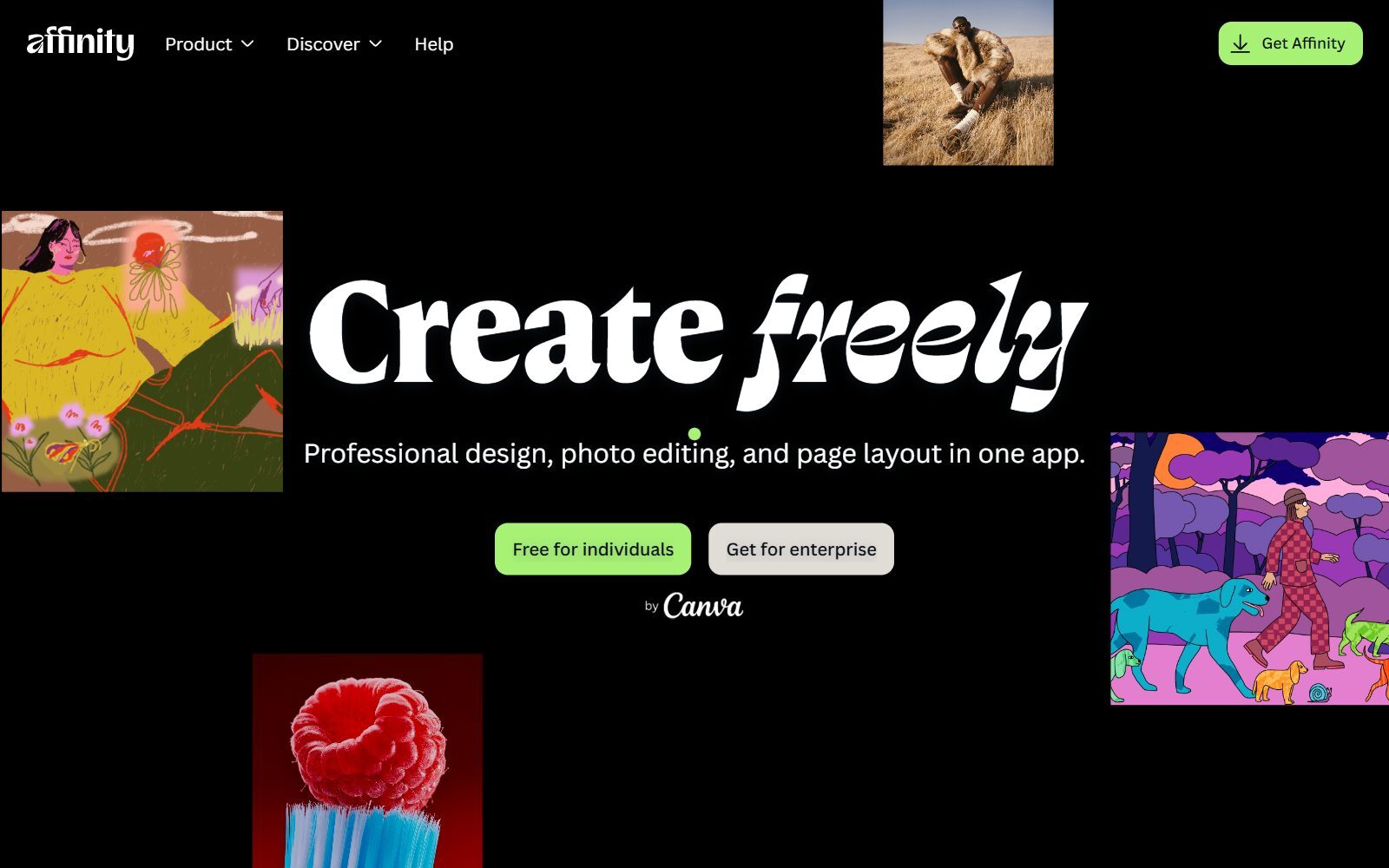
Affinity used to be the one-time-purchase rival many PaintShop Pro users moved to. Canva relaunched it in October 2025 as a single app that combines photo editing, vector design and page layout, and every tool is now free with a free Canva account, on Windows and macOS (an iPad version is announced). You get layers, non-destructive adjustments, full RAW editing, HDR and panorama merges, macros for batch work and PSD import. Limits: the AI tools need a Canva premium plan, and the old Affinity Photo V1 and V2 licences still work but get no further updates. Best for: anyone who chose PaintShop Pro to avoid subscriptions and now wants a modern editor on Windows or Mac. If open-source matters more to you, see our open-source Affinity Photo alternatives.
2. ACDSee Photo Studio Ultimate: the closest Windows match with a one-off price
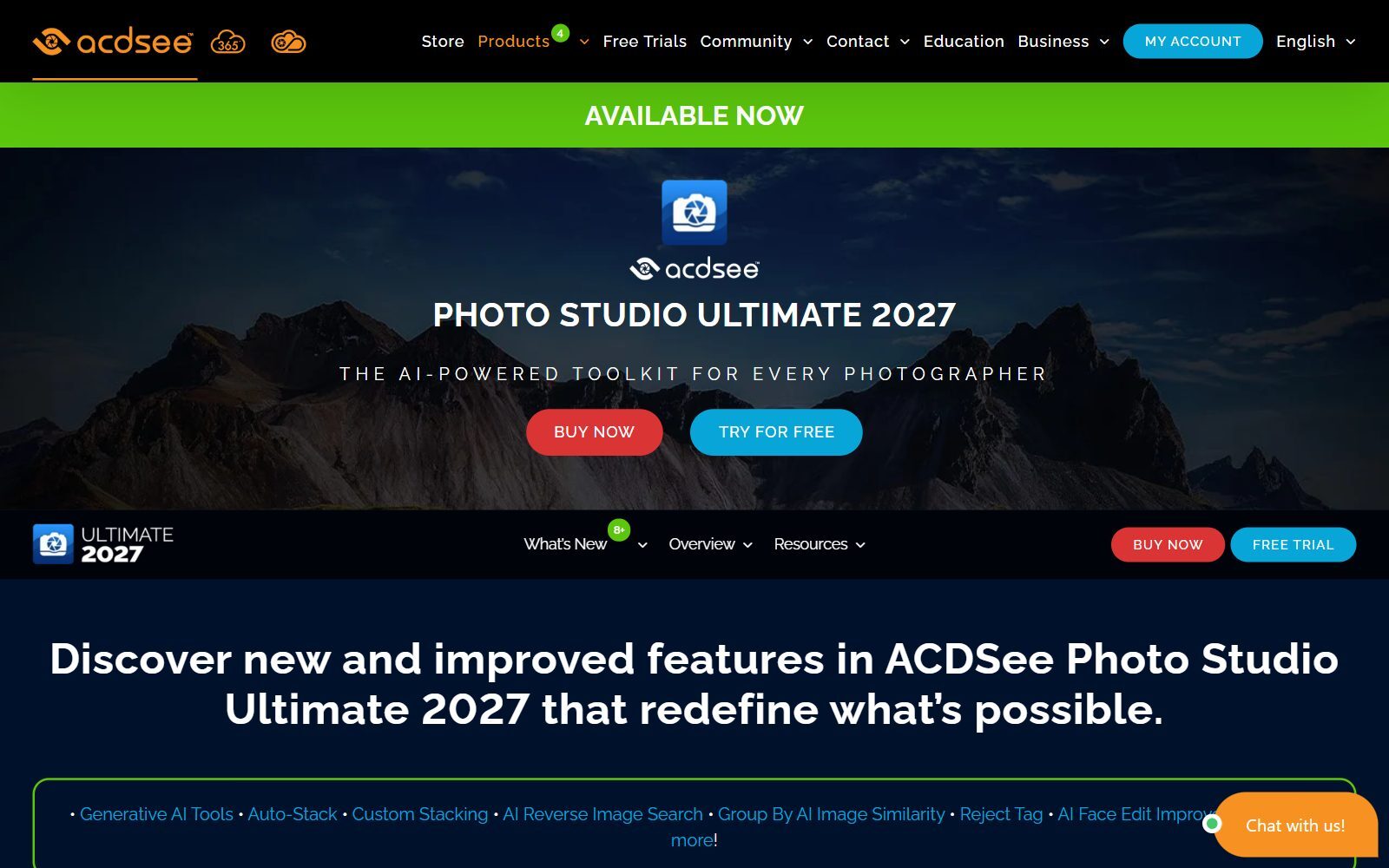
ACDSee Photo Studio Ultimate 2027 is the editor that feels most like PaintShop Pro: a Windows program that combines a photo organiser with a layered editor. It supports layer masks, blend modes, text and shapes, non-destructive RAW editing for more than 750 camera models, and newer AI tools such as generative fill and remove, AI Face Edit and AI sky replacement. It runs on 64-bit Windows 10 and Windows 11. In the ACDSee store we saw Ultimate 2027 for $179.99, Professional 2027 for $119.99 and Home 2027 for $69.99, each as a single price rather than a monthly fee; ACDSee 365 is the subscription alternative. Mac users get a separate product, Photo Studio for Mac 26, listed at $119.99 and on sale for $54.95 when we checked. Best for: Windows users who want to keep a buy-once licence and an organiser for large photo collections.
3. Adobe Photoshop Elements: guided editing, paid once for three years
Photoshop Elements 2027 is Adobe's consumer editor with Quick, Guided and Advanced modes, AI tools to remove distractions, expand photos and upscale low-resolution images, and an Organizer for your library. It costs US$99.99 (US$79.99 to upgrade), paid once, but it is a 3-year term licence: it does not renew and stops working three years after you redeem it, while your Organizer catalogue stays accessible. A 7-day free trial is available. Check your computer first: according to Adobe's tech specs, the 2027 version needs Windows 11 (version 24H2 or later) or a Mac with Apple silicon, so older Windows 10 PCs and Intel Macs are not supported. Best for: beginners and families who liked PaintShop Pro's one-click fixes.
4. Pixelmator Pro: the native Mac editor, from Apple
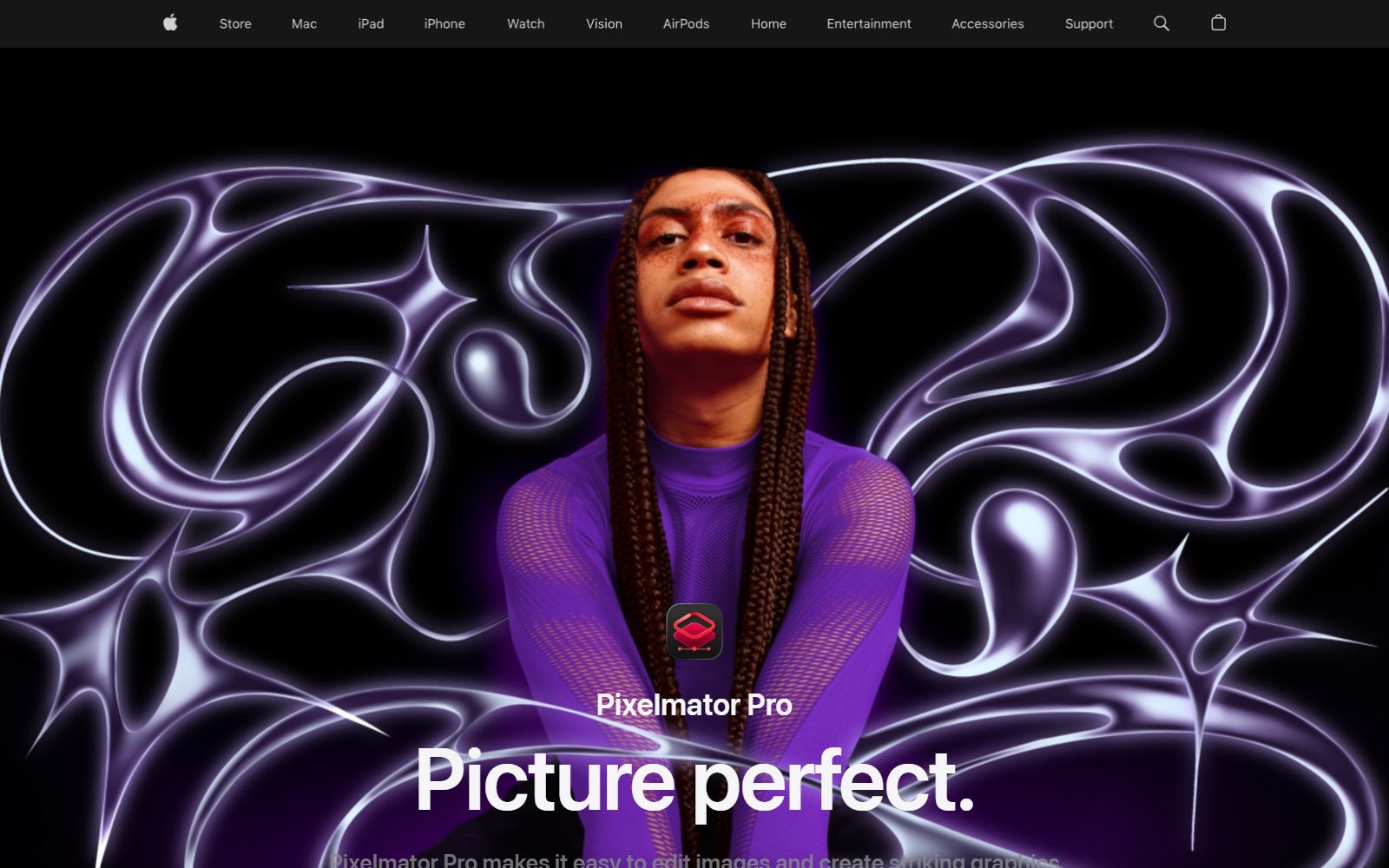
Pixelmator Pro is now an Apple app. It is a non-destructive, layer-based editor with more than 60 effects, intelligent masking and background removal, Super Resolution upscaling, RAW support, repair and clone tools, vector tools such as the Pen tool, and support for PSD, SVG, PDF and Illustrator files. You can buy it once on the Mac App Store for $49.99, or get it in the Apple Creator Studio subscription ($12.99 a month or $129 a year after a 30-day trial), which adds the iPad version and the Warp tool. It needs macOS 26. Best for: PaintShop Pro users who moved to a Mac and want a cheap, buy-once layered editor.
5. Luminar Neo: AI photo editing with a lifetime licence
Luminar Neo from Skylum focuses on fast AI edits: sky and atmosphere tools, Enhance, generative erase and expand, upscaling, noise removal, focus stacking, HDR and panoramas, with layers, masking and RAW support for more than 1,000 cameras. It runs on Windows and macOS and also as a plug-in for Photoshop and Lightroom Classic. Its pricing page sells one-time licences ("use app forever"): when we checked, Desktop Only cost €99 for two computers, All Platforms €139 and Max €159, all as discounted sale prices. The first year of AI tools and upgrades is included; after that, renewal is optional (from €39 a year), and there is a 30-day money-back guarantee. Best for: people who want great-looking photos quickly rather than pixel-level retouching.
6. DxO PhotoLab 10: the best RAW quality, no subscription
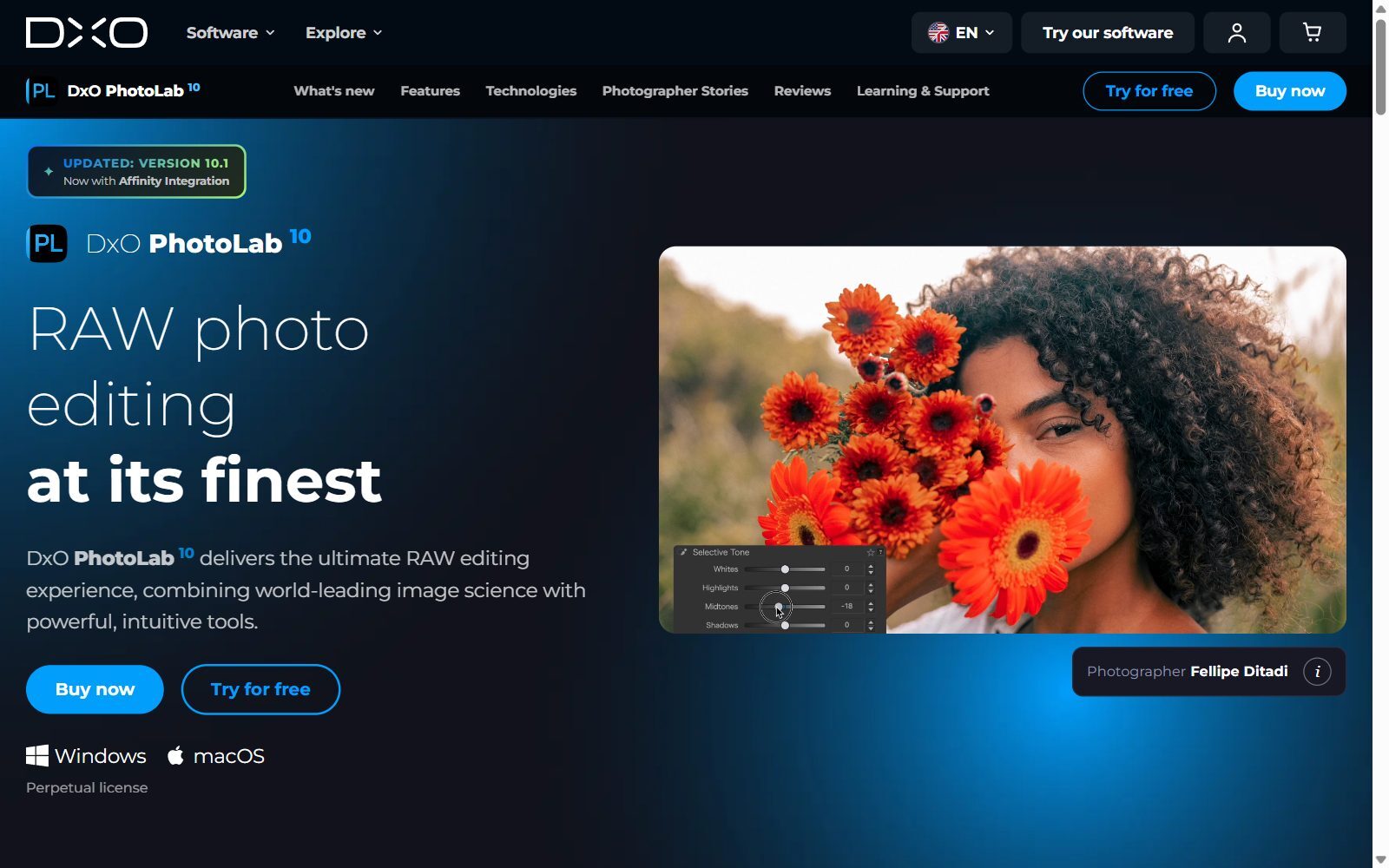
DxO PhotoLab 10 is a RAW developer for Windows and macOS, sold as a perpetual licence with no subscription. Its strengths are DeepPRIME and DeepPRIME XD noise reduction, automatic lens and camera corrections from DxO's lab measurements, AI masks, U Point local adjustments, and new depth masks and colour grading. Version 10.1 adds integration with Affinity, so you can develop a RAW file in PhotoLab and retouch it in Affinity. The price did not load for us on DxO's shop page, so check it there. Best for: photographers who used PaintShop Pro's RAW tools and want the cleanest possible results.
7. Capture One Pro: professional RAW and tethered shooting
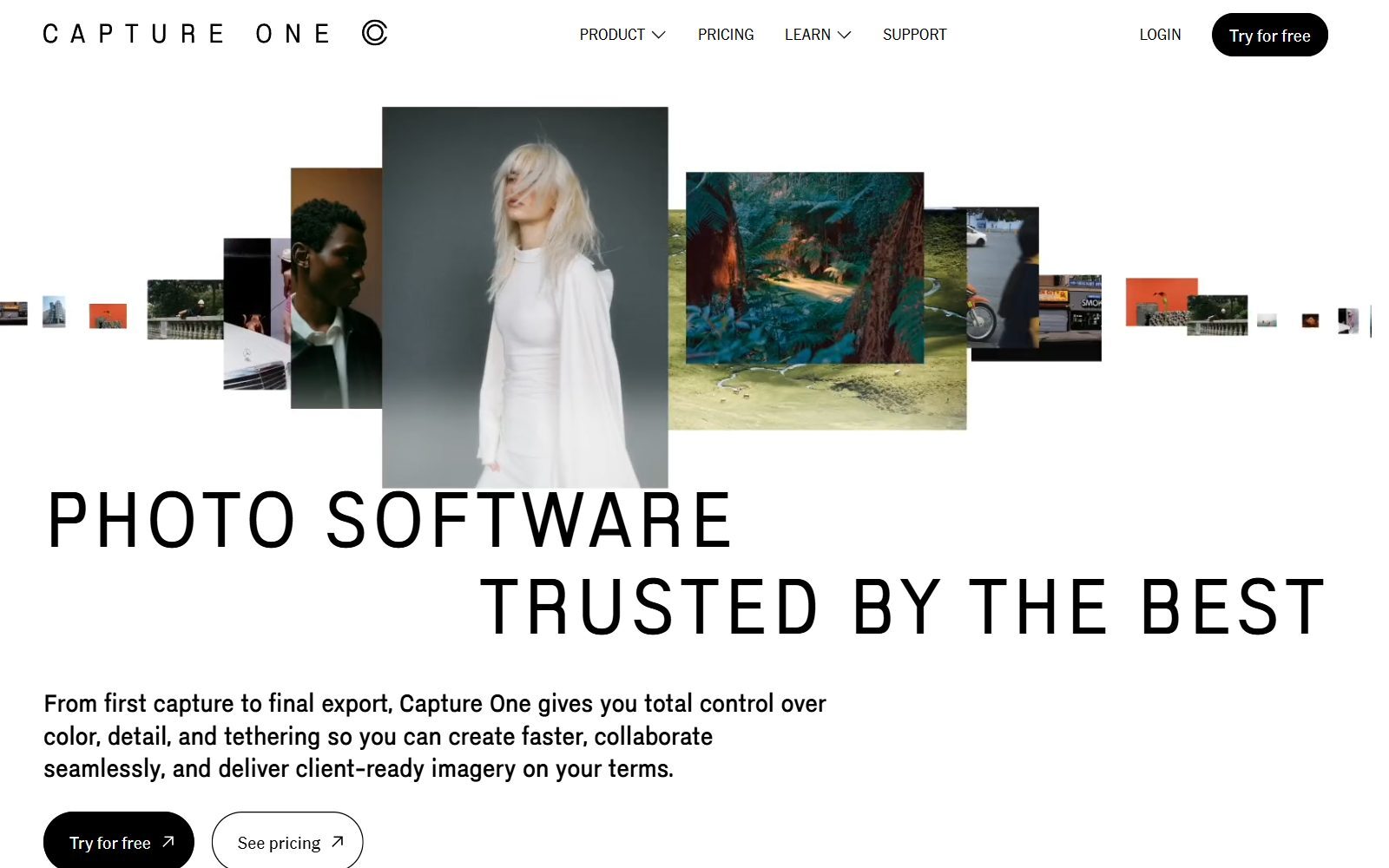
Capture One Pro is the professional choice for studio and product photographers: precise colour profiles, tethered shooting with Live View, support for more than 550 cameras, sessions and catalogues for file management, assisted masking and Enhanced Denoise. One licence works on both Mac and Windows. The Pro subscription was €20.50 a month on annual billing when we checked; a one-time Pro licence is also sold, which Capture One describes as best for photographers who do not depend on the newest updates (its price was not shown). Best for: people who shoot products or portraits tethered to a laptop.
Validate your startup idea with the unique borrowed authority approach: we publish articles about your product in our blog and you get traffic and testers for your MVP
- Prove Market Demand: See real organic traffic and waitlist conversions
- Unlock High-Potential Keywords: Receive a curated list of top-performing keywords directly from Google Search Console data.
- Estimate Customer Acquisition Cost (CAC): Gain financial foresight with an estimated CAC based on real keyword performance data.
🔗 Start validating your startup now
8. Adobe Photoshop: the industry standard, by subscription only
Adobe Photoshop is the most complete editor for retouching, compositing and design, with monthly generative AI credits included in every plan. It cannot be bought outright: the Photoshop plan costs US$22.99 a month (annual plan, billed monthly) with 100GB of cloud storage, and the Photography plan costs US$19.99 a month for Photoshop, Lightroom and Lightroom Classic with 1TB of storage. There is a 7-day free trial. Lightroom, which was a separate item in the old version of this article, is the better tool for organising and developing large numbers of photos. Best for: people who need to exchange PSD files with designers and agencies every day.
9. CyberLink PhotoDirector: easy AI effects, with a lifetime option
PhotoDirector is a beginner-friendly Windows editor (a Mac version is also offered) with AI-powered editing tools. CyberLink sells it as PhotoDirector 365, a subscription, or as PhotoDirector 2027 with a lifetime licence, and there is a free PhotoDirector Essential version with core tools; prices were not shown on the product page. Best for: beginners who want to try an easy editor for free before paying.
10. Photopea: PSD editing in any browser
Photopea runs in a browser tab on Windows, Mac, Linux or a Chromebook, with layers, masks, adjustment layers and smart objects, and uses PSD as its main format. It is free with ads; a Premium account removes them, and its price is shown inside the app. Best for: occasional edits on a computer where you cannot install software. For more free browser and desktop editors, including GIMP, see our free Photoshop alternatives and open-source Photoshop alternatives.
Tools Changed or Left Out Since the Last Version
The 2026 version of this article listed some tools that have changed or now belong in other guides:
- Affinity Photo is no longer a separate one-time purchase of around $70: it is part of the single, free Affinity app by Canva (item 1).
- Adobe Lightroom is sold in Adobe's Photography plan together with Photoshop, so we cover it under item 8.
- GIMP is free and is the best free tool for opening old .pspimage files; it is in our free PaintShop Pro alternatives list.
- Canva is a template design tool rather than a photo editor; see our free Canva Pro alternatives.
- Pixlr and Fotor are online editors with free tiers, covered in our free Photoshop alternatives list rather than here.
- The old version's prices were unsourced and out of date; every price above was checked on the official page on 29 October 2026.
Which PaintShop Pro Alternative Should You Choose?
- You never want to pay a subscription: Affinity (free), ACDSee Photo Studio, Pixelmator Pro (Mac), Luminar Neo or DxO PhotoLab.
- You stay on Windows and want the same mix of organiser and editor: ACDSee Photo Studio Ultimate.
- You moved to a Mac: Pixelmator Pro for $49.99 once, or Affinity for free.
- You are a beginner who liked one-click fixes: Photoshop Elements, if your computer meets its newer requirements.
- You mainly shoot RAW: DxO PhotoLab for quality, Capture One for tethered studio work, Luminar Neo for speed.
- You work with designers and agencies: Adobe Photoshop.
- You need something on a borrowed computer or a Chromebook: Photopea.
- You are happy with PaintShop Pro on Windows: it is still sold and still works; you simply will not get a newer version than 2023 for now.
PaintShop Pro belongs to the Corel family. If you also design logos, signs or print layouts, our CorelDRAW alternatives guide compares paid and free vector suites, and the free Illustrator alternatives list covers vector tools that cost nothing.
Join ElonaHunt (like ProductHunt but for women) and explore the coolest women-focused startups out there!
Discover your next big inspiration and connect with like-minded female entrepreneurs!
👉 Join the Hunt Here
How Founders Use a Photo Editor
For a small business, a photo editor is about speed and consistency: clean product photos for a shop or landing page, a headshot for a press release, the same look on every social post. A one-time-purchase editor plus a fixed routine (the same crop sizes, the same export settings, a saved preset or batch action for watermarks) keeps your costs and your brand under control. To cut out products, our guide to online background removal tools compares the options, and AI virtual product photography shows how to create product scenes without a studio. For thumbnails and social visuals, see Canva vs Photoshop for YouTube thumbnails, and if you need images you don't have, try one of the free AI image generators without watermarks.
Good visuals matter most on the page where you test demand. A quick mock-up and a simple landing page are often enough, which is the idea behind our 30-day validation sprint; if you need that page fast, compare the free Carrd alternatives and Squarespace alternatives. For interface and product design, our open-source Figma alternatives list is a good start. When your visuals are ready, the F/MS AI SEO Tool turns a keyword into a blog article to put them in.
FAQ About PaintShop Pro Alternatives
What is the best alternative to PaintShop Pro?
For most people it is Affinity, which is now free on Windows and macOS with a Canva account and covers layers, RAW editing, retouching and batch processing. If you prefer a paid Windows program with a one-off price, ACDSee Photo Studio Ultimate is the closest match.
Is there a new version of PaintShop Pro in 2027?
No new version had been released when we checked on 29 October 2026: the official website still sold PaintShop Pro 2023 and PaintShop Pro 2023 Ultimate.
How much does PaintShop Pro cost?
On 29 October 2026 the official website showed us €69.99 for PaintShop Pro 2023 and €89.99 for the Ultimate edition, including VAT, as a one-time purchase. Prices vary by country.
Is there a PaintShop Pro for Mac?
No. PaintShop Pro needs 64-bit Windows 11 or Windows 10. Good Mac alternatives are Affinity (free), Pixelmator Pro ($49.99 once on the Mac App Store), Luminar Neo and DxO PhotoLab.
Which photo editors can I still buy without a subscription?
Pixelmator Pro, ACDSee Photo Studio, Luminar Neo and DxO PhotoLab are sold with a one-time or perpetual licence, and Capture One also offers a one-time Pro licence. Photoshop Elements is paid once but runs for a 3-year term. Affinity is free.
Can I buy Photoshop with a one-time payment?
No. Adobe Photoshop is only available by subscription, from US$22.99 a month on an annual plan, or US$19.99 a month in the Photography plan with Lightroom.
Can these editors open my .pspimage files?
Not directly. Export your projects from PaintShop Pro as PSD first; all the editors in this list open PSD. To open or batch-convert old .pspimage files without PaintShop Pro, use GIMP or XnView MP, as explained in our free PaintShop Pro alternatives guide.
What is the best PaintShop Pro alternative for RAW photos?
DxO PhotoLab for image quality and lens corrections, Capture One Pro for studio and tethered work, and Luminar Neo for fast AI edits. Affinity also includes full RAW editing for free.
Where can I get a backlink by writing about my startup?
You can publish a guest post in one of the Fe/male Switch startup blogs, which rank in Google and in AI tools. Get a quality backlink.
About the Author
Violetta Bonenkamp, also known as MeanCEO, is an experienced startup founder with an impressive educational background including an MBA and four other higher education degrees. She has over 20 years of work experience across multiple countries, including 5 years as a solopreneur and serial entrepreneur. Throughout her startup experience she has applied for multiple startup grants at the EU level, in the Netherlands and Malta, and her startups received quite a few of those. She’s been living, studying and working in many countries around the globe and her extensive multicultural experience has influenced her immensely.

