

Free PhotoScape Alternatives: Easy Photo Editors and Batch Resizers for Social Images and Product Photos
PhotoScape X is popular because it does many small jobs in one free app: crop and fix a photo, remove a background, make a collage, and resize or rename a whole folder of images at once. For a founder that means product photos for the shop, social posts and blog images without a designer. But it only runs on Windows and Mac, some tools sit in the paid Pro version, and its site says nothing about business use. This guide compares free alternatives for the same jobs, with the free plan and what each official page says about commercial use, checked on 10 November 2026.
Quick answer: for quick edits on any computer, use Photopea in the browser; its terms allow any purpose, for free. To resize or convert hundreds of photos at once, XnConvert is the strongest free batch tool, but companies must buy a licence. On Windows, Paint.NET is free even for business use; GIMP is free everywhere under the GPL. For social posts from templates, take Canva Free or Adobe Express Free, and for raw product photos, darktable or RawTherapee.
Boost Your SEO by Getting Featured in Our Blogs and get a backlink.
We publish content about startups, education, tech, funding, etc. that ranks well not only in Google but also in Perplexity, ChatGPT, Grok and other AI tools.
👉 Get featured now!
What PhotoScape X Offers in 2027
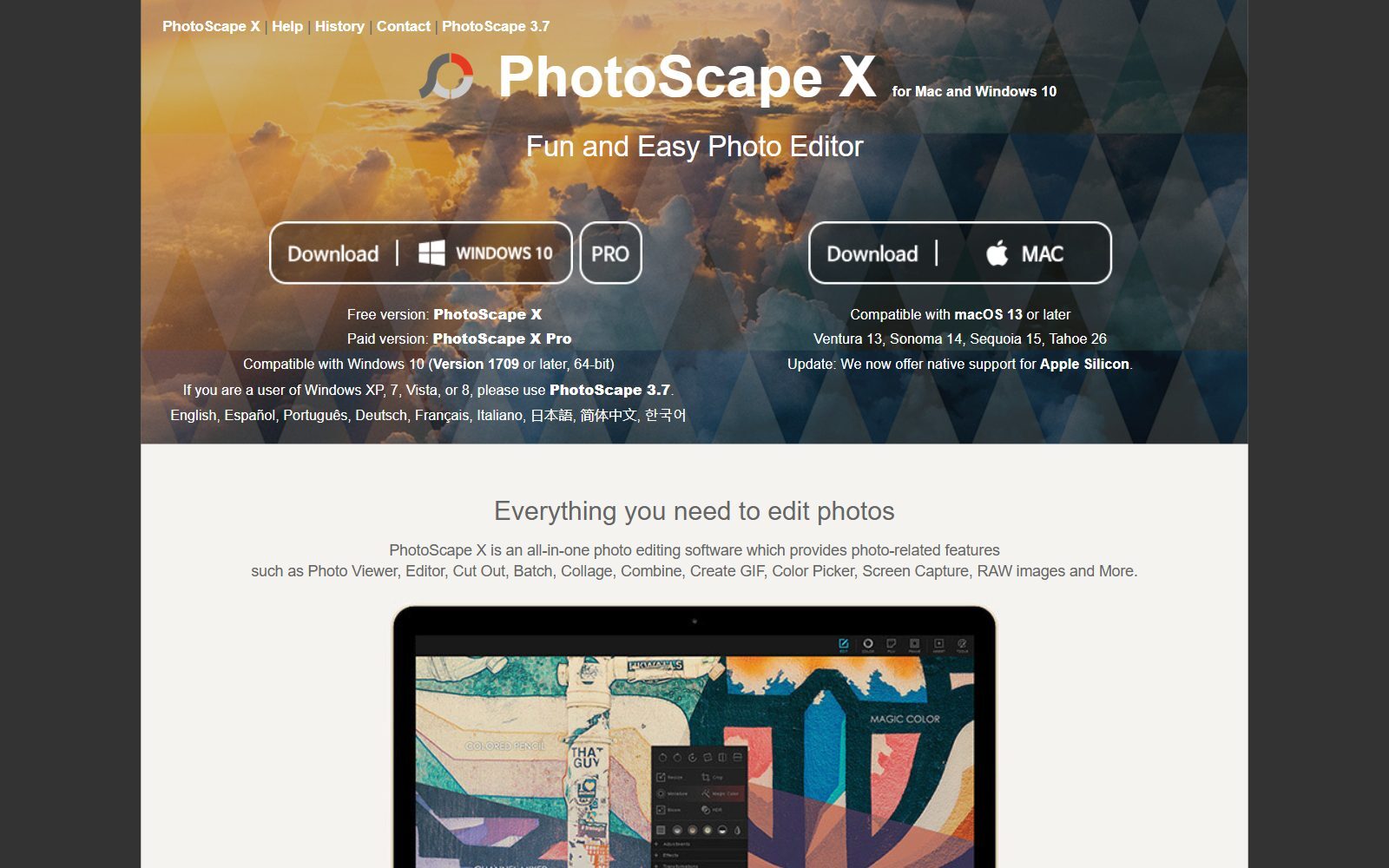
The official PhotoScape X site offers two versions: the free PhotoScape X and the paid PhotoScape X Pro, with a time-unlimited free trial of Pro before you buy. It runs on Windows 10 (version 1709 or later, 64-bit) and on macOS 13 or later, now with native Apple silicon support. The feature list covers a viewer, an editor with filters, frames and stickers, Cut Out for background removal, Batch, Batch Resize, Batch Rename, Batch Format Change, collages, animated GIFs, screen capture and RAW images. Version 4.3 came out for Mac in June 2026, and the site says the Windows version will follow.
The site itself shows no price. In the US Microsoft Store, PhotoScape X Pro was listed at $39.99 and PhotoScape X as free; on the Mac the free app is in the Mac App Store. Users of Windows 7 or 8 are pointed to the older PhotoScape 3.7. The site and help page do not say anything about commercial use, so a company should ask the developer before relying on it.
Free PhotoScape Alternatives Compared
Sources: each tool's official website, licence page or pricing page, default view, checked 10 November 2026. Canva and Pixlr showed euros from our location, Adobe Express and the Microsoft Store US dollars. Prices differ by region.
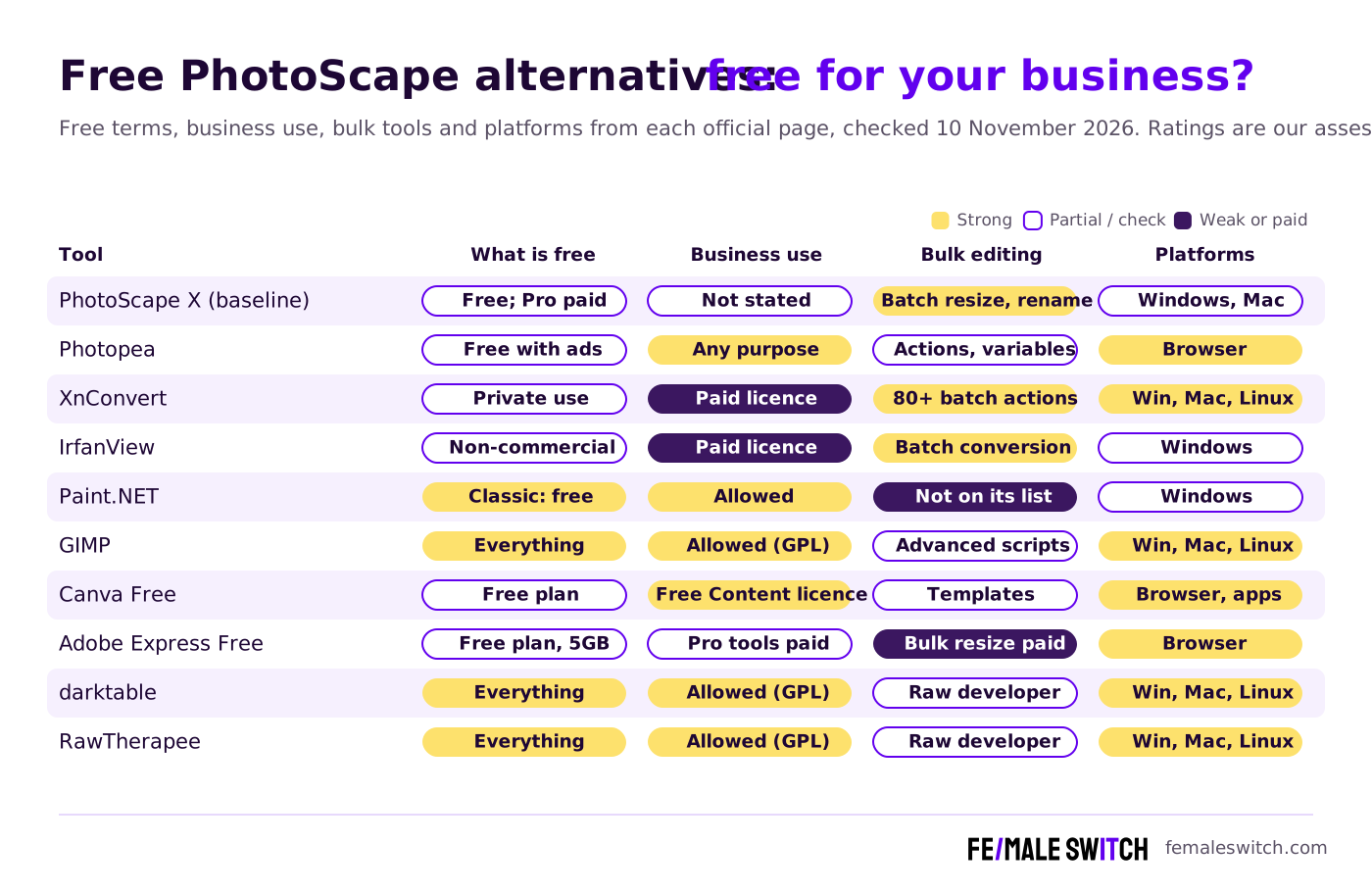
The Best Free PhotoScape Alternatives in 2027
1. Photopea: the all-in-one editor in your browser
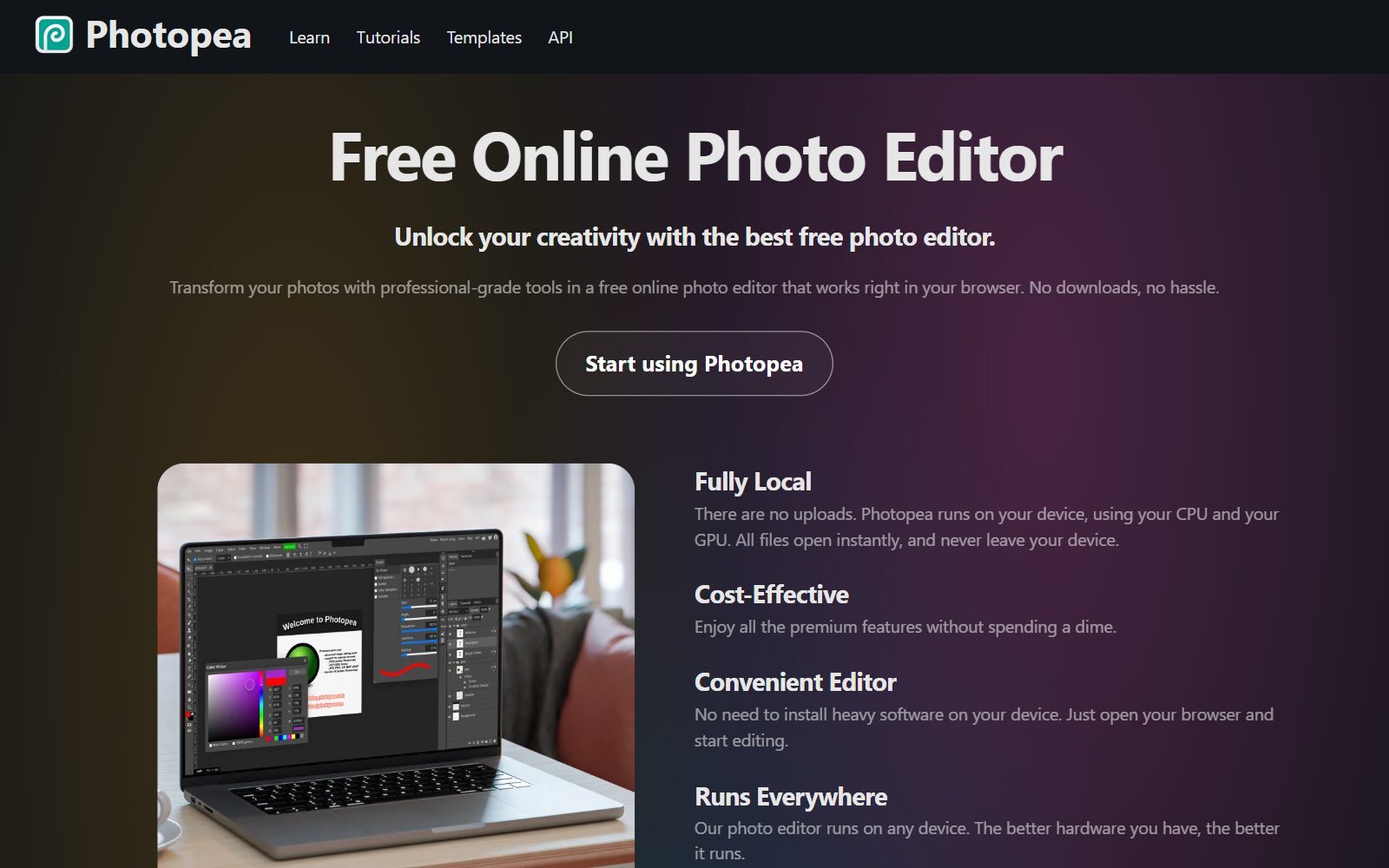
Photopea is a free online photo editor that runs fully on your device: files are not uploaded. Its terms of use are unusually clear for founders: the editor "can be used by anyone for any purpose, for free", and you can sell what you make without giving Photopea a share. The free version shows ads; a Premium account removes them, and teams can share one Premium plan. It has layers, masks and PSD support, and its automation tools include recorded actions, scripts and variables fed from a spreadsheet, which can produce many versions of one social post. Its homepage says it runs on any device, so it also works on Linux computers and Chromebooks, where PhotoScape X does not.
2. XnConvert: batch resize and convert a whole folder
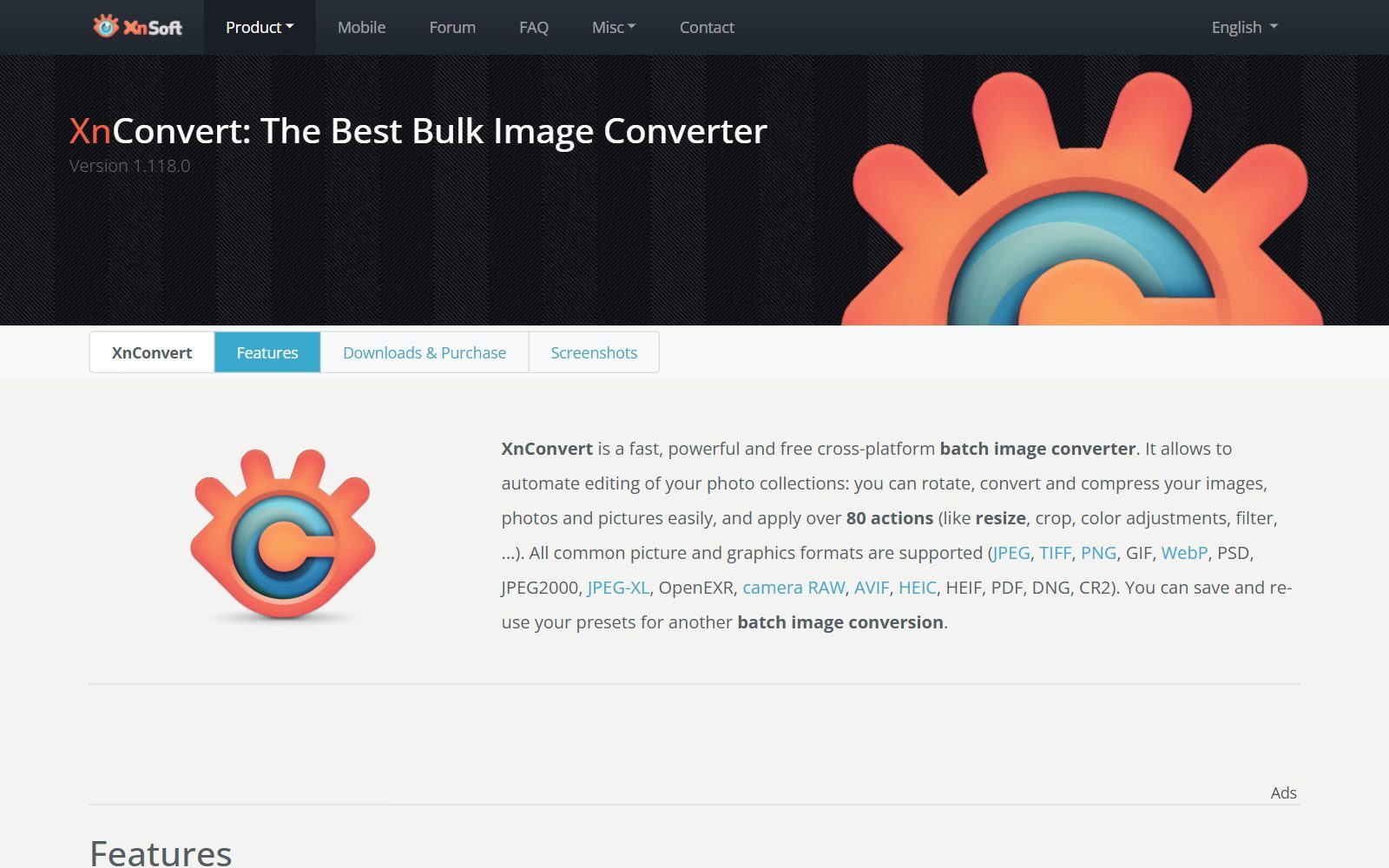
XnConvert is the closest free match for PhotoScape's Batch tab. It applies more than 80 actions to a folder of images, including resize, crop, colour fixes, filters and watermarks, reads more than 500 formats and exports to about 70, including WebP, AVIF and HEIC. You can save presets and watch folders, which is handy for product photos that all need the same size. It runs on Windows, macOS and Linux (version 1.118.0). The licence matters: XnConvert is freeware for private or educational use, including non-profits, but "if you intend to use XnConvert in a company, you must purchase a license", priced at €15 for one licence. Its sister app XnView MP adds a photo viewer and organiser with the same batch module, with a company licence at €29.
3. IrfanView: a tiny Windows viewer with batch conversion
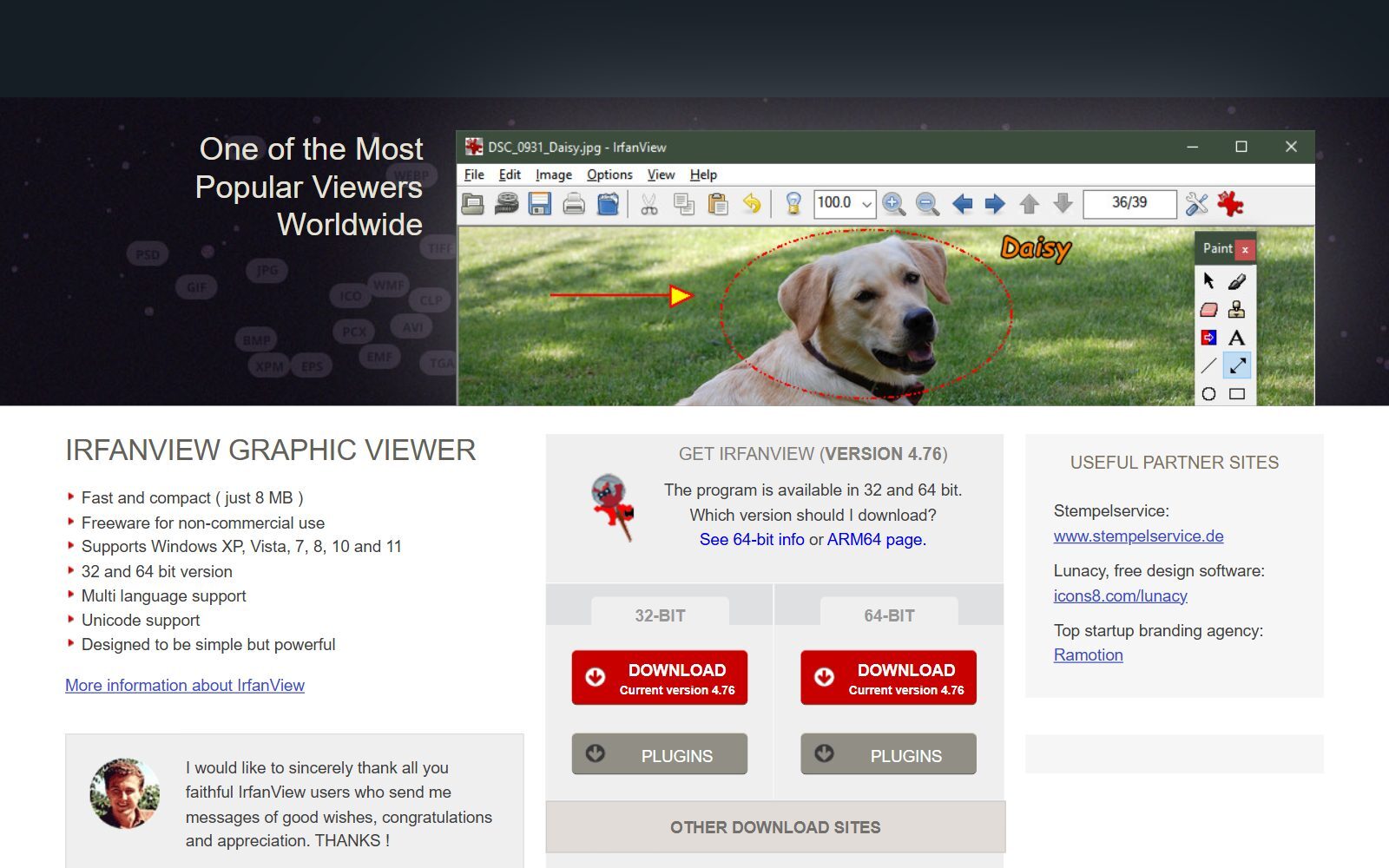
IrfanView is a fast, compact image viewer for Windows (version 4.76) that also does batch conversion, overlay text or watermarks, lossless JPG rotation and crop, and simple painting. Like PhotoScape, it is quick to learn. Its homepage says it is "freeware for non-commercial use", and the support page asks for a 15-euro registration, so a startup should register it before using it for work.
4. Paint.NET: free layered editing on Windows, also for business
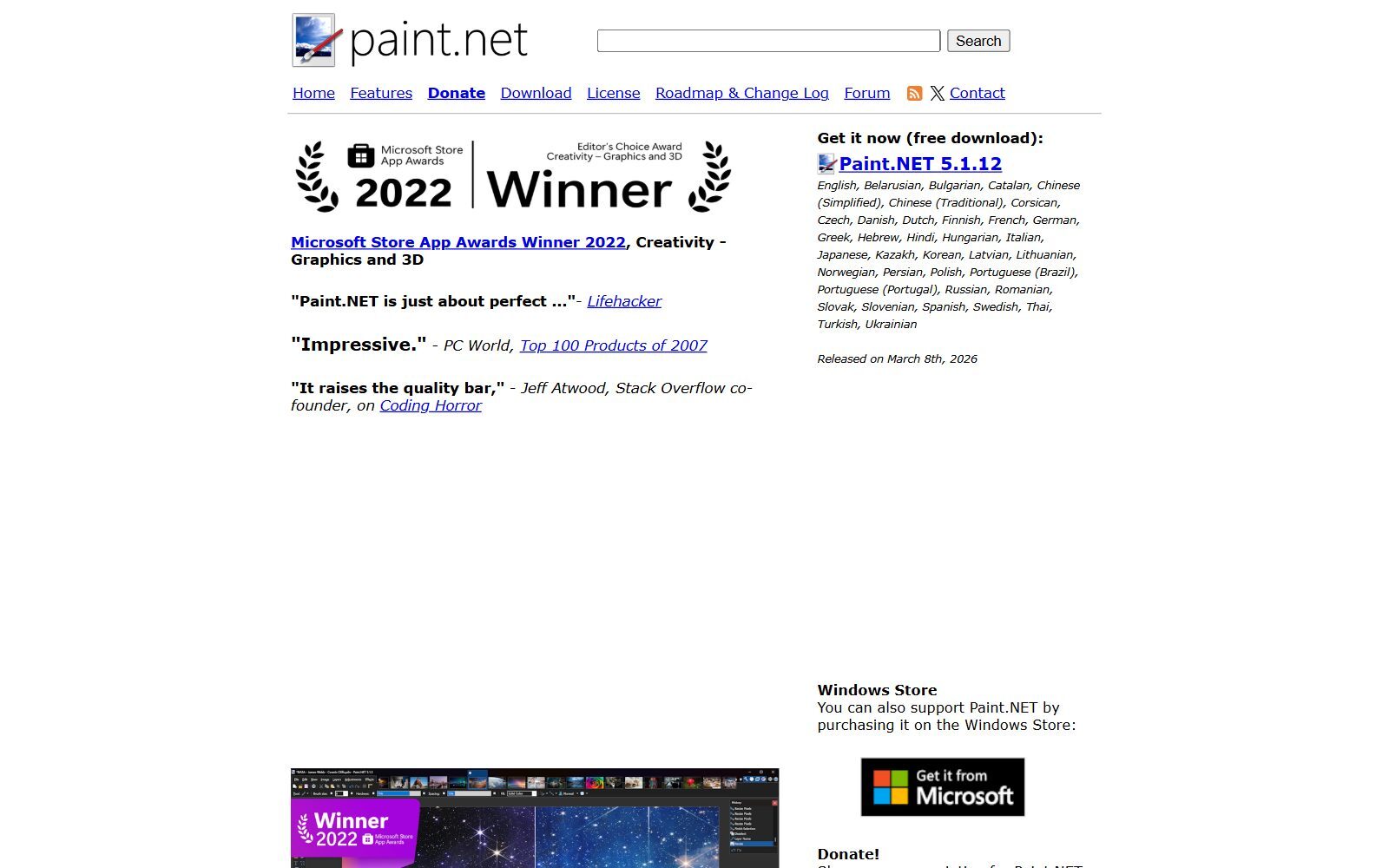
Paint.NET is a free image and photo editor for Windows 10 and 11 with layers, unlimited undo, effects and plugins; version 5.1.12 came out on 8 March 2026. Its licence page says the Classic release from the website is free and may be used for business, commercial, school and government work; the Microsoft Store release costs money (US$14.99 in the US store) and adds automatic updates. Its feature list has no batch tool, so pair it with XnConvert or PhotoScape for bulk resizing.
5. GIMP: the open-source all-rounder
GIMP is free, open-source software for Linux, macOS and Windows, so any business can use it; version 3.2.8 was released on 2 November 2026. It is far more powerful than PhotoScape, with layers, masks and retouching tools, but also harder to learn. If GIMP is too heavy, see our free GIMP alternatives and open-source GIMP alternatives.
Validate your startup idea with the unique borrowed authority approach: we publish articles about your product in our blog and you get traffic and testers for your MVP
- Prove Market Demand: See real organic traffic and waitlist conversions
- Unlock High-Potential Keywords: Receive a curated list of top-performing keywords directly from Google Search Console data.
- Estimate Customer Acquisition Cost (CAC): Gain financial foresight with an estimated CAC based on real keyword performance data.
🔗 Start validating your startup now
6. Affinity: a pro photo editor that now costs nothing
Affinity is now owned by Canva and costs $0 on Mac, Windows and iPad. To download it you sign in with a Canva account; the free app includes all photo editing, vector and layout tools, and only the Canva AI tools inside it need a Canva premium plan. It is the step up from PhotoScape when product photos need careful retouching.
7. Canva Free: social posts from templates
Canva's Free plan cost €0 in the default view from our location and includes more than 1.6 million templates and 4.7 million elements, one Brand Kit with up to three colours, and limited access to Canva's AI tools; Pro was shown at €110 a year for one person. The Canva content licence lets you use Free Content in advertising and promotional projects, product packaging and social media posts. It is not a photo editor in PhotoScape's sense, but it is faster for branded posts. See our free Canva Pro alternatives.
8. Adobe Express Free: templates and basic photo edits
Adobe Express's Free plan, US$0 with no credit card, includes more than 345,000 templates, 5GB of storage, standard photo, video and document editing and a limited number of AI generations. Premium was US$9.99 a month, billed monthly. Watch the limits for shop photos: the pricing page's business FAQ names remove background and bulk resize as premium features. The old Photoshop Express app now appears in the Microsoft Store as Adobe Express Photos.
9. Pixlr: quick online edits, with ads
Pixlr offers Pixlr Express for quick edits and Pixlr Editor for layered work in the browser. The Pixlr pricing page showed no free plan card; its cheapest plan, Plus at €2.49 a month, adds ad-free use, unlimited saves and 80 AI credits, which tells you the free editor has ads and a save limit. See our free Pixlr alternatives.
10. darktable and RawTherapee: free raw development for product photos
If you shoot products in raw, PhotoScape's RAW support is basic. darktable is an open-source lighttable and darkroom for non-destructive raw processing (GPL v3; release 5.6.2 in October 2026), and RawTherapee is a free, cross-platform raw processor under GPLv3, with version 5.13 released on 26 July 2026. Both are free for business use and run on Windows, macOS and Linux.
11. Apple Photos and Microsoft Photos: already on your computer
Before installing anything, try the built-in app. The Photos User Guide for Mac covers light and colour fixes and filters, and with Apple Intelligence tools such as Clean Up, Reframe and Extend. On Windows, Microsoft added Generative erase, Blur background and Remove and replace background to the Photos app in 2024. Neither does batch resizing, which is where PhotoScape or XnConvert still helps.
Removed or Changed Since the 2025 Version
- Fotor: removed. Its pricing page now opens on credit-based AI plans billed yearly (Pro €33.99 a year in the default view) and shows no free plan there.
- Adobe Photoshop Express: renamed. The Windows app is now Adobe Express Photos (formerly Photoshop Express); we list Adobe Express instead.
- Pixlr X and Pixlr E: now called Pixlr Express and Pixlr Editor.
- BeFunky and PhotoRoom: not listed. Their sites push the paid BeFunky Plus and paid Photoroom plans, and we could not confirm a useful free tier in the default view.
- Krita: moved out of the list. It is a free painting program, not a photo editor; see our free Krita alternatives.
- Added: XnConvert, IrfanView, Affinity, darktable, RawTherapee and the built-in photo apps, plus business-use terms for each tool.
Which Free PhotoScape Alternative Should You Choose?
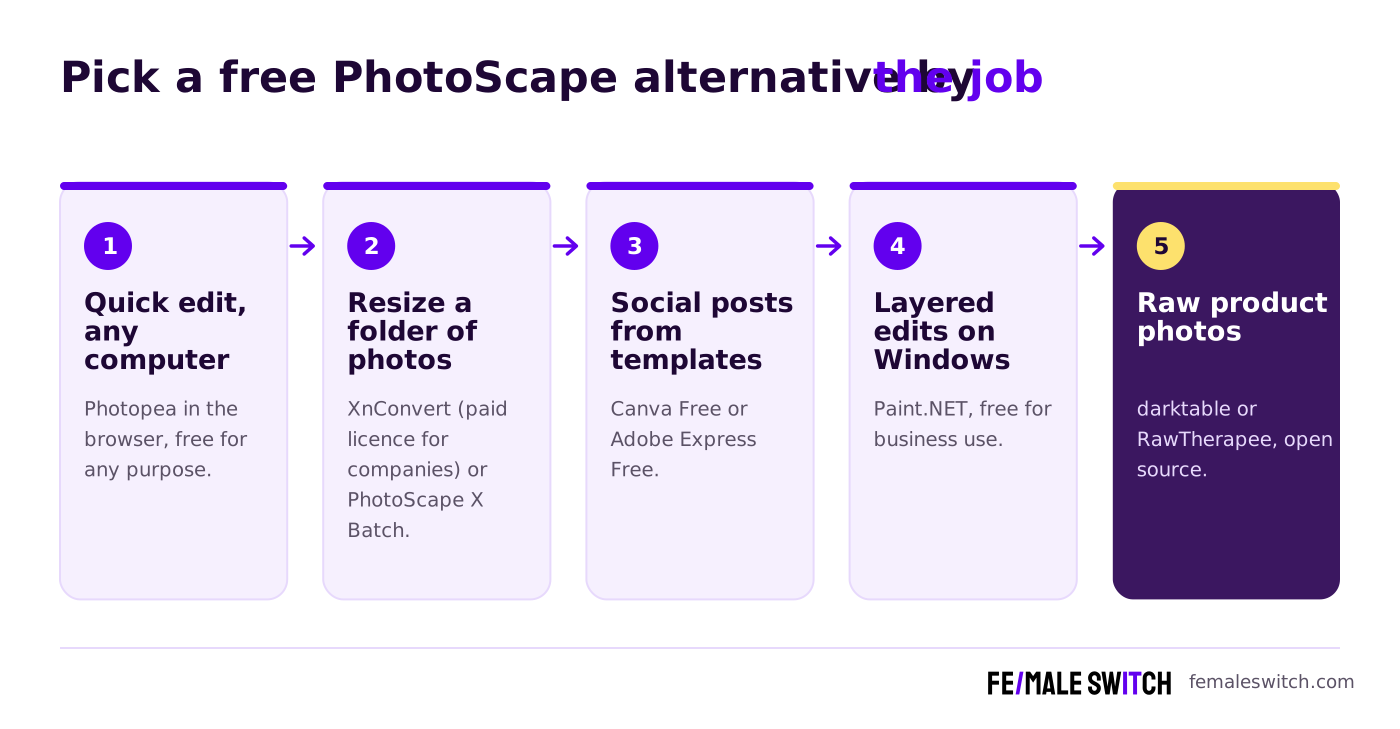
- You edit on different computers, or on Linux or a Chromebook: Photopea in the browser.
- You resize, rename or convert many product photos at once: XnConvert, with a company licence if you use it for your startup; PhotoScape X Batch on Windows or Mac.
- You need layered edits on Windows and want clear business terms: Paint.NET.
- You want open source with no licence questions: GIMP, darktable or RawTherapee.
- You make social posts and ads from templates: Canva Free or Adobe Express Free.
- Your product photos need pro retouching: Affinity.
- You only crop and brighten a photo now and then: Apple Photos or Microsoft Photos.
How Founders Use Free Photo Editors
A simple free setup for a small shop or startup: shoot products against a plain background, batch-resize and rename them in one go, fix the best shots in an editor, and turn them into social posts with a template tool. For example, XnConvert or PhotoScape for the folder, Photopea or Paint.NET for retouching, and Canva Free for the post. Keep one master copy of every image at full size and export smaller versions for the web, because product pages and social networks each want different sizes. Read the licence once: freeware for private use is not free for a company.
For more editors, compare our free Photoshop alternatives, open-source Photoshop alternatives, free PaintShop Pro alternatives, PaintShop Pro alternatives, free Corel PHOTO-PAINT alternatives, open-source Affinity Photo alternatives and free Picsart alternatives. To restore old photos, see our open-source photo restoration tools.
Once your images are ready, plan where they go: our free Hootsuite alternatives and open-source Buffer alternatives help you schedule posts, our guide to print-on-demand designs shows how founders sell their visuals, and the F/MS AI SEO Tool helps you write the blog posts around them. If you also draw, see our open-source SketchBook alternatives.
Join ElonaHunt (like ProductHunt but for women) and explore the coolest women-focused startups out there!
Discover your next big inspiration and connect with like-minded female entrepreneurs!
👉 Join the Hunt Here
FAQ About Free PhotoScape Alternatives
Is PhotoScape X free?
Yes, PhotoScape X is free for Windows 10 and Mac. There is also a paid PhotoScape X Pro with a time-unlimited free trial; in the US Microsoft Store, Pro was listed at $39.99.
Can I use PhotoScape X for my business?
The official site and help page do not say. If you depend on it for client or shop work, ask the developer, or use a tool with clear business terms such as Paint.NET, Photopea or GIMP.
Does PhotoScape X run on Windows 7 or Linux?
No. PhotoScape X needs Windows 10 (version 1709 or later, 64-bit) or macOS 13 or later; Windows XP, 7, Vista and 8 users are pointed to the older PhotoScape 3.7. There is no Linux version, so Linux users can use Photopea, GIMP or XnConvert.
What is the best free alternative to PhotoScape for batch resizing?
XnConvert: it resizes, converts, renames and watermarks whole folders on Windows, macOS and Linux. It is free for private and educational use; companies need a licence, €15 for one.
Is there an online alternative to PhotoScape?
Yes. Photopea runs in the browser, keeps files on your device and is free for any purpose, with ads. Canva Free, Adobe Express Free and Pixlr also work online.
Is IrfanView free for business use?
No. IrfanView is freeware for non-commercial use; its site asks for a 15-euro registration, which a business should pay.
Is Paint.NET free for commercial use?
Yes. Its licence page says the free Classic release may be used for business, commercial, school and government work. The Microsoft Store version is paid and adds automatic updates.
Which free editor removes backgrounds from product photos?
PhotoScape X has a Cut Out tool, Photopea has a Magic Cut tool for backgrounds, and Microsoft Photos added Remove and replace background. In Adobe Express, background removal is a premium feature.
PhotoScape X vs GIMP: which is easier?
PhotoScape X is easier for quick fixes, collages and batch jobs. GIMP is more powerful for detailed retouching and layered edits, but takes longer to learn.
Where can I get a backlink by writing about my startup?
You can publish a guest post in one of the Fe/male Switch startup blogs, which rank in Google and in AI tools. Get a quality backlink.
About the Author
Violetta Bonenkamp, also known as MeanCEO, is an experienced startup founder with an impressive educational background including an MBA and four other higher education degrees. She has over 20 years of work experience across multiple countries, including 5 years as a solopreneur and serial entrepreneur. Throughout her startup experience she has applied for multiple startup grants at the EU level, in the Netherlands and Malta, and her startups received quite a few of those. She’s been living, studying and working in many countries around the globe and her extensive multicultural experience has influenced her immensely.

