

Free Whimsical Alternatives: Flowcharts, Whiteboards, Mind Maps and Wireframes Without Paying
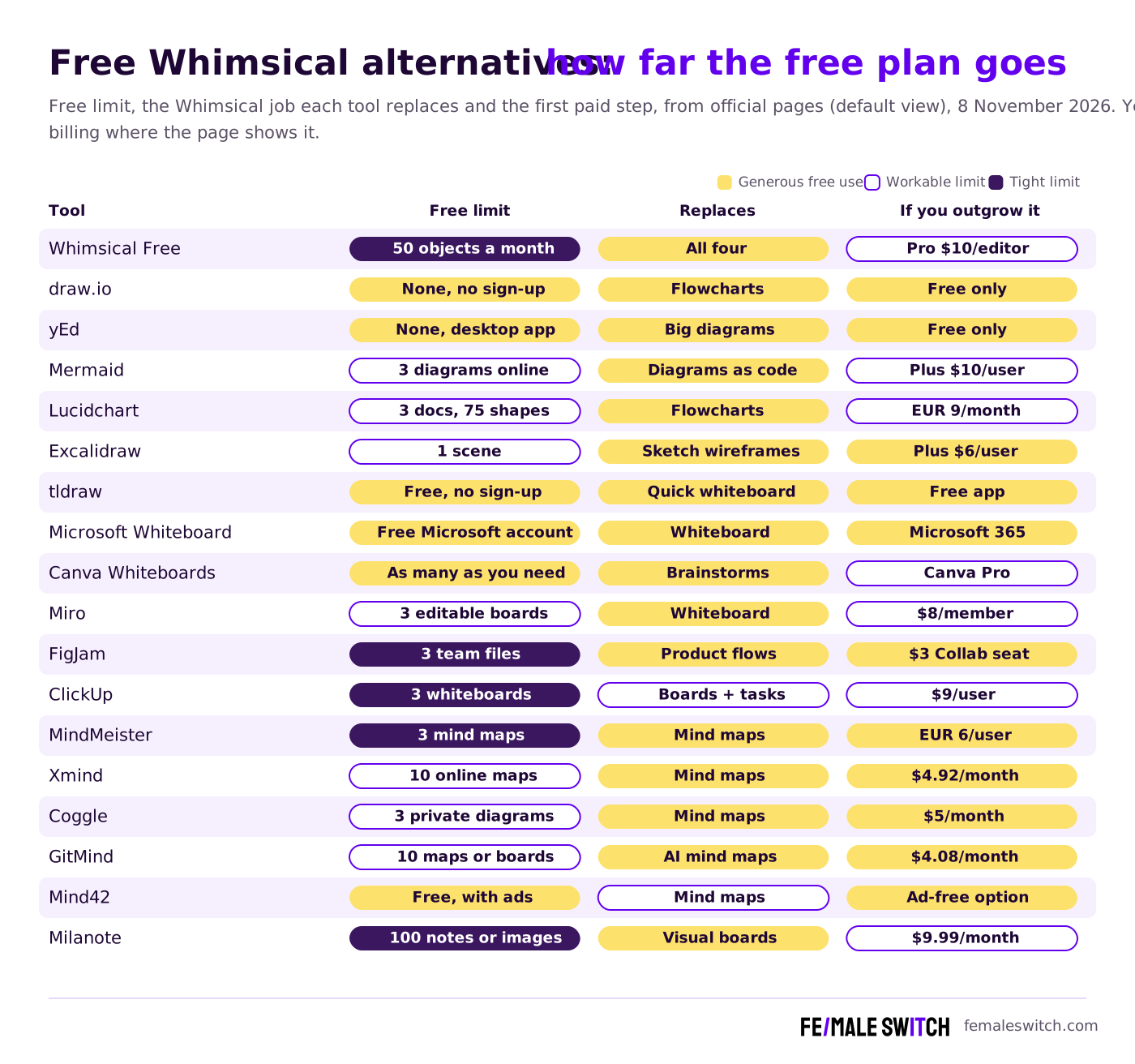
Whimsical is a favourite of product teams because flowcharts, wireframes, mind maps and docs live in one clean app. Its free plan, though, is now described as a way to evaluate Whimsical: it stops at 50 new board objects a month, which a single user-flow workshop can use up. This guide only lists tools you can keep using for free. We grouped them by the Whimsical job they replace, checked each free plan on the official pricing page on 8 November 2026 (default view, no toggles), and show where the free plan ends. If you also want paid options, our general Whimsical alternatives guide compares plans and prices.
Quick answer: the most generous free replacements are draw.io for flowcharts (free forever, no sign-up), Excalidraw and tldraw for quick sketches and wireframes, Microsoft Whiteboard or Canva Whiteboards for team brainstorms, and Xmind, Coggle or GitMind for mind maps. yEd is free even for commercial use if you prefer a desktop app, and Mermaid turns text into diagrams for developer teams. Miro, FigJam, Lucidchart, MindMeister, ClickUp and Milanote have free plans too, but with tighter limits than Whimsical's own.
Boost Your SEO by Getting Featured in Our Blogs and get a backlink.
We publish content about startups, education, tech, funding, etc. that ranks well not only in Google but also in Perplexity, ChatGPT, Grok and other AI tools.
👉 Get featured now!
Is Whimsical Free in 2027? What the Free Plan Includes
On the Whimsical pricing page (annual billing shown by default, USD), the Free plan costs $0 per editor and is labelled "for evaluating Whimsical". It lets you create up to 50 board objects and 50 doc blocks per month, adds a watermark to exports, keeps 7 days of version history and allows 5 MB per uploaded file with 1 GB of storage. The FAQ adds unlimited boards, members and guests, 10 AI credits per member and up to 2 free workspaces; viewers are always free. Pro costs $10 per editor a month and removes the monthly limits; Business costs $20. Students and teachers can apply to use Whimsical for free, and non-profits get 20% off. So Whimsical Free is fine for reading and commenting on a team's boards, but not for drawing much yourself.
Free Whimsical Alternatives Compared
Sources: each tool's official pricing or product page, default view, checked 8 November 2026. Lucid and MindMeister showed prices in euros from our location; your currency may differ.
Free Flowchart and Diagram Tools
1. draw.io: free forever, no sign-up
draw.io (the old diagrams.net) is the strongest free replacement for Whimsical's flowcharts. Its homepage promises "free forever", no sign-up and no lock-in, with Apache 2.0 source code and no paywalled enterprise tier. You keep files where you like (Google Drive, OneDrive, GitHub or your own disk with the desktop app), work with others in real time, and use it inside Confluence, Jira, VS Code and Notion. The project is active: version 32.6.10 came out on 4 November 2026. It looks plainer than Whimsical, but there is no limit to run into. More options: our free draw.io alternatives.
2. yEd Graph Editor: free desktop diagrams, even for business
yEd is a free desktop editor from yWorks for flowcharts, BPMN, UML class diagrams and network diagrams. Its FAQ says the use of yEd is free of charge, also in a commercial environment. Its strength is automatic layout, which tidies large diagrams for you; the latest release is 3.25.1. It runs as a Java application on Windows, macOS and Linux, and there is no real-time collaboration, so share exported files instead.
3. Mermaid: diagrams written as text
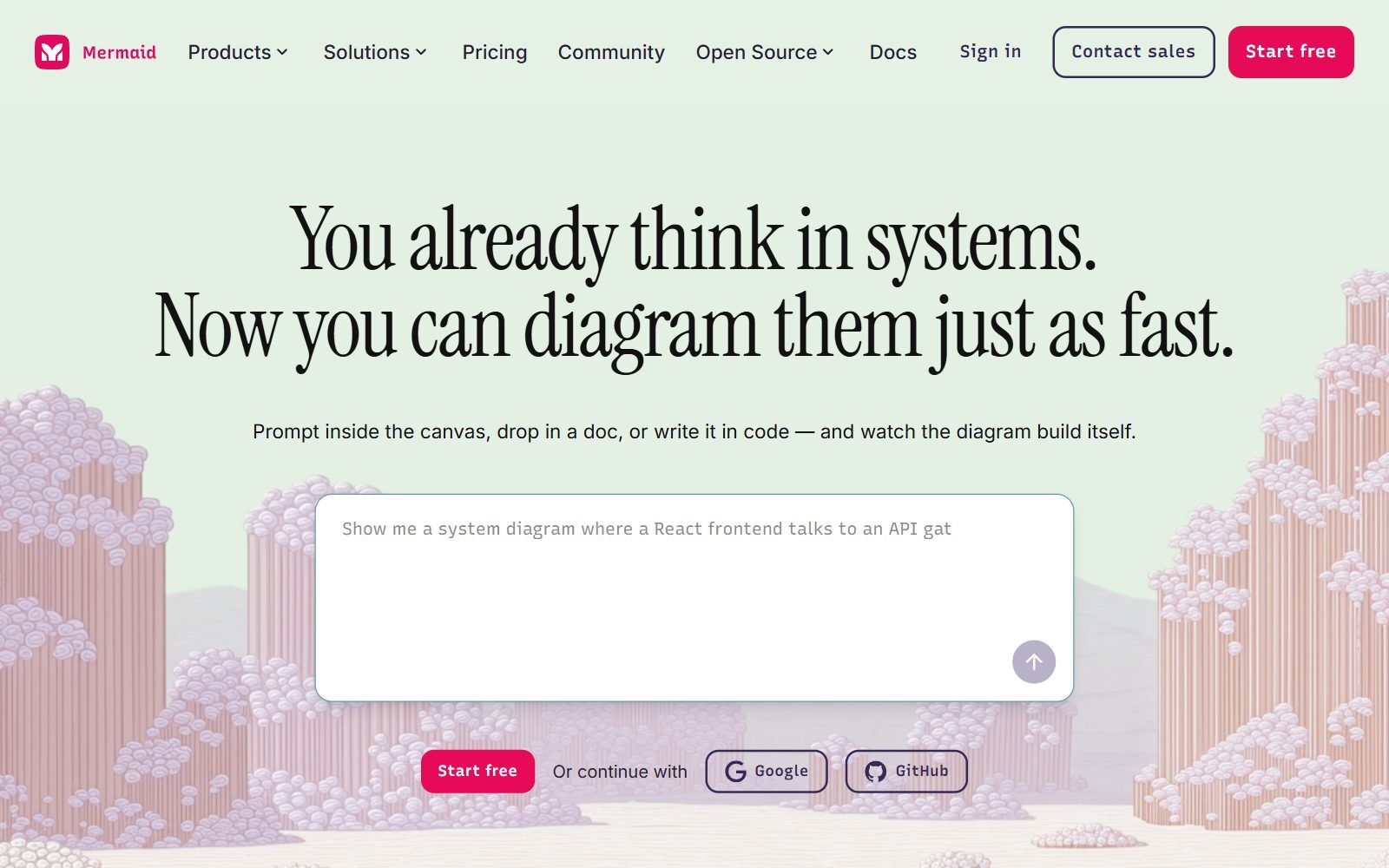
If your flowcharts end up in product specs or GitHub, Mermaid lets you write a diagram as a few lines of text and renders it as a flowchart, sequence diagram or Gantt chart. The library is open source under the MIT licence and still released regularly (a new version came out on 3 November 2026), and GitHub, GitLab and many docs tools display Mermaid code. The hosted editor formerly called Mermaid Chart is now simply Mermaid at mermaid.ai; its pricing page lists a free Basic plan with 3 diagrams, limited diagram size and limited AI, and Plus at $10 per user a month, billed annually only. For more text-to-diagram tools, see our open-source PlantUML alternatives.
4. Lucidchart Free: professional flowcharts, small free quota
Lucidchart has the most complete shape libraries for process maps and technical diagrams. Its Free plan includes 3 editable documents, 75 shapes per document, 100 templates, basic data linking, presentation mode, commenting and Lucid AI. That is enough for one or two key flows, not for a whole product. Individual costs EUR 9 a month billed annually (VAT excluded, as shown to us) after a 7-day trial; Team costs EUR 10 per user. Our free Lucidchart alternatives list goes deeper.
Free Whiteboards for Sketches and Wireframes
5. Excalidraw: hand-drawn wireframes, free forever
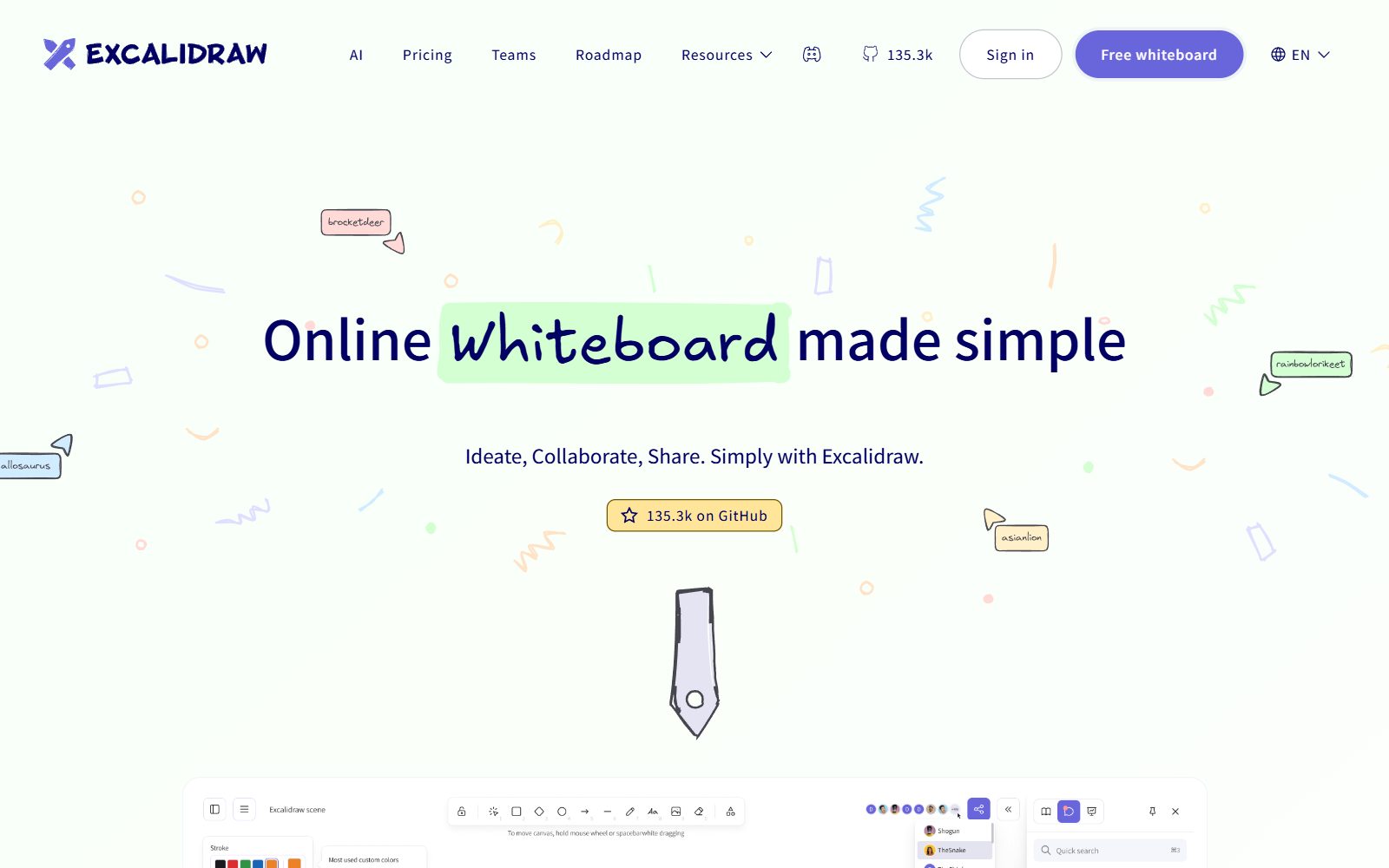
Excalidraw gives you sketch-style shapes that make early wireframes and flows look deliberately unfinished, which keeps feedback on the idea instead of the pixels. Its pricing page lists a Free forever plan with the full editor, 1 infinite scene, unlimited collaborators, 10 generative AI requests a day, PNG and SVG export and end-to-end encryption in the browser. The editor is open source under the MIT licence. Excalidraw+ costs $6 a month per user, with a 14-day trial, and adds unlimited saved scenes, comments and presentations.
6. tldraw: open the page and draw
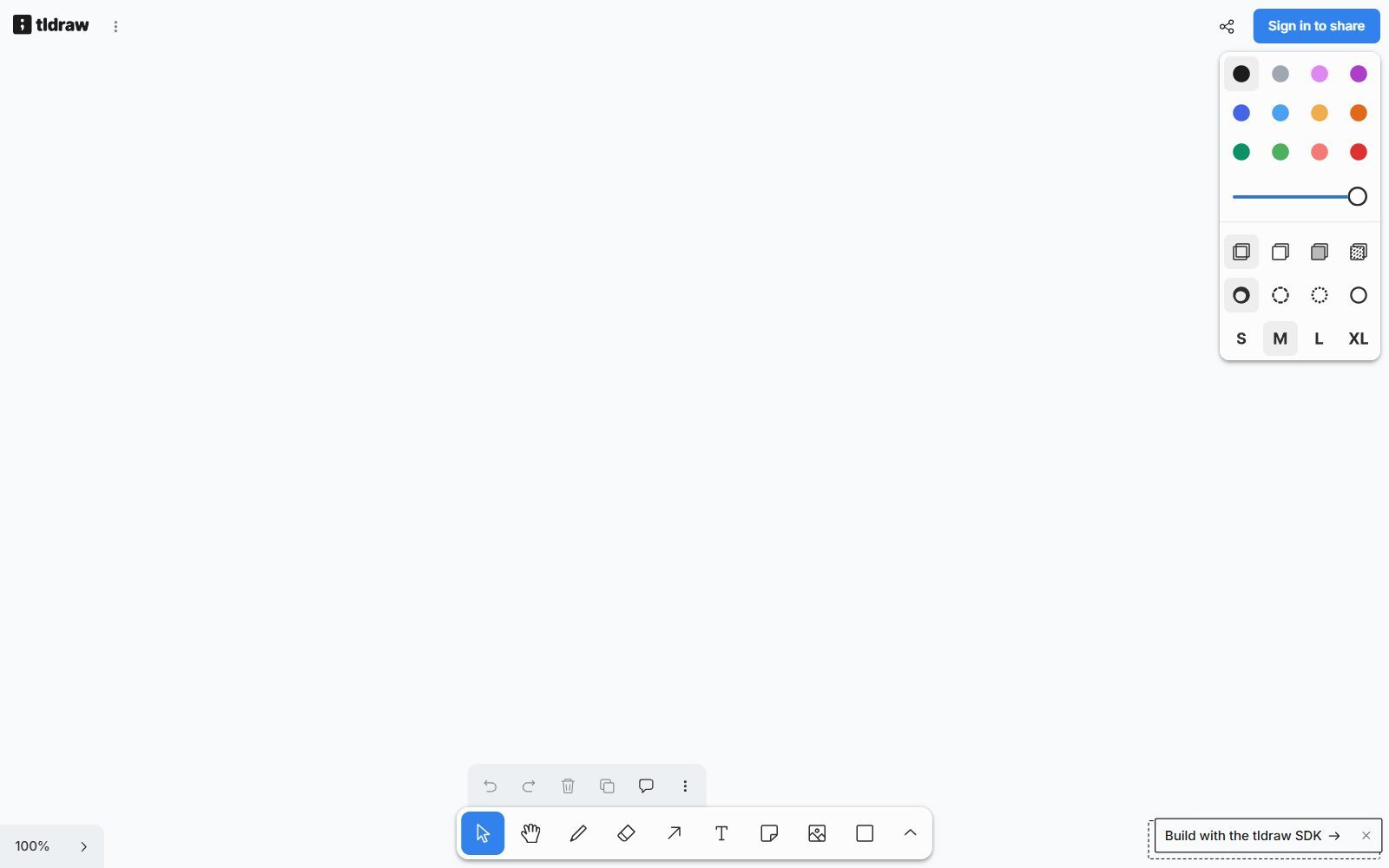
tldraw describes itself as a free and instant whiteboard with no sign-up required that works on phones, tablets and desktops. You can start drawing straight away; when we opened it, sharing a board asked us to sign in. It is ideal for a five-minute flow sketch on a call. tldraw is also a developer SDK: on tldraw.dev production use needs a commercial licence (100-day free trial; free hobby licence), and its code is not under an OSI open-source licence.
7. Microsoft Whiteboard: free with a Microsoft account
Microsoft Whiteboard runs in a web browser, in Microsoft Teams and as an app for Windows, iOS and Android. Microsoft's support page says you can sign in with a free Microsoft account (Outlook, Hotmail and similar) or a Microsoft 365 work or school account. It is a good free choice for teams that already meet in Teams and want a shared board during the call.
8. Canva Whiteboards: free brainstorms in the tool you already use
Canva Whiteboards is marketed as a free online whiteboard: Canva says you can create as many whiteboards as you need, with unlimited space in each, plus templates and a Draw tool. Canva's pricing page says Canva Free is available to anyone. It suits marketing brainstorms and retros, less so detailed flowcharts. See also our free Canva Pro alternatives.
9. Miro Free: the full whiteboard, 3 editable boards
Miro is the most complete visual workspace, with diagrams, docs, tables, kanban and slides on one canvas. The Free plan lets you create unlimited boards, but only the three most recent stay editable; it includes 7,000+ templates and 250+ integrations. Starter costs $8 per member a month billed yearly. If three live boards are too few, our free Miro alternatives and open-source Miro alternatives cover the rest.
10. FigJam on Figma Starter: flows next to your designs
FigJam comes with Figma's free Starter plan. Figma's Starter plan overview limits a Starter team to one folder with 3 FigJam files (plus 3 Design and 3 Slides files) and 30 days of version history; drafts are unlimited, but you can only invite collaborators to them with view access. A Collab seat with full FigJam access is $3 a month on the Figma pricing page. Self-hosted options are in our open-source FigJam alternatives.
11. ClickUp Free Forever: whiteboards that turn into tasks
ClickUp is a project management app with whiteboards, docs and mind maps built in. On Free Forever you get unlimited tasks and unlimited free members, but only 60 MB of storage and, per the plan comparison, up to 3 whiteboards. That is enough to sketch a flow and convert its boxes into tasks. Core costs $9 per user a month billed yearly. Compare it in our free ClickUp AI alternatives.
Validate your startup idea with the unique borrowed authority approach: we publish articles about your product in our blog and you get traffic and testers for your MVP
- Prove Market Demand: See real organic traffic and waitlist conversions
- Unlock High-Potential Keywords: Receive a curated list of top-performing keywords directly from Google Search Console data.
- Estimate Customer Acquisition Cost (CAC): Gain financial foresight with an estimated CAC based on real keyword performance data.
🔗 Start validating your startup now
Free Mind Map Tools
12. Xmind: up to 10 free online maps
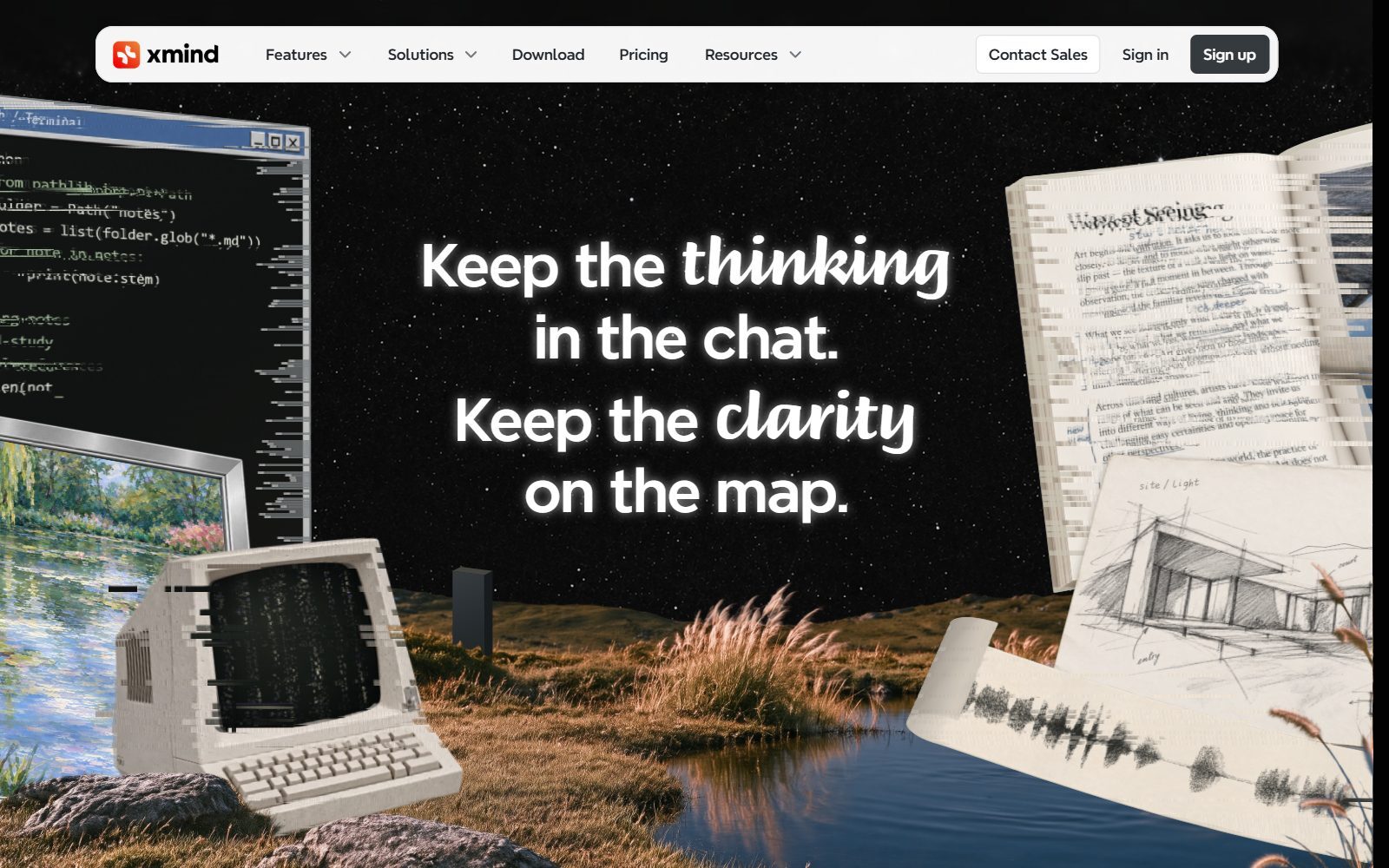
Xmind is one of the best-known mind map apps. Its Free plan (US$0) lets you create up to 10 online maps with basic themes and stickers, keeps 3 days of version history, lets you publish maps by link and turn up to 5 slides into a presentation, and gives 50 AI credits at sign-up. Pro is listed at US$4.92 a month and Premium at US$8.25 a month on yearly billing; Premium adds real-time collaboration.
13. Coggle: free collaborative mind maps
Coggle says everything you need to create mind maps is free, forever. The Free Forever plan includes 3 private diagrams, unlimited public diagrams, real-time collaboration, unlimited image uploads, full change history, PDF and image download and export for Microsoft Visio, and Coggle can also draw simple flowcharts. Awesome costs $5 a month for unlimited private diagrams.
14. GitMind: AI mind maps and whiteboards
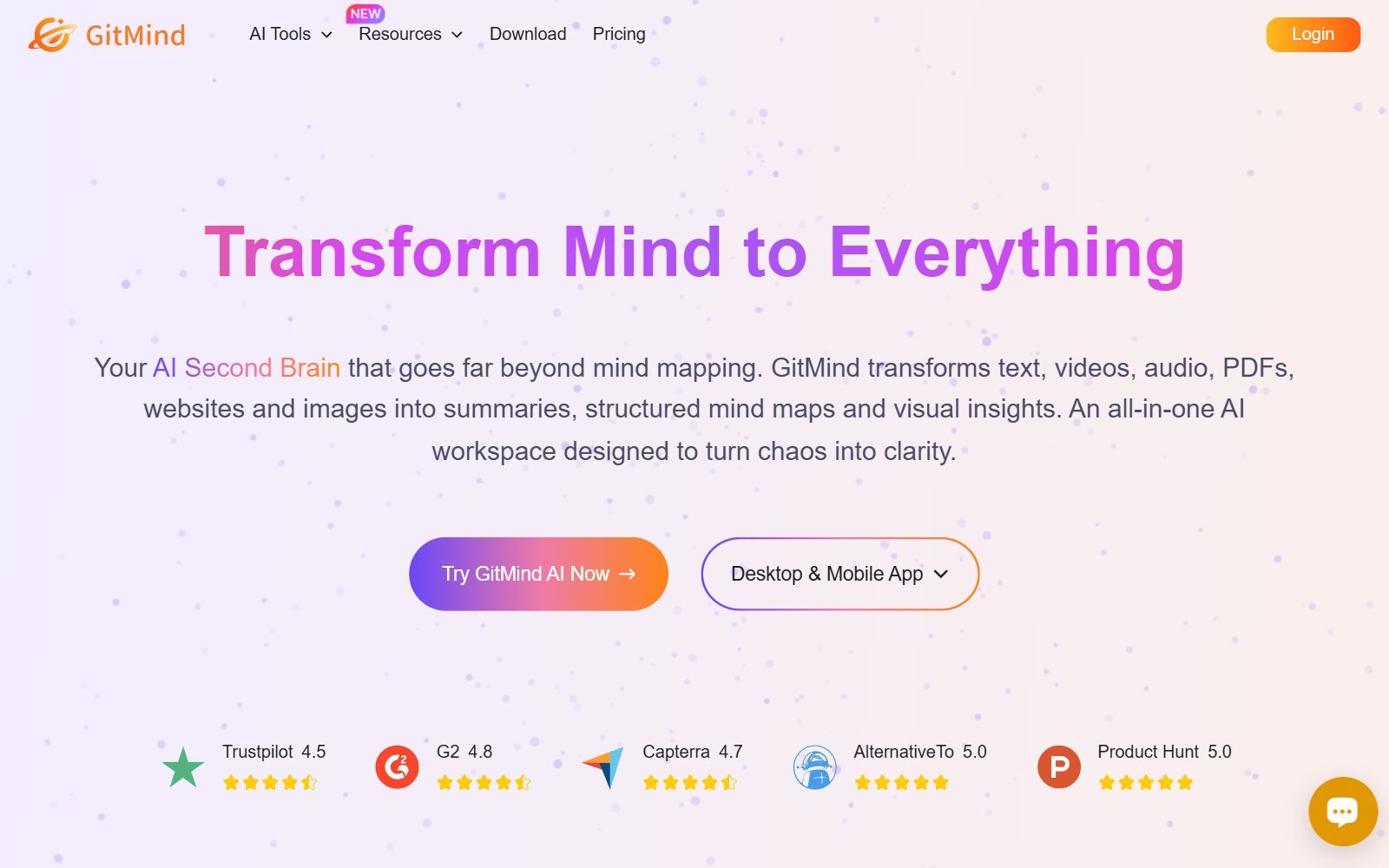
GitMind now presents itself as an AI workspace that turns text, video, audio, PDFs and websites into mind maps and summaries. The Basic plan is free for up to 10 mind maps or whiteboards, with limits on images and one shared space (a "planet") for up to 5 members. Paid access costs $9 a month on monthly billing or $4.08 a month on the annual plan, as listed on its pricing page.
15. MindMeister Free: 3 mind maps and beta whiteboards
MindMeister is a long-running online mind map tool. The free plan lets you create 3 mind maps, share them with unlimited collaborators, present them and use 500 AI credits a month, and whiteboards are unlimited while they are in beta. Personal, with unlimited mind maps, is EUR 6 per user a month on yearly billing in the view we saw.
16. Mind42: the simplest free mind map
Mind42 is a free, browser-based mind map tool funded by advertising; an ad-free account is offered. It is basic, but fine for a quick shared outline. When we checked, the site carried a maintenance notice, so export anything important.
Free Visual Boards for Docs and Moodboards
17. Milanote Free: moodboards and visual briefs
Milanote replaces the docs-and-board side of Whimsical for creative work: notes, images, links and to-dos on visual boards. The Free plan has no time limit and includes 100 notes, images or links, 10 file uploads and unlimited shared boards. The paid plan costs $9.99 a month billed annually ($12.50 monthly), and a team plan for up to 10 people costs $49 a month billed annually. For written docs, our free Craft alternatives list free docs tools.
What Changed Since the 2025 List
- Whimsical Free: now explicitly an evaluation plan with 50 board objects and 50 doc blocks a month.
- Mermaid Chart: renamed Mermaid; mermaidchart.com redirects to mermaid.ai, and paid plans are billed annually only.
- ClickUp: whiteboards are still on the free plan, but capped at 3.
- Figma and FigJam: the Starter plan allows 3 FigJam files in the team; unlimited drafts can only be shared view-only.
- Lucidchart: the free plan is now precisely 3 editable documents with 75 shapes each.
- Added: Excalidraw, tldraw, Canva Whiteboards, MindMeister, Xmind, Milanote and Mermaid. Paid-only tools such as Microsoft Visio and MindManager are not listed here; see our general Whimsical alternatives for them.
Which Free Whimsical Alternative Should You Choose?
- Flowcharts with no limits: draw.io online, or yEd on the desktop.
- Flowcharts that live in your docs or code: Mermaid.
- Rough wireframes and user flows: Excalidraw or tldraw; for screens with real UI components, see our open-source wireframe tools and open-source Balsamiq alternatives.
- Team brainstorms on a call: Microsoft Whiteboard if you use Teams, Canva Whiteboards if you use Canva.
- Mind maps: Xmind or GitMind for 10 free maps, Coggle for unlimited public maps.
- Moodboards and creative briefs: Milanote, within 100 items.
- You like Whimsical and mostly view boards: stay on Whimsical Free; viewers and guests cost nothing.
Join ElonaHunt (like ProductHunt but for women) and explore the coolest women-focused startups out there!
Discover your next big inspiration and connect with like-minded female entrepreneurs!
👉 Join the Hunt Here
How Founders Use Free Whimsical Alternatives
A free stack can cover the whole path from idea to prototype. Map the business on our free Lean Canvas tool, draw the main user flow in draw.io or Excalidraw, keep one mind map of customer interview insights in Xmind or Coggle, and only then design screens. When you are ready for clickable prototypes, our Marvel alternatives and InVision alternatives cover the next step, and the open-source Figma alternatives handle high-fidelity design.
For workshops with more people, compare our open-source Mural alternatives, free Miro AI alternatives and draw.io alternatives. If you want to self-host diagrams, see the open-source draw.io alternatives. Ideas that start as mind maps often move into a notes app: our Roam Research alternatives compare networked note-taking apps, and ClickUp vs Notion helps you pick a team workspace. When the flows become a product launch, the F/MS AI SEO Tool helps your pages get found in Google and AI assistants.
FAQ About Free Whimsical Alternatives
Is Whimsical free?
Yes, but the free plan is for evaluation. When we checked on 8 November 2026, Whimsical Free allowed 50 board objects and 50 doc blocks a month, with watermarked exports and 7 days of version history. Pro costs $10 per editor a month on annual billing.
What is the best free alternative to Whimsical?
For flowcharts, draw.io: it is free forever, needs no sign-up and has no paid tier. For sketches and wireframes, Excalidraw or tldraw. For mind maps, Xmind or Coggle.
Which free Whimsical alternative has no limits at all?
draw.io (online and desktop) and yEd (desktop) have no paid tier, so nothing is held back. Microsoft Whiteboard is free with any Microsoft account, and Canva lets you create as many whiteboards as you need on Canva Free.
Is there a free open-source Whimsical alternative?
Yes. draw.io's source code is Apache 2.0, and Excalidraw and the Mermaid library are MIT licensed. tldraw's code uses its own licence, which is not an OSI open-source licence.
What is the best free Whimsical alternative for wireframes?
Excalidraw for hand-drawn wireframes with unlimited collaborators on one free scene, and tldraw for instant sketches. For component-based wireframes, see our open-source wireframe tools and Balsamiq alternatives.
What is the best free Whimsical alternative for mind maps?
Xmind and GitMind allow 10 free maps each, Coggle allows 3 private and unlimited public diagrams, and MindMeister allows 3 mind maps on its free plan.
Is Miro free?
Yes. Miro Free lets you create unlimited boards, but only the three most recent stay editable. Starter costs $8 per member a month billed yearly.
Is FigJam free?
Yes, on Figma's Starter plan: a team gets 3 FigJam files and unlimited drafts, which can only be shared view-only. A Collab seat with full FigJam access costs $3 a month.
What happened to Mermaid Chart?
It is now called Mermaid and lives at mermaid.ai. The free Basic plan allows 3 diagrams, and the open-source Mermaid library stays free under the MIT licence.
Where can I get a backlink by writing about my startup?
You can publish a guest post in one of the Fe/male Switch startup blogs, which rank in Google and in AI tools. Get a quality backlink.
About the Author
Violetta Bonenkamp, also known as MeanCEO, is an experienced startup founder with an impressive educational background including an MBA and four other higher education degrees. She has over 20 years of work experience across multiple countries, including 5 years as a solopreneur and serial entrepreneur. Throughout her startup experience she has applied for multiple startup grants at the EU level, in the Netherlands and Malta, and her startups received quite a few of those. She’s been living, studying and working in many countries around the globe and her extensive multicultural experience has influenced her immensely.

