

PicMonkey Alternatives Compared on Price, Free Plans and AI Tools
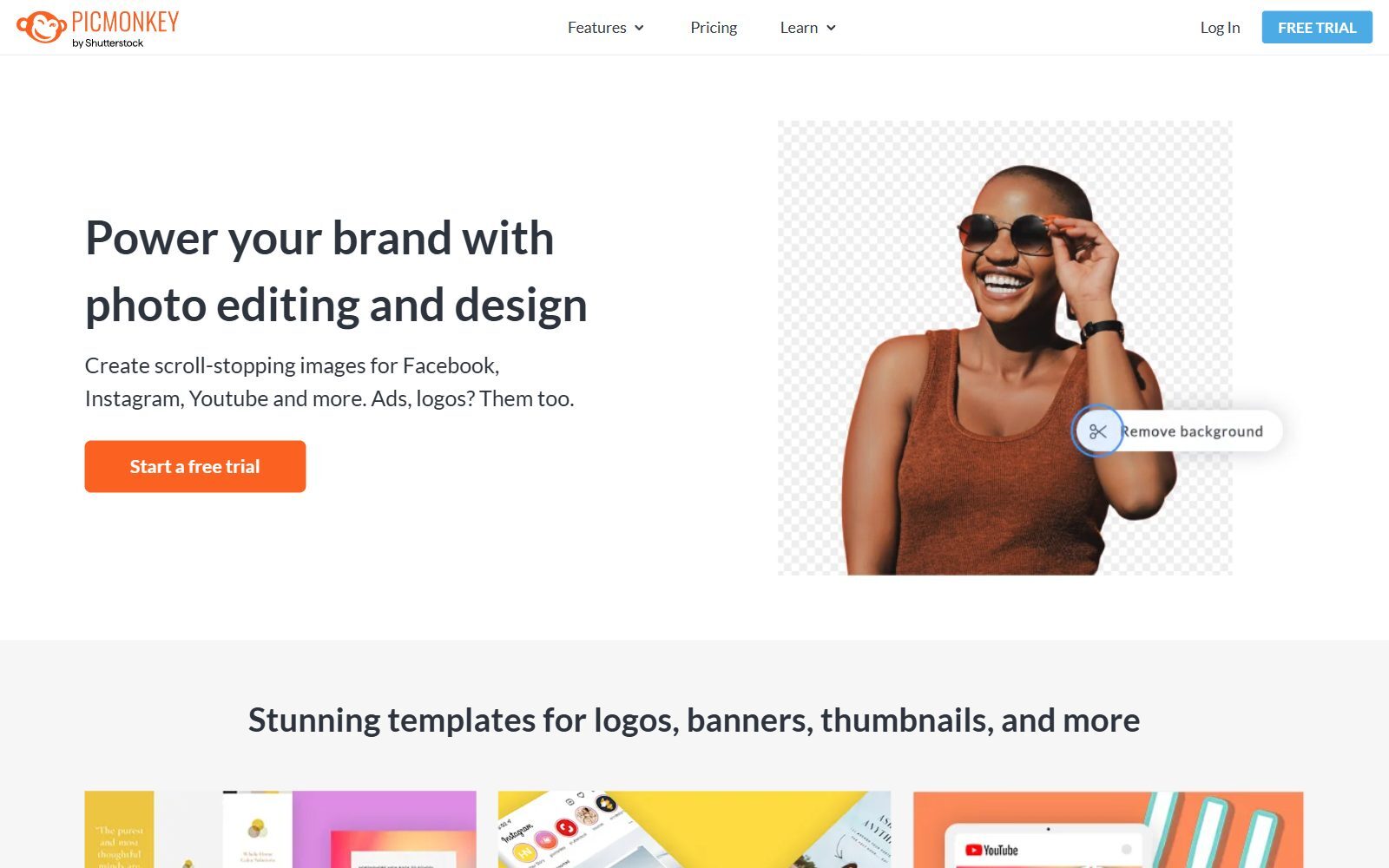
PicMonkey is an online photo editor and design tool for social posts, thumbnails, logos and ads, owned by Shutterstock. You can edit for free, but you need a subscription to download, so the real question for a founder is not whether to pay, but what you get for the money. This guide compares PicMonkey with 12 paid and freemium photo editors and design tools on four things: what the paid plan costs, what the free plan allows, which AI tools you get, and how many templates and assets come with it. We checked every price on the official pricing page, in its default view, in November 2026.
Quick answer: for templates, social posts and a brand kit, Canva Pro (€110 a year in our view) or Adobe Express Premium (US$9.99 a month) replace PicMonkey for most founders; VistaCreate Pro covers a whole team of up to 10 seats for one price; for PicMonkey-style photo effects and collages, BeFunky Plus; for product photos and background removal, Photoroom; the cheapest paid plan here is Pixlr Plus; and for serious photo editing, Photoshop or a one-time Luminar licence. If you do not want to pay at all, read our free PicMonkey alternatives instead.
Boost Your SEO by Getting Featured in Our Blogs and get a backlink.
We publish content about startups, education, tech, funding, etc. that ranks well not only in Google but also in Perplexity, ChatGPT, Grok and other AI tools.
👉 Get featured now!
What PicMonkey Costs in 2027
The PicMonkey pricing page lists three plans with a 7-day free trial. In the default view shown to us (euros, including an estimated 21% VAT), Basic costs €89.88 billed annually or €10.99 billed monthly, Pro €143.40 a year or €16.99 a month, and Business €274.00 per user a year or €29.00 a month. The page's own description says US prices start at $72.00 a year or $7.99 a month.
Basic gives you 1 GB of cloud storage and JPG or PNG downloads. Pro adds unlimited storage, PDF downloads, Smart Resize, a brand kit, your own fonts and the one-click background remover (under a fair usage policy); Business adds multiple brand kits, real-time co-editing, comments and seat management. The premium stock photo library is not available during the trial. On the free side, PicMonkey lets you explore and auto-save as many images as you like, but you need to subscribe to download or share. According to its About page, PicMonkey is owned by Shutterstock and has its headquarters in Seattle with an office in Ireland.
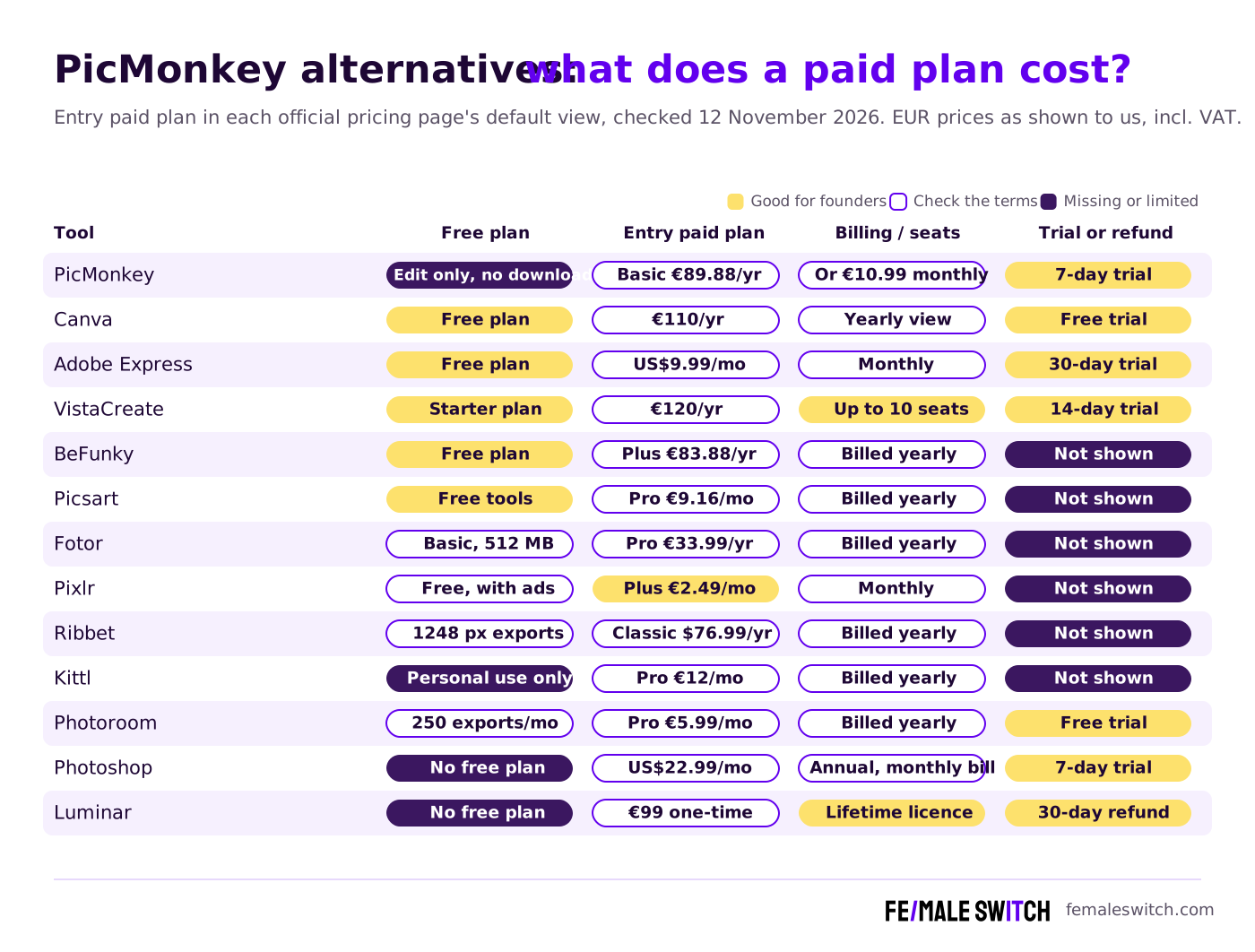
PicMonkey Alternatives Compared
Sources: each vendor's official pricing page, default view, checked 12 November 2026. Euro prices are as shown to us and include VAT; US-dollar prices are as the page showed them. Prices change by country, billing period and over time.
The 12 Best PicMonkey Alternatives in 2027
1. Canva Pro: the all-round replacement
Canva does most of what founders use PicMonkey for, and its free plan already lets you download: 1.6 million+ templates, 4.7 million+ photos, videos, graphics and audio files, one Brand Kit with three colours, 5 GB of storage, limited AI and access to Affinity. In our view, Canva Pro costs €110 a year for one person (Business is €170 a year per person). Pro adds AI tools for resizing, translating and removing backgrounds, 3.6 million+ templates, 141 million+ premium assets, 5 Brand Kits, social content scheduling, 100 GB of storage and ten times the AI allowance of the free plan. Want those Pro features without paying? See our free Canva Pro alternatives.
2. Adobe Express Premium: templates, stock and scheduling
Adobe Express (once Adobe Creative Cloud Express, before that Adobe Spark) has a free plan with 345,000+ templates, 5 GB of storage, free daily AI generations and post scheduling to one account per social network. Premium costs US$9.99 a month, billed monthly with no annual commitment, after a 30-day free trial. It raises the template count to 730,000+, adds 250 generative credits a month, one-click resize and scheduling to three accounts per network; the FAQ lists background removal and bulk resize among the features that need an upgrade. Adobe Express Premium is also included in the Photoshop plan (see number 11).
3. VistaCreate Pro: one price for a small team
VistaCreate describes itself as an AI-powered design platform for small businesses. The free Starter plan has 100,000 templates, 1 million photos, videos and vectors, one brand kit and 10 GB for one seat. Pro costs €10 a month in our view, billed as €120 a year after a 14-day free trial, and covers up to 10 seats. It adds 200,000+ templates, 170 million+ assets, unlimited brand kits, a one-click resizer, social media scheduling, HD downloads and AI tools such as the background remover, object remover, image generator and AI writer. If several people in your startup make graphics, this is the cheapest paid plan per person in this list.
4. BeFunky Plus: the most PicMonkey-like editor
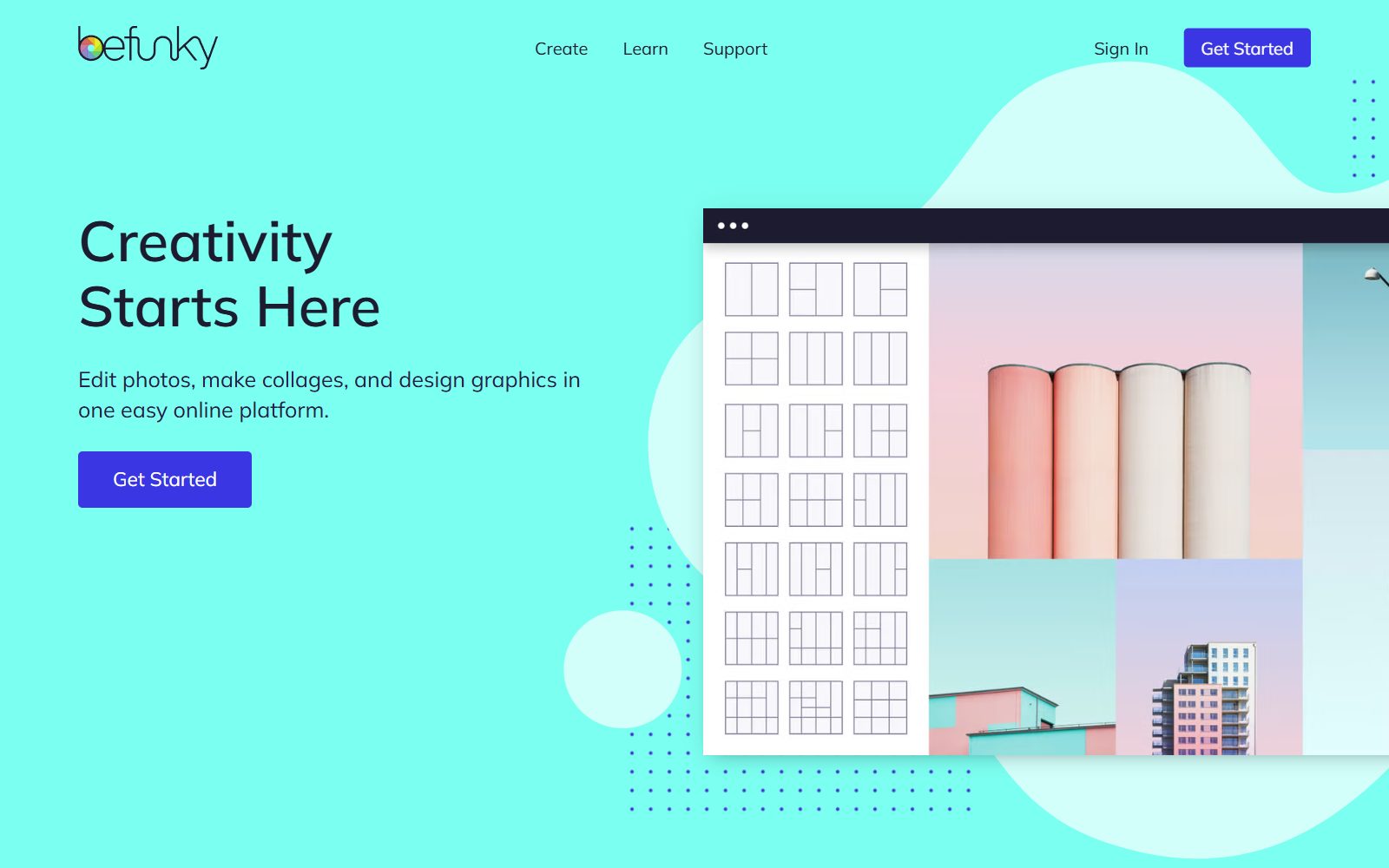
BeFunky has the same three parts as PicMonkey: a photo editor, a collage maker and a graphic designer. Its free plan lets you export with no subscription and generate up to 20 AI images. In the yearly view, Plus costs €6.99 a month (€83.88 billed annually) and unlocks the premium editing and design tools, 1,000 AI credits a month, premium templates, the Collage Wizard and basic bulk editing. Pro costs €12.49 a month (€149.88 a year) and adds batch AI tools, batch background removal and 5,000 AI credits. Only need the free tools? See our free BeFunky alternatives.
5. Picsart Pro: mobile-first editing with AI
Picsart says on its photo editor page that many of its editing and AI tools are free. Its pricing page sells Pro at €9.16 a month billed yearly (€12.99 struck through) in our view, with advanced background and object removal, thousands of premium templates, 3+ brand kits, bulk editing of up to 50 images and 100 GB of storage, plus a monthly AI credit allowance; Ultra costs €52.5 a month billed yearly for heavy AI use. For phone apps that cost nothing, see free Picsart alternatives.
6. Fotor Pro: cheap annual plan with AI credits
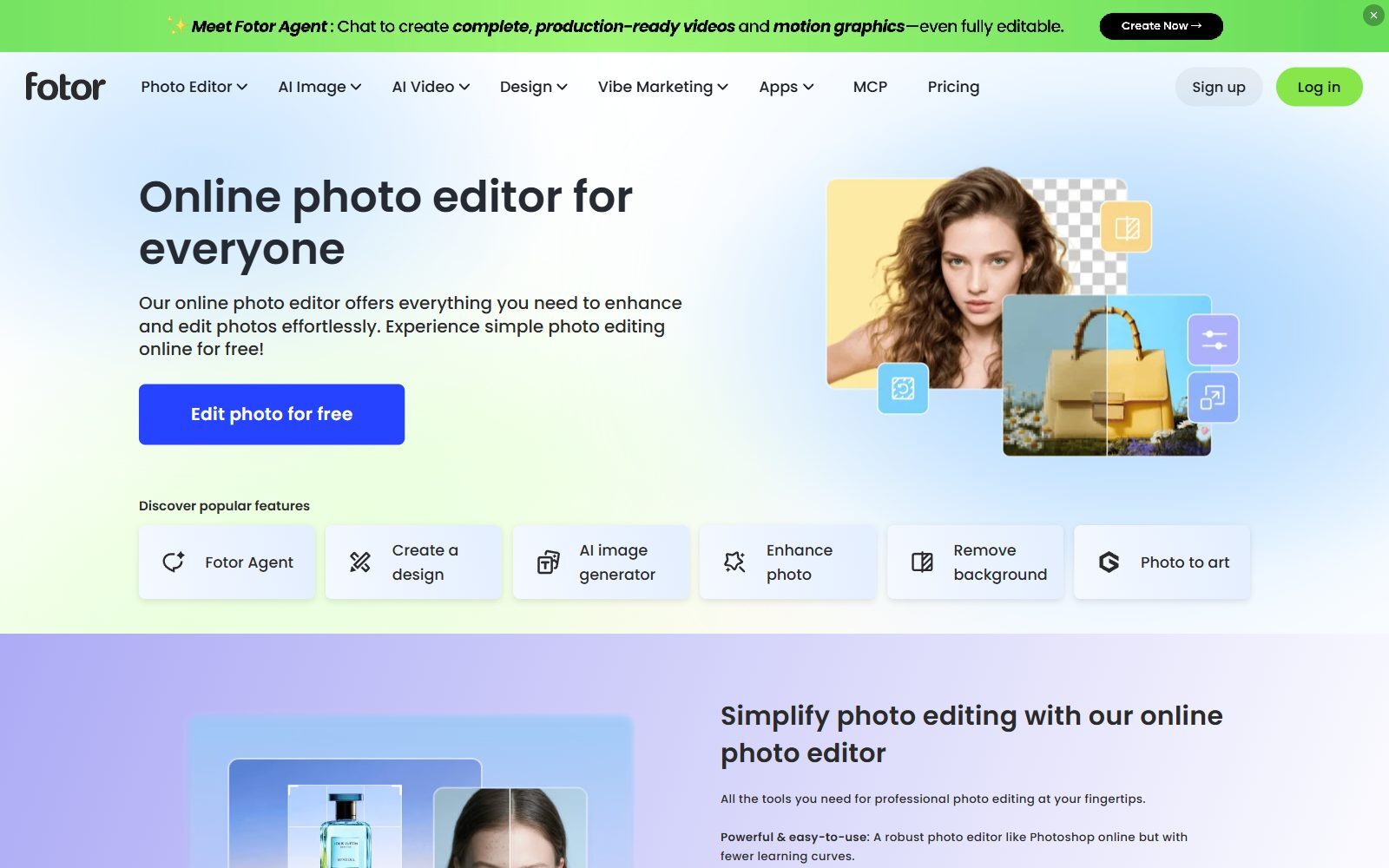
Fotor combines a photo editor, design templates and AI image and video tools. Its Basic plan is free forever with limited free credits, 512 MB of storage and normal-quality JPG, PNG and PDF export. In the yearly view, Pro costs €33.99 billed yearly, with 100 credits a month, 2 GB of storage, AI batch background removal and replacement, multiple brand kits, and HD and transparent-PNG export. Pro+ and Max add more credits and storage.
Validate your startup idea with the unique borrowed authority approach: we publish articles about your product in our blog and you get traffic and testers for your MVP
- Prove Market Demand: See real organic traffic and waitlist conversions
- Unlock High-Potential Keywords: Receive a curated list of top-performing keywords directly from Google Search Console data.
- Estimate Customer Acquisition Cost (CAC): Gain financial foresight with an estimated CAC based on real keyword performance data.
🔗 Start validating your startup now
7. Pixlr Plus: the cheapest paid plan
Pixlr has browser editors (Pixlr Express and Pixlr Editor) and its FAQ says the free version works without requiring an account. In the monthly view shown to us, Plus costs €2.49 a month and removes ads, gives unlimited saves and 80 AI credits a month; Premium costs €9.99 a month with 1,000 AI credits and a big library of fonts and templates; Ultra starts at €24.99. We compare it with other online editors in Pixlr alternatives.
8. Ribbet Classic: simple editing at a fixed yearly price
Ribbet is a simple online photo editor and collage maker for web, mobile and tablet. Its free Basic plan needs no credit card and allows exports up to 1248 pixels and 25 project slots. Classic (previously Premium) costs $6.42 a month billed yearly ($76.99 for 12 months, in US dollars) and raises exports to 4096 pixels, with 50 AI edit requests, 250 projects, 300+ fonts, 40+ effects and bulk editing of 5 images. Studio costs $9.22 a month billed yearly ($110.67) with 9000-pixel exports, 100 AI edit requests and a desktop app.
9. Kittl Pro: logos and merch with a commercial licence
Kittl is strong on typography, logos, merch and product mockups. Its FAQ says the free plan is for personal use only, with no commercial rights, and it comes with 100 AI tokens once. Pro costs €12 a month billed annually (€15 monthly) in our view, with 2,000 AI tokens a month, 10,000+ premium templates, high-resolution exports, the premium AI upscaler and background remover, and a commercial licence for up to 500,000 copies. If you sell what you design, start at Pro.
10. Photoroom Pro: product photos and background removal
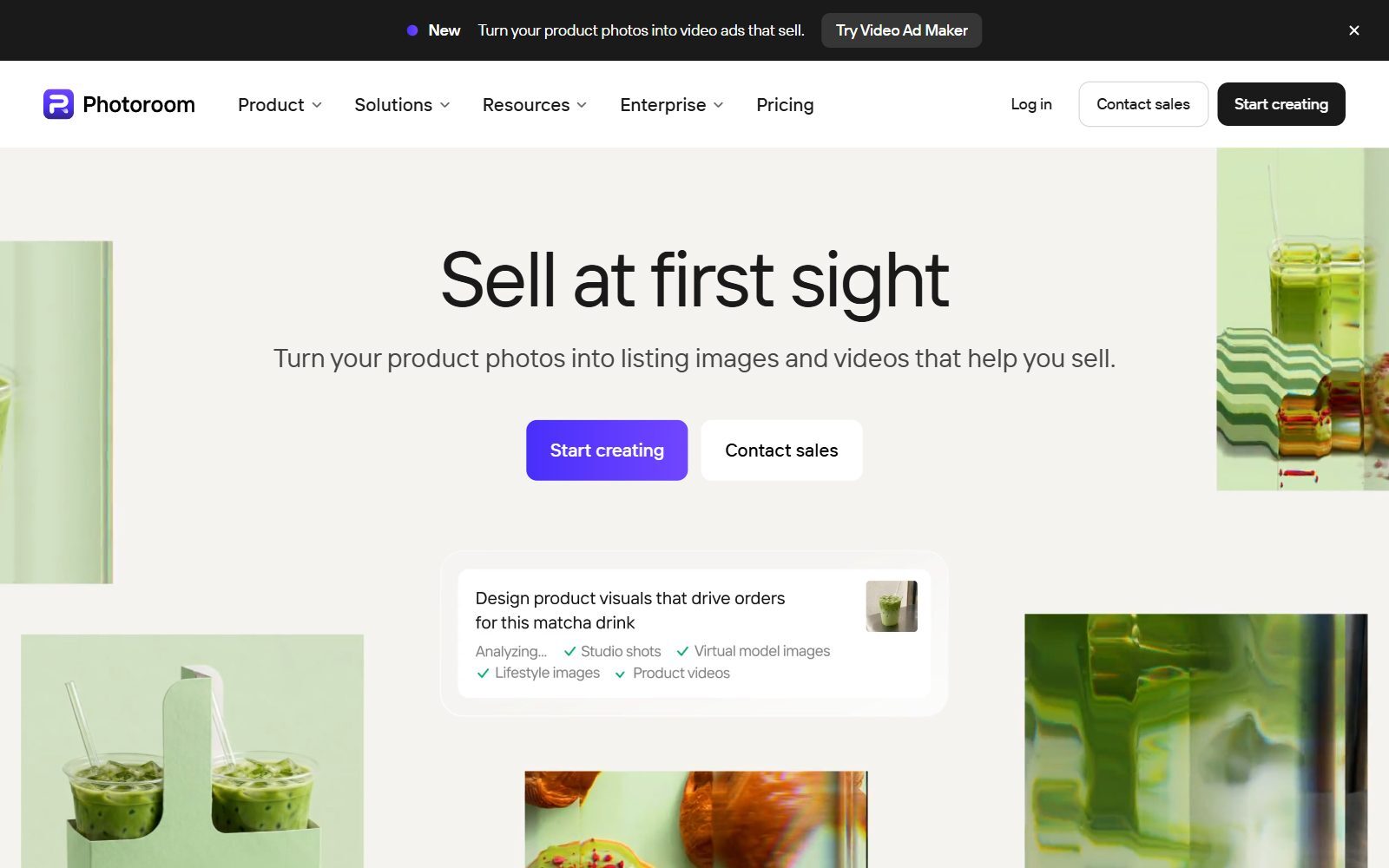
Photoroom is built for sellers: it turns product photos into listing images and video ads. Its background remover page says the free plan includes 250 exports a month with the background remover, retouch, templates and limited AI. Pro costs €5.99 a month billed yearly (€9.99 monthly) in the euro view for the Netherlands, with 6,000 AI credits and 1,000 exports a month, AI backgrounds and a free trial; Max (€14.50) adds video for ads and product pages, Ultra (€82.50) adds 4K images and HD video. Read also our guide to an online background removal tool.
11. Adobe Photoshop and Lightroom: professional editing
Two tools from the old list now sit in the same Adobe plans. The Photoshop plan costs US$22.99 a month (annual, billed monthly) and includes Photoshop on desktop, web and mobile, Adobe Express Premium and 100 GB, with a 7-day free trial. The Photography plan costs US$19.99 a month (annual, billed monthly) and includes Lightroom, Lightroom Classic and Photoshop with 1 TB. Choose them when you edit photos seriously; for quick social graphics they are more than you need. Open-source options are in open-source Photoshop alternatives.
12. Luminar: one-time payment instead of a subscription
Skylum's Luminar Neo page now redirects to Luminar, sold as a one-time payment that lets you use the apps forever. During the Black Friday sale shown to us in November 2026, Desktop Only cost €99, All Platforms €139 and Max €159 (Max includes one year of Luminar Prime), each with 365 days of access to the AI tools and a 30-day money-back guarantee. It is a photo editor for sky, light and portrait edits, not a template tool, so pair it with a free design tool. More desktop editors are in PaintShop Pro alternatives.
Join ElonaHunt (like ProductHunt but for women) and explore the coolest women-focused startups out there!
Discover your next big inspiration and connect with like-minded female entrepreneurs!
👉 Join the Hunt Here
What Changed Since the Old Version of This List
- Adobe Creative Cloud Express is now simply Adobe Express (number 2).
- Luminar Neo is now sold as Luminar (number 12).
- Adobe Lightroom is now part of Adobe's Photography plan, together with Photoshop (number 11).
- GIMP and Photopea are free, so they moved to our free PicMonkey alternatives list. Photopea's Premium account only removes ads, and its price is shown inside the app, so we did not quote it.
- New in this list: VistaCreate, Picsart, Ribbet, Kittl and Photoroom.
- Removed: the old prices (for example "$12.99 per month" for Canva Pro) and unsourced claims; every price above is from the vendor's own page.
Which PicMonkey Alternative Should You Pay For?
- Social posts, thumbnails and a brand kit for one person: Canva Pro or Adobe Express Premium.
- A team of up to 10 people: VistaCreate Pro, one price for all seats.
- You liked PicMonkey's effects, touch-ups and collages: BeFunky Plus or Ribbet Classic.
- Product photos for a shop or marketplace: Photoroom Pro, or Picsart Pro if you work on your phone.
- You design logos or merch to sell: Kittl Pro (the free plan is personal use only).
- The smallest budget: Pixlr Plus at €2.49 a month in our view, or stay on a free plan.
- Serious photo editing: Photoshop or the Photography plan; Luminar if you hate subscriptions.
- Open source only: our open-source Picsart alternatives and open-source Canva AI alternatives.
How Founders Use Paid Design Tools
Pay for one design tool, not three. Most early-stage startups need a single template tool with a brand kit for posts, banners and slides, and use free tools for the rest. Start on the free plan, make a week of content, and upgrade only when you hit a limit you feel every day: downloads, background removal, resize or seats. Pay yearly only after a month of real use. Before you pay, compare the free options in free Photoshop alternatives, free Pixlr alternatives, free PhotoScape alternatives and free Canva AI alternatives; for mockups, free Placeit alternatives; for infographics, free Venngage alternatives; and for a desktop editor, open-source Affinity Photo alternatives.
Selling physical products? Try AI virtual product photography before you book a studio. Need illustrations? See the free AI image generators without a watermark. Making YouTube videos? Read Canva vs Photoshop for YouTube thumbnails. For posting on a schedule, compare free Hootsuite alternatives, and once your visuals are ready, the F/MS AI SEO Tool writes the blog articles that bring visitors to them.
FAQ About PicMonkey Alternatives
How much does PicMonkey cost in 2027?
In the default view shown to us in November 2026, PicMonkey Basic cost €89.88 a year or €10.99 a month, Pro €143.40 a year or €16.99 a month, and Business €274.00 per user a year, including VAT. The page says US prices start at $72.00 a year or $7.99 a month, and there is a 7-day free trial.
Is PicMonkey free?
Only to edit. PicMonkey's pricing page says you can explore and save images for free, but you need a subscription to download or share them.
Who owns PicMonkey?
PicMonkey's About page says it is owned by Shutterstock, with headquarters in Seattle and an office in Ireland.
What is the best paid alternative to PicMonkey?
For most founders, Canva Pro or Adobe Express Premium: both have large template libraries, brand kits, resize and background removal. For a team, VistaCreate Pro covers up to 10 seats for one price.
What is the cheapest PicMonkey alternative?
Among the paid plans we checked, Pixlr Plus at €2.49 a month (monthly view) was the cheapest. Canva, Adobe Express, VistaCreate, BeFunky and Fotor also have free plans that let you download.
Which PicMonkey alternative is best for background removal?
Photoroom is built for it, and its free plan includes 250 exports a month with the background remover. Canva Pro, Adobe Express Premium, VistaCreate Pro, Picsart Pro and Kittl Pro also include it.
Which tool is most like PicMonkey?
BeFunky, with the same photo editor, collage maker and graphic designer. Its Plus plan cost €83.88 a year in our view.
Is there a PicMonkey alternative without a subscription?
Yes. Luminar is sold as a one-time payment, and free tools such as GIMP and Photopea need no payment at all; see our free PicMonkey alternatives.
Can I use Kittl's free plan for business?
No. Kittl's FAQ says the free plan is for personal use only. Pro includes a commercial licence for up to 500,000 copies.
Where can I get a backlink for my design startup?
You can publish a guest post in one of the Fe/male Switch startup blogs, which rank in Google and in AI tools. Get a quality backlink.
About the Author
Violetta Bonenkamp, also known as MeanCEO, is an experienced startup founder with an impressive educational background including an MBA and four other higher education degrees. She has over 20 years of work experience across multiple countries, including 5 years as a solopreneur and serial entrepreneur. Throughout her startup experience she has applied for multiple startup grants at the EU level, in the Netherlands and Malta, and her startups received quite a few of those. She’s been living, studying and working in many countries around the globe and her extensive multicultural experience has influenced her immensely.

