
Open-Source Loom Alternatives: Record, Share and Host Video Messages Yourself
Loom made the async video message normal: record your screen and face, send a link, skip the meeting. It is now part of Atlassian, its free plan caps screen recordings at 5 minutes, and every video lives in Loom's cloud. If you want to own your recordings, keep them off third-party servers or simply avoid another per-seat subscription, open-source tools can cover most of what Loom does. We checked each tool below on its official website and GitHub repository in November 2026: the licence, the latest release and which part of Loom it really replaces (recording, sharing a link or hosting). Tools from the old list that are not screen recorders, or that stopped development, have their own section at the end.
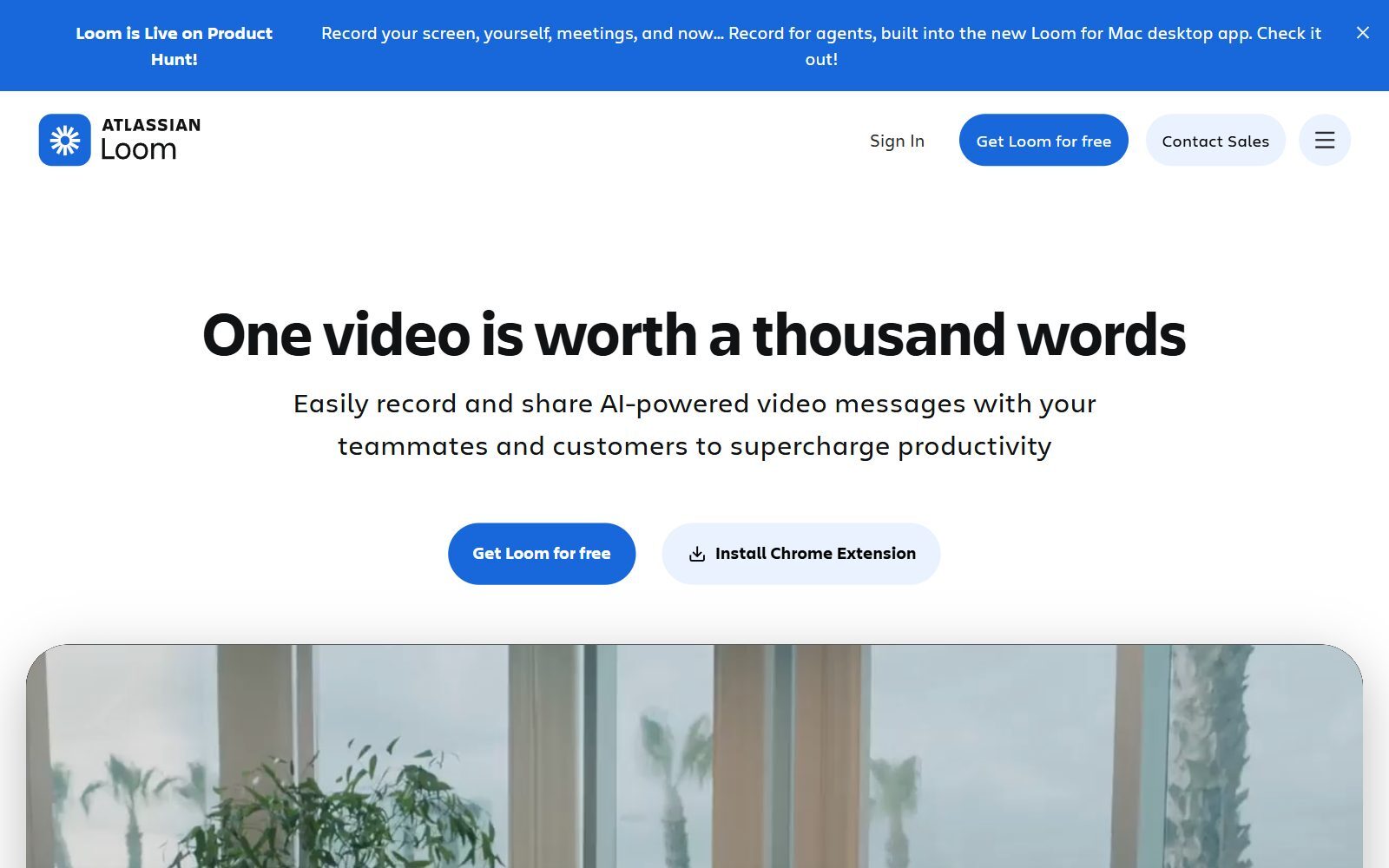
Quick answer: the closest open-source match for Loom is Cap (AGPLv3): record, share a link and self-host the whole platform. For a free browser recorder, choose Screenity (GPLv3 Chrome extension); for full control over scenes and quality, OBS Studio; on Windows, ShareX; on Linux, Kooha or SimpleScreenRecorder; and to host and share your videos on your own server, PeerTube.
Boost Your SEO by Getting Featured in Our Blogs and get a backlink.
We publish content about startups, education, tech, funding, etc. that ranks well not only in Google but also in Perplexity, ChatGPT, Grok and other AI tools.
👉 Get featured now!
What Loom Offers in 2027
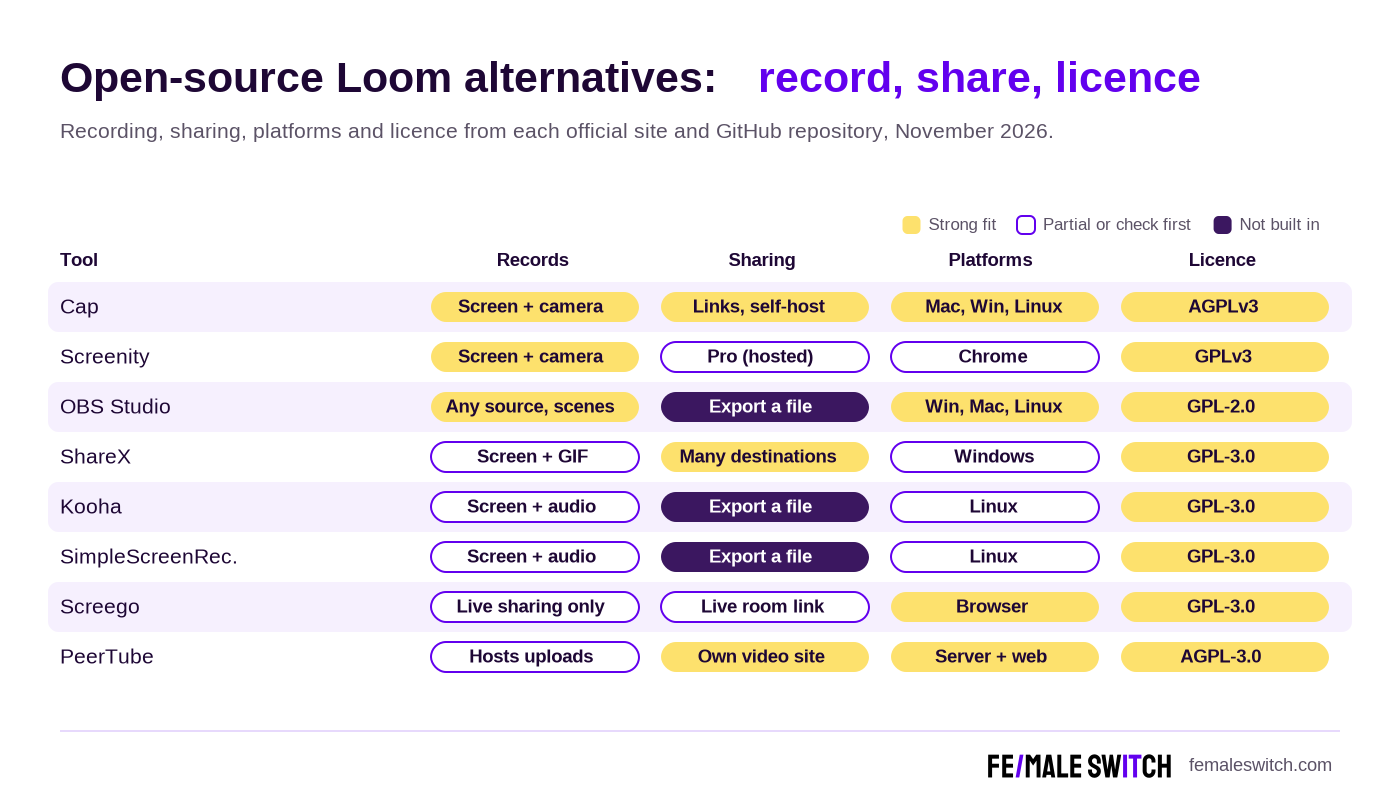
The Loom pricing page (checked November 2026, default view) lists four plans. Starter is free: 25 videos per person, 5-minute screen recordings, up to 50 workspace members and transcriptions in more than 50 languages. Business costs $18 per user per month and adds unlimited videos and recording time, basic editing, downloads and no Loom branding; Business + AI costs $24 per user per month and adds AI edits, meeting notes and recaps and "Record for agents". Enterprise adds SSO, SCIM and a 99.95% uptime SLA on a sales quote, and the page says annual billing saves up to 17%.
Loom is no longer independent. Atlassian's Loom integration FAQ says Loom became part of Atlassian in October 2023, and Loom workspaces have been moved into Atlassian administration on a rolling basis since August 2025. For founders this means Loom is tied more and more to the Atlassian account and billing world, which is one more reason to look at tools you control.
Open-Source Loom Alternatives Compared
Sources: each project's official website and GitHub repository (LICENSE file, README and releases), checked 12 November 2026.
Open-Source Tools to Record and Share Like Loom
1. Cap: the open-source Loom replacement
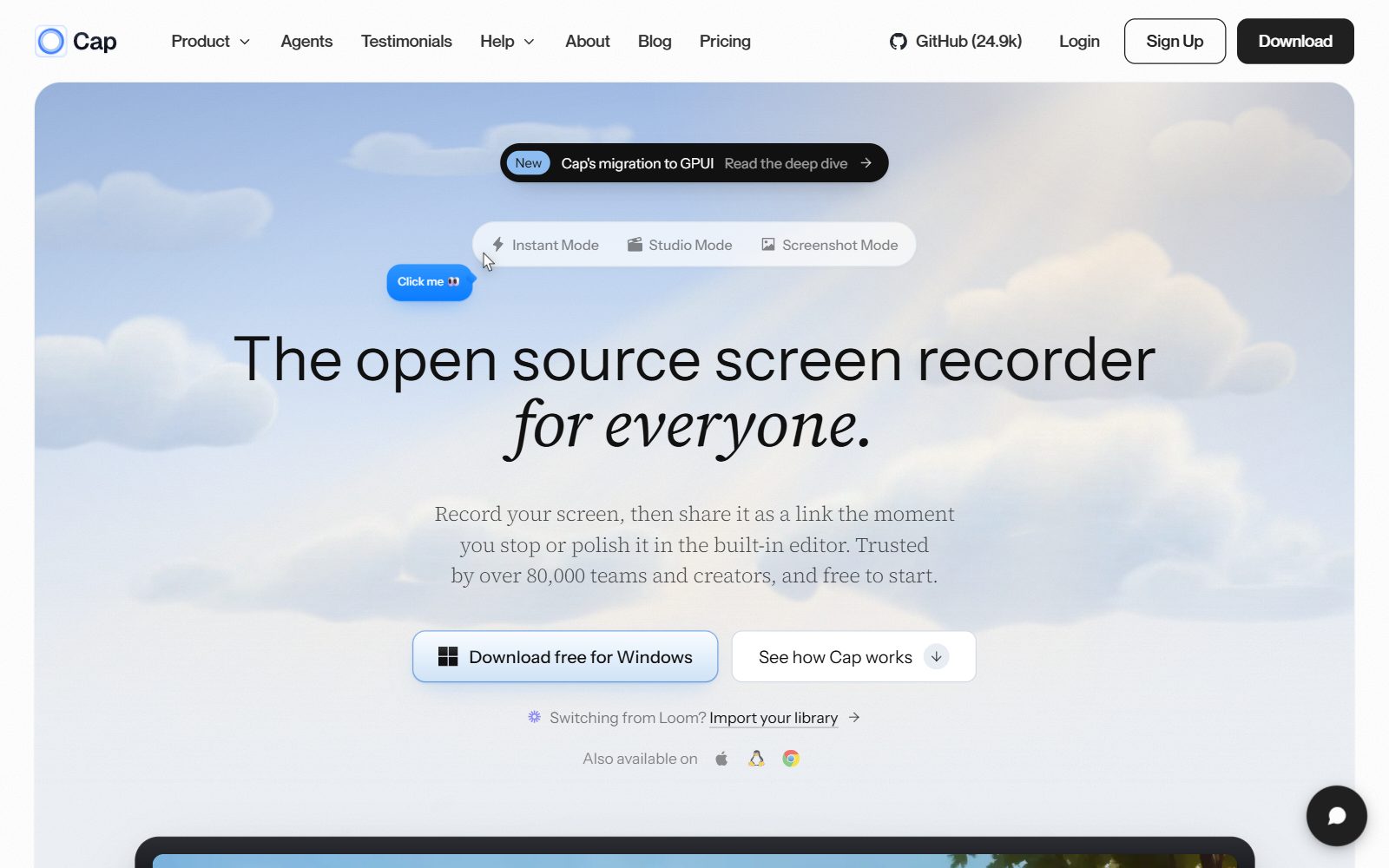
Cap's README calls it the open source alternative to Loom: screen recording, local editing, instant share links, comments, transcripts, team workspaces, custom S3 storage and full self-hosting of the web app with Docker Compose. It can also import your existing Loom videos. The code is under AGPLv3, with a few camera and capture crates under MIT, and version 0.6.3 came out on 11 November 2026.
If you do not self-host, the Cap pricing page (shown in EUR from our location) has a free plan for personal use with 25 shareable links a month of up to 5 minutes each, a Desktop License for commercial use at EUR 29 a year (or EUR 58 once), and Cap Pro at EUR 12 per user per month (EUR 8.16 billed annually) with unlimited cloud sharing, AI titles, summaries and transcripts.
2. Screenity: a free recorder in your browser
Screenity is a screen recorder and video editor that runs as a Chrome extension: record your screen and camera, annotate, zoom into clicks and add captions. Its GitHub repository says the extension is free, needs no sign-in and is licensed under GPLv3 from version 3.0.0; link sharing and multi-scene editing live in Screenity Pro, a separate paid, EU-hosted service. Version 4.7.2 came out on 25 October 2026. Choose it when your team just needs Loom-style recordings without installing desktop software.
3. OBS Studio: the most powerful free recorder
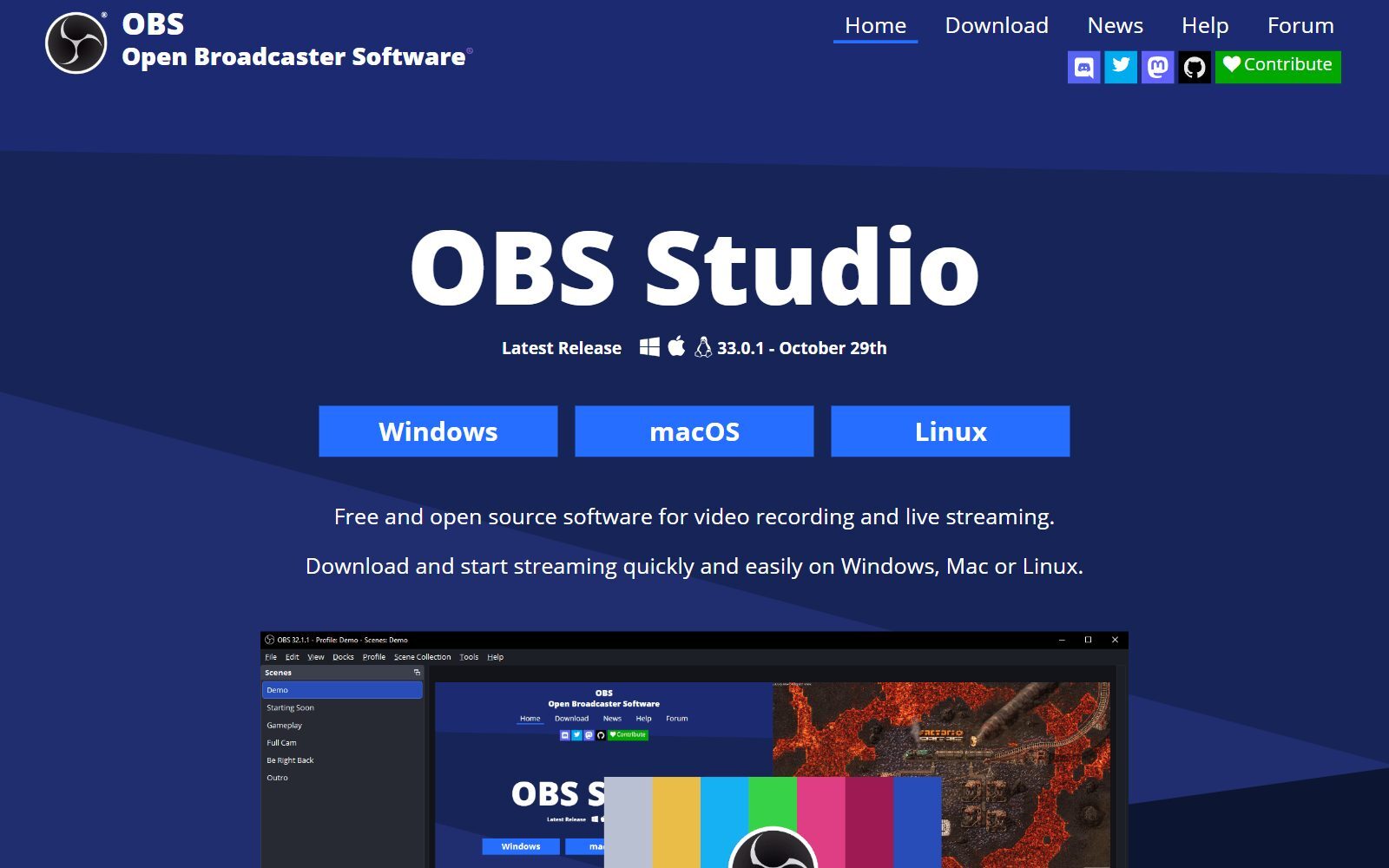
OBS Studio is free and open source software for video recording and live streaming on Windows, macOS and Linux, with scenes built from screens, windows, webcams and images, an audio mixer with noise suppression and hotkeys for everything. It is GPL-2.0 and release 33.0.1 came out on 29 October 2026. OBS does not give you a share link: you record a file and upload it somewhere, so pair it with PeerTube or your own storage.
4. ShareX: fast recordings and GIFs on Windows
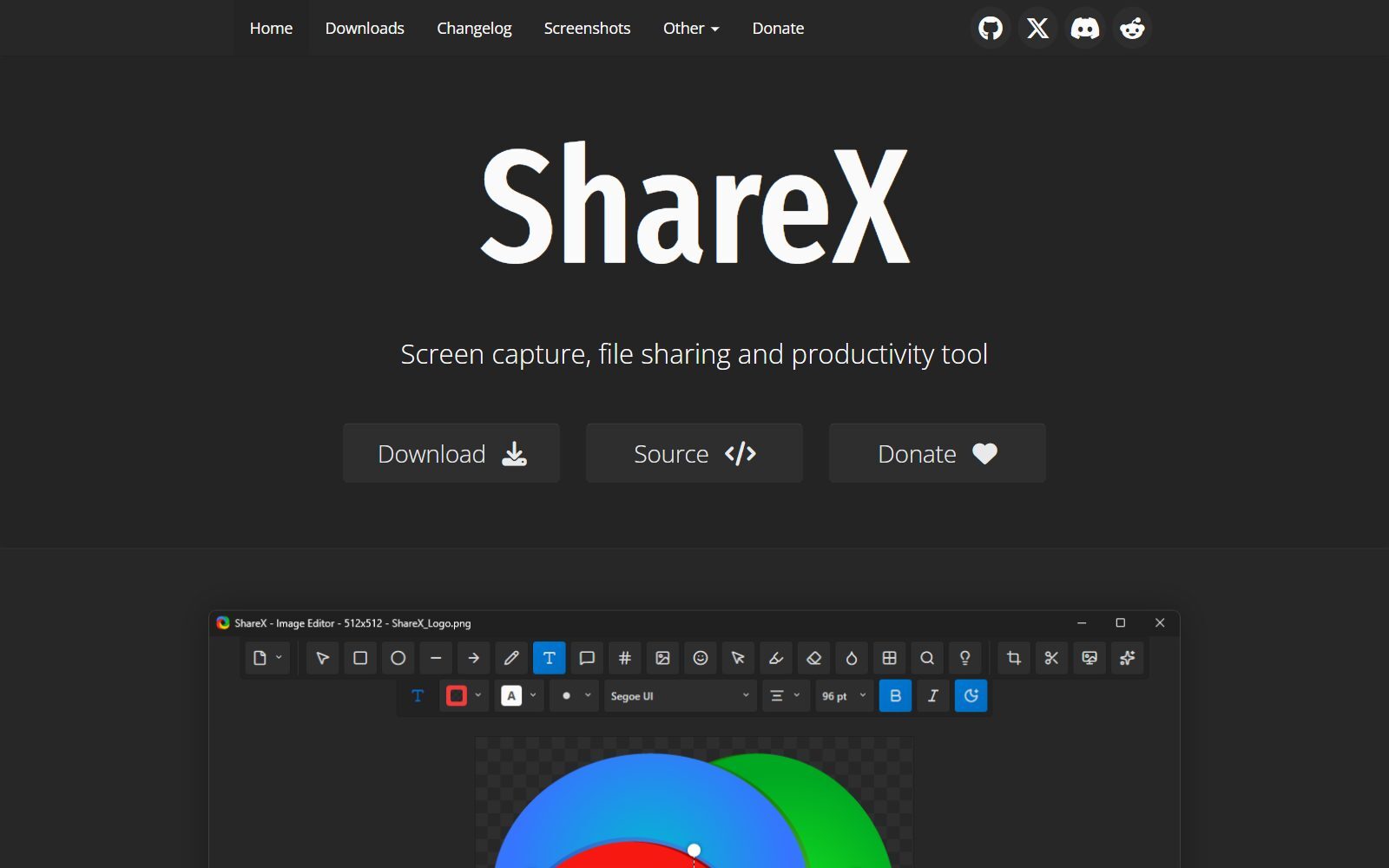
ShareX is a free and open source screenshot tool for Windows with screen recording, GIF recording and file sharing in one lightweight app, with no advertising. Its strength is the workflow: capture, then upload automatically to one of many supported destinations, including your own server through custom uploaders. It is GPL-3.0, and version 22.4.0 came out on 8 November 2026.
Validate your startup idea with the unique borrowed authority approach: we publish articles about your product in our blog and you get traffic and testers for your MVP
- Prove Market Demand: See real organic traffic and waitlist conversions
- Unlock High-Potential Keywords: Receive a curated list of top-performing keywords directly from Google Search Console data.
- Estimate Customer Acquisition Cost (CAC): Gain financial foresight with an estimated CAC based on real keyword performance data.
🔗 Start validating your startup now
Open-Source Screen Recorders for Linux
5. Kooha: a one-click recorder
Kooha is a simple screen recorder with a minimal interface: record the microphone, desktop audio or both, a whole monitor or part of the screen, and save as WebM, MP4, GIF or Matroska. It needs PipeWire and the desktop portal, so it suits modern Linux desktops. It is GPL-3.0, and version 2.3.2 came out in June 2026.
6. SimpleScreenRecorder: the classic Linux option
SimpleScreenRecorder is a Linux program for recording programs and games, licensed under GPL-3.0. Its official page was last updated on 23 May 2026 and warns that another site using the name is fake, so download it only from the official page or your distribution. The latest tagged version is still 0.4.4, but the repository had new commits in August 2026.
Open-Source Tools to Share and Host Your Videos
7. PeerTube: your own video platform
PeerTube, developed by the French non-profit Framasoft, lets you create your own video platform, with no advertising and no tracking. Upload recordings from OBS, Kooha or ShareX to your instance and share links with your team or customers, with your own rules on who can see what. The PeerTube source code is AGPL-3.0; version 8.3.2 came out on 26 October 2026 and a 9.0 release candidate followed in November 2026.

8. Screego: live screen sharing for developers
Screego shares your screen with good quality and low latency over WebRTC, for the moments when a quick live look beats a recorded message. It installs with Docker or a single binary and includes a TURN server. It is GPL-3.0, and version 1.12.6 came out on 27 September 2026. It does not record, so use it next to one of the recorders above.
Removed From the Old List or Changed
The 2025 version of this list mixed screen recorders with chat and conferencing apps. This is what changed:
- Kap: still MIT-licensed, but its last release (3.6.0) was in October 2022, so we treat it as inactive.
- Jitsi Meet: free, open-source video conferencing (Apache-2.0, stable release in September 2026). It is for live meetings, not async video messages, so it moved out of the list.
- BigBlueButton: open-source virtual classroom software (LGPL-3.0, version 4.0.2 in November 2026), built for online teaching rather than quick video messages.
- Jami, Nextcloud Talk, Wire and Element: messaging and calling apps, not screen recorders, so they are no longer listed here. For team chat, see our open-source Basecamp alternatives.
Which Open-Source Loom Alternative Should You Choose?
- The full Loom experience, self-hosted: Cap.
- Recording in the browser with no install: Screenity.
- Polished product demos and tutorials: OBS Studio, then PeerTube to share them.
- Quick bug reports and GIFs on Windows: ShareX.
- Linux desktops: Kooha, or SimpleScreenRecorder for more settings.
- Your own private video library: PeerTube.
- A live look at someone's screen: Screego.
Join ElonaHunt (like ProductHunt but for women) and explore the coolest women-focused startups out there!
Discover your next big inspiration and connect with like-minded female entrepreneurs!
👉 Join the Hunt Here
How Founders Use Async Video
Founders use short screen videos to onboard customers, answer support questions, show investors a demo, review designs and hand work to freelancers in other time zones. Keep each video under three minutes, show the screen first and your face second, and put the link where the work happens: the ticket, the doc or the task. To turn recordings into written guides, see our open-source Scribe alternatives; to edit them, the open-source Descript alternatives; and for meeting notes, the open-source Fireflies alternatives. For voiceovers and AI presenters, compare the open-source ElevenLabs alternatives, open-source voice cloning tools, open-source DeepBrain AI alternatives and our guide to AI avatars for marketing videos.
Support teams embed screen videos in help centres: see the open-source Zendesk alternatives, open-source Intercom alternatives and open-source HubSpot alternatives. For the rest of a self-hosted startup stack, our open-source Notion alternatives, open-source Asana alternatives, open-source Miro alternatives, open-source Replit alternatives and open-source ChatGPT alternatives cover docs, tasks, whiteboards, coding and AI. If you need AI video presenters rather than screen recordings, see our Synthesia alternatives.
Before you record a demo, validate your startup idea with real users, and when your product is live, use the F/MS AI SEO Tool to write about it so people find it in Google and AI assistants.
FAQ About Open-Source Loom Alternatives
Is Loom open source?
No. Loom is a closed-source product, and Atlassian's support documentation says Loom became part of Atlassian in October 2023.
How much does Loom cost in 2027?
Loom's pricing page (default view, checked November 2026) lists Starter at $0, Business at $18 per user per month, Business + AI at $24 per user per month and Enterprise on a quote. Annual billing saves up to 17%.
What are the limits of Loom's free plan?
The Starter plan allows 25 videos per person, screen recordings of up to 5 minutes and up to 50 workspace members, with transcriptions in more than 50 languages.
What is the best open-source alternative to Loom?
Cap. It records your screen and camera, creates share links, can import your Loom videos, and the whole platform can be self-hosted under AGPLv3.
Can I self-host a Loom alternative?
Yes. Cap can be self-hosted with Docker Compose, and PeerTube lets you run your own video platform for sharing recordings made with OBS Studio, ShareX or Kooha.
Is Cap free?
The code is open source under AGPLv3. On Cap's hosted service, personal use is free with 25 shareable links a month; commercial use needs the Desktop License (EUR 29 a year) or Cap Pro (EUR 12 per user per month).
Is Screenity open source?
Yes. The Screenity Chrome extension is licensed under GPLv3 from version 3.0.0 and is free with no sign-in. Screenity Pro, with link sharing and multi-scene editing, is a separate paid service.
Which open-source screen recorder works on Linux?
Kooha and SimpleScreenRecorder are Linux recorders, and OBS Studio and Cap also run on Linux.
Is Kap still maintained?
Kap's last release, 3.6.0, came out in October 2022, so we treat it as inactive.
Where can I get a backlink by writing about my startup?
You can publish a guest post in one of the Fe/male Switch startup blogs, which rank in Google and in AI tools. Get a quality backlink.
About the Author
Violetta Bonenkamp, also known as MeanCEO, is an experienced startup founder with an impressive educational background including an MBA and four other higher education degrees. She has over 20 years of work experience across multiple countries, including 5 years as a solopreneur and serial entrepreneur. Throughout her startup experience she has applied for multiple startup grants at the EU level, in the Netherlands and Malta, and her startups received quite a few of those. She’s been living, studying and working in many countries around the globe and her extensive multicultural experience has influenced her immensely.

